Brokerage Account Security: Step-by-Step Protection for Your Investments
Your brokerage account holds your retirement savings, your emergency fund, your kids' college money. That makes it a target. Attackers who gain access can drain accounts, execute unauthorized trades, or change withdrawal settings before you notice. The good news: the protection steps are straightforward, and most take under an hour to complete.
This is a practical guide. You'll walk through the exact security setup for a brokerage account, what each step protects against, and why the order matters. By the end, you'll have two-factor authentication enabled, a unique strong password in place, activity monitoring configured, and a clear understanding of what to check regularly.
Why brokerage accounts are different
Banks and brokerages both hold your money, but the security mechanisms differ. Banks use fraud detection, transaction limits, and legal protections that email lacks. Brokerages add another layer: they hold securities that can be traded, transferred, or used as collateral for loans. An attacker with access to your brokerage account can do more than withdraw cash. They can sell your holdings, transfer shares to another account, or take out a margin loan against your portfolio.
The liability protections differ too. Credit cards limit your fraud liability to around fifty dollars under federal law. Brokerage accounts operate under different rules. If someone drains your account through unauthorized trades, recovery depends on proving the brokerage failed to follow its own security procedures. That's a harder case to make than disputing a fraudulent credit card charge.
The attack surface is also broader. Your brokerage account connects to your email (for password resets), your phone (for two-factor codes), your linked bank account (for transfers), and sometimes your employer (for 401k contributions). Each connection is a potential entry point. Securing the brokerage account means securing the entire chain.
Step 1: Enable two-factor authentication
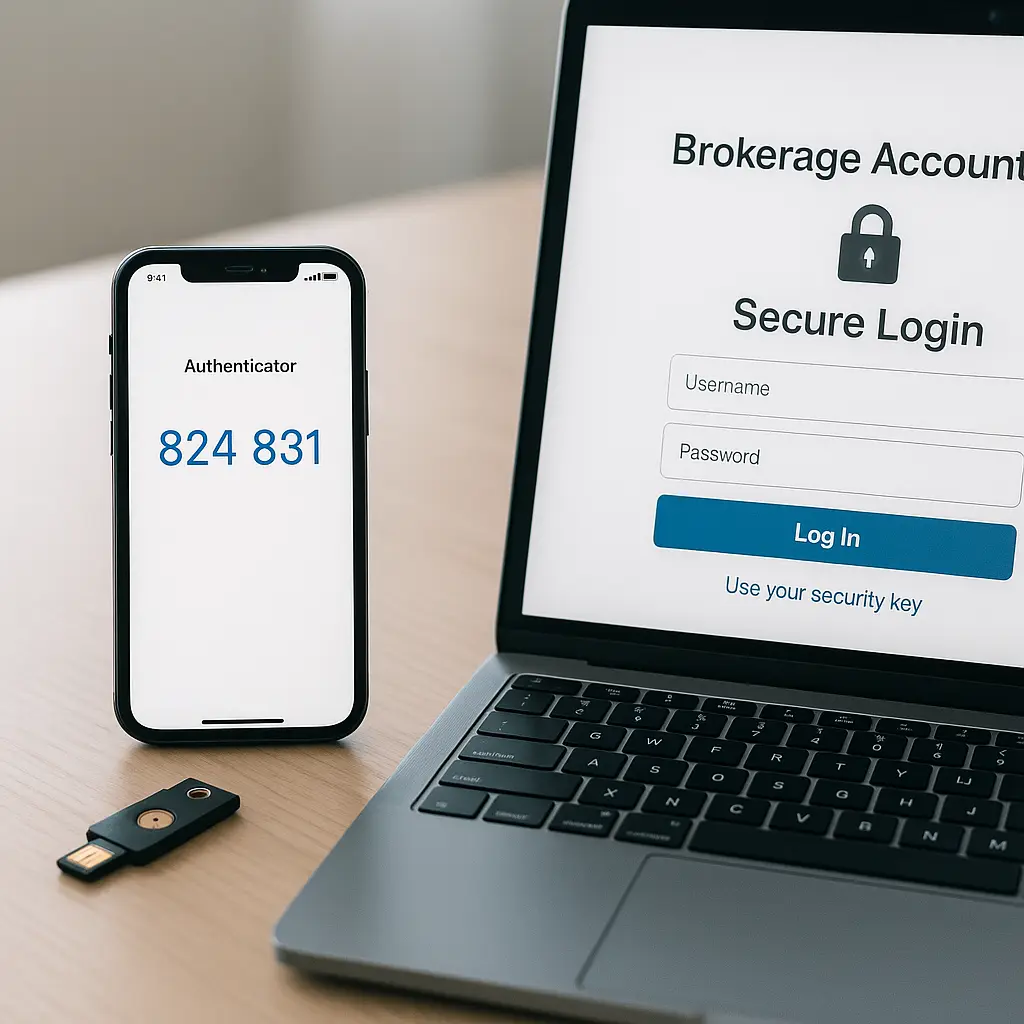
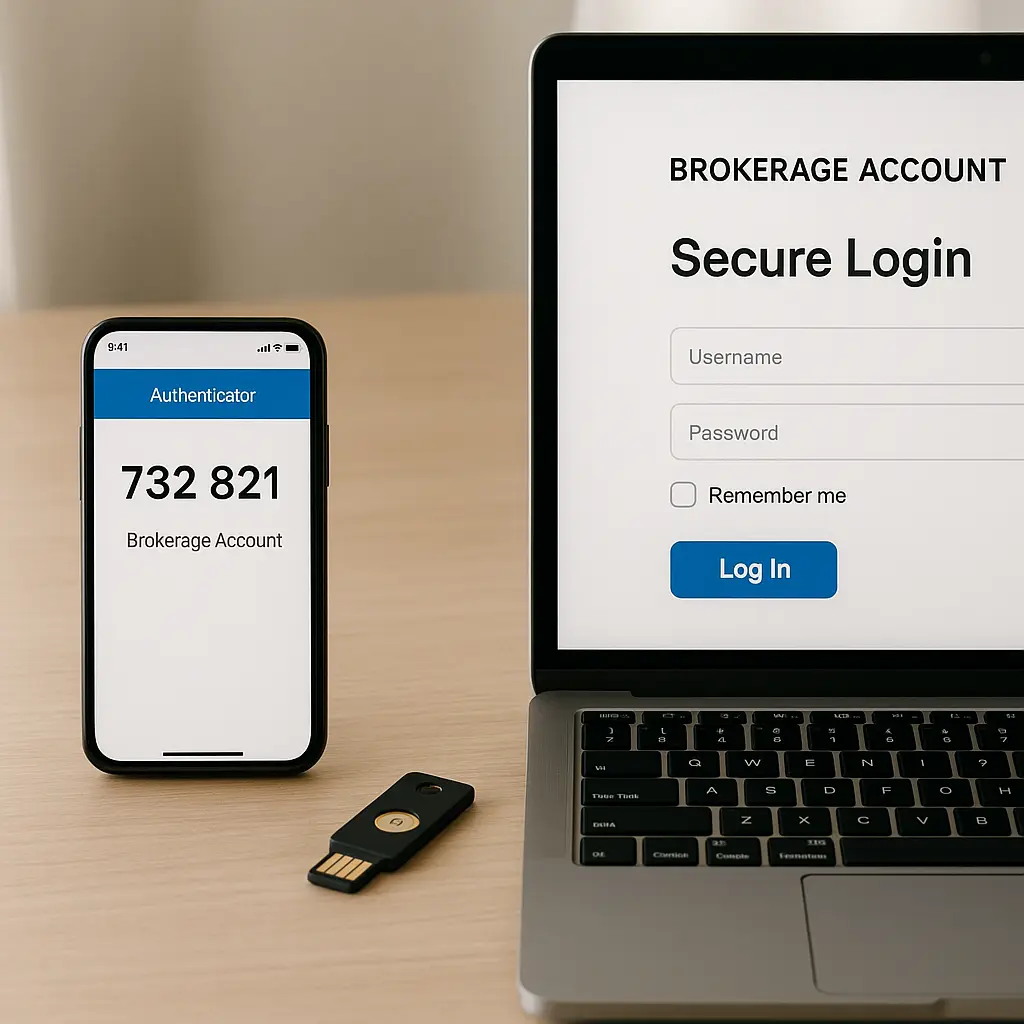
Two-factor authentication is the single most important security control for your brokerage account. It requires two separate proofs of identity: something you know (your password) and something you have (your phone or a hardware key). Even if an attacker steals your password through phishing or a data breach, they can't log in without the second factor.
Log into your brokerage account. Navigate to security settings. The exact path varies by brokerage, but it's usually under Account Settings → Security or Profile → Security Preferences. Look for an option labeled Two-Factor Authentication, Two-Step Verification, or Multi-Factor Authentication.
You'll see several options: SMS codes, authenticator app codes, or hardware security keys. SMS is the weakest option. Attackers can intercept SMS messages through SIM swaps (where they convince your phone carrier to transfer your number to a SIM card they control) or through SS7 exploits (vulnerabilities in the phone network that allow message interception). SMS two-factor authentication adds a layer of security, but attackers can intercept texts through SIM swaps and SS7 exploits.
Authenticator apps generate time-based codes that expire every 30 seconds. The cryptographic mechanism uses a shared secret stored on your phone and the brokerage's server. Even if an attacker intercepts the code, it's useless after 30 seconds. Popular authenticator apps include Google Authenticator, Microsoft Authenticator, and Authy. Install one, then scan the QR code your brokerage displays during setup. The app will start generating codes immediately.
Hardware security keys like YubiKey provide the strongest protection. Hardware security keys provide phishing-resistant authentication through physical possession. You plug the key into your computer's USB port or tap it against your phone during login. The key performs a cryptographic handshake that proves you're physically present. Phishing sites can't steal what they can't intercept.
Most brokerages support all three methods. Choose the strongest option your brokerage offers. If you travel frequently or worry about losing your phone, consider registering both an authenticator app and a hardware key as backup methods.
After enabling two-factor authentication, the brokerage will provide backup codes. These are one-time-use codes that let you log in if you lose access to your primary second factor. Backup codes are your failsafe when you lose your phone. Print them and store them somewhere secure. Don't save them in a note on your phone. That defeats the purpose.
Step 2: Create a unique, strong password
Your brokerage password must be unique. Never reuse a password from another account, especially not from your email or bank. Using the same password across sites turns one breach into a skeleton key. Credential stuffing attacks work by testing username-password pairs stolen from one breach against hundreds of other services. If you used the same password for your brokerage and a forum that got breached in 2019, attackers already have your credentials.
The password needs to be long. A 16-character password of random words defeats attackers faster than an 8-character password with symbols. Length matters more than complexity when defending against brute-force attacks. A password like "correct-horse-battery-staple-mountain-river" is both easier to remember and harder to crack than "P@ssw0rd!23".
Use a password manager. A password manager generates unique passwords, stores them encrypted, and fills them automatically. You only need to remember one master password. The password manager handles the rest. NordPass offers cross-device sync, breach monitoring, and zero-knowledge architecture, meaning even NordPass can't read your stored passwords.
Generate a new password through your password manager. Make it at least 16 characters. Save it in the password manager under a clear label like "Schwab Brokerage" or "Fidelity Investment Account". Then change your brokerage password to the newly generated one.
Don't write the password on a sticky note. Don't save it in a document called "passwords.txt". Don't email it to yourself. The password manager is the single source of truth.
Step 3: Review and secure your recovery options
Recovery options are how you regain access if you forget your password or lose your phone. They're also how attackers bypass your security. If your recovery email is insecure or your security questions use publicly available information, two-factor authentication becomes irrelevant. The attacker just triggers a password reset.
Log into your brokerage account. Navigate to security settings. Look for sections labeled Recovery Email, Security Questions, or Account Recovery.
Check your recovery email address. Is it current? Is it secure? Your email unlocks password resets, recovery codes, and account access across every service you use. If your recovery email is an old Yahoo account you haven't logged into since 2008, attackers can take it over and use it to reset your brokerage password. Update your recovery email to an address you actively use and have secured with two-factor authentication.
Review your security questions. Common questions like "What is your mother's maiden name?" or "What city were you born in?" use information that's often publicly available through social media, data brokers, or public records. If your brokerage allows custom security questions, write questions only you would know the answer to. Better yet, treat the answers as passwords. Generate random strings through your password manager and save them as the answers. An attacker who researches your life can't guess "7kR2@mP9zL4n".
Check your linked phone number. Is it current? Can you receive SMS messages at that number? If you've changed phone numbers recently, update it now. Changed your number? Update it across accounts before the old one gets reassigned to someone else.
Some brokerages offer trusted devices or trusted contacts as recovery options. If your brokerage supports this, add a device you control or a person you trust. But understand the tradeoff: adding a trusted contact means that person can help you recover your account. That's convenient if you're locked out. It's also a risk if the relationship ends badly or the contact's own security is weak.
Step 4: Monitor account activity regularly
Two-factor authentication and a strong password protect against unauthorized logins. Activity monitoring catches what gets through. Attackers who gain access often move quickly. They change contact information, initiate transfers, or execute trades within hours. The faster you detect unauthorized activity, the faster you can stop it.
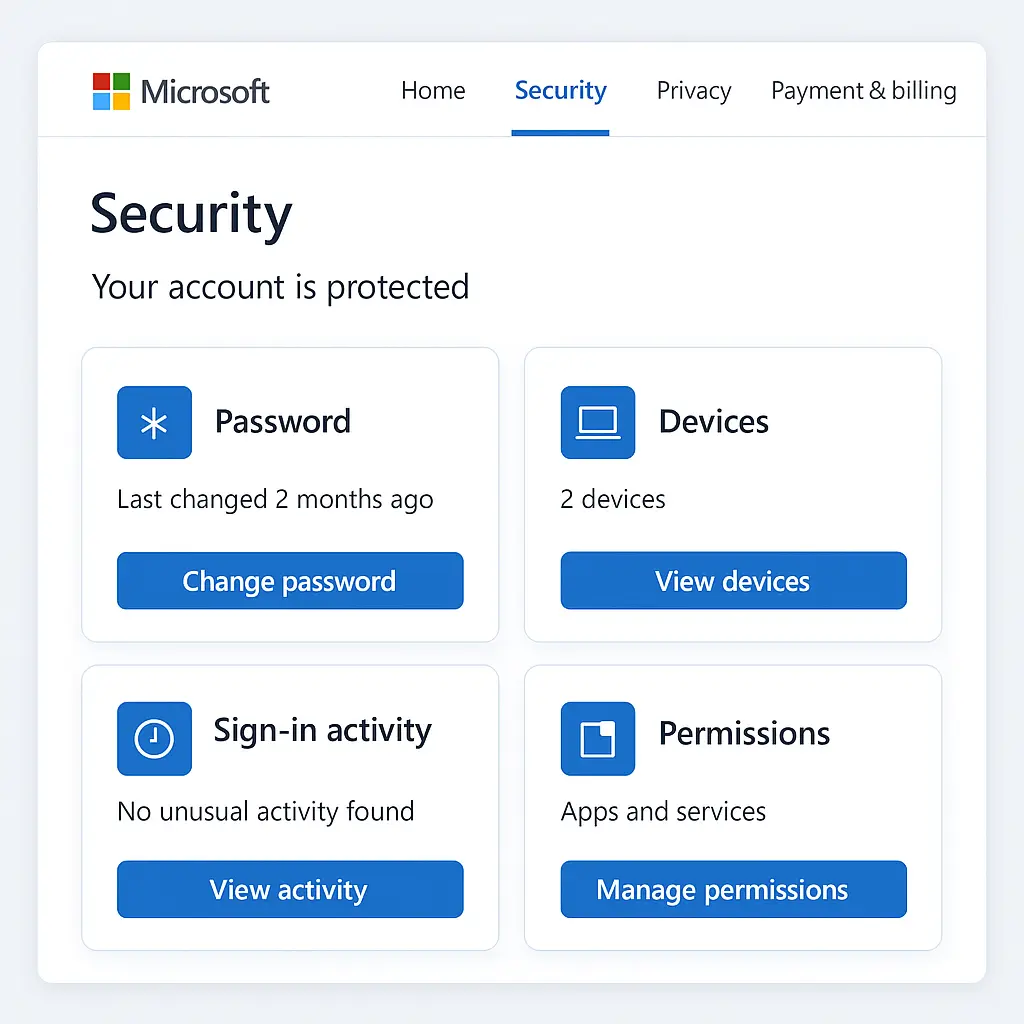
Most brokerages provide an activity log or security dashboard. It shows recent logins, device history, and account changes. Log into your brokerage account. Navigate to security settings or account activity. Look for a section labeled Recent Activity, Login History, or Security Events.
Review the list of recent logins. Check the date, time, location, and device for each entry. Do you recognize every login? If you see a login from a city you've never visited or a device you don't own, that's a red flag. Change your password immediately, review recent trades and transfers, and contact your brokerage's fraud department.
Some brokerages show IP addresses instead of locations. An IP address is a numerical identifier assigned to your internet connection. If you're not sure whether an IP address is yours, search for it online. Free services like WhoIs lookups can show the general location and internet service provider associated with an IP address. If the location doesn't match where you were at that time, investigate further.
Check for changes to your contact information. Has your email address, phone number, or mailing address changed without your action? Attackers often update contact information first so they can intercept security alerts and password reset emails. If you see unauthorized changes, revert them immediately and contact your brokerage.
Review recent trades and transfers. Do you recognize every transaction? Even small, unusual trades can signal that someone is testing access before executing a larger theft. If you see trades you didn't authorize, document them with screenshots and report them to your brokerage immediately.
Set up email or SMS alerts for account activity. Most brokerages can notify you when someone logs in, when a trade executes, when money moves in or out, or when contact information changes. Enable these alerts. They create a real-time early warning system. If you get an alert for a login you didn't perform, you know within minutes instead of days.
Check your account at least weekly. More often if you're actively trading or if you've recently traveled. The goal is to catch unauthorized activity before it causes irreversible damage.
Step 5: Secure your linked accounts
Your brokerage account doesn't exist in isolation. It connects to your email (for password resets and alerts), your bank account (for transfers), and your phone (for two-factor codes). An attacker who compromises any of these can pivot to your brokerage account.
Start with your email. Email account security goes beyond two-factor authentication. Enable two-factor authentication on your email account if you haven't already. Use an authenticator app or hardware key, not SMS. Review your email's recovery options. Make sure the backup email and phone number are current and secure. Check for email forwarding rules. Email forwarding rules silently copy your messages to attackers. If you see a forwarding rule you didn't create, delete it immediately.
Secure your bank account. Enable two-factor authentication. Review recent transactions for unauthorized withdrawals or transfers. Check your bank's linked accounts or external transfers section. If your bank account is linked to your brokerage for ACH transfers, make sure no other accounts are linked without your knowledge.
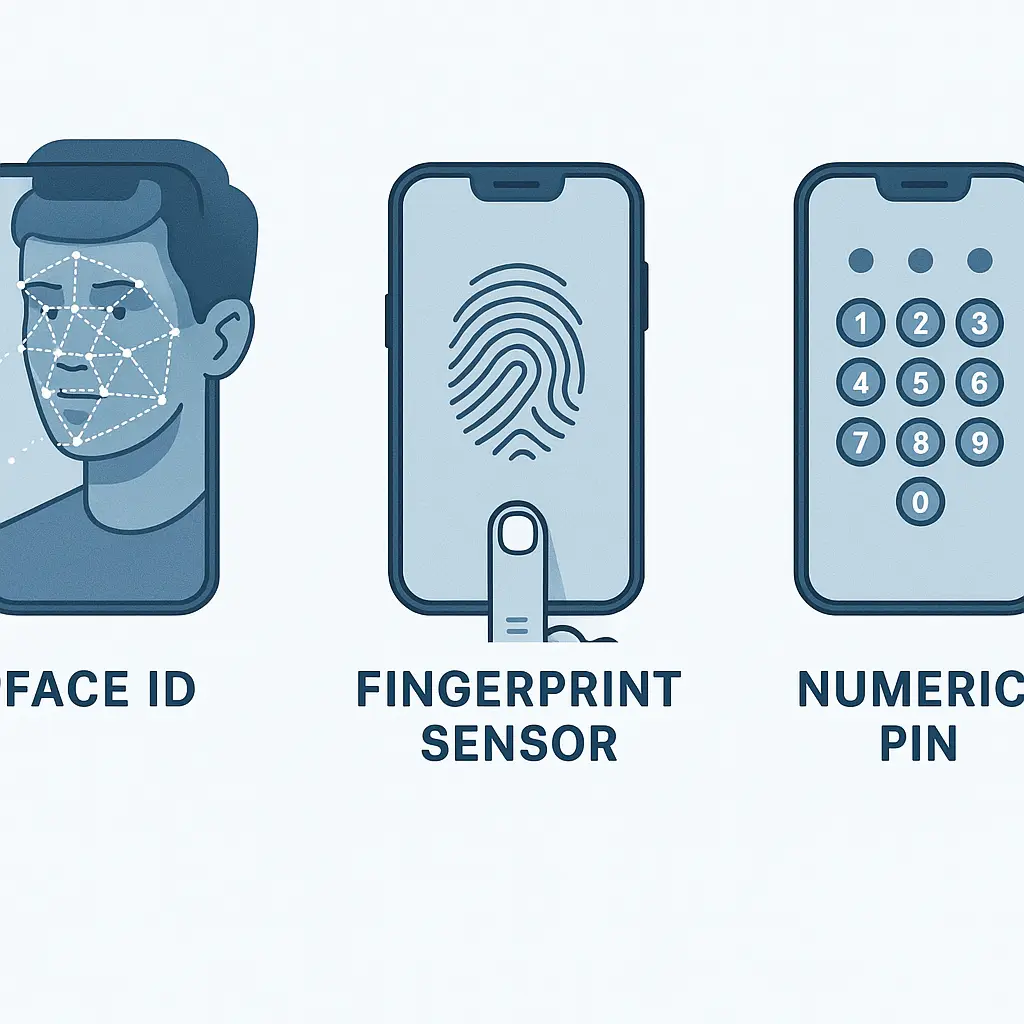
Protect your phone. Your phone's lock screen is the first line of defense against theft and snooping. Use a strong PIN or biometric authentication. Disable lock screen notifications that display message content. Enable remote wipe so you can erase your phone if it's stolen. If your phone is stolen, lock it remotely, wipe your data, and secure your accounts fast.
Review third-party app access. Some brokerages allow third-party apps to connect to your account for portfolio tracking, tax reporting, or automated trading. Third-party apps connected to your accounts can access data long after you've forgotten them. Log into your brokerage's security settings and review connected apps. Revoke access to any app you don't actively use or don't recognize.
Step 6: Understand what your brokerage protects and what it doesn't
Brokerages provide some protections by default, but they're not unlimited. Understanding what's covered helps you set realistic expectations and know when to escalate.
Most brokerages are members of the Securities Investor Protection Corporation (SIPC). SIPC protects your account up to $500,000 (including up to $250,000 in cash) if the brokerage fails or goes bankrupt. SIPC does not protect against unauthorized trading, fraud, or market losses. If someone hacks your account and sells your stocks at a loss, SIPC doesn't cover that.
Brokerages have their own fraud policies. Some offer guarantees that you won't be held liable for unauthorized trades if you report them promptly. Others require you to prove the brokerage failed to follow its own security procedures. Read your brokerage's fraud policy. It's usually in the account agreement or on the security page of their website. Know what you're covered for and what you're not.
If you suspect fraud, report it immediately. Contact your brokerage's fraud department by phone. Don't rely solely on email or in-app messaging. Document everything: the date and time you noticed the fraud, what you saw, who you spoke to, and what they told you. Take screenshots of unauthorized activity. This documentation matters if you need to dispute liability later.
You can also file a complaint with the Consumer Financial Protection Bureau. The CFPB investigates financial fraud and can intervene on your behalf. Filing a complaint creates a formal record and sometimes prompts faster action from the brokerage.
What to do if you see suspicious activity
You check your account and see a login from a city you've never visited. Or a trade you didn't authorize. Or your contact information changed without your action. Here's the exact sequence of steps.
First, change your password immediately. Don't wait. Don't investigate first. Change the password. Use your password manager to generate a new strong unique password. This locks out the attacker if they're currently logged in.
Second, review your recent account activity. Check for unauthorized trades, transfers, or withdrawals. Take screenshots of everything suspicious. Document the date, time, and details of each unauthorized action.
Third, contact your brokerage's fraud department. Call them. Don't email. Don't use in-app chat. Phone calls create a faster response and a clearer record. Explain what you found. Provide the details you documented. Ask them to freeze your account if necessary to prevent further unauthorized activity.
Fourth, review your linked accounts. Check your email for password reset requests or account alerts you didn't trigger. Check your bank account for unauthorized transfers. Check your phone for unfamiliar devices or SIM card changes.
Fifth, file a complaint with the FTC and the FBI's Internet Crime Complaint Center. Both agencies track financial fraud and use the data to identify patterns and pursue enforcement actions. Filing a complaint creates a formal record that can support your case if you need to dispute liability.
Sixth, monitor your credit reports. If the attacker had access to your brokerage account, they may have accessed enough personal information to open new accounts in your name. Freeze your credit at Equifax, Experian, and TransUnion to prevent new account fraud.
Common mistakes that weaken brokerage security
You've enabled two-factor authentication and created a strong password. Good. But several common mistakes can still leave your account vulnerable.
Reusing passwords is the most common mistake. I know I've said this already. I'm saying it again because it's that important. Password reuse is the single worst security habit. If you use the same password for your brokerage and your email, an attacker who breaches one gets both. Use a password manager. Generate unique passwords for every account.
Using weak security questions is the second mistake. If your security question is "What is your mother's maiden name?" and that information is on your Facebook profile, the question provides no security. Treat security question answers as passwords. Generate random strings and save them in your password manager.
Ignoring activity alerts is the third mistake. If your brokerage emails you about a login from an unfamiliar location and you ignore it because you're busy, you've wasted the alert. Activity alerts exist to catch unauthorized access early. Read them. Act on them.
Sharing login credentials is the fourth mistake. Don't give your brokerage username and password to your spouse, your financial advisor, or your accountant. If they need access to your account information, use your brokerage's authorized user or view-only access features. Password sharing within families creates real security risks. Shared passwords get reused, written down, and forgotten. They also make it harder to determine who performed an action if something goes wrong.
Using public WiFi without a VPN is the fifth mistake. Public WiFi isn't the universal danger it was a decade ago, but specific risks remain. If you log into your brokerage account on airport WiFi, an attacker on the same network can intercept your traffic if the connection isn't encrypted. Use a VPN when accessing financial accounts on public networks. NordVPN offers auto-connect on untrusted networks and a large server network.
The Succession comparison
In Succession, Logan Roy's children spend four seasons fighting over control of Waystar Royco, but the real power isn't in ownership, it's in access. Whoever controls the passwords, the board votes, and the trust documents controls the outcome. The same dynamic applies to your brokerage account. Ownership doesn't matter if someone else has the login credentials. The person who can authenticate controls the account, regardless of whose name is on the paperwork.
That's why security isn't about protecting a piece of paper. It's about protecting access. Two-factor authentication, unique passwords, and activity monitoring are the mechanisms that ensure you, and only you, can authenticate. The rest is just documentation.
Final verification checklist
Before you close this article, verify you've completed each step:
- Two-factor authentication is enabled on your brokerage account. You're using an authenticator app or hardware key, not SMS.
- Your brokerage password is unique, at least 16 characters, and stored in a password manager.
- Your recovery email is secure and has two-factor authentication enabled.
- Your security question answers are random strings stored in your password manager, not publicly available information.
- You've reviewed recent account activity and recognize every login and transaction.
- You've enabled email or SMS alerts for logins, trades, transfers, and contact information changes.
- Your linked email, bank account, and phone are secured with two-factor authentication.
- You've reviewed and revoked access to any third-party apps you don't actively use.
If any step is incomplete, go back and finish it now. Partial security is no security. An attacker only needs one weak link.
Your brokerage account holds your financial future. Treat it accordingly. The steps in this guide take under an hour to complete, but they protect against threats that could drain your account in minutes. That's a reasonable tradeoff.