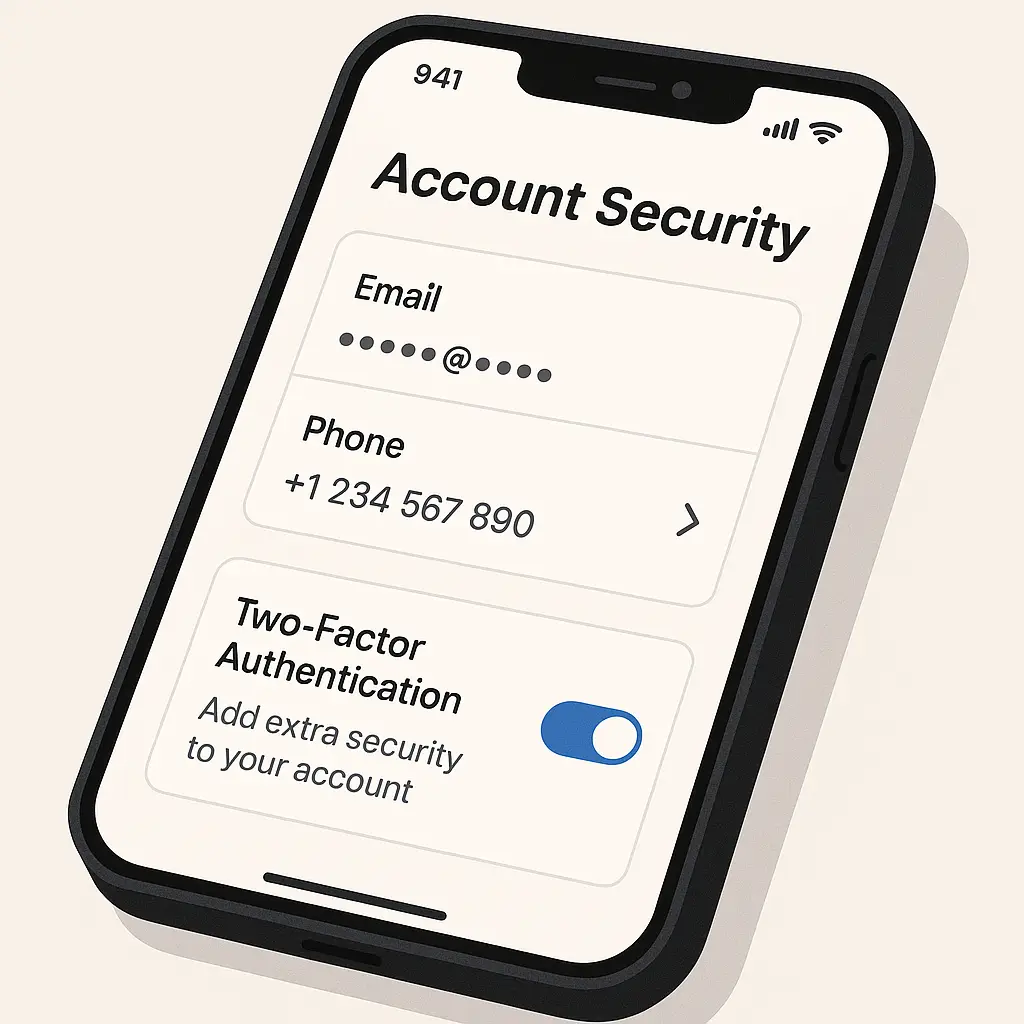
Phone Number Changes: Updating It Everywhere That Matters
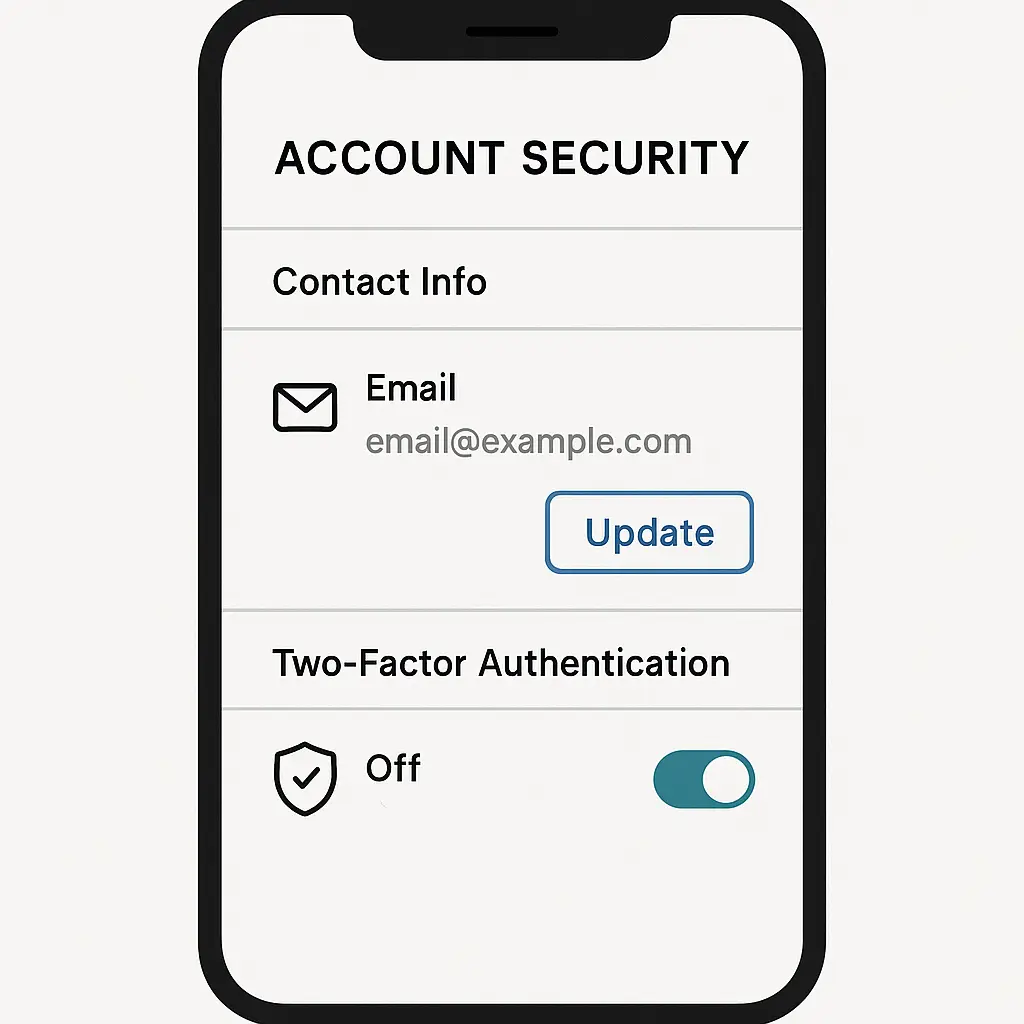
You changed your phone number. Maybe you switched carriers, maybe you wanted a fresh start, maybe you moved and needed a local area code. The number itself changes in seconds. Updating it everywhere that matters takes hours.
This is the practical guide to that process. Not the theory of why phone numbers matter for security, not the general advice to "update your accounts." The specific sequence of steps, in order, with reasoning for each one.
Your old number doesn't disappear when you stop using it. Carriers recycle numbers after around 45 to 90 days, sometimes sooner. When that happens, someone else gets your old number. That person receives password reset codes, two-factor authentication texts, account recovery messages, and verification calls meant for you. They don't need to be sophisticated attackers. They just need to click "forgot password" and check their texts.
Start with email accounts
Email controls everything else. If someone gains access to your email through SMS verification sent to your old number, they can reset passwords for every account tied to that email address.
Gmail:
- Open Gmail on desktop or mobile
- Click your profile picture, then "Manage your Google Account"
- Navigate to "Personal info" in the left sidebar
- Click "Phone" under "Contact info"
- Update or remove your old number
- Add your new number if you want it stored
- Navigate to "Security" in the left sidebar
- Click "2-Step Verification"
- Review all phone numbers listed under "Second step" options
- Remove old number from SMS, voice call, or prompt options
- Add new number only if you're keeping SMS 2FA (authenticator apps are stronger)
Outlook / Microsoft accounts:
- Sign in to account.microsoft.com
- Click "Your info" at the top
- Click "Edit account info"
- Update phone number under "Contact info"
- Return to main account page
- Click "Security" at the top
- Click "Advanced security options"
- Under "Additional security," review all phone numbers
- Update phone numbers associated with "Microsoft Authenticator" if applicable
- Remove old number from "Phone number" recovery option
- Add new number if you want phone-based recovery (email recovery is safer)
Yahoo, AOL, and other email providers: Follow similar patterns. Look for "Account info," "Security," or "Profile" sections. Update contact information first, then review security and recovery settings. Remove the old number from every location where it appears.
Test email recovery after updating. Click "forgot password" from a logged-out browser. Verify that recovery codes go to your new number or email, not your old number. If the old number still appears as an option, you missed a setting.
Banking and financial accounts
Banks use phone numbers for fraud alerts, login verification, and password resets. Financial institutions also face regulatory requirements around customer contact information, which means they need accurate phone numbers on file.
Most banks require you to update your phone number through their app or website. Some require a phone call to customer service. Some require you to visit a branch. Check each institution's process before you assume you can update online.
For banks with online updates:
- Log in to your bank's website or app
- Navigate to "Profile," "Settings," or "Contact Information"
- Update your primary phone number
- Check for separate phone numbers in "Security settings" or "Alerts"
- Review SMS alert preferences, some banks store phone numbers in multiple places
- Update phone numbers for joint accounts separately if applicable
- Verify the change by checking your profile again after saving
For banks requiring phone calls or branch visits: Have your account number, Social Security number, and identification ready. Some banks will ask security questions. Some will require you to verify recent transactions. This process takes longer, but it's non-negotiable for certain institutions.
Update phone numbers for:
- Checking and savings accounts
- Credit cards (often separate from bank accounts, even at the same institution)
- Investment accounts (brokerage, retirement accounts, 529 plans)
- Loans (mortgage, auto, student, personal)
- Payment services (Zelle, Venmo, Cash App, PayPal)
Password managers
Your password manager is the vault. If someone gains access through SMS verification to your old number, they control every password you've stored.
Bitwarden:
- Log in to vault.bitwarden.com
- Click "Settings" in the top navigation
- Click "My Account" in the left sidebar
- Update phone number under "Profile"
- Click "Security" in the left sidebar
- Click "Two-step Login"
- Review all enabled methods
- If SMS is enabled, remove it or update the phone number
- Confirm authenticator app or hardware key is your primary method
1Password:
- Open 1Password app or sign in at 1password.com
- Click your account name, then "My Profile"
- Update phone number if stored
- Navigate to account.1password.com
- Click "Security"
- Review two-factor authentication settings
- Remove old phone number if used for 2FA
- Verify authenticator app is configured
LastPass, Dashlane, NordPass, and others: Follow similar patterns. Update profile information first, then security settings. Password managers rarely require SMS verification, but if you enabled it, remove your old number and switch to an authenticator app.
If you're locked out of your password manager because you lost access to your old number and didn't set up alternative 2FA, you'll need to use your account recovery process. This usually involves email verification, emergency contacts, or recovery keys. If you didn't set up recovery options, contact support with identity verification.
Two-factor authentication across all accounts
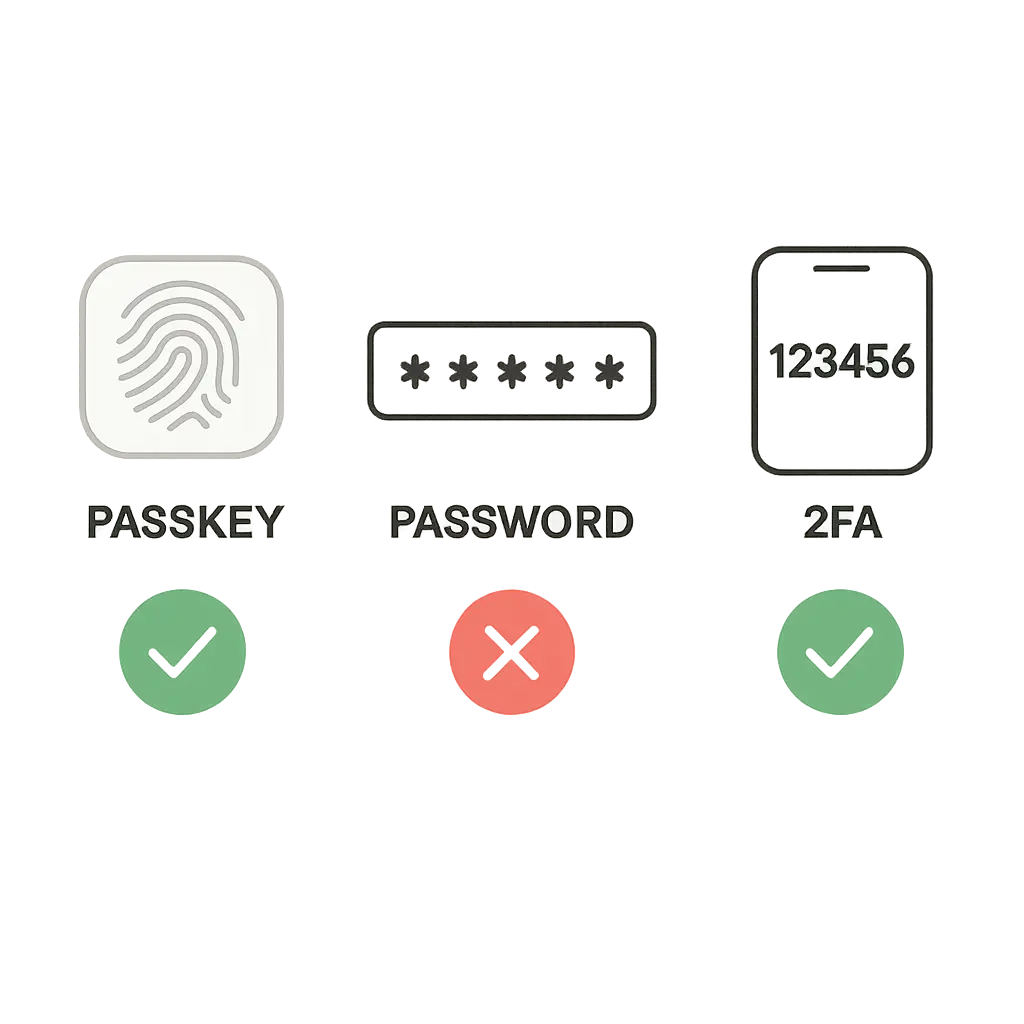
SMS-based two-factor authentication is better than no 2FA, but it's the weakest option. When you change your phone number, you have an opportunity to upgrade to authenticator apps or hardware keys while you're already updating settings.
Make a list of every account using SMS 2FA. You can't rely on memory. Open your text messages and search for "code," "verification," or "authenticate." Note which services sent those texts in the last few months.
For each account:
- Log in while you still have access
- Navigate to security or account settings
- Find two-factor authentication settings
- Remove your old phone number
- Add your new number if you're staying with SMS
- Or switch to an authenticator app (better option)
Switching from SMS to authenticator apps: Authenticator apps like Google Authenticator, Microsoft Authenticator, Authy, or built-in password manager authenticators generate time-based codes on your device. They don't rely on your phone number. They don't rely on cell service. They're harder to intercept.
Most services let you enable multiple 2FA methods simultaneously. Add the authenticator app first, verify it works, then remove SMS. Don't remove SMS before confirming the authenticator app is functioning. You don't want to lock yourself out.
When you set up an authenticator app, the service shows you backup codes. Save these codes. Print them. Store them somewhere other than your phone. These codes are your recovery method if you lose your device.
Social media and messaging apps
Social media accounts use phone numbers for login, account recovery, and identity verification. Some platforms also use your phone number to suggest your account to people who have that number in their contacts. When your old number gets reassigned, the new owner might see suggestions to connect with your accounts.
Facebook:
- Open Facebook app or facebook.com
- Click menu (three lines), then "Settings & Privacy," then "Settings"
- Click "Personal Information"
- Click "Contact Info"
- Update or remove your old phone number
- Add new number if desired
- Navigate to "Security and Login"
- Review "Two-Factor Authentication"
- Update phone number for text message codes or remove SMS 2FA
- Check "Authorized Logins" to see if phone number appears elsewhere
Instagram:
- Open Instagram app
- Go to profile, tap menu (three lines)
- Tap "Settings and privacy"
- Tap "Account Center" at the top
- Tap "Personal information"
- Tap "Contact info"
- Update phone number
- Return to Settings
- Tap "Security"
- Tap "Two-factor authentication"
- Update phone number for SMS codes or switch to authentication app
Twitter/X:
- Open Twitter app or x.com
- Click "Settings and privacy"
- Click "Your account"
- Click "Account information"
- Click "Phone"
- Update or remove old number
- Return to Settings
- Click "Security and account access"
- Click "Security"
- Click "Two-factor authentication"
- Update SMS settings or switch to authenticator app
LinkedIn, TikTok, Snapchat, and others: Follow similar patterns. Look for Settings, then Security or Account Information. Update contact details first, then security settings.
WhatsApp, Signal, and phone-number-based messaging: These apps tie your identity to your phone number. Changing your number requires using the app's built-in "Change Number" feature, not just updating a setting.
For WhatsApp:
- Open WhatsApp
- Go to Settings
- Tap "Account"
- Tap "Change number"
- Follow the prompts to verify your old number and new number
- Your chat history, groups, and settings transfer to the new number
For Signal:
- Open Signal
- Tap your profile
- Tap "Account"
- Tap "Change phone number"
- Verify your new number
- Your conversations and contacts carry over
Subscription services and recurring payments
Subscription services use phone numbers for account recovery, customer service, and sometimes payment verification. If you've stored your phone number for shipping notifications or account alerts, update it.
Check:
- Streaming services (Netflix, Hulu, Disney+, Spotify, Apple Music)
- Cloud storage (iCloud, Google Drive, Dropbox, OneDrive)
- Shopping accounts (Amazon, eBay, Etsy)
- Delivery services (Uber Eats, DoorDash, Instacart)
- Ride-sharing (Uber, Lyft)
- Utilities and services (electric, gas, internet, phone carrier)
- Healthcare portals (insurance, pharmacy, patient portals)
- Government accounts (IRS, Social Security, state services)
For each service:
- Log in to your account
- Navigate to profile or account settings
- Update phone number in contact information
- Check for phone numbers stored in payment methods or shipping addresses
- Review notification preferences, some services store phone numbers separately for alerts
Work and school accounts
Work and school accounts often use phone numbers for multi-factor authentication, password resets, and emergency contact. Your employer or school's IT department might manage these settings centrally, which means you can't update them yourself.
Check your organization's process:
- Some organizations let you update phone numbers through a self-service portal
- Some require you to contact IT support or HR
- Some use mobile device management (MDM) that ties your phone number to your work device
If your work account uses SMS for 2FA, update it immediately. If you can't update it yourself, contact IT support the same day you change your number. Losing access to work accounts creates problems for you and your team.
For school accounts, check your student portal, learning management system (Canvas, Blackboard, Moodle), and any school-specific apps. Update your phone number in each system separately. Schools often store contact information in multiple databases that don't sync.
Medical and insurance accounts
Healthcare providers and insurance companies use phone numbers for appointment reminders, prescription notifications, billing alerts, and account access. HIPAA regulations require accurate contact information for certain communications, which means keeping your number current matters beyond convenience.
Update phone numbers for:
- Primary care physician and specialists
- Dentist and vision providers
- Pharmacies (chain and mail-order)
- Health insurance (medical, dental, vision)
- Hospital patient portals
- Mental health providers
- Physical therapy, chiropractic, and other ongoing care
Most healthcare providers let you update contact information through their patient portal or by calling the office. Insurance companies usually require you to update through their website or member services phone line.
Prescription services like mail-order pharmacies need your current phone number for delivery notifications and refill reminders. If you're on automatic refills, update your number before your next scheduled delivery.
The Succession problem
In the HBO series Succession, Logan Roy's death triggers a scramble for control. The people who had access to his accounts, his phone, his authentication methods suddenly hold enormous power. The same dynamic plays out in miniature every time someone changes their phone number and forgets to update their accounts.
Your old phone number, once disconnected, becomes a liability. It's a credential you no longer control but that still unlocks your accounts. The person who gets that number next doesn't need to be a sophisticated attacker. They just need to be curious enough to click "forgot password" when they start receiving your verification codes.
The difference between Logan Roy's empire and your digital life is scale, not mechanism. Both rely on access controls. Both assume the person holding the credential is the rightful owner. Both break down when credentials change hands without proper transfer of authority.
Update your accounts before you lose control of the credential.
Government and civic accounts
Government services increasingly use phone numbers for identity verification and account access. Changing your number without updating these accounts can lock you out of tax filings, benefits, and critical services.
Update phone numbers for:
- IRS account (irs.gov)
- Social Security Administration (ssa.gov)
- State tax department
- Voter registration
- DMV / state ID services
- Benefits programs (unemployment, SNAP, Medicaid)
- Court and legal portals
- Professional licenses and certifications
Government systems often require phone verification to make changes. Some require you to call. Some require you to visit in person. Some let you update online but send a verification code to your old number, which creates a circular problem.
If you're locked out of a government account because your old number is disconnected, look for alternative verification methods. Most agencies offer email verification, security questions, or in-person identity verification. This process takes longer, but it's your path back in.
What happens if you skip this
Your old phone number will be reassigned. Carriers typically hold numbers for 45 to 90 days after disconnection, but there's no legal requirement and no consistency across carriers. Some numbers get recycled faster, especially if they're in high-demand area codes.
When someone gets your old number, they start receiving your texts. Password reset codes. Two-factor authentication prompts. Account alerts. Verification messages. They see your name in some of these messages. They see which services you use.
Most people ignore these messages. Some people are curious. A small number of people are malicious. You don't get to choose which type of person gets your old number.
The attack surface is specific: any account that uses SMS for password reset or two-factor authentication. The attacker doesn't need your password. They just need to click "forgot password," receive the code at your old number (now theirs), and set a new password.
The accounts most at risk:
- Email accounts with SMS recovery
- Banking and financial accounts with SMS 2FA
- Social media accounts with SMS recovery
- Any account where SMS is the only 2FA method
- Any account where SMS is the only password reset method
The accounts least at risk:
- Accounts using authenticator apps for 2FA
- Accounts with email-only password reset
- Accounts using hardware security keys
- Accounts with no phone number on file
After you've updated everything
Test your changes. Log out of your accounts and attempt password reset. Verify that codes go to your new number or email, not your old number. If the old number still appears as an option anywhere, you missed a setting.
Set a calendar reminder for 30 days out. Check your accounts again. Some services have delays in updating contact information across all their systems. Some services revert changes if you don't confirm them within a certain timeframe.
Consider this an opportunity to reduce your reliance on SMS verification. CISA recommends phishing-resistant authentication methods like authenticator apps, hardware keys, or passkeys. SMS is better than nothing, but it's the weakest link in your security chain.
If you're using a password manager, review your stored accounts. How many of them have your old phone number in notes or custom fields? Update those records. Future you will thank you when you need to reference that information.
When you've already lost access to your old number
If you're reading this after you've already disconnected your old number, your options narrow. You can't receive SMS codes. You can't verify your identity through phone calls. You need alternative recovery methods.
Try these paths:
- Email-based password reset (if available)
- Backup codes (if you saved them when setting up 2FA)
- Recovery email address (if you configured one)
- Security questions (if the service still uses them)
- Account recovery forms (most services have a "I can't access my 2FA device" option)
- Customer support with identity verification (have your ID, account details, and recent transaction history ready)
For accounts you absolutely cannot access, you might need to create new accounts. This is a last resort. It means losing your history, your data, and your account age. But it's better than leaving an account tied to your old number where someone else can access it.
Document which accounts you couldn't recover. Monitor your credit reports for signs that someone accessed those accounts. Consider placing a credit freeze if you lost access to financial accounts.
The maintenance schedule
Changing your phone number isn't a one-time task. It's the start of a maintenance schedule.
Week 1: Update critical accounts (email, banking, password manager, work).
Week 2: Update security-sensitive accounts (2FA settings, recovery options, social media).
Week 3: Update subscription services, shopping accounts, and recurring payments.
Week 4: Update everything else (forums, old accounts, services you rarely use).
Month 2: Verify all changes took effect. Test password reset flows. Check for any messages still going to your old number.
Month 3: Consider your old number fully recycled. If you haven't updated an account by now, it's at risk.
Set annual reminders to review your contact information across accounts. Phone numbers change. Email addresses change. Recovery contacts change. Your security settings should change with them.
The goal isn't perfection. The goal is reducing the attack surface before your old number becomes someone else's credential. Every account you update is one less vulnerability. Every SMS 2FA you replace with an authenticator app is one less dependency on your phone number.
Start with the accounts that matter most. Work your way down the list. Your old number is on a timer. The work is tedious, but the alternative is worse.