Why SMS Two-Factor Authentication Is the Weakest Option
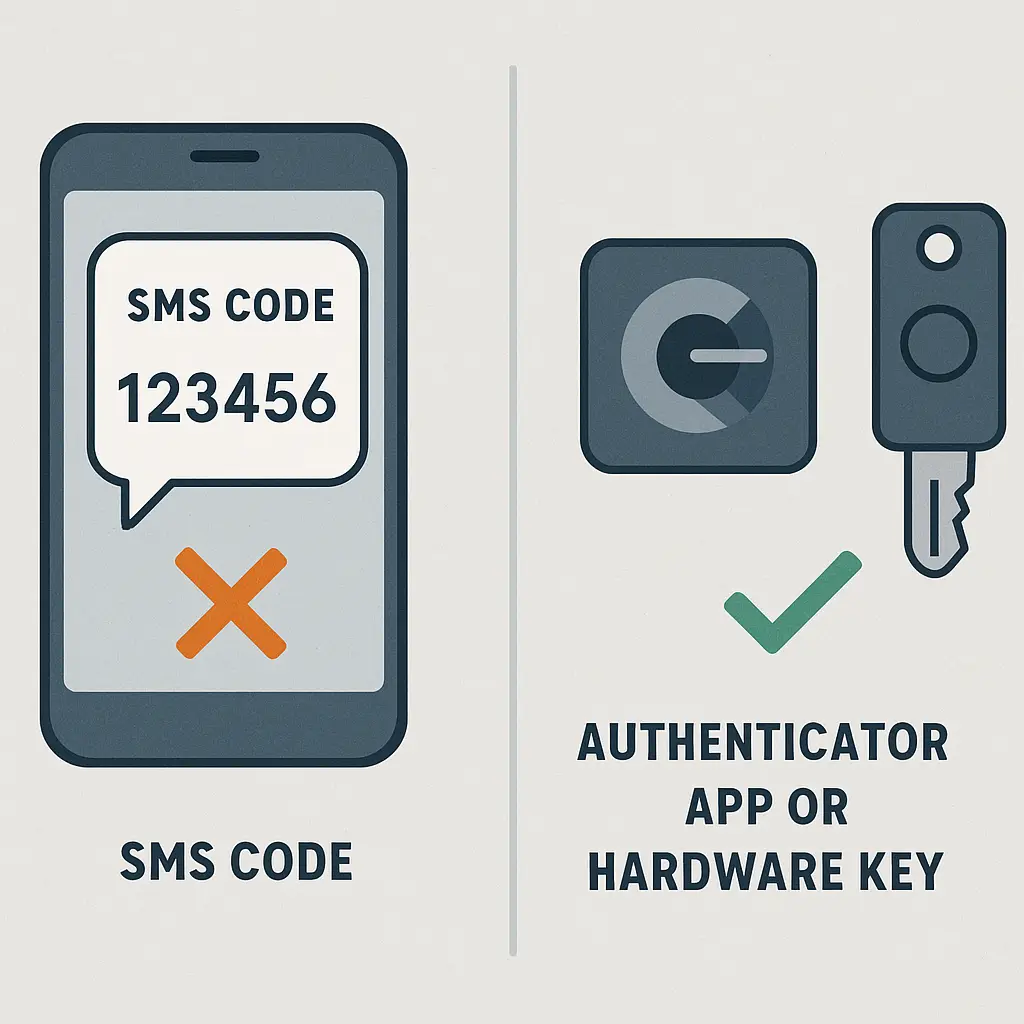
SMS two-factor authentication is better than nothing. It stops the majority of automated attacks and adds a real barrier between an attacker and your account. But it's the weakest 2FA option you can choose, and the gap between SMS and better alternatives is wider than most people realize.
Here's the mechanism behind SMS 2FA, why it fails under targeted attack, and what to use instead.
How SMS 2FA works
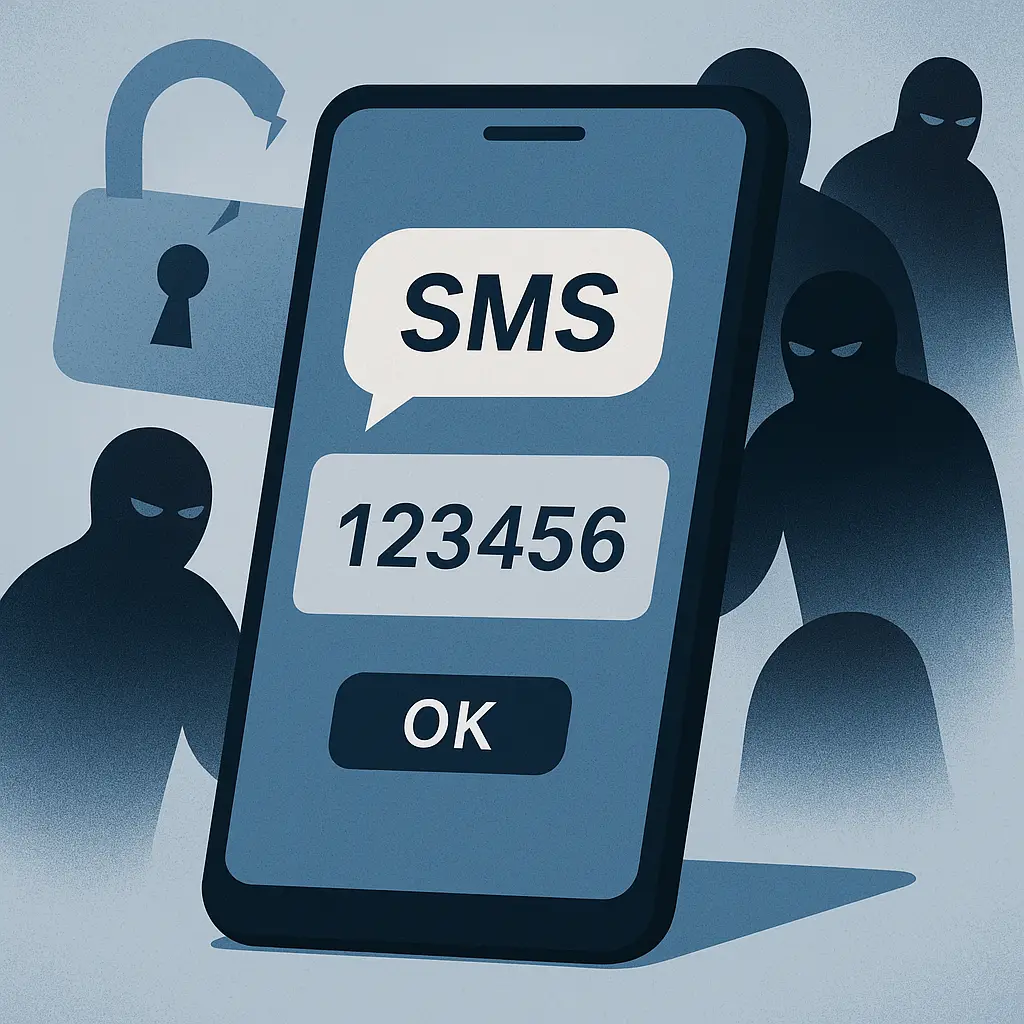
When you enable SMS two-factor authentication, the service stores your phone number. Each time you log in, the service generates a random six-digit code, sends it to your phone via SMS, and waits for you to enter it. The code expires after a few minutes. You prove you have access to the phone number, which proves you're probably the account owner.
The assumption is that an attacker who steals your password doesn't also have access to your phone. That assumption holds against most attacks. Credential stuffing, phishing, and password reuse all fail at the SMS step because the attacker can't receive the text message.
But the assumption breaks when an attacker targets you specifically. SMS travels over the phone network, which means the code passes through infrastructure the attacker can compromise or manipulate. Your phone number is not a secret, and your carrier is not a fortress.
SIM swapping: the primary attack
SIM swapping is the most common method for bypassing SMS 2FA. The attacker calls your mobile carrier, impersonates you, and convinces the carrier to transfer your phone number to a new SIM card in the attacker's possession. Once the transfer completes, your phone loses service and the attacker's phone starts receiving your calls and texts.
The attacker now receives your SMS 2FA codes in real time. They log into your account, enter the code from the text they just received, and they're in. You might not notice for hours, especially if the attack happens overnight.
CISA warns that SIM swapping is a growing threat and explicitly recommends phishing-resistant authentication methods over SMS. The attack succeeds because carriers prioritize customer convenience over security. Social engineering works. An attacker with your name, address, and last four digits of your Social Security number can often convince a carrier representative to perform the swap.
Some carriers have improved their verification processes in recent years, but the fundamental problem remains: your phone number is controlled by a third party who will transfer it to someone else if that person sounds convincing enough.
SS7 exploits: attacking the phone network itself
SS7 is the signaling protocol that routes calls and texts across the global phone network. It was designed in the 1970s with no meaningful security. Attackers with access to the SS7 network can intercept SMS messages without ever touching your phone or your carrier's systems.
The attacker queries the SS7 network to locate your phone, then redirects your SMS traffic to a device they control. Your phone stays connected. You don't lose service. The attacker receives a copy of every text message sent to your number, including 2FA codes.
SS7 attacks require more technical capability than SIM swapping, but they're not theoretical. Security researchers have demonstrated SS7 interception repeatedly, and some experts believe criminal groups use SS7 access to target high-value accounts. The attack is invisible to you and invisible to your carrier.
The phone network was not built for security. SMS was not designed to carry authentication codes. We're using 1970s infrastructure to protect 2026 accounts, and that mismatch creates vulnerabilities that better 2FA methods don't have.
Phishing still works against SMS 2FA
SMS 2FA stops automated credential stuffing, but it doesn't stop phishing. An attacker can build a fake login page, steal your password, then immediately prompt you for the 2FA code. You receive the real SMS code from the real service, enter it into the fake page, and the attacker uses it to log into your account within seconds.
This is called a real-time phishing attack or a man-in-the-middle attack. The attacker sits between you and the legitimate service, forwarding your credentials and your 2FA code before the code expires. SMS 2FA provides no defense because the code is valid and the attacker uses it immediately.
Authenticator apps don't solve this problem either. Time-based codes are just as vulnerable to real-time phishing. The solution is phishing-resistant authentication like passkeys or hardware security keys, which we'll cover below.
What to use instead: authenticator apps
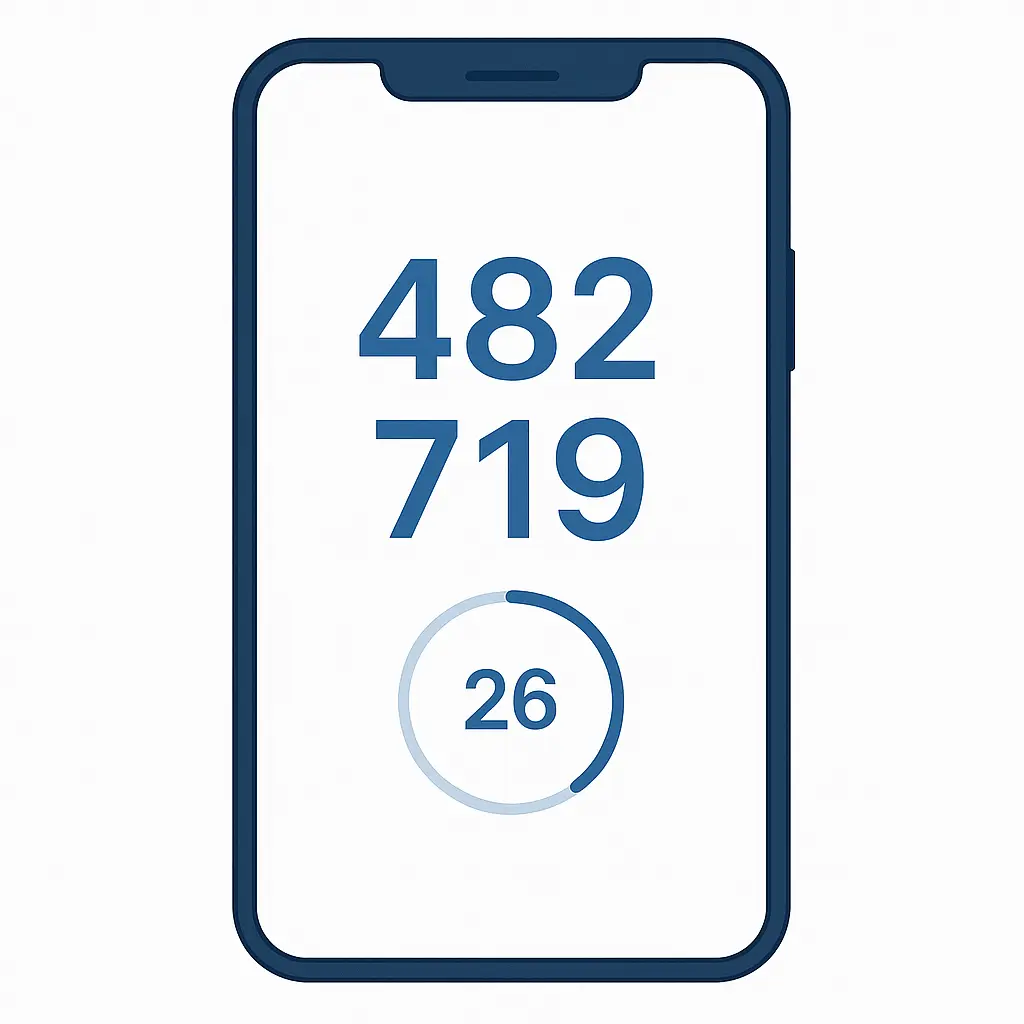
Authenticator apps like Google Authenticator, Microsoft Authenticator, or Authy generate time-based one-time passwords (TOTP) locally on your device. The app and the service share a secret key during setup. The app uses that key and the current time to generate a six-digit code that changes every 30 seconds. The service performs the same calculation and verifies the code matches.
The code never travels over a network. An attacker can't intercept it with SIM swapping or SS7 exploits because it's generated on your device and entered directly into the login form. The attacker would need access to your specific phone or access to the shared secret key.
The EFF's guide to 2FA methods explains that authenticator apps are significantly more secure than SMS because they eliminate the phone network as an attack vector. The code exists only on your device and in the service's database. There's no transmission to intercept.
The tradeoff is convenience. You need the app on your phone, and you need to set it up separately for each account. If you lose your phone, you need backup codes or a recovery method. But the security improvement over SMS is substantial.
Most services that offer SMS 2FA also offer authenticator app support. Google, Microsoft, Amazon, and most financial institutions let you choose. CISA recommends using authenticator apps over SMS whenever the option exists.
Passkeys and hardware keys: phishing-resistant authentication
Passkeys and hardware security keys go further. They use public-key cryptography and are resistant to phishing, SIM swapping, and real-time interception.
A passkey is a cryptographic credential stored on your device or in your password manager. When you log in, the service sends a challenge, your device signs the challenge with the private key, and the service verifies the signature with the public key. The private key never leaves your device. An attacker can't phish it because there's nothing to phish. The signature is unique to the specific service, so even if you're on a fake login page, the passkey won't work.
Hardware security keys like YubiKey or Google Titan work the same way but store the private key on a physical device you plug into your computer or tap against your phone. The key generates a signature that proves you possess the physical device. An attacker on the other side of the world can't use your credentials even if they steal your password, because they don't have the physical key.
NIST's authentication guidelines classify passkeys and hardware keys as the strongest authenticators available. They're phishing-resistant, they don't rely on the phone network, and they can't be socially engineered away from you.
The tradeoff is setup complexity and cost. Passkeys are free but require a device or password manager that supports them. Hardware keys cost around $25-$70 and require you to carry the key. But for high-value accounts like email, financial services, or password managers, the tradeoff is worth it.
When SMS 2FA is still the right choice
SMS 2FA is better than no 2FA. If a service offers only SMS or nothing, choose SMS. The majority of account compromises happen through credential stuffing and password reuse, and SMS 2FA stops those attacks cold.
SMS 2FA also works as a fallback. If you lose access to your authenticator app or hardware key, SMS can get you back into your account. Many services let you enable multiple 2FA methods. Use an authenticator app or passkey as your primary method and keep SMS as a backup.
But understand that SMS is a vulnerability. If an attacker targets you specifically, SMS 2FA will not stop them. SIM swapping is not rare. SS7 exploits are not theoretical. The phone network is not secure.
In Friends, Monica kept a spare key under the hallway mat
Everyone knew where it was. It worked fine for years because nobody tried to break in. But the moment someone wanted access, the hidden key was the easiest path through the door.
SMS 2FA is the spare key under the mat. It stops casual intruders, but it won't stop someone who's targeting you. The phone network is the mat, and attackers know exactly where to look.
How to upgrade your 2FA setup
Start with your most important accounts: email, password manager, financial services, and any account that controls access to other accounts. Check the security settings for each service and look for 2FA options.
If the service offers an authenticator app, enable it and remove SMS as a primary method. If the service offers passkeys or hardware key support, use that instead. Microsoft's explanation of passkeys and the UK's NCSC guidance on passkeys both provide clear walkthroughs of how passkey setup works.
Download an authenticator app if you don't have one. Google Authenticator, Microsoft Authenticator, and Authy are all solid choices. Set it up on your phone, then go through your accounts one by one and switch from SMS to the app.
For hardware keys, buy two. Use one as your primary key and keep the second as a backup in a safe location. Register both keys with each service. If you lose the primary key, the backup gets you back in without falling back to SMS.
Save your backup codes. Most services generate a set of one-time-use codes when you enable 2FA. Store those codes in your password manager or print them and keep them somewhere secure. If you lose access to your 2FA method, the backup codes are your last line of defense.
The reality of SMS 2FA in 2026
SMS two-factor authentication is not broken in the sense that it fails constantly. It works for most people most of the time. But it's the weakest option in a world where better options exist and are widely available.
The phone network is not secure. Your carrier is not a fortress. An attacker who wants into your account badly enough will bypass SMS 2FA, and the tools to do it are not exotic.
Use an authenticator app. Use a passkey. Use a hardware key. SMS 2FA is better than nothing, but nothing about the underlying mechanism justifies treating it as strong protection.