What to Do When Your Phone Is Stolen: Step-by-Step Recovery Guide
Your phone is gone. Someone grabbed it off the table at the coffee shop, or you left it in the rideshare, or it slipped out of your pocket somewhere between the parking lot and the grocery store. Either way, it's not coming back, and you need to move fast.
A stolen phone is not just a hardware loss. It's a skeleton key to your email, your banking apps, your photos, your messages, your two-factor authentication codes, and every account you've logged into in the last six months. The first few hours determine whether this is an expensive inconvenience or a full-scale identity crisis.
Here's what to do, in order, and why each step matters.
First 15 Minutes: Locate or Lock
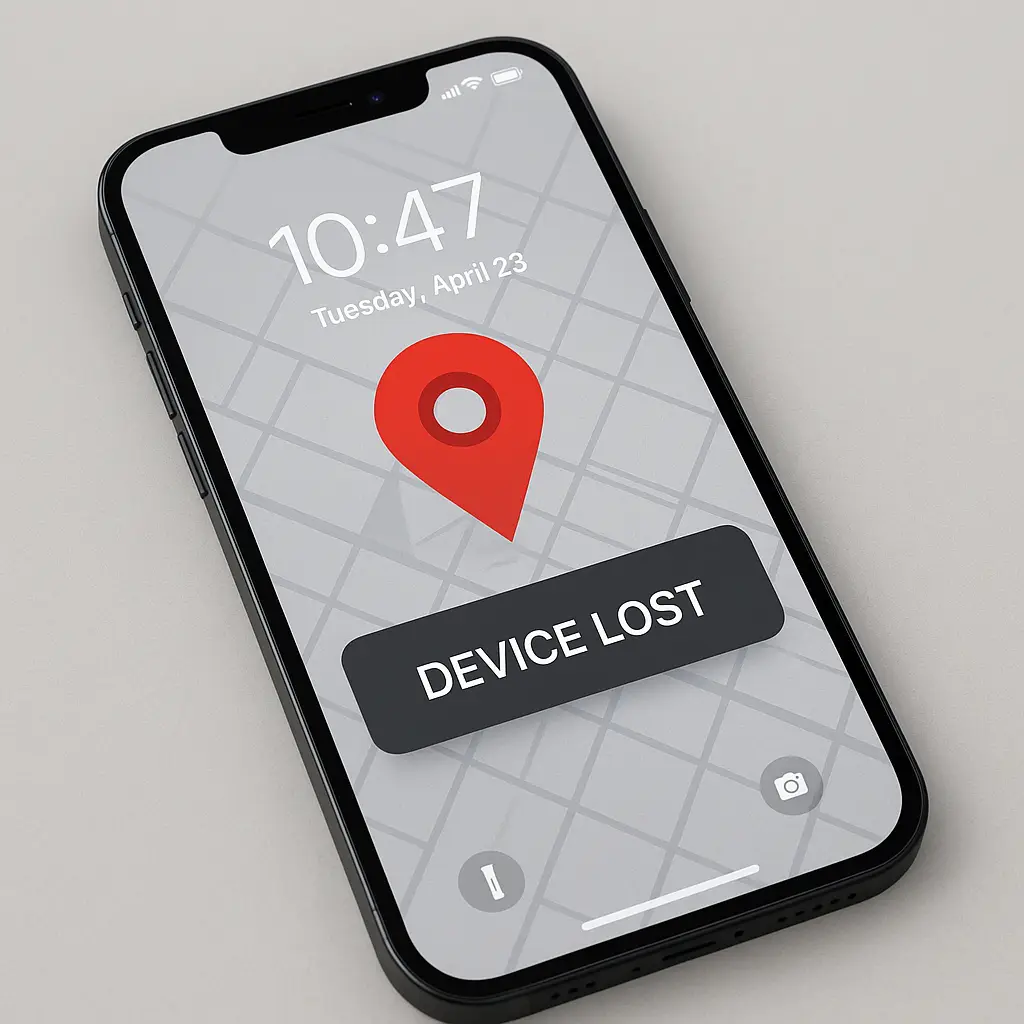
Your first move is to find out whether the phone is recoverable. If you're reading this on a laptop or another device, open your phone's tracking service immediately.
For iPhones: Go to iCloud.com/find or use the Find My app on another Apple device. Sign in with your Apple ID. If your phone appears on the map and it's nearby, you might be able to recover it. If it's moving or in an unfamiliar location, do not attempt physical recovery. Note the location and move to the next step.
For Android phones: Go to android.com/find or use the Find My Device app on another Android device. Sign in with your Google account. Same logic applies: if it's nearby and stationary, you might recover it. If it's moving or distant, don't chase it.
If the phone appears offline, the thief has already powered it down or disabled connectivity. You're not getting it back. Move immediately to locking and wiping.
Lock the device remotely. Both Find My iPhone and Find My Device let you put the phone into Lost Mode or lock it with a message and contact number. This prevents anyone from accessing your data without the lock screen passcode. Do this even if you plan to wipe the device later. It buys you time.
If the phone is offline, the lock command will execute the next time it connects to a network. That might be never, but it costs you nothing to queue the command.
Next 30 Minutes: Secure Your Accounts
While the phone is locked, you need to close the doors it opened. A stolen phone gives an attacker access to any account where you've saved credentials, enabled auto-login, or rely on SMS two-factor authentication. The order matters here.
Change your email password first. Your email account is the master key. It controls password resets for nearly everything else. If an attacker gets into your email, they can request password resets for your bank, your cloud storage, your social media, and anything else tied to that address.
Log into your email provider from a computer or another device. Change the password to something long and unique. If you use a password manager, generate a new password there. If you don't use a password manager, write the new password down on paper and store it somewhere safe. Do not reuse an old password.
After changing the password, review active sessions. Most email providers show you a list of devices currently logged into your account. Sign out every session you don't recognize. Sign out sessions from your stolen phone even if they look inactive.
Disable SMS two-factor authentication where possible. SMS codes are the weakest link here. If your phone number is still active and receiving texts, an attacker with physical access to the phone can intercept those codes. If you've already contacted your carrier to suspend service (covered below), SMS codes won't arrive, but many services will fall back to letting you reset your password via email if SMS fails. That's why you secured email first.
For accounts that support authenticator apps (Google Authenticator, Authy, Microsoft Authenticator), switch to app-based codes. For accounts that support hardware security keys, use those. Both are more secure than SMS and don't depend on your phone number.
For accounts that only offer SMS and you can't disable it, at least change the password. That forces the attacker to have both the password and the SMS code, which is harder if you've already locked the phone and suspended your number.
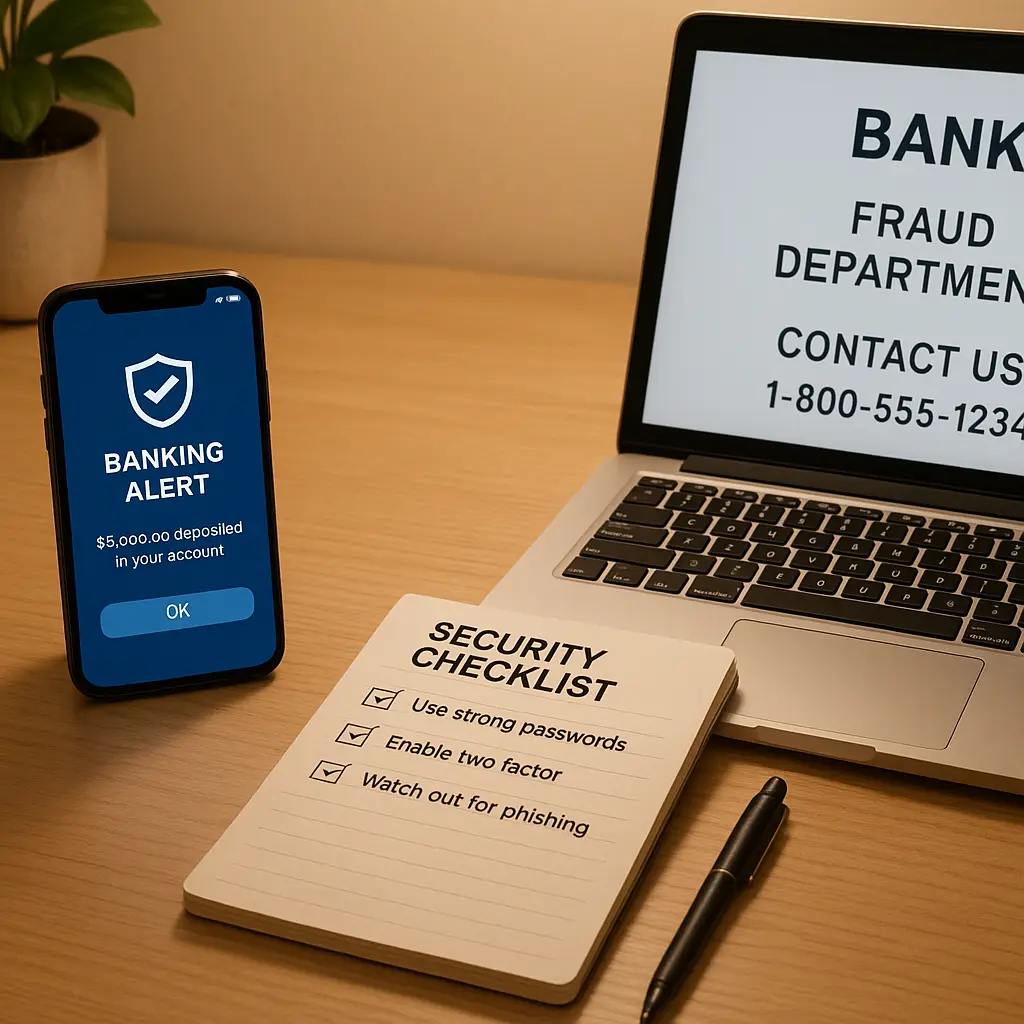
Prioritize financial accounts next. Log into your bank, credit card accounts, investment accounts, and payment apps (Venmo, PayPal, Cash App, and similar). Change passwords. Review recent transactions. If you see anything unfamiliar, report it immediately. Most banks have fraud protection, but early reporting improves your odds of recovering funds.
If your banking app was configured to allow fingerprint or face unlock, changing the password forces the app to require the new credentials on next login. That stops an attacker from using cached biometric access.
Then hit the high-value accounts. This includes:
- Cloud storage (Google Drive, iCloud, Dropbox)
- Social media (especially accounts tied to your real identity or business)
- Work email and collaboration tools (Slack, Microsoft Teams, Google Workspace)
- Shopping accounts with saved payment methods (Amazon, eBay, and similar)
- Any account where you've stored identity documents, tax records, or sensitive files
For each account, change the password and review active sessions. Sign out devices you don't recognize.
Contact Your Carrier
Call your mobile carrier and report the phone stolen. They can suspend service to your number, which prevents the thief from making calls, sending texts, or using your cellular data. This also stops SMS two-factor codes from arriving, which you've already addressed by switching to app-based authentication or changing passwords.
Ask the carrier to add the phone's IMEI number to the blacklist. The IMEI is a unique device identifier. Blacklisting it prevents the phone from connecting to any carrier network, which makes it harder to resell. You can usually find your IMEI in your account settings on the carrier's website, or on the original phone packaging if you still have it.
If you don't have the IMEI, you can retrieve it from your Apple ID account (for iPhones) or your Google account (for Android phones). Both services store device information including IMEI in your account settings.
Some carriers offer insurance or device protection plans. If you enrolled in one, file a claim now. The process varies by carrier, but you'll typically need a police report (covered below) and proof of purchase. Deductibles range from around $50 to $200 depending on the phone model and plan.
If you're not insured through your carrier, check whether your homeowner's or renter's insurance covers theft. Some policies include personal property coverage that applies to stolen electronics. Also check your credit card benefits if you purchased the phone with a credit card. Some cards offer purchase protection or extended warranty coverage that includes theft.
File a Police Report
You need a police report for two reasons. First, insurance claims (whether through your carrier, homeowner's policy, or credit card) typically require one. Second, it creates an official record in case your stolen phone is used in a crime or recovered later.
Call the non-emergency line for your local police department. Explain that your phone was stolen, provide the location and approximate time if you know it, and give them the IMEI number. They'll assign a case number. Write that number down. You'll need it for insurance claims and any follow-up.
Some jurisdictions let you file reports online for non-violent property crimes. Check your local police department's website. Filing online is faster and you get the case number immediately.
The police will not investigate a stolen phone unless it's part of a larger case. They don't have the resources. The report exists for documentation, not recovery. Expect nothing beyond the case number.
Decide Whether to Wipe
Now you face the choice: wipe the phone remotely or leave it locked and hope for recovery.
If the phone is offline and you haven't located it in the first few hours, wipe it. The odds of recovery are near zero, and leaving data on the device creates ongoing risk. Even with a strong lock screen, vulnerabilities exist. Attackers can exploit zero-day bugs, extract data from backups, or use social engineering to bypass iCloud or Google account protections.
If the phone is online and showing a location, you have more options. If it's stationary at a location you recognize (your gym, a friend's house, the restaurant you visited earlier), you might recover it. If it's moving or at an unfamiliar address, wipe it.
To wipe an iPhone: Open Find My iPhone at iCloud.com/find or use the Find My app. Select your device. Choose "Erase This Device." Confirm. The phone will wipe itself the next time it connects to a network. After the wipe completes, you can no longer track the phone's location. The device becomes a brick until someone enters your Apple ID and password, which they won't have.
To wipe an Android phone: Open Find My Device at android.com/find or use the app. Select your device. Choose "Erase device." Confirm. Same outcome: the phone wipes on next network connection, becomes untrackable, and requires your Google account credentials to reactivate.
Wiping is irreversible. If you had data on the phone that wasn't backed up, it's gone. That's why you back up regularly before you need it. If you didn't, this is the expensive lesson.
What Happens After the Wipe
Once you wipe the phone, it's no longer your problem in terms of data security. The thief has a locked, wiped device that's useless without your account credentials. They can't access your accounts, read your messages, or see your photos.
They can, however, sell the phone for parts. A wiped iPhone or Android phone still has value as components. The screen, battery, camera modules, and other hardware can be harvested and resold. Blacklisting the IMEI reduces resale value but doesn't eliminate it. Parts don't care about IMEI numbers.
Some thieves will try to trick you into unlocking the phone. You might receive phishing emails or texts claiming to be from Apple, Google, or your carrier, asking you to verify your account or remove the device from your account. These are scams. Ignore them. Apple and Google will never ask you to remove activation lock via email or text. If you get a message like this, it confirms the thief has your phone and is desperate to unlock it. Let them stay desperate.
Rebuild on a New Device
When you get a replacement phone, you're starting over with better habits.
Set up Find My Device before you need it. On iPhones, this is Find My iPhone. On Android, it's Find My Device. Both are built into the operating system. Enable them during initial setup. Test them by logging into the web interface and confirming your phone appears on the map. If it doesn't show up now, it won't show up when you need it.
Use a strong lock screen. A six-digit PIN is the minimum. A longer alphanumeric passcode is better. Biometrics (fingerprint or face unlock) are convenient, but they're a shortcut, not a replacement. Set a strong passcode as the fallback. The passcode is what protects your data if someone tries to brute-force the lock screen or extract data through other means.
Enable automatic backups. iPhones back up to iCloud. Android phones back up to Google Drive. Turn on automatic backups and make sure they're actually running. Check the backup settings once a month to confirm the last backup date is recent. A backup from six months ago is better than nothing, but a backup from yesterday is what you want.
Write down your IMEI number. You can find it in your phone's settings under "About" or "Device Information." Write it on paper and store it somewhere you'll remember. Don't store it only on the phone. If your phone is stolen, you need that number to report it to your carrier and the police. Having it written down saves you an hour of digging through account settings while you're already stressed.
Consider theft insurance. Carrier insurance costs around $10-$15 per month with a deductible of $50-$200 depending on the phone model. Some credit cards offer purchase protection that covers theft for 90-120 days after purchase. Some homeowner's or renter's insurance policies cover stolen electronics with a deductible. Compare the options and pick one. Replacing a flagship phone out of pocket costs $800-$1200. Insurance spreads that cost over time.
The Sherlock Holmes Principle
In "A Scandal in Bohemia," Sherlock Holmes tells Watson that "it is a capital mistake to theorize before one has data." Watson sees this as intellectual discipline. Holmes sees it as survival. Acting on assumptions instead of evidence gets you killed, or at least embarrassed in front of clients.
The same principle applies when your phone is stolen. You don't know whether the thief is a professional who'll wipe and resell the device within hours, or an opportunist who'll toss it in a drawer and forget about it. You don't know whether they'll try to access your accounts or just pawn the hardware. You don't know whether the phone will stay offline or come back online in a week.
What you do know is this: every hour you wait increases the risk. The data exists. The vulnerabilities exist. The accounts are accessible. You can't control what the thief does, but you can control what they're able to access. Lock the device. Secure the accounts. Wipe the data. File the reports. Move on.
Theorizing about whether they'll really try to break in, or whether your lock screen is strong enough, or whether you'll get lucky and recover the phone is a capital mistake. You act on the data you have, which is that your phone is gone and your accounts are exposed. Everything after that is damage control.
What You Can't Prevent
Some risks are irreducible. If your phone was unlocked when it was stolen, left on a table while you went to the bathroom, snatched out of your hand while you were mid-text, the thief has a window of access before the screen locks. They can open apps, read messages, initiate transfers, or change settings. You can't undo that. You can only limit the damage by acting fast once you realize it's gone.
If you didn't enable Find My Device before the theft, you can't track the phone. The feature has to be configured in advance. Turning it on after the fact does nothing.
If you didn't back up your data, it's gone when you wipe the phone. There's no recovery mechanism. Cloud backups exist to solve this problem, but only if you enabled them before you needed them.
If the thief is sophisticated and you're a high-value target, they might extract data using forensic tools before you wipe the device. This is rare. Most phone thieves are opportunists, not state actors. But if you're in a profession where this is a real risk (journalism, activism, law, finance), you need additional protections beyond consumer-grade lock screens. That's a different conversation with different tools.
For the rest of us, the sequence outlined here stops the common attacks. It doesn't stop everything, but it stops enough.
Final Thought
Losing your phone feels like losing a limb. It's the device you check first thing in the morning and last thing at night. It holds your calendar, your contacts, your photos, your banking, your identity. When it's gone, the instinct is to panic or to hope it'll turn up.
Neither helps. What helps is moving through the steps in order, closing the doors the theft opened, and rebuilding with better defenses. You'll get through this. You'll get a new phone. You'll restore your accounts. You'll set up Find My Device and automatic backups and a stronger lock screen, and next time, if there is a next time, you'll be ready.
Until then, lock it, wipe it, move on.