Why your email is the most important account you have
Your email isn't just another account. It's the skeleton key to everything else.
When someone gets into your email, they don't just read your messages. They reset your passwords. They intercept your two-factor codes. They impersonate you to customer service. They lock you out of your bank, your social media, your work accounts, and your password manager. They become you, digitally, and there's very little you can do to stop them once they're inside.
This isn't theoretical. The FTC documents thousands of cases every year where email compromise leads directly to identity theft, financial fraud, and total account lockout. Email is the master account because every other service treats it as proof of identity. Lose control of your email, and you lose control of everything connected to it.
Here's how the mechanism works, why email holds this position, and what you need to do to protect it.
Email is the universal recovery mechanism
Almost every service you use offers password recovery through email. You click "Forgot password," the site sends a reset link to your inbox, and you're back in. This design makes sense from a usability perspective. People forget passwords constantly. Email provides a consistent, accessible recovery path that works across platforms.
But this convenience creates a structural vulnerability. Your email address becomes the authentication backstop for every account linked to it. Banking, social media, shopping, work, cloud storage, password managers, all of them treat an email reset link as sufficient proof that you are who you claim to be.
Someone who controls your email can reset passwords for any service that uses email recovery. They don't need to crack your bank password if they can just request a new one. They don't need to guess your Amazon login if they can intercept the reset link. Email access bypasses every other security layer you've built.
The EFF's Surveillance Self-Defense guide emphasizes this point repeatedly: your email is the linchpin. Protect it first, because if it falls, everything else follows.
Two-factor codes flow through email
Even accounts that require two-factor authentication often send backup codes to email. You enable 2FA on your bank account, and the bank emails you a one-time code as a fallback when your authenticator app isn't available. You set up 2FA on your social media, and the platform sends recovery codes to your inbox in case you lose your phone.
This creates a second attack path. An attacker doesn't need to bypass your 2FA if they can intercept the email containing your backup code. They request a login, the service sends the code to your email, the attacker reads it from your inbox, and they're in.
CISA's guidance on multi-factor authentication acknowledges this limitation. Email-based 2FA is better than no 2FA, but it's not as strong as app-based or hardware-based methods because email itself is often under-protected. If your email has weak security, your 2FA backup becomes the weakest link.
This is why security professionals recommend authenticator apps over email for 2FA codes. But even with app-based 2FA, your email still holds recovery codes, backup access, and the ability to change 2FA settings. Email remains the master control.
Customer service uses email as identity verification
When you contact customer service to recover a locked account, the first thing they ask for is the email address on file. If you can receive email at that address, most services treat that as sufficient proof of ownership. They'll reset your password, unlock your account, or change your security settings based on email access alone.
This makes sense from the service's perspective. They need a way to verify identity remotely, and email is the most common identifier across platforms. But it also means that anyone who controls your email can impersonate you to customer service.
Attackers use this regularly. They compromise an email account, then contact customer service for linked accounts claiming they've been locked out. They answer security questions using information scraped from the inbox (old bills, account statements, password reset emails from years ago). Customer service, following standard procedures, grants access. The victim doesn't know anything happened until they try to log in and find their password changed.
The FTC's identity theft resources describe this pattern repeatedly. Email compromise is often the first step in a chain of fraud that ends with drained bank accounts, fraudulent credit applications, and months of recovery work.
Email holds the history of your digital life
Your inbox contains years of data that attackers can weaponize. Bank statements. Tax documents. Medical records. Travel itineraries. Purchase confirmations. Password reset links from accounts you've forgotten. Security questions and answers buried in old correspondence. Scanned IDs sent to verify accounts.
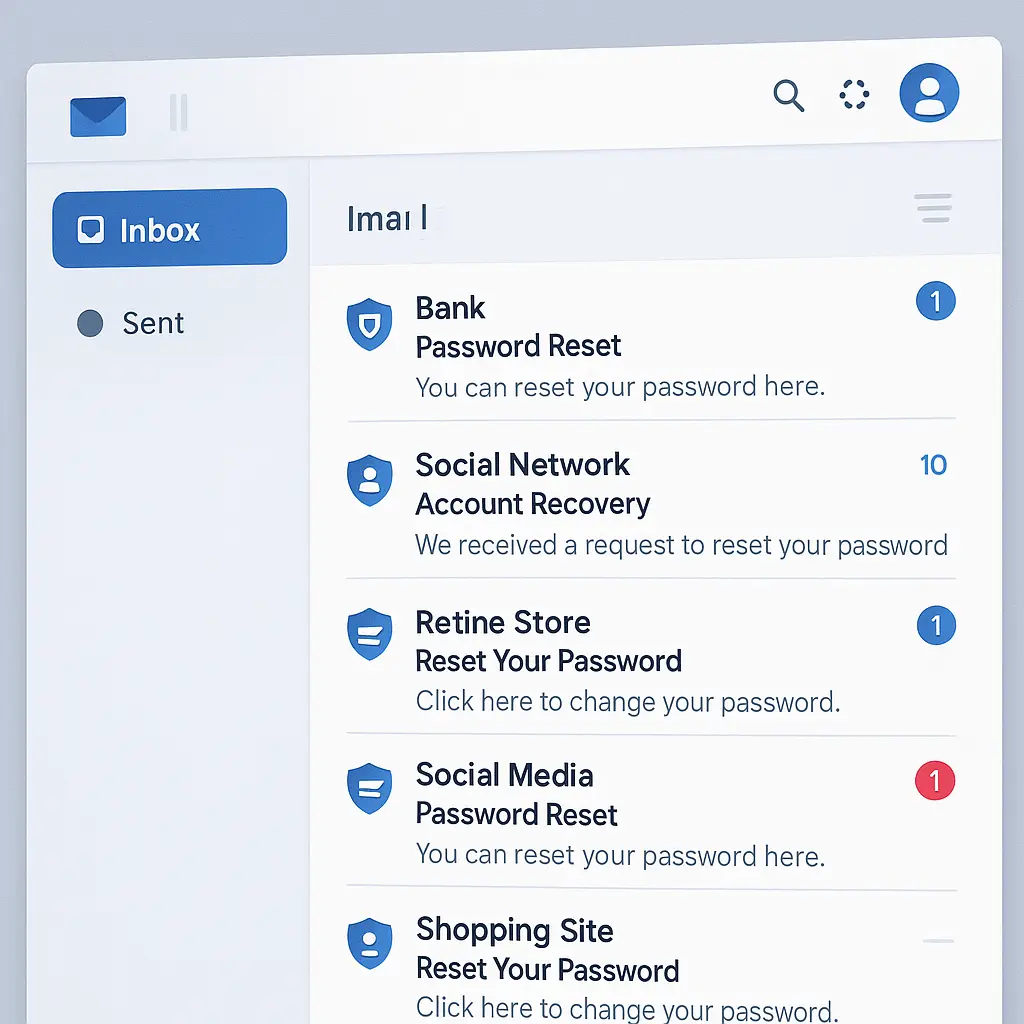
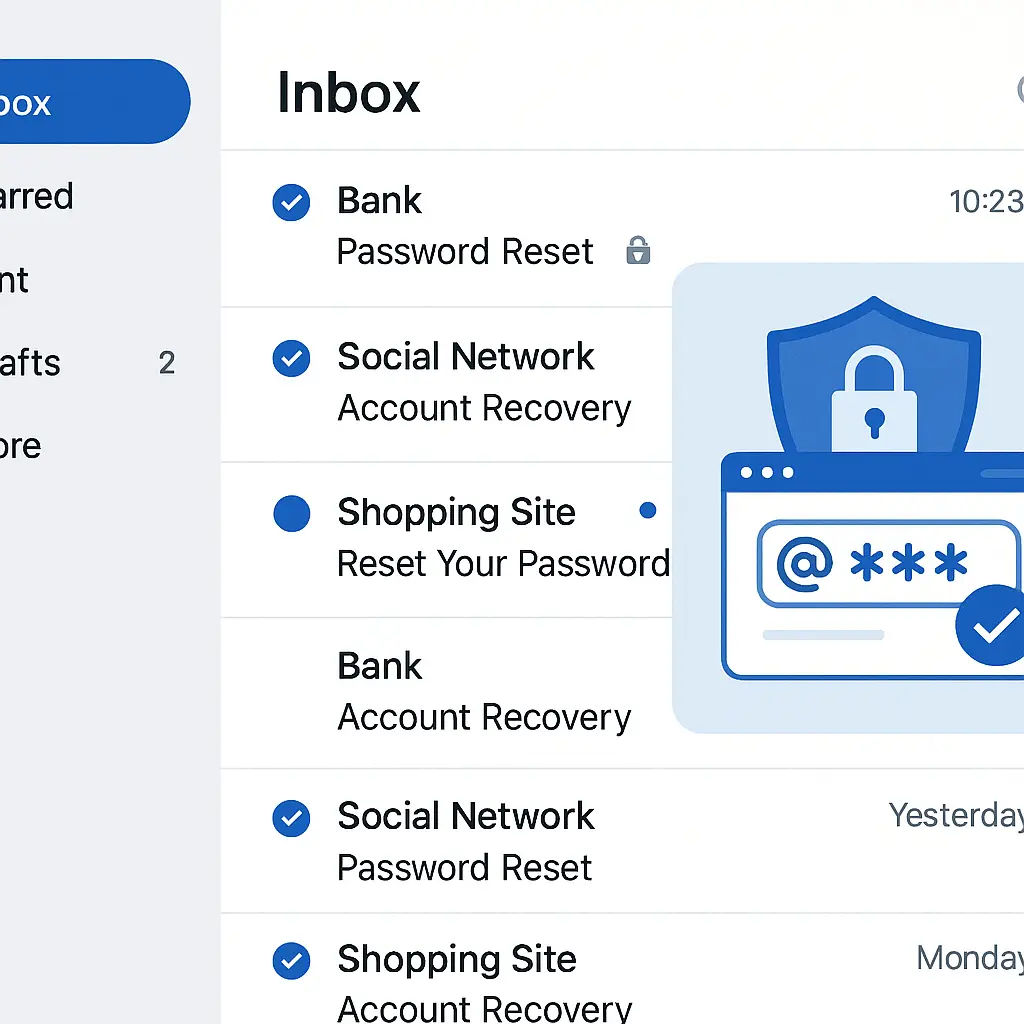
This information doesn't just reveal your current accounts. It maps your entire digital footprint. An attacker can search your inbox for "password reset" and get a list of every service you use. They can search for "invoice" and see where you shop. They can search for your name plus "statement" and find financial records going back years.
In The Two Towers, Saruman's betrayal works because he holds knowledge of Rowan and Gondor's defenses, their supply lines, their weak points. He doesn't need to breach the walls directly when he knows exactly where to apply pressure. Email compromise works the same way. The attacker doesn't need to guess which accounts you have or what information might unlock them. Your inbox tells them everything.
Security researchers have documented this. Once inside an email account, attackers spend time reading, cataloging, and planning. They don't rush. They map your accounts, identify high-value targets, and prepare attacks that look legitimate because they're informed by your actual communication patterns.
Email connects to everything else
Your email is the hub. It's the recovery method for your password manager. It's the notification channel for your bank. It's the contact point for your work accounts. It's the delivery mechanism for your cloud storage links. It's the verification method for your phone carrier.
This interconnection means that email compromise cascades. An attacker gets into your email, uses it to reset your password manager, pulls all your passwords, accesses your bank, transfers money, locks you out of your phone account, intercepts your 2FA codes, and impersonates you to customer service, all within hours.
The attack surface is enormous because email touches everything. Every service you've ever signed up for, every account you've created, every newsletter you've subscribed to, every purchase you've made, all of it flows through or connects back to your email.
NIST's Digital Identity Guidelines recognize this structural problem. Email wasn't designed to be a universal authentication mechanism, but that's the role it's evolved into. The guidelines recommend treating email security as critical infrastructure, not just another account.
Most people under-protect their email
Here's the gap. Email is the most important account you have, but most people protect it less than their bank account.
They use a weak password because they've had the same email address for fifteen years and never thought to change it. They don't enable two-factor authentication because it seems like overkill for "just email." They ignore security warnings because the account still works. They leave recovery options pointing to old phone numbers or abandoned secondary email addresses they no longer control.
Banks force you to use strong passwords. They require 2FA. They monitor for suspicious logins. They have fraud detection systems. They have legal obligations to protect your money. Email providers offer these features, but they don't enforce them. You have to opt in, and most people don't.
This creates an inverted security model. Your bank account, which has institutional protections and insurance, gets more user-applied security than your email account, which has none of those safeguards and controls access to everything else.
Industry guidance consistently emphasizes this point. CISA's cybersecurity resources recommend treating email security as the foundation of your entire digital security posture. If your email is weak, nothing else matters.
What you need to do
Securing your email isn't complicated, but it requires deliberate action. Here's what matters.
Use a unique, strong password. Your email password should be different from every other password you have. It should be long, at least 16 characters, ideally more. Use a passphrase, use a password manager to generate it, or use a method that creates something you can remember but an attacker can't guess. Do not reuse this password anywhere.
Enable two-factor authentication. Use an authenticator app like Authy, Google Authenticator, or Microsoft Authenticator. Do not use SMS for 2FA if you can avoid it. SMS can be intercepted through SIM swaps. App-based 2FA is stronger. If your email provider supports hardware security keys, use one. CISA's MFA toolkit walks through the setup process for major providers.
Set up recovery options you control. Add a secondary email address you actually check. Add a phone number you currently use. Do not point recovery to an old email you abandoned or a phone number you no longer own. Verify that these recovery methods work. Test them. If you lose access to your email, these are your only way back in.
Review logged-in devices regularly. Most email providers let you see which devices are currently logged into your account. Check this list. If you see a device you don't recognize, log it out. If you see a location that doesn't match your activity, log it out and change your password immediately.
Use a separate email for high-value accounts. Consider using one email for banking, work, and your password manager, and a different email for shopping, newsletters, and casual signups. If the casual email gets breached, your bank login isn't affected. This isn't necessary for everyone, but it's a useful layer if you want to compartmentalize risk.
Don't store sensitive information in email. Delete old messages containing passwords, security questions, scanned IDs, or financial records. If you need to keep them, move them to encrypted storage. Your inbox is not a secure filing cabinet.
Watch for account recovery attempts you didn't initiate. If you get a password reset email you didn't request, someone is trying to get into your account. Change your password immediately. Enable 2FA if you haven't already. Check your account settings for unauthorized changes.
Why this matters more than you think
Email compromise is the entry point for most identity theft. It's the mechanism attackers use to take over bank accounts, file fraudulent tax returns, open credit cards in your name, and lock you out of your own digital life.
The FTC's data on identity theft shows that email-based account takeovers are among the most common and most damaging forms of fraud. Recovery takes months. You have to prove to each service individually that you're the real owner. You have to dispute fraudulent charges. You have to freeze your credit. You have to rebuild access to accounts you've used for years.
And all of it starts with an under-protected email account.
Your email is the master key. Treat it that way. Use a strong, unique password. Enable two-factor authentication. Set up recovery options you control. Review your security settings regularly. These steps take less than an hour total, and they're the most important security work you'll do.
Protect your email first. Everything else depends on it.