Hardware Security Keys Explained: Do You Actually Need a YubiKey?
You've heard you should use two-factor authentication. You set up an authenticator app. Maybe you even tolerate SMS codes on a few accounts. Then someone mentions hardware security keys, and suddenly you're wondering if everything you're doing is obsolete.
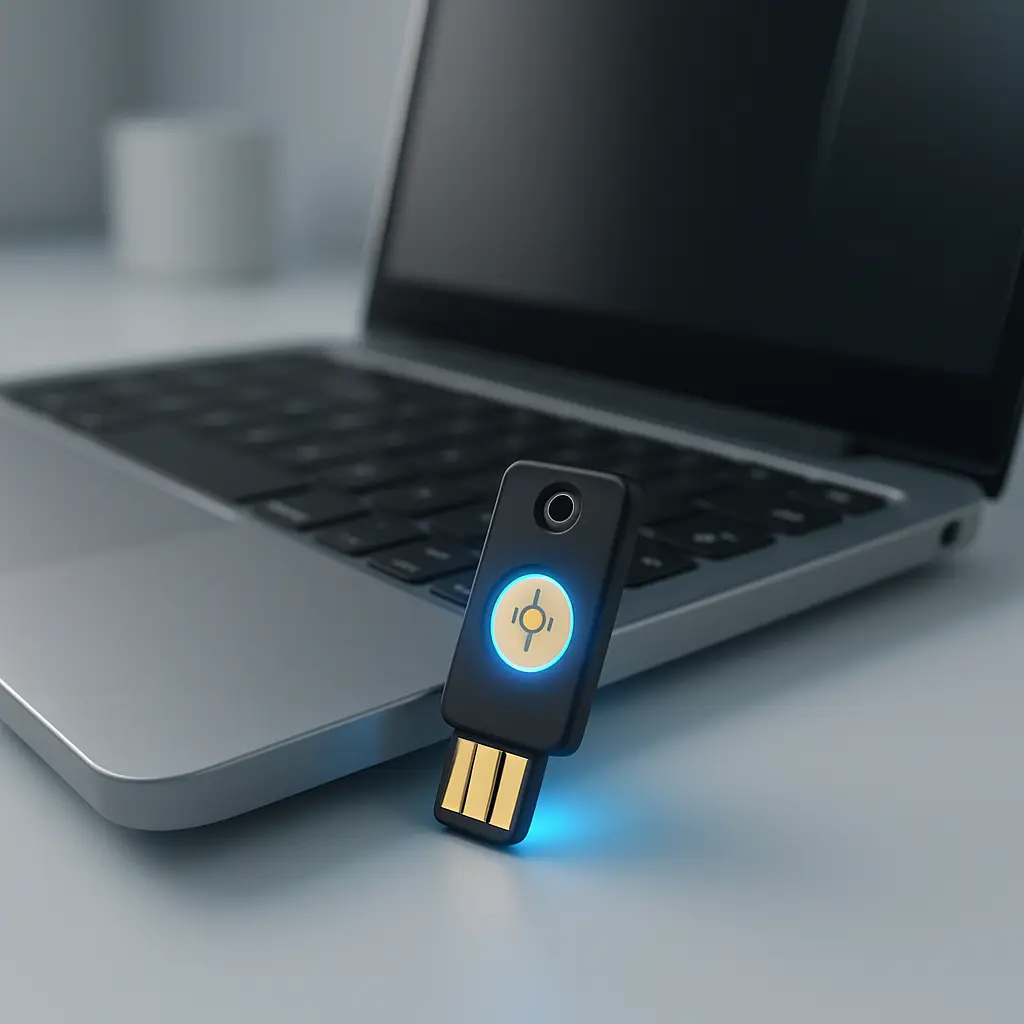
Hardware security keys are physical devices that authenticate you through possession, not knowledge. You plug one into your laptop or tap it against your phone, and you're in. No codes to type. No passwords to remember at that moment. The key itself is the credential.
The question isn't whether they work. They do. The question is whether you need one, and that depends entirely on what you're protecting and who might come after it.
What a Hardware Security Key Actually Does
A hardware security key stores cryptographic credentials that prove you own the key. When you register a key with an account, the site and the key perform a cryptographic handshake. The site stores a public key. The hardware key stores a private key. When you log in, the site sends a challenge. The key responds with a signature that only the private key could produce. The site verifies the signature using the public key it stored during registration.
This is FIDO2 and WebAuthn in practice. The private key never leaves the hardware. The website never sees it. An attacker intercepting the communication gets a one-time signature that's useless for future logins.
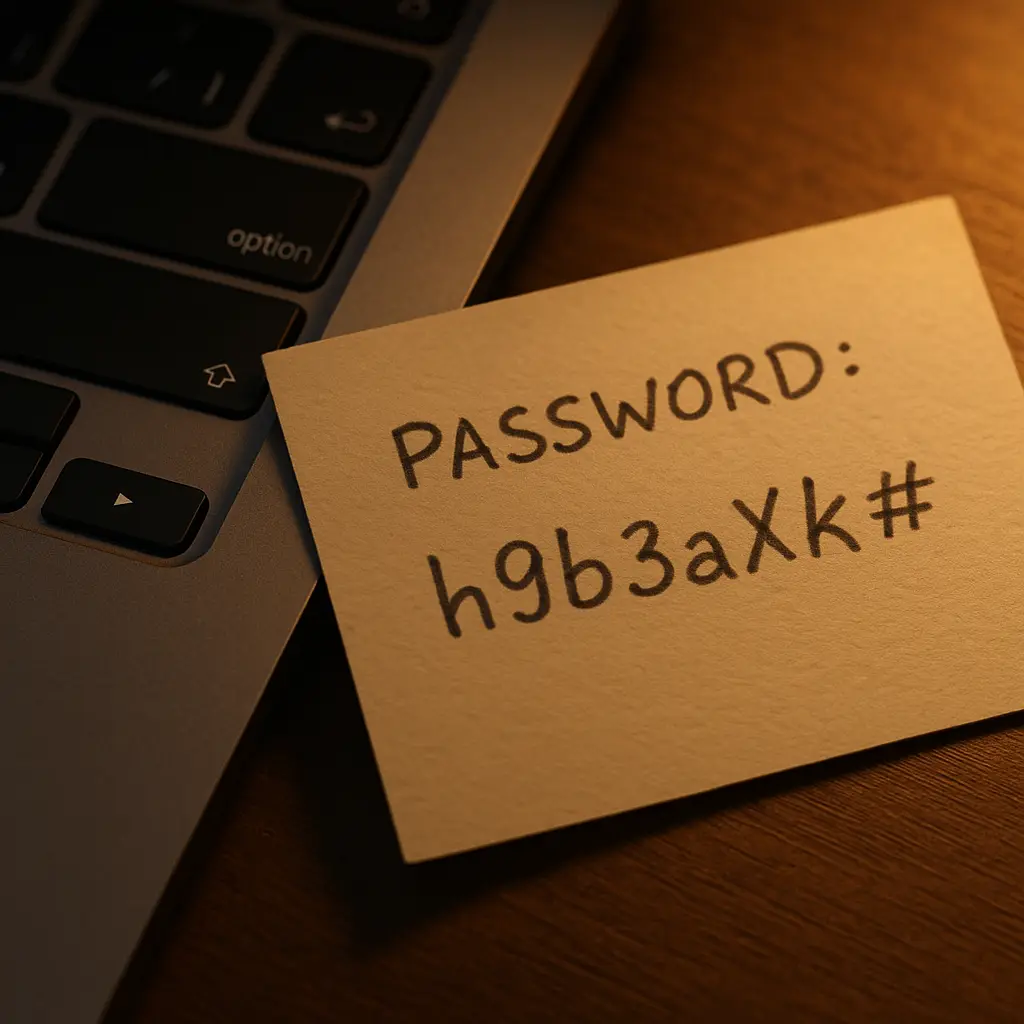
Contrast this with an authenticator app. The app generates a time-based code. You type the code into a login form. If you type it into a fake login form, the attacker now has a valid code for the next 30 seconds. The code works anywhere. It's not tied to the legitimate site.
A hardware key won't respond to a fake site. The domain is part of the cryptographic challenge. If you're on goog1e.com instead of google.com, the key sees a domain mismatch and refuses to authenticate. You can't be tricked into using it on a phishing page because the key simply won't work there.
This is phishing resistance. Not phishing reduction. Not phishing mitigation. Resistance. The attack doesn't succeed even if you fall for the fake page.
The Threat Model Where Hardware Keys Matter
Most people don't face threats that require phishing-resistant authentication. The average person's risk comes from credential stuffing, weak passwords, and SMS interception. An authenticator app handles those threats effectively.
Hardware keys matter when you're defending against targeted phishing. Targeted phishing means someone is specifically coming after you or your organization, crafting fake pages that look identical to real login screens, sending emails that reference your actual work, and investing time in making the attack convincing.
If you manage infrastructure, hold signing authority for financial transactions, have administrative access to systems that thousands of people depend on, or work in an environment where nation-state actors are part of the threat model, hardware keys stop attacks that authenticator apps don't.
CISA recommends phishing-resistant authentication for high-value accounts and critical infrastructure. The recommendation exists because targeted attackers have demonstrated the ability to bypass SMS and app-based codes through convincing phishing pages. Hardware keys break that attack chain.
For most people, the threat model doesn't justify the friction. If your biggest risk is someone guessing your password or buying your credentials from a breach dump, an authenticator app is sufficient. If your risk includes someone building a fake login page specifically to target you, hardware keys become worth the trouble.
How to Actually Use a Hardware Security Key
You buy at least two keys. Not one. Two. If you lose your only key, you're locked out of every account that requires it. The second key is your backup.
You register both keys with every account that supports them. Google, Microsoft, GitHub, Dropbox, and most major platforms support FIDO2. Smaller services often don't. You check compatibility before you commit.
When you log in, you insert the key into a USB port or hold it near your phone for NFC. The site prompts you to tap the key. You tap it. The authentication happens. You're in.
You store one key where you use it daily. You store the backup key somewhere secure and separate. Not in the same bag. Not in the same drawer. If someone steals your laptop and your primary key together, the backup key is your recovery path.
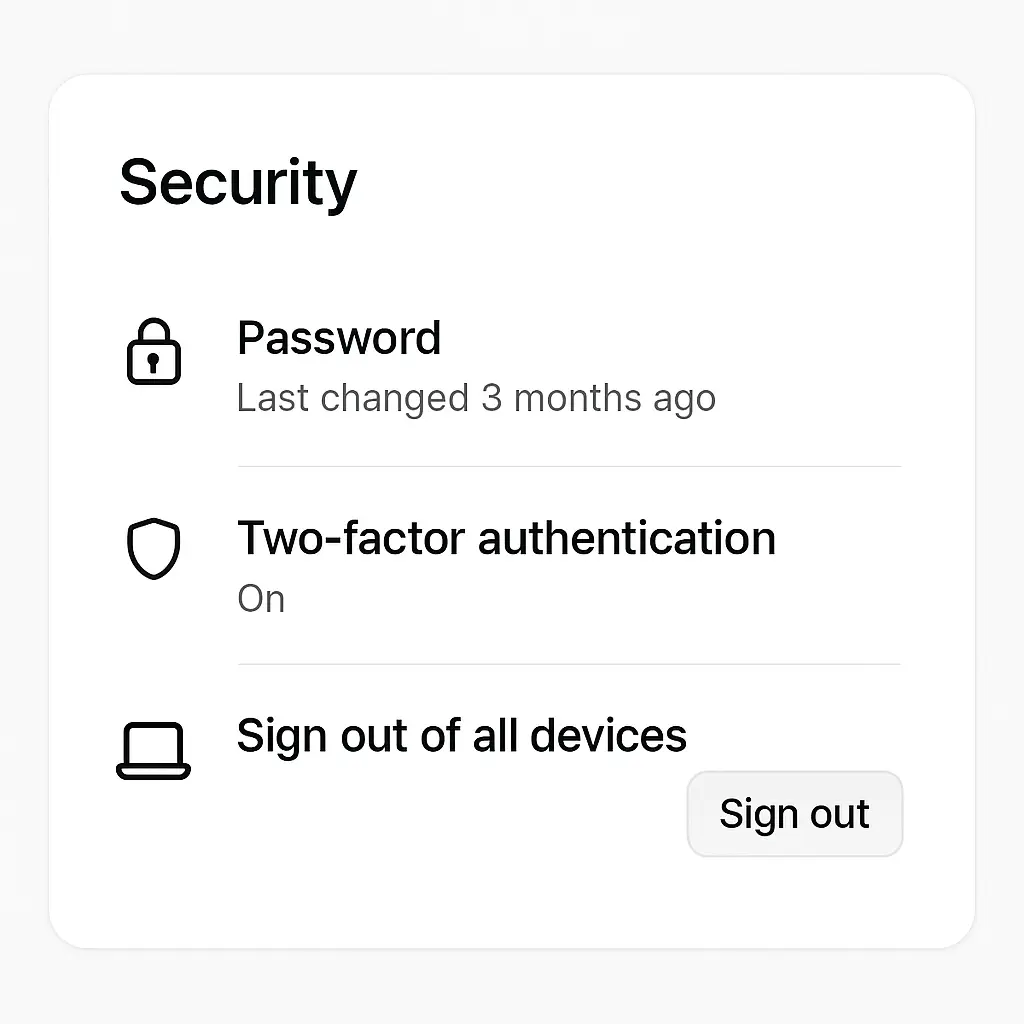
You also save recovery codes when the site offers them. Recovery codes are one-time-use passwords that bypass two-factor authentication. You store them in a password manager or print them and keep them in a safe location. If you lose both keys, recovery codes are your last resort.
What Hardware Keys Don't Protect Against
Hardware keys authenticate you to a website. They don't encrypt your email. They don't scan for malware. They don't protect your data if someone steals your unlocked laptop.
If an attacker compromises your device, the hardware key doesn't help. Once you're authenticated and the session is open, the attacker operates within that session. The key authenticated you, but it doesn't continuously verify that you're still the one using the device.
If an attacker installs malware that logs your activity after you've logged in, the hardware key can't stop that. It's an authentication mechanism, not endpoint protection.
If you use the same hardware key on a compromised machine and a clean machine, the compromised machine can't extract the private key, but it can use the authenticated session while you're logged in. The key protects the login. It doesn't protect what happens after.
The Friction Cost
Hardware keys add a physical step to every login. You have to have the key with you. If you're logging in from a device that doesn't have a USB port or NFC, you're stuck. If you're traveling and you forgot the key, you're using recovery codes or a backup authentication method.
Some people find this friction trivial. Others find it unbearable. The tolerance depends on how often you log in, how many devices you use, and how much you value the security improvement.
If you log into your email once a day from one laptop, carrying a key on your keychain is easy. If you log into a dozen accounts from multiple devices throughout the day, the constant need to have the key physically present becomes a barrier.
You can mitigate some of this with NFC-enabled keys that work with phones, but that still requires the key to be within reach. You can use platform authenticators like Windows Hello or Touch ID as a backup, but then you've reintroduced a method that's not phishing-resistant.
The friction is real. Whether it's worth it depends on the value of what you're protecting and how often you're willing to reach for a physical object.
Comparing Hardware Keys to Other Second Factors
SMS codes are the weakest second factor. They're vulnerable to SIM swapping, interception, and phishing. An attacker who tricks you into entering an SMS code on a fake page now has that code.
Authenticator apps are stronger. They generate codes locally, so there's no interception risk. But the codes still work on any page where you type them, fake or real. If you're phished, the attacker gets a valid code.
Push notifications from apps like Microsoft Authenticator or Duo are better. You approve or deny a login attempt on your phone. But if the notification doesn't show you which domain is requesting access, you might approve a request from a phishing page without realizing it.
Hardware keys are phishing-resistant. The key won't authenticate to a fake domain. Even if you're completely fooled by the phishing page, the key won't respond. This is the only second factor that survives a perfect phishing attack.
NIST's authentication guidance categorizes hardware keys as the highest assurance level for authentication. The categorization reflects the cryptographic binding between the key and the domain, which other methods don't provide.
When a Hardware Key Makes Sense
You manage accounts with administrative access to infrastructure. You hold financial signing authority. You work in an environment where espionage is part of the threat model. You've been targeted by phishing before and you know it. You manage accounts for other people and a breach would affect them.
In these situations, hardware keys are worth the cost and friction. The phishing resistance matters because the attackers you face are capable of targeted, convincing phishing campaigns.
You also consider hardware keys if you're in a profession where account compromise has legal, regulatory, or professional consequences. Lawyers, doctors, accountants, and others who handle sensitive client data face risks that go beyond personal inconvenience.
For everyone else, an authenticator app is sufficient. The threats you face don't require phishing resistance. The friction of hardware keys outweighs the marginal security improvement.
Choosing a Hardware Key
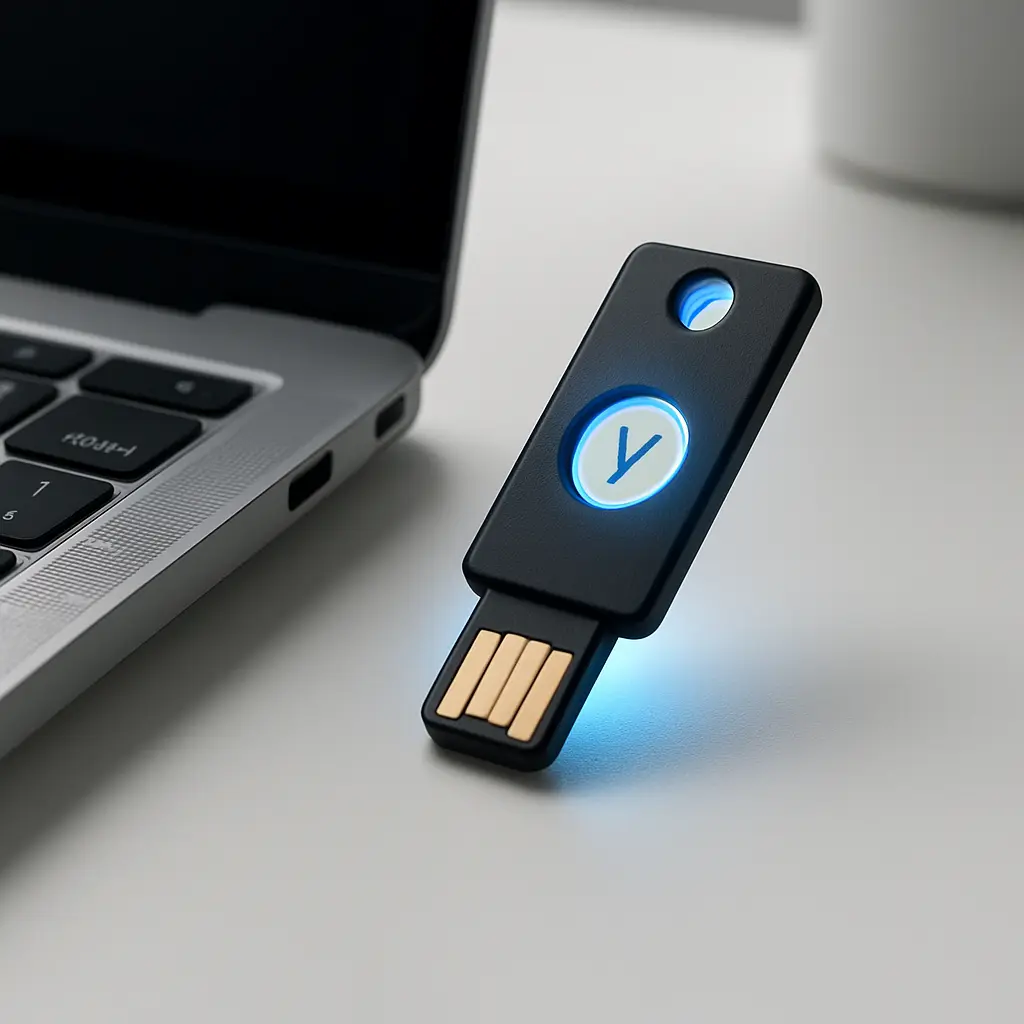
YubiKey is the most common brand. They offer USB-A, USB-C, NFC, and Lightning variants. You choose based on which ports your devices have. If you use a modern laptop and a phone, a USB-C key with NFC covers both.
Other options include Google Titan, Thetis, and Feitian. They all implement the same FIDO2 standard. The differences are in build quality, price, and available form factors.
You don't need the most expensive model. A basic FIDO2-capable key does the job. Features like OATH-TOTP (which turns the key into an authenticator app replacement) and PIV (smart card functionality) add cost and complexity that most people don't need.
You buy two keys from the same manufacturer in the same form factor. This simplifies registration and ensures that both keys work the same way on all your devices.
Setting Up a Hardware Key
You start with your most critical account. For most people, that's email. You go to the account's security settings and look for options like "Security Key," "FIDO2," "WebAuthn," or "Hardware Token."
You follow the registration flow. The site asks you to insert the key and tap it. You do. The site confirms registration. You repeat the process with your second key. Now both keys are registered.
You test both keys by logging out and logging back in with each one. If both work, you move to the next account.
You also save recovery codes at this point. Most sites offer them during the setup process. You store them in your password manager or write them down and store them securely.
You repeat this process for every account that supports hardware keys. Google, Microsoft, GitHub, Dropbox, Facebook, Twitter, and most major platforms do. Smaller services often don't, and there's no workaround.
The Cultural Reference: Sneakers (1992)
In Sneakers, the team's entire operation depends on a black box that can crack any encryption. The box is small, portable, and powerful. Whoever holds it controls access to everything.
A hardware security key inverts that dynamic. Instead of one device that opens every door, you have one device that proves you're allowed through specific doors. The key doesn't grant universal access. It grants verified access to the accounts you've registered it with.
The black box in Sneakers is a skeleton key. A hardware security key is a personalized credential that only works where you've explicitly set it up. The difference matters because the threat model isn't a single point of failure. It's distributed trust across multiple systems, each requiring its own proof of possession.
The movie's tension comes from the box being stolen. The same tension applies to hardware keys, which is why you register two and store them separately. Possession is power, but distributed possession is resilience.
What Happens If You Lose a Hardware Key
You use your backup key to log in. You go to each account's security settings and remove the lost key from the registered devices. You register a new key to replace it.
If you lose both keys and you don't have recovery codes, you're locked out. This is catastrophic but preventable. The prevention is registering two keys and saving recovery codes during setup.
Some people store recovery codes in a password manager. Others print them and keep them in a safe or safe deposit box. Both approaches work. The key is that recovery codes are stored separately from the hardware keys themselves.
If you're locked out and you have recovery codes, you use them to regain access, then immediately register new hardware keys and generate new recovery codes. Recovery codes are often one-time use, so once you've used them, they're spent.
The Question of Convenience vs. Security
Every security measure adds friction. The question is whether the friction is proportional to the risk.
For most people, the risk doesn't justify hardware keys. The threats they face are credential stuffing, phishing emails that rely on urgency rather than perfect forgery, and SMS interception. An authenticator app stops all of these.
For people who manage critical systems, hold financial authority, or face targeted attacks, the friction is proportional. The cost of a successful phishing attack is high enough that the inconvenience of carrying a physical key is trivial by comparison.
The mistake is assuming that because hardware keys are the most secure option, everyone should use them. Security is about matching defenses to threats. If your threat model doesn't include targeted phishing, hardware keys are over-engineering.
Compatibility and Limitations
Not every site supports hardware keys. Many smaller services, older enterprise systems, and niche platforms don't implement FIDO2 or WebAuthn. You can't use a hardware key where the protocol isn't supported.
Some sites support hardware keys but limit them to specific account types. Consumer accounts might not have access to the same security features as enterprise accounts. You check before you buy.
Some devices don't have USB ports or NFC. Older laptops, some tablets, and certain locked-down work devices can't use hardware keys even if the site supports them. You verify compatibility with your devices before committing.
The Role of Passkeys
Passkeys are a newer development that use the same underlying technology as hardware keys but store the credential on your device or in a cloud-synced vault. They offer phishing resistance without requiring a separate physical object.
Passkeys are built into iOS, macOS, Android, and Windows. They sync across devices through iCloud Keychain, Google Password Manager, or third-party password managers. You authenticate with biometrics or a device PIN.
For many people, passkeys are a better fit than hardware keys. They provide phishing resistance without the need to carry a separate object. The tradeoff is that passkeys rely on the security of your device and your cloud account. If someone compromises your iCloud account, they can access your passkeys. If someone compromises your hardware key, they need physical possession of the key itself.
Passkeys are newer, and not every site supports them yet. But support is growing, and for most people, passkeys will eventually replace both passwords and traditional second factors.
Do You Actually Need a YubiKey?
If you manage infrastructure, hold financial signing authority, work in a high-risk profession, or face targeted phishing, yes. The phishing resistance matters, and the friction is worth it.
If you're defending against common threats like credential stuffing, weak passwords, and opportunistic phishing, no. An authenticator app gives you most of the protection with less friction.
If you're somewhere in between, you can start with one or two high-value accounts. Register a hardware key for your email and your password manager. See how the friction feels. If it's tolerable, expand to more accounts. If it's unbearable, stick with authenticator apps for the rest.
The decision isn't binary. You can use hardware keys for some accounts and authenticator apps for others. You can use passkeys where they're supported and fall back to other methods where they're not.
The goal is to match your defenses to your threats. For most people, that doesn't require hardware keys. For some people, it does. The question is which group you're in.
If you're setting up two-factor authentication for the first time, start with an authenticator app. If you're already using an authenticator app and you're wondering whether to upgrade, ask yourself whether targeted phishing is part of your threat model. If the answer is no, you're done. If the answer is yes, hardware keys are the next step.