Sign In With Google vs Creating a New Account: The Reality Behind Single Sign-On
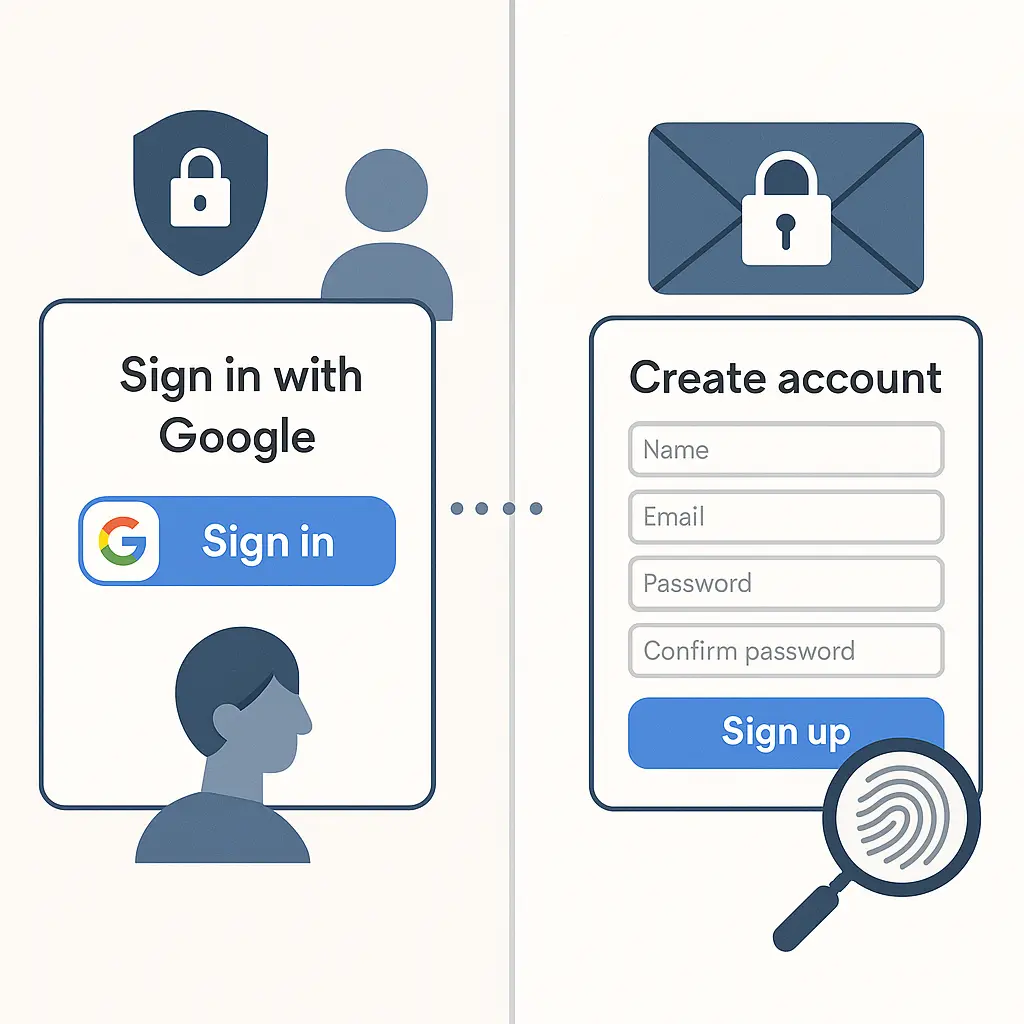
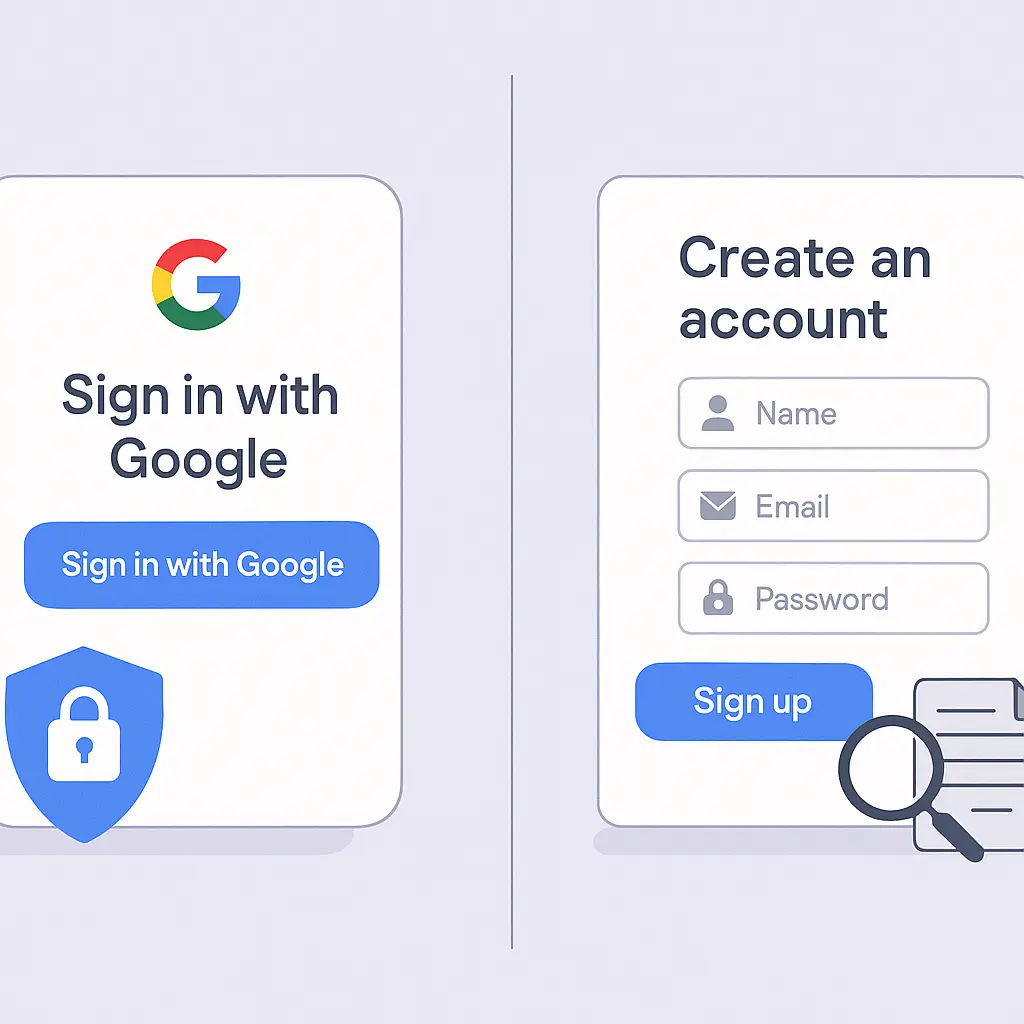
You're signing up for a new service. The form offers two paths: type your email and create yet another password, or click the blue button that says "Continue with Google." One option takes thirty seconds. The other takes two minutes and adds another credential to the pile you're already struggling to remember.
The choice feels obvious until you wonder what you're actually trading for that convenience.
Single sign-on isn't new. Google, Facebook, Apple, and Microsoft have offered it for over a decade. Millions of people use it daily without thinking twice. But the mechanism behind that blue button creates real privacy and security tradeoffs that most people don't understand until something breaks.
Here's what actually happens when you click "Continue with Google," what you're giving up, what you're gaining, and how to decide when single sign-on makes sense.
The mechanism behind single sign-on
When you click "Continue with Google," you're not giving the new service your Google password. You're authorizing Google to confirm your identity to that service through a protocol called OAuth 2.0.
Here's the sequence:
- You click the button on the third-party site
- The site redirects you to Google's login page
- You authenticate with Google (password, passkey, or whatever method you use)
- Google shows you a permission screen listing what the site is requesting
- You approve or deny the request
- Google generates a temporary token and sends it to the service
- The service uses that token to verify your identity and create your account
The service never sees your Google password. Google never sees what you do on that service after authentication. The token acts as a one-time handshake that says "this person is who they claim to be."
This is fundamentally different from typing your email and password directly into the third-party site. With traditional account creation, that service stores your credentials. With single sign-on, Google stores your credentials and the service stores only the token and whatever profile data you approved.
What Google actually sees
Google knows you authenticated with a specific service. That's it.
The company doesn't receive a feed of your activity on that site. It doesn't know what you're browsing, purchasing, or posting. The authentication event creates a log entry, "user authenticated with [service name] at [timestamp]", but nothing beyond that unless the service explicitly sends data back to Google through separate integrations like Google Analytics.
That distinction matters because the privacy concern most people articulate, "I don't want Google tracking everything I do", isn't what's happening during OAuth. The tracking happens through other mechanisms like cookies, pixels, and third-party scripts embedded in websites. Single sign-on authentication doesn't add to that surveillance; it's orthogonal.
What Google does see is the list of services you've connected. That profile lives in your Google Account settings under "Third-party apps with account access." Every service you've ever authenticated with using Google appears there, along with the permissions you granted. You can revoke access at any time, which breaks the connection and forces you to re-authenticate if you want to use that service again.
What the service receives
When you approve the permission screen, the service gets exactly what you authorize. The most common request is basic profile information: your name, email address, and profile photo. Some services ask for more, access to your Google Drive, Calendar, Contacts, or YouTube data.
The permission screen shows you what's being requested before you approve. If a recipe app asks for access to your Google Drive, that's a signal to pause and question why a recipe app needs your documents. You can deny specific permissions and approve others, though some services make certain permissions mandatory for account creation.
After authentication, the service can't access more than you approved without asking again. If you initially granted only email and name, the service can't later pull your contacts without triggering a new permission request.
This is where single sign-on becomes genuinely more private than traditional account creation in some cases. When you create a traditional account, you often hand over your email, name, phone number, and birthdate without knowing what the service does with it. With OAuth, the permission screen makes the data exchange explicit and revocable.
The single point of failure problem
Here's the core security tradeoff: single sign-on consolidates your authentication into one account. If that account gets compromised, every service connected to it becomes vulnerable.
An attacker who gains access to your Google account can immediately access every service you've authenticated with using Google. They don't need to crack individual passwords or bypass two-factor authentication on each service separately. The Google account is the skeleton key.
This is the opposite of the traditional model, where each service has its own password. If one password leaks in a breach, only that service is exposed, assuming you're not reusing passwords, which most people are. Password reuse turns every breach into a potential cascade, which is why password managers and unique credentials matter so much.
Single sign-on eliminates password reuse by design because you're not creating passwords for individual services. But it replaces that distributed risk with concentrated risk. Your Google account becomes the single point of failure.
The mitigation is obvious: secure your Google account with the strongest authentication available. Use a passkey or hardware security key for phishing-resistant protection. Enable two-factor authentication at minimum. Review your recovery settings to ensure you can regain access if something breaks.
If you're not securing your Google account properly, single sign-on amplifies the consequences of that failure across every connected service.
The convenience versus control calculation
Single sign-on is faster. That's not marketing, it's measurably true. Clicking one button and approving permissions takes less time than filling out a registration form, confirming your email, and setting up a new password.
The time savings compound when you're signing up for multiple services. Five new accounts in a week means five passwords to generate, store, and remember. Or five clicks if you use single sign-on.
But convenience has a cost, and the cost is control.
When you create a traditional account, you own the relationship directly with that service. If you want to delete your account, change your email, or migrate to a different provider, you do it within that service's settings. The process might be annoying, but it's self-contained.
With single sign-on, you've introduced a dependency. If you ever want to stop using Google, you need to migrate every connected service to a different authentication method first. Some services make this easy, they let you add a password or switch to email login in account settings. Others don't offer that option, which means deleting your Google account locks you out of those services permanently unless you create new accounts from scratch.
This dependency extends to account recovery. If you lose access to your Google account and can't recover it, you lose access to every service connected to it. Traditional accounts let you recover through email, phone, or security questions tied to that specific service. Single sign-on ties everything to the master account's recovery process.
When single sign-on makes sense
I use single sign-on selectively. Here's my framework:
Use it for low-stakes accounts. Services I'm testing, one-time signups, or platforms where I'm not storing sensitive data get authenticated with Google. If I never use the service again, I don't care about the orphaned connection. If I do use it regularly, I can add a traditional password later.
Avoid it for high-stakes accounts. Banking, health care, email, and anything involving money or regulated data gets a unique password stored in my password manager. The inconvenience of creating a traditional account is worth the isolation. If one service gets breached, the damage stops there.
Use it when the service doesn't support strong authentication. Some services offer only email/password with no two-factor authentication option. If the alternative is a weak password I'll forget or reuse, single sign-on through Google, which does support strong authentication, is the better choice.
Avoid it when the permission requests are excessive. If a basic productivity app asks for access to my Drive, Calendar, and Contacts, I'm creating a traditional account instead. The permission screen is a negotiation, and I'm allowed to walk away.
The calculation changes depending on your threat model and your habits. If you're already using a password manager and generating unique credentials for every service, traditional account creation is low-friction and gives you more control. If you're reusing passwords or storing them in your browser's built-in manager without encryption, single sign-on is probably safer because it leverages Google's security infrastructure instead of your weak habits.
The myth of anonymity through traditional accounts
Some people avoid single sign-on because they believe traditional account creation is more anonymous. You type a disposable email, invent a fake name, and the service has no idea who you really are.
That's mostly theater.
The service still knows your IP address, device fingerprint, browsing behavior, and payment information if you ever buy anything. Advertisers and data brokers connect those signals across sites using cookies, pixels, and probabilistic matching. Your fake name doesn't stop Facebook's tracking pixel from recognizing you when you visit a site with "Continue with Facebook" even if you don't click it.
If you want actual anonymity, you need burner emails, VPNs, browser isolation, and a much more comprehensive operational security setup than just avoiding single sign-on. Typing a fake name into a registration form gives you the feeling of privacy without the substance.
Single sign-on is more honest about the tradeoff. The permission screen tells you exactly what data you're handing over. Traditional account creation hides the same data exchange behind a privacy policy you won't read.
What happens when you revoke access
You can disconnect any service from your Google account at any time. Go to myaccount.google.com/permissions, find the service, and click "Remove Access."
What happens next depends on the service. Some let you keep using your account but force you to set up a traditional password. Others lock you out immediately and require you to create a new account from scratch. A few send you an email warning that access has been revoked and give you a grace period to restore the connection or migrate.
There's no universal standard. Each service handles revocation differently, and you won't know which approach they use until you try it.
This is one of the hidden risks of single sign-on. You're trusting that the service has implemented account migration gracefully, but many haven't. If you've been using a service for years through Google authentication and suddenly decide to disconnect, you might discover there's no path to keep your data and switch to email login.
The workaround is to add a traditional password before you revoke access. Most services let you add multiple authentication methods. Set up email/password login while your Google connection is still active, verify it works, then revoke the Google access. That way you maintain continuous access while breaking the dependency.
The cultural reference that fits
In The Fellowship of the Ring, Gandalf warns the Council of Elrond that the One Ring is too dangerous to use, even against Sauron. The temptation is obvious, the Ring offers immense power that could end the war quickly. But using it means binding yourself to it, and the cost of that binding is eventual corruption.
Single sign-on is the same calculation. The convenience is real and immediate. One account, one password, one authentication flow for everything. But you're binding every service to that master account, and if that account falls, everything connected to it falls with it.
The hobbits chose to destroy the Ring rather than wield it, not because the power wasn't real, but because the dependency it created was too dangerous to accept. You don't have to destroy your Google account, but you do have to decide which services are worth binding to it and which ones need to stand alone.
What I actually do
I use single sign-on for services I don't care about and traditional passwords for services I do. My bank, email, and health records get unique credentials stored in Bitwarden. My account on some recipe site I visited once gets "Continue with Google."
I review my connected apps every few months using Google's third-party access page. Anything I don't recognize or no longer use gets revoked immediately. The list is longer than I expect every time I check it.
I've added traditional passwords to services I initially authenticated with Google if those services became important. Most platforms make this easy, there's usually an "Add password" option in account settings. A few don't, which tells me something about how seriously they take account portability.
I don't use single sign-on for anything involving money, regulated data, or professional reputation. The isolation is worth the extra thirty seconds to create a traditional account.
And I secure my Google account like it's the master key, because it is. Passkey authentication, recovery contacts, and regular security checkups. If that account gets compromised, the damage cascades across dozens of services. That's the tradeoff I accepted when I started using single sign-on, and the only responsible response is to treat the master account accordingly.
The decision isn't binary. You can use single sign-on for some services and traditional authentication for others. The important part is understanding what you're trading and making the choice deliberately instead of clicking the blue button because it's faster.