How to Know If Your Password Has Been Leaked: Step-by-Step Detection and Response
Your password leaked. Not might leak. Not could leak. Leaked. Past tense. The question isn't whether it happened , the question is which breach, when, and what you're going to do about it.
Around 23 billion username-password pairs circulate in credential databases right now, compiled from thousands of breaches over the last two decades. If you've used the internet since 2010, your credentials are in there somewhere. The mechanism is simple: companies get breached, attackers steal password databases, those databases get traded and compiled, and suddenly your 2015 LinkedIn password is being tested against your bank account in 2026.
Here's how to find out if your password leaked, what that leak actually means, and the exact sequence of steps to secure your accounts before someone else does it for you.
Check if your email appeared in a breach
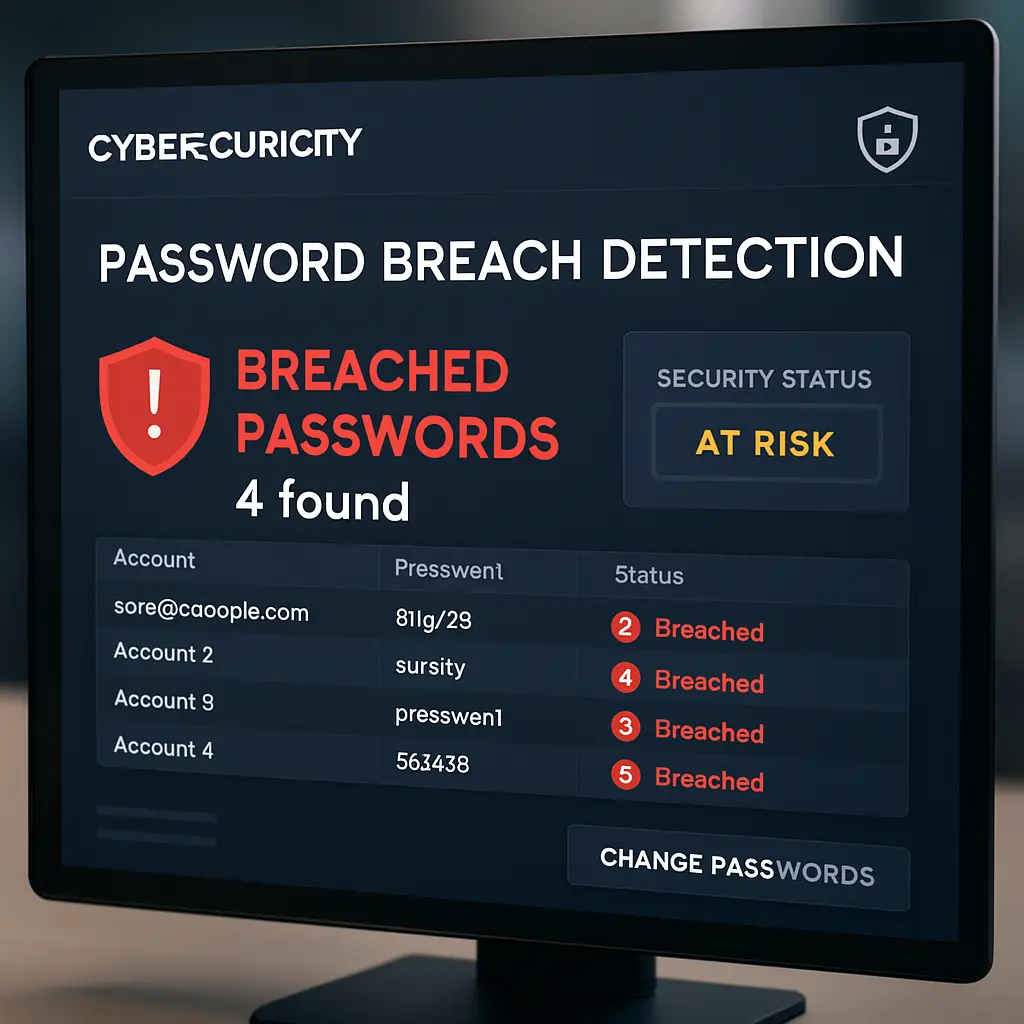
Start with Have I Been Pwned, a service that aggregates breach data from thousands of incidents. Enter your email address. The site returns a list of breaches where your email appeared, what data leaked, and when.
The interface shows breach names, dates, compromised data types, and how many accounts each incident affected. If your email appears in zero breaches, you're either extremely careful or extremely lucky. Most people see between three and fifteen entries.
Each breach entry lists what got stolen: email addresses, passwords, usernames, security questions, physical addresses, phone numbers, or payment data. The specific data matters. A breach that exposed only email addresses creates different risk than one that leaked passwords and security questions together.
Have I Been Pwned doesn't store or display your actual passwords. It shows which services leaked your data, not what that data contained. You still need to act as if every password associated with those breached accounts is compromised, because from a security standpoint, it is.
The site also offers a password checker, but here's the critical distinction: you never enter your actual password into any online tool, including this one. The password checker uses a technique called k-anonymity, where you enter only the first five characters of a hashed version of your password, and the service returns possible matches without ever seeing your full password. This matters, but it's advanced. For most people, checking your email address is sufficient.
If your email appears in breaches, write down which services leaked your data and when. You'll need this list for the next steps.
Understand what a leaked password actually means
When a company gets breached and attackers steal the password database, your password doesn't necessarily leak in plaintext. Most services store passwords as hashes , one-way mathematical transformations that turn your password into a fixed-length string of characters. The hash for "correct-horse-battery-staple" looks nothing like the original phrase, and you can't reverse the hash to recover the password.
But attackers don't need to reverse it. They just guess. They run password cracking tools that hash millions of guesses per second and compare each hash to the stolen database. If your password is short, common, or based on dictionary words, it cracks in minutes. If it's long and random, it might never crack. But you don't know which category your password falls into, and by the time you find out, someone's already inside your account.
Here's the mechanism that makes leaked passwords dangerous: credential stuffing. Attackers take email-password pairs from one breach and test them across thousands of other services. They assume you reused that password, because most people do. If your 2018 Adobe password is the same one you use for your bank, and Adobe's breach leaked that password, attackers will find your bank account. They don't need to crack anything. They just need to try.
This is why password reuse is the single worst security habit you can have. One breach turns into a skeleton key that unlocks every account where you used that password. The breach happened years ago, but the credential stuffing attack happens today.
Change passwords on breached accounts immediately
If Have I Been Pwned shows your email in a breach, assume the password for that service is compromised. Change it. Now. Not tomorrow. Not after you finish this article. Open a new tab, log into the breached service, and generate a new password.
Use a password manager to create the new password. NIST's authentication guidelines recommend passwords that are long, unique, and randomly generated. A password manager does this automatically. If you're not using one yet, start now. The alternative is reusing passwords, and we've already established why that fails.
The new password should have zero relationship to the old one. Don't increment a number. Don't swap a symbol. Don't add "2026" to the end. Generate something completely new. The old password is burned. Treat it like a compromised key , you don't modify it, you replace it.
If the breached service no longer exists, or if you can't remember which password you used there, move to the next step. You can't change a password on a dead service, but you can change it everywhere else you might have reused it.
Identify everywhere you reused that password
This is the hard part. You need to find every account where you used the same password as the breached service. Most people can't remember. That's the problem.
Start with the obvious: email, banking, shopping, social media. If you used the same password on LinkedIn that you used on Amazon, change both. If you used it on Facebook, change that too. Work through your mental list of accounts and change the password on anything that might match.
If you use a password manager, this step is easier. Most managers flag reused passwords and show you which accounts share the same credentials. If you don't use a password manager, you're guessing. That's not a criticism. That's the reality of managing passwords without tools. You're going to miss accounts, and those missed accounts are where the next breach happens.
For accounts you can't remember, there's no perfect solution. You can try logging in with the old password to see if it works, but that's tedious and incomplete. The better approach is to move forward with unique passwords from this point on, accept that some old accounts might still use compromised credentials, and monitor for suspicious activity.
Enable two-factor authentication on critical accounts
Two-factor authentication adds a second layer beyond your password. Even if someone has your password, they can't log in without the second factor , usually a code from an authenticator app, a text message, or a hardware key.
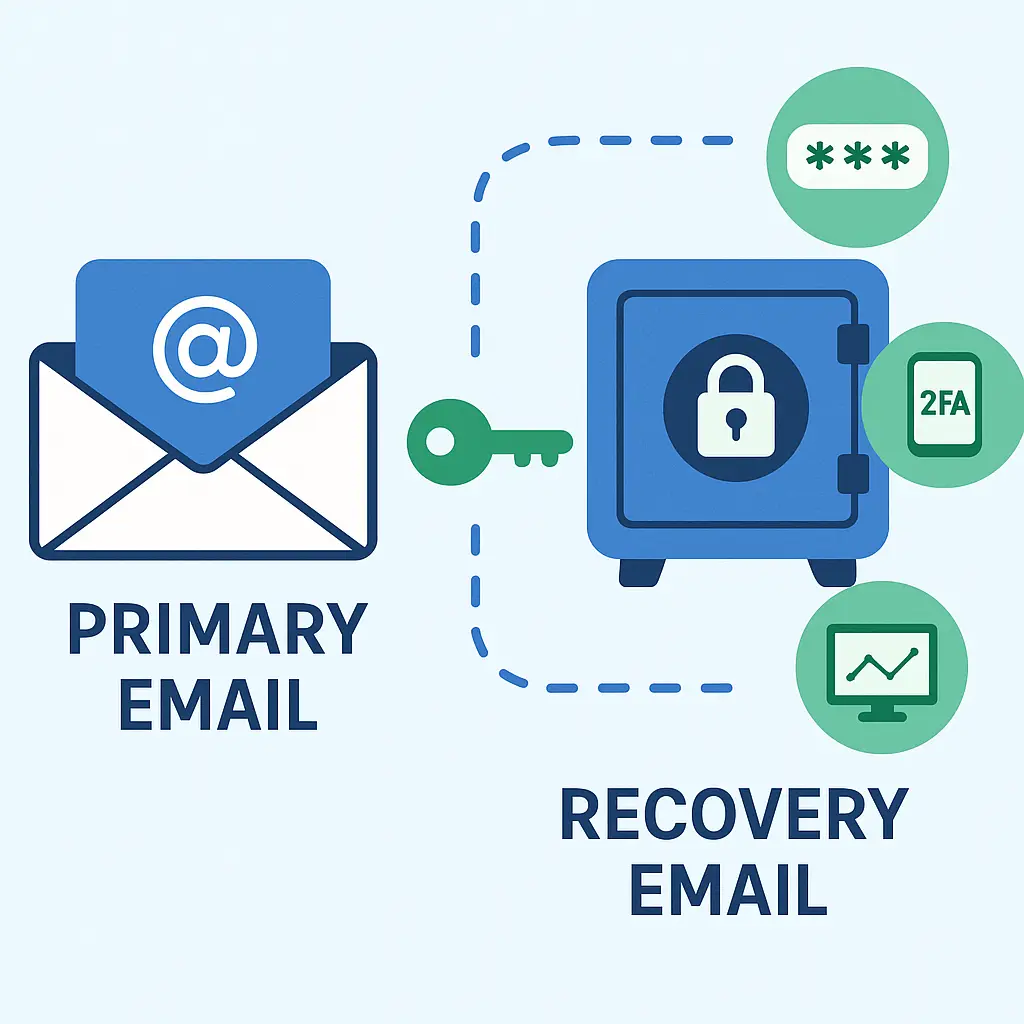
CISA recommends enabling two-factor authentication on email, banking, and any account that controls money or sensitive data. Email is the master key to your digital life, because it's where password reset links go. If someone controls your email, they control everything else.
Authenticator apps are stronger than SMS. SMS codes can be intercepted through SIM swaps or SS7 exploits. Authenticator apps like Google Authenticator, Authy, or the built-in authenticator in your password manager generate codes locally on your device, so there's nothing to intercept in transit.
Hardware keys like YubiKey are stronger still. They use public-key cryptography to prove possession of the physical key, which makes them phishing-resistant. Even if you enter your password on a fake site, the attacker can't log in without the hardware key. But hardware keys cost money and require setup. For most people, an authenticator app is sufficient.
Enable two-factor authentication on every breached account after you change the password. This limits the damage if the new password leaks in a future breach.
Set up breach monitoring for future leaks
Have I Been Pwned offers a notification service. Enter your email address, verify it, and the service emails you when your address appears in new breaches. This is free and worth setting up.
Most password managers also include breach monitoring. They check your stored credentials against known breach databases and alert you when one of your passwords appears in a leak. Some managers also scan for reused passwords, weak passwords, and old passwords that haven't been changed in years.
If your password manager offers breach monitoring, enable it. If it doesn't, consider switching to one that does. The feature isn't optional anymore. Breaches happen constantly, and you won't hear about most of them until months after your data leaks.
Set a quarterly reminder to check Have I Been Pwned manually, even if you have monitoring enabled. Automated alerts are good. Manual checks are better. You're looking for breaches that didn't trigger alerts, services you forgot you had accounts with, and patterns in which types of sites get breached most often.
What to do if you find active fraud
If you check your accounts and find unauthorized logins, purchases, or password changes you didn't make, someone is already using your leaked credentials. Here's the sequence:
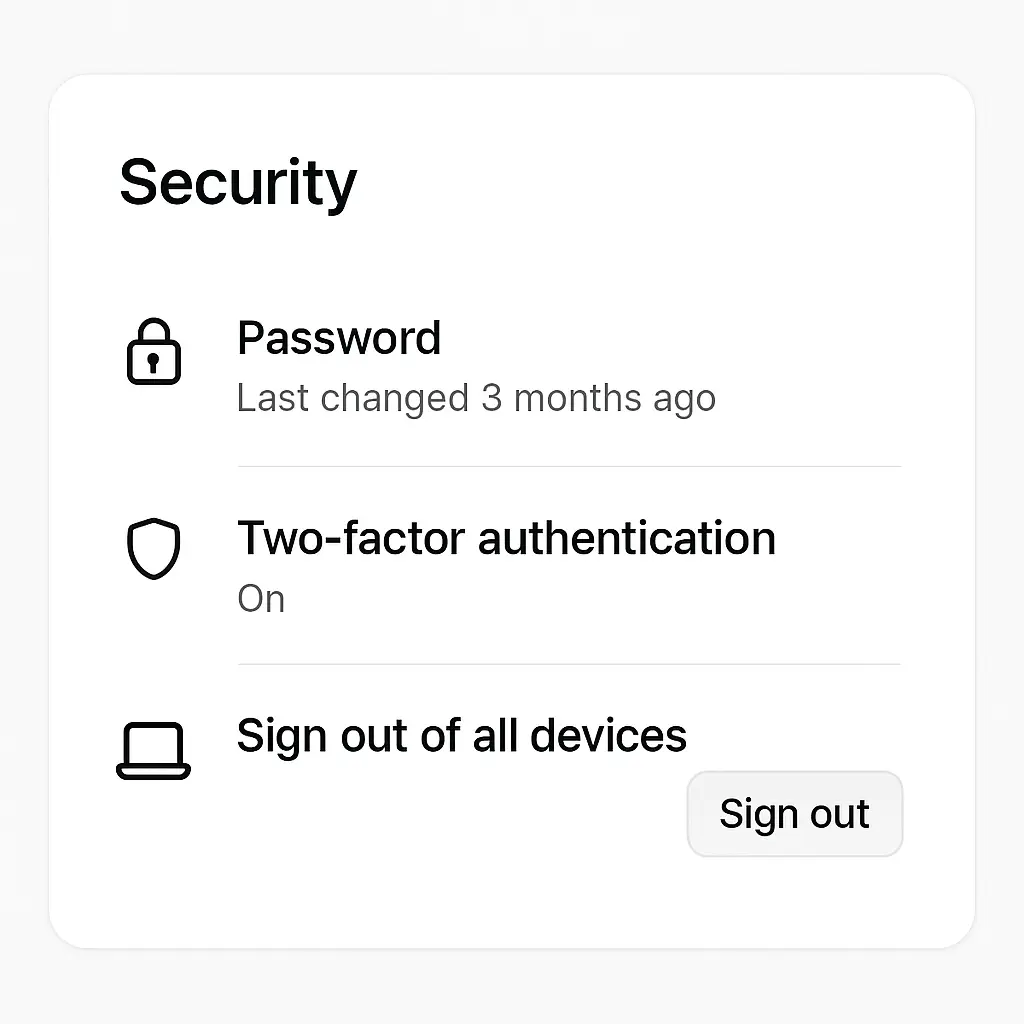
- Change the password immediately, even if you're locked out. Most services offer account recovery through email or phone.
- Enable two-factor authentication.
- Review recent activity logs for unauthorized access. Most services show login history, IP addresses, and device information.
- Contact the service's fraud department if money moved or data changed.
- File an FTC complaint at identitytheft.gov if the fraud involves identity theft.
- Check your credit report for new accounts you didn't open.
- Consider a credit freeze if the fraud is severe.
The timing matters. The faster you act, the less damage occurs. Fraudsters move quickly once they're inside an account. They change the password, lock you out, and drain what they can before you notice. Hours matter.
The Severance principle
In the show Severance, employees undergo a procedure that splits their consciousness into two separate identities , one for work, one for home. Neither identity knows what the other does. The separation is absolute.
Your passwords need the same architecture. Each account gets its own password, isolated from every other account. A breach at one service doesn't cascade into breaches everywhere else, because there's no connection to exploit. The password for your bank doesn't know the password for your email. They're severed.
This isn't a metaphor about compartmentalization. It's a literal description of how password managers work. Each credential exists independently. A leak at LinkedIn doesn't compromise your Amazon account, because the passwords are different. The separation protects you.
Most people resist this because it feels like more work. It's not. A password manager handles the separation automatically. You remember one master password. The manager remembers everything else. The cognitive load is the same as using one password everywhere, but the security is exponentially stronger.
Why leaked passwords stay dangerous for years
Credential databases don't expire. The passwords leaked in the 2013 Adobe breach still circulate in 2026. Attackers compile these databases, merge them, and test them against new services that didn't exist when the original breach happened.
This creates a long tail of risk. You changed your password in 2013 after the Adobe breach, but attackers are still testing the old password against services you signed up for in 2020. If you reused that old password on the new service, the breach from 2013 compromises your 2020 account. The timeline doesn't protect you. Only unique passwords protect you.
The mechanism is simple: attackers don't care when the password leaked. They care whether it works. They'll test a ten-year-old password against a brand-new service, because people reuse passwords across time. You used the same password in 2015 that you use in 2025. The breach doesn't age out. It just waits.
What password managers actually protect against
A password manager protects against credential stuffing by making password reuse impossible. You can't reuse a password you don't know. The manager generates a random 20-character string for every account. You never see it. You never type it. You just unlock the manager, and it fills the password automatically.
This breaks the credential stuffing attack. Even if one password leaks, it's useless everywhere else. Attackers can't test it against other services because it only works on the one service where it was used. The breach is contained.
Password managers also protect against phishing, but only partially. If you enter your master password on a fake login page, you've handed over the keys to everything. But the manager won't autofill credentials on a phishing site, because the domain doesn't match. That's a meaningful defense, but it's not absolute. You can still be tricked into manually copying and pasting a password.
The strongest protection a password manager offers is enforcement. It makes good security habits automatic. You don't have to remember to use unique passwords. You don't have to remember to use long passwords. You don't have to remember which password goes with which account. The manager handles it, and you just unlock it with one strong master password.
How to choose a master password that survives a breach
Your master password is the single point of failure for your entire password manager. If it leaks, everything leaks. This password needs to be stronger than any other password you've ever created.
NIST recommends passphrases: long sequences of random words that are easy to remember and hard to crack. "correct-horse-battery-staple" is the classic example, though you shouldn't use that exact phrase because it's famous.
Generate your own passphrase using four to six random words. Don't pick words that relate to each other. Don't use a sentence. Just random words. "stapler-mongoose-turquoise-flannel" is strong. "I love my dog Buster" is weak, because it's a sentence with personal meaning that someone could guess.
You can use dice and a word list to generate truly random passphrases. EFF publishes word lists specifically for this purpose. Roll dice, match the numbers to words, string the words together. This removes human bias from the selection process.
The length matters more than complexity. A 25-character passphrase of random words is stronger than an 8-character password with symbols, because the search space is larger. Attackers crack passwords by guessing, and longer passwords take exponentially longer to guess.
Never reuse your master password anywhere else. This is the one password you memorize. Every other password can leak without consequence, as long as this one stays secure.
When to check for leaks after major breach news
When a major breach hits the news, check Have I Been Pwned within 24 hours. Breach data doesn't always appear immediately, but checking early establishes a baseline. If your email doesn't show up in the initial check, check again a week later. Some breaches take time to process and add to the database.
If the breached service is one you use, change your password immediately, even if Have I Been Pwned doesn't show your email yet. Don't wait for confirmation. The breach happened. Your data is in the leak. The fact that it hasn't appeared in aggregated databases yet doesn't mean it's safe.
Monitor your accounts for suspicious activity in the two weeks after a breach. Attackers move fast once they have fresh credentials. They test them against high-value targets first: banking, email, shopping accounts with saved payment methods. If you see login attempts from unfamiliar locations, unauthorized purchases, or password reset emails you didn't request, someone is testing your leaked credentials.
The news cycle moves on quickly, but the breach data persists. A breach that drops out of headlines after three days still fuels credential stuffing attacks for years. Don't assume the risk passed because the media stopped covering it.
Why "I have nothing to hide" doesn't apply to leaked passwords
People say they don't care about password leaks because they have nothing valuable in their accounts. No money in the bank. No sensitive emails. No private photos. This misunderstands the threat.
Attackers don't just steal from the account they breach. They use that account as a stepping stone. Your compromised email account becomes the vector to reset passwords on your bank account, your social media, your work email. Your compromised social media account becomes the platform to run scams against your friends and family, using your identity as the lure.
The value isn't in what you store. The value is in what the account unlocks. Your email is the master key to every other account you own. Your social media is the trust network that makes phishing attacks succeed. Your shopping account has saved payment methods that turn into unauthorized purchases.
Even accounts with no apparent value create risk. That old forum account from 2008 uses the same password you used on your bank. That free trial you signed up for in 2015 shares credentials with your work email. The connections between accounts are what attackers exploit, and you can't see those connections until someone else uses them against you.
What to tell family members who don't use password managers
Explaining password security to people who don't work in tech is hard. They hear "use unique passwords" and think "I can't remember 50 passwords." They're right. They can't. That's why they reuse passwords, and that's why they get breached.
The conversation needs to start with the problem, not the solution. Show them Have I Been Pwned. Enter their email. Let them see how many breaches already exposed their data. That makes it real. Abstract security advice bounces off. Seeing your own email in 12 different breaches lands differently.
Then explain the mechanism: one breach turns into many breaches if you reuse passwords. The LinkedIn password from 2016 unlocks your bank account in 2026 if you used the same password both places. Attackers assume you reuse passwords, and they're usually right.
The solution is a password manager, but don't lead with features. Lead with relief. You don't have to remember passwords anymore. You don't have to write them down. You don't have to reset them every time you forget. You remember one password, and the manager remembers everything else. That's the pitch.
Help them set it up. Don't send them a link and walk away. Sit with them, install the manager, create the master password, migrate a few accounts. The first five minutes determine whether they stick with it or give up. Make those five minutes easy.
How often passwords leak without making the news
Most breaches don't make headlines. You hear about the big ones , Equifax, Yahoo, LinkedIn , but thousands of smaller breaches happen every year without media coverage. A forum with 50,000 users gets hacked. An e-commerce site with 200,000 accounts leaks customer data. A SaaS company with 10,000 subscribers gets compromised. None of these make the news, but all of them leak passwords.
The breach databases that fuel credential stuffing attacks contain data from thousands of incidents you've never heard of. Attackers don't care about publicity. They care about credentials. A breach that affects 10,000 people is just as useful as a breach that affects 10 million people, because they're testing every credential against every service anyway.
This is why monitoring matters. You can't rely on news coverage to tell you when your passwords leak. You need automated alerts that check your email against every breach that gets added to known databases, regardless of whether it makes headlines.
The small breaches are often more dangerous than the big ones, because the affected companies don't have the resources or legal pressure to handle the incident properly. They don't notify users. They don't offer credit monitoring. They don't force password resets. The breach just sits there, leaking credentials, and nobody tells you until your account gets taken over.
What happens to leaked passwords after the breach
Breached password databases follow a predictable path. First, they circulate privately among attackers who use them for targeted attacks. Then they get sold on dark web markets. Then they get compiled into larger databases that aggregate credentials from hundreds of breaches. Finally, they become freely available, posted on forums or torrent sites for anyone to download.
This progression takes months to years, but it's inevitable. A password that leaked in a 2022 breach might not appear in public databases until 2024, but it's being used for attacks the entire time. The delay between breach and public disclosure doesn't protect you. It just means you don't know you're compromised.
Once credentials become publicly available, they get tested at scale. Automated tools run through millions of email-password combinations, testing them against thousands of services. Banks, shopping sites, social media, email providers, streaming services, gaming platforms , everything gets tested. If your password works anywhere, the attackers find it.
The databases also get enriched over time. Attackers merge data from multiple breaches to build detailed profiles. Your email from one breach, your phone number from another, your address from a third. They cross-reference this data to find high-value targets and craft convincing phishing attacks. The leaked password is just the entry point. The real damage comes from what they do with the access.
Your password leaked. Now you know how to find out where, when, and what to do about it. The steps are straightforward: check for breaches, change compromised passwords, use unique passwords everywhere, enable two-factor authentication, and monitor for future leaks.
The hard part isn't the steps. The hard part is doing them before someone else logs into your accounts and does them for you. Credential stuffing attacks happen constantly. The leaked passwords from 2015 are being tested against your 2026 accounts right now. The only question is whether you changed the password before the attacker tried it.
A password manager makes this sustainable. You can't remember 50 unique passwords. You can't manually check for breaches every week. You can't keep track of which accounts need password changes after which breaches. The manager handles it. You just unlock it with one strong master password and let it manage the rest.
The alternative is reusing passwords and hoping you don't get caught. That's not a security strategy. That's a countdown timer. Every reused password is a breach waiting to happen. The question isn't if, it's when.
If you need a password manager that makes this practical, NordPass offers breach monitoring, password health reports, and cross-device sync. It's not the only option, but it's one I'd use for family members who need something that works without constant maintenance.
Check your email on Have I Been Pwned today. See what leaked. Then fix it. The breaches already happened. The credential stuffing attacks are already running. You're just deciding whether you want to be the target or the person who closed the door before the attackers arrived.