Burner emails for one-time signups: what they are, how they work, and when to use them
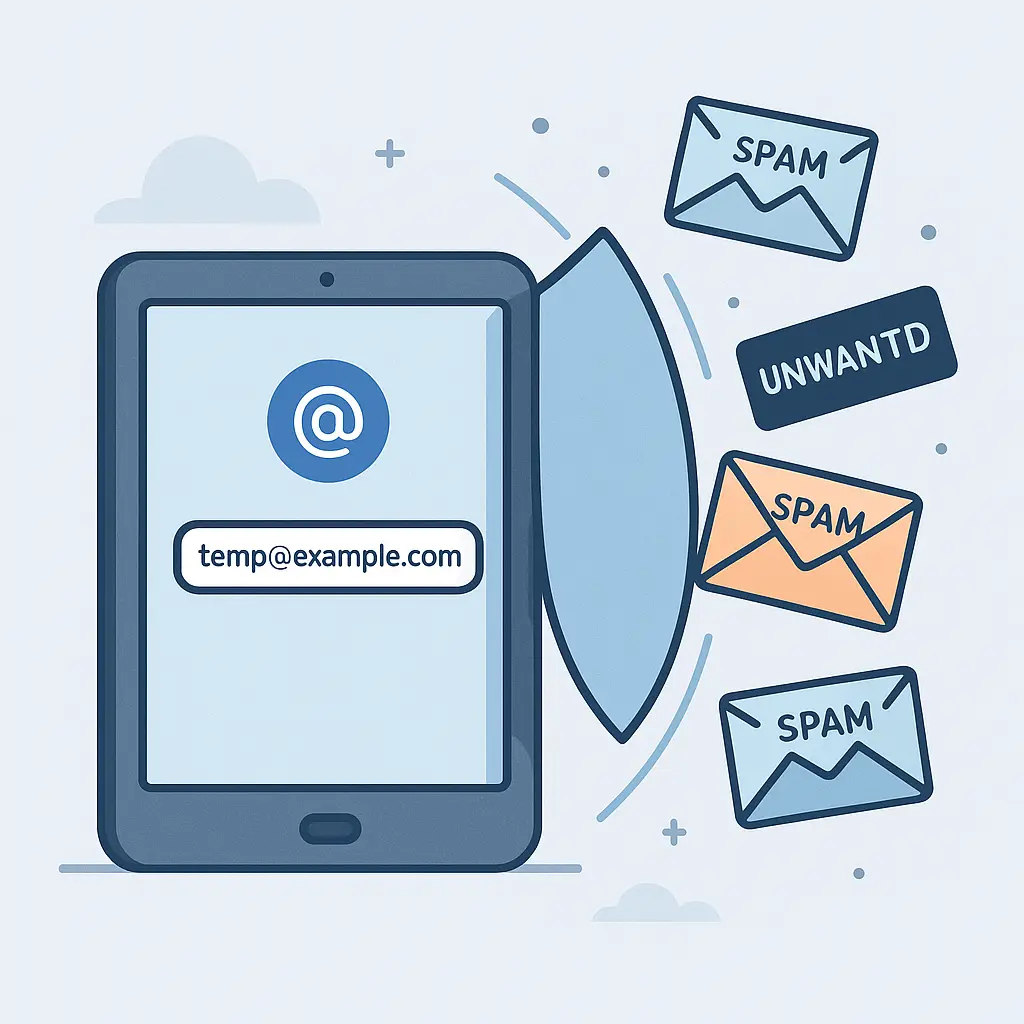
You need to download a PDF. The site demands an email address. You know what happens next: spam, promotional emails, and your address sold to data brokers. A burner email solves this by giving you a disposable address that shields your real inbox.
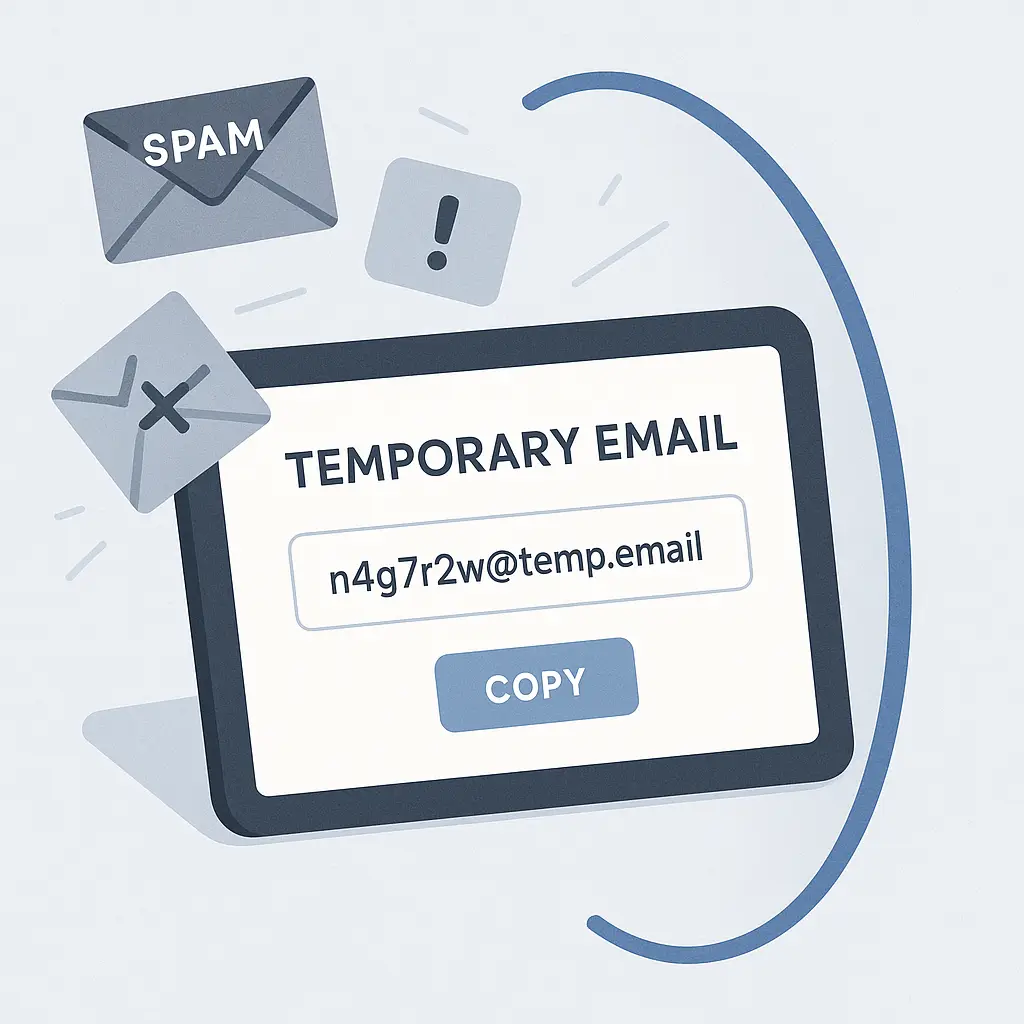
A burner email is a temporary email address that forwards messages to your primary inbox or exists only long enough to complete a signup. You create it, use it once, and discard it. Your real email stays hidden from the service, the service can't track you across other accounts, and when spam inevitably arrives, it hits an address you've already abandoned.
This article explains the underlying mechanism, how burner emails differ from email aliases, when the extra step is worth it, and what you need to know before you start creating disposable addresses.
The mechanism behind burner email addresses
A burner email service generates a random or custom email address that belongs to the service's domain, not yours. When someone sends a message to that address, the service forwards it to your real inbox. You read the message, complete the signup, and either let the address expire or delete it manually.
The technical process works like this:
-
You visit a burner email service and request a new address. The service generates something like
random8472@burnermail.comor lets you choose a custom prefix likenewsletter-signup@burnermail.com. -
You enter that address into the signup form. The service receives a confirmation email or welcome message at the burner address.
-
The burner service forwards that message to your real inbox. You see the confirmation code, click the activation link, and complete the signup.
-
After you're done, you delete the burner address or let it expire. Future messages to that address either bounce or go into a void, depending on the service's policy.
Some services offer receive-only addresses that don't forward at all. These are useful for signups where you only need to prove you control an email address but don't care about reading the messages. You check the burner service's web interface once to grab the confirmation code, then never look at it again.
Other services let you reply through the burner address, which is useful if you need to communicate with customer support or respond to a message without revealing your real email. The reply appears to come from the burner address, but you're composing it from your real inbox.
The key difference between a burner email and your real email is permanence. Your real email is tied to your identity, your accounts, and your digital life. A burner email is a disposable tool that exists only as long as you need it.
Burner emails vs. email aliases
Burner emails and email aliases both create alternate addresses, but they work differently and serve different purposes.
An email alias is a permanent alternate address tied to your real email account. If your primary address is yourname@gmail.com, you might create an alias like yourname+shopping@gmail.com. Messages sent to the alias land in your primary inbox, and you can filter them into folders or labels. The alias doesn't hide your real address from anyone who looks closely. The +shopping part is just a tag, and anyone can strip it to find your base address.
A burner email, by contrast, is a separate address on a different domain. The service you're signing up for sees random8472@burnermail.com and has no way to connect it to your real address. When you delete the burner, the connection breaks completely. The service can't email you again, can't track you across other accounts, and can't sell your address to data brokers.
Email aliases are useful for organizing your inbox and identifying which services leak your address. If you start getting spam at yourname+shopping@gmail.com, you know the leak came from a shopping site. But aliases don't provide anonymity or prevent tracking. Burner emails do.
Some email providers offer built-in alias features that generate random addresses on your domain. Apple's Hide My Email creates addresses like random@icloud.com that forward to your real iCloud address. These function like burner emails but live inside your email provider's ecosystem. They're convenient, but you're trusting Apple (or whoever provides the feature) not to log or analyze the forwarded messages.
Third-party burner services operate independently of your email provider. They don't see your primary address unless you configure forwarding, and even then, they only see the messages they're forwarding, not your entire inbox. The tradeoff is that you're adding another service to your trust chain.
When to use a burner email
Use a burner email when you need to provide an address but don't want long-term contact or tracking. Here are the situations where the extra step makes sense:
One-time signups. You need to download a whitepaper, access a gated resource, or claim a promotional offer. The service demands an email but you'll never use the account again. A burner email completes the signup without cluttering your inbox.
Untrusted services. You're signing up for a site you've never heard of, a service with a poor privacy policy, or a platform that feels sketchy. A burner email limits the damage if the service gets breached or sells your data.
Promotional offers. You want the discount code, the free trial, or the newsletter signup bonus, but you don't want the follow-up emails. A burner email gets you the offer, then stops the spam.
Testing services. You're evaluating a product, trying a new platform, or experimenting with a tool. You don't know yet whether you'll keep using it. A burner email lets you test without committing your real address.
Short-term communication. You need to contact someone or receive a message, but you don't want to share your real email. A burner address handles the exchange, then disappears.
Reducing breach exposure. Every service you give your email to is a potential breach vector. A burner email limits the number of places your real address lives in a database. If the burner service gets breached, attackers get a disposable address that's already disconnected from your identity.
Don't use burner emails for accounts you need long-term access to. Banking, work email, primary social media, and any service tied to financial or legal obligations should use your real address. If you lose access to the burner service, you lose access to the account. If the burner address expires, password resets and account recovery fail.
How to set up and use a burner email service
Most burner email services work through a web interface or browser extension. You don't need to create an account or provide personal information. You visit the site, generate an address, and start using it immediately.
Here's the general process:
-
Choose a burner email service. Options include SimpleLogin, AnonAddy, Guerrilla Mail, Temp Mail, and others. Some services are free with limits on the number of active addresses or forwarding volume. Others charge a subscription fee for unlimited addresses and advanced features.
-
Generate a new address. The service either assigns a random address or lets you choose a custom prefix. Some services let you specify how long the address should remain active before expiring.
-
Copy the address and paste it into the signup form. Complete the registration process as usual.
-
Check your real inbox for forwarded messages. If the burner service requires manual checking, log into the service's web interface to view messages.
-
After you're done, delete the address or let it expire. Most services let you manage active addresses through a dashboard. You can see which addresses are forwarding, how many messages each has received, and when each was created.
Some services integrate with password managers, letting you generate a unique email address for every account alongside a unique password. This approach creates maximum isolation between accounts. If one service gets breached, attackers can't use the email address to find your other accounts.
Browser extensions make the process faster by generating addresses directly in signup forms. You click the extension icon, it fills the email field with a new burner address, and you continue with the signup. The extension tracks which address belongs to which service, making it easier to manage multiple burner addresses.
The main limitation is that some services block known burner email domains. They maintain lists of temporary email providers and reject signups from those domains. This is common on services that want to prevent abuse or enforce one-account-per-person policies. When that happens, you need to use your real email or an alias instead.
Privacy and security tradeoffs
Burner emails protect your primary inbox from spam and tracking, but they introduce new dependencies and risks.
First, you're trusting the burner service not to read, log, or sell the messages they forward. Reputable services claim they don't store message content, but you're taking that claim on faith. If privacy matters, choose a service with a clear privacy policy, open-source code, or a strong reputation in the security community. EFF's Surveillance Self-Defense guide covers general principles for evaluating privacy tools, though it doesn't specifically endorse burner email services.
Second, burner services can shut down, change policies, or get acquired. If you're relying on forwarding for account access, you lose that access when the service disappears. This is why you shouldn't use burner emails for accounts you need long-term.
Third, burner emails don't encrypt message content. The service sees everything that passes through. If someone sends you sensitive information to a burner address, the burner service has access to that information. Use end-to-end encrypted messaging for anything confidential.
Fourth, some burner services log metadata (sender, recipient, timestamps, subject lines) even if they don't store message bodies. Metadata reveals who you're communicating with and when, which can be enough to de-anonymize you in some contexts.
Fifth, using a burner email doesn't prevent the service you're signing up for from tracking you through other means. They can still fingerprint your browser, track your IP address, and link your behavior across sessions using cookies and other identifiers. A burner email only isolates your email address, not your entire digital footprint.
Finally, if you use the same burner email service for multiple signups, the burner service can correlate your activity. They see that random8472@burnermail.com signed up for Service A and random9351@burnermail.com signed up for Service B, but both addresses forward to the same inbox. If the burner service wanted to, they could build a profile of your behavior. This is why some people use multiple burner services or rotate between them.
Common use cases and examples
Here's how burner emails play out in practice:
Downloading gated content. You want to read a research report, but the site demands an email before letting you access the PDF. You generate a burner address, paste it into the form, receive the download link, and delete the address. The site can't email you again, and your real inbox stays clean.
Signing up for newsletters. You're interested in a newsletter but unsure whether you'll want to keep reading it. You use a burner address for the signup. If the newsletter is good, you switch to your real address. If it's spam, you delete the burner and move on.
Claiming promotional discounts. An online store offers 10% off for first-time email subscribers. You create a burner address, claim the discount, complete the purchase, and delete the address. The store can't send you marketing emails because the address no longer exists.
Testing a new service. You're evaluating a project management tool, a note-taking app, or a cloud storage provider. You don't know yet whether you'll commit. A burner email lets you explore the service without giving them access to your primary inbox. If you decide to keep using it, you update the account email to your real address.
Avoiding tracking across services. You sign up for multiple services in the same category (meal kits, streaming platforms, fitness apps) using different burner addresses. Each service sees a unique address, making it harder for data brokers to link your accounts and build a unified profile.
Short-term communication. You're selling something on Craigslist, coordinating with a one-time collaborator, or responding to a classified ad. You don't want to share your real email, but you need to receive messages. A burner address handles the exchange, then you delete it when the transaction is complete.
Reducing breach exposure. You sign up for a small forum, a niche community, or a service with questionable security practices. You use a burner address so that when the inevitable breach happens, your real email isn't in the leaked database.
In each case, the burner email acts as a buffer between your identity and the service. The service gets an address that works, you get the access you need, and when you're done, the connection disappears.
The cultural reference: Office Space and the TPS report cover sheets
In Office Space, Peter Gibbons is told repeatedly to use the new cover sheets on TPS reports. The cover sheets don't change the content of the reports. They're a procedural layer that someone decided was important, and now everyone has to deal with it.
Burner emails are the opposite of TPS report cover sheets. They're a procedural layer that actually protects something. The service demands an email address not because they need to communicate with you, but because email addresses are currency in the attention economy. They want to market to you, track you, and sell your data. The burner email gives them the form they require while stripping away the substance they want.
The analogy works because both involve adding a layer to satisfy a bureaucratic demand. But TPS cover sheets are pointless overhead. Burner emails are overhead that pays for itself by keeping your inbox clean and your identity isolated.
What happens when a burner email gets compromised
If a service you signed up for with a burner email gets breached, the attackers get the burner address, not your real email. They can't use it to find your other accounts, reset your passwords, or send you phishing emails, because the burner address is either deleted or disconnected from your identity.
This is the primary security benefit. Breaches are routine. Have I Been Pwned tracks billions of compromised accounts. Every email address you give to a service is a potential breach vector. Burner emails limit the damage by ensuring that each service holds a unique, disposable address instead of your real one.
If the burner service itself gets breached, the risk depends on what data they store. If they log message content, attackers get access to the messages forwarded through your burner addresses. If they only log metadata, attackers see which services you signed up for and when. If they don't log anything, the breach exposes nothing beyond the existence of the burner addresses themselves.
This is why choosing a reputable burner service matters. Some services are transparent about their logging policies and data retention. Others are opaque. You're trusting them with a narrow slice of your digital life, but you're still trusting them.
Legal and terms-of-service considerations
Burner emails are legal. There's no law against using a temporary email address for signups. But some services prohibit them in their terms of service.
Platforms that enforce one-account-per-person policies (social networks, marketplaces, gaming services) often ban burner emails because they make it easy to create multiple accounts. If the platform detects that you're using a disposable address, they can suspend your account or refuse the signup.
Other services prohibit burner emails because they want to ensure they can contact you for account recovery, legal notices, or billing issues. If you lose access to a burner address, you lose access to the account, and the service loses the ability to reach you.
Read the terms before using a burner email for anything important. If the service explicitly prohibits temporary addresses, using one violates the terms and gives them grounds to terminate your account.
For low-stakes signups (newsletters, gated content, promotional offers), terms-of-service violations are unlikely to matter. For high-stakes accounts (banking, legal services, anything involving money or contracts), use your real email. The risk of losing access outweighs the privacy benefit.
Managing multiple burner addresses
If you use burner emails regularly, you'll accumulate multiple active addresses. Most burner services provide a dashboard where you can see which addresses are forwarding, how many messages each has received, and when each was created.
Some services let you add notes or labels to each address so you remember which service it belongs to. This is useful when you're managing dozens of addresses and can't remember whether random8472@burnermail.com was for the meal kit signup or the streaming trial.
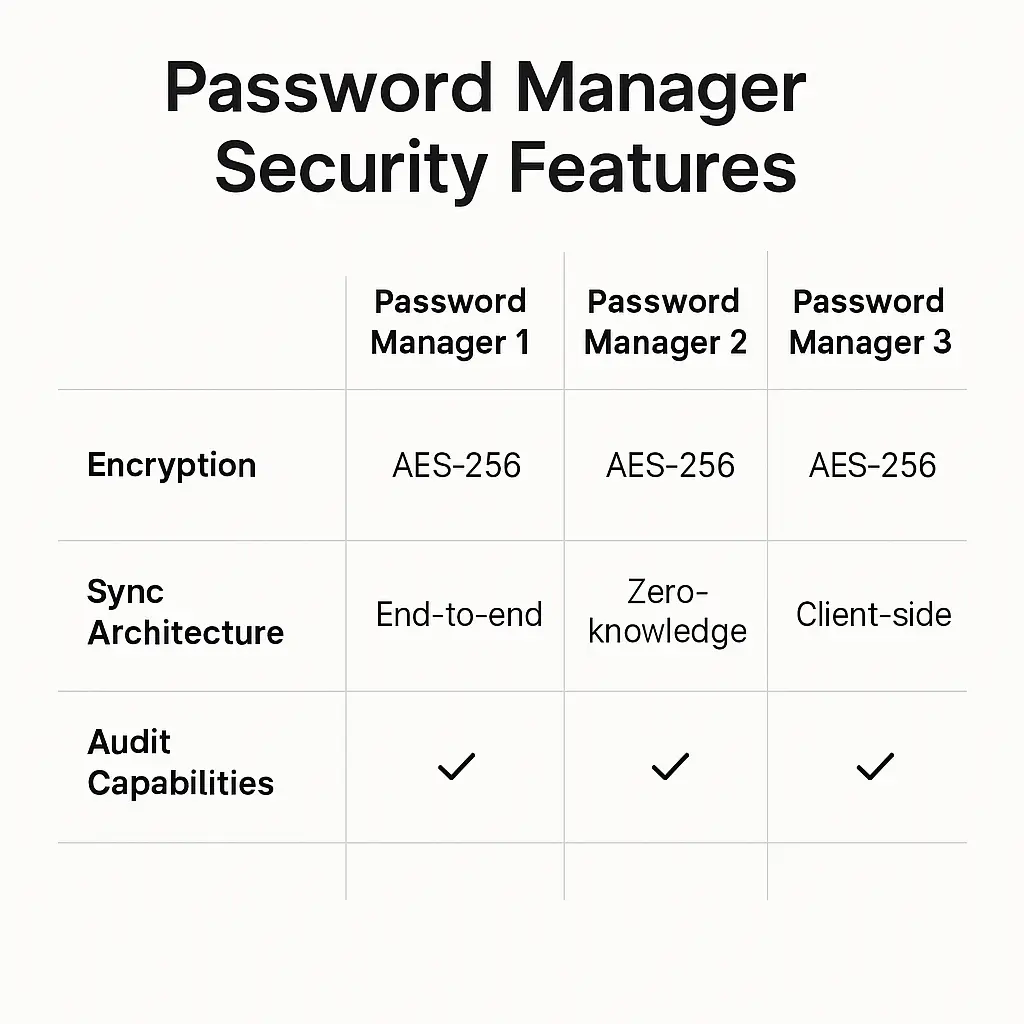
Password managers can help by storing the burner address alongside the account credentials. When you log into the service, the password manager autofills both the email and password, so you don't need to remember which burner address you used.
The main challenge is deciding when to delete an address. If you delete it too soon, you lose access to password resets and account notifications. If you wait too long, you accumulate inactive addresses that clutter your dashboard and increase the attack surface if the burner service gets breached.
A reasonable approach: delete the address once you're confident you won't need the account again. For one-time downloads, delete immediately. For trial signups, wait until the trial ends. For services you're evaluating, wait a few weeks to see if you keep using them.
Alternatives to burner emails
If burner emails feel like too much overhead, here are simpler alternatives:
Email aliases. Use your email provider's alias feature to create tagged addresses like yourname+shopping@gmail.com. This doesn't hide your real address, but it lets you filter messages and identify which services leak your email.
Dedicated secondary email. Create a second email account specifically for signups and low-priority services. Use your primary email for banking, work, and important accounts. Use the secondary email for everything else. This is less secure than burner emails but easier to manage.
Unsubscribe aggressively. Most legitimate services include an unsubscribe link in their emails. Use it. This doesn't prevent tracking or breaches, but it reduces inbox clutter.
Don't sign up. The simplest option. If a service demands an email and you don't actually need the account, walk away. Not every gated resource is worth the data you're trading for it.
Each alternative trades convenience for privacy or vice versa. Burner emails sit at the high end of the privacy spectrum but require more setup and management. Aliases sit at the low end but are easier to use. Choose based on how much you value privacy versus convenience for each specific signup.
The long-term viability of burner emails
Burner emails work because most services accept any email address that looks valid. They send a confirmation message, you click the link, and the signup completes. The service doesn't care whether the address is permanent or temporary.
This dynamic could change. If enough people start using burner emails, services might respond by blocking known burner domains, requiring phone verification, or implementing stricter identity checks. Some platforms already do this.
The arms race between privacy tools and tracking mechanisms is ongoing. Burner emails are one tool in that race. They work well now, but their effectiveness depends on services continuing to accept them. If adoption increases and services start blocking them more aggressively, burner emails become less useful.
For now, they remain a practical way to protect your primary inbox from spam, tracking, and breaches. Use them where they make sense, but don't rely on them as your only privacy defense. They're one layer in a broader strategy that includes strong passwords, two-factor authentication, careful evaluation of which services you trust with your data, and regular audits of your digital footprint.