Screenshot Detection in Messaging Apps: What Actually Gets Flagged
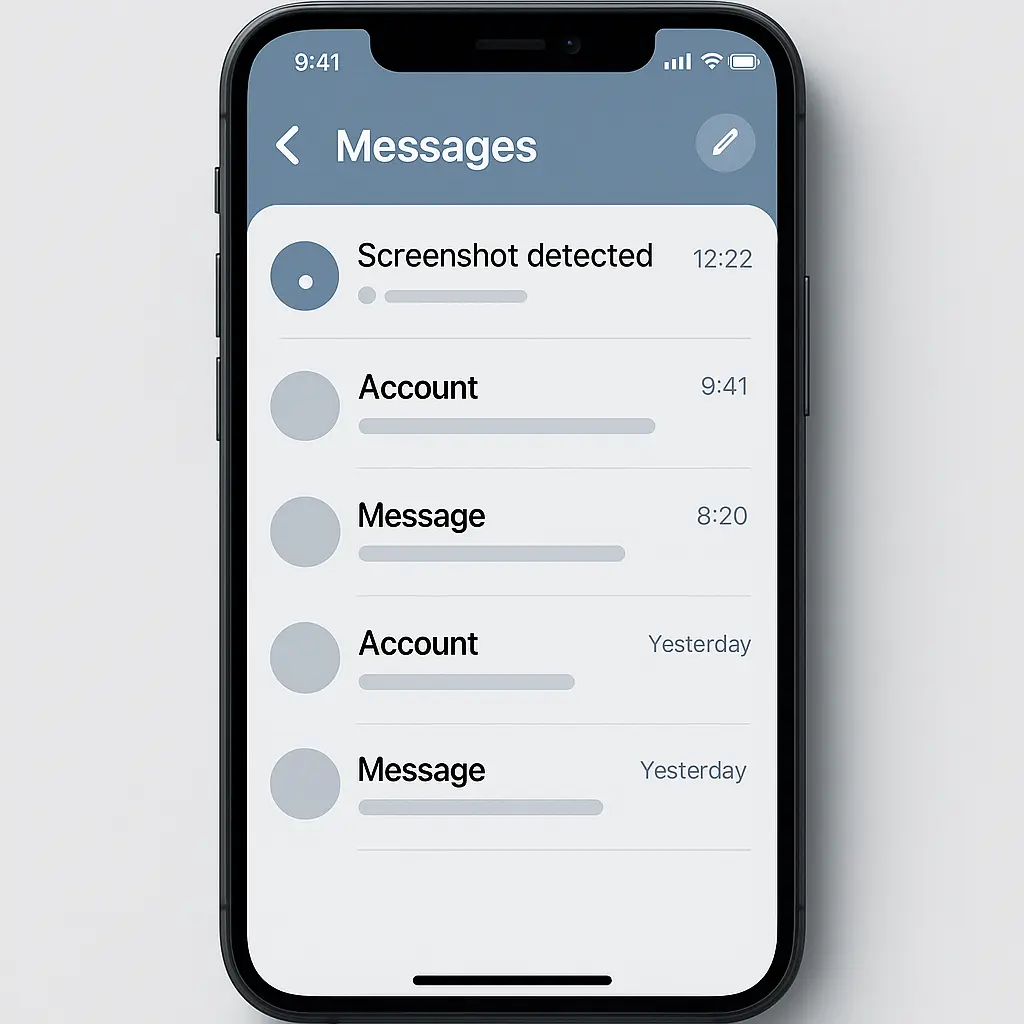
You're about to screenshot something in a messaging app. Your thumb hovers over the button combination. The question surfaces: will they know?
The answer depends entirely on which app you're using. Some platforms notify the sender immediately. Others stay silent. A few fall somewhere in between, notifying for specific content types but not others.
Here's the technical mechanism behind screenshot detection, what each major platform actually monitors, and what methods slip through undetected.
The Technical Mechanism Behind Screenshot Detection
When you take a screenshot on iOS or Android, the operating system fires a system event. Apps with the right permissions can listen for that event and respond.
On iOS, the event is UIApplicationUserDidTakeScreenshotNotification. On Android, it's a file observer monitoring the Screenshots folder for new files. Both mechanisms are built into the operating system, not the app itself.
An app that wants to detect screenshots registers a listener for the system event. When the event fires, the app knows a screenshot just happened. It doesn't know what you captured, just that you pressed the buttons while the app was active.
The app then decides what to do with that information. Most apps do nothing. A few send a notification to the other person. Some log the event internally without telling anyone.
The detection happens at the operating system level, which means it works regardless of how you trigger the screenshot. Home button plus power button, volume down plus power button, AssistiveTouch, voice command, all methods fire the same system event.
What the mechanism can't detect: screen recording (which uses a different system event), external cameras pointed at your screen, or screenshots taken on a second device displaying the content.
Snapchat: The Platform That Started It All
Snapchat introduced screenshot notifications in 2011, back when the app's entire premise was ephemeral messaging. The notification was the feature's enforcement mechanism. If someone screenshotted your Snap, you'd know your temporary content wasn't so temporary anymore.
Snapchat still notifies for most content types in 2026. When you screenshot a Snap, the sender receives a notification immediately. The same applies to Stories and Chat media (photos and videos sent in direct messages).
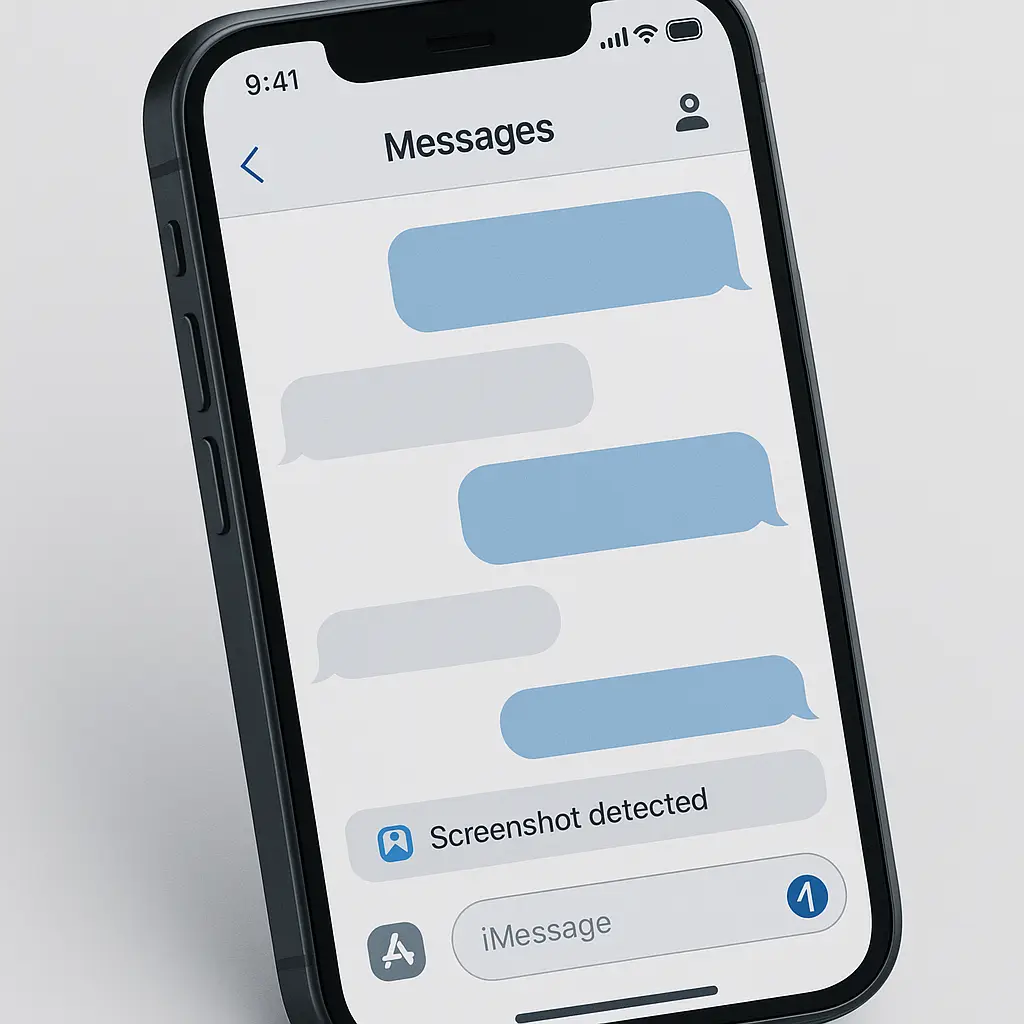
The notification appears in the chat thread with a small icon next to the message: a double-arrow symbol indicating a screenshot occurred. Snapchat also lists who took the screenshot in the message details.
What Snapchat doesn't notify for: regular text messages in Chat, public Discover content, Snap Map locations, and profiles. The detection applies only to visual content the sender expects to disappear.
Snapchat's detection works through the standard system event, which means screen recording triggers a different notification. When you screen-record a Snap, the sender sees a different icon, a circle with a filled center, indicating video capture instead of a still screenshot.
The one workaround that used to work: putting your phone in airplane mode before opening a Snap, taking the screenshot while offline, then force-quitting Snapchat before reconnecting. That method stopped working around 2019 when Snapchat started queuing screenshot events locally and syncing them once the connection returned.
Instagram: Notifications Removed, Then Restored, Then Removed Again
Instagram's screenshot notification history is messier than Snapchat's. The platform tested notifications for Story screenshots in 2018, rolled them out briefly, then removed them a few months later after user backlash.
As of 2026, Instagram doesn't notify for Story screenshots. You can capture anyone's Story without the poster knowing. The same applies to regular posts, Reels, and standard direct messages.
Instagram does notify for one specific content type: disappearing photos and videos sent in Direct Messages. When you send a photo or video in vanish mode (Instagram's version of disappearing messages), the recipient sees a notification if they screenshot it.
The notification appears the same way Snapchat's does, an icon next to the message showing who took the screenshot and when. Instagram displays a camera icon with a circular arrow.
What Instagram can't detect: screenshots of regular DM conversations, screenshots taken through Instagram's web interface (which doesn't have access to mobile screenshot events), and screen recordings of any content type.
The technical limitation on web: browsers don't expose screenshot events to websites. Instagram running in Chrome or Safari has no way to know when you capture the window. This applies to all web-based messaging platforms, screenshot detection only works in native mobile apps.
Signal: Privacy-Focused, Detection-Free
Signal doesn't detect screenshots. The app's privacy model assumes you control your device completely, and screenshot detection would require monitoring system events in a way that conflicts with that principle.
Signal does warn you before you open a disappearing message. A small camera icon appears on messages set to disappear, reminding you that the content is temporary. But once you open the message, Signal doesn't track what you do with it.
This applies to all content types in Signal: text messages, photos, videos, voice messages, and disappearing messages. No screenshot triggers a notification to the sender.
The tradeoff is explicit. Signal prioritizes your control over your own device above the sender's control over content after delivery. If someone sends you a disappearing message, they're trusting you not to capture it, Signal won't enforce that trust technically.
Screen recording works the same way. Signal doesn't detect or notify for screen recordings, even of disappearing content.
WhatsApp: Silent Across All Content Types
WhatsApp doesn't notify for screenshots. You can capture messages, photos, videos, voice notes, and status updates without the sender knowing.
This includes WhatsApp's "View Once" messages, photos and videos that disappear after you open them. The feature is similar to Snapchat's Snaps or Instagram's disappearing DMs, but WhatsApp doesn't detect screenshots of View Once content.
When you open a View Once message, WhatsApp displays a small icon reminding you the content will disappear. After you close it, the message is gone from the chat. But if you screenshot it while viewing, WhatsApp doesn't tell the sender.
The technical reason: WhatsApp's end-to-end encryption model makes screenshot detection complicated. The app would need to send a separate, unencrypted notification about the screenshot event, which conflicts with the privacy model. WhatsApp chose not to implement detection rather than create an exception to encryption.
Screen recording works the same way, silent and undetected.
iMessage: No Detection, No Exceptions
iMessage doesn't detect screenshots for any content type. Regular messages, photos, videos, and even messages sent with the "invisible ink" effect can all be captured without notification.
Apple's reasoning mirrors Signal's: screenshot detection would require monitoring system events in a way that feels invasive on a platform that emphasizes user privacy. iMessage assumes you control your device and your screenshots.
The invisible ink effect, which blurs messages until you swipe to reveal them, is a visual privacy feature, not a technical enforcement mechanism. Once you reveal the content, you can screenshot it freely.
Third-party apps that integrate with iMessage (stickers, games, and message effects) also can't detect screenshots. iOS doesn't expose screenshot events to iMessage extensions, only to full apps running in the foreground.
Telegram: Detection Disabled by Default
Telegram can detect screenshots in Secret Chats, the app's end-to-end encrypted, self-destructing message mode. But the feature is disabled by default.
To enable screenshot notifications in a Secret Chat, both participants need to turn on the setting manually. Even then, Telegram only notifies for screenshots of messages, photos, and videos in that specific Secret Chat. Regular Telegram chats, channels, and groups don't support screenshot detection at all.
When the setting is enabled and someone screenshots a Secret Chat, Telegram displays a notification in the chat thread: "User took a screenshot." The message appears for both participants.
The technical implementation is the same as other apps, Telegram listens for the system screenshot event and sends a message when it fires. But because Secret Chats are device-specific and don't sync across devices, the detection only works on the device where the chat exists.
Screen recording bypasses the detection. Telegram monitors screenshot events but not screen recording events, which use a different system API.
BeReal: Notifications for Captures, Not Screenshots
BeReal notifies when you take a screenshot of someone's post, but the notification language is deliberately vague. Instead of "User took a screenshot," BeReal says "User captured your BeReal."
The vagueness is intentional. BeReal wants to discourage screenshotting without making users paranoid about every capture. The word "captured" could mean a screenshot, a screen recording, or even a photo of the screen with another device, though BeReal only detects the first two.
BeReal's detection applies to posts in your feed, not to direct messages. You can screenshot RealMojis (BeReal's reaction feature) and DMs without triggering a notification.
The notification appears in the post's view count details. When you tap to see who viewed your BeReal, you'll see a camera icon next to anyone who captured it. BeReal doesn't distinguish between screenshots and screen recordings in the notification.
Discord: No Detection, Even for Disappearing Messages
Discord doesn't detect screenshots for any content type, including messages sent with a self-destruct timer.
When you send a disappearing message in Discord, the app automatically deletes it after the timer expires. But if someone screenshots the message before deletion, Discord doesn't notify you or log the event.
This applies to text messages, images, videos, and voice messages. Discord's disappearing message feature is a convenience tool, not a privacy enforcement mechanism.
The same applies to Discord's "Streamer Mode," which hides personal information when you're streaming your screen. Streamer Mode is a visual privacy tool, it doesn't detect or prevent screenshots.
The Workarounds That Actually Work
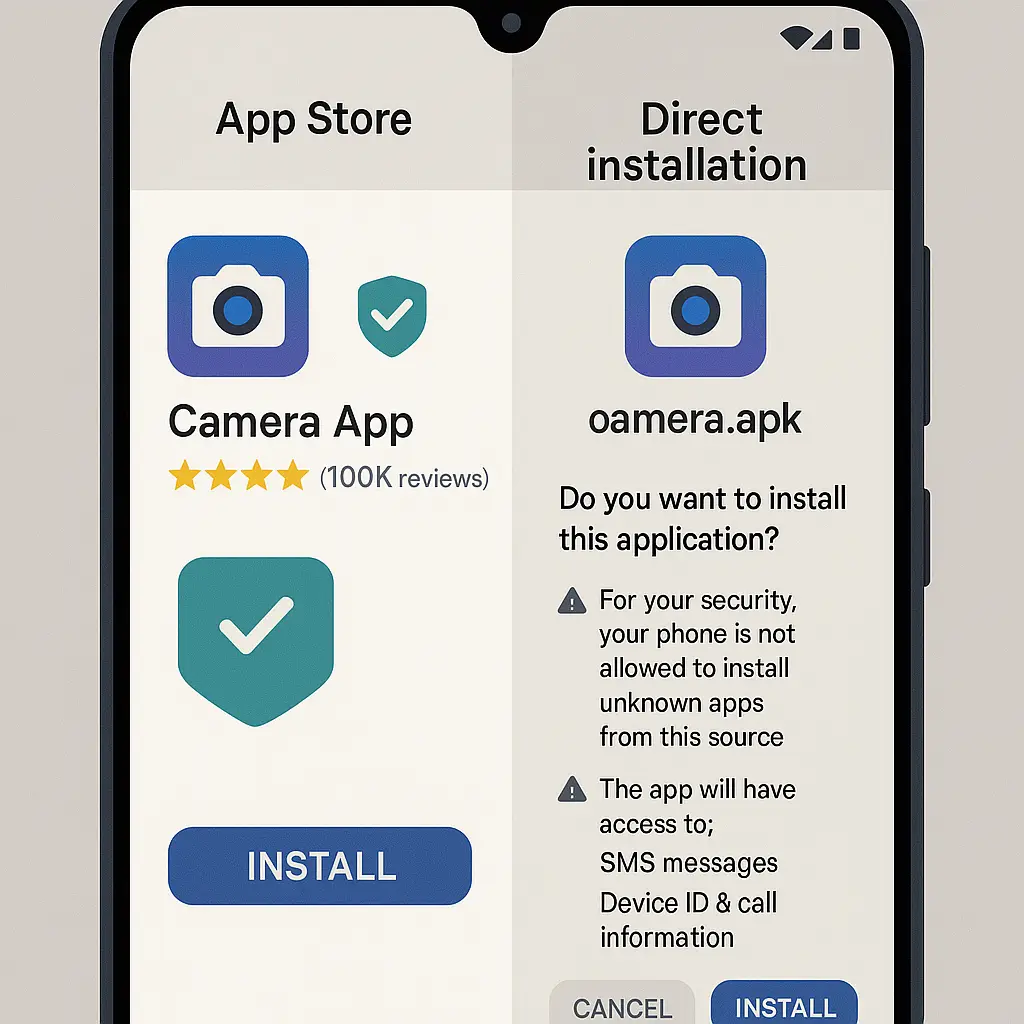
Apps that detect screenshots monitor the operating system's screenshot event. If you bypass that event, the app can't detect the capture.
Screen recording works on most platforms. iOS and Android fire a different system event for screen recording, and most apps don't monitor it. Snapchat is the exception, Snapchat detects screen recording and sends a different notification.
External cameras work universally. Point a second phone at your screen, take a photo, and no app can detect it. The limitation is image quality, photos of screens look worse than screenshots.
The airplane mode workaround used to work on Snapchat but doesn't anymore. Snapchat queues screenshot events locally and syncs them when you reconnect. By the time you force-quit the app, the event is already logged.
Third-party screenshot tools don't bypass detection. Apps monitor the system event, not the method you use to trigger it. Assistive Touch, voice commands, and third-party apps all fire the same event.
Why Most Apps Don't Bother
Screenshot detection requires active monitoring of system events, which uses battery and processing power. For most apps, the feature isn't worth the cost.
The detection also creates user experience problems. People screenshot messages for legitimate reasons, saving addresses, remembering plans, keeping receipts of conversations. Notifying the sender every time creates friction and makes users feel surveilled.
Enforcement is weak. Even apps that detect screenshots can't prevent them. The notification happens after the screenshot, when the content is already captured. For users determined to save something, the notification is an annoyance, not a barrier.
The privacy tradeoff cuts both ways. Users want control over their own devices, which means controlling what they capture. Apps that monitor screenshots feel invasive, even when the monitoring serves a privacy goal (protecting ephemeral content).
Most platforms have decided the feature isn't worth implementing. The apps that do use it, Snapchat, BeReal, and optionally Telegram, are platforms where ephemeral content is central to the user experience. For everyone else, screenshots stay silent.
What the Sender Actually Knows
When you screenshot content in an app that detects it, the sender learns three things: that a screenshot occurred, who took it, and approximately when.
What they don't learn: what you captured, where you saved it, or what you plan to do with it. The notification is binary, screenshot or no screenshot, with no additional context.
The timing is immediate. Snapchat and Instagram send notifications within seconds of the screenshot event. The sender sees the notification before you've even closed the app.
The record is permanent. Screenshot notifications don't disappear, even if the original content does. If you screenshot a Snap that deletes after viewing, the sender still sees the notification in the chat thread afterward.
The Privacy Implication You're Not Thinking About
Screenshot detection reveals your behavior, not just your capture. When an app notifies the sender that you took a screenshot, it's telling them you found the content worth saving.
That creates a chilling effect. You might avoid screenshotting something useful because you don't want the sender to know you saved it. The feature discourages legitimate use cases, saving addresses, keeping records of plans, preserving receipts of conversations, because the act of capturing becomes visible.
The asymmetry matters. The sender controls whether content is ephemeral (by using disappearing messages or apps like Snapchat), but the app controls whether your response to that content is visible. You can't screenshot privately, even for your own reference, if the app decides to notify.
The cultural norm has shifted. In 2011, when Snapchat launched screenshot detection, ephemeral messaging was new and screenshot notifications felt like a reasonable enforcement mechanism. In 2026, most messaging apps have decided that user control over their own devices matters more than sender control over content after delivery.
The apps that still detect screenshots are the outliers, not the standard.
Related reading: