Should I Use My Personal Computer for Work? The Reality Check
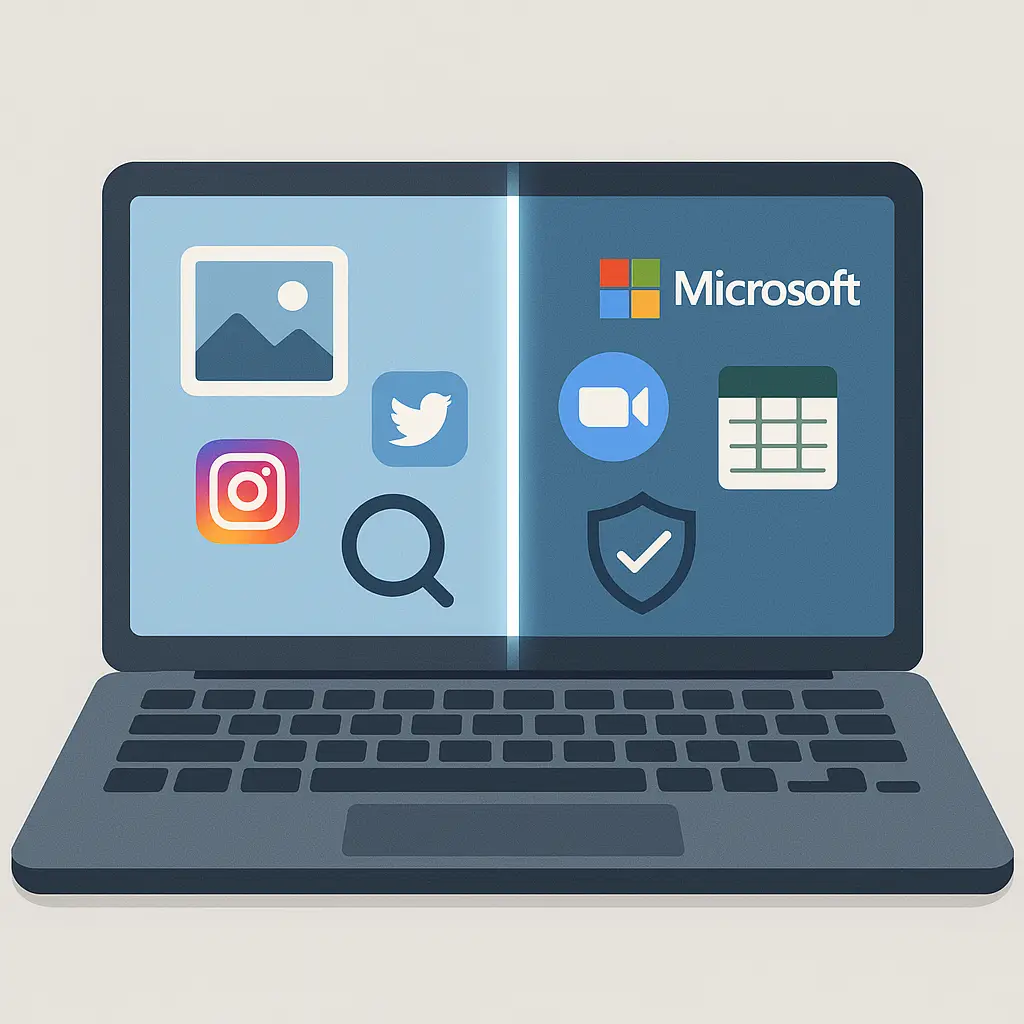
You have a perfectly good laptop. Your employer needs you to access work systems. The obvious move is to use what you already own. One device, two purposes, no redundancy.
This is the setup most people drift into without much thought. It feels efficient. It avoids the annoyance of carrying two laptops or switching between machines. And for a while, it works fine.
Then something breaks. A security incident, a policy change, a departure from the company. Suddenly the convenience that seemed so obvious reveals itself as a tangle of overlapping risks, unclear boundaries, and conflicting interests. The question isn't whether mixing personal and work on one device creates problems. The question is which problems you're willing to accept and which ones you're not.
Here's the reality check: using your personal computer for work is a calculated trade-off, not a neutral choice. You gain convenience. You lose control. The degree of loss depends on your employer's policies, the software they require, and how much you trust both to remain stable over time. Most people make this trade without understanding what they're trading away.
What "Using Your Personal Computer for Work" Actually Means
When you use your personal device for work, you're not just opening a few work-related browser tabs. You're installing software that gives your employer varying degrees of access to the entire system. The scope of that access depends on what the employer requires and how they implement it.
At the lightest end, you might just access web-based work tools through a browser. No special software, no device management, no employer access beyond the accounts you log into. This is the least invasive setup, but it's also increasingly rare. Most employers require more.
The middle ground is productivity software. Email clients, messaging apps, file sync tools. These apps can include monitoring capabilities, data collection, and remote access features that aren't immediately obvious. Even a simple email app can grant your employer the ability to remotely wipe the device if it's lost or if you leave the company. The wipe might target only work data, or it might erase everything. The distinction depends on the software and the policy.
At the heavy end, you install Mobile Device Management (MDM) software or endpoint security tools that give the employer system-level control. They can monitor all activity, enforce security policies, install or remove software, and access files across the entire device. This is common in industries with compliance requirements or high security standards. Once MDM is installed, the device is no longer entirely yours, even if you own the hardware.
The FTC advises consumers to understand what access they're granting when they install workplace software, but most people click through the setup without reading the terms. The access is legal. You agreed to it. The question is whether you understood what you were agreeing to.
The Privacy Trade-Off You Probably Didn't Negotiate
Your personal laptop contains your personal life. Photos, messages, browsing history, saved passwords, financial records, medical information, dating app conversations, job search emails. When you install work software on that device, you're potentially exposing all of it to employer monitoring.
The extent of monitoring depends on the software. Some tools only track activity within work applications. Others log everything: keystrokes, screenshots, websites visited, applications opened, files accessed. The monitoring doesn't stop when you close the work email. It runs continuously as long as the software is active.
In my experience, most people assume that if they're using the device for personal activities during personal time, the employer won't see it. That assumption is wrong. Monitoring software doesn't distinguish between work hours and personal hours. It doesn't know that you're browsing job listings at 11 PM or shopping for engagement rings on Saturday. It logs the activity. Whether anyone reviews the logs is a separate question, but the data exists.
The legal framework around this is clear: if you're using a device for work, the employer generally has the right to monitor it, even if you own the hardware. Courts have consistently ruled that employees have limited privacy expectations on devices used for work purposes. The EFF's Surveillance Self-Defense guide covers this in detail, but the summary is straightforward: if it's used for work, assume it's monitored.
Some employers have policies that limit monitoring to work-related activity. Some don't. Some have policies they don't enforce. Some have policies that change when leadership changes or when a security incident prompts a crackdown. The policy in the employee handbook might not match the capabilities of the software, and you typically won't know until something goes wrong.
The Security Risks Run Both Directions
Using one device for both personal and work creates a two-way security problem. Your personal behavior can compromise work systems. Work requirements can compromise your personal security.
On the personal-to-work side: you click a phishing link in a personal email, and the malware spreads to work files stored on the same device. You install a sketchy browser extension for personal use, and it intercepts work credentials. You connect to public WiFi at a coffee shop for personal browsing, and an attacker on the same network pivots to work systems. The CISA guidance on multifactor authentication helps with account security, but it doesn't prevent cross-contamination on a shared device.
On the work-to-personal side: your employer's security policies might disable features you rely on for personal use. They might block certain websites, prevent software installation, or require encryption that slows the device. If the employer's network is breached, attackers might gain access to your personal accounts stored in the same browser or password manager. If the employer remotely wipes the device, your personal data goes with it unless you have backups.
The risk is compounded by unclear responsibility. If something goes wrong, who's liable? If your personal account is compromised and used to attack the company, are you responsible? If the company's breach exposes your personal data, are they responsible? The answers depend on the employment agreement, the specifics of the incident, and how good your lawyer is. Most people never think about this until they're in the middle of it.
The "Separate User Accounts" Myth
A common strategy is to create separate user accounts on the same computer: one for work, one for personal. This feels like a clean boundary. It organizes files. It keeps work applications separate from personal applications. It gives the illusion of compartmentalization.
It doesn't actually protect you.
Employer monitoring software typically operates at the system level, not the user account level. If MDM or endpoint security software is installed, it can see activity across all accounts on the device. Switching user accounts doesn't stop the monitoring. It just changes which account's activity is being logged.
The separation helps with organization, not security. It prevents accidental file mixing. It keeps your personal desktop clean. But it doesn't create a security boundary between contexts. Both accounts share the same hardware, the same network stack, the same kernel. Malware that infects one account can spread to the other. Monitoring software that runs in one account can see the other.
If you want actual separation, you need separate physical devices. Virtual machines can work in some cases, but they're not foolproof, and they add complexity that most people won't maintain long-term. The reliable approach is one device for work, one device for personal. Everything else is a compromise.
The BYOD Policy You Should Read Before You Sign Anything
Bring Your Own Device (BYOD) policies are the formal framework for using personal devices for work. Some employers have detailed, carefully written policies. Some have vague one-paragraph policies. Some have no written policy at all and just assume you'll figure it out.
If your employer has a BYOD policy, read it before you install work software on your personal device. If they don't have a policy, ask for one in writing. The key questions the policy should answer:
What data can the employer access? Just work files, or everything on the device? Can they access data retroactively, or only going forward from the date you agreed to the policy?
What monitoring is in place? Is it continuous or triggered by specific events? Is it limited to work applications or system-wide? Who reviews the monitoring data and under what circumstances?
What happens when you leave the company? Does the employer wipe the device? Do they remove only work data or everything? How much notice do you get? What if you're terminated without warning?
Who pays for damage, loss, or theft? If the device is stolen, does the employer cover the replacement cost? What about data recovery? What if the device is damaged while being used for work purposes?
What are the security requirements? Does the employer require specific encryption, password policies, or software installations? Can you opt out of any requirements? What happens if you don't comply?
What happens if there's a breach? If the employer's network is compromised and your personal data is exposed as a result, what's their liability? What if your personal account is compromised and used to attack the employer?
Most BYOD policies are written to protect the employer, not the employee. That's not necessarily unfair; the employer has legitimate interests in protecting their data and systems. But you should understand what you're agreeing to before you agree to it. If the policy is one-sided or vague, that's information. It tells you how much the employer has thought about your interests versus their own.
When Separation Actually Matters
For some people, mixing personal and work on one device is fine. The risks are low, the convenience is high, and the employer's policies are reasonable. For others, separation is non-negotiable.
Separation matters most when:
You work in a regulated industry (healthcare, finance, government) where data breaches have legal consequences beyond just losing your job. The monitoring and security requirements in these fields are typically more invasive, and the penalties for violations are severe.
You're job searching while employed. If you're using the same device to send out resumes and cover letters, your employer can see it. They can see which companies you're talking to, what positions you're applying for, and when you're scheduling interviews. Some people are comfortable with that risk. Most aren't.
You have sensitive personal data you can't afford to lose or expose. Medical records, financial information, legal documents, personal communications that would be damaging if disclosed. If a remote wipe would destroy data you can't recover, you need separate devices.
You don't trust your employer's stability or judgment. If there's any chance the company will be acquired, restructured, or subject to leadership changes that might alter policies or access, separation protects you from decisions you can't control.
You value privacy as a principle, not just a practical concern. Some people are fine with employer monitoring as long as nothing bad happens. Others find the monitoring itself unacceptable regardless of how the data is used. Neither position is wrong, but they lead to different decisions about device boundaries. Understanding what digital privacy actually means helps clarify which camp you're in.
The Practical Middle Ground (If You Must)
If you're going to use your personal device for work despite the risks, here's how to minimize the damage:
Back up your personal data to a location the employer can't access. External drive, separate cloud account, whatever works. Do this before you install work software, and keep doing it regularly. If the device gets wiped, you can recover.
Use a password manager that's separate from the device. Don't rely on the browser's built-in password storage or the operating system's keychain if the employer can access it. A standalone password manager with a strong master password gives you one account the employer can't easily reach. The EFF's guide to password managers covers the options.
Enable full-disk encryption if it's not already on. This protects your data if the device is lost or stolen, and it's a baseline security measure regardless of work use. Both macOS and Windows support this natively.
Keep work and personal accounts completely separate. Don't log into personal accounts through work software. Don't save personal passwords in work applications. Don't mix personal and work contacts in the same address book. The separation won't stop system-level monitoring, but it reduces the chance of accidental exposure.
Understand what triggers a remote wipe and have a plan. If you know that leaving the company or reporting the device lost will trigger a wipe, you can prepare. If you don't know, ask. If they won't tell you, that's also information.
Consider the nuclear option: a cheap second device for work only. A basic laptop that costs a few hundred dollars eliminates most of the risks and still gives you the flexibility to work from anywhere. It's not as convenient as one device, but it's far more convenient than dealing with a data breach or a surprise wipe. If you're setting up a dedicated work device, our guide on how to secure your home office for remote work covers the essential configurations.
The Real Cost of Convenience
The reason most people use one device for both personal and work is convenience. It's easier to carry one laptop than two. It's simpler to have one set of files, one set of applications, one set of accounts. The cognitive overhead of switching contexts is real, and minimizing it makes daily life smoother.
The cost of that convenience is control. You give up control over who can access your data, what happens to your device, and how your activity is monitored. You accept risks that might never materialize, but if they do, the consequences can be significant.
In Office Space, Peter Gibbons has a moment of clarity when he realizes the absurdity of his work situation and simply stops showing up. The movie treats this as liberating, but the reality is messier. Walking away from a job is one thing. Walking away from a job when your personal device is entangled with work systems is another. You can't just stop showing up. You have to negotiate the exit, recover your data, remove work software, and hope the employer doesn't wipe the device out of spite or policy.
The analogy works because the film's central tension is about the loss of autonomy in exchange for stability. Peter trades his time and energy for a paycheck, and the trade feels increasingly unfair as the film progresses. Using your personal device for work is a smaller version of the same trade. You trade autonomy over your device for the convenience of not carrying two laptops. The trade might be worth it. But it's still a trade, and you should make it consciously.
What I Actually Do
I use separate devices. A work laptop provided by the employer, a personal laptop that never touches work systems. It's less convenient. I carry two laptops when I travel. I have two sets of chargers, two sets of accounts, two sets of mental context.
The separation is worth it. I don't worry about employer monitoring when I'm researching articles. I don't worry about work breaches exposing my personal accounts. I don't worry about a remote wipe destroying files I can't recover. When I leave a job, I hand back the work laptop and walk away clean. No negotiation, no data recovery, no entanglement.
This approach isn't free. It costs money to maintain two devices. It costs mental effort to keep contexts separate. It costs convenience when I want to quickly check work email on my personal laptop and have to resist the temptation.
But the cost is predictable and contained. The cost of mixing devices is unpredictable and unbounded. I'll take the predictable cost.
Your situation might be different. You might trust your employer more than I trust mine. You might have less sensitive personal data. You might value convenience more than I do. The choice is yours. Just make it a choice, not a default.