How Often Should You Actually Change Your Password — And When to Ignore That Advice
Your bank makes you change your password every 90 days. Your work account expires credentials every 60 days. Your health insurance portal just locked you out until you pick a new password. Every service has a different policy, and none of them explain why.
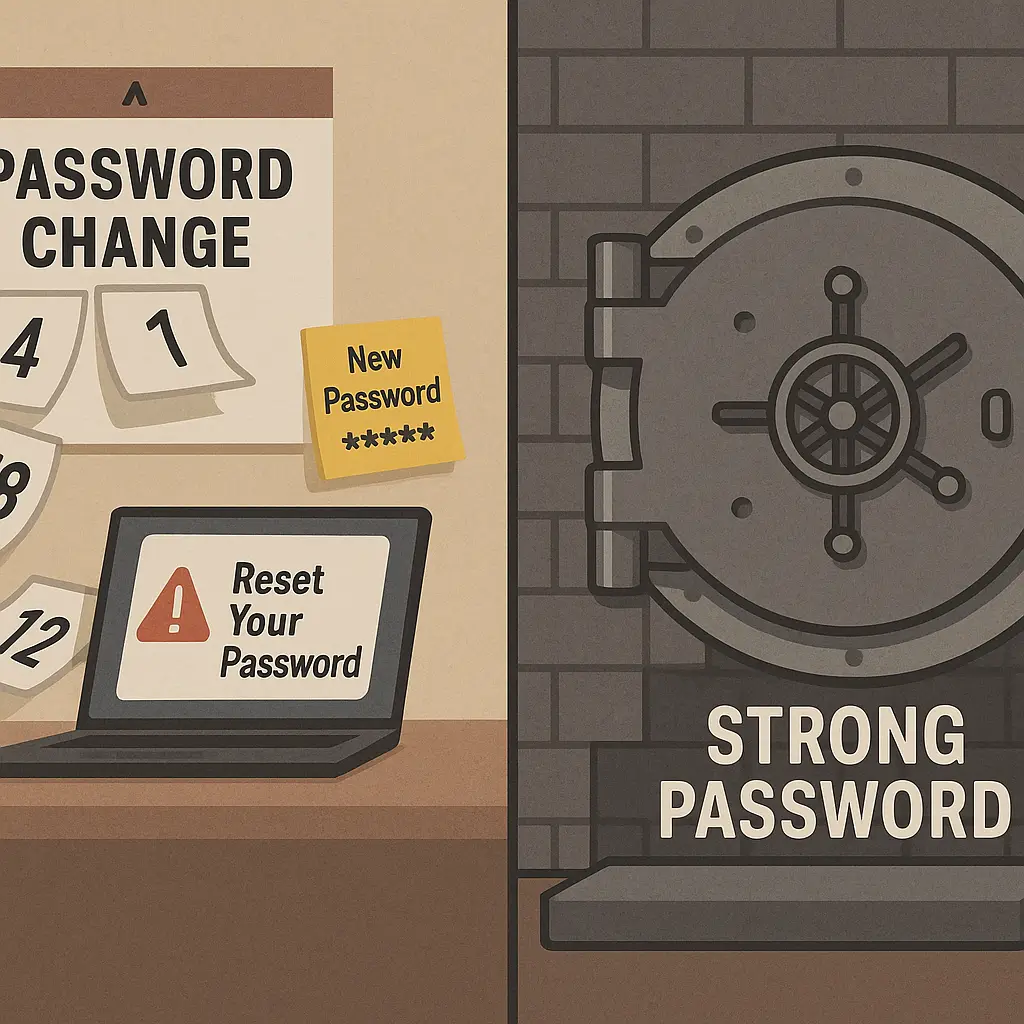
The advice to change passwords regularly has been around for decades. It sounds reasonable. Passwords leak, people write them down, attackers crack them slowly over time. Rotating credentials limits the damage. Except that's not what actually happens.
NIST's Digital Identity Guidelines explicitly recommend against forced password expiration for most situations. The research is clear: mandatory rotation creates weaker passwords, not stronger ones. People respond to expiration policies by making small, predictable changes that attackers exploit.
This isn't an academic argument. The gap between what security professionals recommend and what organizations actually enforce creates real consequences. You're stuck managing dozens of expiring passwords while the policy that's supposed to protect you actively undermines your security.
Here's what the research actually says, when rotation makes sense, and what to do instead.
Where Password Rotation Came From
Password expiration policies originated in an era when security assumptions were different. Computers were slower. Breaches were rarer. Password databases used weaker hashing. The threat model assumed attackers would steal encrypted password files and crack them offline over weeks or months. If you changed your password every 90 days, the thinking went, the attacker's work became obsolete before they finished.
That model made sense in the 1980s. It doesn't describe 2026.
Modern password cracking happens fast or not at all. If your password is weak, attackers crack it in hours. If it's strong, they won't crack it in your lifetime. The 90-day window doesn't matter either way. And breaches today rarely give attackers encrypted password files to crack offline. They steal credentials in cleartext through phishing, malware, or database compromises that expose plaintext passwords directly.
The rotation policy solves a problem that no longer exists while creating new ones.
What Actually Happens When You Force Rotation
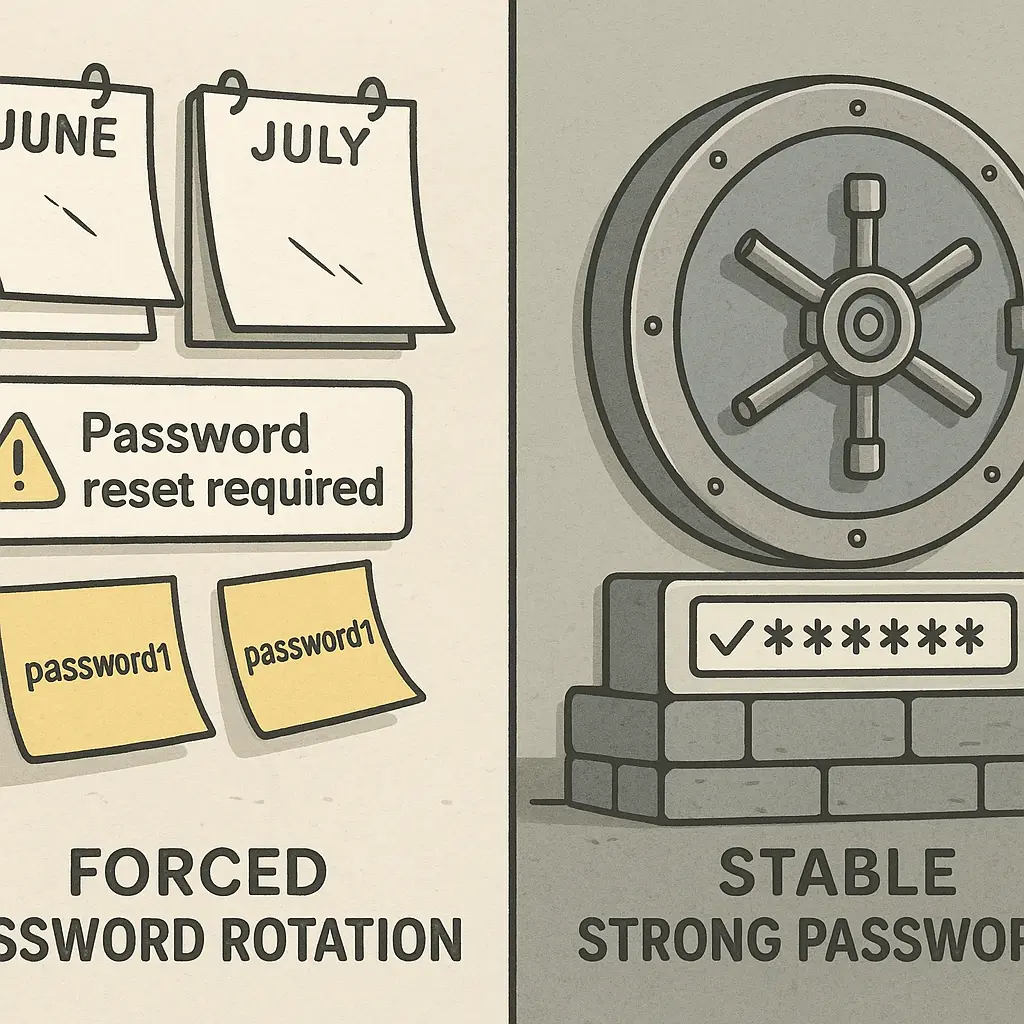
When an organization mandates password changes every 60 or 90 days, people don't generate strong random passwords each time. They modify the previous password in predictable ways.
Password1 becomes Password2. Summer2025 becomes Fall2025. The base password stays the same, and only the suffix changes. Research has found that these incremental changes are trivial for attackers to predict once they have one password in the sequence.
Some people cycle through a small set of passwords, rotating between three or four options. Others add characters to meet length requirements without increasing entropy. The policy creates the appearance of security while undermining the actual strength of the credentials.
This isn't laziness. It's a rational response to an irrational requirement. Remembering dozens of strong unique passwords without external help is not realistic. When you force people to change those passwords on a schedule, they optimize for memorability, not security.
The result is a system where everyone complies with the policy but nobody's passwords get stronger.
When Rotation Actually Helps
There are specific situations where changing a password makes sense. None of them involve a calendar.
After a breach. If a service you use discloses a data breach, change your password immediately. This is the clearest case for rotation. Your credential may have been exposed, and leaving it unchanged creates direct risk.
When you've reused a password. If you used the same password on two sites and one of them gets breached, change it on both. Credential stuffing attacks automate this process. Attackers take leaked credentials from one breach and test them against other services. Reuse turns one compromise into many.
When you suspect unauthorized access. If you see logins from unfamiliar locations, devices you don't recognize, or account activity you didn't initiate, change the password. Don't wait for confirmation. The cost of being wrong is low compared to the cost of being right and doing nothing.
When you're replacing a weak password. If you've been using Password123 for five years, changing it to a strong unique password is an upgrade. This isn't rotation. It's remediation.
When someone else knows your password. If you shared a password with a coworker, family member, or service technician and that relationship has changed, rotate the credential. Shared passwords should be rare, but when they exist, they create dependencies that require management.
None of these scenarios involve scheduled expiration. They're all event-driven. Something happened that created risk, and rotation is the response.
The Case Against Scheduled Expiration
NIST's guidance is explicit: "Verifiers SHOULD NOT require memorized secrets to be changed arbitrarily (e.g., periodically)." The language is careful, but the recommendation is clear. Forced expiration without evidence of compromise does more harm than good.
The UK's National Cyber Security Centre agrees. Their guidance states that regular password changes "impose burdens on the user" and "lead to the use of passwords that are easier to guess."
The problem isn't just weaker passwords. It's the opportunity cost. Every hour IT staff spend enforcing expiration policies, resetting forgotten passwords, and managing helpdesk tickets is time not spent on security measures that actually work. CISA recommends focusing on password strength and uniqueness instead of rotation schedules.
Organizations that eliminate mandatory expiration often see security improve. Users create stronger passwords when they're not planning to change them in 90 days. Helpdesk calls drop. Frustration decreases. The policy change removes a source of friction without reducing protection.
What to Do Instead of Rotating
If scheduled password changes don't work, what does?
Use a password manager. This is the single most effective replacement for rotation policies. A password manager generates strong unique passwords for every account and stores them encrypted. You remember one master password. The manager handles the rest. I've written about how password managers work and how to set one up if you're starting from scratch.
NordPass offers cross-device sync, breach monitoring, and zero-knowledge architecture. The vault stays encrypted even on their servers. You can share credentials with family members without sending passwords in cleartext.
Enable two-factor authentication. 2FA adds a second layer beyond your password. Even if an attacker gets your credential, they can't log in without the second factor. CISA's guidance on multifactor authentication explains why this matters and how to implement it. I've covered which 2FA method to use and how to set it up on critical accounts.
Monitor for breaches. Services like Have I Been Pwned let you check if your email or passwords have appeared in known breaches. When they have, you change those specific passwords. This is event-driven rotation, not calendar-driven.
Use long passphrases. If you're creating a password you need to remember, use a passphrase instead of a complex short password. Four or five random words create more entropy than eight characters of mixed case and symbols. The math behind why long passwords beat complex ones explains the entropy calculation. EFF's Diceware method provides a framework for generating random passphrases.
Never reuse passwords. This is the rule that matters most. Every account gets a unique password. When one site gets breached, the damage stays contained. Password reuse is the single worst security habit because it turns one compromise into many.
The Compliance Problem
Many organizations continue enforcing password expiration because compliance frameworks require it. PCI-DSS, HIPAA, and industry-specific regulations sometimes mandate rotation schedules. Changing those policies isn't as simple as updating a setting.
Compliance auditors look for documentation. If your security policy says passwords expire every 90 days and you've removed that requirement, the auditor flags it as a finding. Resolving the finding requires updating the policy, justifying the change with research, retraining staff, and sometimes renegotiating audit scope.
This creates inertia. The organization knows forced expiration doesn't help, but changing it creates work that offers no immediate benefit. The policy persists not because anyone believes in it, but because removing it costs more than leaving it alone.
If you're in this situation, the path forward involves documentation. NIST's guidance provides the research foundation. CISA's recommendations offer government backing. Industry groups like SANS publish updated best practices. Building a case for policy change requires showing auditors that the new approach aligns with current standards, not just that the old approach is outdated.
The User Experience Cost
Forced password rotation creates friction that extends beyond security. Every expiration notice is an interruption. Every reset is a moment where work stops. The cumulative cost across an organization is real.
In The X-Files, Mulder and Scully spend seven seasons chasing evidence of vast conspiracies while the actual threat is usually something mundane that nobody noticed because they were looking in the wrong direction. Forced password expiration is the same dynamic. Organizations focus on rotation schedules while the real vulnerabilities, reused passwords, weak credentials, missing 2FA, sit unaddressed.
The policy gives the appearance of action without solving the underlying problem. Employees comply by making minimal changes that satisfy the technical requirement but don't improve security. IT departments spend hours managing resets and helpdesk calls. The organization checks a box on the compliance form. Nobody's safer.
What Actually Protects You
Strong unique passwords protect you. Two-factor authentication protects you. Monitoring for breaches and responding when they happen protects you. Using a password manager to make all of this practical protects you.
Changing your password every 90 days doesn't.
The research is clear. The guidance from NIST, CISA, the UK NCSC, and security researchers all points in the same direction. Scheduled expiration creates weaker passwords, increases support burden, and solves a problem that no longer exists.
If your organization still enforces rotation, you're not alone. Changing institutional policy takes time. In the meantime, focus on what you can control. Use a password manager. Enable 2FA everywhere it's offered. Never reuse passwords. Monitor for breaches. When you're forced to rotate, make the new password strong and unique.
And if you're in a position to influence policy, start building the case for change. The research exists. The guidance is published. The path forward is clear. It just requires someone willing to challenge the assumption that what we've always done is what we should keep doing.