Cross-device tracking: how they know it's you
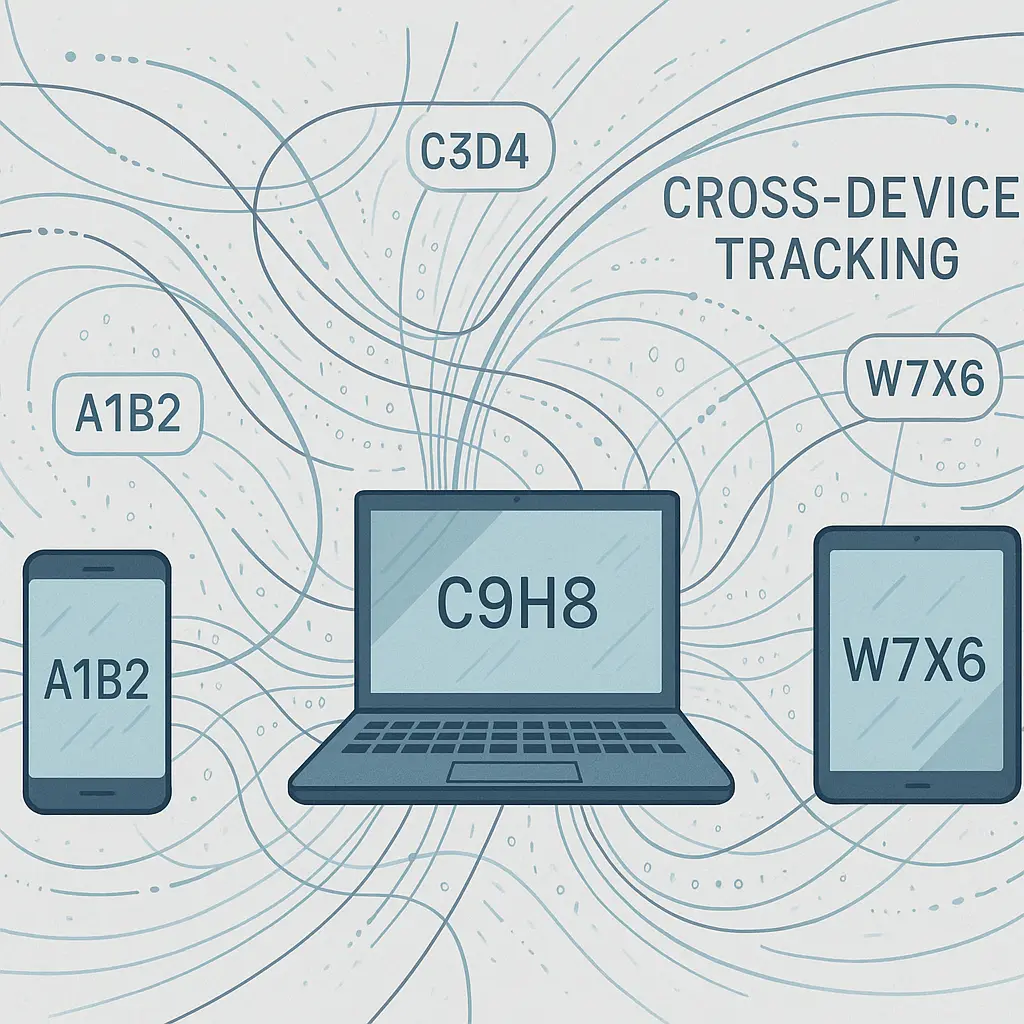
You search for running shoes on your laptop during lunch. That evening, ads for the exact same shoes appear on your phone while you scroll Instagram. You didn't log into anything on your laptop. You didn't click a link between devices. The ad just knew.
This is cross-device tracking. Websites and advertisers link your phone, laptop, tablet, and any other internet-connected device to build a unified profile of your behavior. They know it's you across all of them.
Here's how the mechanism works, what data makes it possible, and what you can actually control.
What cross-device tracking is
Cross-device tracking connects your activity across multiple devices to a single identity. When you browse on your phone, laptop, and tablet, trackers work to determine that all three devices belong to the same person. Once linked, your behavior on one device informs what you see on another.
The goal is advertising precision. Advertisers want to know whether the person who searched for running shoes on a laptop is the same person who later bought them on a phone. They want to avoid showing you the same ad fifteen times across three devices. They want to measure whether an ad you saw on your tablet influenced a purchase you made on your desktop.
Cross-device tracking also powers features you might value. Streaming services remember where you paused a show on your TV so you can resume on your phone. Shopping carts sync across devices. Search history follows you.
But the same infrastructure that syncs your Netflix queue also builds a detailed map of your behavior across every screen you touch.
Deterministic tracking: the direct link
The simplest form of cross-device tracking is deterministic. This method uses confirmed identifiers to link devices with certainty.
When you log into Facebook, Google, Amazon, or any platform on multiple devices, that login directly ties those devices to your account. The platform now knows your phone and laptop belong to the same person because you authenticated on both.
This extends beyond the platform itself. Websites that embed Facebook pixels, Google Analytics, or Amazon tracking scripts can link your devices through those shared login sessions. If you're signed into Google on your laptop and your phone, any site using Google's tracking infrastructure can connect your activity on both devices.
Email addresses work the same way. When you sign up for a newsletter on your laptop and later open that email on your phone, the tracking pixel embedded in the email fires on both devices. The sender now has confirmation that both devices belong to the email address you provided.
Loyalty programs, retail apps, and subscription services create deterministic links every time you log in. Your Starbucks app on your phone, your Starbucks account on your laptop, and your Starbucks purchase history on your tablet all connect to the same profile.
Deterministic tracking is precise. There's no guessing. The identifier is explicit.
Probabilistic tracking: the statistical guess
Probabilistic tracking works without login confirmation. It analyzes patterns, behaviors, and device characteristics to infer that two devices belong to the same person.
This method relies on correlation. If a laptop and a phone share the same IP address, visit the same websites in similar patterns, appear in the same geographic locations, and browse during overlapping time windows, trackers assign a probability that both devices belong to the same user.
Browser fingerprinting strengthens probabilistic matching. Every device has a unique combination of screen resolution, installed fonts, browser version, operating system, language settings, time zone, and enabled plugins. When a laptop and a phone generate similar fingerprints, visit the same sites, and share an IP address, the probability score increases.
Location data adds another signal. If your phone's GPS coordinates match the WiFi network your laptop connects to, trackers infer a link. If both devices appear at your home address, your workplace, and your gym in consistent patterns, the correlation tightens.
Behavioral signals matter too. If you browse the same product categories, read the same news sites, watch the same videos, and follow similar browsing rhythms on two devices, probabilistic models flag them as likely belonging to the same person.
The accuracy isn't perfect. Probabilistic tracking produces false positives. Roommates sharing an IP address might get linked. Family members using the same WiFi network might get conflated. But the models are good enough that advertisers rely on them when deterministic data isn't available.
The role of tracking pixels and cookies
Tracking pixels are tiny, invisible images embedded in websites and emails. When the pixel loads, it sends data back to the tracker: your IP address, device type, browser, timestamp, and the page you're viewing. If you're logged into a platform that placed the pixel, it also sends your user ID.
Pixels fire on every device you use. If you open an email on your phone and later visit the sender's website on your laptop, the pixel on both triggers. The tracker now has two data points tied to the same email address or user ID.
Third-party cookies work similarly. When you visit a site that embeds ads or analytics from a third party, that third party sets a cookie on your browser. The cookie follows you across every site that uses the same third-party service.
If you visit Site A on your laptop and Site B on your phone, and both sites embed the same ad network, that ad network can link your activity on both devices through the cookies it set. Add a login session to the mix, and the link becomes deterministic.
Cookies have limitations. They're browser-specific. A cookie set in Chrome on your laptop doesn't transfer to Safari on your phone. But when combined with other signals like IP address, location, and fingerprinting, cookies contribute to the probabilistic model that ties your devices together.
IP addresses and network-level tracking
Your IP address is visible to every website you visit. If your phone and laptop connect to the same home WiFi network, they share the same public IP address. Trackers see this.
When two devices behind the same IP address visit the same websites, trackers infer they belong to the same household. If those devices also share behavioral patterns, the inference narrows to the same person.
This works at coffee shops, airports, and hotels too. If your laptop and phone both connect to the same public WiFi and browse similar content, trackers flag the correlation.
Mobile networks complicate this slightly. Your phone's IP address changes as you move between cell towers. But location data compensates. If your phone's GPS coordinates align with your laptop's WiFi network, trackers connect the dots.
Some tracking companies purchase data from internet service providers and mobile carriers. This data includes which devices connect to which networks, when, and for how long. The data doesn't include the content of your browsing, but it maps the relationships between devices, locations, and networks.
Data brokers and third-party aggregation
Data brokers collect information from thousands of sources and sell unified profiles to advertisers. They don't track you directly. They buy data from apps, websites, retailers, and platforms, then stitch it together.
A data broker might purchase your email address from a retailer, your device IDs from an app, your IP address from an ad network, and your location history from a mapping service. They cross-reference these data points to build a profile that links all your devices.
This aggregation happens outside your view. You never consented to the broker's tracking because you never interacted with the broker. You consented to the apps and websites that sold your data downstream.
The FTC has taken enforcement action against some data brokers for deceptive practices, but the industry remains largely unregulated in the United States. Brokers operate in a legal gray zone where the boundaries of permissible data collection shift with each court case and regulatory update.
The role of device IDs
Your phone has a unique advertising identifier. On iOS, it's called the Identifier for Advertisers (IDFA). On Android, it's the Google Advertising ID (GAID). Apps use these IDs to track your behavior within the app and across other apps that share the same ad network.
When you install an app on your phone and later visit a website on your laptop, the app and the website can share data through a third-party tracker that has access to both. The app sends your device ID. The website sends your cookie or fingerprint. The tracker links them.
Apple introduced App Tracking Transparency in iOS 14.5, requiring apps to ask permission before accessing your IDFA. Most users decline. This disrupted deterministic mobile tracking, but probabilistic methods filled the gap.
Android offers similar controls, but the default settings are less restrictive. Google has announced plans to phase out the GAID, but the timeline remains unclear and the replacement mechanisms are still in development.
Device IDs also exist at the hardware level. Your phone's MAC address, IMEI number, and serial number are unique identifiers that some apps and networks collect. These identifiers are harder to reset than advertising IDs, and they persist across app reinstalls and factory resets.
Location data as a linking mechanism
Your phone tracks your location constantly. GPS, WiFi networks, Bluetooth beacons, and cell tower triangulation all contribute. Apps with location permissions collect this data, and many sell it to third parties.
When your phone and laptop appear in the same locations at the same times, trackers infer a link. If your phone is at your home address every night and your laptop connects to the same home WiFi network, the correlation is strong.
Retailers use location data to connect online and offline behavior. If you browse a product on your laptop, then visit the physical store where your phone's GPS places you, the retailer can link the online session to the in-store visit. Some retailers use this to measure whether online ads drive foot traffic.
Location data brokers aggregate GPS coordinates from hundreds of apps and sell the data to advertisers. The data is often anonymized, but researchers have repeatedly demonstrated that anonymized location data can be re-identified by cross-referencing it with publicly available information.
The Electronic Frontier Foundation has documented how location data brokers operate and the privacy risks they create. Some brokers claim they don't sell personally identifiable information, but the distinction becomes meaningless when location patterns reveal where you live, work, worship, and seek medical care.
Ultrasonic beacons and audio fingerprinting
Some apps and websites use ultrasonic beacons to link devices. A TV ad, retail store, or website emits a high-frequency sound inaudible to humans but detectable by your phone's microphone. Apps with microphone permissions listen for these beacons and report back when they hear one.
If your laptop plays a video containing an ultrasonic beacon and your phone's microphone picks it up, the tracker knows both devices are in the same room. This links them probabilistically.
Audio fingerprinting works similarly. Apps analyze the ambient sound environment to create a unique signature. If your laptop and phone generate matching audio fingerprints, trackers infer they're in the same location.
These techniques are less common than cookies or fingerprinting, but they exist. The FTC has investigated companies using ultrasonic tracking without disclosure, but enforcement has been limited.
The sync mechanisms you enable
Many services offer cross-device sync as a feature. Chrome syncs your browsing history, bookmarks, and passwords across devices when you're signed into your Google account. Safari does the same through iCloud. Firefox offers sync through a Firefox account.
These sync features explicitly link your devices. They're deterministic by design. When you enable sync, you're telling the platform that all your devices belong to you.
This isn't inherently bad. Sync is useful. But it also means the platform has a complete map of your devices and can track your activity across all of them.
Shopping apps sync your cart. Streaming apps sync your watch history. News apps sync your reading preferences. Every sync is a deterministic link.
What you can control
You can reduce cross-device tracking, but you can't eliminate it without making your devices significantly less useful.
The most effective defense is to avoid logging into the same accounts on multiple devices. Use your laptop for browsing that requires a Google login. Use your phone for browsing that doesn't. Keep your devices siloed.
This is impractical for most people. Synced bookmarks, passwords, and browsing history are convenient. Giving them up is a real tradeoff.
Use different browsers on different devices. Chrome on your laptop, Safari on your phone. This prevents browser-level sync and makes fingerprinting slightly harder.
A VPN masks your IP address, breaking the network-level link between devices. If your laptop and phone connect through different VPN servers, they appear to trackers as if they're in different locations. This disrupts probabilistic matching.
Block third-party cookies in your browser settings. Firefox, Safari, and Brave block them by default. Chrome still allows them but plans to phase them out.
Disable location permissions for apps that don't need them. Revoke microphone permissions for apps you don't trust. Reset your advertising ID periodically on iOS and Android.
Use privacy-focused tools. Privacy Badger, developed by the Electronic Frontier Foundation, blocks trackers that follow you across sites. Browsers like Brave and Firefox include built-in tracker blocking.
Opt out of data broker tracking where possible. Sites like the FTC's consumer privacy guidance list steps for reducing your exposure, though the process is manual and time-consuming.
These steps reduce tracking. They don't eliminate it. Deterministic tracking through logins is too embedded in how the web works. Probabilistic tracking adapts as you block one signal by finding another.
The tradeoff you're making
Cross-device tracking exists because it's profitable. Advertisers pay more for ads targeted to unified profiles. Platforms build better products when they understand how you use them across devices.
You benefit from some of this. Synced devices are more useful. Personalized recommendations sometimes surface things you actually want. Ads for products you've already researched are less annoying than ads for things you'll never buy.
But the cost is a loss of control over how your behavior is observed, aggregated, and sold. The infrastructure that syncs your Netflix queue also tracks every site you visit, every product you view, and every location you inhabit.
The choice isn't binary. You can reduce tracking without abandoning convenience entirely. Use the tools that matter to you. Block the tracking that doesn't serve you. Accept that perfect privacy requires sacrifices most people won't make.
Cross-device tracking works because your devices leak signals constantly. Every login, every pixel, every shared IP address is a thread that ties your digital life together. The mechanism is technical, but the decision about how much tracking to accept is yours.