Hotel Business Center Computers: The Real Risk You're Not Being Told
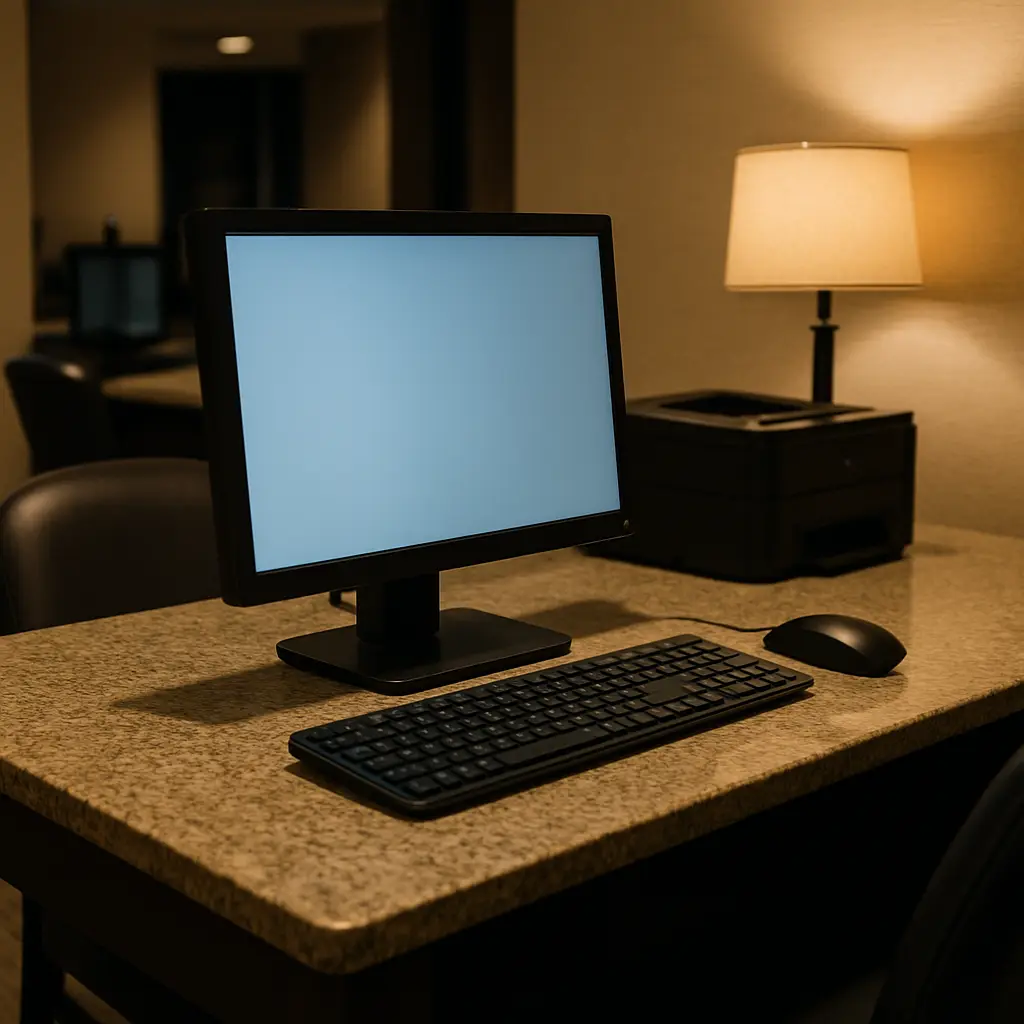
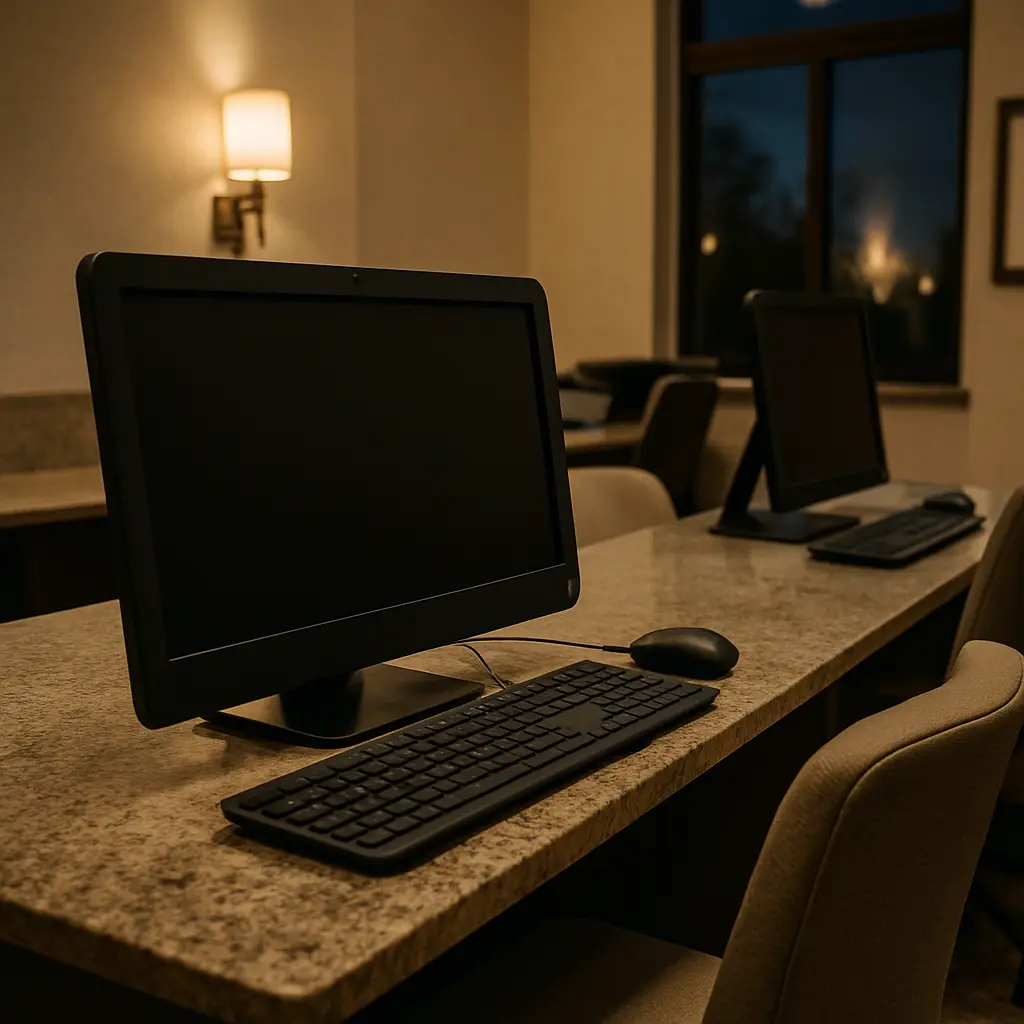
You're in Prague. Your laptop died. The hotel business center has three computers in a windowless room off the lobby, and you need to check email before tomorrow's meeting.
Should you use one?
The answer security professionals give is unambiguous: no. But that answer doesn't help you understand the mechanism behind the risk, what actually happens when you sit down at a shared computer abroad, or what you can control when your options narrow to "use the hotel computer or miss the meeting."
Here's the reality check on hotel business center computers, what the real threats are, what's overblown, and what you can actually do about it.
The Threat Model: What You're Actually Up Against
Hotel business center computers sit in a category security researchers call "untrusted shared devices." The label is precise. You don't control the hardware, you don't control the software, and you don't know who used it before you or what they left behind.
The threats fall into three categories: keystroke logging, session hijacking, and persistent malware. Each operates differently. Each creates different exposure. Understanding the distinction matters because the defenses differ.
Keystroke logging is the most common and the most dangerous. A keylogger records every key you press. Hardware keyloggers are physical devices that sit between the keyboard cable and the computer. They're cheap, widely available, and invisible unless you physically inspect the back of the machine. Software keyloggers run in the background, recording keystrokes and sending them to an attacker later. Both capture passwords, credit card numbers, and anything else you type.
Security professionals assume shared computers have keyloggers. Not because every machine is compromised, but because the cost of assuming otherwise is too high. If you type a password on a shared computer, you should treat that password as compromised the moment you walk away.
Session hijacking exploits the way websites keep you logged in. When you authenticate to a site, the server sends your browser a session cookie. That cookie proves you're you. If someone accesses that cookie after you log out, they can impersonate you without needing your password.
Browsers are supposed to clear cookies when you close them. But shared computers often run browser sessions that stay open for days. Cookies persist. Autofill data persists. Saved passwords persist. Even if you click "log out," traces of your session can remain accessible to the next user.
Persistent malware is the third category. Shared computers in public spaces are targets for malware that steals data, monitors activity, or uses the machine as part of a botnet. The malware doesn't care who you are. It harvests whatever it can from everyone who uses the machine.
These aren't theoretical. Researchers studying public computer security in hotels, airports, and internet cafes consistently find compromised machines. The prevalence varies by location and context, but the baseline assumption among people who think about this professionally is that shared computers in transient environments are hostile.
What Happens When You Use a Hotel Computer
You sit down. The screen shows a Windows login or a browser already open. You navigate to your email provider. You type your username and password.
If a hardware keylogger is installed, it records every keystroke. The data sits in the device's memory until someone retrieves it. That someone might be the person who installed it, or it might be hotel staff conducting a routine inspection who discover the device and pull the logs out of curiosity. Either way, your credentials are now in someone else's hands.
If a software keylogger is running, the process is similar but less visible. The malware captures your keystrokes and either stores them locally or transmits them to a remote server. You won't see it happen. The computer behaves normally. The only indication something is wrong is what happens later, when your account gets accessed from an IP address in a different country.
You finish your email. You click "log out." You close the browser. You walk away.
If the browser didn't fully clear your session cookies, the next person who opens that browser might see your email still accessible. If the browser saved your password in autofill, the next user can retrieve it. If the computer has malware that captures screenshots or records clipboard data, traces of your session persist even after you think you've cleaned up.
The mechanism isn't sophisticated. It's opportunistic. Attackers don't need to target you specifically. They just need to compromise the machine and wait for someone to use it.
The Gilmore Girls Problem
In Gilmore Girls, Lorelai Gilmore runs the Independence Inn, a small Connecticut bed-and-breakfast where guests feel like family and the staff knows everyone by name. The inn's business center is a single computer in the corner of the lobby, and the show treats it as a quaint amenity, a piece of infrastructure that exists to help guests without raising questions about who else might have used it or what they left behind.
That's the problem with hotel business centers. They're designed to feel helpful and benign, like a courtesy extended by the hotel. But the infrastructure underneath that courtesy is shared, unmonitored, and accessible to anyone who walks in. The inn's single computer in the corner is functionally identical to a compromised machine in a Prague hotel business center. The difference is context, not risk.
The analogy works because both situations rely on trust that isn't warranted. Lorelai's guests trust the Independence Inn because they trust Lorelai. Hotel guests trust business center computers because the hotel provides them. But the hotel doesn't control what happens on those machines between cleanings, and the cleaning staff aren't trained to spot keyloggers or check for malware.
The trust is misplaced. The risk is real.
What Matters and What Doesn't
Not all hotel computer risks are equal. Some threats are common and serious. Others are rare or overstated. Separating the two helps you make better decisions when you're stuck in a situation where you have to use a shared machine.
Keystroke logging matters. This is the primary threat. Assume any password you type on a shared computer is compromised. Assume any credit card number you type is stolen. Assume any sensitive data you enter is visible to someone else.
Session hijacking matters. Logging out doesn't always clear your session. Closing the browser doesn't always clear cookies. If you access an account on a shared computer, treat that session as potentially accessible to the next user.
Persistent malware matters, but less than the first two. Malware on shared computers tends to be broad and opportunistic, not targeted. It's looking for credentials, financial data, and anything else it can harvest. But it's not tailored to you specifically, and it's often detectable by antivirus software if the hotel bothers to run it.
Physical surveillance doesn't matter as much as people think. The idea that someone is watching you through a webcam or recording your screen is technically possible but far less common than keyloggers. If you're worried about this, cover the webcam with a Post-it note. But the bigger threat is what you type, not what the camera sees.
Network-level attacks don't matter in this context. The risk from using a hotel computer isn't the network it's connected to. It's the machine itself. Hotel WiFi carries its own risks, but those are separate from the risks of using a shared computer. Don't conflate the two.
What You Can Control
You can't eliminate the risk of using a hotel business center computer. But you can reduce it if you're stuck in a situation where you have no other option.
Use your phone instead. If you need to check email or access an account, use your phone over cellular data. It's not perfect, but it's far safer than a shared computer. Your phone is a device you control. The hotel computer is not.
If you must use the hotel computer, don't log into anything. Browse public information. Read news. Look up directions. Do not enter credentials. Do not access accounts. Do not type anything sensitive.
If you absolutely must log into an account, change the password immediately afterward from a trusted device. As soon as you're back on your own laptop or phone, change the password for every account you accessed on the shared computer. Enable two-factor authentication if you haven't already. Monitor the account for unauthorized activity.
Don't save passwords or stay logged in. If the browser asks to save your password, decline. If the site asks to keep you logged in, decline. Close the browser completely when you're done. Restart the computer if you can.
Inspect the back of the machine. Before you sit down, look at the keyboard cable. If there's a small device between the cable and the computer, don't use that machine. Hardware keyloggers are visible if you check.
Use incognito or private browsing mode. It won't stop keyloggers, but it reduces the chance that cookies and autofill data persist after you close the browser. It's a small mitigation, but it's better than nothing.
Assume everything you do is visible. Treat the computer as compromised. Don't type anything you wouldn't want someone else to see. Don't access accounts that hold sensitive data. Don't enter payment information. If the task requires any of those things, find another way to do it.
What to Do If You Already Used a Hotel Computer
You used the hotel computer. You logged into your email. You typed your password. Now what?
Change your passwords immediately. Do this from a trusted device as soon as possible. Change the password for every account you accessed on the shared computer. If you used the same password across multiple accounts, change all of them. EFF's guide to creating strong passwords walks through the process.
Enable two-factor authentication. If you haven't already set up 2FA on your accounts, do it now. Authenticator apps are stronger than SMS, but SMS is better than nothing. CISA's MFA guide explains the options.
Monitor your accounts for unauthorized activity. Check your email, banking, and social media accounts for logins from unfamiliar locations or devices. Most services let you see recent login activity in your security settings. If you see something suspicious, log out all sessions and change your password again.
Watch for phishing. If your email was compromised, attackers might use it to send phishing emails to your contacts or to reset passwords on other accounts. Monitor your inbox for password reset requests you didn't initiate.
Consider freezing your credit if you entered financial information. If you typed a credit card number or Social Security number on a shared computer, consider placing a credit freeze with the three major bureaus. It's free and reversible.
Report the incident to the hotel. Tell the front desk that you suspect the business center computer may be compromised. They probably won't do anything, but it creates a record and might prompt them to inspect the machines.
The Alternatives: What to Do Instead
The best defense is not using the hotel computer in the first place. Here are the alternatives that actually work when you're traveling.
Bring a backup device. If your laptop dies, having a tablet or phone as a backup means you don't need to rely on shared computers. Make sure the backup device is charged and has access to the accounts you need.
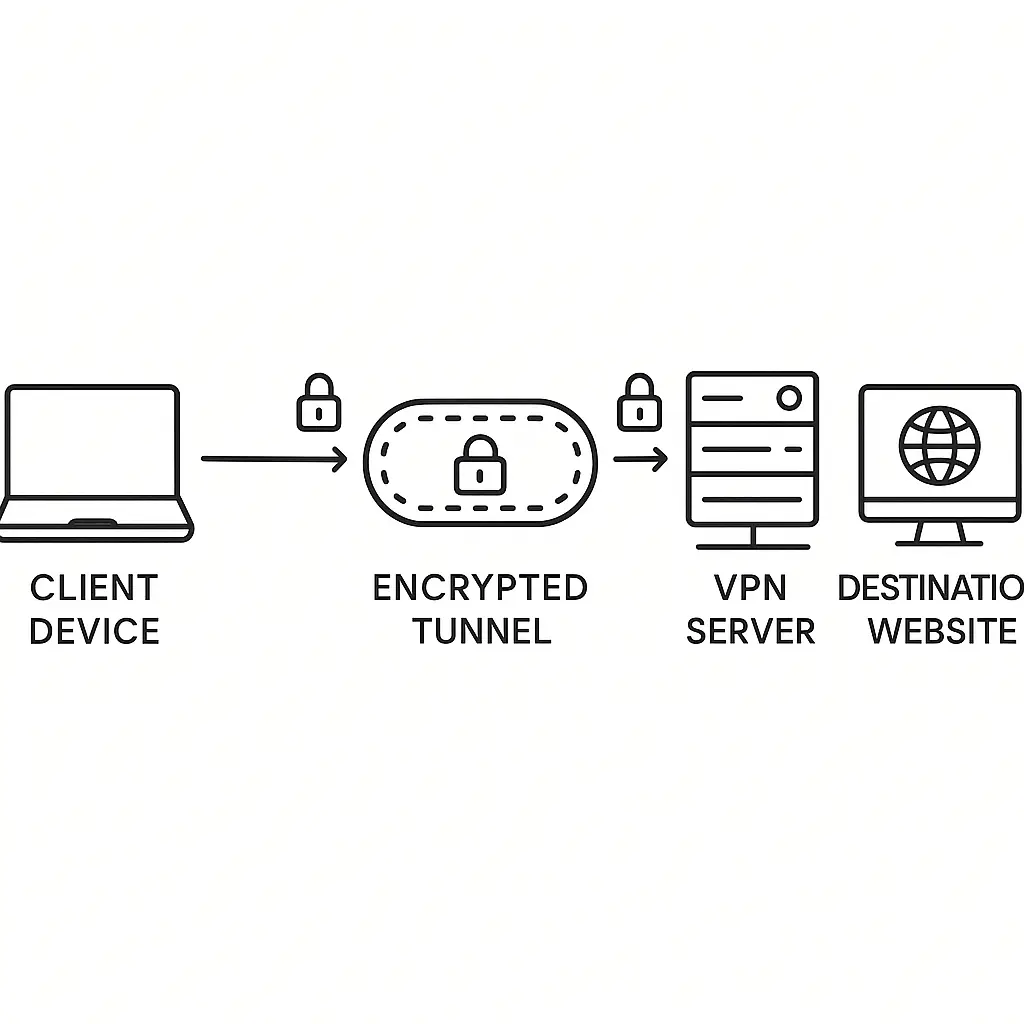
Use hotel WiFi with your own device. Hotel WiFi carries risks, but they're manageable with a VPN and basic precautions. Using your own device on hotel WiFi is far safer than using a shared computer. Our guide to hotel WiFi security covers the specifics.
Find a coworking space. Many cities have coworking spaces or cafes with WiFi where you can work on your own device. It's not always convenient, but it's safer than a hotel business center.
Use your phone's hotspot. If you have a laptop but no WiFi, use your phone as a hotspot. Cellular data is more secure than public WiFi, and it keeps you off shared infrastructure entirely.
Rent a device. Some airports and hotels rent laptops or tablets for short-term use. It's not ideal, but a rental device you can wipe afterward is better than a shared computer in a business center.
Wait. If the task isn't urgent, wait until you're back on a trusted device. Most things that feel urgent aren't. Email can wait. Social media can wait. If it's truly critical, find a way to do it on your phone.
The Broader Context: Why This Matters
Hotel business center computers are a microcosm of a larger problem in security: shared infrastructure that looks convenient but operates without meaningful oversight.
The hotel provides the computers as an amenity. Guests use them because they're there and because the alternative is inconvenient. The hotel doesn't monitor what happens on those machines. The cleaning staff doesn't check for keyloggers. The IT department, if there is one, doesn't regularly inspect for malware.
The result is infrastructure that exists in a trust gap. Guests trust it because the hotel provides it. The hotel assumes it's fine because no one has complained. Attackers exploit the gap because it's easy and low-risk.
This dynamic isn't unique to hotels. It plays out in libraries, airports, internet cafes, and anywhere else shared computers are offered as a public service. The infrastructure is fundamentally untrustworthy, but the social context makes it feel safe.
Security professionals close the gap by assuming the worst. If you can't verify the integrity of a machine, you treat it as compromised. That's not paranoia. It's pattern recognition. Shared computers in transient environments fail often enough that the baseline assumption has to be hostility.
The Bottom Line
Hotel business center computers are convenient. They're also unsafe in ways that matter.
Keystroke loggers, session hijacking, and persistent malware are real threats on shared machines. The prevalence varies, but the risk is high enough that using a hotel computer to access accounts is a bad decision unless you have no other option.
If you must use one, don't log into anything. If you already did, change your passwords immediately and enable two-factor authentication. Monitor your accounts. Assume the worst.
The better answer is to avoid the situation entirely. Bring a backup device. Use your phone. Wait until you're on a trusted machine. The inconvenience of those alternatives is smaller than the cost of compromised accounts.
Hotel business centers aren't designed to be secure. They're designed to be convenient. Treat them accordingly.