How to create a password you can actually remember, without sacrificing security
You know the drill. Every site wants a password with uppercase, lowercase, numbers, symbols, and a partridge in a pear tree. You create something like P@ssw0rd123! and feel clever for about five minutes, until you realize you can't remember which site got the exclamation point and which one got the dollar sign.
Then you're locked out at 11 PM trying to pay a bill, clicking "forgot password" for the third time this month, and wondering why security has to be this annoying.
It doesn't. The problem is not that strong passwords are hard to remember. The problem is that the advice you've been following for years is based on outdated assumptions about how attackers work.
I'm going to walk you through a method for creating passwords that are both strong against modern attacks and genuinely memorable. No random gibberish. No spreadsheet of variants. No writing hints on sticky notes. This is the system I use, the system NIST recommends, and the system that actually works when you're half-asleep trying to log into your bank.
The old rules were solving the wrong problem
For around two decades, password advice sounded like this: eight characters minimum, mix of character types, change it every 90 days, never write it down.
Those rules made sense in a world where attackers sat at keyboards manually trying passwords. If someone was typing guesses into a login form, complexity requirements made their job harder. A password like Tr0ub4dor&3 feels random enough to resist that kind of attack.
But that's not how modern password attacks work.
When a site gets breached, attackers don't get your password. They get a hashed version, which is a one-way mathematical transformation. To turn that hash back into your password, they have to guess billions of possible passwords, hash each one, and check if it matches. This process is called offline cracking, and it's fast. A decent laptop can try around 100 billion guesses per second for common hashing algorithms, depending on the specific method and hardware.
Against that kind of speed, Tr0ub4dor&3 falls in minutes. The problem is not the character substitutions. The problem is that it's short and follows predictable patterns. Attackers use dictionaries of common words, common substitutions (a→@, o→0, e→3), and common structures (capital letter at the start, numbers and symbols at the end). Your clever P@ssw0rd123! is in their dictionaries already.
Length beats complexity every time. A 20-character password made of random words is harder to crack than an 11-character password made of random symbols, because the math of guessing scales exponentially with length.
NIST's current guidance reflects this. They recommend focusing on length, dropping forced complexity requirements, dropping periodic password changes, and allowing users to write passwords down or use password managers. The goal is passwords people can actually remember and use correctly, not passwords that look impressive but get reused across twelve sites because they're impossible to recall.
Step 1: Choose four to six random words
This is the core of the method. You're going to build a passphrase from randomly selected words. You need words that are actually random, not words that feel random to you.
Why random matters: if you pick words yourself, you'll pick words that feel random to you, which means they're probably common words or words that have some personal connection. Attackers know this. Their dictionaries include common phrases, song lyrics, movie quotes, and combinations of words that people think are clever. "correct horse battery staple" is in the dictionaries now, because everyone read the same webcomic.
True randomness defeats pattern-based attacks. If the words have no relationship to each other and no relationship to you, there's no pattern for an attacker to exploit.
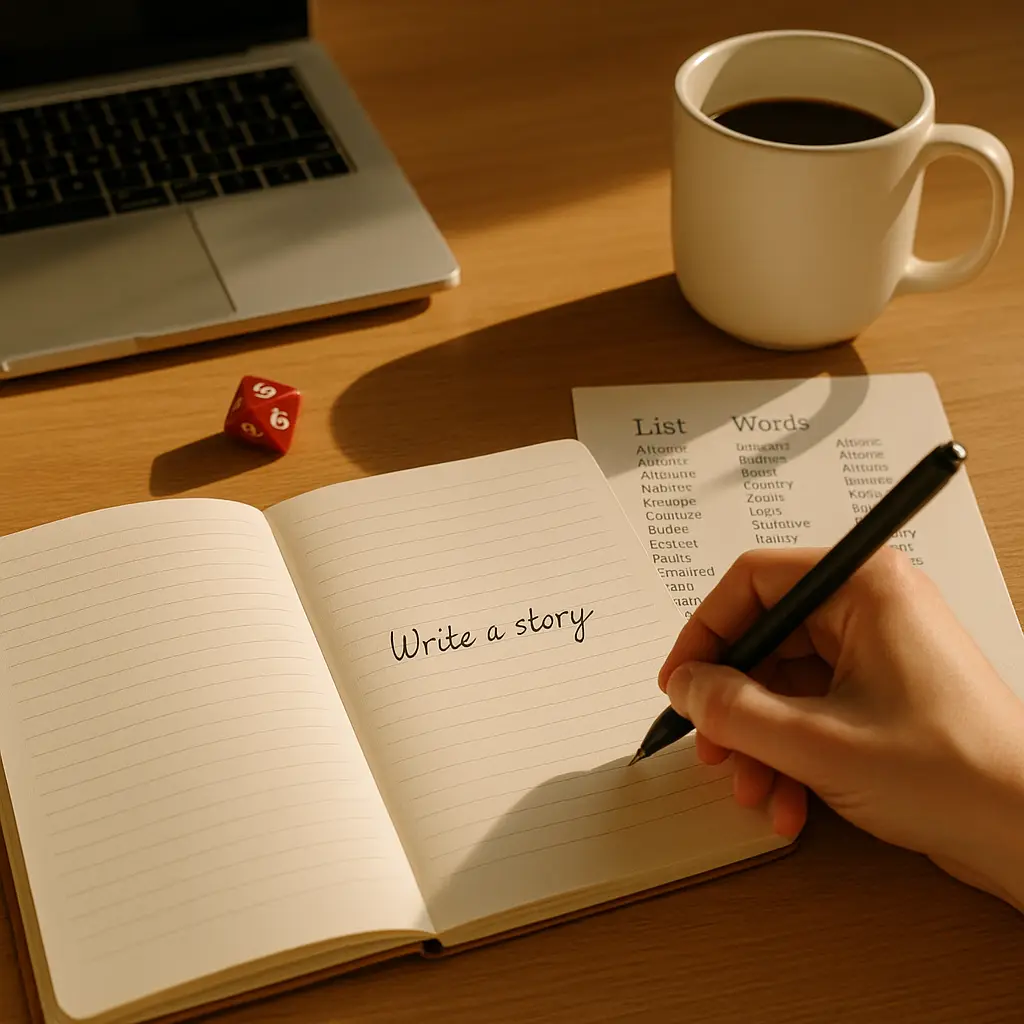
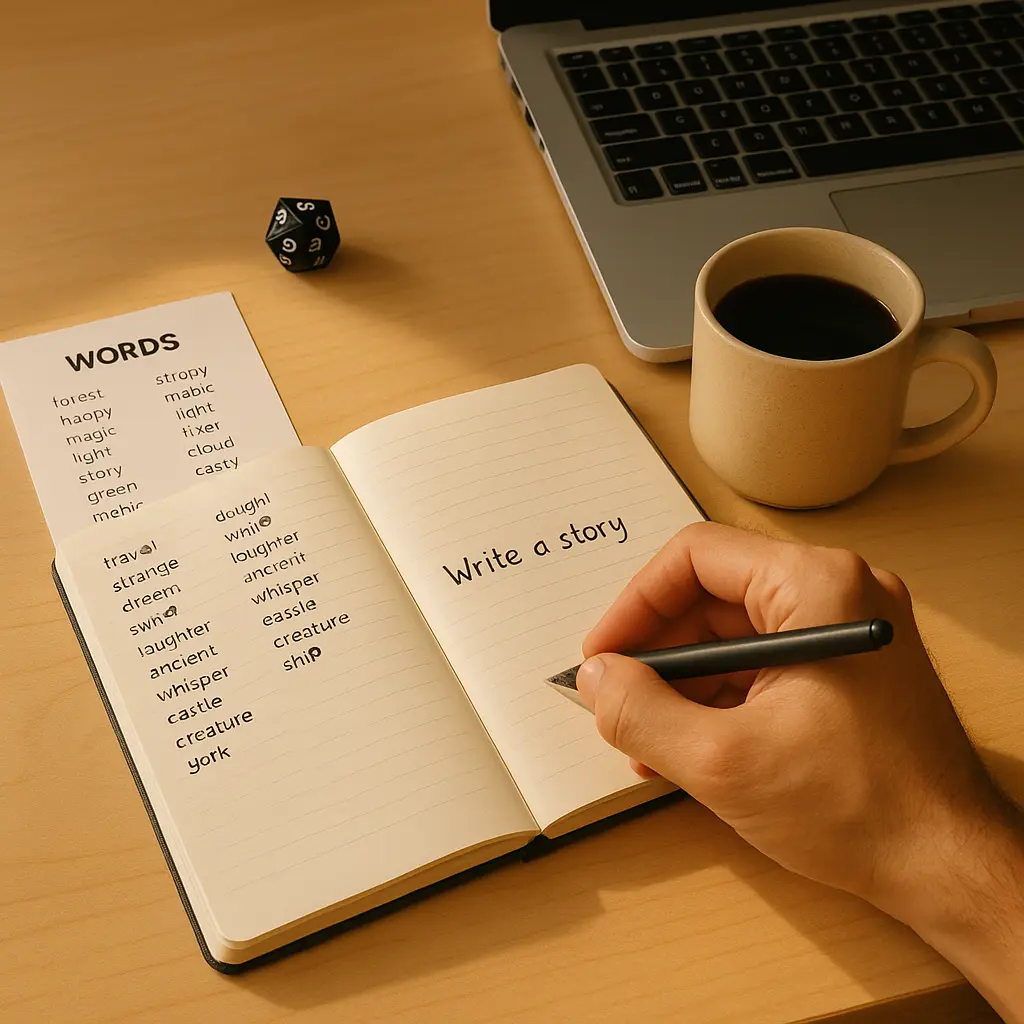
The method I use is called Diceware. The EFF publishes a Diceware word list specifically for this purpose. It contains 7,776 common English words, each assigned a five-digit number from 11111 to 66666.
Here's how it works:
- Get five six-sided dice. Physical dice, not a phone app. (We'll get to why in a moment.)
- Roll all five dice together.
- Read the dice left to right. If you rolled 4, 2, 6, 1, 3, you write down 42613.
- Look up that number in the EFF Diceware list. In this case, 42613 corresponds to "pry."
- Write down the word.
- Repeat until you have four to six words.
Why physical dice? Because true randomness is hard. Random number generators on computers are usually pseudorandom, meaning they follow algorithms that can be predicted if you know the internal state. Physical dice are about as close to true randomness as you can get without specialized equipment. Rolling dice also forces you to slow down and engage with the process, which helps you remember the words later.
Let's say I roll and get: starch, fiddle, apology, flannel, comet. That's my passphrase: starchfiddleapologyflannel comet.
Step 2: Decide on your separator strategy
You can join the words together with no spaces (starchfiddleapologyflannel comet), or you can use a separator like a hyphen, period, or space (starch-fiddle-apology-flannel-comet).
Some sites don't allow spaces in passwords. Some don't allow certain symbols. You need a strategy that works everywhere.
I use no separator for most passwords, because it's universally accepted and it's one less thing to remember. The lack of spaces does not weaken the password. The strength comes from the randomness and length, not from the separator.
If you want a separator for readability, pick one and use it consistently. Hyphens work on most sites. Periods work almost everywhere. Spaces work on many modern sites but not all.
Whatever you choose, use the same separator for all your passphrases. Consistency reduces the cognitive load.
Step 3: Add a number or symbol only if the site forces you
Many sites still have requirements like "must contain a number" or "must contain a symbol." This is security theater left over from the old complexity rules, but you have to comply.
When a site forces this, add a single digit or symbol to the end of your passphrase. Use the same digit or symbol every time. I use 7 because it's easy to type and I can remember it.
So starchfiddleapologyflannel comet becomes starchfiddleapologyflannel comet7.
This does not meaningfully weaken the password. The strength is still in the length and randomness of the words. The 7 is just there to satisfy an arbitrary rule.
If a site requires both a number and a symbol, add both: starchfiddleapologyflannel comet7!.
Do not get creative here. Do not use different numbers for different sites. Do not try to encode the site name into the suffix. Every variation you introduce is another thing you have to remember, and another opportunity to lock yourself out.
Step 4: Write it down (yes, really)
NIST says you can write passwords down. Security experts have been saying this for years. The threat model for most people is not a burglar breaking into your house to photograph your password notebook. The threat model is online attackers guessing your password or stealing it from a breached database.
A written password in your home is safer than a reused password stored in your brain.
Write your new passphrase on a piece of paper. Put the paper in a drawer, a wallet, or anywhere you'd keep other private documents. If someone breaks into your house, they're after your laptop and your jewelry, not your password list.
This is a temporary measure. The goal is to use the passphrase enough times that it sticks in memory. For most people, that takes around a week of daily logins. After that, you can destroy the paper.
If writing it down feels wrong, think of it this way: you're not weakening security by writing it down. You're strengthening security by making it possible to use a strong password instead of a weak one you can remember easily.
Step 5: Practice typing it
Muscle memory is real. The first few times you type your new passphrase, you'll stumble. You'll second-guess the order. You'll wonder if it was fiddle or riddle.
Type it ten times right now. Open a text editor and type the whole thing, start to finish, ten times in a row. Delete it after each attempt. Do not copy-paste. This is about training your fingers, not your clipboard.
By the tenth repetition, you'll notice it getting smoother. By the fiftieth login over the next week, it'll be automatic.
This is the same way you learned to type your childhood address or your phone number. Repetition builds the pathway. The passphrase stops being a list of words and becomes a single motion.
Step 6: Use a unique passphrase for every important account
This is the hard part. Not hard technically, but hard behaviorally.
Every account that matters gets its own passphrase. Email, banking, work accounts, password manager, and anything tied to money or identity. Each one gets a unique four-to-six-word Diceware passphrase.
Why? Because password reuse turns one breach into a skeleton key. If you use the same password on your email and your grocery store account, and the grocery store gets breached, attackers will try that password on your email. If it works, they own your email. From there, they can reset passwords on every other account tied to that email address.
Unique passwords contain the damage. If one site gets breached, only that one account is at risk.
I know what you're thinking: "I can't remember fifty unique passphrases." You're right. Neither can I. That's why password managers exist.
The password manager question
Here's the thing about password managers: they're not optional anymore. They're the only realistic way to use unique passwords everywhere.
A password manager is software that stores all your passwords in an encrypted database. You remember one strong master password (your Diceware passphrase), and the manager remembers everything else. When you visit a site, the manager fills in the password automatically.
This solves the memory problem. You can have 200 unique passwords and only remember one.
The risk is concentration. If someone gets into your password manager, they get everything. That's why your master password has to be strong. That's why you use a Diceware passphrase with six words instead of four. That's why you turn on two-factor authentication for the manager itself.
I'm not going to tell you which manager to use. The EFF has guidance on choosing one. Consumer Reports tests them. You want one with a strong reputation, regular security audits, and zero-knowledge architecture (meaning the company cannot read your passwords even if they wanted to).
For readers who want a specific recommendation: NordPass offers cross-device sync, breach monitoring, and a zero-knowledge architecture. It's built by a company with a long track record in security products. You can store passwords, generate new ones, and get alerts if any of your credentials appear in known breaches.
We earn a commission on purchases through this link, at no extra cost to you: NordPass password manager.
The alternative is to memorize a handful of Diceware passphrases for your most important accounts and reuse a simpler password for low-stakes accounts. That's a compromise, but better than reusing the same password everywhere.
What this looks like in practice
Let's walk through creating a passphrase for a new bank account.
- I roll five dice five times. I get:
31624,52341,14563,42156,61234. - I look up each number in the EFF Diceware list:
grace,snowman,canal,prank,uncle. - My passphrase is
gracesnowmancanalprankuncle. - The bank requires a number. I add my standard
7:gracesnowmancanalprankuncle7. - I write it on a slip of paper and put it in my wallet.
- I type it ten times to build muscle memory.
- I save it in my password manager so I don't have to write it down permanently.
The whole process takes around five minutes. The passphrase is 34 characters long. It would take an attacker with access to a stolen password database an impractical amount of time to crack it, because there are roughly 7,776^5 (around 28 trillion) possible five-word combinations from the Diceware list, and each additional word multiplies that number by another 7,776.
I can remember it after a week of use. I never have to change it unless the bank gets breached.
Common objections and why they're wrong
"I'll just use a sentence I already know."
No. Sentences you already know are in the dictionaries. Song lyrics, movie quotes, book titles, famous speeches, and common sayings are all catalogued. "To be or not to be that is the question" is not a strong password. Neither is "May the force be with you always."
The randomness is what makes it strong. If you pick the words, they're not random.
"What if I roll the same word twice?"
Roll again. You want five or six different words. Repetition doesn't weaken the password mathematically, but it makes it harder to remember because your brain expects variety.
"Can I use Diceware for my password manager master password?"
Yes. In fact, you should. Your master password is the one password that protects everything else. Use six words instead of four. Make it long enough that even if your password manager's database leaks, an attacker cannot crack it in a reasonable timeframe.
"What if the site has a maximum password length?"
Some older sites cap passwords at 16 or 20 characters. If you hit that limit, use four words instead of five, and make sure you're using a password manager to generate and store unique passwords for every other account. The cap is a sign of poor security practices on the site's end, but you still need to work within their constraints.
"This feels like overkill for my grocery store account."
Maybe. But if that grocery store account is tied to your credit card, and if you use the same email address you use for banking, it's a vector. Attackers use low-stakes accounts as stepping stones to high-stakes accounts.
The safest approach is unique passwords everywhere. The pragmatic approach is unique Diceware passphrases for anything involving money, identity, or email, and a simpler reused password for accounts you don't care about. Just make sure you never reuse a high-stakes password on a low-stakes account.
Why this works when other methods fail
Think about the last time you tried to remember a password you created six months ago. You probably remembered the structure (capital letter, some numbers, a symbol at the end), but you couldn't remember the exact letters or numbers. Was it Sunshine2024! or Sunshine2023!? Was the S capitalized or the s? Did you use an exclamation point or a question mark?
That uncertainty is the problem. Complexity creates ambiguity. You end up with a password that's hard to remember but easy to guess, because you're following patterns that attackers have already catalogued.
Diceware passphrases work because they're concrete. Words are easier to remember than random characters. The randomness comes from the selection process, not from the words themselves. starch, fiddle, apology, flannel, comet are all common English words. You know how to spell them. You know what they mean. The strength is in the fact that no one would ever put those five words together unless dice told them to.
It's like the difference between remembering a phone number and remembering a melody. Phone numbers are arbitrary strings of digits. Melodies have structure and repetition, even when they're unfamiliar. Passphrases are closer to melodies. They have rhythm. They have a sequence that your brain can latch onto.
This is the same principle behind why you can remember the plot of a Star Wars movie you saw once in 2015, but you can't remember the password you created last month. Stories stick. Random characters don't. Diceware turns your password into a tiny story, even if the story is nonsense.
When to use this method and when to use a generator
Diceware is for passwords you need to type regularly and remember. Your master password for your password manager. Your work login. Your primary email. Your banking login.
For everything else, use your password manager's built-in generator. Let it create 20-character random strings of uppercase, lowercase, numbers, and symbols. You'll never type those passwords manually. The manager fills them in. You don't need to remember them.
The division is simple: if you need to remember it, use Diceware. If the password manager can remember it for you, use the generator.
This is also the approach CISA recommends for individuals and small businesses: strong unique passwords everywhere, with a password manager handling the cognitive load.
The two-factor authentication piece
Strong passwords are necessary but not sufficient. You also need two-factor authentication (2FA) on every account that offers it.
2FA means the site asks for a second piece of information after you enter your password. Usually a six-digit code from an app on your phone, or a code sent via text message. Even if an attacker has your password, they can't log in without that second factor.
The FTC recommends turning on 2FA for email, banking, and social media at minimum. The EFF has guides for enabling it on most major platforms.
The combination of a strong unique password and 2FA is what makes an account genuinely hard to compromise. The password protects against database breaches. The 2FA protects against phishing and stolen passwords.
What to do with your old passwords
If you're switching to Diceware passphrases, you need to replace your old passwords. Do not try to do this all at once. You will burn out and give up.
Start with the accounts that matter most:
- Your primary email
- Your password manager (if you're using one)
- Banking and financial accounts
- Work accounts
- Any account tied to your identity (government sites, healthcare, insurance)
Replace one password per day. Roll the dice, create the passphrase, log in, change the password, save it in your manager, and move on. In two weeks, you'll have the critical accounts covered.
After that, work through the rest of your accounts at whatever pace feels sustainable. Every old password you replace is one less point of failure.
The real cost of weak passwords
The same pattern plays out over and over. Someone uses the same password everywhere. One site gets breached. Attackers try that password on other sites. They get into the email account. From there, they reset passwords on banking, shopping, social media, and everything else.
The victim spends weeks trying to regain control. They lose money. They lose access to accounts with years of history. They lose trust in the entire system.
The frustrating part is that this is preventable. You don't need expensive software or technical expertise. Dice and a word list take ten minutes per account.
Strong passwords are not a guarantee. Nothing in security is a guarantee. But they're the baseline. They're the thing that has to be in place before anything else matters.
If you take one thing from this article, take this: roll the dice. Create one Diceware passphrase for one important account. Use it for a week. See if it sticks.
If it does, you've just made that account significantly harder to compromise. And you didn't have to memorize random gibberish to do it.