Email tracking pixels: the invisible surveillance in your inbox
You open an email from a company newsletter. The message loads. A server somewhere logs the event. The company now knows you opened the email, what time you opened it, what device you used, and roughly where you were when you opened it. You didn't click anything. You didn't reply. You just opened the message.
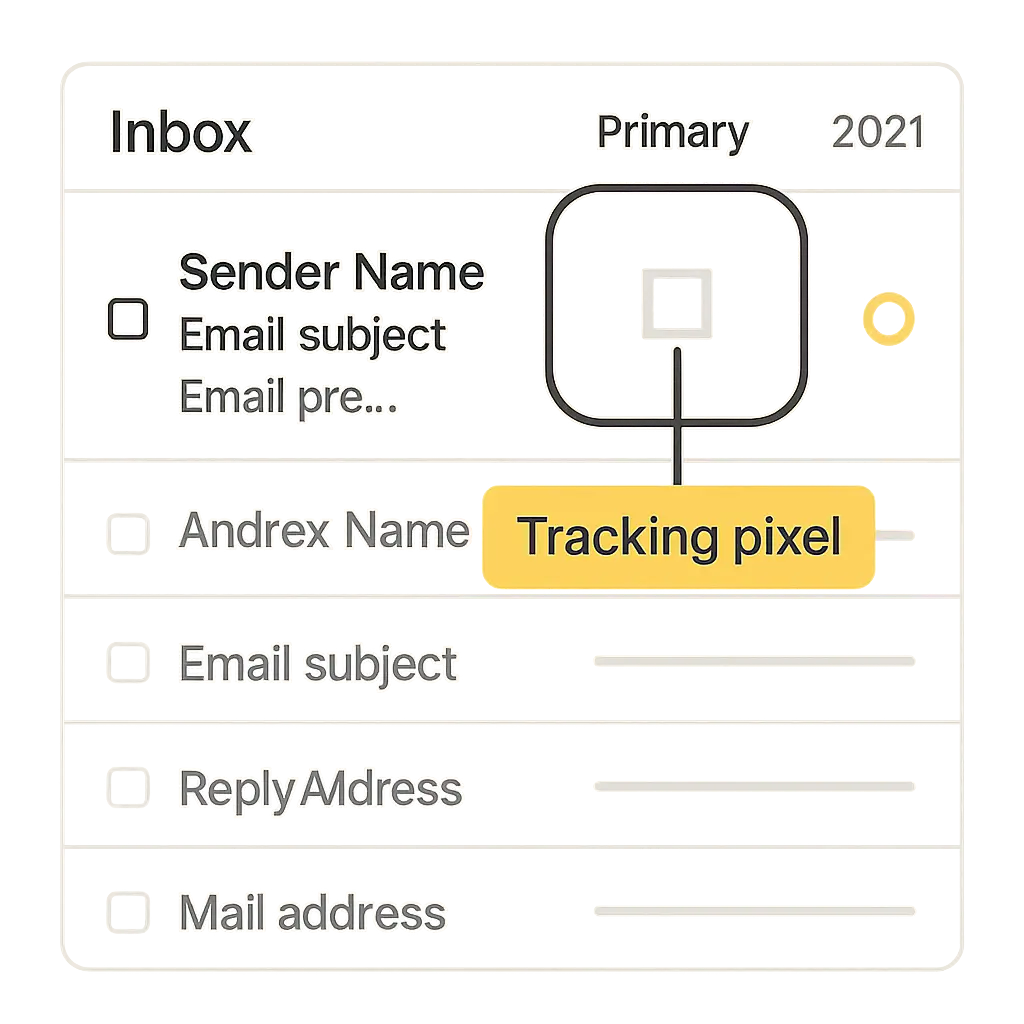
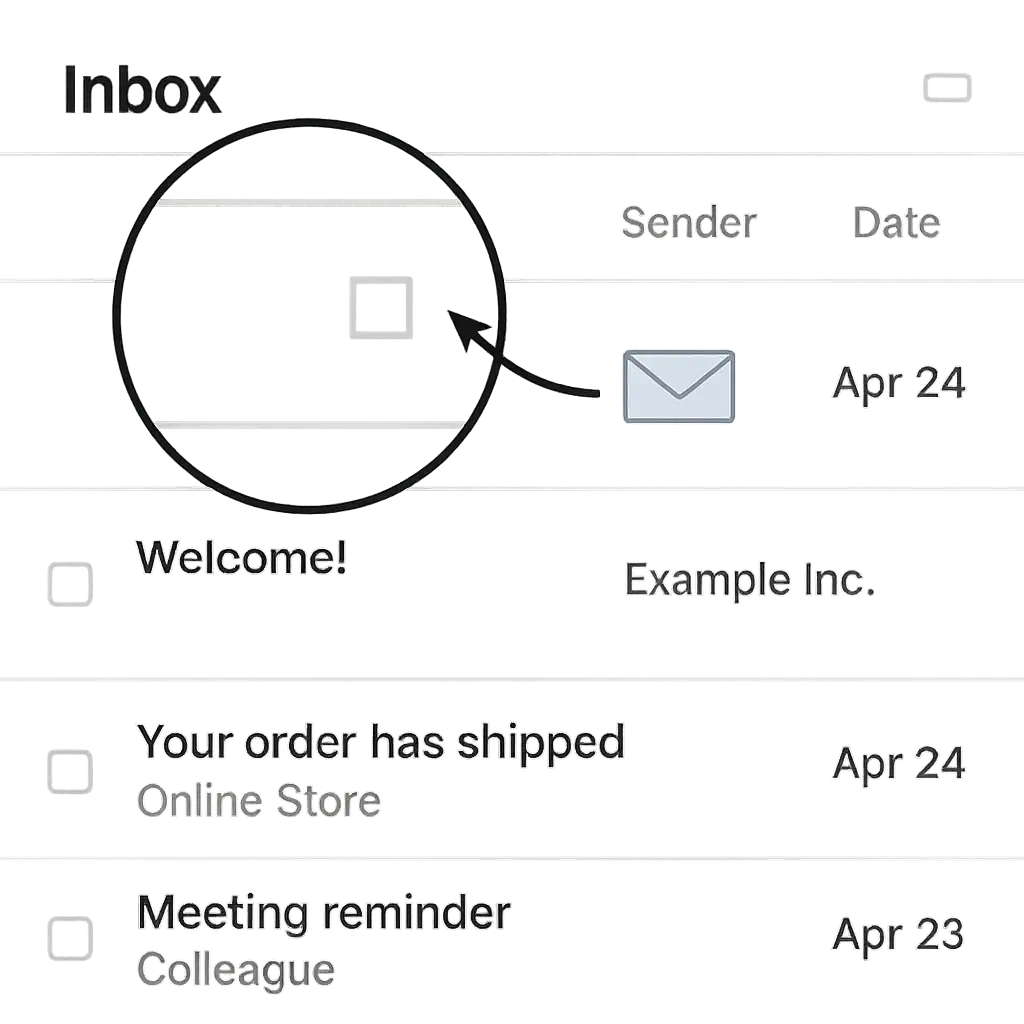
That's an email tracking pixel. It's a transparent 1x1 pixel image embedded in the HTML of the email. When your email client renders the message, it loads that image from a remote server. The act of loading the image sends a request to the server, and that request carries information: your IP address, user agent string, timestamp, and a unique identifier tied to your email address. The server logs the request. The sender gets a notification that you opened the email.
The mechanism is simple. The implications are less so.
How email tracking pixels work
An email tracking pixel is an HTML <img> tag with a src attribute pointing to a URL on the sender's server. The image itself is a 1x1 pixel GIF or PNG, often completely transparent. The URL contains a unique identifier that maps back to your email address in the sender's database.
Here's what a tracking pixel looks like in the raw HTML of an email:
<img src="https://track.example.com/pixel.gif?id=abc123xyz" width="1" height="1" style="display:none;">
When your email client opens the message, it parses the HTML and attempts to load all images, including this one. The request to track.example.com includes:
- The unique ID (
abc123xyz), which tells the sender which recipient opened the email - Your IP address, which reveals your approximate location
- Your user agent string, which identifies your device type, operating system, and email client
- A timestamp, which records exactly when you opened the message
The server receives the request, logs the data, and returns the 1x1 pixel image. Your email client displays it, but since it's transparent and one pixel in size, you never see it. The entire transaction happens silently.
The sender's tracking platform aggregates this data across all recipients. They can see open rates, geographic distribution, device breakdowns, and time-of-day patterns. They can segment audiences based on who opened and who didn't. They can trigger automated follow-up emails to people who opened but didn't click.
This is standard practice in email marketing. Platforms like Mailchimp, Constant Contact, SendGrid, and HubSpot build tracking pixels into every message by default. The feature isn't hidden. It's a selling point.
What tracking pixels reveal
The pixel fires once when the email loads. It doesn't track what you do after that. It can't see how long you spent reading the message, whether you scrolled to the bottom, or what you did next. For that, senders use link tracking, which wraps every URL in the email with a redirect that logs clicks before sending you to the destination.
But the pixel itself reveals more than you might expect.
Open confirmation. The sender knows you opened the email. If you open it multiple times, they know that too. Each open generates a new request to the tracking server.
Timing. The timestamp tells the sender when you opened the message. If you open it at 6:00 AM on a Tuesday, they know you're an early riser. If you open it at 11:00 PM on a Saturday, they know you check email late. This data feeds into send-time optimization algorithms that schedule future emails for when you're most likely to open them.
Location. Your IP address reveals your approximate location. Not your street address, but your city or region. If you open the email from a coffee shop WiFi network, the sender sees that IP. If you open it from your home network, they see that IP. If you travel and open it from a hotel in another city, they see that IP. Over time, this builds a pattern of where you spend your time.
Device. Your user agent string identifies your device type (phone, tablet, laptop), operating system (iOS, Android, Windows, macOS), and email client (Gmail, Outlook, Apple Mail, and similar). Marketers use this to optimize email design for the devices their audience actually uses.
Email client behavior. Some email clients prefetch images when a message arrives, even if you haven't opened it yet. This can trigger the tracking pixel before you've actually seen the email. Apple Mail, in particular, uses a feature called Mail Privacy Protection that loads images through Apple's proxy servers, which masks your real IP address and makes open tracking less reliable. But not all clients do this, and not all users enable these features.
The pixel doesn't know your name unless the sender already has it in their database. But the unique ID in the URL ties the open event to your email address, which the sender already knows. They can correlate this data with everything else they know about you: past purchases, browsing history on their website, demographic data from third-party brokers, and similar.
Why senders use tracking pixels
Email marketing is a numbers game. Senders want to know what works. Open rates tell them which subject lines get attention. Device data tells them how to design for mobile. Time-of-day data tells them when to send. Geographic data tells them where their audience lives.
This information drives decisions. A company might A/B test two subject lines and send the winning version to the rest of their list. They might segment their audience by device and send mobile-optimized emails to phone users. They might schedule sends based on when their audience historically opens messages.
Tracking pixels also feed into automated workflows. If you open an email but don't click, the system might send a follow-up with a different offer. If you open multiple emails in a row, the system might tag you as highly engaged and send you more frequent messages. If you don't open anything for six months, the system might send a re-engagement campaign or remove you from the list.
Some senders use tracking pixels for more invasive purposes. They might correlate email opens with website visits to build a profile of your behavior across channels. They might sell open data to third-party brokers who aggregate it with data from other sources. They might use it to infer sensitive information, like whether you're job hunting (if you open emails from recruiters) or dealing with health issues (if you open emails from medical providers).
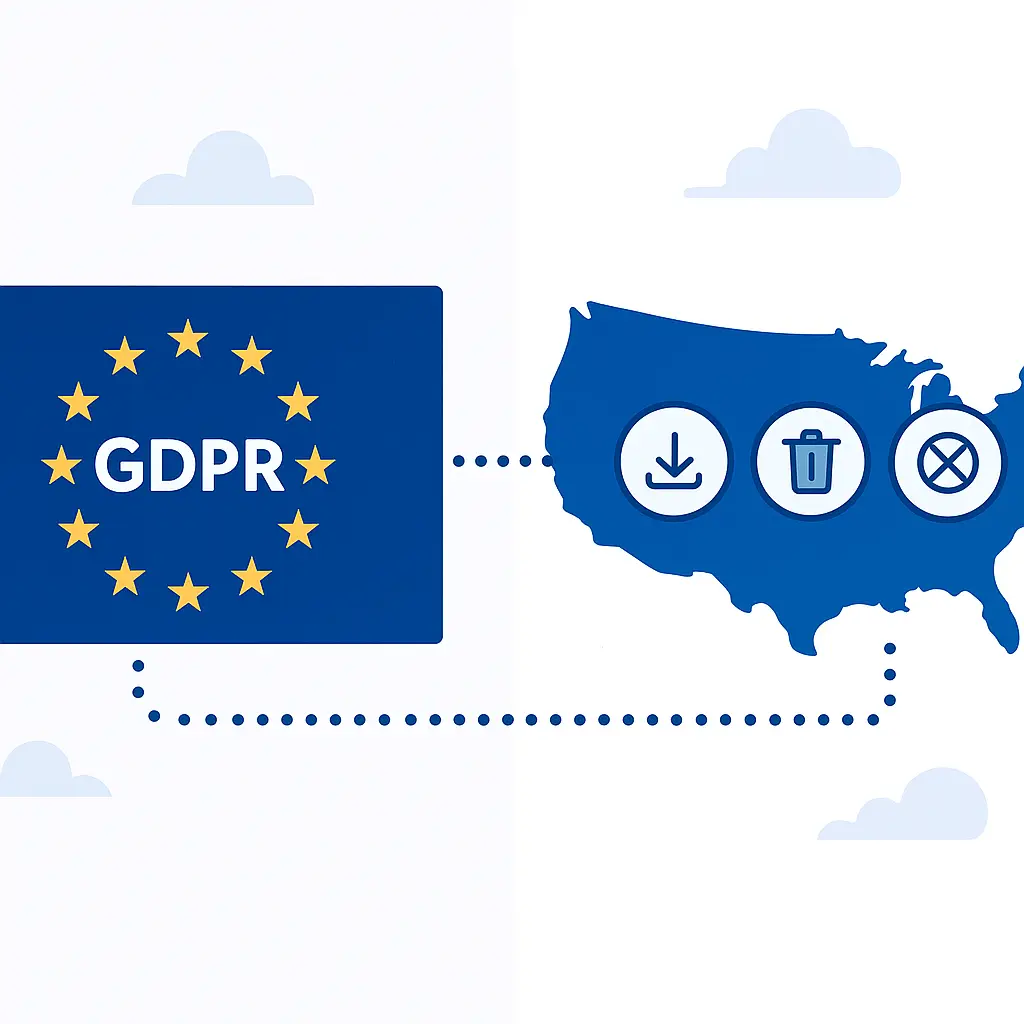
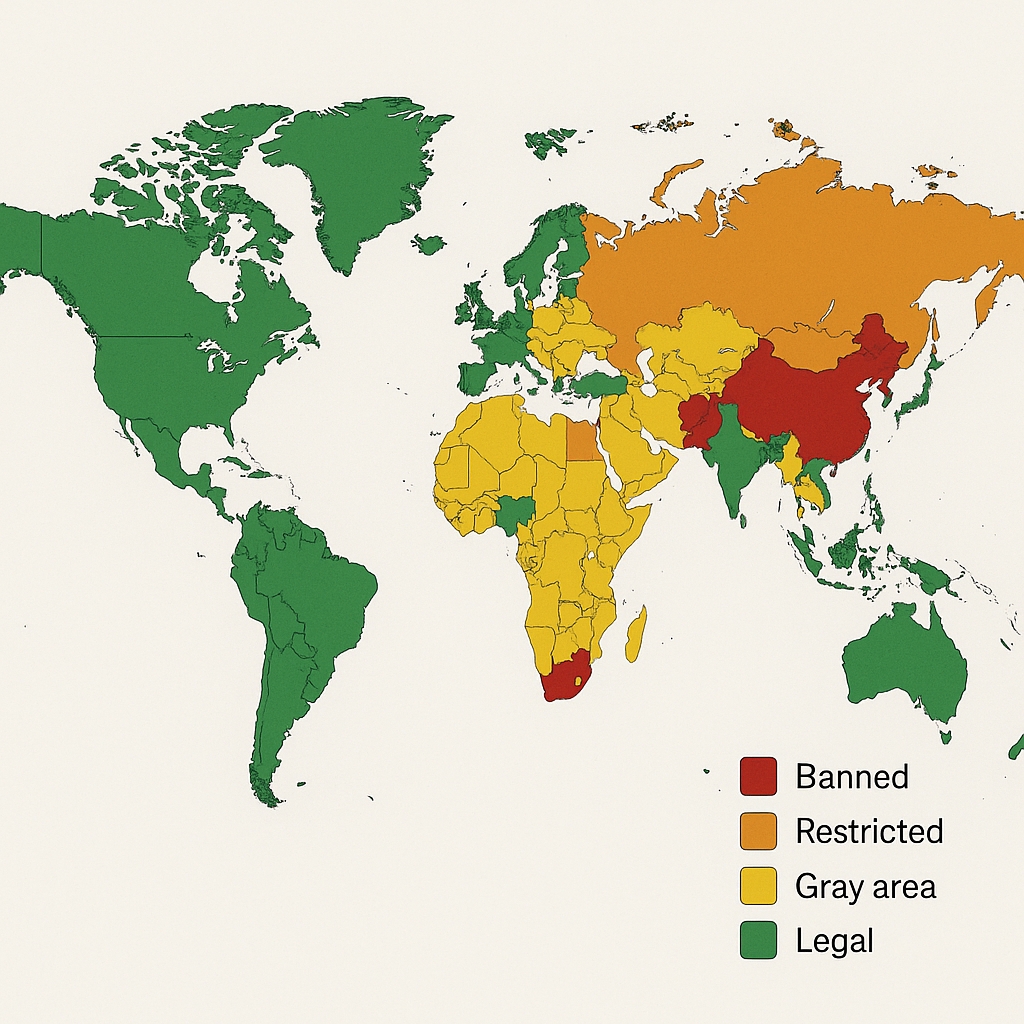
The Electronic Frontier Foundation has documented how tracking pixels contribute to the broader surveillance economy. The FTC has brought enforcement actions against companies that misuse tracking data or fail to disclose their practices. But the baseline practice of embedding tracking pixels in marketing emails remains legal and widespread.
What you can control
You can't stop senders from embedding tracking pixels in emails. But you can stop those pixels from loading.
Block remote images. Most email clients let you disable automatic image loading. When this setting is enabled, images don't load until you explicitly allow them. Since the tracking pixel is an image, it won't load, and the sender won't get an open notification.
In Gmail, this is under Settings → General → Images. Choose "Ask before displaying external images."
In Apple Mail on iOS, go to Settings → Mail → Privacy Protection. Enable "Protect Mail Activity." This doesn't block images, but it routes them through Apple's proxy servers, which masks your IP address and prevents senders from knowing when you actually opened the message.
In Outlook, go to File → Options → Trust Center → Trust Center Settings → Automatic Download. Check "Don't download pictures automatically in HTML email messages or RSS items."
The tradeoff: blocking images breaks email design. Many marketing emails rely on images for layout, branding, and content. If you block images, you'll see broken layouts and missing content. You can manually allow images for specific senders or specific messages, but that requires an extra step every time.
Use a privacy-focused email client. Some email clients block tracking pixels by default. Mozilla Thunderbird blocks remote content unless you explicitly allow it. ProtonMail blocks tracking pixels and strips tracking parameters from links. Tutanota does the same.
These clients prioritize privacy over convenience. If you're willing to trade some polish for more control, they're worth considering.
Use a throwaway email address for marketing. If you sign up for newsletters or promotional emails with a dedicated address that you check infrequently, tracking pixels can't reveal much about your daily routine. The data they collect is isolated from your primary email account and the rest of your online activity.
Don't open emails you don't want. This sounds obvious, but it's worth saying. If you're not interested in a newsletter, unsubscribe instead of letting it pile up in your inbox. Every unopened email is a data point that says you're not engaged, but every opened email is a data point that says you are. If you don't want to be tracked, don't give senders the opportunity.
Link tracking is the other half
Blocking images stops tracking pixels, but it doesn't stop link tracking. When you click a link in an email, the URL often routes through a redirect that logs the click before sending you to the destination. The redirect URL contains a unique identifier that ties the click to your email address.
Here's what a tracked link looks like:
https://click.example.com/?id=abc123xyz&url=https://www.destination.com
When you click it, your browser sends a request to click.example.com. The server logs the click, records the timestamp and user agent, and then redirects you to the actual destination. The sender now knows you clicked, what you clicked, and when you clicked it.
Some email clients strip tracking parameters from links. Apple Mail's Link Tracking Protection removes known tracking parameters before you click. Firefox's Enhanced Tracking Protection does something similar for links in web-based email clients. But these features aren't universal, and they don't catch every tracking mechanism.
If you want to avoid link tracking entirely, you can copy the destination URL and paste it directly into your browser. This bypasses the redirect. But it's tedious, and most people won't do it for every link.
The Sherlock Holmes problem
In The Adventure of the Copper Beeches, Sherlock Holmes tells Watson that data is meaningless without context. A single observation proves nothing. But aggregate enough observations, and patterns emerge. Correlate those patterns with other data, and you can infer things the subject never intended to reveal.
Email tracking pixels work the same way. A single open event tells the sender almost nothing. But aggregate opens across weeks or months, correlate them with device data and location data, and you can infer routines, habits, and preferences. Add link clicks, website visits, and purchase history, and the profile gets sharper.
The sender doesn't need to know everything about you. They just need to know enough to predict your behavior. That's the value of tracking pixels. Not surveillance for its own sake, but surveillance in service of persuasion.
You can block the pixels. You can use privacy-focused tools. But the infrastructure that makes tracking possible is built into the email ecosystem itself. HTML emails load remote content. Remote content can be logged. As long as those two facts remain true, tracking will persist.
The question isn't whether you can eliminate tracking entirely. You probably can't, unless you abandon HTML email altogether and insist on plain text. The question is how much tracking you're willing to tolerate, and what steps you're willing to take to reduce it.
For most people, blocking images is enough. It stops the most pervasive form of email tracking without breaking the email experience entirely. For people who want more control, privacy-focused email clients and throwaway addresses offer additional layers of protection.
But the baseline reality is this: if you open an HTML email from a sender who uses tracking pixels, and your email client loads images automatically, the sender will know. They'll know when you opened it, where you were, and what device you used. They'll log that data, aggregate it with data from other opens, and use it to refine their messaging. That's how email marketing works in 2026.
You can opt out of some of it. You can't opt out of all of it without opting out of HTML email entirely. The choice is yours.
Related reading: