Work Slack and Teams: what your boss can see
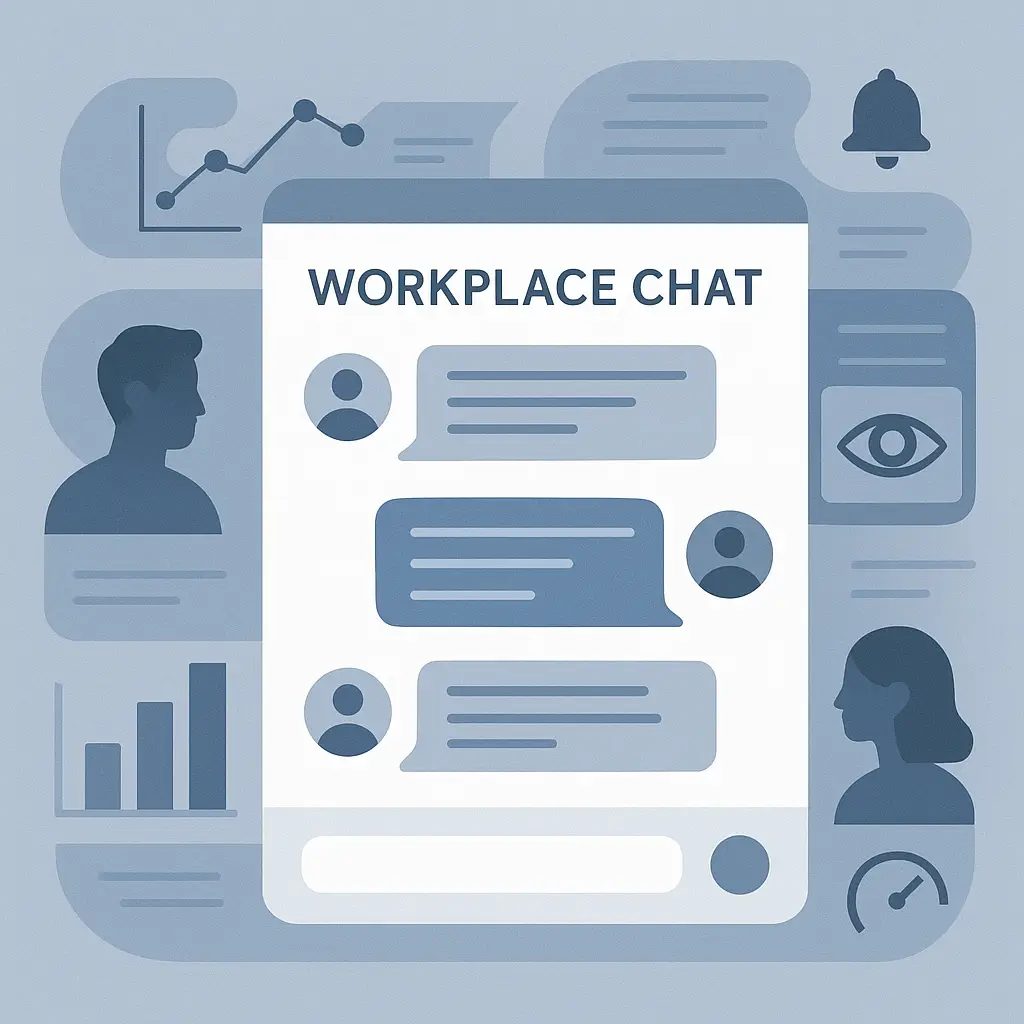
Your employer can read every message you send in Slack and Microsoft Teams. Not just the public channels. Not just the messages you send during work hours. Every direct message, every group chat, every emoji reaction. The technical architecture of workplace chat platforms gives administrators access to the entire communication stream, and most employees don't understand how deep that access runs.
This isn't a scare story. It's a reality check. The privacy model for workplace communication tools is fundamentally different from the privacy model for personal messaging apps. Here's the mechanism, what gets monitored, and what you can actually control.
The architecture of workplace chat
Slack and Microsoft Teams are not messaging apps in the consumer sense. They're collaboration platforms built for organizations, and the organization holds the keys. When your employer sets up a Slack workspace or a Teams instance, they become the administrator. That role carries technical capabilities that most employees never see in the interface.
Administrators can export entire message histories. In Slack, the Corporate Export feature pulls every message, file, and conversation from the workspace, including direct messages between users. The export runs silently. No notification appears in your chat window. The data lands in a ZIP file that contains JSON logs of everything you've typed.
In Microsoft Teams, the mechanism is similar but integrated into the broader Microsoft 365 compliance stack. Administrators use eDiscovery tools to search and export chat content across the organization. They can filter by date, user, keyword, or channel. The search runs against a retention database that captures messages even after users delete them from their view.
Both platforms retain deleted messages. When you delete a message in Slack, it disappears from the interface, but the content persists in the backend for compliance purposes. Microsoft Teams follows the same pattern. Deletion is cosmetic. The data remains accessible to administrators through compliance tools.
This isn't a bug. It's the design. Workplace chat platforms exist to facilitate communication within organizations, and organizations have legal and operational reasons to retain that communication. The technical architecture reflects that priority.
What gets monitored
The scope of employer access extends beyond message content. Administrators can see metadata: who messaged whom, when, how often, and in what channels. They can track file uploads, link shares, and external integrations. They can monitor which users are active during specific hours and which conversations generate the most traffic.
Some organizations deploy third-party monitoring tools that analyze sentiment, flag keywords, or generate alerts based on message patterns. These tools integrate with Slack and Teams through APIs that give them read access to the same data administrators can export. The monitoring happens in real time. A message you send at 3 PM might trigger an automated alert by 3:01 PM if it contains flagged language.
Encryption doesn't protect you here. Slack and Teams use encryption in transit (HTTPS) and at rest (encrypted storage), but the encryption protects data from external attackers, not from administrators. The organization controls the encryption keys. Administrators decrypt and access messages as part of normal platform operation.
End-to-end encryption, where only the sender and recipient hold the keys, doesn't exist in Slack or Teams for standard messages. The platform itself can always read the content. That's the tradeoff for features like search, compliance, and cross-device sync.
The compliance angle
Organizations monitor workplace communication for reasons that go beyond curiosity. Legal discovery, regulatory compliance, and internal investigations all require access to employee messages. If your company faces a lawsuit, opposing counsel can subpoena Slack and Teams data. If a regulator investigates, your employer must produce relevant communications. If HR investigates misconduct, they'll review chat logs.
The FTC's guidance on data security emphasizes that organizations must protect sensitive information, and that includes monitoring how employees handle data in workplace tools. The CISA cybersecurity best practices framework recommends that organizations maintain visibility into internal communications to detect insider threats and policy violations.
These aren't fringe scenarios. In Gilmore Girls, Lorelai's life unfolds in a small town where everyone knows everyone's business, and privacy is a polite fiction. Workplace chat operates on a similar principle. The platform is the town square, and your employer is the town council. The difference is that Lorelai could walk away from the gazebo. You can't walk away from the compliance database.
Compliance tools don't just capture what you say. They capture context. A joke that lands fine in person might read as harassment in a transcript. A venting session with a coworker might look like coordination to undermine management. The same words carry different weight when stripped of tone and presented in a legal filing.
Personal use of work tools
Mixing personal and work communication in Slack or Teams creates exposure you probably don't intend. When you message a friend about weekend plans using your work account, that message enters the same compliance archive as your project updates. When you vent about your manager to a coworker in a DM, that conversation is discoverable in an HR investigation.
The visibility doesn't change based on the device. Using Slack or Teams on your personal phone doesn't create a privacy boundary. The employer's access depends on the platform, not the hardware. Work chat on your personal phone is still work chat, subject to the same monitoring and export capabilities.
Some employees assume that using a personal device means their messages are private. That's not how it works. The Slack workspace or Teams instance is controlled by your employer regardless of where you access it. The app on your phone connects to the same backend systems, and administrators have the same access to the data.
EFF's Surveillance Self-Defense guide recommends maintaining clear boundaries between work and personal digital spaces. That means using separate apps for personal messaging. Signal, WhatsApp, or iMessage on your personal phone with your personal contacts. Slack and Teams for work communication only, with the assumption that everything you type is visible to your employer.
What actually stays private
Very little. If you're using workplace chat platforms, you should assume that nothing you type is private from your employer. That's the baseline. From there, you can think about what's private from other employees.
Direct messages in Slack and Teams are private from other users in the sense that they don't appear in public channels. But "private" here means "not broadcast," not "encrypted from administrators." Your coworker can't read your DMs unless you include them in the conversation. Your employer can read all of them.
Some organizations configure Slack or Teams with stricter privacy settings that limit administrator access to certain types of data. This is rare. The default configuration gives administrators full access, and most organizations stick with the default because compliance and legal requirements demand it.
External messaging is a different story. If you message someone outside your organization using Slack Connect or Teams external access, the visibility depends on both organizations' policies. Your employer can see your side of the conversation. The recipient's employer can see their side. There's no shared privacy boundary.
The notification gap
One of the most misleading aspects of workplace chat monitoring is the lack of notification. When an administrator exports your messages or runs a compliance search, you don't get an alert. The interface doesn't change. There's no indication that your data has been accessed.
This creates a false sense of privacy. The chat window looks the same whether or not someone is reviewing your messages. The absence of visible monitoring doesn't mean monitoring isn't happening.
Some organizations disclose monitoring in employee handbooks or acceptable-use policies. The disclosure might say something like "the company reserves the right to monitor all communications on company systems." That's legally sufficient in most jurisdictions, even if employees don't read the policy or understand what it means in practice.
Other organizations don't disclose monitoring at all. In many places, employers have no legal obligation to notify employees that workplace communications are monitored. The fact that the platform is provided by the employer is considered sufficient notice.
What you can control
You can control what you type. That's it. If you don't want your employer to read something, don't type it in Slack or Teams. Use a personal device with a personal app for personal conversations.
You can't control whether your employer monitors your messages. You can't control whether they export your chat history. You can't control whether they use third-party tools to analyze sentiment or flag keywords. Those decisions are made at the organizational level, and individual employees have no technical or policy mechanism to opt out.
You can ask your employer about their monitoring practices. Some organizations are transparent about what they monitor and why. Others are vague. The answer you get might be accurate, or it might be a summary that glosses over technical details. Either way, asking doesn't change the underlying access.
You can minimize exposure by limiting personal use of work tools. Keep work chat for work topics. Use personal messaging apps for everything else. The boundary isn't perfect, but it reduces the volume of personal information that enters your employer's compliance database.
The mobile device management layer
If your employer requires you to install Slack or Teams through a Mobile Device Management (MDM) system, the monitoring extends beyond the app. MDM software gives employers additional control over your device, including the ability to wipe data remotely, enforce security policies, and in some configurations, monitor other apps.
The extent of MDM access depends on whether you're using a company-owned device or a personal device enrolled in a bring-your-own-device (BYOD) program. On company devices, employers typically have full access. On personal devices enrolled in BYOD, the access is supposed to be limited to work-related data, but the technical boundaries are not always clear.
CISA's guidance on mobile device security recommends that organizations implement MDM to protect sensitive data, but it also acknowledges the privacy tradeoffs for employees. The balance between security and privacy is an organizational decision, not a technical one.
If you're using your personal phone for work and your employer requires MDM enrollment, you're creating a privacy risk that extends beyond the chat app. The MDM software can access more than just Slack or Teams messages. It can see app usage, location data, and in some cases, personal files.
The legal landscape
Employment law in most jurisdictions gives employers broad latitude to monitor workplace communications. The legal standard generally hinges on whether the employee has a reasonable expectation of privacy. Courts have consistently held that employees do not have a reasonable expectation of privacy in communications sent through employer-provided systems.
The FTC's consumer privacy guidance focuses on consumer contexts, not workplace monitoring, but the principles are relevant. Organizations that collect data have obligations to secure it, but those obligations don't create privacy rights for employees against their employers.
Some states have laws requiring employers to notify employees about monitoring. Connecticut, Delaware, and a few others mandate disclosure. But notification doesn't mean consent, and it doesn't give employees the ability to opt out. The notification satisfies the legal requirement. The monitoring continues.
In practice, most employees don't challenge workplace monitoring because the legal standard is high and the outcome is predictable. Employers have the right to monitor communications on systems they own and operate. The technical capability exists. The legal permission exists. The monitoring happens.
The vendor's role
Slack and Microsoft don't monitor your messages for their own purposes in the same way that, say, Facebook monitors your activity to serve ads. Workplace chat platforms operate under enterprise agreements where the customer (your employer) controls the data. Slack and Microsoft provide the tools. Your employer decides how to use them.
That said, both companies retain some access to data for operational and security purposes. Slack's privacy policy acknowledges that the company can access customer data to provide support, prevent abuse, and comply with legal obligations. Microsoft's data processing terms for Microsoft 365 include similar provisions.
The vendor's access is distinct from your employer's access, but both exist. If you're thinking about workplace chat privacy, you need to account for both the organization that employs you and the company that provides the platform.
What this means for you
If you use Slack or Teams for work, assume your employer can read everything you type. That's the safe assumption. It's not paranoia. It's an accurate understanding of how the platforms work.
Keep personal conversations out of work chat. Use Signal, WhatsApp, or iMessage on your personal phone with your personal contacts. Draw a bright line between work tools and personal tools. The line won't be perfect, but it's better than mixing everything together and hoping your employer isn't paying attention.
If your job requires you to use workplace chat, you don't have the option to refuse. But you do have the option to be thoughtful about what you say and where you say it. That's not self-censorship in the Orwellian sense. It's recognizing that workplace communication is a professional context with professional consequences.
The privacy model for workplace chat is transparent once you understand it. Your employer controls the platform. Administrators have access to all messages. Compliance tools retain everything. Monitoring happens silently. There's no technical mechanism to opt out. Those are the facts. What you do with them is up to you.