Work email on personal phone: the tradeoffs you're actually making
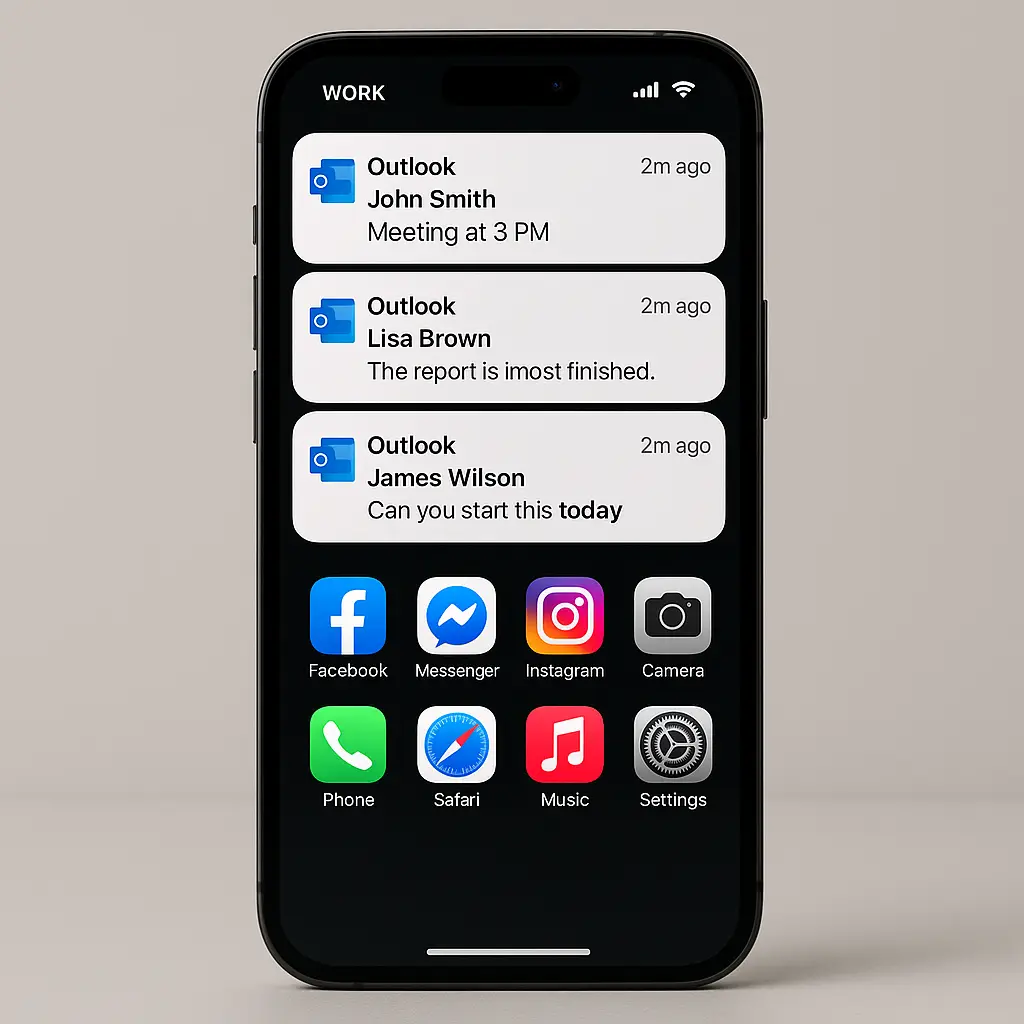
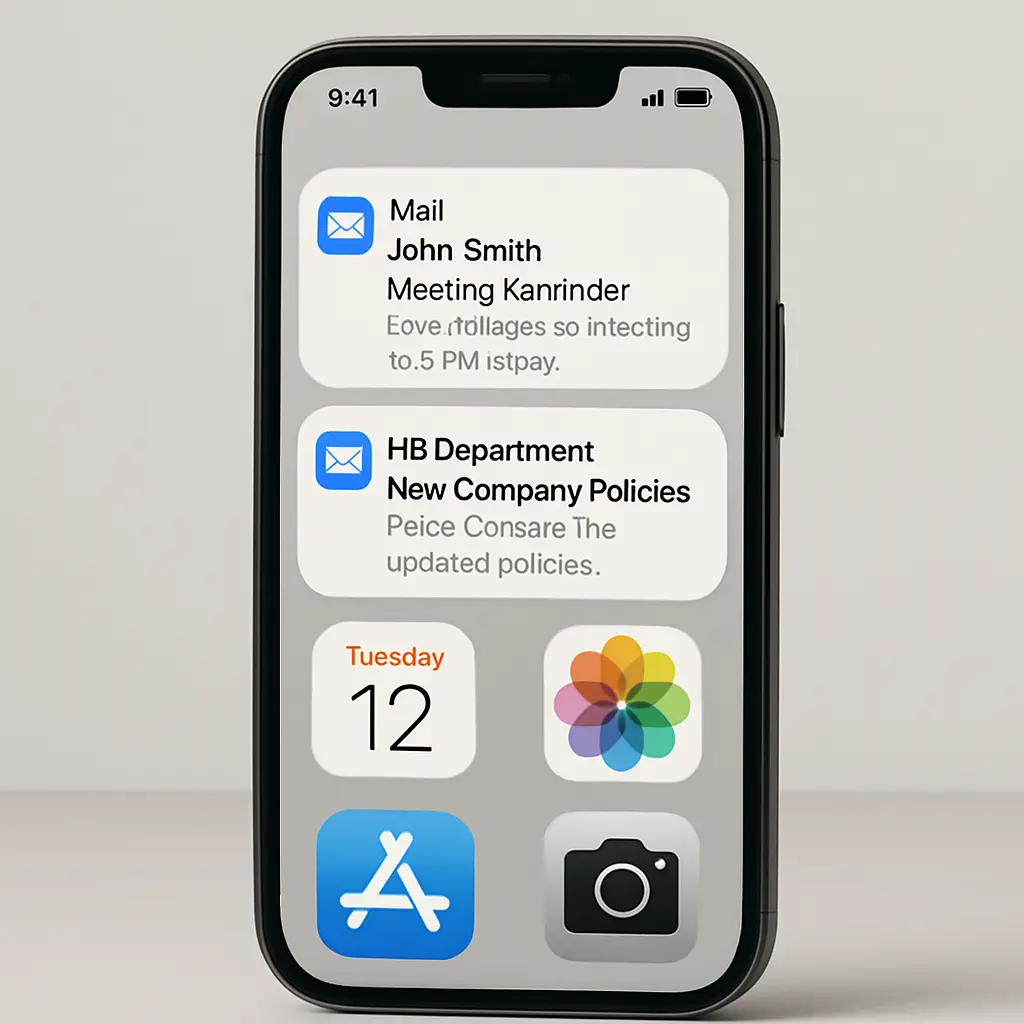
You're setting up a new phone. The setup wizard asks if you want to add your work email. Or your manager suggests it would be "easier to stay in touch." Or you're working from home and it feels like the practical choice.
You tap through the prompts. A minute later, work email lives on your personal device. The boundary between your professional and personal life just blurred in ways most people don't think about until something goes wrong.
Here's what actually happens when you add work email to your personal phone, what the tradeoffs are, and how to think about the decision.
The mechanism: what your employer can actually see and control
When you add work email to your personal phone, you're not just installing an app. You're granting your employer access to your device. The extent of that access depends on how your organization configures mobile device management.
Most employers use one of two approaches: a work profile or full MDM software.
A work profile creates a separate, isolated container on your phone. Work apps live inside the container. Personal apps live outside. Your employer can manage the work container, install apps, enforce policies, wipe work data, but they can't see or touch your personal data. This is the less invasive option, and it's becoming more common.
Full MDM software gives your employer deeper access. They can see your device location, monitor installed apps, track data usage, and sometimes view browsing history. They can also remotely wipe the entire device, not just the work profile. This is the more invasive option, and it's still widely used in organizations that handle sensitive data or operate in regulated industries.
The problem is that most people don't know which model their employer uses until after they've already added work email. The setup process rarely explains the distinction. You tap "Allow," and the permissions are granted.
Some employers disclose the extent of their access in an acceptable use policy or employee handbook. Many don't. And even when the policy exists, most people don't read it before adding work email to their phone.
Privacy: the data your employer collects
Even with a work profile, your employer collects some data about your device. They know the make and model. They know the operating system version. They know when you last synced email. They know your device's unique identifier.
With full MDM, the data collection expands. Your employer can see your location whenever the device is on. They can see which apps you've installed, even the personal ones. They can see how much data you're using and where it's going. They can see your phone number, your carrier, and sometimes your call logs.
This isn't speculation. It's how MDM software works. The CISA guidance on mobile device management describes these capabilities as standard features.
Most employers don't actively monitor this data. They collect it because the software collects it, and they leave it sitting in a dashboard somewhere. But the capability exists, and that matters.
If your employer decides to investigate you, because of a policy violation, a legal dispute, or a security incident, they can pull that data. And depending on your employment agreement, you may have consented to that collection without realizing it.
Security: what happens when your phone is lost or stolen
If you lose your phone with work email on it, your employer can remotely wipe the device. This is a security feature, designed to protect company data from unauthorized access.
With a work profile, the wipe targets only the work container. Your personal photos, contacts, and apps stay intact. With full MDM, the wipe erases everything. Your personal data disappears along with the work data.
The problem is that most people don't know which model their employer uses until it's too late. You report the lost phone to IT. They trigger the wipe. You get your phone back, turn it on, and discover that everything is gone.
This isn't a hypothetical. It happens. And when it does, there's no undo button. Your data is gone, and your employer is under no obligation to recover it.
Some employers warn you before triggering a full wipe. Many don't. The policy varies by organization, and the decision often comes down to whoever is on call in IT that day.
If you're using a work profile, the risk is lower. But you still need to know which model you're using. Ask IT. Get a clear answer. Don't assume.
Boundaries: the expectation problem
The technical capability to check work email at 9 PM doesn't create a legal obligation to do so. But it creates a psychological one.
When work email lives on your phone, it's always there. Notifications appear. The red badge sits on your home screen. You're lying in bed, scrolling through your personal apps, and you see the work email icon. You think, "I'll just check."
This isn't a failure of willpower. It's a design problem. Your phone is built to pull your attention. Work email on your personal device makes it harder to ignore work outside of work hours.
Some people handle this well. They turn off notifications. They set boundaries. They check email on their own terms. Many don't. The line between work time and personal time blurs, and the expectation to be available grows.
Your employer might not explicitly require after-hours availability. But if your manager sees that you're reading email at 8 PM, they might start sending messages at 8 PM. If your coworkers see that you respond on weekends, they might start expecting weekend responses. The technical capability shapes the cultural norm.
This isn't about whether you should be available after hours. That's a separate question, and the answer depends on your role, your industry, and your employment agreement. This is about whether having work email on your personal phone makes it harder to enforce the boundaries you want to set.
For many people, it does.
The alternative: carrying two devices
The cleanest solution is to carry two phones: one for work, one for personal use. This creates a physical boundary that software boundaries can't match.
When you leave the office, you leave the work phone behind. Or you carry it but turn it off. Or you carry it and check it, but the act of picking up the work phone is a deliberate choice, not a reflex triggered by a notification on your personal device.
Two phones also eliminate the privacy and security risks. Your employer has full access to the work phone. They can monitor it, wipe it, and control it. But your personal phone stays yours. No MDM software. No remote wipe capability. No data collection.
The downside is obvious: you're carrying two devices. That's inconvenient. It's extra weight in your bag. It's two devices to charge, two screens to check, two sets of settings to manage.
Some employers provide work phones. Many don't. If you want a separate device and your employer won't pay for it, you're buying a second phone out of pocket. That's a real cost, and not everyone can or wants to absorb it.
But for people who value the boundary, two phones is the most reliable way to maintain it.
The middle ground: work profile with strict settings
If you're adding work email to your personal phone, push for a work profile instead of full MDM. Most employers can accommodate this, especially if you're not handling highly sensitive data.
Once the work profile is set up, configure it aggressively:
Turn off work email notifications. Check email when you choose to check it, not when a notification tells you to.
Set a schedule. Decide when you'll check work email and when you won't. Stick to it.
Use separate browsers for work and personal browsing. Don't mix the two.
Review the MDM permissions your employer has. Ask IT for a written summary of what they can see and what they can control. If they can't or won't provide it, that's a red flag.
Enable strong device security. Use a long passphrase or biometric unlock. Enable two-factor authentication on your personal accounts. If your phone is lost or stolen, you want your personal data protected even if your employer wipes the work profile.
Back up your personal data regularly. If your employer triggers a full wipe by mistake, you want a recent backup to restore from.
The legal angle: what you agreed to
When you add work email to your personal phone, you're often agreeing to an acceptable use policy. This policy governs what your employer can do with your device and your data.
Most people don't read it. The policy is buried in an employee handbook or linked in a setup wizard. You click "I Agree" and move on.
That agreement matters. If your employer monitors your device, wipes your personal data, or uses the data they collect against you in a dispute, the acceptable use policy is the document that governs whether they had the right to do so.
Some policies are reasonable. They explain the extent of employer access, limit monitoring to work-related activity, and require notice before a full device wipe.
Other policies are broad. They grant the employer sweeping access, allow monitoring of personal activity, and permit device wipes without notice. And because you agreed to the policy when you added work email, you may have limited recourse if your employer exercises those rights.
Before you add work email to your personal phone, find the acceptable use policy. Read it. If you don't understand it, ask IT or HR to explain it. If the policy gives your employer more access than you're comfortable with, don't add work email. Use a separate device instead.
The question you should ask before you decide
Here's the question: if you could start over, would you choose to carry a work phone and a personal phone, or would you choose to have work email on one device?
If the answer is two devices, then adding work email to your personal phone is a compromise you're making for convenience. That's fine, but go in with your eyes open. You're trading privacy, security, and boundary control for the convenience of carrying one device.
If the answer is one device, then you're comfortable with the tradeoffs. You trust your employer to use their access responsibly. You're confident you can maintain boundaries even with work email on your personal phone. You're willing to accept the risk of a full device wipe if your phone is lost.
Both answers are valid. But most people never ask the question. They add work email because it seems like the path of least resistance, and they don't think about the tradeoffs until something goes wrong.
Think about it now. Decide what you're comfortable with. Then configure your setup to match that decision.
The Severance problem
In the show Severance, employees undergo a procedure that splits their consciousness. Their work self has no memory of their personal life. Their personal self has no memory of their work life. The boundary is absolute.
It's science fiction, but the underlying tension is real. How do you maintain a boundary between work and personal life when the tools you use blur that boundary by design?
Adding work email to your personal phone doesn't split your consciousness, but it does make the boundary harder to enforce. Work notifications interrupt your personal time. Your employer gains visibility into your device. The expectation to be available grows, whether or not it's formally required.
The tradeoff might be worth it. Convenience matters. Carrying one device is easier than carrying two. But the tradeoff is real, and most people underestimate it until they've already made the choice.
If you're going to add work email to your personal phone, do it deliberately. Understand what you're giving up. Configure the settings to protect what matters. And if the tradeoffs feel wrong, don't do it. Carry two devices. Draw the line. Enforce the boundary.
Your phone is yours until it isn't. Decide where that line is before someone else decides for you.