Privacy-Focused Browsers Compared: Which One Actually Protects You
You open a browser. Before the page loads, trackers fire. Scripts fingerprint your device. Cookies follow you across sites. Ad networks build profiles. Data brokers compile dossiers.
Most browsers let this happen. Chrome, Edge, and Opera collect data by design. Their business models depend on knowing what you do online.
Privacy-focused browsers promise something different: blocking trackers, resisting fingerprinting, routing traffic through encrypted networks. But they differ in how much they block, what they break, and who they're actually built for.
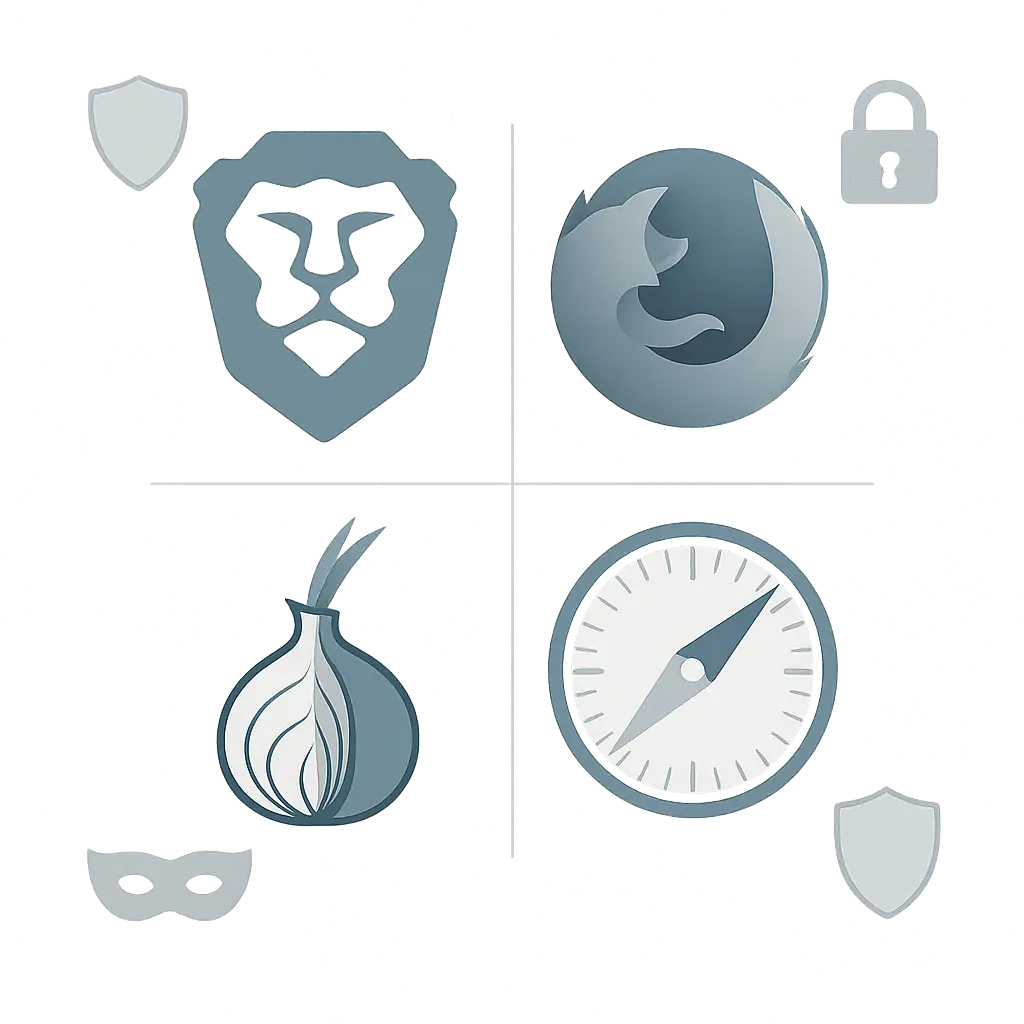
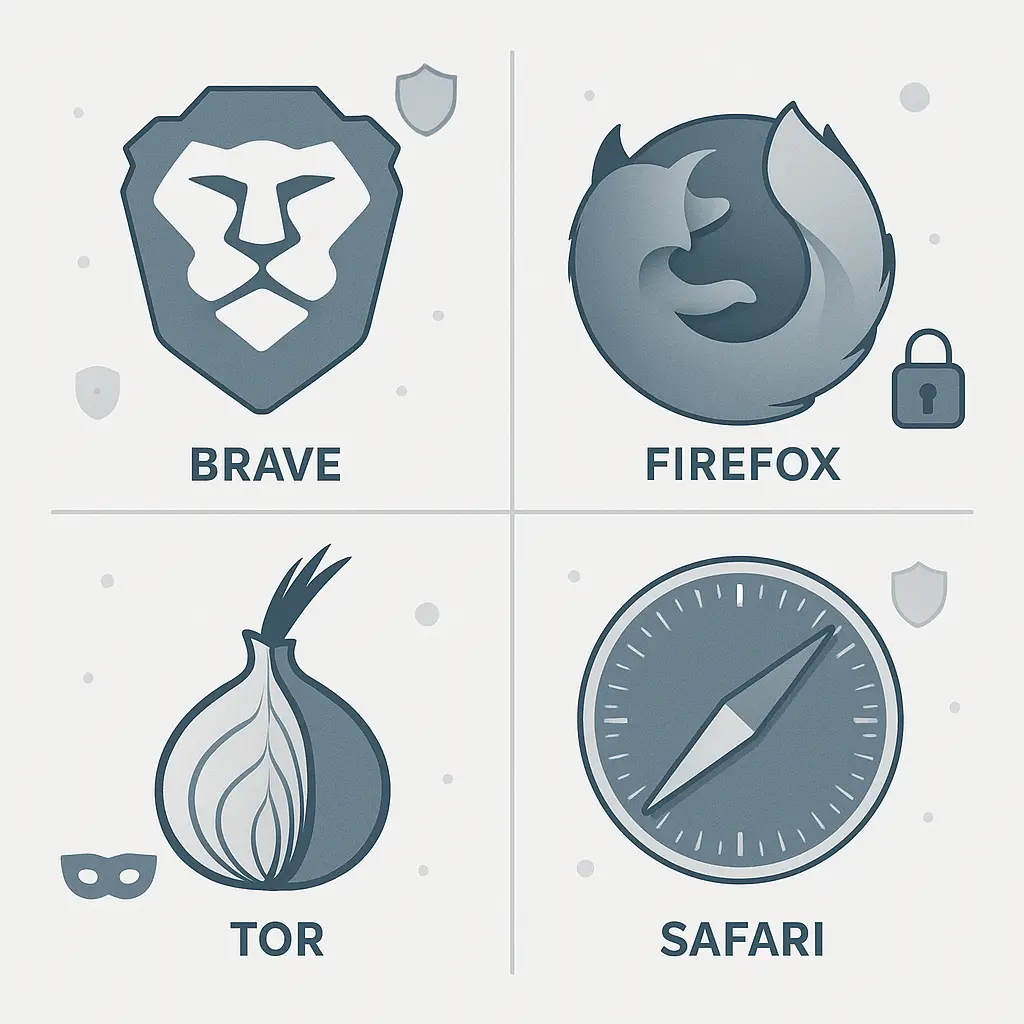
Here's how Brave, Firefox, Tor Browser, and Safari compare on the protections that matter.
What Privacy Browsers Actually Protect
Privacy browsers defend against three categories of tracking.
First-party tracking happens on the site you're visiting. The site sees your IP address, what you click, how long you stay. Privacy browsers can't hide this. You're on their property. They log what happens.
Third-party tracking happens when a site embeds content from other domains. An ad network script on a news site watches you across every site that runs the same script. A social media button tracks you whether you click it or not. Privacy browsers block these by default or give you the option.
Fingerprinting identifies you without cookies. Scripts measure your screen resolution, installed fonts, browser version, timezone, language settings, hardware specs, and hundreds of other data points. The combination is often unique. Privacy browsers resist this by standardizing what sites can see or randomizing the values.
Then there's the network layer. Your internet provider sees every site you visit unless you use HTTPS. Even with HTTPS, they see the domain. Privacy browsers can route traffic through encrypted proxies or networks to hide this from your provider and the sites you visit.
Different browsers prioritize different layers. Brave focuses on blocking. Firefox balances privacy with compatibility. Tor prioritizes anonymity over everything. Safari protects Apple users from everyone except Apple.
Brave: Maximum Blocking by Default
Brave blocks ads, trackers, and fingerprinting scripts out of the box. No configuration. You install it, and the blocking starts.
The browser uses filter lists maintained by the open-source community. These lists identify known tracking domains and scripts. Brave blocks requests to those domains before they load. The result is faster page loads and fewer tracking connections.
Brave also randomizes fingerprinting values. Every time you restart the browser, sites see different hardware specs, different canvas fingerprints, different WebGL data. The randomization makes it harder to track you across sessions, but it doesn't make you invisible. Sites still see a fingerprint. It just changes each time.
The Shields panel shows what Brave blocked on each page. You can see tracker counts, script counts, and adjust settings per site. Some sites break when scripts are blocked. You toggle Shields down for that site, and everything loads normally.
Brave offers a built-in Tor mode. You open a private window with Tor, and your traffic routes through the Tor network. This hides your IP from the sites you visit and your internet provider. It's slower than normal browsing, but it works without installing a separate app.
The business model is opt-in ads. Brave shows privacy-respecting ads if you enable them and pays you in cryptocurrency. You can turn this off entirely. The browser still blocks third-party ads either way.
Brave runs on Chromium, the open-source base that powers Chrome. This means it works with Chrome extensions and renders pages the same way Chrome does. Sites that work in Chrome work in Brave.
The downside: Brave's cryptocurrency features and aggressive marketing feel like a distraction from the core privacy work. The browser does what it promises, but the branding makes it feel like a product trying to be a movement.
Firefox: Configurable and Independent
Firefox blocks trackers by default in its Standard and Strict modes. Standard blocks known trackers and third-party cookies. Strict adds fingerprinting scripts and cryptominers. You choose the level when you first open the browser.
The Enhanced Tracking Protection panel shows what Firefox blocked on each page. You can see tracker categories, adjust settings per site, and turn protection off when a site breaks.
Firefox uses filter lists from Disconnect, a privacy organization that maintains lists of tracking domains. The lists update regularly. Firefox downloads the updates and blocks new trackers as they're identified.
Fingerprinting protection in Firefox works differently than Brave. Instead of randomizing values, Firefox blocks known fingerprinting scripts and limits what APIs sites can access. This breaks fewer sites but offers less protection against novel fingerprinting techniques.
Firefox doesn't include a built-in Tor mode, but you can install the Tor Browser, which is built on Firefox. The Tor Browser routes all traffic through the Tor network and makes every user look identical to websites. More on that below.
Firefox is the only major browser not built on Chromium. It uses its own rendering engine, Gecko. This matters because Chromium is controlled by Google. If Google changes how Chromium handles privacy, every Chromium-based browser has to follow or fork the code. Firefox doesn't have that dependency.
Mozilla, the organization behind Firefox, funds itself through search deals with Google and other engines. This creates a conflict: Mozilla depends on a company whose business model is tracking. Mozilla has maintained Firefox's privacy stance despite this, but the funding model is worth noting.
The downside: Firefox requires more configuration than Brave to reach the same blocking level. Out of the box, Standard mode lets some trackers through. You need to switch to Strict and adjust settings to match Brave's defaults.
Tor Browser: Anonymity Over Usability
Tor Browser routes all traffic through the Tor network, a series of volunteer-run relays that encrypt and bounce your traffic through multiple nodes before it reaches the destination. The destination site sees the IP of the last relay, not your IP. Your internet provider sees encrypted traffic to a Tor relay, not the sites you visit.
Every Tor user looks identical to websites. Same screen resolution, same timezone, same fonts, same browser version. This defeats fingerprinting. Sites can't distinguish one Tor user from another based on browser characteristics.
Tor blocks JavaScript by default on the safest setting. JavaScript enables most fingerprinting techniques and many attacks. Blocking it makes you more anonymous but breaks most modern sites. You can enable JavaScript per site, but doing so reduces your anonymity.
Tor is slow. Your traffic bounces through three relays before reaching the destination. Each hop adds latency. Streaming video doesn't work well. Large downloads take longer. Some sites block Tor exit nodes entirely, so you'll hit CAPTCHAs or access-denied pages more often than in other browsers.
Tor Browser is built on Firefox. It inherits Firefox's rendering engine and privacy features, then adds the Tor network layer and additional hardening. You can think of it as Firefox configured for maximum anonymity.
The Tor Project, the organization behind Tor Browser, is a nonprofit funded by donations and grants. It doesn't have a commercial product. The browser is free, and the network is free.
Tor is the right choice when anonymity matters more than convenience. Journalists, activists, whistleblowers, and people in countries with censorship use Tor because it hides who they are and where they're connecting from. For everyday browsing, it's overkill.
The downside: Tor breaks more sites than any other browser. Banking sites block it. Shopping sites block it. Streaming services block it. You'll spend time solving CAPTCHAs and toggling settings. If you need Tor's protections, you accept this. If you don't, you use something else.
Safari: Apple's Walled Garden Approach
Safari blocks third-party cookies by default and limits how long first-party cookies can track you. After seven days of not visiting a site, Safari deletes that site's cookies. This breaks persistent tracking but doesn't stop it entirely.
Safari's Intelligent Tracking Prevention uses machine learning to identify tracking domains. When Safari detects a domain acting like a tracker, it restricts what that domain can do. The restrictions include cookie limits, storage limits, and referrer blocking.
Fingerprinting protection in Safari focuses on making users look more similar. Safari limits what information sites can access about your device. It doesn't randomize values like Brave or block scripts like Firefox. The result is partial protection that breaks fewer sites.
Safari doesn't route traffic through a network like Tor. It doesn't offer a built-in VPN. Your internet provider sees the sites you visit. The sites see your IP. Safari's privacy work happens at the browser level, not the network level.
Apple's business model doesn't depend on tracking. The company makes money selling hardware and services. This gives Safari an advantage: Apple can block trackers without losing revenue. Google can't do the same with Chrome because Google's revenue comes from ads.
Safari only runs on Apple devices. If you use Windows, Android, or Linux, Safari isn't an option. This limits its usefulness for people who switch between devices or platforms.
The downside: Safari's privacy protections are weaker than Brave or Firefox in Strict mode. Apple markets Safari as privacy-focused, and it is compared to Chrome, but it doesn't block as much as the alternatives. You're also locked into Apple's ecosystem.
How They Compare on Specific Protections
Here's how the four browsers handle the privacy mechanisms that matter.
Ad blocking: Brave blocks ads by default. Firefox and Tor block trackers but not ads unless you install an extension. Safari doesn't block ads.
Tracker blocking: Brave, Firefox (Strict), and Tor block most trackers. Safari blocks some trackers but allows more through than the others.
Fingerprinting resistance: Tor makes every user identical. Brave randomizes fingerprints per session. Firefox blocks known fingerprinting scripts. Safari limits what sites can access but doesn't block or randomize.
Cookie handling: Brave and Firefox block third-party cookies. Tor blocks them and deletes first-party cookies when you close the browser. Safari blocks third-party cookies and deletes first-party cookies after seven days of inactivity.
Network-level privacy: Tor routes all traffic through the Tor network. Brave offers Tor mode in private windows. Firefox and Safari don't route traffic through a network by default.
Extension support: Brave and Firefox support extensions from their respective stores. Tor discourages extensions because they can break anonymity. Safari supports extensions but has a smaller library than Chrome or Firefox.
Cross-platform availability: Brave and Firefox work on Windows, macOS, Linux, Android, and iOS. Tor works on Windows, macOS, Linux, and Android (not iOS). Safari only works on Apple devices.
Speed: Brave and Safari are the fastest. Firefox is slightly slower. Tor is significantly slower due to network routing.
Site compatibility: Safari and Brave break the fewest sites. Firefox in Strict mode breaks more. Tor breaks the most.
The Customization Trade-Off
In Foundation, Hari Seldon builds psychohistory to predict the future of civilizations. It works at scale but fails for individuals. You can't predict what one person will do, only what populations will do.
Privacy browsers face the inverse problem. They protect you by making you look like everyone else. Tor does this completely: every user is identical. Brave and Firefox do it partially: you look similar to other users but not identical.
The more you customize, the more you stand out. Install extensions, change settings, resize your window to a non-standard resolution, and you become more fingerprintable. The protection comes from blending in. Customization breaks the blend.
This creates tension. You want the browser to work the way you want it to work. But the more you adjust it, the less private it becomes. Tor solves this by locking down customization. Brave and Firefox let you customize but warn that it reduces protection.
The tradeoff is real. If you need maximum anonymity, you use Tor and accept the lack of customization. If you need balance, you use Brave or Firefox and resist the urge to install ten extensions and tweak every setting.
Which Browser for Which Situation
If you want maximum blocking with zero configuration: Brave. Install it, and the blocking starts. Works on all platforms. Fast. Compatible with most sites.
If you want open-source independence and don't mind configuring settings: Firefox in Strict mode. Not built on Chromium. Funded by a nonprofit. Requires more setup than Brave but offers similar protection once configured.
If you need anonymity and accept slow speeds and broken sites: Tor Browser. Routes all traffic through the Tor network. Makes every user identical. Breaks many sites. Use it when anonymity matters more than convenience.
If you only use Apple devices and want decent protection without installing anything: Safari. Built into macOS and iOS. Blocks some trackers. Weaker than Brave or Firefox but better than Chrome.
If you switch between devices and platforms: Brave or Firefox. Both sync across Windows, macOS, Linux, Android, and iOS. Tor syncs settings but not browsing history (by design). Safari doesn't run on non-Apple platforms.
If you need to use Chrome extensions: Brave. It runs on Chromium and supports Chrome extensions. Firefox has its own extension ecosystem. Tor discourages extensions.
If you want to support a project that isn't funded by ads or venture capital: Firefox or Tor. Mozilla (Firefox) is a nonprofit funded by search deals. The Tor Project is a nonprofit funded by donations and grants. Brave is a for-profit company funded by venture capital and optional ad revenue.
What Privacy Browsers Don't Protect
Privacy browsers don't hide your activity from your internet provider unless you route traffic through a network like Tor or a VPN. Your provider sees the domains you visit even with HTTPS. They see the timing and volume of your traffic. A privacy browser alone doesn't change this.
Privacy browsers don't protect you from phishing. If you enter your password on a fake login page, the browser can't stop you. Some browsers warn about known phishing sites, but the warnings depend on blocklists that lag behind new attacks.
Privacy browsers don't protect you from malware. If you download and run a malicious file, the browser can't stop it after you click "Open." Some browsers scan downloads, but the scanning isn't foolproof.
Privacy browsers don't make you anonymous to sites you log into. When you sign into a site, that site knows who you are. The browser can block third-party trackers, but it can't hide your identity from the site you're actively using.
Privacy browsers don't protect you from your own behavior. If you use the same username across sites, post identifying information, or reuse passwords, the browser can't fix that. Privacy depends on the browser and the user.
The Configuration You Actually Need
Most people don't need Tor. Most people don't need Firefox in Strict mode with ten extensions and custom settings. Most people need Brave or Firefox with default settings and a few adjustments.
Here's the configuration that works for most situations:
Install Brave or Firefox. Both block trackers by default. Brave blocks more out of the box. Firefox requires switching to Strict mode.
Enable HTTPS-only mode. This forces the browser to use encrypted connections. Both browsers offer this setting. Turn it on.
Use a password manager. Reusing passwords defeats privacy protections. A password manager generates unique passwords for every site. We've written about how password managers work and compared dedicated apps to browser-based options.
Turn on two-factor authentication for accounts that matter. Privacy browsers protect you from trackers. Two-factor authentication protects you from attackers who steal your password. We've explained how 2FA works and which method to use.
Don't install extensions you don't need. Every extension increases your fingerprint. Install an ad blocker if you're using Firefox (Brave has one built in). Install a password manager extension if your password manager requires it. Skip everything else unless you have a specific reason.
Resize your browser window to common resolutions. Full screen or half screen. Avoid custom sizes. The more common your resolution, the less fingerprintable you are.
Use private windows for sensitive browsing. Private windows delete cookies and history when you close them. Use them for banking, medical sites, and anything you don't want in your history.
That's it. You don't need to become a privacy expert. You don't need to audit every setting. Install a privacy browser, turn on HTTPS-only mode, use a password manager, and enable 2FA. The browser handles the rest.
The Ecosystem Question
Chrome dominates the browser market. Around 65 percent of users run Chrome or a Chromium-based browser. This gives Google control over web standards. When Google changes how Chromium works, most browsers follow.
Brave runs on Chromium. This means Brave benefits from Google's engineering work and stays compatible with sites built for Chrome. But it also means Brave depends on Google's decisions about the underlying code.
Firefox is the only major browser not built on Chromium. This makes Firefox slower to adopt some features but also independent from Google's control. If you want to support a non-Chromium browser, Firefox is the option.
Tor Browser is built on Firefox, so it inherits Firefox's independence from Chromium. Safari uses WebKit, Apple's rendering engine. WebKit is also independent from Chromium, but Safari only runs on Apple devices.
The ecosystem question matters if you care about browser diversity. A web where every browser runs Chromium is a web where Google controls the standards. Using Firefox or Safari supports alternatives.
Mobile Considerations
Privacy browsers work differently on mobile.
iOS: Safari is built into iOS and can't be fully replaced. You can install Brave or Firefox, but they use Safari's rendering engine under the hood due to Apple's restrictions. The privacy protections still work, but the underlying engine is Safari's WebKit. Tor Browser doesn't run on iOS.
Android: Brave and Firefox run with full functionality on Android. Tor Browser runs on Android. You can set any of them as your default browser. The protections work the same as on desktop.
Mobile browsers face additional fingerprinting vectors: screen size, touch behavior, sensor data, installed apps. Privacy browsers limit what sites can access, but mobile fingerprinting is harder to defeat than desktop fingerprinting.
If you use iOS, install Brave or Firefox for the tracking protection even though they run on WebKit. If you use Android, install Brave, Firefox, or Tor depending on your needs.
The Advertising Paradox
The FTC warns about online tracking and advises consumers to use privacy tools. But the web runs on advertising. Sites offer free content because ads pay for it. Block the ads, and the business model breaks.
Privacy browsers don't solve this paradox. They give you the tools to block tracking, but they don't fund the sites you visit. Some sites respond by blocking users who run ad blockers. Others ask you to subscribe. Others let you through and hope enough users don't block ads.
Brave's approach is opt-in ads that don't track you. You see ads, Brave pays you in cryptocurrency, and sites get a cut if you enable Brave Rewards. This works in theory. In practice, most users don't enable it.
Firefox doesn't have a built-in solution. Mozilla funds itself through search deals, not ads. The browser blocks trackers, and sites figure out their own revenue models.
Tor doesn't address this at all. Tor users expect free content and maximum privacy. The funding question is someone else's problem.
Safari blocks some tracking but allows enough through that the advertising ecosystem still functions. Apple's position is that privacy-respecting ads are fine. Tracking-based ads are not.
There's no clean answer. You can block trackers and accept that some sites will break or ask you to pay. Or you can allow some tracking and accept that you're being profiled. Privacy browsers give you the choice. They don't make the choice easy.
When to Switch Browsers
You should switch from Chrome or Edge if you don't want Google or Microsoft tracking your browsing. Both companies collect data by default. Their privacy settings are buried and incomplete. Switching to Brave or Firefox eliminates that collection.
You should switch from Brave to Firefox if you want a browser not built on Chromium. Brave's privacy protections are strong, but it depends on Google's code. Firefox is independent.
You should switch from Firefox to Brave if you want more blocking by default with less configuration. Firefox in Strict mode matches Brave, but Brave starts there. Firefox starts at Standard.
You should switch to Tor if you need anonymity and accept the tradeoffs. Tor is slower and breaks more sites, but it hides who you are and where you're connecting from. Use it when that matters.
You should switch to Safari if you only use Apple devices and want privacy without installing anything. Safari is weaker than Brave or Firefox, but it's built in and better than Chrome.
You shouldn't switch browsers every week. Pick one, configure it, and use it. Switching constantly means relearning settings, losing history, and never building familiarity with the protections you have.
What I Use
I run Firefox in Strict mode on desktop and Brave on mobile. Firefox because I want to support a non-Chromium browser. Brave on mobile because it's faster than Firefox on my phone and blocks more than Safari.
I use Tor Browser when I'm researching threat actors or accessing sites I don't want in my browsing history. I don't use it for daily browsing because it's too slow and breaks too many sites.
I don't use Safari except when testing how a site renders on Apple devices. I don't use Chrome except when a site breaks in Firefox and I need to verify it's a Firefox-specific issue.
I keep my Firefox window at half screen or full screen. I don't install extensions unless I need them. I use a password manager. I have 2FA enabled on every account that supports it.
This setup works for me. Your needs might differ. The point is to pick a browser that matches your threat model and use it consistently. Switching for the sake of switching doesn't make you more private.
Privacy browsers protect you from trackers, resist fingerprinting, and give you control over what sites can see. They don't make you invisible. They don't replace a VPN. They don't protect you from your own mistakes.
Brave blocks the most by default. Firefox offers independence from Chromium. Tor provides anonymity at the cost of speed. Safari works if you're locked into Apple's ecosystem.
Pick the one that fits your situation. Configure it once. Use it consistently. The privacy protections work when you let them.
Related reading: