Disappearing messages: when they actually work, when they don't
Disappearing messages sound like they solve the permanence problem. You send something, it reads, it deletes. Clean slate. But the reality is messier than the marketing suggests.
Here's what actually happens when you enable disappearing messages, where the gaps live, and what you can reasonably expect the feature to protect.
What disappearing messages actually do
The core mechanism is straightforward. You send a message with a timer attached. The recipient reads it. When the timer expires, the message deletes from both devices. The sender's copy disappears. The recipient's copy disappears. The conversation thread shows a gap where the message used to be.
Most apps handle the deletion locally. The message sits on your phone and the recipient's phone. When the timer hits zero, both devices remove it from storage. If the app uses end-to-end encryption (Signal, WhatsApp, iMessage), the message never exists in readable form on the company's servers. If the app doesn't encrypt end-to-end (standard SMS, most social platforms), the server might hold a copy until delivery, then delete it when the timer expires.
The timer starts differently depending on the app. Signal starts the countdown when the recipient opens the message. WhatsApp starts when the message is delivered, whether or not the recipient has read it. Telegram's secret chats start the timer on delivery. The distinction matters because a message sitting unread for three days still counts against the timer in WhatsApp but not in Signal.
Deletion is permanent in the sense that neither you nor the recipient can retrieve the message through the app's interface after it expires. There's no "undo delete" button. The message is gone from the conversation history.
But deletion from the conversation history is not the same as deletion from existence.
Where copies persist
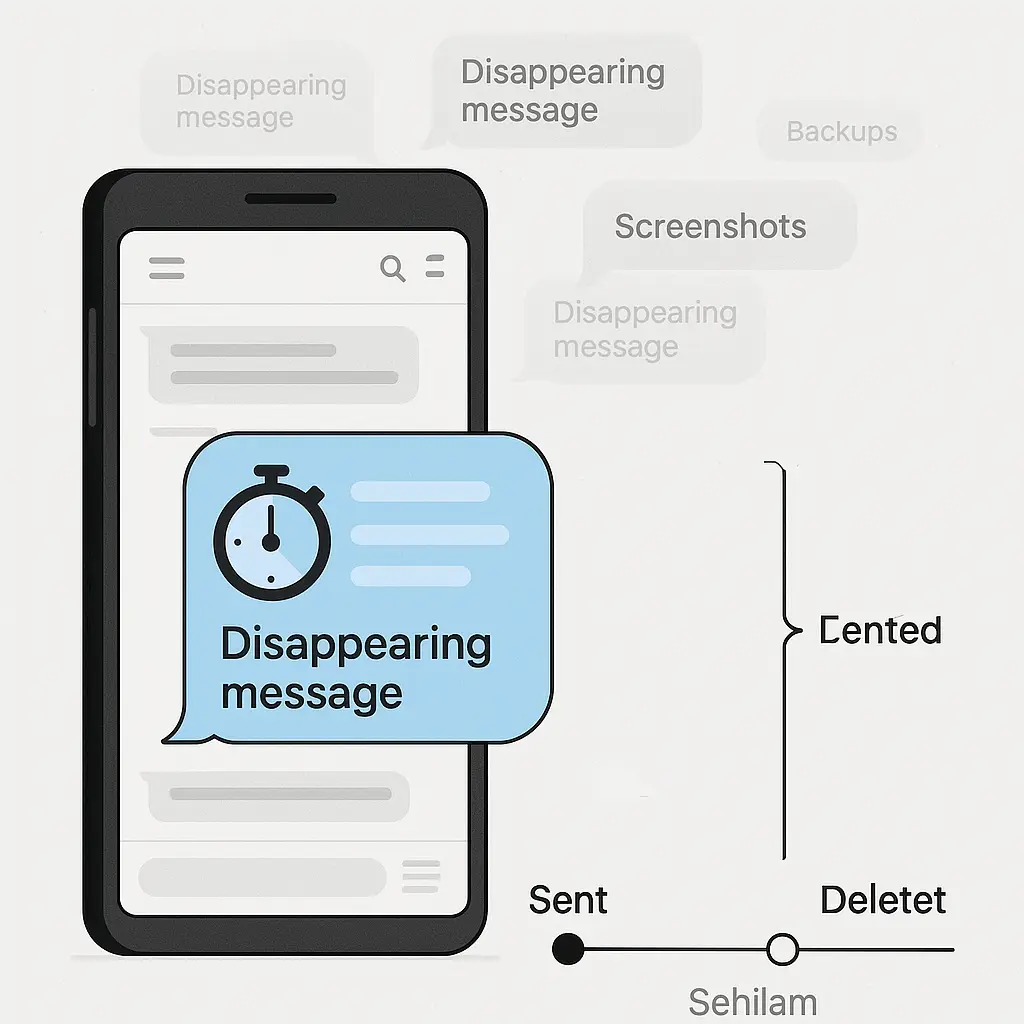
Disappearing messages delete from the app, but they don't delete from the ecosystem around the app. Copies persist in at least five places.
Backups. If your phone backs up to iCloud, Google Drive, or any other cloud service, the backup might contain a snapshot of your messages from before they disappeared. The backup doesn't update in real time. It captures the state of your phone at the moment of backup. If a disappearing message existed during that backup window, it's in the archive.
Some apps exclude disappearing messages from backups. Signal does this by default. WhatsApp does not. iMessage does not. Most social platforms with disappearing message features do not. If you enable iCloud backup on an iPhone, your disappearing iMessages go into the backup. If you enable Google Drive backup for WhatsApp, your disappearing WhatsApp messages go into the backup.
The backup persists until you delete it manually or until the service rotates it out. iCloud keeps backups indefinitely unless you delete them. Google Drive keeps WhatsApp backups for a year if you don't use the app, indefinitely if you do. A disappearing message that deletes from your phone after 24 hours might live in a cloud backup for years.
Screenshots. The recipient can screenshot the message before it disappears. Most apps notify you when someone takes a screenshot, but notification is not prevention. The screenshot exists. The app can't delete it. The app can't even see it after it's taken.
Notification only works for screenshots taken through the operating system's built-in screenshot function. If the recipient takes a photo of the screen with another device, there's no notification. If they use screen recording software, there's no notification. If they use third-party tools that bypass the screenshot API, there's no notification.
You know the recipient took a screenshot. You don't know what they did with it. You don't know if they shared it. You don't know if they stored it in cloud backup. The disappearing message feature protects nothing once the screenshot exists.
Notification previews. When a message arrives, your phone displays a notification. The notification often includes the first line or two of the message text. That preview appears on the lock screen, in the notification center, and sometimes on connected devices like smartwatches.
The notification preview persists until you clear it. If you don't clear notifications regularly, the preview might sit on your lock screen for hours or days, visible to anyone who picks up your phone. The message itself might have disappeared from the app, but the preview remains in the notification log.
Some phones store notification history. Android keeps a log of recent notifications that you can review even after clearing them. The log includes the preview text. A disappearing message that deletes after five minutes might leave a readable preview in the notification log for days.
Device storage forensics. When an app deletes a message, it marks the storage space as available for reuse. The data itself remains on the device until something overwrites it. Forensic tools can recover recently deleted messages by scanning unallocated storage space.
The window for forensic recovery depends on how much you use your phone. If you send hundreds of messages a day, the storage space gets overwritten quickly. If you send a few messages a week, deleted data might persist for months.
Forensic recovery requires physical access to the device and specialized tools. It's not something a casual snooper can do. But law enforcement can. A spouse with technical skills and motive can. A determined adversary can.
Server-side logs. Even if the app deletes the message content, metadata persists. The server knows you sent a message to a specific recipient at a specific time. It knows the message size. It knows when the recipient opened it. It knows when the timer expired.
Metadata doesn't reveal what you said, but it reveals who you talked to and when. In some contexts, that's enough. A pattern of disappearing messages between two people tells a story even if the content is gone.
Some apps minimize metadata. Signal stores almost nothing server-side. WhatsApp stores more. Social platforms store the most. The difference matters if you're trying to hide the fact that a conversation happened, not just the content of the conversation.
When disappearing messages actually work
Disappearing messages protect against specific, narrow threats. They work when the threat model is casual access to your device or the recipient's device after the fact.
If someone picks up your phone a week from now and scrolls through your messages, they won't see the disappearing ones. If the recipient's phone gets stolen and the thief goes through their message history, your disappearing messages aren't there. If you lend your phone to someone and they snoop, the disappearing messages are gone.
The feature also works against retention you don't want. If you send something you'd prefer not to have sitting in a searchable archive forever, disappearing messages reduce the surface area. The message exists briefly, then it's gone. You don't have to remember to delete it manually. The recipient doesn't have to remember to delete it manually. The app handles it.
Disappearing messages work best when combined with end-to-end encryption. Signal with disappearing messages enabled means the message never exists in readable form on Signal's servers, never persists in the conversation history, and deletes from both devices after the timer expires. That's a stronger protection than WhatsApp with disappearing messages, which still backs up to cloud storage by default. It's much stronger than Instagram disappearing messages, which aren't end-to-end encrypted and leave metadata trails across Meta's infrastructure.
The feature works when both parties understand the limitations and configure their devices accordingly. If you enable disappearing messages but the recipient has cloud backup turned on, the feature fails. If you enable disappearing messages but the recipient screenshots everything, the feature fails. If you enable disappearing messages but leave notification previews visible on the lock screen, the feature fails.
Disappearing messages are not a single control. They're one layer in a stack. The stack includes encryption, backup settings, notification settings, screenshot discipline, and physical device security. The weakest layer determines the outcome.
When disappearing messages fail
Disappearing messages fail when the threat model extends beyond casual device access. They fail when the adversary has resources, time, or legal authority.
If law enforcement seizes your phone or the recipient's phone before the timer expires, the messages are readable. If they seize the phone after the timer expires but before the storage space gets overwritten, forensic tools can recover them. If they subpoena cloud backups, the messages are there unless you specifically disabled backup for that app.
Disappearing messages fail when the recipient doesn't cooperate. If they screenshot, record, or photograph the message, the content persists. If they forward the message to someone else before it disappears, the copy lives on in the third party's device. If they describe the content to someone else, the information spreads even though the message itself is gone.
The feature fails when you misunderstand what "disappear" means. The message disappears from the app's interface, not from every system that touched it. Backups, logs, caches, and forensic artifacts remain. The message is gone in the sense that you can't retrieve it through normal use, but it's not gone in the sense that no copy exists anywhere.
Disappearing messages fail when the app itself is compromised. If malware runs on your device or the recipient's device, it can intercept messages before they delete. If the app has a backdoor (intentional or accidental), messages can leak regardless of the timer setting. If the operating system logs keystrokes or screen content, the message is captured before the app even has a chance to delete it.
The feature fails when you rely on it for threats it wasn't designed to address. Disappearing messages reduce casual exposure. They don't prevent determined surveillance. They don't protect against screenshots. They don't erase metadata. They don't override backups unless you configure backups to exclude them.
The comparison you need to make
In You've Got Mail, Kathleen Kelly and Joe Fox email back and forth, building a relationship through written words that persist in their inboxes. The emails sit there, permanent, searchable, re-readable. The permanence matters to the story. They go back and reread old messages. They reflect on what was said. The archive is part of the relationship.
Disappearing messages invert that dynamic. The conversation exists in the moment, then it's gone. You can't go back and check what someone said last week. You can't search old messages for a detail you half-remember. The conversation is ephemeral by design.
The tradeoff is intentional. Permanence creates a record. Ephemerality creates deniability. Permanence allows reflection. Ephemerality forces presence. Neither is better. They serve different purposes.
If you want a record, don't use disappearing messages. If you want to minimize the surface area of sensitive conversations, use them. But understand that "minimize" is not the same as "eliminate."
What you can actually control
You control whether disappearing messages are enabled. You control the timer duration. You control whether backups include message content. You control notification preview settings. You control who has physical access to your device.
You don't control what the recipient does. You don't control whether they screenshot. You don't control whether their device backs up to cloud storage. You don't control whether they forward the message before it deletes. You don't control whether they describe the content to someone else.
You don't control server-side logging. You don't control metadata retention. You don't control forensic recovery capabilities. You don't control legal subpoenas.
The feature works within the boundaries of what you control. It fails outside those boundaries.
How to use disappearing messages correctly
If you're going to use disappearing messages, configure the stack, not just the feature.
Turn off cloud backups for the messaging app. On iPhone, go to Settings > [Your Name] > iCloud > Manage Storage > Backups > [This iPhone] > Show All Apps, and toggle off the messaging app. On Android, go to Settings > Google > Backup, and exclude the messaging app from backup. This prevents disappearing messages from persisting in cloud storage.
Disable notification previews. On iPhone, go to Settings > Notifications > [App] > Show Previews > Never. On Android, go to Settings > Apps > [App] > Notifications > Lock screen > Don't show notifications. This prevents message content from appearing on the lock screen or in notification history.
Use an app that excludes disappearing messages from backups by default. Signal does this. WhatsApp does not unless you disable backups entirely. iMessage does not. Most social platforms do not.
Set a short timer. The longer the message persists, the more opportunities exist for screenshots, backups, and forensic recovery. A five-minute timer is harder to subvert than a seven-day timer.
Understand that screenshots defeat the feature. If the recipient screenshots, the message persists. Some apps notify you. Notification doesn't prevent the screenshot. It just tells you it happened.
Don't rely on disappearing messages for high-stakes conversations. If the content would cause serious harm if leaked, don't send it digitally at all. Disappearing messages reduce exposure. They don't eliminate risk.
The reality check
Disappearing messages work when the threat model is "I don't want this sitting in my message history forever" and fail when the threat model is "I need this to be unrecoverable under all circumstances."
The feature deletes messages from the app. It doesn't delete them from backups unless you configure backups to exclude them. It doesn't delete them from screenshots. It doesn't delete them from notification previews. It doesn't delete them from forensic recovery tools. It doesn't delete metadata from server logs.
If you enable disappearing messages and do nothing else, you've reduced exposure slightly. If you enable disappearing messages and configure backups, notifications, and app choice carefully, you've reduced exposure significantly. If you enable disappearing messages and assume the content is gone forever, you've misunderstood the feature.
The gap between what disappearing messages promise and what they deliver is the gap between "delete from the app" and "delete from existence." The app can only control what happens inside the app. Everything outside the app is beyond its reach.
Use disappearing messages for what they're good at: reducing the persistence of routine conversations you'd prefer not to archive. Don't use them for conversations where exposure would be catastrophic. The feature is a convenience layer, not a security guarantee.
The message disappears from the screen. That much is true. Whether it disappears from the world depends on a dozen factors the app doesn't control.