DuckDuckGo vs Kagi vs Brave Search: Privacy Search Engines Compared
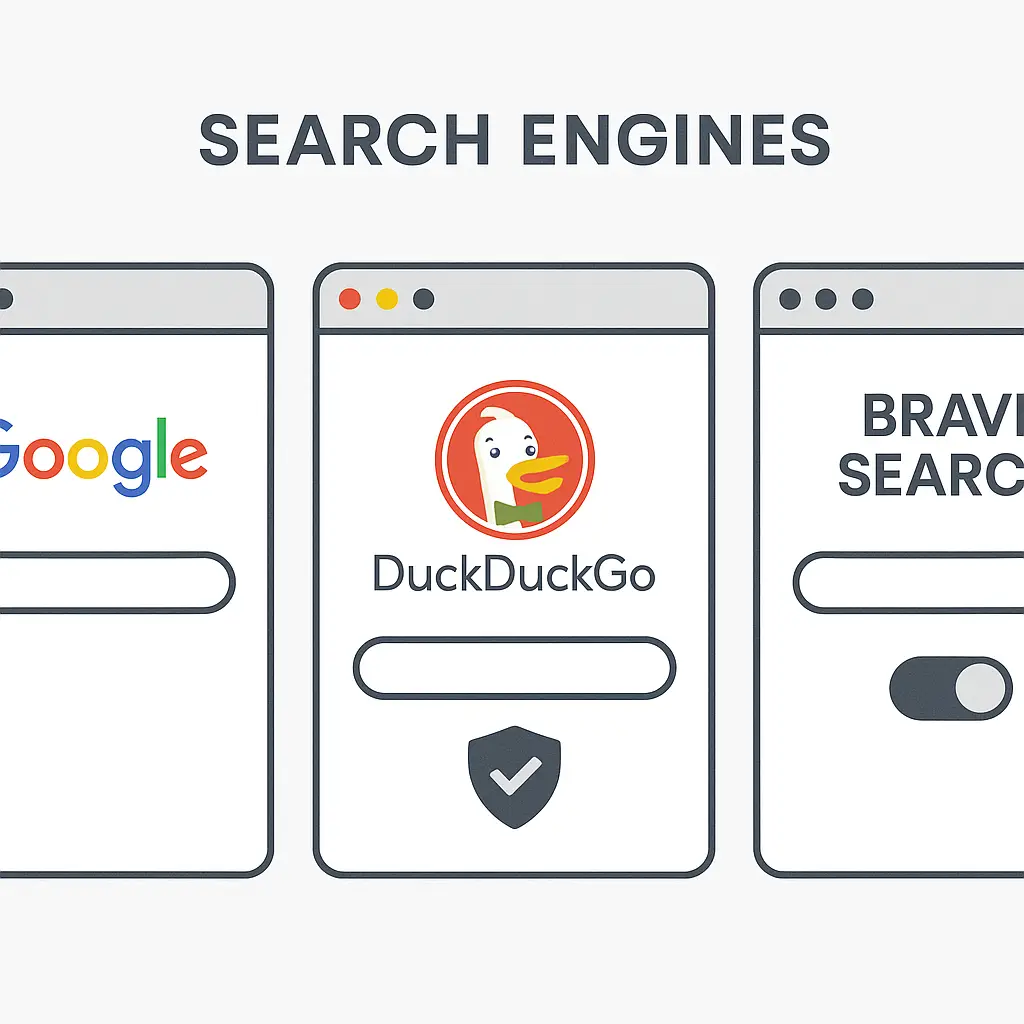
You're tired of Google knowing everything you search for. You've heard about DuckDuckGo, maybe Kagi, possibly Brave Search. They all promise privacy. They all claim they don't track you. But they work differently, fund themselves differently, and protect your privacy differently.
Here's how DuckDuckGo, Kagi, and Brave Search compare on the privacy mechanisms that actually matter, the tradeoffs each one makes, and which one fits your situation.
What "Privacy Search Engine" Actually Means
A privacy search engine is one that doesn't tie your search queries to your identity, doesn't build an advertising profile about you, and doesn't sell your search history to third parties. That's the baseline. Beyond that, the implementations diverge.
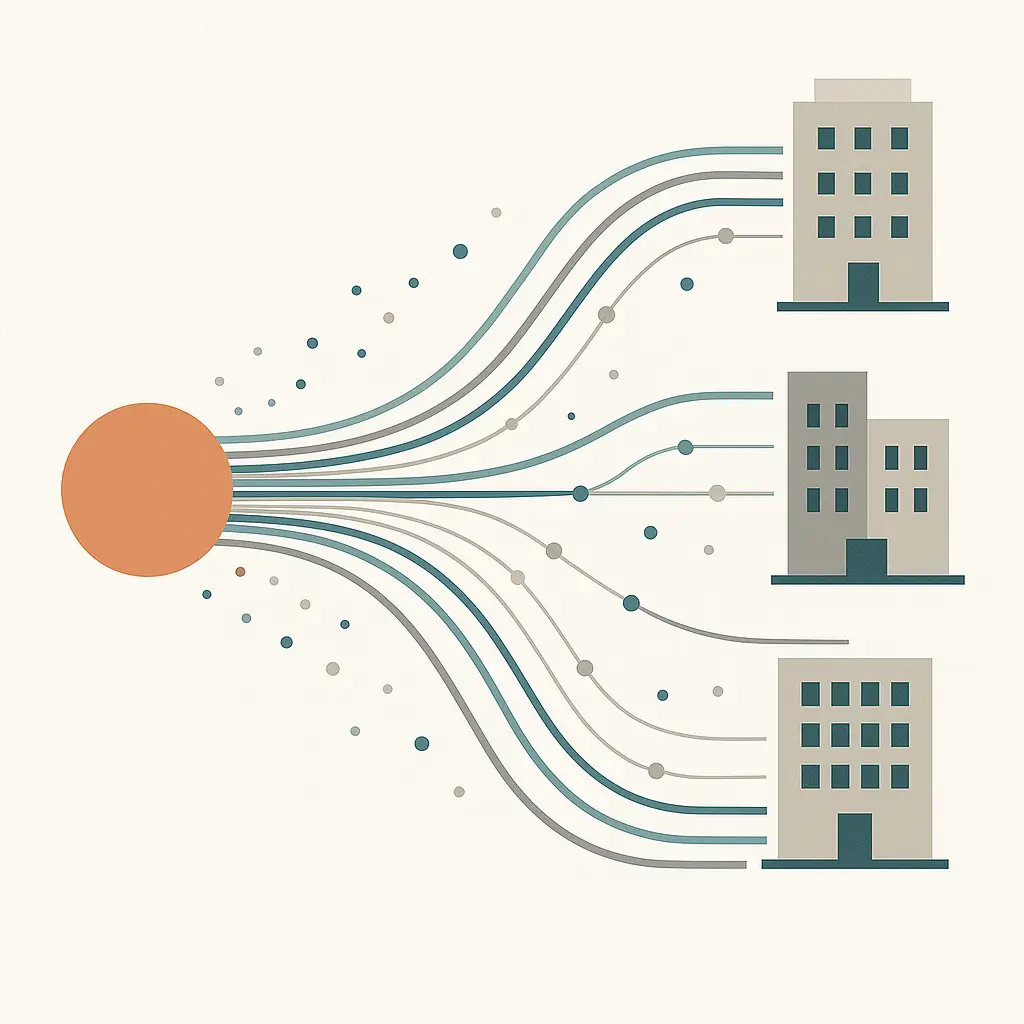
Google tracks your searches, links them to your account, uses them to target ads, and shares data with advertisers. Privacy search engines promise not to do that. But "not doing what Google does" leaves a lot of room for variation.
Some privacy search engines don't log searches at all. Some log searches temporarily for spam prevention but delete them quickly. Some collect anonymized aggregate data. Some use third-party services that might track you even if the search engine itself doesn't. The FTC's guidance on online privacy emphasizes understanding what data companies collect and how they use it, which applies directly here.
The business model matters. If a search engine makes money from ads, it has an incentive to collect data even if it promises not to. If it charges a subscription, the incentive shifts. If it's funded by a larger organization with other revenue streams, that changes the equation again.
DuckDuckGo: The Default Privacy Alternative
DuckDuckGo launched in 2008 as the first widely known privacy-focused search engine. It doesn't track you, doesn't build profiles, and doesn't share your searches with advertisers. That's the core promise, and from what I've read, they've kept it.
DuckDuckGo makes money by showing ads based on your current search query, not on your history. You search for "running shoes," you see ads for running shoes. You search for "mortgage rates," you see ads for mortgages. The ads don't follow you across the web because DuckDuckGo doesn't know who you are beyond this single query.
The catch is that DuckDuckGo doesn't operate its own search index. It pulls results primarily from Bing, with some results from other sources. That means Microsoft sees your search queries, though DuckDuckGo claims it anonymizes them before passing them along. You're trusting two companies instead of one.
DuckDuckGo's results are generally decent for common queries. For obscure technical questions or highly specific searches, they're weaker than Google. I think that's the tradeoff most people notice first: you get privacy, but you occasionally need to fall back to Google when DuckDuckGo doesn't surface what you need.
DuckDuckGo also offers a browser extension and mobile apps that block trackers across the web, not just in search. The extension is straightforward and works well for general tracker blocking, though it's not as granular as dedicated privacy tools.
Kagi: The Subscription Model
Kagi launched in 2022 with a different approach: charge users directly, eliminate ads entirely, and build a search engine optimized for result quality instead of engagement. You pay a monthly subscription, and Kagi doesn't need to monetize your attention.
Kagi uses multiple sources for its index, including its own crawler, Google, Bing, and specialized sources. It aggregates results and lets you customize which sources get prioritized. You can block domains, boost domains, and adjust rankings based on your preferences. That level of control doesn't exist in free search engines.
Kagi doesn't log your searches. It doesn't build profiles. It doesn't serve ads. The business model is simple: you pay for the service, and the service works for you. That alignment matters. There's no hidden incentive to collect data because there's no one to sell it to.
The subscription costs around $10 per month for unlimited searches. Some people find that reasonable. Some find it absurd to pay for something Google offers for free. The question is whether you value result quality and zero tracking enough to pay for it.
Kagi's results are consistently better than DuckDuckGo's, in my experience. For technical queries, academic research, and anything that requires nuance, Kagi surfaces more relevant results faster. For general queries, the difference is smaller but still noticeable.
The downside is that Kagi is a small company. If it shuts down, you're back to square one. If it gets acquired, the privacy promises might change. The EFF's Surveillance Self-Defense guide emphasizes evaluating the long-term viability and incentives of the tools you rely on, which applies here.
Brave Search: The Independent Index
Brave Search is built by Brave Software, the company behind the Brave browser. It launched in 2021 with the goal of creating a fully independent search index that doesn't rely on Google or Bing. That independence matters because it means Brave Search isn't passing your queries to third parties.
Brave Search doesn't track you, doesn't log searches tied to your identity, and doesn't build advertising profiles. It makes money through optional ads that appear in search results, similar to DuckDuckGo's model. You can pay for Brave Search Premium to remove ads entirely, but the free version is fully functional.
Brave Search's index is built from its own web crawler. The coverage is decent for common queries but weaker than Google or Bing for obscure topics. The results feel closer to DuckDuckGo than to Kagi in terms of quality, though Brave Search improves steadily as its index grows.
One thing Brave Search does differently is offer a feature called Goggles, which lets you apply custom filters and re-rankings to search results. You can use community-created Goggles or build your own. It's a more technical feature than most people need, but it's there if you want that level of control.
Brave Search integrates tightly with the Brave browser, but it works in any browser. If you're already using Brave for privacy reasons, Brave Search is a natural fit. If you're not, it's still worth considering as a standalone search engine.
Tracking and Data Collection Compared
All three search engines promise not to track you, but the specifics differ.
DuckDuckGo doesn't log searches tied to your identity, but it does collect anonymized aggregate data for product improvement. It also passes your queries to Bing, which means you're trusting Microsoft's privacy claims as well as DuckDuckGo's. DuckDuckGo says it strips identifying information before sending queries to Bing, but you're still involving a third party.
Kagi doesn't log searches at all. It collects anonymized usage statistics to improve the product, but those statistics don't include search queries. Kagi also uses multiple third-party sources for results, but it claims to anonymize queries before passing them along. The difference is that Kagi's business model doesn't depend on data collection, so the incentive to minimize logging is stronger.
Brave Search doesn't log searches tied to your identity and doesn't pass queries to third parties because it uses its own index. It collects anonymized metrics for product improvement, similar to Kagi. Brave Search's privacy model is the most straightforward because there are fewer moving parts.
Your internet service provider can see that you're visiting duckduckgo.com, kagi.com, or search.brave.com, but it can't see your specific queries if you're using HTTPS. A VPN hides even the domain from your ISP, but the search engine itself still sees your IP address. None of these search engines promise to hide your IP, though some experts say Kagi and Brave Search handle it more carefully than DuckDuckGo because they don't involve third parties.
Result Quality and Features
Result quality is subjective, but patterns emerge.
DuckDuckGo delivers solid results for common queries and weaker results for obscure or technical searches. The reliance on Bing's index means you're getting Bing's strengths and weaknesses. For general use, DuckDuckGo works fine. For specialized research, it's frustrating.
Kagi consistently delivers the best results of the three. The combination of multiple sources, custom rankings, and user control means you can tune Kagi to surface what you actually want. For technical queries, academic research, and anything that requires precision, Kagi outperforms. The tradeoff is cost and the risk of vendor lock-in.
Brave Search falls between DuckDuckGo and Kagi. The independent index gives it more control over result quality, but the smaller index size means coverage is weaker for niche topics. For everyday searches, Brave Search works well. For specialized queries, you'll occasionally need to try another engine.
All three support basic search operators (site:, filetype:, etc.), though Kagi's implementation is the most robust. DuckDuckGo and Brave Search offer "bangs" (shortcuts like !g to search Google directly), which is useful when you need to fall back to a different engine quickly.
Business Models and Incentives
The business model shapes the product.
DuckDuckGo makes money from ads tied to your current query. That model works, but it creates an incentive to show more ads and collect just enough data to make ads relevant without crossing the privacy line. DuckDuckGo has resisted that temptation so far, but the incentive structure is there.
Kagi charges a subscription and has no ads. The incentive is to deliver results good enough that you keep paying. That alignment is cleaner. The risk is that Kagi might raise prices, add ads, or change its model if subscriber growth stalls.
Brave Search offers a free ad-supported version and a paid ad-free version. The free version's incentive structure is similar to DuckDuckGo's: show ads, but don't track. The paid version removes that incentive entirely. Brave Software also makes money from the Brave browser, which reduces the pressure on Brave Search to monetize aggressively.
Which One to Use
If you want a free privacy search engine that works for most queries and you're willing to accept Bing-based results, use DuckDuckGo. It's the default privacy alternative for a reason. It's not perfect, but it's good enough for most people most of the time.
If you search frequently, value result quality, and don't mind paying, use Kagi. The subscription removes the advertising incentive entirely and gives you control over rankings. For technical work, research, or anything that requires precision, Kagi is worth the cost.
If you want an independent index that doesn't rely on Google or Bing and you're comfortable with a smaller index, use Brave Search. The free version works well for general use, and the paid version removes ads without the commitment of Kagi's subscription model.
You can also mix them. Use DuckDuckGo as your default, fall back to Kagi for technical queries, and keep Brave Search as a third option. The bangs feature in DuckDuckGo and Brave Search makes switching engines mid-search trivial.
What Privacy Search Engines Don't Protect
Privacy search engines prevent the search engine itself from tracking you, but they don't prevent websites you visit from tracking you. They don't hide your IP address from the search engine. They don't block trackers on the pages you click through to. They don't prevent your ISP from seeing which search engine you're using.
For broader privacy, you need additional tools. A VPN hides your IP and your search engine choice from your ISP. Browser extensions like uBlock Origin block trackers on the sites you visit. The EFF's tool guides walk through setting up layered privacy protections that work together.
Privacy search engines are one piece of a larger privacy strategy. They're an important piece, but they're not a complete solution.
The Tradeoff You're Actually Making
Switching from Google to a privacy search engine means trading convenience and result quality for privacy. The gap has narrowed significantly. DuckDuckGo, Kagi, and Brave Search all deliver results good enough for most searches. But Google still wins on highly specific technical queries, local business results, and anything that benefits from Google's massive index and years of ranking refinement.
The question is whether the privacy gain is worth the occasional frustration of weaker results. For me, it is. I use Kagi as my default and fall back to Google around once a week when Kagi doesn't surface what I need. That ratio works for me. Your ratio might be different.
The other tradeoff is trust. Google tracks you, but it's a large public company with legal obligations and regulatory oversight. DuckDuckGo, Kagi, and Brave Search are smaller companies with fewer resources and less scrutiny. You're trusting their privacy promises because you have no practical way to verify them. Some researchers have found that trust is reasonable based on technical audits and third-party reviews, but it's still trust.
Making the Switch
If you decide to switch, start by changing your default search engine in your browser settings. Every major browser lets you set a custom search engine. Add DuckDuckGo, Kagi, or Brave Search, make it the default, and use it for a week. See how it feels.
If you find yourself constantly falling back to Google, try a different privacy search engine. If DuckDuckGo's results frustrate you, try Kagi. If Kagi's cost bothers you, try Brave Search. If none of them work, that's useful information. Maybe the privacy tradeoff isn't worth it for your use case.
If you stick with it, consider adding the browser extension (DuckDuckGo and Brave both offer them) to block trackers across the web. That extends the privacy benefit beyond search.
The FTC's guidance on protecting personal information emphasizes making incremental changes that fit your workflow. Switching search engines is one of the easier privacy changes you can make, and it compounds over time.
Related reading: