Banking on Public WiFi — Is It Really Risky?
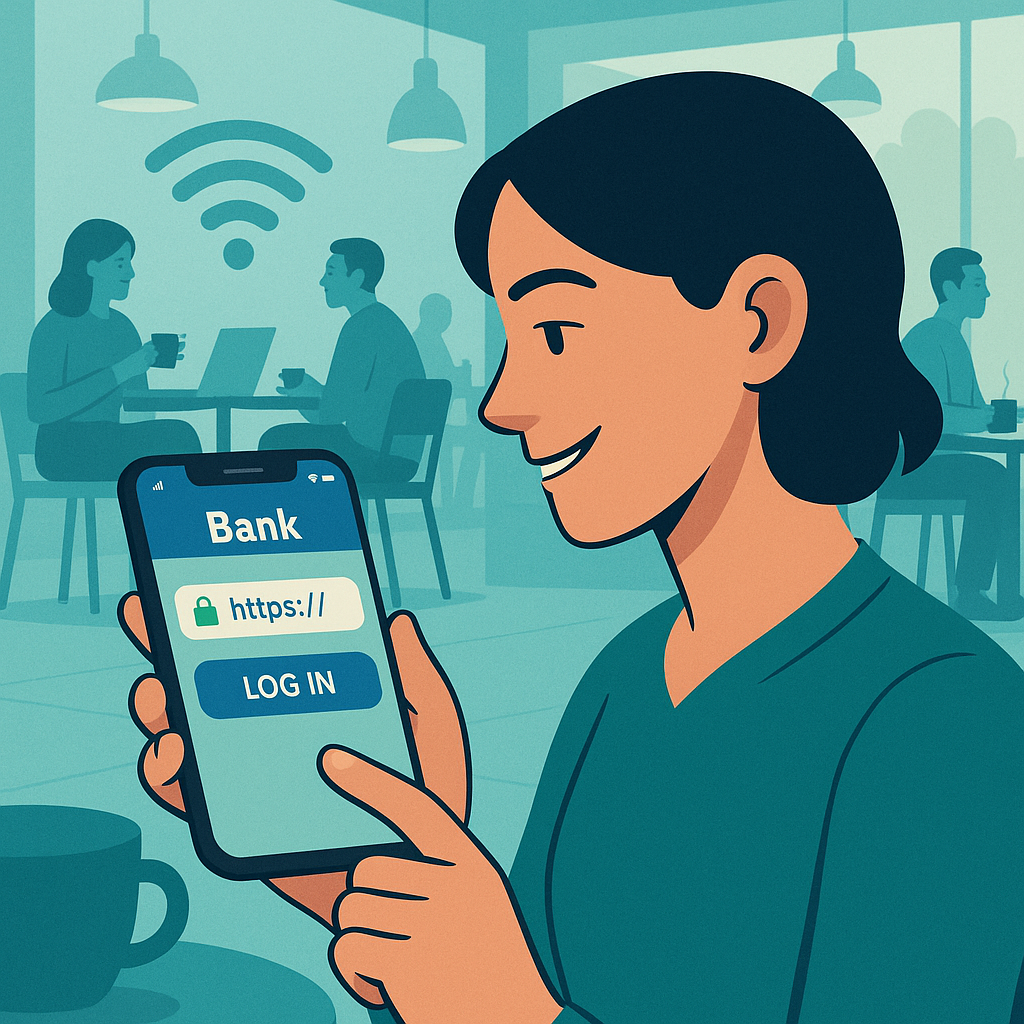
You're at the airport, killing time before your flight. You pull out your phone to check your bank balance and pause. The security advice you've absorbed over the years kicks in: public WiFi is dangerous. Banking on public WiFi is especially dangerous. You should never, ever do financial transactions on untrusted networks.
But is that still true in 2026?
The short answer: mostly no. The threat model that made public WiFi dangerous for banking has changed dramatically. The advice hasn't kept up.
Here's what actually matters when you check your account at Starbucks, what changed to make banking on public WiFi safer, and where the real risks still live.
The Threat That Used to Exist
The classic public WiFi attack worked like this: you connect to an open network at a coffee shop. An attacker on the same network uses packet-sniffing tools to intercept traffic between your device and the websites you visit. If the connection isn't encrypted, the attacker can read everything, usernames, passwords, account numbers, transaction details.
This attack was real and common. Around 2008-2012, tools like Firesheep made it trivial. You could sit in a coffee shop, run the tool, and watch a list of nearby users' Facebook and email sessions populate in real time. Click a name, hijack the session, impersonate the victim. No technical expertise required.
Banking sites were better protected than social media, but not universally. Some banks used HTTPS only for the login page, then dropped back to unencrypted HTTP for the rest of the session. An attacker couldn't steal your password, but they could intercept your session cookie and take over your authenticated session. Same result.
That threat model drove a decade of security advice: never do anything sensitive on public WiFi. Use a VPN. Wait until you get home. Tether to your phone's data plan instead.
The advice made sense. The threat was real.
What Changed
The web moved to HTTPS.
Around 2014-2016, major browsers and industry groups pushed for HTTPS everywhere. Google started ranking HTTPS sites higher in search results. Browsers began marking HTTP sites as "Not Secure." Certificate authorities made SSL certificates free and easy to obtain. The EFF launched campaigns to encrypt the entire web.
Banks were early adopters. By 2015, nearly every major financial institution used HTTPS for the entire session, not just the login page. Mobile banking apps, which exploded in popularity around the same time, encrypted all traffic by default. The apps don't rely on the network's security, they establish encrypted connections directly to the bank's servers.
HTTPS encrypts data between your device and the destination server. The encryption happens at the application layer, which means the network you're using doesn't matter. An attacker on the same WiFi network sees encrypted traffic. They can tell you're communicating with your bank, but they can't read the contents. They can't steal your password, intercept your session, or modify transactions.
This isn't theoretical. It's how the web works now. Banking on public WiFi in 2026 is protected by the same encryption that protects banking on your home network, your office network, or your phone's cellular connection.
What HTTPS Actually Protects
HTTPS does three things:
Encryption. The data moving between your device and the server is scrambled using cryptographic keys that only your device and the server possess. An attacker intercepting the traffic sees ciphertext, not plaintext.
Authentication. Your device verifies that it's actually talking to your bank's server, not an imposter. This happens through digital certificates issued by trusted certificate authorities. If someone tries to intercept the connection and impersonate the bank, your browser or app throws a security warning.
Integrity. The protocol ensures that data hasn't been tampered with in transit. If an attacker tries to modify a transaction, changing the recipient or the amount, the encryption breaks and the connection fails.
These protections operate independently of the network. It doesn't matter if you're on your home WiFi, the airport's open network, or a sketchy hotspot at a bus station. The encryption is the same.
The Remaining Risks
Public WiFi isn't perfectly safe. The risks that remain are specific and different from the classic interception threat.
Fake networks. An attacker sets up a rogue access point with a name that looks legitimate, "Starbucks_WiFi" or "Airport_Free_WiFi." You connect, thinking it's the real network. The attacker controls the network and can attempt man-in-the-middle attacks. But here's the thing: if you're using HTTPS (and you are, if you're banking), the attacker still can't decrypt your traffic. They can see that you're connecting to your bank, but they can't read the contents. The bigger risk is that they might serve you fake captive portals or phishing pages for other services.
Compromised devices. If your phone or laptop is already infected with malware, the network doesn't matter. The malware can log your keystrokes, take screenshots, or hijack your session from inside your device. This is a device security problem, not a network security problem. Public WiFi doesn't make it worse, it just reminds you that device hygiene matters.
Shoulder surfing. Someone sitting behind you at the coffee shop watches you type your password or sees your account balance on the screen. This is a physical security risk, not a technical one. It's real, it's low-tech, and it's one of the few threats that's actually higher on public WiFi than at home, because you're in a public space.
Unencrypted traffic. If you're using an app or website that doesn't use HTTPS (rare for banking, but common for other services), the old interception threat still applies. But banks don't fall into this category anymore. If your banking app or website doesn't use encryption in 2026, you should switch banks.
What a VPN Actually Does
VPN providers market heavily on the "public WiFi is dangerous" narrative. The pitch: use our VPN to stay safe on untrusted networks.
Here's what a VPN actually does: it routes your traffic through an encrypted tunnel to the VPN provider's servers, then out to the destination. This hides your activity from the network operator, the coffee shop, the airport, your ISP, but it doesn't add security to HTTPS connections. Your banking traffic is already encrypted end-to-end. Adding a VPN means the traffic is encrypted twice: once by HTTPS, once by the VPN. The second layer doesn't make the first layer stronger.
A VPN does add privacy. The network operator can't see which sites you're visiting. They see that you're connected to a VPN, but not that you're banking. If you're concerned about the coffee shop tracking your browsing habits or selling your data, a VPN addresses that. But it doesn't make the banking transaction itself more secure.
The tradeoff: you're shifting trust from the network operator to the VPN provider. The VPN can see everything the network operator used to see. If you trust your VPN more than the random coffee shop WiFi, that's a reasonable trade. If you're using a sketchy free VPN, you've made the problem worse.
For banking specifically, a VPN is optional. The encryption your bank provides is sufficient. Use a VPN if you want to hide your activity from the network, not to secure the transaction.
When You Should Still Be Cautious
Public WiFi isn't universally safe. There are situations where you should skip the banking or take extra precautions.
Suspicious networks. If the network's captive portal asks for unusual information (social security number, credit card, more than an email address), don't connect. If the network name looks like it's impersonating a legitimate business but something feels off, trust that instinct.
Security warnings. If your browser or banking app throws a certificate warning, do not proceed. This is your device telling you that something is wrong with the connection, possibly a man-in-the-middle attack. Close the app, disconnect from the network, and wait until you're on a trusted connection.
Crowded spaces. If you're surrounded by people who can see your screen, consider waiting. Shoulder surfing is a real threat, and it's easier to execute in a packed airport terminal than in an empty coffee shop at 6 a.m.
Shared devices. Never bank on a public computer, a library terminal, a hotel business center, an internet cafe. These devices might have keyloggers, screen capture malware, or session hijacking tools installed. Use your own device.
Outdated devices. If your phone or laptop is running an old operating system that no longer receives security updates, the risks increase. The encryption protocols might be outdated, the certificate validation might be weak, and the device might be vulnerable to exploits. Update your device or avoid banking until you can.
The Seinfeld Test
In Seinfeld, Jerry obsesses over small risks while ignoring larger ones. He won't eat food that's been on the counter too long, but he'll eat at questionable diners. He's meticulous about airplane safety but cavalier about dating someone with a questionable past.
The public WiFi banking panic is similar. People agonize over the network while ignoring bigger threats: reused passwords, no two-factor authentication, phishing emails, malware on their devices, outdated operating systems.
Banking on public WiFi is safer than banking with a weak password. It's safer than clicking a phishing link. It's safer than skipping two-factor authentication. The network matters less than the security practices you bring to the transaction.
If you're using a strong, unique password, two-factor authentication, and a modern device with up-to-date software, banking on public WiFi is fine. If you're reusing passwords across sites and ignoring security updates, the network is the least of your problems.
What to Actually Do
Here's the practical guidance for banking on public WiFi in 2026:
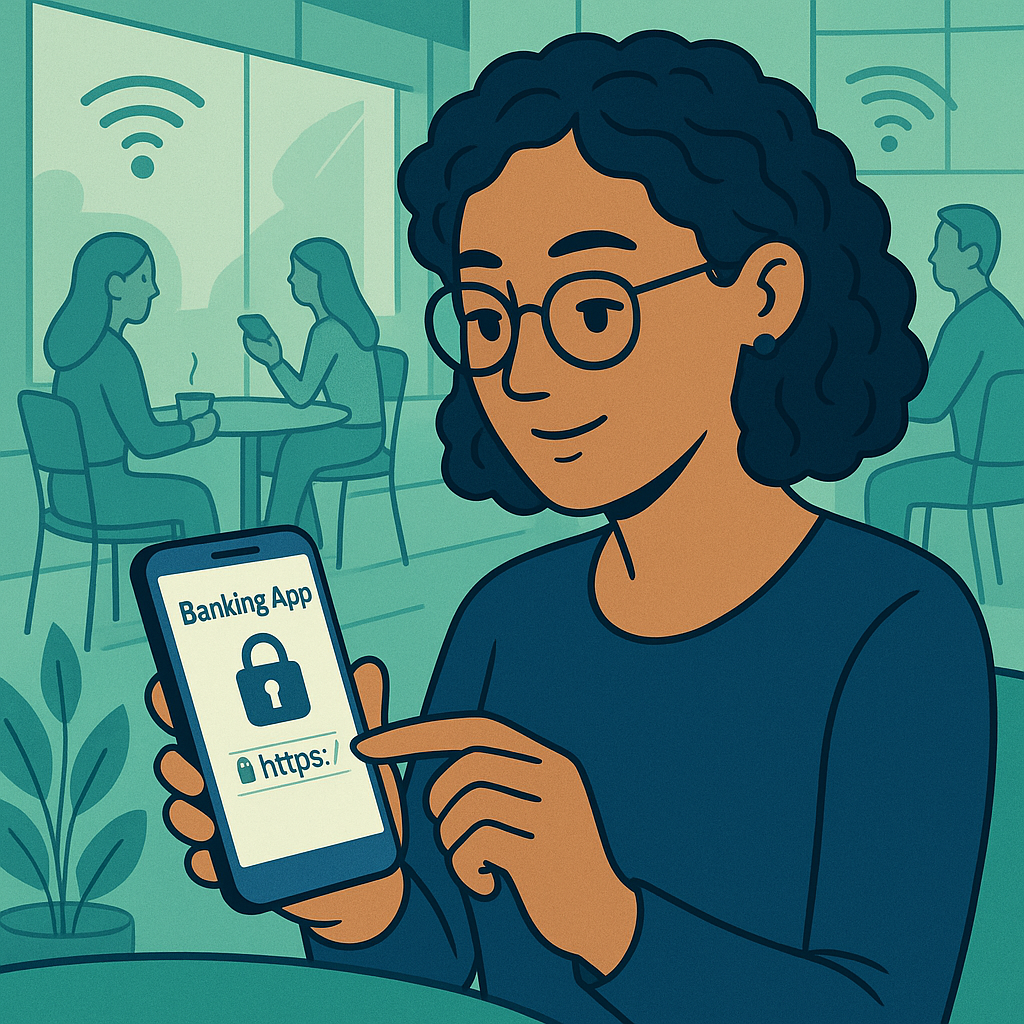
Check for HTTPS. Before you log in, verify that the connection is encrypted. On a website, look for the padlock icon in the address bar and https:// at the start of the URL. In a banking app, the encryption is built in, you don't need to check.
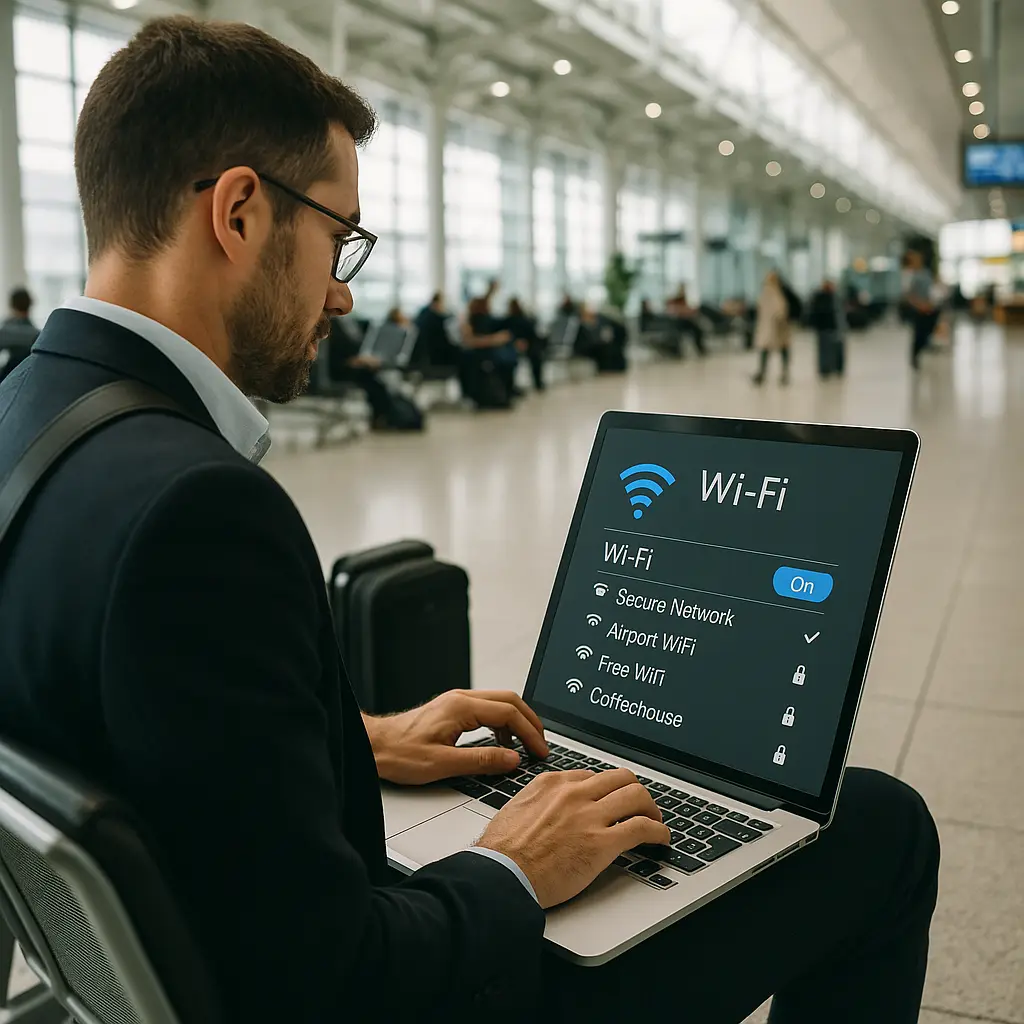
Avoid fake networks. Connect to networks you trust. If you're at Starbucks, ask the staff for the correct network name. If you're at the airport, use the official network listed on the airport's website or signage. Don't connect to networks with generic names like "Free_WiFi" or "Public_Network."
Enable two-factor authentication. This protects your account even if someone intercepts your password (which they can't do over HTTPS, but defense in depth matters). Use an authenticator app, not SMS. For more on setting this up, see our guide on setting up two-factor authentication on important accounts.
Keep your device updated. Security updates patch vulnerabilities that attackers exploit. An outdated device is a bigger risk than an untrusted network. Enable automatic updates if your device supports them.
Watch for warnings. If your browser or app shows a certificate error, stop. Do not click through the warning. Disconnect from the network and wait until you're on a connection you trust.
Consider a VPN for privacy, not security. If you don't want the network operator to know you're banking, use a VPN. But understand that the VPN isn't making the transaction more secure, it's hiding your activity. Choose a reputable provider. For a comparison of VPN options, see our article on what a VPN actually does.
Mind your surroundings. If someone can see your screen, they can see your account balance, transaction history, and password as you type it. Position yourself so your screen isn't visible to others, or wait until you're in a less crowded space.
What Banks Do on Their End
Banks layer security beyond HTTPS. These protections operate regardless of the network you're using, but they're worth understanding because they explain why banking on public WiFi is less risky than other activities.
Fraud detection. Banks monitor transactions for unusual patterns, large withdrawals, transfers to new recipients, logins from unfamiliar locations. If something looks suspicious, they block the transaction and contact you. This happens in real time, whether you're on public WiFi or your home network.
Transaction limits. Most banks impose daily limits on transfers and withdrawals. Even if an attacker somehow gained access to your account, they couldn't drain it in one transaction. You'd notice the unauthorized activity and freeze the account before significant damage occurred.
Legal protections. In the U.S., federal law limits your liability for unauthorized transactions. For credit cards, it's capped at $50. For debit cards, it's $50 if you report within two business days, $500 if you report within 60 days. Banks often waive even those amounts. This doesn't prevent fraud, but it caps your financial exposure.
Session timeouts. Banking apps and websites log you out after a period of inactivity. If you walk away from your device without logging out, the session expires automatically. This limits the window for someone to hijack an active session.
These protections don't make public WiFi safe, they make banking safer in general. But they're part of the reason why the risk of banking on public WiFi is lower than the conventional wisdom suggests.
The Broader Context
Public WiFi security is part of a larger shift in how we think about network trust. For decades, the security model was perimeter-based: trusted networks inside, untrusted networks outside. You were safe at home or at work. You were vulnerable everywhere else.
That model broke down as mobile devices became primary computing platforms and work moved outside traditional offices. The CISA guidance on modern network access reflects this shift: assume all networks are untrusted, secure the endpoints, encrypt everything.
Banking moved to this model early. The assumption is that the network is hostile. The protections, HTTPS, strong authentication, fraud monitoring, operate independently of network trust. This is why banking on public WiFi works. The security doesn't rely on the network being safe. It assumes the network is compromised and protects you anyway.
The same logic applies to other sensitive activities. Encrypted messaging apps like Signal work on any network. Password managers sync over HTTPS. Cloud storage encrypts data in transit. The network matters less than it used to because the applications handle their own security.
This doesn't mean public WiFi is risk-free. It means the risks are different from what they were a decade ago. The classic interception threat is mostly solved. The risks that remain, fake networks, compromised devices, physical surveillance, require different defenses.
The Reality Check
Banking on public WiFi in 2026 is not the universal threat security advice makes it out to be. The encryption that protects your banking traffic operates independently of the network. HTTPS is ubiquitous. Mobile banking apps encrypt by default. The old attack, intercepting cleartext credentials on an open network, doesn't work anymore.
The risks that remain are specific: fake networks, compromised devices, shoulder surfing, outdated software. These are real, but they're not unique to public WiFi. A compromised device is a problem on any network. Shoulder surfing is a problem in any public space. Outdated software is a problem everywhere.
The practical advice: use HTTPS, enable two-factor authentication, keep your device updated, watch for warnings, and mind your surroundings. If you do those things, banking on public WiFi is fine.
The broader lesson: security advice ages poorly. The threats change. The defenses improve. The guidance that made sense in 2012 doesn't necessarily apply in 2026. Understanding the underlying mechanism, what actually protects you and what actually threatens you, matters more than following rules that might be obsolete.
Public WiFi isn't perfectly safe. But it's safer than the conventional wisdom suggests, and the risks that remain are manageable. Check your bank balance at the airport. Pay your credit card bill at the coffee shop. The network isn't the problem. Your password hygiene, your device security, and your awareness of your surroundings matter more.