Sign In With Apple vs Google: Privacy, Convenience, and Control
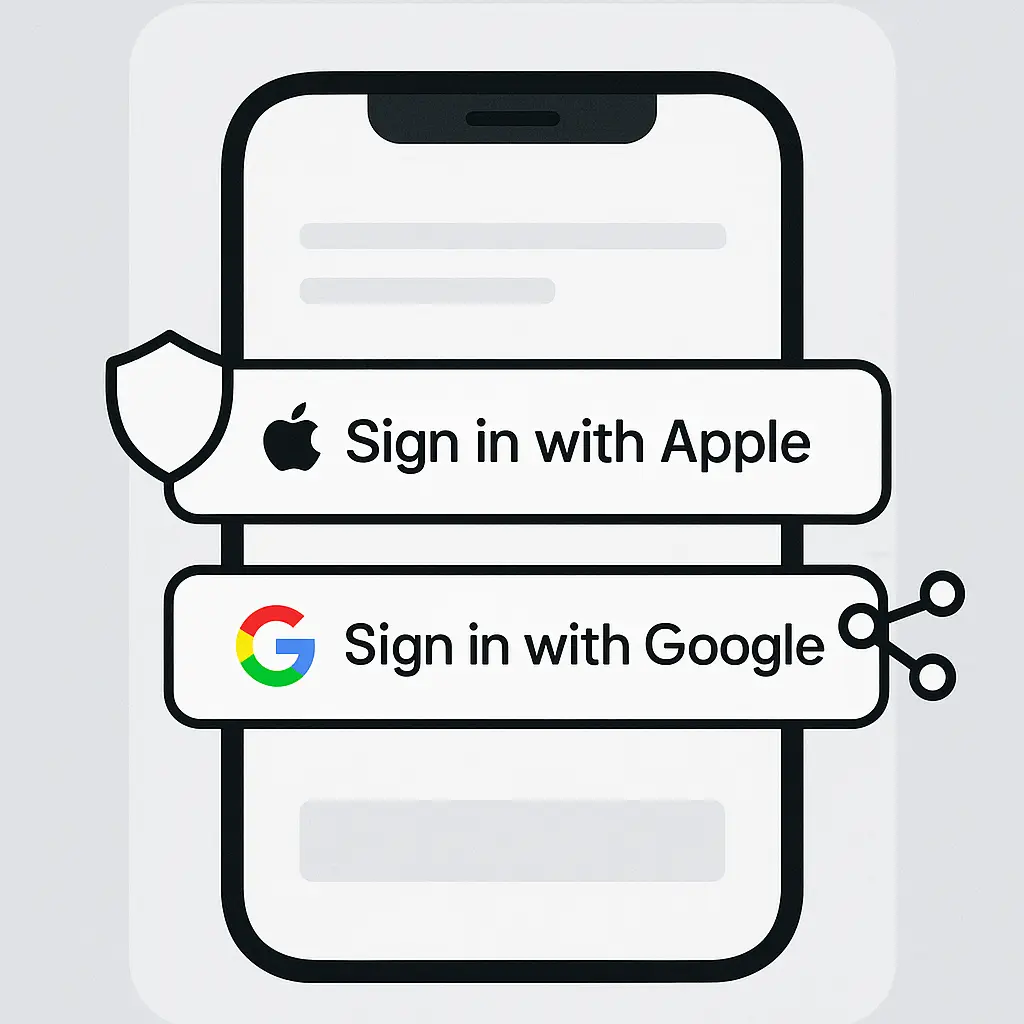
You're signing up for a new app. The form asks for your email, a password, security questions, and maybe your birthday. Or you can click a button and skip all of it.
Single sign-on promises convenience: one account unlocks dozens of services. Apple and Google both offer this, but they handle your data differently. One prioritizes privacy through anonymization. The other prioritizes transparency through disclosure. Both create real tradeoffs.
Here's how Sign In With Apple and Sign In With Google compare on email privacy, data sharing, account control, and what happens when you leave.
How single sign-on actually works
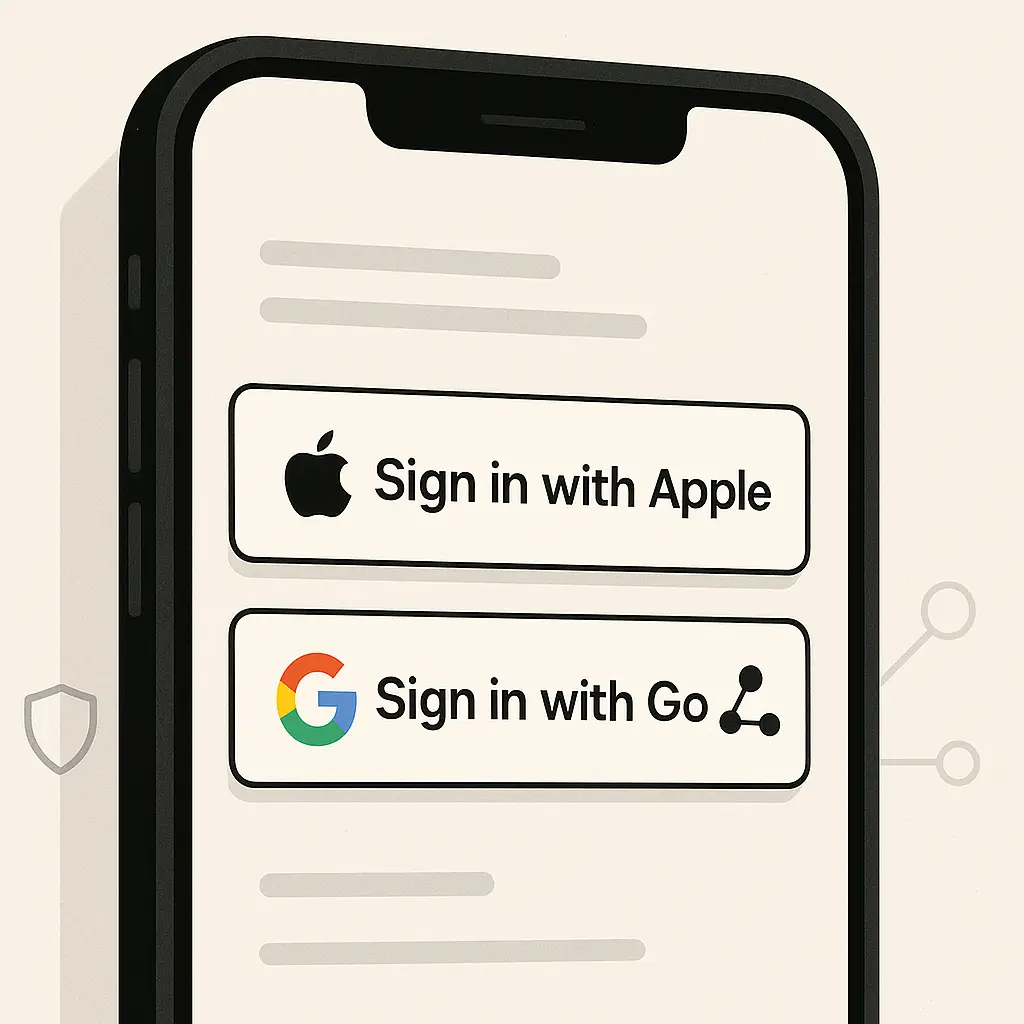
Single sign-on (SSO) uses your existing account with a trusted provider, Apple or Google, to authenticate you on third-party services. When you click "Sign In With Apple" or "Continue With Google," you're redirected to Apple or Google to verify your identity. They confirm you're you, then send the third-party service a token proving authentication succeeded.
The third-party service never sees your password. That's the core security benefit. Your password lives in one place, protected by two-factor authentication and the security infrastructure of a company with dedicated teams. The app or website you're signing into gets proof of identity without handling credentials.
But SSO isn't just authentication. It's also authorization. When you connect your Apple ID or Google account to a third-party service, you're granting permission to share specific data. What gets shared, how much control you have, and what happens to that data after the connection, that's where Apple and Google diverge.
What Sign In With Apple shares by default
Apple's implementation prioritizes minimization. When you use Sign In With Apple, the service receives:
- A unique user identifier tied to that specific app or website
- Your name (which you can edit before sharing)
- An email address (which you can choose to hide)
If you choose "Hide My Email," Apple generates a random relay address like abc123xyz@privaterelay.appleid.com. Messages sent to that address forward to your real inbox. You control the relay. Disable it in Settings → Apple ID → Sign-In & Security → Sign In With Apple, and forwarding stops immediately. The service never learns your actual email.
The unique identifier Apple provides is specific to each service. If you sign into App A and App B with the same Apple ID, each receives a different identifier. App A can't correlate your activity with App B using that identifier alone. Apple's architecture treats each connection as isolated by default.
Apple doesn't share your browsing history, purchase history, location, contacts, or any other data beyond what's listed above. Third-party services can request additional permissions, access to your iCloud Drive, for example, but those require separate, explicit consent through iOS permission prompts.
What Sign In With Google shares by default
Google's approach emphasizes transparency over anonymization. When you use Sign In With Google, the service receives:
- Your real email address
- Your name
- Your profile picture (if you've set one)
- A unique identifier tied to your Google account
Google doesn't generate relay email addresses. The service sees your actual Gmail address or whatever email you've associated with your Google account. If you want to protect your primary address, you need to create a separate Google account with a different email before using SSO.
The unique identifier Google provides is consistent across services. If you sign into App A and App B with the same Google account, both receive the same identifier. That identifier doesn't directly expose your activity, but it creates a persistent link between your Google identity and every service you've connected.
Before you authorize a connection, Google shows you exactly what the service is requesting. Some apps ask only for basic profile information. Others request access to your Google Drive, Calendar, Contacts, or YouTube history. You see the full list and can deny optional permissions, but you can't deny access to your email and name, those are required for the connection to work.
Google's OAuth consent screen lists every permission the app requests. If you're uncomfortable with what an app wants, you can decline and use a traditional email-and-password signup instead. But once you authorize, the service retains access until you manually revoke it.
Email privacy and tracking
The email address a service receives matters more than most people realize. Your email is a persistent identifier. Companies use it to track you across devices, correlate your activity with data broker profiles, and send marketing you didn't ask for. Some services sell email lists to third parties.
Sign In With Apple's relay addresses break that tracking chain. Each service gets a unique, disposable address. If one service leaks your relay address in a breach or sells it to a marketing firm, you disable that specific relay and the damage stops there. Your real email stays hidden. Other services you've connected remain unaffected.
Sign In With Google exposes your real address. If a service you've connected gets breached, your Gmail address appears in the leaked data. Attackers use that address to attempt credential stuffing against other accounts, send phishing emails, or sell your contact information. You can't revoke the address without deleting the entire connection and losing access to the service.
Some people argue that using a real email simplifies account recovery. If you forget your password or lose access to your Google account, services can send recovery emails to your Gmail inbox. With Apple's relay addresses, recovery depends on maintaining access to your Apple ID. Lose that, and you lose every relay address tied to it. Both models have failure modes. Apple's protects privacy. Google's prioritizes continuity.
Data sharing and third-party access
Single sign-on creates an ongoing relationship between your Apple or Google account and every service you connect. That relationship persists after the initial login. Services can request additional data, track when you last signed in, and, depending on permissions, access content stored in your Apple or Google ecosystem.
Apple limits this by default. After the initial connection, third-party services can't pull new data from your Apple ID without requesting explicit permission through iOS prompts. If an app wants access to your iCloud Photos, you see a system-level permission dialog. Approve or deny. The app can't silently request more data later.
Google's model allows broader access if you grant it during the initial OAuth consent. If you authorize an app to access your Google Drive, that permission remains active until you revoke it. The app can read, write, and modify files in your Drive without prompting you again. Google's security checkup tool shows which apps have access, but checking that list is manual. Nothing forces you to review it.
This isn't inherently bad. Some apps need ongoing access to function. A task manager that syncs with Google Calendar needs persistent read/write permissions. But many apps request more access than they need, and users rarely audit what they've authorized. Apple's architecture makes ongoing access harder. Google's makes it easier but more transparent.
Account portability and lock-in
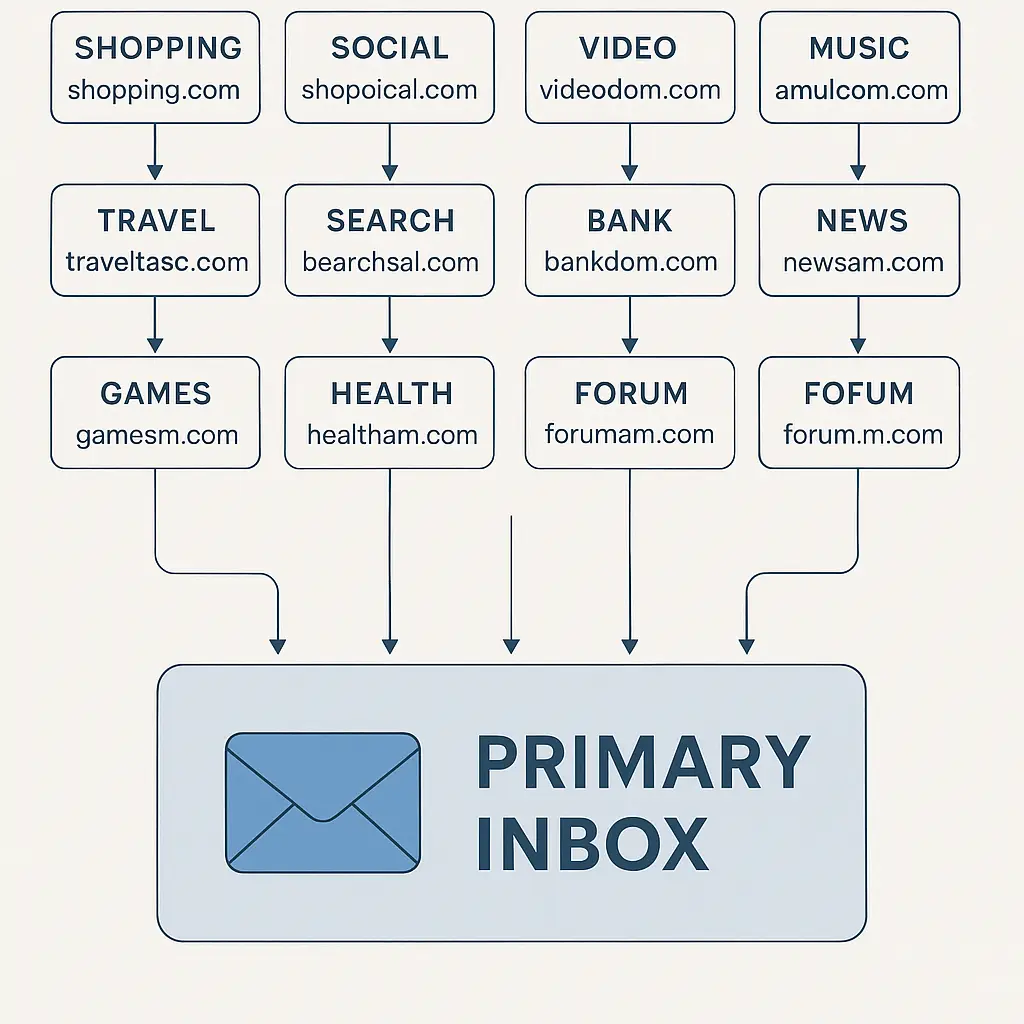
When you use single sign-on, you're tying your access to dozens of services to a single account. Lose access to that account, and you lose access to everything connected to it. Delete your Apple ID or Google account, and every service authenticated through that account becomes unreachable unless you've set up alternative login methods.
Apple's relay addresses create a specific portability problem. If you delete your Apple ID or stop using Apple devices, you lose the relay addresses. Services can't send you password reset emails or notifications. You're locked out unless the service offers a way to add a traditional email and password after the fact. Not all services do.
Google's approach avoids this because your real email remains accessible even if you stop using Google sign-in. But Google's persistent identifier creates a different lock-in. If you want to stop using Google services entirely, you need to migrate every connected account to a different login method. That's dozens of password resets, dozens of account updates, and no guarantee every service supports migration.
Some services treat Apple and Google sign-ins as entirely separate identities. If you initially signed in with Google and later try to sign in with Apple, the service creates a new account instead of recognizing you. Your purchase history, saved preferences, and user data don't transfer. Switching authentication methods often means starting over.
Managing connected apps and permissions
Both Apple and Google provide tools to review and revoke access, but the interfaces differ.
On Apple devices, go to Settings → [your name] → Sign-In & Security → Sign In With Apple. You see a list of every app and website using your Apple ID for authentication. Tap any entry to view details: when you first connected, whether you're using a relay address, and whether the service is still active. You can stop using your Apple ID with that service, which disables the relay and revokes the connection.
Revoking access doesn't delete your account with the third-party service. It just removes the authentication link. If the service offers alternative login methods (email and password, phone number), you can still access your account. If it doesn't, you're locked out unless you contact support.
On Google, visit myaccount.google.com/permissions to see every app with access to your Google account. The list shows what data each app can access: basic profile info, Drive files, Calendar events, Gmail messages. Click any app to review permissions in detail, then remove access if you no longer use it.
Google's interface is more granular. You see exactly what each app can do. Apple's interface is simpler but less detailed. Both require you to remember to check. Neither sends proactive alerts when an app you haven't used in months still has active access.
Security implications of centralized authentication
Single sign-on creates a single point of failure. If someone gains access to your Apple ID or Google account, they gain access to every service you've connected through SSO. That's why two-factor authentication on your primary account is non-negotiable.
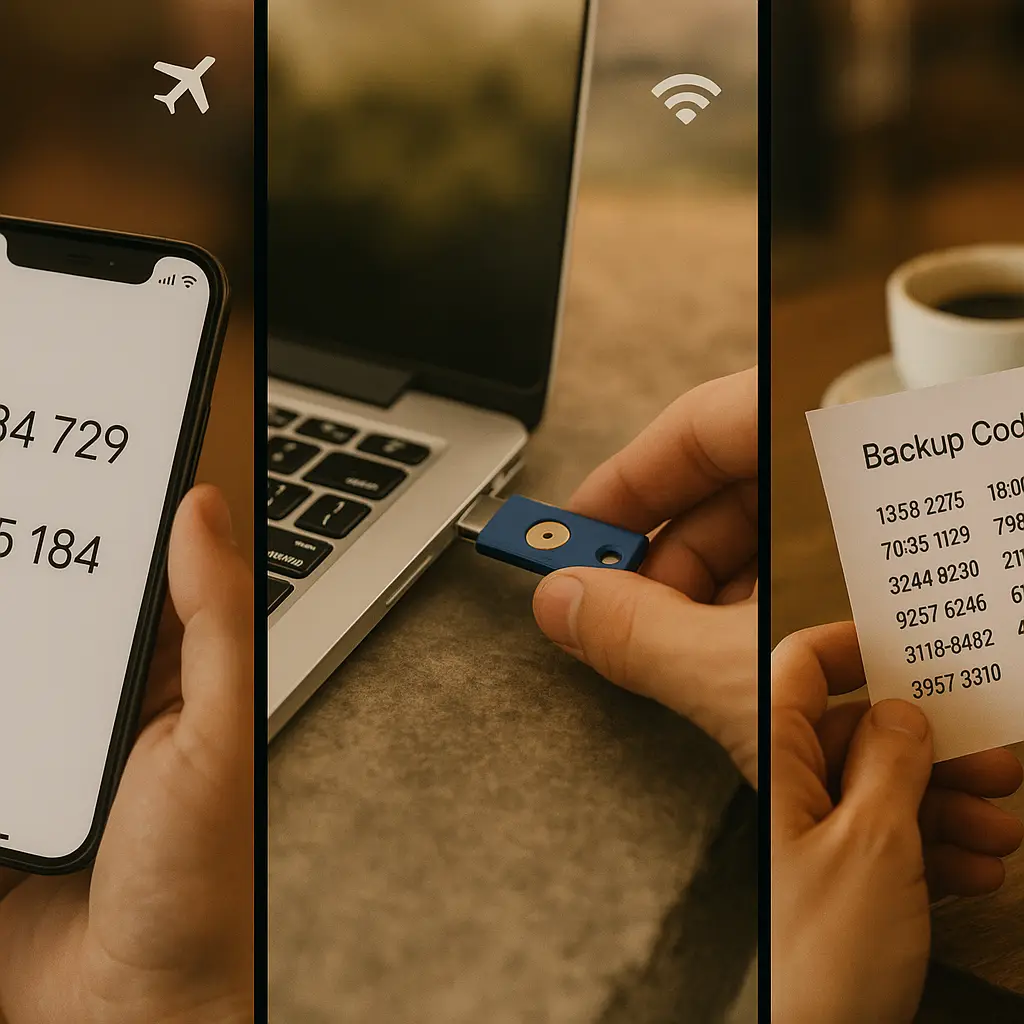
Apple and Google both support strong 2FA: authenticator apps, hardware security keys, and biometric authentication. But not everyone enables it. Some people use SMS-based 2FA, which is vulnerable to SIM swapping attacks. Others use no second factor at all, relying solely on a password.
If your Apple ID or Google account gets compromised, the attacker can:
- Access every service you've connected through SSO
- Change your password and lock you out
- Modify relay addresses (Apple) or email settings (Google) to intercept recovery emails
- Request password resets on connected services and take them over individually
The centralized nature of SSO makes strong account security on the primary account critical. A weak password or disabled 2FA on your Apple or Google account undermines every service downstream.
Privacy policies and data retention
When you use Sign In With Apple or Google, you're trusting three parties: Apple or Google, the third-party service, and the infrastructure connecting them. Each party has its own privacy policy, data retention practices, and legal obligations.
Apple's privacy policy states that relay email addresses and authentication tokens are stored on Apple's servers but not used for advertising or profiling. Apple doesn't sell user data. The company's business model relies on hardware sales, not data monetization. That alignment reduces, but doesn't eliminate, privacy risk.
Google's privacy policy is longer and more complex. Google uses data from connected services to improve its products, personalize ads, and train machine learning models. When you authorize a third-party app to access your Google account, Google logs that connection and may use metadata about your activity (which apps you use, how often you sign in) for its own purposes. The actual content the app accesses, your Drive files, your emails, remains subject to the app's own privacy policy, not Google's.
Third-party services retain whatever data they collect through SSO. If you use Sign In With Apple and provide a relay address, the service stores that relay address in its database. If you later disable the relay, the service still has the address on file. It just stops receiving forwarded emails. The same applies to Google sign-in: the service stores your Gmail address permanently unless you manually request deletion.
When to use Apple, when to use Google, when to use neither
Sign In With Apple makes sense when:
- You want to hide your email address from the service
- You use Apple devices and trust Apple's ecosystem
- You're signing up for a service you don't fully trust or might abandon later
- You value privacy over account portability
Sign In With Google makes sense when:
- You need cross-platform access (Android, Windows, Linux)
- You want to use the same email across multiple services for easier account recovery
- You're comfortable with Google seeing which services you connect
- You prioritize transparency over anonymization
Neither option makes sense when:
- You don't trust the third-party service enough to connect it to your primary Apple or Google account
- You want complete isolation between accounts
- You're signing up for something sensitive (banking, healthcare, legal services) where centralized authentication creates unacceptable risk
- You already use a password manager and generating a unique password takes 10 seconds
Traditional email-and-password signup isn't obsolete. It's still the right choice when you want full control, no dependencies, and no ongoing relationship with a centralized identity provider.
The cultural reference
In The Return of the King, Frodo offers the One Ring to Galadriel. She refuses, knowing that even with good intentions, centralized power corrupts. "I shall diminish, and go into the West, and remain Galadriel," she says.
Single sign-on is the One Ring of authentication. It promises convenience, efficiency, and the end of password fatigue. But it concentrates power. One account rules them all. One breach binds them. The question isn't whether Apple or Google is more trustworthy, it's whether you're comfortable with any single entity holding that much control over your digital identity.
Galadriel chose to diminish. You can too. Use SSO selectively. Enable strong 2FA. Audit your connected apps. And for anything that matters, banking, healthcare, legal documents, consider whether the convenience is worth the dependency.
Practical recommendations
If you use Sign In With Apple:
- Enable two-factor authentication on your Apple ID using an authenticator app or hardware key, not SMS
- Review connected apps quarterly in Settings → [your name] → Sign-In & Security → Sign In With Apple
- Keep your recovery email and phone number current so you can regain access if locked out
- Understand that disabling a relay address doesn't delete your account with the third-party service, it just stops forwarding email
If you use Sign In With Google:
- Enable two-factor authentication on your Google account using an authenticator app or hardware key
- Review connected apps quarterly at myaccount.google.com/permissions
- Revoke access for apps you no longer use or don't recognize
- Consider creating a separate Google account for SSO if you want to isolate your primary Gmail address from third-party services
If you use both:
- Don't use Apple sign-in on Android or Windows devices, it works, but the experience is clunky and you lose some privacy benefits
- Don't assume you can switch between Apple and Google sign-in on the same service, most platforms treat them as separate identities
- Keep a list of which services use which authentication method so you know where to look if something goes wrong
For services that matter, banking, healthcare, government, legal, skip SSO entirely. Create a unique email-and-password combination, store it in a password manager, and enable 2FA directly with the service. The extra friction is worth the isolation.
Single sign-on is a tool. Like any tool, it has appropriate uses and inappropriate ones. Apple's implementation prioritizes privacy through anonymization. Google's prioritizes transparency through disclosure. Neither is universally better. Choose based on your threat model, your device ecosystem, and how much you trust the service you're connecting.
And if you're not sure? Default to a password manager and a unique password. It's slower, but it's yours.