Security Questions Are Basically a Security Joke: Here's the Mechanism Behind the Weakness
Security questions are the authentication method that asks you to prove your identity by answering questions anyone with fifteen minutes and a search engine can answer.
That's not hyperbole. It's the core mechanism.
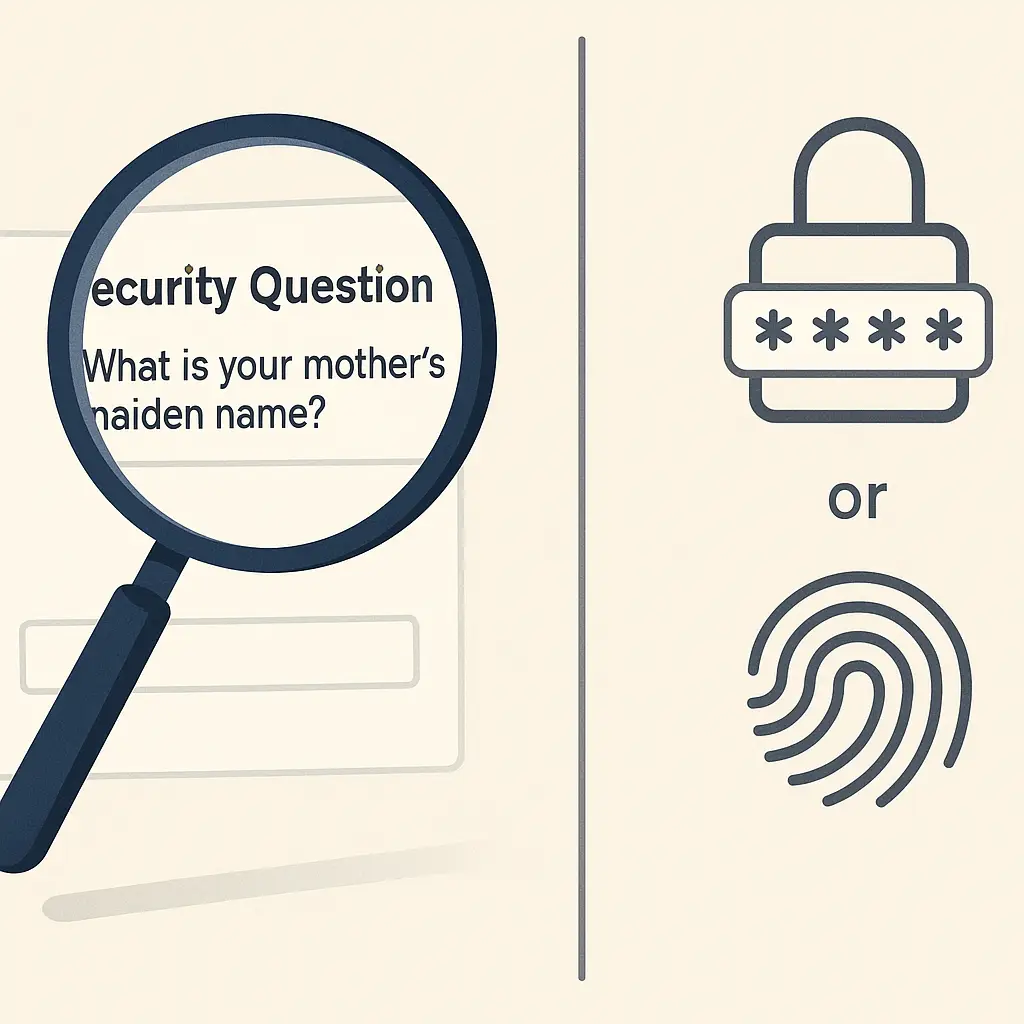
When a website asks "What is your mother's maiden name?" or "What city were you born in?" or "What was your first pet's name?", it's authenticating you using information that appears in public records, social media posts, genealogy databases, and casual conversations. The answers aren't secrets. They're biographical facts that exist in dozens of places outside your control.
Security questions were designed in an era when personal information was harder to find. In 2026, that assumption is dead. Here's how the mechanism actually works, why it fails, and what you should do instead.
The Authentication Mechanism Behind Security Questions
Authentication requires proof that you are who you claim to be. The proof can come from three categories: something you know, something you have, or something you are.
Security questions fall into the "something you know" category, just like passwords. But unlike passwords, which you create specifically as secrets, security questions ask for information that already exists in the world.
When you set up security questions, the website stores your answers in its database. When you need to recover your account or verify your identity, the site asks the questions again and compares your new answers to the stored answers.
The comparison is usually exact-match. "Smith" works if you entered "Smith" originally. "smith" might fail. "Smith-Jones" definitely fails if you originally entered "Smith". The system doesn't understand context or variations. It checks whether the strings match.
This creates the first problem: you have to remember exactly how you answered years ago. Did you capitalize? Did you include a middle name? Did you use a nickname?
The second problem is bigger: your answers aren't secrets.
Why Security Question Answers Aren't Actually Secret
Your mother's maiden name appears on your birth certificate, marriage licenses, genealogy websites, obituaries, and social media posts where relatives tag each other. It's public record in most jurisdictions.
Your city of birth appears on dozens of official documents, LinkedIn profiles, Facebook "About" sections, and background check databases. If you've ever mentioned where you grew up in a public post, it's searchable.
Your first pet's name might seem more obscure, but it appears in vet records, pet insurance applications, social media photos with captions, and conversations you've had online over the years. People post about their childhood pets constantly.
Your high school mascot is on the school's website. Your first car's make and model might be in DMV records or mentioned in old forum posts. Your favorite teacher's name could be in yearbooks that are digitized and searchable.
The answers to common security questions exist in public or semi-public databases. An attacker doesn't need to guess. They can research.
And research is cheap. Data brokers aggregate this information and sell it. Social media makes it searchable. People share biographical details without thinking about them as authentication credentials.
Security questions treat public information as if it were private. That's the fundamental flaw.
The Guessability Problem
Even when answers aren't directly researchable, they're often guessable.
Common security questions have a limited answer space. "What month were you born?" has twelve possible answers. "What is your favorite color?" has maybe twenty plausible answers in practice. "What is your astrological sign?" has twelve.
An attacker can try all plausible answers in minutes if the site doesn't rate-limit attempts. Even with rate limiting, a dozen tries over a few days covers most of the likely answers for many questions.
Some questions have culturally predictable answers. "What is your favorite food?" skews toward pizza, pasta, steak, sushi, and a handful of other common answers. "What is your dream vacation destination?" clusters around Paris, Hawaii, Italy, and similar popular choices.
An attacker who knows basic demographics can narrow the answer space further. Age, location, and cultural background make certain answers more likely.
This isn't theoretical. Researchers have demonstrated that common security questions can be answered correctly in a significant percentage of cases through educated guessing alone, without any research.
The problem compounds when sites let you choose from a list of preset questions. Everyone picks from the same pool, which means attackers know exactly which questions to prepare for.
The Recovery Mechanism Creates a Backdoor
Security questions usually appear during account recovery. You've forgotten your password. The site asks you to answer your security questions to prove your identity. If you answer correctly, it lets you reset your password.
This creates a bypass. Your password might be strong, unique, and stored in a password manager. But if someone can answer your security questions, they can reset that password without knowing it.
The security of your account becomes the security of whichever authentication method is weakest. If your password is strong but your security questions are answerable through research, the security questions are the vulnerability.
Some sites use security questions as a second factor during login. This is slightly better, because the attacker needs both your password and the security question answers. But it's still weaker than proper two-factor authentication, because the security questions are the weak link.
The mechanism is a backdoor by design. It exists to help you when you're locked out, but it helps attackers the same way.
The Social Engineering Angle
Security questions make social engineering easier.
An attacker who calls your bank's customer service line can claim to be you, fail the password attempt, and then answer the security questions using researched information. The customer service representative sees that the questions were answered correctly and assumes the caller is legitimate.
This happens constantly. Social engineering attacks against call centers use security questions as the authentication bypass. The attacker researches the victim, calls the bank, and uses the security question answers to convince the representative to reset the password or make account changes.
The representative is following procedure. The system authenticated the caller. The flaw is that the authentication mechanism uses public information.
Some organizations train representatives to be skeptical even when security questions are answered correctly, but that training fights against the system's design. If the questions authenticate the caller, why would the representative doubt it?
What Banks and Financial Institutions Still Do
Despite the known weaknesses, many banks and financial institutions still use security questions. They're often required as part of the account recovery process or as a fallback authentication method.
This isn't because banks don't understand the risk. It's because they're balancing security against customer support costs and regulatory requirements.
When customers forget passwords, they call customer service. The bank needs a way to verify identity over the phone. Security questions provide a standardized process that's easy to implement and easy for representatives to follow.
Regulatory frameworks in some jurisdictions still reference security questions as an acceptable authentication method. Updating those frameworks takes years.
The result is that security questions persist in financial services longer than in other sectors. You'll encounter them at banks, credit unions, investment firms, and insurance companies.
This doesn't mean they're safe. It means the industry is slow to change.
The "Lie in Your Answers" Workaround
One common piece of advice is to lie when answering security questions. Treat them as secondary passwords by providing false but memorable answers.
This works, in theory. If your mother's maiden name is "Smith" but you answer "PurpleElephant47", an attacker can't research the correct answer. The question becomes a password in disguise.
The challenge is remembering your lies years later when you need account recovery.
If you answered "What city were you born in?" with "Rivendell" in 2019, will you remember that in 2026 when you're locked out of your account? Or will you try your actual birth city, fail the verification, and get locked out permanently?
Some people create a system: always answer with the same fake answer across all sites, or always answer with a variation on a theme. This helps with recall but creates a new problem. If an attacker learns your fake answer from one site, they can try it on others.
The better solution is to treat security question answers exactly like passwords: generate them randomly and store them in your password manager.
How to Handle Security Questions in Practice
When a site requires security questions and won't let you skip them, generate random answers and store them in your password manager.
Most password managers have a notes field where you can record the questions and answers. Treat the answers as passwords: random strings that can't be guessed or researched.
For example, if the question is "What is your mother's maiden name?", your password manager might generate "7k$mPqR2nX9" as the answer. Store both the question and the answer in the notes field alongside your password.
This approach eliminates the guessability and research problems. The answer is random, unrelated to your actual life, and stored securely.
The downside is that you can't recover your account without access to your password manager. But that's already true for your password. If you lose access to your password manager, you lose access to everything. The solution is to protect your password manager with a strong master password and store backup codes offline.
If you don't use a password manager, the next-best option is to create memorable but false answers using a consistent system. For instance, always answer with the name of a character from a specific book, or always answer with a phrase in a language you don't speak. The system helps you remember, but the answers aren't tied to your actual life.
The worst option is to answer honestly. Honest answers are researchable, guessable, and shared across multiple sites. They're not secrets.
When You Can't Avoid Security Questions
Some sites won't let you proceed without setting up security questions. They're required fields. You can't leave them blank or skip the step.
In those cases, you're forced to play the game. Set up the questions, but treat them as passwords.
If the site offers a choice of questions, pick the ones with the largest answer space. "What is your favorite book?" has more possible answers than "What month were you born?". More possibilities mean harder guessing.
Avoid questions that ask for information that appears in public records or social media. "What is your mother's maiden name?" is worse than "What is your favorite fictional character?".
Some sites let you write your own security question. If that option exists, use it. Create a question that only you would know how to answer, and make the answer random.
For example: "What is the 12th word in my password manager's emergency kit?" with an answer you store in your password manager. The question is meaningless to anyone else, and the answer is random.
The Shift Toward Better Recovery Mechanisms
Modern services are moving away from security questions toward better recovery mechanisms.
Email-based recovery is now standard. If you forget your password, the site sends a reset link to your email address. This works because your email account is (hopefully) protected by a strong password and two-factor authentication.
SMS-based recovery is common but weaker. An attacker who can intercept your SMS messages can reset your password. SIM swapping makes this a real risk.
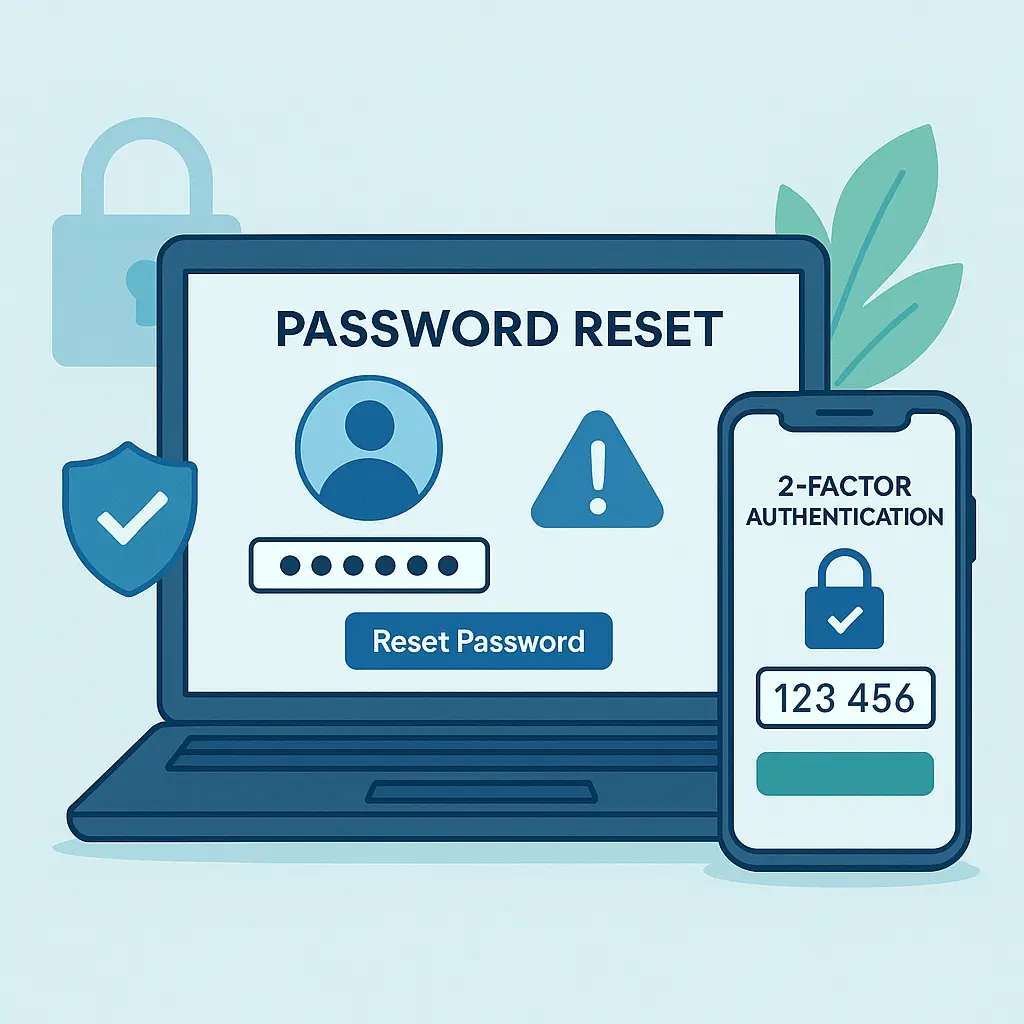
Two-factor authentication with backup codes is the strongest recovery mechanism. When you enable 2FA, the service generates a set of one-time backup codes. You print them and store them somewhere safe. If you lose your 2FA device, you can use a backup code to regain access.
This approach eliminates the need for security questions entirely. The backup codes are random, stored offline, and can't be researched or guessed.
Some services are experimenting with account recovery through trusted contacts: you designate friends or family members who can vouch for your identity if you're locked out. This works for social networks where identity verification can be crowdsourced, but it's not suitable for financial accounts.
The trend is clear: security questions are being phased out in favor of mechanisms that don't rely on public information.
The Broader Pattern: Authentication That Relies on Secrets You Can't Keep Secret
Security questions are part of a broader pattern in authentication: asking you to keep secrets that aren't actually secret.
Your Social Security number is another example. It's used as an authenticator by many institutions, but it's not a secret. It appears on dozens of documents, gets stored in databases that get breached, and can be researched through data brokers.
Your date of birth is public record. Your address is public record. Your phone number is semi-public. All of these are used as authentication factors, and all of them are available to anyone who looks.
The problem isn't that you're careless. The problem is that the authentication mechanism assumes information is private when it's not.
Strong authentication uses information that only you control. A password you create and store in a password manager is a secret you control. A hardware security key is a physical object you control. A biometric is (mostly) something you control, though it's harder to change if compromised.
Security questions ask you to authenticate using information you don't control. That's the flaw.
What to Do Right Now
If you have accounts that use security questions, you can't always remove them. But you can reduce the risk.
First, audit your important accounts. Check your bank, email, and any account that handles money or personal data. Look at the security settings and see what recovery mechanisms are in place.
If security questions are the only recovery option, consider whether you can add a stronger mechanism. Can you enable two-factor authentication? Can you add a recovery email address? Can you generate backup codes?
If you're stuck with security questions, replace your answers with random strings generated by your password manager. Update the stored answers in the account settings, and update the corresponding entry in your password manager.
For new accounts, avoid honest answers from the start. Generate random answers during setup and store them immediately.
If a site offers you a choice between security questions and email-based recovery, choose email. If it offers backup codes, generate them and store them offline.
The goal is to eliminate security questions as your weakest link. If they're required, make them as strong as passwords. If they're optional, use something better.
The Reality in 2026
Security questions persist because they're convenient for organizations and familiar to users. They're easy to implement, easy to explain, and easy to use over the phone.
But convenience for the organization creates risk for you. The authentication mechanism that makes customer service calls simpler also makes account takeovers easier.
In 2026, security questions are a known weak point. Attackers research answers, guess answers, and social-engineer their way past them regularly. The mechanism is broken by design, and it's been broken for years.
The good news is that you don't have to accept the default. You can treat security questions as passwords, generate random answers, and store them securely. You can push for better recovery mechanisms when they're available.
The bad news is that many organizations won't change until they're forced to. Until then, you're responsible for working around the weakness.
Security questions are a joke, but the punchline is that you're still stuck with them. The best you can do is refuse to play along with the assumption that your mother's maiden name is a secret.