Credential stuffing attacks: automated login fraud, explained
You get a notification from your bank. Someone just tried to log into your account from Romania. You're in Ohio. You haven't traveled in months. The login attempt failed, but only because your bank flagged the location. The attacker had your correct email address and password.
That's credential stuffing. The attacker didn't hack your bank. They didn't guess your password. They bought it, or downloaded it for free, from a breach database that leaked years ago from a completely different website. Then they fed it into automated software that tried the same username-password combination across hundreds of other sites, including your bank.
The attack succeeds when you reuse passwords. One compromised account becomes a skeleton key.
Here's how the mechanism works, why it keeps succeeding, and what actually stops it.
The underlying mechanism: automation at scale
Credential stuffing isn't sophisticated. It's industrial.
Attackers start with breach databases, collections of stolen usernames and passwords leaked from past hacks. These databases circulate freely on forums and file-sharing sites. Some contain hundreds of millions of credentials. The CISA guidance on phishing-resistant authentication notes that credential stuffing exploits the widespread problem of password reuse across multiple accounts.
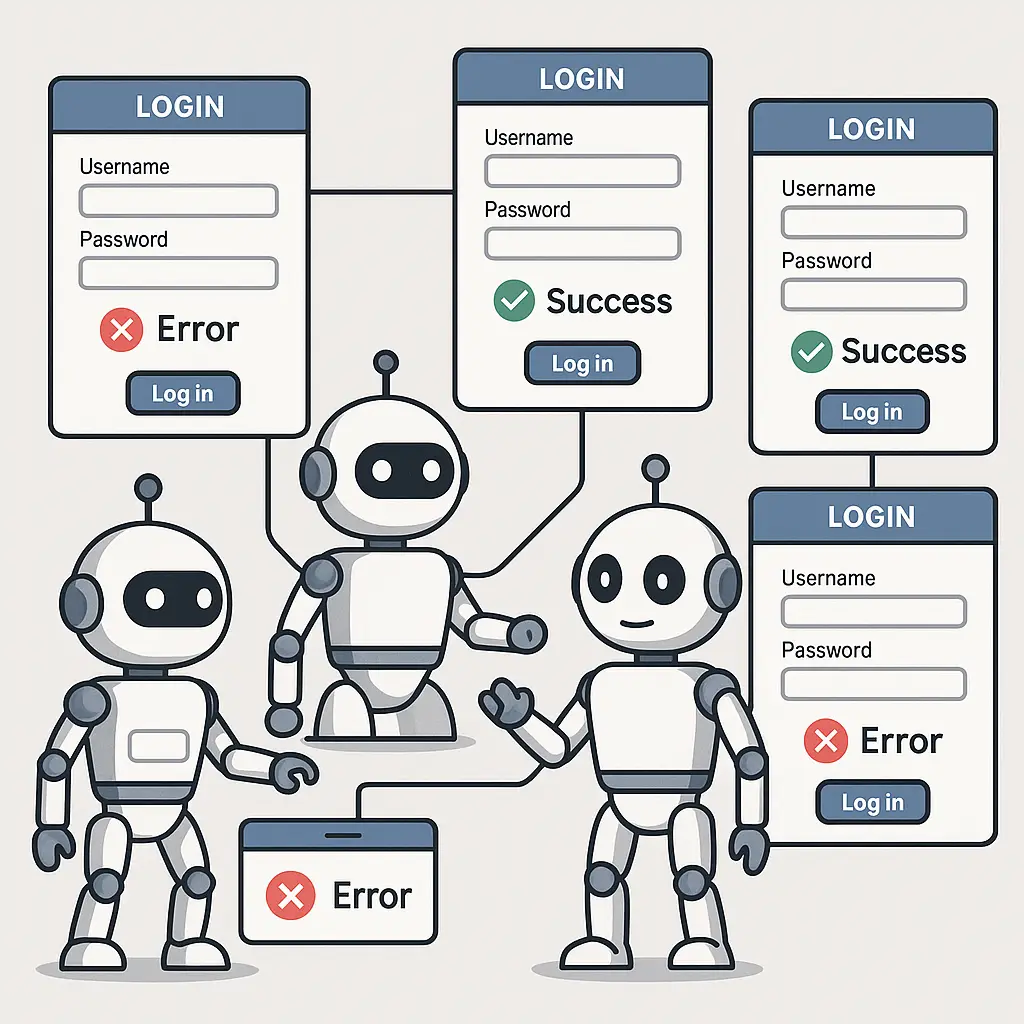
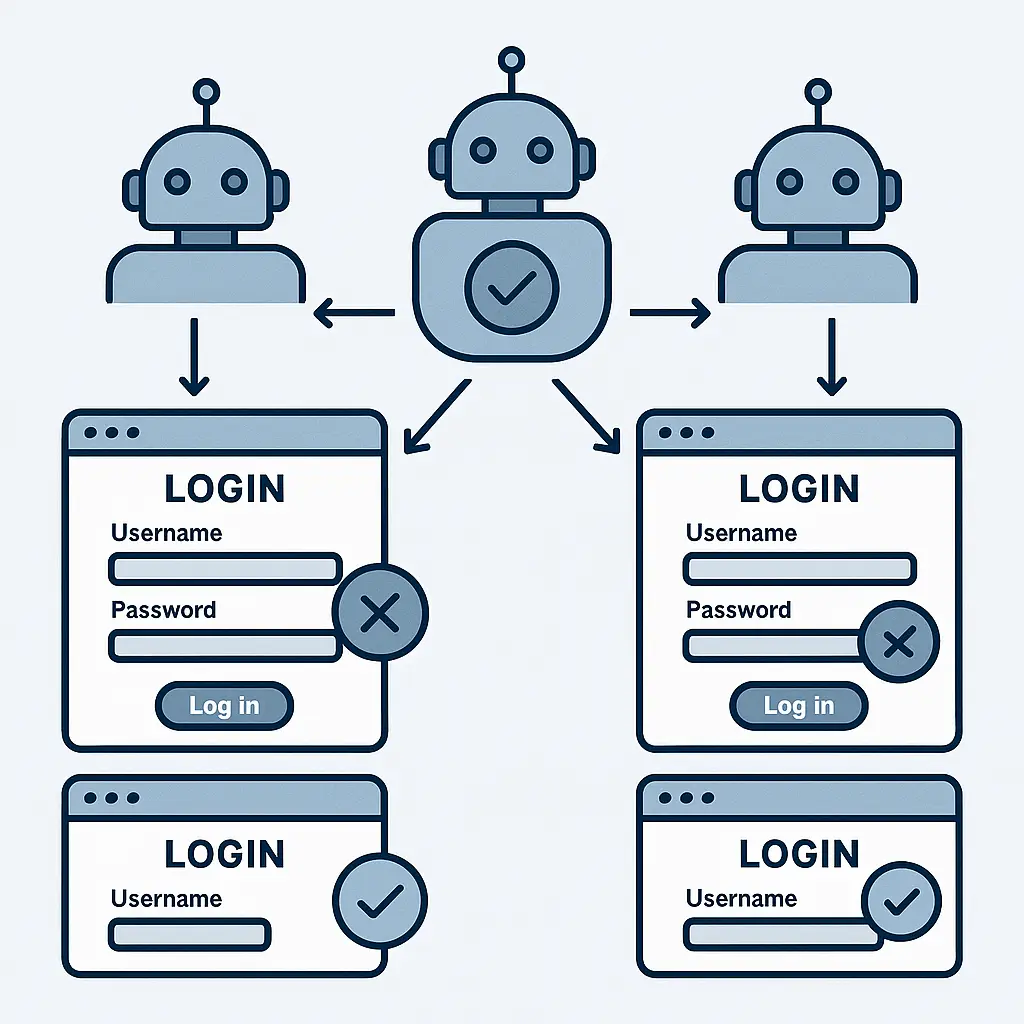
Once attackers have credentials, they use automated tools to test them. The software takes a list of username-password pairs and submits login attempts to target websites, banking sites, streaming services, e-commerce platforms, social media. The tools run continuously, testing thousands of combinations per hour.
The attacks are distributed. Attackers route login attempts through networks of compromised computers or commercial proxy services, rotating IP addresses to avoid detection. From the target website's perspective, the traffic looks like legitimate users logging in from different locations.
When a login succeeds, the attacker gains access to your account. What happens next depends on the site. Banking accounts get drained. Shopping accounts get used for fraudulent purchases. Streaming accounts get sold. Email accounts become launchpads for further attacks.
The entire process is automated. No human is manually typing your password into login forms. It's software testing credentials at scale, 24 hours a day, across the entire internet.
Why password reuse makes credential stuffing work
The attack depends on one behavior: using the same password across multiple accounts.
You create an account on a forum in 2015. The forum gets breached in 2018. The breach leaks your email address and password. You've moved on, you haven't visited that forum in years, but the credentials persist in breach databases.
If you used that same password for your bank, your email, your Amazon account, or any other site, attackers now have access to all of them. The forum breach becomes a breach of everything.
NIST's Digital Identity Guidelines explicitly recommend against password reuse for this reason. One compromised credential shouldn't unlock multiple accounts, but password reuse ensures that it does.
The scale matters. According to researchers who study credential stuffing, around 0.5% to 2% of login attempts succeed. That sounds low until you consider the volume. If attackers test 10 million username-password pairs, 50,000 to 200,000 accounts get compromised.
The success rate varies by site. Streaming services see higher success rates than banks because people care less about securing their Netflix password than their checking account. But the underlying dynamic is the same: reused passwords turn one breach into many.
How attackers obtain credentials
Breach databases are the raw material. When a company gets hacked and user credentials leak, those credentials end up in public or semi-public databases. Some databases are sold. Others are shared freely.
The largest databases contain credentials from multiple breaches, aggregated into single files. Attackers don't need to track down individual breaches, they download a file with hundreds of millions of username-password pairs already compiled.
Some credentials come from phishing. Attackers trick users into entering their passwords on fake login pages, then add those credentials to their testing lists. Others come from malware that steals saved passwords from browsers.
The FTC's guidance on strong passwords emphasizes that once credentials leak, they circulate indefinitely. Changing your password on the breached site doesn't remove the old password from databases. It just means the old password no longer works on that one site. If you reused it elsewhere, it still works there.
Credential stuffing isn't targeted. Attackers don't care who you are. They're testing millions of credentials to see which ones work. Your account is one line in a spreadsheet.
Why websites struggle to block credential stuffing
Websites know credential stuffing is happening. Blocking it is harder than it sounds.
The login attempts look legitimate. Attackers use real usernames and real passwords. The credentials are valid, they just belong to someone else. From the website's perspective, distinguishing a credential stuffing attempt from a legitimate user who forgot their password and is trying multiple times is difficult.
Attackers rotate IP addresses. They route traffic through proxy networks or compromised devices, making each login attempt appear to come from a different location. Blocking by IP address doesn't work when the next attempt comes from a different IP.
Attackers slow down. Instead of hammering a site with thousands of login attempts per second, they spread attempts over hours or days. The traffic blends with normal login activity.
Some sites use rate limiting, restricting the number of login attempts from a single IP address or for a single account. Attackers adapt by targeting more accounts with fewer attempts per account. Instead of trying 100 passwords for one user, they try one password for 100 users.
CAPTCHA helps, but attackers use CAPTCHA-solving services, commercial operations that employ humans to solve CAPTCHAs for a few cents each. The attack stays automated, but humans handle the CAPTCHA step.
Websites are deploying more sophisticated detection systems, analyzing login patterns, device fingerprints, and behavioral signals to identify automated traffic. These systems work, but they're not universal, and attackers keep evolving their techniques.
The Succession analogy: one key, many doors
In Succession, Logan Roy's assistant carries a keycard that opens every door in Waystar Royco's headquarters. One credential, unlimited access. The entire building's security depends on that single keycard staying secure.
Password reuse creates the same architecture. Your email password is the keycard. If it's the same password you use for banking, shopping, and social media, one leak opens everything.
The show never addresses what happens if the keycard gets copied. The security model assumes it won't. That's the same assumption password reuse makes: the credential will never leak. But credentials leak constantly. The question isn't if, it's when.
What two-factor authentication does
Two-factor authentication stops credential stuffing cold.
Even if attackers have your correct username and password, they can't log in without the second factor, a code from your phone, a push notification you approve, or a hardware key you physically possess. The stolen credentials alone aren't enough.
CISA's guidance on multi-factor authentication recommends enabling 2FA on all accounts that support it, particularly email, banking, and accounts that store sensitive data. The guidance notes that phishing-resistant methods like hardware keys provide the strongest protection, but any second factor is better than none.
Attackers can't automate past 2FA. They'd need access to your phone or authenticator app for every account they try to compromise. That doesn't scale. Credential stuffing works because it's automated. 2FA breaks the automation.
Some attackers try to bypass 2FA through phishing, sending fake login pages that capture both your password and the 2FA code you enter. But that requires a targeted attack. It doesn't work for mass credential stuffing, where attackers are testing millions of credentials indiscriminately.
The EFF's guide to two-factor authentication walks through different 2FA methods and their tradeoffs. SMS-based 2FA is weaker than app-based or hardware-based methods, but it's still far better than no 2FA at all.
What password managers do
Password managers solve the reuse problem by generating unique passwords for every account.
You create one strong master password that unlocks the password manager. The manager generates random, unique passwords for every site you use, passwords you never see or remember. When you log in, the manager fills the password automatically.
If one site gets breached, only that site's password leaks. Attackers can't use it anywhere else because it's unique. Credential stuffing fails.
The CISA guidance on password managers recommends them as a practical way to use strong, unique passwords without the cognitive burden of memorizing dozens of complex strings.
Password managers aren't invulnerable. If your master password is weak or reused, or if the password manager itself gets breached, the system fails. But the risk of one compromised master password is far lower than the near-certainty that reused passwords will eventually get stuffed into login forms across the internet.
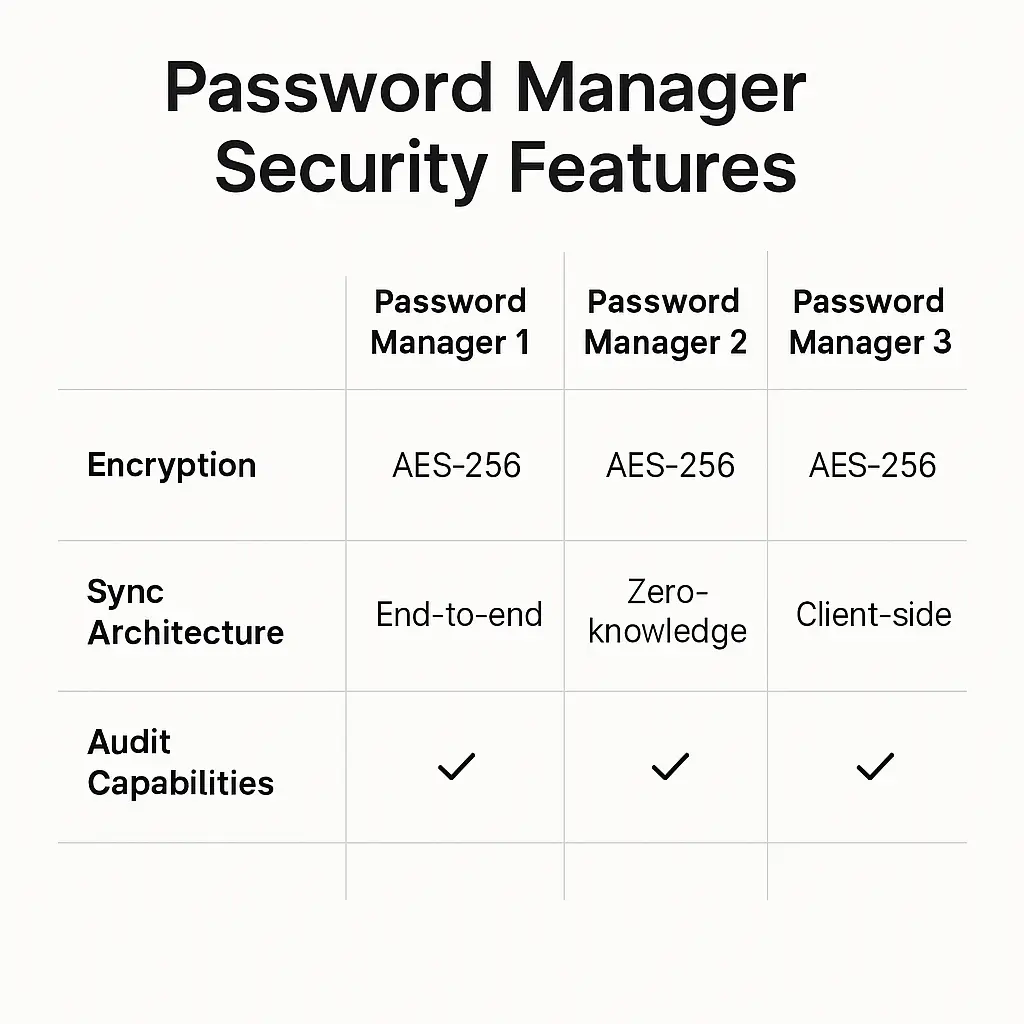
NordPass offers cross-device sync, breach monitoring, and zero-knowledge architecture, meaning even NordPass can't see your stored passwords. You remember one password; the manager handles the rest.
What you can do right now
Start with email. Your email account is the master key, it unlocks password resets for every other account you own. Enable two-factor authentication on your email first. Use an authenticator app like Google Authenticator or Authy, not SMS.
Check which of your accounts have been in breaches. Have I Been Pwned shows which breaches exposed your email address. If your email appears, assume those credentials are circulating in credential stuffing attacks.
Change passwords on high-value accounts, banking, email, accounts with payment methods saved. Use unique passwords. If you're not using a password manager, start. If you are, audit your stored passwords to find reused ones and replace them.
Enable 2FA everywhere it's offered. Prioritize accounts that handle money, store sensitive data, or control access to other accounts. The FTC's guidance on two-factor authentication lists common services that support it and walks through the setup process.
Monitor your accounts for unfamiliar activity. Check login histories for locations you don't recognize or devices you don't own. Most services let you review recent logins and log out sessions remotely.
Don't reuse passwords. This is the single behavior that makes credential stuffing work. One unique password per account. No exceptions.
Why credential stuffing will keep working
Credential stuffing succeeds because the behavior it exploits, password reuse, is widespread and persistent.
People reuse passwords because remembering unique passwords for dozens of accounts is hard. Password managers solve this, but adoption is slow. Until password managers become universal, reuse will continue.
Breaches will keep happening. Companies will keep getting hacked. Credentials will keep leaking. The supply of stolen credentials isn't going away.
Attackers will keep automating. The tools are cheap, the breach databases are free, and the success rate is high enough to make the attacks profitable. As long as password reuse persists, credential stuffing will keep working.
The defense is simple but requires discipline: unique passwords, two-factor authentication, and vigilance. The attack is automated, but the solution is behavioral. One credential per account. One breach stays one breach.