How to Report a Phishing Email: Step-by-Step Guide to Fighting Back
You get the email. Subject line says your account needs verification. Sender looks almost right. Link looks almost legitimate. You hover, you hesitate, you recognize it as phishing.
Now what?
Deleting it feels insufficient. You know this email went to thousands of other people, and some of them will click. Reporting feels like the right move, but where exactly do you send it? What happens when you do? Does it actually accomplish anything?
Here's the step-by-step process for reporting phishing emails, what each reporting channel does with the information, and why your single report matters more than you think.
Why reporting phishing emails matters
Phishing works at scale. One email goes to 50,000 addresses. If 0.5% click, that's 250 victims. If 10% of those enter credentials, that's 25 compromised accounts. The operators move to the next campaign.
Your report doesn't stop that specific email from reaching other inboxes. It already did. What it does is feed data into systems that detect patterns, block future campaigns, and take down infrastructure.
The FTC tracks phishing reports to identify emerging threats and coordinate enforcement. The Anti-Phishing Working Group shares data with financial institutions and technology companies to update filters. Email providers use reports to train spam detection algorithms. Security researchers analyze campaigns to understand attacker behavior.
One report is a data point. Ten thousand reports become a pattern. Patterns trigger action.
Step 1: Don't click anything in the email
Before you report, make sure you haven't interacted with the email's contents. Don't click links to "verify" they're malicious. Don't download attachments to check them. Don't reply to test whether it's real.
Clicking a link in a phishing email can:
- Confirm your email address is active, leading to more targeted attacks
- Log your IP address and device fingerprint
- Attempt to exploit browser vulnerabilities
- Download malware disguised as a legitimate file
If you've already clicked, that's a separate problem. You'll want to follow the steps in our guide on what to do after clicking a phishing link. For now, assume you haven't clicked anything and want to report what you received.
Step 2: Forward the email to the FTC
The Federal Trade Commission maintains a dedicated address for phishing reports: spam@uce.gov
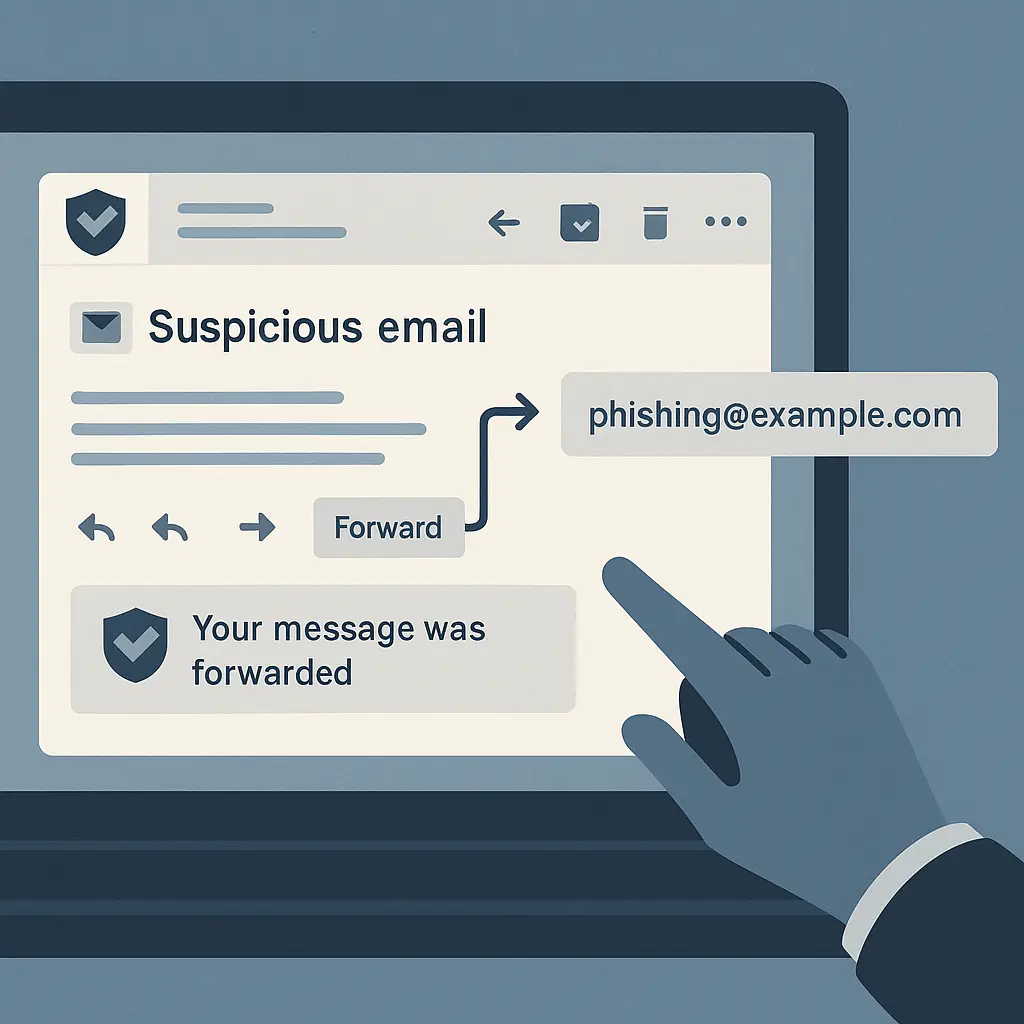
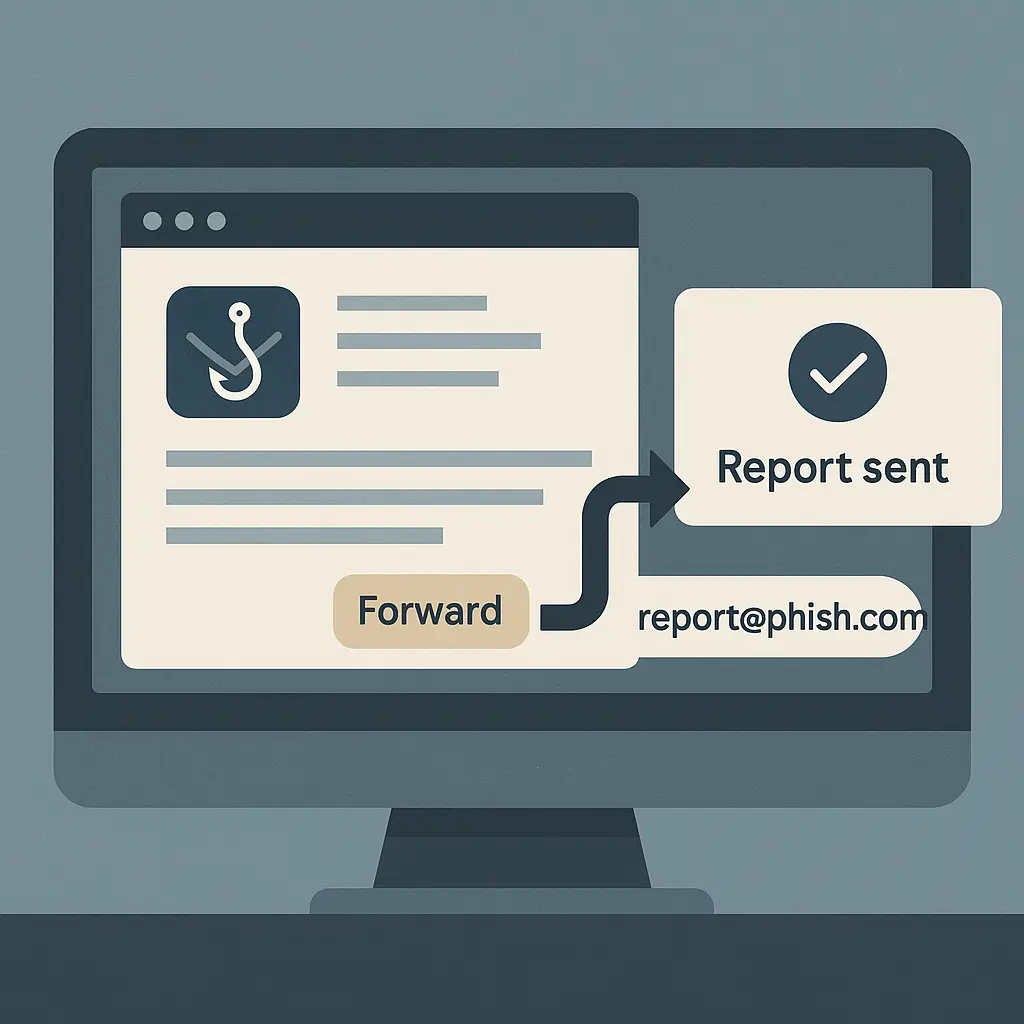
Forward the suspicious email to that address. Don't summarize it. Don't send a screenshot. Forward the complete email as an attachment or inline, with headers intact.
Why headers matter: Email headers contain routing information that shows where the message actually came from, which servers it passed through, and whether the sender domain matches the visible "From" address. Investigators use this data to trace campaigns and identify infrastructure.
Most email clients preserve headers when you forward. If you're unsure, look for an option like "Forward as attachment" or "Show original" before forwarding.
The FTC uses these reports to track trends, identify large-scale operations, and coordinate with law enforcement. You won't receive a case number or individual follow-up. Your report joins a database that analysts use to detect patterns and prioritize enforcement actions.
Step 3: Report to the Anti-Phishing Working Group
The Anti-Phishing Working Group (APWG) is an industry association that shares threat intelligence across financial institutions, technology companies, and law enforcement agencies. Their reporting address is reportphishing@apwg.org
Forward the same email you sent to the FTC. Same rules apply: complete email, headers intact, no summary.
APWG analyzes phishing campaigns, tracks attacker infrastructure, and coordinates with domain registrars and hosting providers to take down malicious sites. They also publish quarterly reports on phishing trends, which inform industry response.
Your report contributes to a global dataset that helps organizations recognize new attack patterns before they reach their own users.
Step 4: Report to the impersonated company
If the phishing email pretends to be from a specific company , bank, retailer, technology provider, government agency , report it to that organization's security team.
Most major companies maintain dedicated abuse addresses. Common formats:
- abuse@company.com
- phishing@company.com
- security@company.com
Check the company's official website (type the URL directly, don't click links in the email) for their reporting contact. Many have dedicated pages explaining how to forward phishing attempts.
Examples:
- PayPal: phishing@paypal.com
- Amazon: stop-spoofing@amazon.com
- Apple: reportphishing@apple.com
- Microsoft: phish@office365.microsoft.com
Companies use these reports to:
- Update their own spam filters
- Identify compromised customer accounts (if the phishing email contains real account details, it may indicate a data breach)
- Request takedowns of lookalike domains
- Track which of their customers are being targeted
When you report to the impersonated company, you help them protect their other customers and refine their fraud detection.
Step 5: Use your email provider's built-in reporting tool
Gmail, Outlook, Yahoo Mail, and most other major providers have built-in phishing report buttons. These are usually labeled "Report phishing," "Report spam," or similar.
Using the built-in tool does two things:
- Moves the email to your spam folder (or deletes it, depending on the provider)
- Sends a copy to the provider's abuse team for analysis
This is the fastest option, but it's not a replacement for the other reporting steps. Provider-specific reports improve your personal spam filter and contribute to the provider's broader detection systems, but they don't reach the FTC, APWG, or the impersonated company.
Think of the built-in tool as a local report. The other channels are external reports that feed into wider enforcement and intelligence networks.
Gmail
Click the three-dot menu next to the reply button. Select "Report phishing." The email moves to spam, and Google's abuse team receives a copy.
Outlook / Outlook.com
In the web interface, select the email and click "Report" in the toolbar. Choose "Phishing." In the Outlook desktop app, go to the Home tab, click "Junk," and select "Phishing."
Yahoo Mail
Select the email, click "More," and choose "Report phishing." Yahoo moves it to spam and logs the report.
Apple Mail (iCloud)
Select the email, click "Report Junk" in the toolbar, then choose "Move to Junk" or "Delete." Apple doesn't have a separate phishing category, but junk reports feed into their spam detection.
Step 6: Report to your workplace IT or security team (if applicable)
If you received the phishing email at your work address, forward it to your organization's IT or security team. Many companies have dedicated addresses like security@yourcompany.com or helpdesk@yourcompany.com.
Workplace phishing reports help your organization:
- Identify targeted campaigns against employees
- Block similar emails before they reach other inboxes
- Investigate whether other employees clicked or responded
- Update security awareness training based on real threats
Some organizations run internal phishing simulations to test employee awareness. If you're unsure whether an email is a real threat or a test, report it anyway. Your security team would rather receive a false positive than miss a real attack.
What not to do when reporting phishing
Don't reply to the phishing email to tell the sender you're reporting them. Replying confirms your address is active and monitored. It may also expose your real email address if you're using an alias or forwarding service.
Don't click the unsubscribe link. Legitimate marketing emails have working unsubscribe mechanisms. Phishing emails use fake unsubscribe links to verify your address, log your activity, or deliver malware. Our guide on when unsubscribe links are actually dangerous covers this in detail.
Don't forward the email to friends or social media to warn them. Your intention is good, but forwarding phishing emails spreads the malicious links and can trigger spam filters that flag your account. If you want to warn others, describe the threat in your own words without including the original email.
Don't engage with the sender in any way. No testing, no baiting, no trying to waste their time. Interaction creates risk, and it doesn't meaningfully slow down large-scale phishing operations.
What happens after you report
Here's what typically happens on the receiving end, based on where you reported:
FTC (spam@uce.gov): Your email enters a database that analysts query for patterns. If your report matches dozens or hundreds of similar reports targeting the same domain or using the same lure, it may trigger an investigation. The FTC shares data with the FBI's Internet Crime Complaint Center and coordinates with international enforcement partners. You won't receive individual updates.
APWG (reportphishing@apwg.org): The email gets analyzed for indicators of compromise , malicious URLs, spoofed sender domains, attachment hashes. APWG shares this data with member organizations, which include banks, payment processors, and technology companies. If the phishing campaign uses a specific domain or hosting provider, APWG may coordinate a takedown request. Turnaround time varies, but some malicious domains get suspended within hours of the first reports.
Impersonated company: The company's security team reviews the email to determine whether it's part of a known campaign or a new threat. They update their spam filters, add the malicious domain to blocklists, and may contact the domain registrar to request suspension. If the email contains legitimate customer data (suggesting a breach), they'll investigate the source.
Email provider: Your report trains the provider's spam detection algorithms. Providers use machine learning models that improve as they see more examples of phishing emails. Your single report contributes to a model that protects millions of users.
You typically won't receive confirmation that action was taken. The reporting process is designed for volume, not individual case tracking. But the aggregate effect is real: CISA notes that coordinated reporting helps take down phishing infrastructure faster and reduces the window of opportunity for attackers.
How to recognize phishing emails before you report
Reporting is reactive. You've already received the email. But recognizing phishing patterns helps you decide what to report and what to simply delete.
Our guide on how to spot phishing emails covers the full taxonomy, but here are the patterns that show up in around 90% of phishing emails:
Urgency. The email demands immediate action to avoid consequences. "Your account will be suspended," "Unusual activity detected," "Verify within 24 hours," and similar language. Legitimate companies rarely impose arbitrary deadlines for routine account maintenance.
Generic greetings. "Dear customer," "Valued user," "Account holder," instead of your actual name. Phishing emails often lack personalization because they're sent to bulk lists.
Mismatched sender domains. The visible "From" name says PayPal, but the actual email address is paypal-security@random-domain.com. Hover over the sender name (don't click) to see the real address.
Suspicious links. Hover over links (don't click) to preview the destination URL. Phishing links often use lookalike domains (paypa1.com instead of paypal.com) or unrelated domains with legitimate-sounding subdomains (paypal.verification-required.com).
Requests for sensitive information. Legitimate companies don't ask you to confirm passwords, Social Security numbers, or credit card details via email. If an email requests this information, it's phishing.
Attachments you didn't expect. Invoices, receipts, or documents from companies you don't do business with. Opening these attachments can install malware.
Not every phishing email contains all these signals. AI-generated phishing is getting better at mimicking legitimate communication. But the core pattern remains: the email tries to make you act before you think.
Special case: Phishing that uses real company systems
Some phishing campaigns exploit legitimate services to bypass spam filters. Examples:
Calendar invites. Attackers send calendar invites through Google Calendar or Outlook with malicious links in the event description. The invite appears in your calendar, not your spam folder.
Shared document notifications. Fake Google Docs or Dropbox sharing notifications that lead to credential harvesting pages. The initial notification comes from a real Google or Dropbox server, so it passes sender verification.
Payment requests. Fake invoices sent through PayPal, Venmo, or Zelle that appear in your transaction notifications.
These are harder to report through standard channels because the infrastructure is legitimate. The abuse is in how it's being used.
For calendar spam, report through your calendar app's abuse mechanism (Google Calendar has a "Report spam" option for events). For shared document phishing, report to the file-sharing service's abuse team. For payment scams, report to the payment platform and your bank.
The pattern in Ocean's Eleven where the crew uses the casino's own systems against it has a direct parallel here: attackers use trusted platforms to deliver untrusted content. The platforms are working on detection, but it's an arms race.
Reporting phishing texts (SMS/iMessage)
Phishing isn't limited to email. Text-based phishing (smishing) uses the same tactics through SMS or messaging apps.
To report phishing texts in the U.S., forward the message to 7726 (SPAM on most phone keypads). This works across major carriers (Verizon, AT&T, T-Mobile) and sends the message to the carrier's abuse team.
After forwarding to 7726, you may receive an automated reply asking for the sender's number. Reply with that number. The carrier uses this information to block the sender and identify patterns.
You can also forward phishing texts to the FTC at spam@uce.gov, but you'll need to do this from an email client, not directly from your messaging app. Copy the text content and the sender's number into an email.
For phishing attempts through messaging apps (WhatsApp, Signal, Telegram), use the app's built-in reporting mechanism. Most have a "Report" option in the message menu.
What about voice phishing (vishing)?
Voice phishing uses phone calls instead of emails. The caller impersonates a company, government agency, or tech support to trick you into revealing information or making payments.
You can't "forward" a phone call, but you can report it:
FTC: File a report at reportfraud.ftc.gov. Include the caller's number, what they claimed to represent, and what they asked for.
FCC: Report unwanted calls at consumercomplaints.fcc.gov. The FCC tracks robocall patterns and coordinates with carriers to block malicious numbers.
Your phone carrier: Most carriers have abuse reporting mechanisms for spoofed or fraudulent calls. Check your carrier's website for the reporting process.
Our guide on robocalls and how to reduce them covers the technical side of call blocking and why caller ID can't be trusted.
How often should you report?
Every phishing email you receive is worth reporting, but I understand the practical limits. If you're getting 20 phishing emails a day, reporting each one individually isn't sustainable.
Here's a reasonable threshold:
Always report:
- Phishing emails that impersonate companies you actually use
- Emails that contain personal information about you (suggesting a targeted attack or data breach)
- New phishing tactics you haven't seen before
- Emails that bypass your spam filter
Consider reporting:
- Generic phishing emails from unknown senders
- Obvious spam that your filter should have caught
Probably skip:
- Emails that are already in your spam folder (your provider already flagged them)
- Repeat emails from the same campaign you've already reported
The goal is to provide useful signal without drowning reporting channels in noise. If an email made it to your inbox and fooled you for even a moment, that's worth reporting.
Teaching others to report phishing
If you manage email for a family member, work in IT, or help less tech-savvy people with security, teaching them to report phishing is more valuable than teaching them to recognize every variant.
Recognition requires pattern matching and skepticism that not everyone develops. Reporting is a concrete action that anyone can learn.
The simplified version:
- If an email feels wrong, don't click anything
- Forward it to spam@uce.gov
- Use your email provider's "Report phishing" button
- Delete the email
That's enough to contribute to collective defense without requiring deep technical knowledge.
For workplace environments, make reporting easy. Give employees a single internal address to forward suspicious emails. Don't punish people for reporting false positives. Reward the habit of reporting over the accuracy of detection.
What reporting doesn't do
Reporting phishing emails is useful, but it has limits. Here's what it won't accomplish:
It won't stop the email from reaching other people. By the time you report, the campaign has already been sent. Reporting helps prevent future campaigns and takes down infrastructure, but it doesn't recall messages already delivered.
It won't get you individual updates. Most reporting channels don't provide case tracking or confirmation of action taken. Your report enters a database, gets analyzed in aggregate, and contributes to enforcement decisions you'll never see.
It won't prevent you from being targeted again. If your email address is on a list that attackers use, reporting one phishing email doesn't remove you from that list. You'll likely receive more phishing attempts over time.
It won't result in arrests or prosecutions in most cases. Law enforcement focuses on large-scale operations and high-value targets. Individual phishing reports rarely lead to criminal charges, though they contribute to the intelligence that supports larger investigations.
Reporting is a small action with a diffuse benefit. You're contributing to a system that protects people you'll never meet from threats you'll never see the outcome of. That's not dramatic, but it's real.
Why I report every phishing email I receive
I've been reporting phishing emails for around 15 years. I don't know if any specific report I've filed has led to a takedown, an arrest, or a filter update. I'll never know.
But I know the system works in aggregate. I know that coordinated reporting helps organizations respond faster. I know that data-driven enforcement depends on people feeding data into the system.
The alternative , deleting phishing emails and moving on , feels like accepting the problem as permanent background noise. Reporting is a way of saying: this shouldn't be normal, and I'm willing to spend 30 seconds pushing back.
Thirty seconds per email. Maybe five emails a week. That's two and a half minutes. Measured against the scale of the problem, it's nothing. But measured against the alternative of doing nothing, it's something.