Robocalls in 2026: Step-by-Step Guide to Actually Stop Them
Your phone rings. Unknown number. You answer because it might be the pharmacy, the school, the mechanic. Instead: "We've been trying to reach you about your car's extended warranty."
You hang up. Two hours later, another call. Different number, same script. You block it. Tomorrow, three more. Different numbers again.
Robocalls in 2026 are not a technical mystery. The mechanism is well understood. The reason they persist is not because the solution is complicated. It's because the phone system was designed in an era when caller ID meant something, and retrofitting authentication onto a global network of legacy infrastructure is expensive and slow.
This is a practical guide. You will not eliminate robocalls entirely. You will reduce their frequency and waste less time on them. Here's how the system works, why it's broken, and what you can actually do about it.
Why robocalls still work
The public switched telephone network was built to connect calls, not to verify who's calling. Caller ID is a label attached to a call by the originating carrier. That label can be set to anything. Spoofing a number is trivial.
Robocallers exploit this. They use VoIP services to place calls at a fraction of a cent each. They rotate through thousands of numbers. When one gets blocked or flagged, they move to the next. The cost of a single answered call that leads to a victim paying money justifies tens of thousands of ignored calls.
The FTC's Consumer Sentinel Network Data Book shows that unwanted calls remain one of the top complaint categories year after year. In 2024, consumers reported losing over $10 billion to phone scams, with robocalls serving as the primary delivery mechanism for many of those scams.
Enforcement exists. The FTC fines robocall operations. The FBI investigates large-scale fraud rings. But the operators often work from countries with weak extradition treaties, using infrastructure that makes tracing difficult. By the time an operation is shut down, another has launched.
The phone network itself has added authentication protocols. STIR/SHAKEN is the industry standard for verifying that the caller ID is legitimate. Carriers are required to implement it. It helps. But it's not universal. Not every carrier participates fully. Not every call route supports it. Gaps remain.
You cannot wait for the system to fix itself. You take action at the points you control: your carrier, your device, your behavior.
Step 1: Enable carrier-level spam filtering
Your carrier likely offers spam call filtering. It's often free. Sometimes it's included in a premium plan. Either way, it's the first defense.
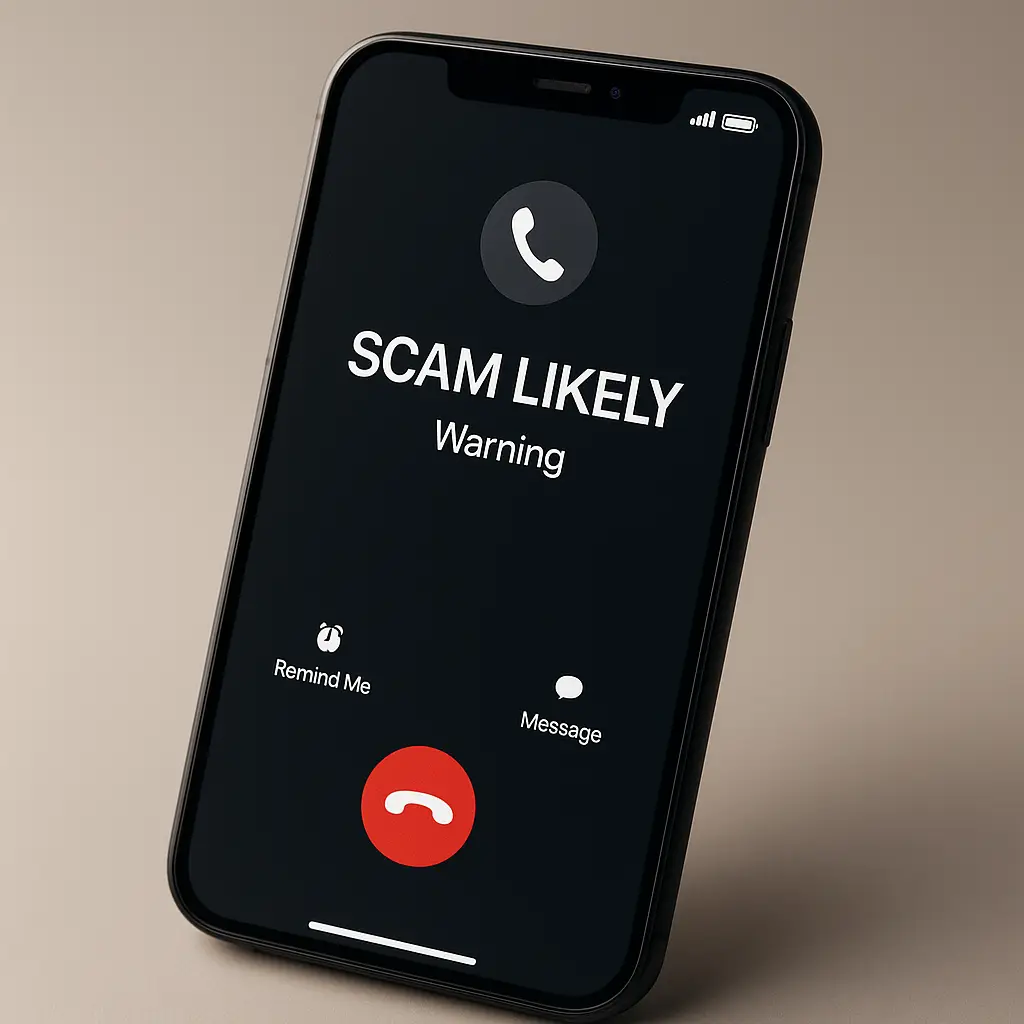
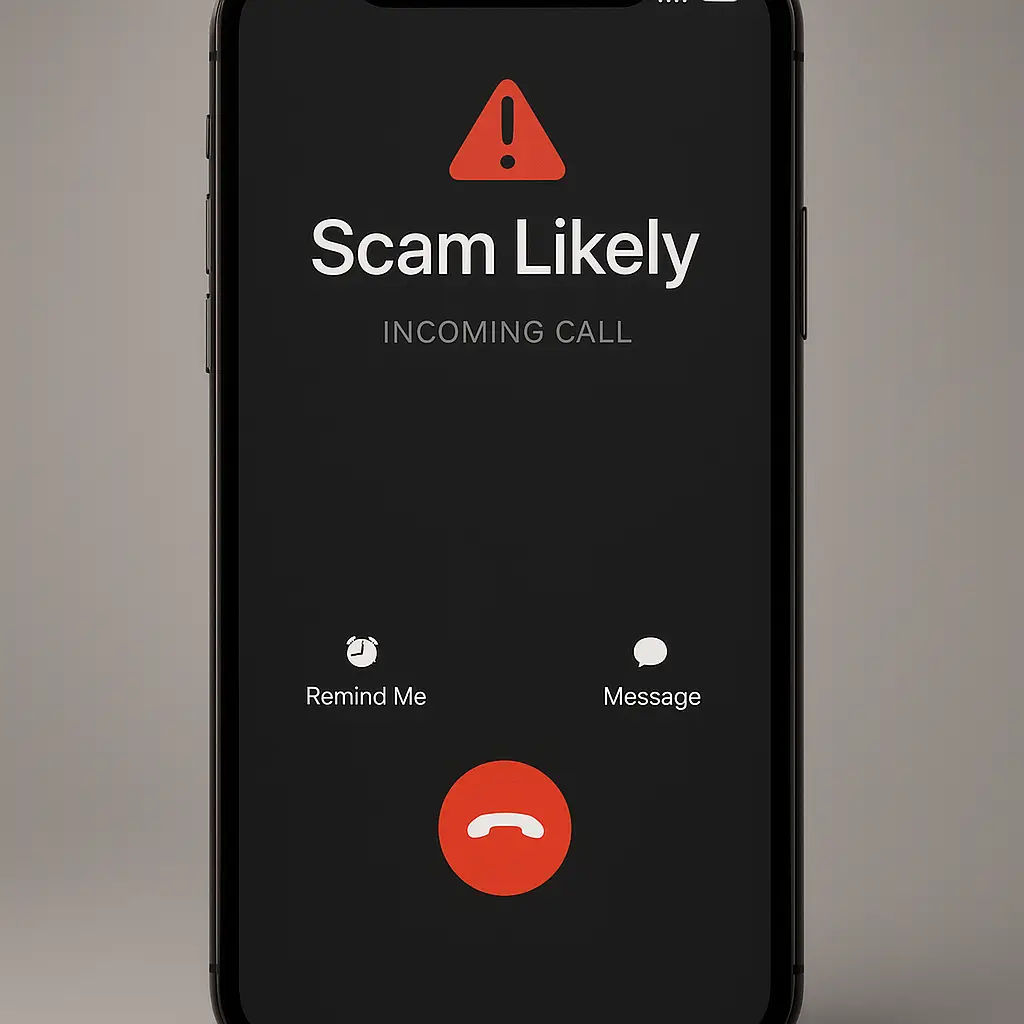
These tools work by comparing incoming calls against databases of known scam numbers. When a call matches, the carrier either blocks it entirely or labels it "Scam Likely" on your caller ID. The labeling alone is useful. You see the warning before you answer.
For AT&T:
- Open your account settings through the AT&T app or website
- Navigate to "Call Protect"
- Enable "Spam Call Blocking" and "Fraud Call Blocking"
- Set the app to automatically block high-risk calls
For Verizon:
- Open the My Verizon app
- Go to "Account" → "Call Filter"
- Subscribe to Call Filter Plus if you want automatic blocking (paid tier)
- Enable "Spam Filter" and "Robocall Filter"
For T-Mobile:
- Open the T-Mobile app
- Navigate to "Account" → "Line Settings" → "Scam Shield"
- Enable "Scam Block" and "Scam ID"
- Turn on "Caller ID" for additional context on unknown numbers
These settings are per-line. If you manage multiple lines, repeat the process for each one.
Some carriers bundle these features into paid tiers. If the free version only labels calls without blocking, consider the paid upgrade. The cost is typically a few dollars per month. Weigh that against the time you spend dealing with robocalls.
Step 2: Use device-level call blocking
Your phone has built-in tools. iOS and Android both offer settings to silence unknown callers or send them straight to voicemail.
For iPhone (iOS)18+):
- Open Settings → Phone → Silence Unknown Callers
- Toggle it on
- Calls from numbers not in your contacts, recent calls, or Siri suggestions go directly to voicemail
- You'll see a notification, but your phone won't ring
For Android (varies by manufacturer, but generally):
- Open the Phone app → Settings → Blocked Numbers
- Enable "Block Unknown Callers" or "Filter Spam Calls"
- On Pixel phones, "Verified Calls" shows a checkmark for businesses that use verified caller ID
The trade-off: legitimate calls from unknown numbers also get silenced. If you're expecting a call from a doctor's office, a delivery driver, or a new client, you might miss it. You can check voicemail. Most legitimate callers leave a message.
If silencing unknown callers feels too aggressive, start with just blocking specific numbers. Every time a robocall gets through, block the number immediately. It won't stop future calls from different numbers, but it trains your phone's spam filter over time.
Step 3: Consider a third-party call-blocking app
Carrier tools and device settings catch a lot. They don't catch everything. Third-party apps add another layer by crowdsourcing spam number databases and using heuristics to identify likely scams in real time.
Popular options include Nomorobo, RoboKiller, Hiya, and Truecaller. Each works slightly differently. Some block calls automatically. Some send them to a challenge system where the caller has to press a number to get through. Some play pre-recorded messages to waste the scammer's time.
Privacy is the trade-off. These apps often require access to your call log. Some upload your contacts to improve their databases. Free versions may monetize by sharing anonymized data with advertisers. Read the privacy policy before installing.
If you go this route, I'd lean toward paid apps with explicit no-data-sharing policies. Nomorobo and RoboKiller both charge a subscription but don't sell your data. Hiya has a free tier but makes money through partnerships, which means your call data has value to someone.
Install the app, grant the necessary permissions, and let it run for a week. Check the blocked call log. If it's catching robocalls without blocking legitimate calls, keep it. If it's too aggressive or not aggressive enough, adjust the settings or try a different app.
Step 4: Register with the National Do Not Call Registry
The National Do Not Call Registry is a federal list managed by the FTC. Legitimate telemarketers are required by law to check it and not call numbers on the list.
The key word is "legitimate." Scammers ignore it. But it does reduce calls from legal telemarketing operations, which still account for some of the volume.
Registering is free:
- Go to donotcall.gov
- Enter your phone number and email address
- Confirm via the email you receive
Your number stays on the registry indefinitely. You don't need to renew it.
This won't stop robocalls from scammers, but it removes one category of unwanted calls. It's a small step. It takes two minutes. Do it.
Step 5: Stop answering unknown numbers
Answering a robocall signals that your number is active. Active numbers get sold to other robocallers. The calls increase.
If you don't recognize the number, let it go to voicemail. Legitimate callers leave a message. Robocallers usually don't. If they do, the message is generic enough that you'll recognize it as spam.
This is harder than it sounds. The instinct to answer is strong. What if it's important? What if it's the hospital, the bank, a potential employer?
In practice, important calls from institutions you have a relationship with come from numbers you've already saved or can quickly verify. A hospital calls from a main line you can look up. A bank calls from a number printed on your card. An employer calls from a number they've already emailed you.
If you miss a legitimate call, they'll leave a voicemail with enough context for you to call back. You're not ignoring emergencies. You're filtering noise.
Train yourself to wait for the voicemail notification. If the call was worth answering, the message will make that clear.
Step 6: Report robocalls to the FTC
Reporting doesn't stop the call you just received. It feeds data to regulators who track patterns, identify large-scale operations, and build enforcement cases.
The FTC's fraud reporting tool is the official channel:
- Go to reportfraud.ftc.gov
- Select "Unwanted Calls"
- Enter the number that called you, the date and time, and any details about the message
- Submit
It takes under a minute. Do it every time you get a robocall that bypasses your filters. The more data the FTC collects, the better they can identify and target the sources.
If the call was a scam attempt (not just an unwanted sales pitch, but an actual attempt to steal money or information), also report it to the FBI's Internet Crime Complaint Center. The IC3 tracks fraud patterns and coordinates with international law enforcement.
Reporting feels passive. It is. But enforcement actions do happen. In 2024, the FTC shut down multiple large robocall operations and returned millions to victims. That only happens because people report.
Why some robocalls still get through
Even with all these steps, some calls slip through. Here's why:
Spoofed local numbers. Robocallers often spoof numbers with your area code and prefix to make the call look local. Carrier filtering can't always catch these because the number looks legitimate until you answer.
Rotating number pools. Large operations use thousands of numbers. By the time one gets flagged and blocked, they've moved to another. The databases that power spam filters are always playing catch-up.
Legitimate-looking caller ID. Some robocalls spoof the names of real businesses. Your phone shows "IRS" or "Social Security Administration" because the scammer set the caller ID to that. STIR/SHAKEN helps here, but not all calls are verified yet.
Calls that technically aren't robocalls. Some operations use live callers for the first few seconds, then transfer you to a recording. This bypasses some robocall definitions and makes enforcement harder.
You will not reach zero robocalls. The goal is to reduce the frequency to the point where they're an occasional annoyance rather than a daily interruption.
What not to do
Don't press buttons to "opt out." Many robocalls include a prompt like "Press 1 to speak to a representative or Press 2 to be removed from our list." Pressing anything confirms your number is active. Hang up.
Don't engage with the caller. If you accidentally answer, don't argue, don't ask questions, don't try to waste their time. Hang up immediately. Engagement of any kind signals that your number is worth calling again.
Don't assume caller ID is real. If a call claims to be from your bank, the IRS, or a government agency, hang up and call the official number yourself. Spoofing is trivial. The caller ID means nothing.
Don't pay for expensive call-blocking devices. Some companies sell hardware devices that plug into your phone line and claim to block robocalls. The software-based solutions from your carrier or a third-party app are cheaper and more effective.
The cultural reference that fits
In You've Got Mail, Kathleen Kelly runs a small bookstore that's being crushed by a corporate competitor. She can't out-spend them. She can't out-market them. What she can do is control the experience inside her own store. She makes it personal, warm, and exactly what her customers need when they walk through the door.
Robocalls are the corporate competitor. You can't shut down the operation. You can't stop them from existing. But you can control what happens when they reach your phone. Carrier filtering is your storefront policy. Device settings are your door policy. Not answering is your boundary.
You don't win by eliminating the threat. You win by making your space inhospitable to it.
Scam robocalls: what they're actually trying to do
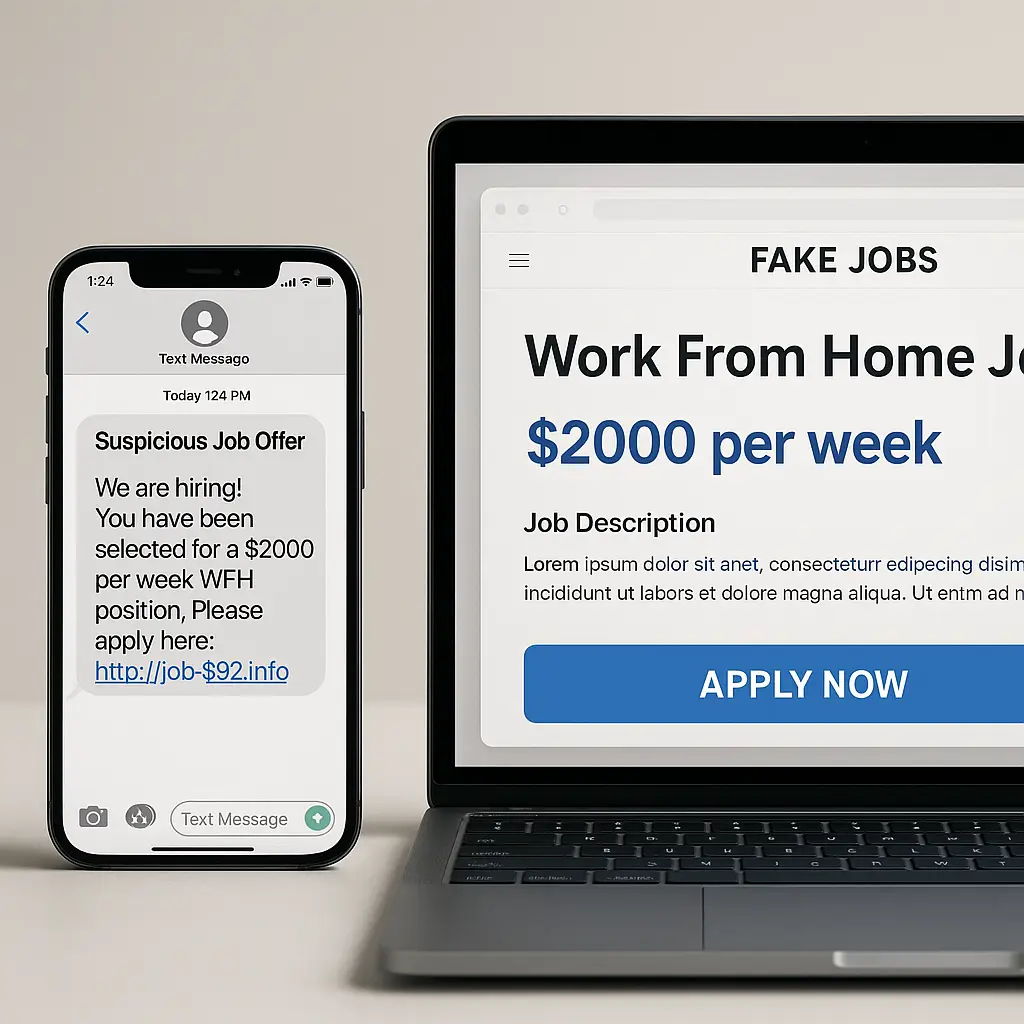
Most robocalls aren't selling anything. They're reconnaissance or direct scam attempts.
Government imposter scams claim to be from the IRS, Social Security Administration, or local law enforcement. They threaten arrest, frozen accounts, or legal action unless you pay immediately. The IRS has published guidance reminding taxpayers that the agency never initiates contact by phone to demand payment.
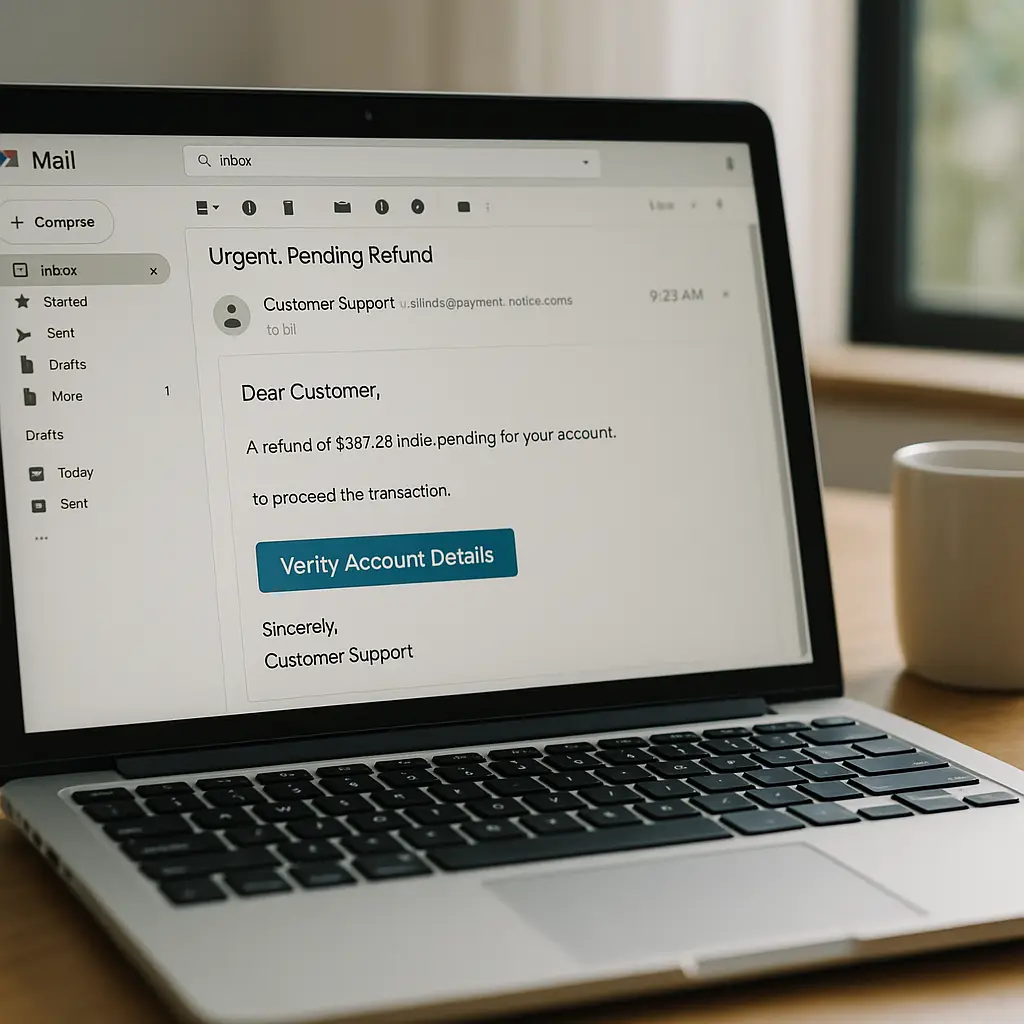
Tech support scams claim your computer has a virus or your account has been compromised. They instruct you to call a number or grant remote access. The FTC's guidance on tech support scams explains how these operations work and what to watch for.
Financial scams claim to be from your bank or credit card company. They ask you to "verify" your account by providing your card number, PIN, or online banking password. Real financial institutions never ask for this information over the phone.
Utility scams claim your power, water, or gas will be shut off unless you pay immediately. They pressure you to pay over the phone using a gift card or wire transfer.
The common thread: urgency. All of these scams rely on panic to override your judgment. They want you to act before you think.
If a call creates urgency, that's the signal to slow down. Hang up. Look up the official number for the organization they claim to represent. Call that number. If the issue is real, they'll confirm it. If it's a scam, you've just saved yourself.
Why robocalls target certain demographics more
Robocallers don't call everyone equally. They target based on data they've purchased or inferred.
Older adults receive more robocalls, particularly scam calls. The FTC's Consumer Sentinel data shows that people over 60 report higher financial losses from phone scams than any other age group. Scammers assume older adults are more trusting of phone calls as a legitimate communication channel and less familiar with spoofing tactics.
People who answer calls from unknown numbers get more robocalls. Once you answer, your number gets flagged as active and sold to other operations. The volume increases.
People who have recently experienced a life event (moving, buying a car, applying for a loan) get targeted with scams related to that event. Data brokers sell lists of people who have recently done these things. Scammers buy the lists and tailor their pitches.
If you're getting an unusually high volume of robocalls, consider whether you've recently shared your phone number in a new context. Did you fill out a form online? Sign up for a service? Enter a contest? That's likely where your number got added to a list.
How long it takes to see results
If you implement all the steps in this guide today, you'll see some reduction within a few days. Carrier-level filtering and device-level blocking work immediately. Third-party apps need a day or two to learn your patterns.
The full effect takes longer. Your number needs to cycle out of active robocall lists through non-response. That happens over weeks, not days. The less you answer, the faster your number gets deprioritized.
Around three to four weeks after you stop answering unknown calls, the volume should drop noticeably. You'll still get some robocalls, but the frequency will be lower. The ones that do get through will increasingly be caught by your carrier or app filters.
This is not a one-time fix. Robocall operations are adaptive. They'll find new numbers to call from. They'll adjust their tactics. You'll need to keep your filters updated and continue not answering unknown numbers.
Think of it as an ongoing boundary, not a solved problem.
Final step: make this a household policy
If you live with others, get them on board. One person answering robocalls undermines the whole household's effort. Your number might be filtered and quiet, but if your partner is answering every unknown call, their number stays active and the calls keep coming.
Walk through these steps with everyone who shares your phone plan. Enable carrier filtering on every line. Set up device-level blocking on every phone. Agree on a household policy: unknown numbers go to voicemail.
For kids with their own phones, this is especially important. They're less likely to recognize scam tactics and more likely to answer out of curiosity. Set up their phones with the strongest filtering available and explain why they shouldn't answer unknown numbers.
For older family members, the conversation is harder. Many grew up in an era when answering the phone was the default. Explaining that the phone system has changed and that answering unknown calls now creates risk takes patience. Walk them through the steps. Show them how to check voicemail. Reassure them that legitimate callers will leave a message.