Airport WiFi Safety in 2026: Reality Check on What Actually Matters
The security advice about airport WiFi has barely changed in fifteen years. Don't check your bank account. Don't enter passwords. Use a VPN or don't connect at all. The threat model in most of that advice assumes it's 2011.
Airport WiFi in 2026 isn't the universal danger that old advice suggests, but the risks that remain are specific and serious. Here's what actually matters when you're sitting at Gate B17 with two hours until boarding.
The threat that mostly went away
A decade ago, the dominant airport WiFi risk was passive eavesdropping. An attacker on the same network could intercept your traffic, read your emails, capture your passwords, and watch everything you did online. The technical barrier was low. The tools were free. The advice to avoid airport WiFi entirely was reasonable.
That threat declined sharply because of one change: HTTPS became the default for most of the web.
When you connect to a site using HTTPS, your traffic is encrypted between your device and the destination server. Someone monitoring the network can see that you visited chase.com, but they can't see your account number, balance, or login credentials. The lock icon in your browser address bar indicates this protection is active.
According to Mozilla's telemetry data, around 90% of page loads in Firefox now use HTTPS. Google reports similar numbers for Chrome. The EFF's Encrypt the Web project pushed major sites to adopt HTTPS by default, and browsers now warn users when they visit unencrypted HTTP sites.
This doesn't mean airport WiFi is safe. It means the passive eavesdropping threat that dominated 2011 advice is no longer the primary concern for most activities. The risks that remain require different defenses.
The risks that actually matter in 2026
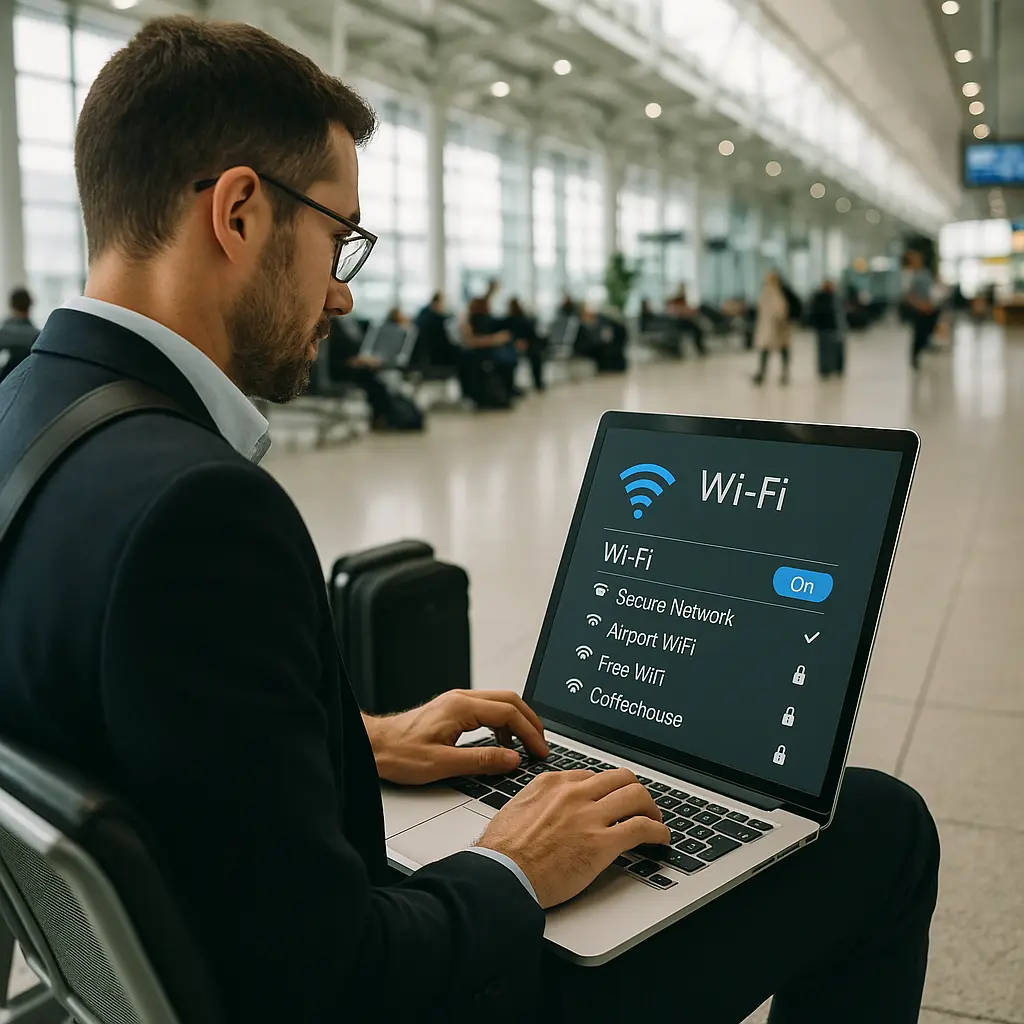
Fake access points. An attacker sets up a WiFi network with a name that looks legitimate, "Airport_Free_WiFi" or "DFW_Guest", and waits for travelers to connect. Once you're on their network, they control your traffic. They can redirect you to fake login pages, inject malware, or monitor everything you do, HTTPS or not, using various technical methods.
Fake networks succeed because travelers expect free WiFi and don't verify the network name. You see "Airport WiFi" in the list, you connect, and you assume you're on the airport's network. The attacker is counting on that assumption.
SSL stripping and certificate attacks. A sophisticated attacker on a malicious network can attempt to downgrade your HTTPS connection to HTTP or present a fraudulent certificate. Modern browsers warn you when this happens, but the warnings are often ignored. If you click through a certificate warning at an airport, you've just given an attacker access to your encrypted traffic.
DNS hijacking. The attacker controls the network's DNS server and redirects your requests to malicious sites. You type "bankofamerica.com" and the network sends you to a fake site that looks identical. HTTPS helps here, the fake site won't have a valid certificate for the real domain, but only if you notice the browser warning.
Shoulder surfing. The person sitting behind you can see your screen. They watch you type your password, view your credit card number, read your email. This is not a network attack. This is a human being with eyes. It's also one of the most common and underestimated threats in airports.
Device theft. You leave your laptop on the table to use the restroom. Someone walks away with it. If your device isn't locked and encrypted, the thief has access to everything on it. This isn't a WiFi risk, but it's an airport risk that matters more than most network threats.
Malware delivery through captive portals. Some fake networks present a captive portal that prompts you to download software or click a malicious link. The portal looks like a terms-of-service agreement or a browser update. You click, you download, you're compromised.
What HTTPS actually protects and what it doesn't
HTTPS encrypts the content of your connection. An eavesdropper can't read your passwords, account numbers, or email body text when you're on an HTTPS site. That's significant.
HTTPS does not protect you from a malicious network operator who controls the network infrastructure. If you're on a fake access point, the attacker can attempt SSL stripping, present fake certificates, hijack DNS requests, or redirect you to phishing sites. HTTPS assumes you're on a network you don't control but that isn't actively hostile. A fake airport access point is actively hostile.
HTTPS also doesn't hide metadata. An observer can see which domains you visit, when you visit them, and how much data you transfer. They can't see the content, but they can see the pattern. For most travelers, that's not a critical risk. For some, it is.
When a VPN actually helps
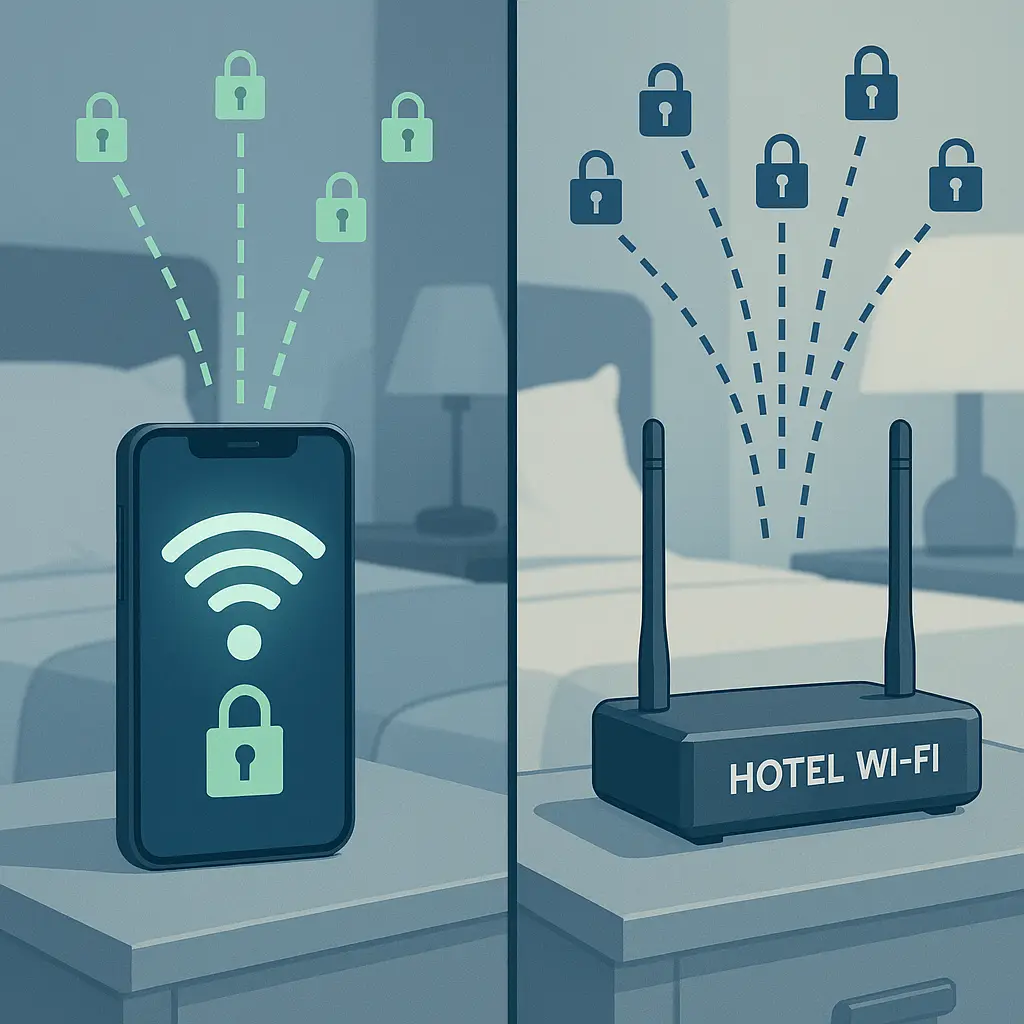
A VPN routes your traffic through an encrypted tunnel to a server you control (or a service you pay for controls). From the airport network's perspective, all your traffic looks like encrypted noise going to one destination. The network can't see which sites you visit, can't hijack your DNS, can't strip SSL, can't inject malware into your traffic.
A VPN protects you from malicious network operators, fake access points, and most of the technical attacks that HTTPS alone doesn't prevent. It does not protect you from shoulder surfing, device theft, or phishing sites you navigate to yourself.
If you're accessing accounts that matter, email, banking, work systems, a VPN adds a meaningful layer of protection on airport WiFi. If you're reading the news or checking sports scores on HTTPS sites, the VPN adds less value but still prevents metadata leakage and network-level monitoring.
The VPN only helps if you trust the VPN provider more than you trust the airport network. A malicious VPN provider has the same access to your traffic that a malicious network operator does. Choose a provider with a clear privacy policy, third-party audits, and a business model that doesn't depend on selling your data. NordVPN meets those criteria and auto-connects when you join untrusted networks.
The VPN also only helps if you turn it on before you connect to the airport network. Connecting first, then enabling the VPN, gives the network a window to attack. Enable the VPN, then connect.
How to identify a legitimate airport network
Ask. Walk to an airport information desk or a gate agent and ask for the official WiFi network name. Write it down. Match it exactly when you select a network on your device.
Legitimate airport networks usually require some form of interaction, a terms-of-service agreement, an email address, a confirmation code sent to your phone. If you connect and you're immediately online with no prompts, you might be on a fake network.
Legitimate networks often have a landing page with the airport's branding, logo, and official information. Fake networks either skip this entirely or present a generic page with minimal branding. If the landing page asks you to download software, close your browser and disconnect immediately.
Some airports use a single network name across all terminals. Others use different names for different areas. Some require you to watch an ad before connecting. The specifics vary, but the pattern is consistent: legitimate networks make you acknowledge something before granting access. Fake networks often don't bother.
If you're not sure, don't connect. Use your phone's cellular data instead. Tethering your laptop to your phone's hotspot is slower and burns through your data plan, but it's a known network under your control.
The Gilmore Girls problem
In Gilmore Girls, Lorelai and Rory treat Luke's Diner as an extension of their living room. They walk in, sit down, and the coffee appears. They never check if it's actually Luke's Diner or a pop-up coffee cart that looks like Luke's Diner. They trust the location because it's always been trustworthy.
Airport WiFi works the same way in travelers' minds. You've connected to "Airport WiFi" at a dozen airports. You see "Airport WiFi" in the network list, and you connect without verifying. The name is familiar. The location is familiar. The trust is automatic.
The attacker setting up a fake access point is counting on that automatic trust. They know you won't verify the network name. They know you'll connect because you always connect. The defense is to break the habit. Verify the network name every time. Treat every airport as a new location, not an extension of your living room.
Practical steps that actually reduce risk
Turn off auto-connect. Your device will join known networks automatically unless you disable this feature. At airports, auto-connect can put you on a fake network before you realize you've connected. Disable it in your WiFi settings. Select networks manually.
Remove airport networks from your saved list after you leave. If "DFW_Guest" is in your saved networks, your device will try to connect to any network with that name. An attacker can create a fake "DFW_Guest" network in a different city, and your device will join it automatically if auto-connect is enabled.
Verify the network name with airport staff before connecting. This takes thirty seconds. It prevents most fake access point attacks.
Enable your VPN before you connect to the network. If you're using a VPN, turn it on first. Some VPNs have an auto-connect feature that activates when you join an untrusted network. Use it.
Pay attention to certificate warnings. If your browser shows a warning about an invalid certificate, do not click through. Disconnect from the network immediately. The warning means someone is attempting to intercept your encrypted traffic.
Use your phone's hotspot for sensitive work. If you're accessing accounts that matter, tether your laptop to your phone's cellular connection instead of using airport WiFi. It's slower, but it's a network you control.
Position yourself so others can't see your screen. Sit with your back to a wall. Angle your screen away from passersby. Use a privacy screen if you're working with sensitive information. Shoulder surfing is low-tech, common, and effective.
Lock your device when you step away. Use a strong password or biometric lock. Enable full-disk encryption. If someone steals your laptop, encryption is your last line of defense.
Avoid entering passwords on public WiFi when possible. Use a password manager that auto-fills credentials. This reduces the risk of someone watching you type. It also reduces the risk of entering your password on a fake login page, password managers won't auto-fill on a phishing site because the domain won't match.
Check your account activity after traveling. Log in to your important accounts a day or two after your trip and review recent activity. Look for unfamiliar logins, devices, or transactions. If something looks wrong, change your password and enable two-factor authentication immediately.
What airports actually do to secure their networks
Some airports work with reputable vendors to provide WiFi infrastructure. These networks use WPA2 or WPA3 encryption for the connection between your device and the access point, though this doesn't protect you from other users on the same network. Some airports segment their networks to limit what connected devices can see of each other. Some monitor for rogue access points and shut them down.
Many airports do none of this. The WiFi is provided by the lowest bidder, the network is unsegmented, and rogue access points operate for hours or days before anyone notices. You can't tell which kind of airport you're in by looking at the network list.
CISA's guidance on network security emphasizes network segmentation, monitoring, and encryption as foundational controls. These practices apply to enterprise networks, but the principles are the same for public WiFi. Airports that implement them reduce risk for travelers. Airports that don't, don't.
The problem is that you, the traveler, have no way to verify which security controls are in place. You can't audit the airport's network. You can't check their vendor contracts. You can't review their monitoring logs. You connect or you don't, and you take precautions either way.
When to skip airport WiFi entirely
If you're accessing anything that would cause serious harm if compromised, work systems with access to customer data, financial accounts with large balances, email accounts that control password resets for other accounts, consider skipping airport WiFi entirely. Use your phone's cellular connection. Tether your laptop if needed. Wait until you're on a network you control.
If your work requires you to connect to public WiFi, your employer should provide a VPN and clear policies about what you can and cannot do on untrusted networks. If they don't, that's a conversation worth having before your next trip.
If you're traveling internationally and your cellular plan doesn't include data in your destination country, research eSIM options before you leave. Services like Saily provide data coverage in over 150 countries without requiring a physical SIM card swap. You activate the eSIM on your phone, and you have a known data connection that doesn't depend on airport WiFi.
The reality check
Airport WiFi in 2026 is not the universal threat that 2011 advice suggests. HTTPS protects most of your traffic from passive eavesdropping. Legitimate airport networks are generally safer than they used to be. The sky has not fallen.
The risks that remain are specific: fake access points, malicious network operators, shoulder surfing, device theft. These risks are real, common, and worth defending against. The defenses are straightforward: verify the network name, use a VPN for accounts that matter, position yourself to prevent screen viewing, lock your device when you step away.
The gap between the old advice and current reality creates two problems. First, people who follow the old advice avoid airport WiFi entirely and miss out on legitimate connectivity that would make their travel easier. Second, people who ignore the old advice as outdated connect carelessly and expose themselves to the risks that actually remain.
The middle ground is to understand which threats are real in 2026, which defenses actually work, and how to make informed decisions based on what you're doing and what you're accessing. Checking your flight status on an HTTPS site is low risk. Logging into your work email to approve a wire transfer is higher risk. The precautions should match the activity.
Airport WiFi is not safe in the sense that your home network is safe. It's also not universally dangerous in the sense that connecting guarantees compromise. It's a public network with specific risks that you can mitigate with specific actions. Take those actions, or use cellular data instead. Both are reasonable choices in 2026.