Why Your Old Yahoo Account Still Matters: The Hidden Risk of Dormant Email
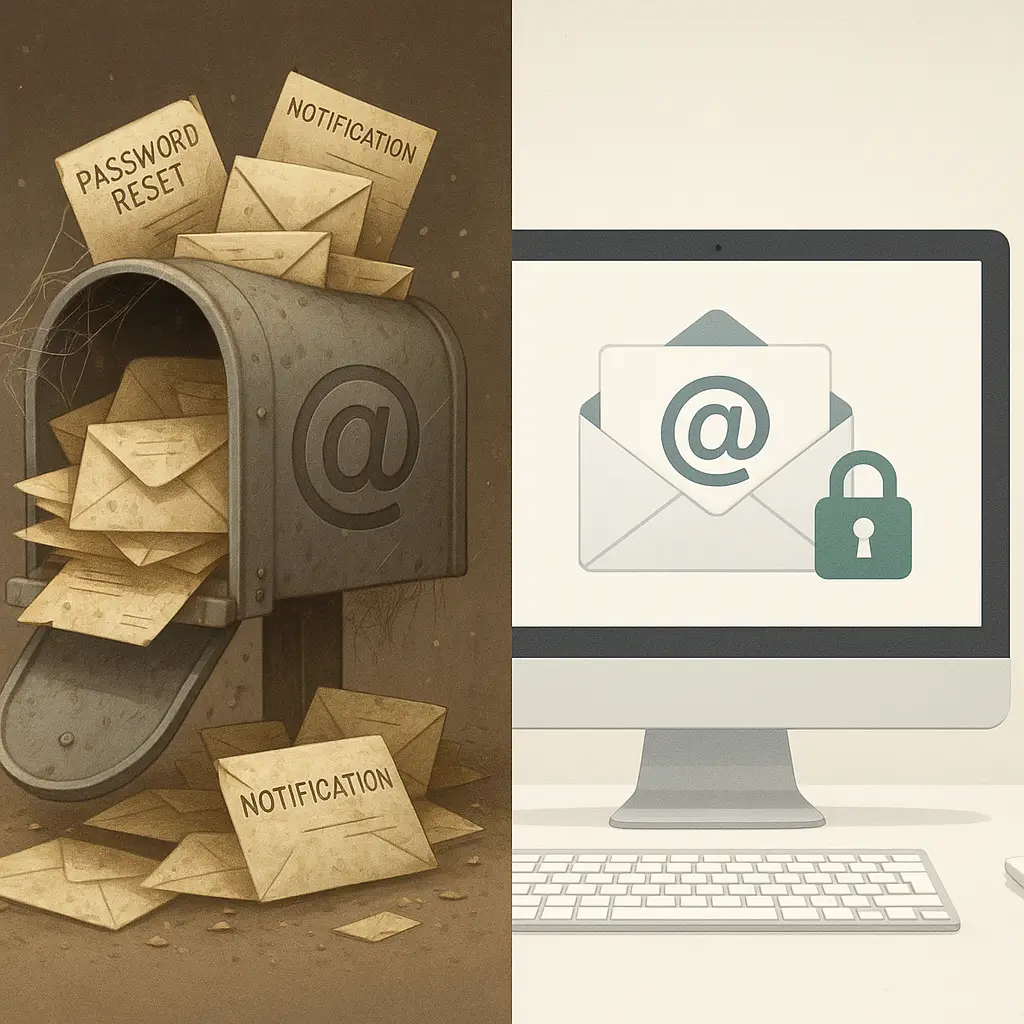
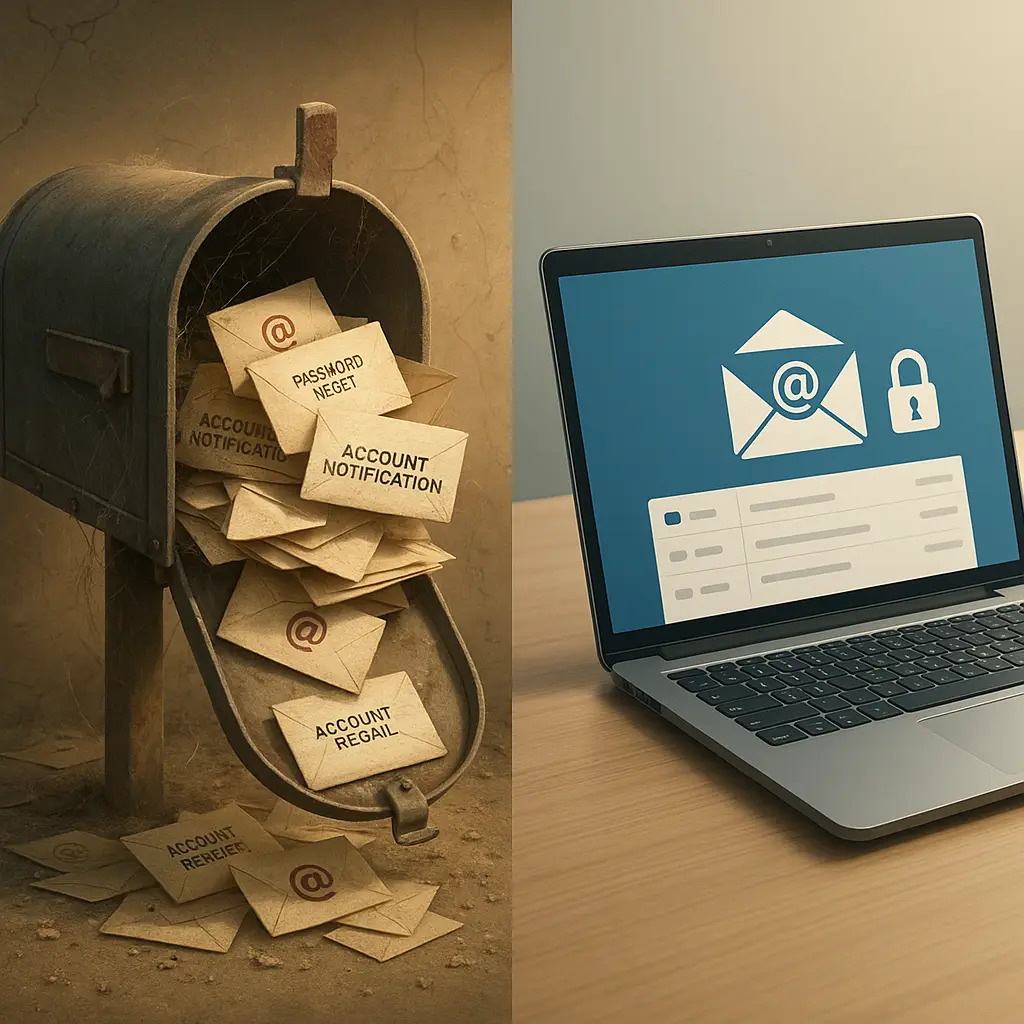
You created a Yahoo email address in 2004 because everyone had one. You used it for everything: job applications, online shopping, forum signups, that brief Flickr phase. Then Gmail launched, or you switched to Outlook, or your employer gave you a work address. The Yahoo account sat there. You stopped checking it. Years passed.
That account still exists. It still holds years of email. And it's still the recovery address for accounts you've completely forgotten about.
This isn't nostalgia. This is a structural vulnerability sitting in your digital past, and it creates specific, exploitable risks that most people don't think about until something breaks.
What Actually Happens to Dormant Email Accounts
Yahoo's policy is straightforward: if you don't sign in for 12 consecutive months, your account becomes inactive. "Inactive" doesn't mean deleted. It means Yahoo stops delivering new mail to the inbox, but the account and all its historical data remain on their servers. The username stays claimed. The password still works if you remember it.
If you go longer without logging in, around that the account may eventually be released for reuse. Yahoo doesn't publish an exact timeline, but researchers have found that usernames do get recycled after extended inactivity. When that happens, someone else can register your old email address. They don't get your old emails, but they do get every password reset email, every security code, and every account recovery link sent to that address going forward.
This creates a specific attack vector: an attacker registers your recycled email address, then systematically requests password resets for common services. If you still have accounts tied to that old address, the attacker receives the reset links. They gain access. Your old email becomes a skeleton key to accounts you thought were separate.
Other email providers handle dormancy differently. Google generally doesn't delete Gmail accounts, but they've announced policies to remove accounts inactive for two years or more. Microsoft follows a similar pattern for Outlook and Hotmail. The risk isn't identical across providers, but the underlying problem is the same: dormant accounts with live connections create exposure.
The Data That Accumulates in Old Accounts
Your old Yahoo account isn't just an address. It's a historical record of your digital life during the years you used it. Every signup confirmation, every password reset, every purchase receipt, every notification from a service you've long forgotten. That data doesn't evaporate when you stop checking the inbox.
Search your old account for the word "welcome" and you'll find signup confirmations for services you haven't thought about in a decade. Search "password" and you'll see every reset link you ever requested. Search "verify" and you'll find two-factor authentication backup codes, account recovery instructions, and security notifications.
Some of that data is benign. A lot of it is not. Old emails contain:
- Partial credit card numbers from purchase confirmations
- Answers to security questions you reused across multiple accounts
- Usernames and email addresses for accounts you've abandoned
- Password reset links that might still be valid if the account hasn't implemented link expiration
- Personal information you shared with services that no longer exist
The FTC warns that old accounts accumulate personal information over time, and that accumulated data becomes a target when the account is breached or taken over. The longer an account sits dormant, the more historical data it holds, and the more useful that data becomes to someone who gains unauthorized access.
The Forgotten Account Connection Problem
Here's the mechanism that makes dormant email dangerous: you don't remember everything you signed up for. You remember your bank, your primary social media, your current shopping accounts. You don't remember the forum you joined in 2007, the online game you played for three months in 2009, or the file-sharing service you used to send a large attachment in 2011.
Those accounts still exist. They're still tied to your old email address. And they're still vulnerable to takeover if someone gains access to that email.
In You've Got Mail, Kathleen Kelly's bookstore struggles because she can't compete with a superstore that has more resources and better infrastructure. The small, personal operation loses to the larger, more systematic threat. The same dynamic applies here: you can't manually track every account you've ever created, but an attacker with access to your email can systematically enumerate them by searching your inbox and requesting password resets.
This isn't theoretical. Krebs on Security documented cases where attackers gained access to old email accounts and used them to take over financial accounts, social media profiles, and domain registrations. The attack pattern is consistent: compromise the email, search the history, identify high-value targets, request password resets, take over accounts.
The problem compounds when you've reused passwords. If your old Yahoo account used the same password as other accounts, and that password appears in a breach database, attackers can try that password against every service they find in your email history. One compromised credential becomes a map to your entire digital footprint during that period.
Why Account Takeover Succeeds Through Old Email
Account takeover through dormant email works because of a mismatch between how we think about email and how authentication systems treat it. We think of email as a communication tool. Authentication systems treat it as an identity anchor.
When you click "forgot password," the system sends a reset link to your registered email address. The system assumes that whoever controls that email address is you. If someone else controls your old email, they become you in the eyes of every system that uses that address for recovery.
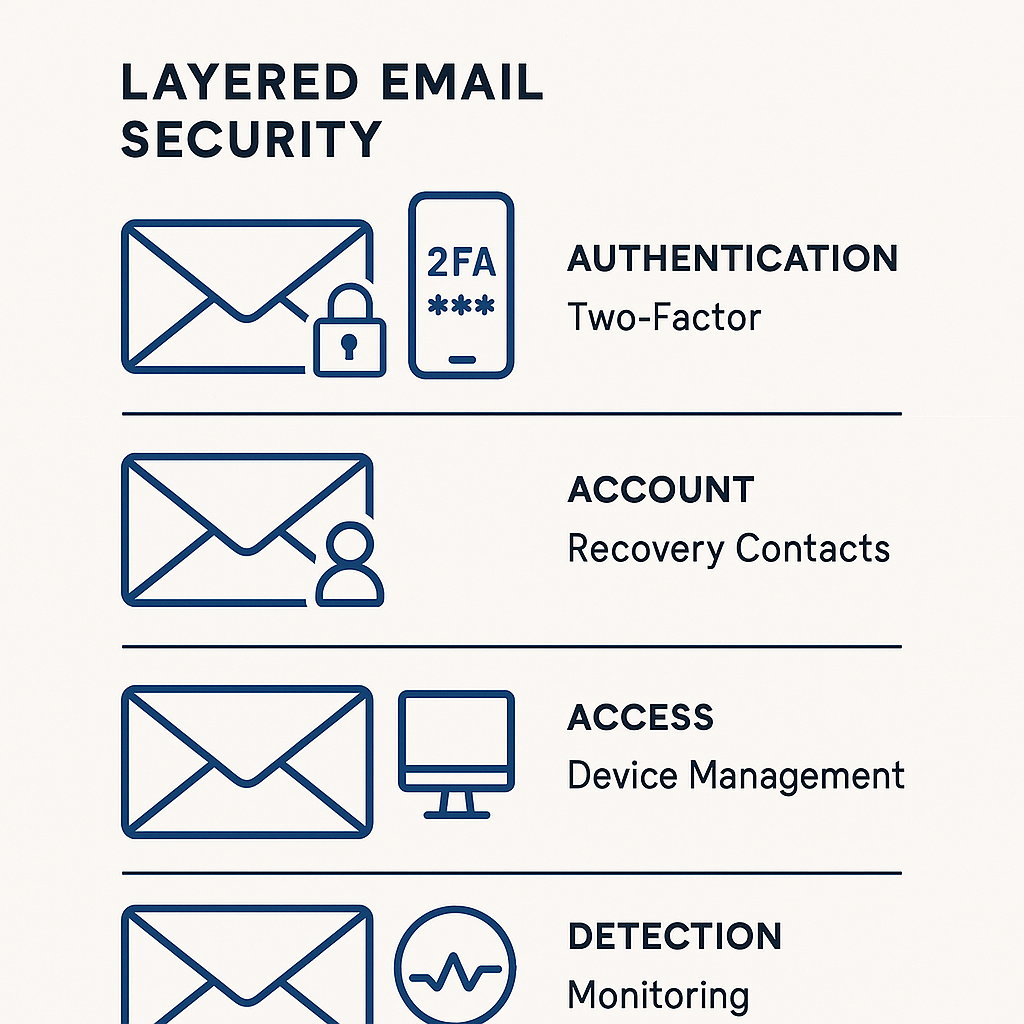
Two-factor authentication helps, but only if it's enabled and properly configured. Many accounts still default to SMS codes or email codes as the second factor. If an attacker controls your email, they receive the codes. If your phone number has changed and you haven't updated it, the email becomes the only recovery path. The attacker wins.
CISA's multi-factor authentication guidance emphasizes that email-based recovery creates a single point of failure. If email is compromised, every account that uses that email for recovery becomes vulnerable. The guidance recommends using authenticator apps or hardware security keys as the primary second factor, with email as a last resort, not a default.
The recovery process itself creates risk. Many services allow you to bypass two-factor authentication if you can prove you control the registered email address. The assumption is that email access equals identity. For active accounts, that assumption is mostly reasonable. For dormant accounts, it's a vulnerability.
The Breach Exposure Multiplier
Old accounts don't just create takeover risk. They multiply breach exposure. If your dormant Yahoo account was included in a data breach, your credentials from that breach can be used against other accounts where you reused the same password or security questions.
Yahoo disclosed a massive breach in 2013 that affected all 3 billion accounts. If your account existed during that period, your data was included. The breach exposed names, email addresses, dates of birth, hashed passwords, and security questions. That data has been circulating in breach databases for over a decade.
You can check whether your email appears in known breaches using Have I Been Pwned. The service aggregates breach data and lets you search by email address. If your old Yahoo account appears in multiple breaches, the accumulated exposure is significant.
The FTC's guidance on data breach response emphasizes that breached credentials don't expire. Attackers use them years after the initial breach, testing them against new services and waiting for opportunities. A dormant account in a breach database is a permanent liability until you close it or change every credential associated with it.
What You Can Do About It Right Now
You have three options for handling old email accounts: reactivate and secure them, migrate everything and delete them, or let them sit and accept the risk. The third option is the worst one.
Option 1: Reactivate and secure. Log into your old account. Change the password to something unique and strong. Enable two-factor authentication using an authenticator app, not SMS. Update the recovery phone number and backup email to current information. Then log in at least once every few months to keep the account active.
This works if you want to preserve the email history or if you're not ready to migrate everything. The account stays yours, and you maintain control over the recovery path for any connected accounts.
Option 2: Migrate and delete. Log into the old account and search for signup confirmations and account notifications. Make a list of every service connected to that email. Log into each service and change the registered email address to your current one. Once you've migrated everything, delete the old account permanently.
Yahoo's account deletion process is straightforward: go to the account termination page, confirm your identity, and submit the deletion request. The account and all its data are deleted after a short waiting period. The username becomes available for reuse, but you no longer care because nothing is connected to it.
This is the cleanest option if you're willing to do the work. It eliminates the dormant account risk entirely.
Option 3: Do nothing. If you can't be bothered to log in or migrate, at least understand what you're accepting. Your old account is a liability. If it gets taken over, you'll spend days or weeks recovering accounts, dealing with fraud, and cleaning up the damage. The FTC's identity theft recovery guide walks through what that process looks like. It's not fun.
The Recovery Address Trap
Here's a specific risk most people miss: your old email might be the recovery address for your current email. You set it up years ago as a backup, and you never changed it. If someone takes over your old account, they can use it to reset your current account. You lose access to both.
Check your current email's security settings. Look for "recovery email" or "alternate email" or "backup email." If it's your old Yahoo address, change it immediately. Use a different current address, or remove the recovery email entirely and rely on other recovery methods like phone numbers or security keys.
The same logic applies to any account where your old email is listed as a backup or recovery option. Banks, social media, cloud storage, domain registrations, anywhere you added a secondary email for account recovery. Go through your important accounts and update those settings.
The Username Recycling Timeline
Yahoo doesn't publish an exact timeline for when inactive usernames become available for reuse, but security researchers have documented cases where it happens after several years of inactivity. The risk isn't that Yahoo will delete your account tomorrow. The risk is that if you abandon it completely, it will eventually be released, and someone else will register it.
When that happens, you lose control over the recovery path for every account still tied to that address. The new owner doesn't get your old emails, but they get every new email sent to that address. Password resets. Security codes. Account notifications. Everything.
The safest approach is to log in at least once a year to keep the account active. Set a calendar reminder. It takes two minutes. If you're not willing to do that, migrate everything and delete the account.
What About Other Old Accounts?
The same logic applies to any old email account from any provider. Hotmail addresses from the 90s. AOL addresses from the early 2000s. College email addresses that expired after graduation. Work email addresses from jobs you left years ago.
If you ever used an email address for account signups, and that address is no longer under your active control, you have exposure. Either regain control, migrate the connected accounts, or accept the risk.
The EFF's Surveillance Self-Defense guide recommends conducting a regular audit of your digital footprint, including old accounts and dormant email addresses. The audit doesn't have to be exhaustive, but it should cover accounts that hold sensitive data or connect to other accounts.
The Bigger Picture
Dormant email accounts are a specific instance of a broader problem: we accumulate digital identity over time, and we don't clean it up. Every account you create, every service you sign up for, every email address you register adds to your attack surface. Most of those accounts sit unused for years, but they remain live, connected, and vulnerable.
The solution isn't to avoid creating accounts. The solution is to treat account management as ongoing maintenance, not a one-time setup. Review your accounts annually. Close what you don't use. Update what you keep. Migrate away from old email addresses that you're no longer actively monitoring.
Your old Yahoo account isn't just a relic. It's a structural risk that persists until you address it. Log in, migrate, or delete. But don't ignore it.