Why you can never really stop spam emails permanently
You've enabled every spam filter. You've unsubscribed from dozens of lists. You've reported hundreds of messages. And still, every morning, there they are: three new emails about cryptocurrency investments, two about weight loss, and one claiming you've won a prize you never entered.
The promise is simple: turn on spam protection, and junk disappears. The reality is messier. Spam filters work, but they're not magic. They catch around 98-99% of spam, which sounds impressive until you realize that leaves dozens of messages slipping through every week for an average inbox.
Here's why spam never fully stops, what's actually happening behind the scenes, and what you can realistically control.
The fundamental problem: your email address is public infrastructure
Email wasn't designed for privacy. The protocol that powers it, SMTP, from 1982, treats addresses like phone numbers in a directory. Anyone can send to any address. There's no built-in authentication, no sender verification, no permission system.
That openness made email universal. It also made it impossible to secure against unwanted messages without breaking the system itself.
Your email address exists in dozens of places you've forgotten: old forum accounts from 2007, retail signups from sites that went out of business, contact forms you filled out once and never thought about again. Every data breach exposes more addresses. Every website scrape adds to the pile. Data brokers aggregate, merge, and sell these lists to anyone willing to pay.
Once your address enters those systems, removal is nearly impossible. You can opt out of individual data broker sites, but new brokers appear constantly, and old ones reacquire data from other sources. It's not a list you can unsubscribe from. It's distributed infrastructure.
How spam filters actually work
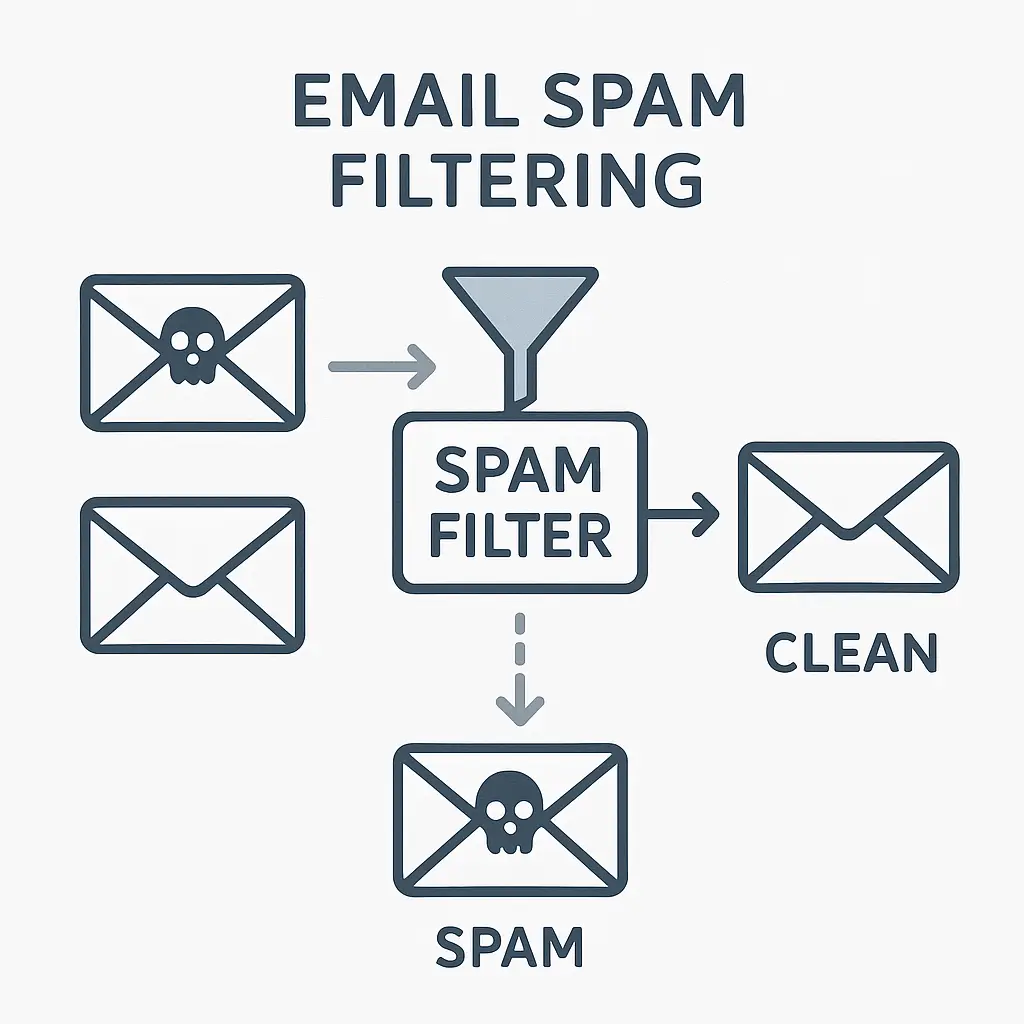
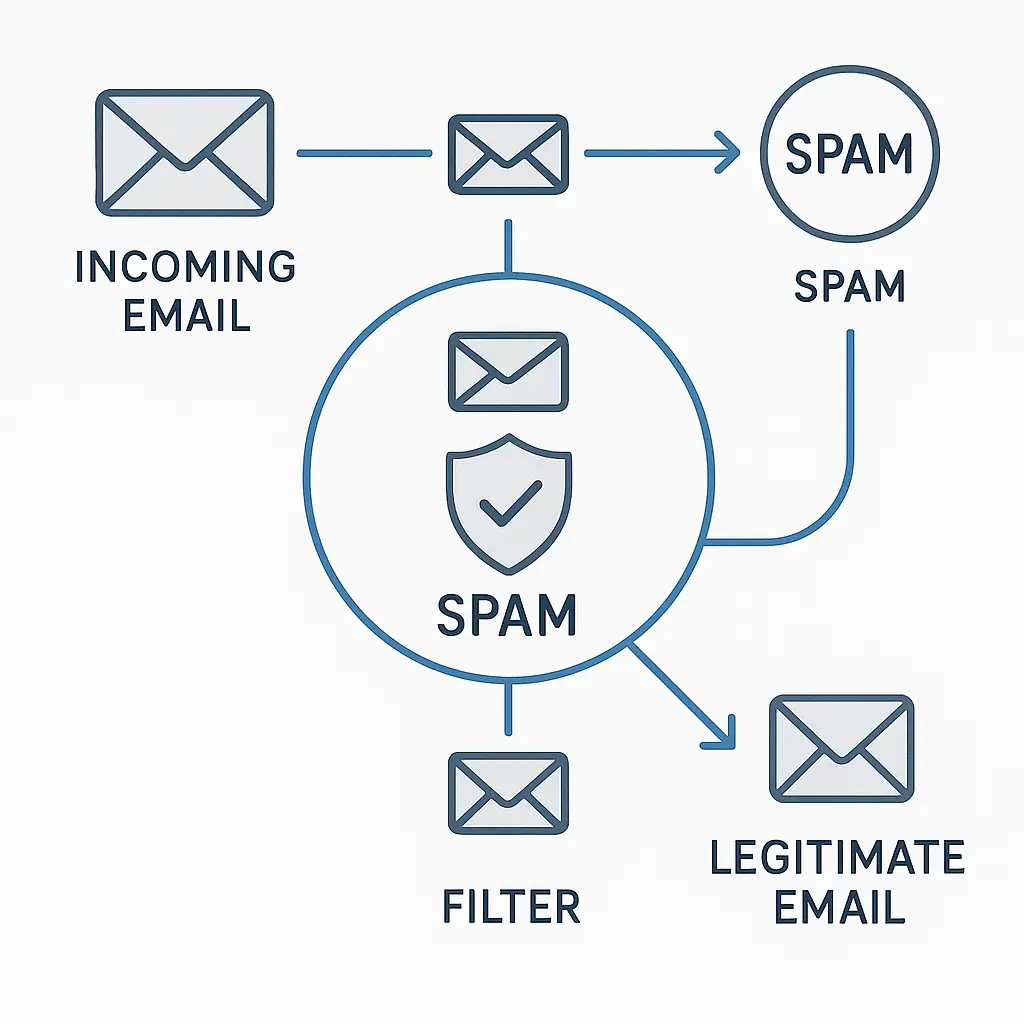
Spam filters don't block spam. They predict which messages are probably spam based on patterns, then hide those messages from your inbox.
The process runs in layers:
Reputation checks happen first. The filter looks at the sending server's IP address and domain. If that server has sent spam before, or if it's on a known blocklist, the message gets flagged immediately. Legitimate senders build reputation over time by sending consistent, low-complaint mail. New or compromised servers start with zero reputation and get scrutinized harder.
Content analysis comes next. The filter scans the message for patterns associated with spam: certain phrases, excessive capitalization, suspicious links, mismatched sender addresses. It's not looking for specific banned words, spammers learned to work around that years ago, but for combinations of features that legitimate mail rarely uses.
Behavioral signals add context. Does the message come from someone you've emailed before? Does it match the format of previous mail from that sender? Did it arrive at an unusual time? Filters weight these signals differently depending on your history.
Machine learning models tie it all together. Modern filters train on millions of examples, learning which combinations of features correlate with spam. They adapt as spammers change tactics, but adaptation takes time. There's always a lag between when a new spam technique appears and when filters learn to catch it.
The filter makes a prediction: spam or not spam. If the confidence is high enough, the message goes to your spam folder. If it's borderline, it might land in your inbox with a warning. If the prediction is wrong, you report it, and the filter adjusts.
This works well enough that most people don't see the bulk of spam targeting them. But "most" isn't "all," and the gap matters.
Why some spam always gets through
Spammers aren't static. They test constantly, probing for what works. When filters catch a technique, they switch to another. The cycle repeats.
Domain rotation is the simplest evasion. Spammers register hundreds of cheap domains, send from each one until it gets blocklisted, then move to the next. By the time a domain's reputation tanks, they've already sent millions of messages from it. Filters can't preemptively block domains that don't exist yet.
Legitimate service abuse bypasses reputation checks entirely. Spammers create free accounts on email services with strong reputations, Gmail, Outlook, Yahoo, and send from those. The messages come from trusted servers, so they pass the first layer of filtering. Content analysis has to catch them, and that's harder when the sender's infrastructure looks legitimate.
Content randomization defeats pattern matching. Spammers insert random characters, swap words for synonyms, use images instead of text, or embed the actual message in an attached PDF. Each variation looks slightly different to the filter, even though the meaning is identical to a human reader. Filters eventually learn these patterns, but spammers generate new variations faster than models retrain.
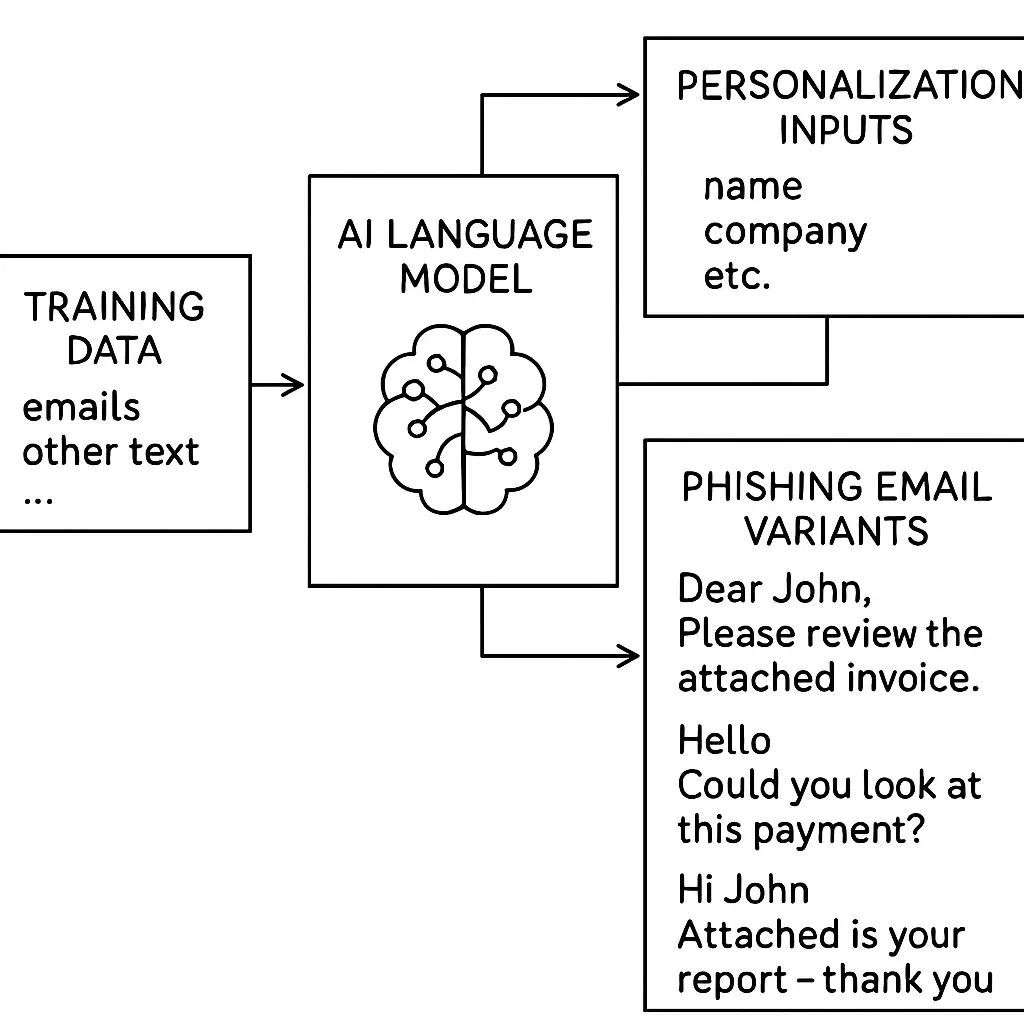
Personalization makes messages look less like bulk mail. If a spammer knows your name, your city, or your employer, all information available from data brokers, they can craft messages that mimic legitimate correspondence. The filter sees sender reputation, content patterns, and behavioral signals that don't scream "spam," so the message lands in your inbox.
Timing attacks exploit filter lag. When a new spamming technique appears, there's a window, sometimes hours, sometimes days, before filters adapt. Spammers push hard during that window, sending as much as possible before defenses catch up. By the time the technique gets blocked, they've moved on to the next one.
The arms race never ends. Filters improve, spammers adapt, filters catch up, spammers adapt again. Perfect blocking would require perfect prediction, and perfect prediction is impossible when the other side actively tries to fool you.
The unsubscribe trap
You see "Unsubscribe" at the bottom of a spam email. Clicking it feels productive. Sometimes it works. Often it makes things worse.
Legitimate companies honor unsubscribe requests because the FTC requires it and because maintaining a clean mailing list protects their sender reputation. When you unsubscribe from a retail newsletter or a service you actually signed up for, the company removes you, and the mail stops.
Spammers don't follow those rules. They use unsubscribe links to confirm your address is active and that someone's reading the messages. Clicking tells them you're a real person who engages with email, which makes your address more valuable. They don't remove you, they sell your confirmed-active address to other spammers, and volume increases.
The trick is knowing which is which. If you recognize the sender and remember signing up, unsubscribe probably works. If the message came from nowhere, if the sender name looks generic, if the content feels off, don't click. Report it as spam and move on.
There's no universal rule. You have to judge each message individually, and sometimes you'll guess wrong.
What reporting spam actually does
When you mark a message as spam, you're training your filter. The action tells the system, "This message is unwanted, and messages like it should go to spam in the future."
For personal filters, the ones Gmail, Outlook, and Apple Mail run on your individual account, the effect is direct. Your filter learns your preferences. If you consistently mark messages from a certain sender as spam, future messages from that sender land in spam automatically.
For shared filters, the ones that protect all users of a service, your report contributes to a larger dataset. When thousands of users mark the same message as spam, the filter learns that this particular campaign is unwanted and starts blocking it for everyone. Your individual report is a single data point, but aggregated reports shift the model.
Reporting works, but it's not instant. Filters retrain periodically, not in real time. A message you report today might still reach your inbox tomorrow if the filter hasn't updated yet. The lag frustrates people, but it's a necessary tradeoff. Instant updates would let spammers game the system by mass-reporting legitimate mail.
The other limitation: reporting only affects future messages. It doesn't remove your address from spammers' lists, doesn't stop them from sending, doesn't trace back to the source. It's a defensive measure, not a takedown.
Why legitimate mail sometimes lands in spam
False positives are the flip side of spam filtering. Filters that block aggressively catch more spam but also catch more legitimate mail. Filters that let more through reduce false positives but increase spam in your inbox.
There's no perfect balance. Every filter picks a threshold, and every threshold creates errors in both directions.
Common triggers for false positives:
New senders with no reputation. If someone emails you from a newly registered domain or a server that's never contacted you before, the filter treats it with suspicion. Legitimate cold emails, job offers, business inquiries, event invitations, often get caught this way.
Unusual formatting. HTML-heavy emails, messages with large images, or mail that looks like a newsletter can trip content filters if the sender's reputation isn't strong enough to override the pattern match.
Shared infrastructure. If a legitimate sender uses the same email service as spammers, their messages can inherit negative reputation by association. This happens with small businesses using budget hosting or free email services.
Overly aggressive user training. If you've marked a lot of mail from a particular category as spam, say, marketing emails or newsletters, your personal filter might start blocking all mail that looks similar, even when it's something you want.
You can reduce false positives by checking your spam folder periodically and marking legitimate mail as "not spam." This trains your filter in the other direction. But you can't eliminate false positives entirely without also letting more spam through. The tradeoff is baked into the system.
The role of email providers
Gmail, Outlook, Yahoo, and Apple Mail all run spam filters, but they don't run the same filters. Each provider uses different models, different training data, different thresholds. A message that lands in spam on Gmail might reach the inbox on Outlook, and vice versa.
Providers also differ on how much control they give you. Gmail lets you create filters based on sender, subject, and content, and it learns from your behavior over time. Outlook offers similar features but weights its own algorithmic decisions more heavily. Apple Mail on iOS gives you less control but integrates tightly with Apple's ecosystem-wide protections.
Some providers offer additional tools. Gmail's "unsubscribe" button appears next to certain messages and handles the opt-out process automatically. Outlook's "Report phishing" option feeds into Microsoft's threat intelligence network. Apple's Hide My Email feature generates disposable addresses that forward to your real inbox, isolating signups from your primary address.
None of these tools stop spam entirely. They reduce it, manage it, and give you more control over what reaches you. But the underlying problem, email's open architecture and the economic incentives driving spam, remains.
What you can actually control
You can't stop spam, but you can reduce it and limit the damage it causes.
Use disposable email addresses for signups. Services like SimpleLogin, AnonAddy, and Apple Hide My Email generate unique addresses that forward to your real inbox. If one address starts receiving spam, you disable it without affecting the rest of your mail. This isolates risk and makes it easier to trace where leaks happen.
Enable your provider's spam filter and report consistently. Every major email provider offers filtering. Turn it on, leave it on, and report spam when it gets through. Reporting trains your personal filter and contributes to the shared model that protects other users.
Never reply to spam, never click links, never download attachments. Engagement confirms your address is active. Spammers track opens, clicks, and replies. Any interaction makes your address more valuable and increases future volume. Ignore, report, delete.
Check your spam folder periodically for false positives. Filters aren't perfect. Legitimate mail sometimes gets caught. A quick weekly scan prevents you from missing important messages and helps train your filter to recognize what you actually want.
Limit where your email address appears publicly. Contact forms, forum profiles, and public directories get scraped by bots. Use disposable addresses for public-facing signups and reserve your primary address for trusted contacts.
Understand that volume will fluctuate. Spam comes in waves. A quiet week doesn't mean you've solved the problem. A sudden spike doesn't mean your defenses failed. Spammers run campaigns, test new techniques, and shift focus. Volume changes, but spam never fully stops.
The reality you're stuck with
Spam is a structural problem, not a configuration problem. It exists because email is open, because addresses are public, and because sending messages costs almost nothing. Filters work by predicting patterns, and predictions are never perfect. Spammers adapt faster than defenses, and the lag between attack and response guarantees some messages always get through.
You can reduce spam. You can manage it. You can limit the damage it causes. But you can't eliminate it, and anyone promising otherwise is selling something.
The goal isn't zero spam. The goal is keeping spam manageable enough that it doesn't interfere with the mail you actually want. That's achievable. It requires ongoing effort, consistent reporting, and realistic expectations about what's possible within a system that was never designed to keep people out.
Spam filters catch most of it. The rest you handle manually. That's the tradeoff, and it's not changing anytime soon.