What to do the moment you discover a password leak
You get the email. The subject line says "Security Notice" or "Data Breach Notification." Your stomach drops. One of your accounts was breached, and your password might be in the hands of attackers right now.
What you do in the next hour matters more than what you did before the breach. Here's the exact sequence of steps to take, what each one protects, and why timing is everything.
Step 1: Change the compromised password immediately
Do this first. Not after you finish reading. Not after dinner. Now.
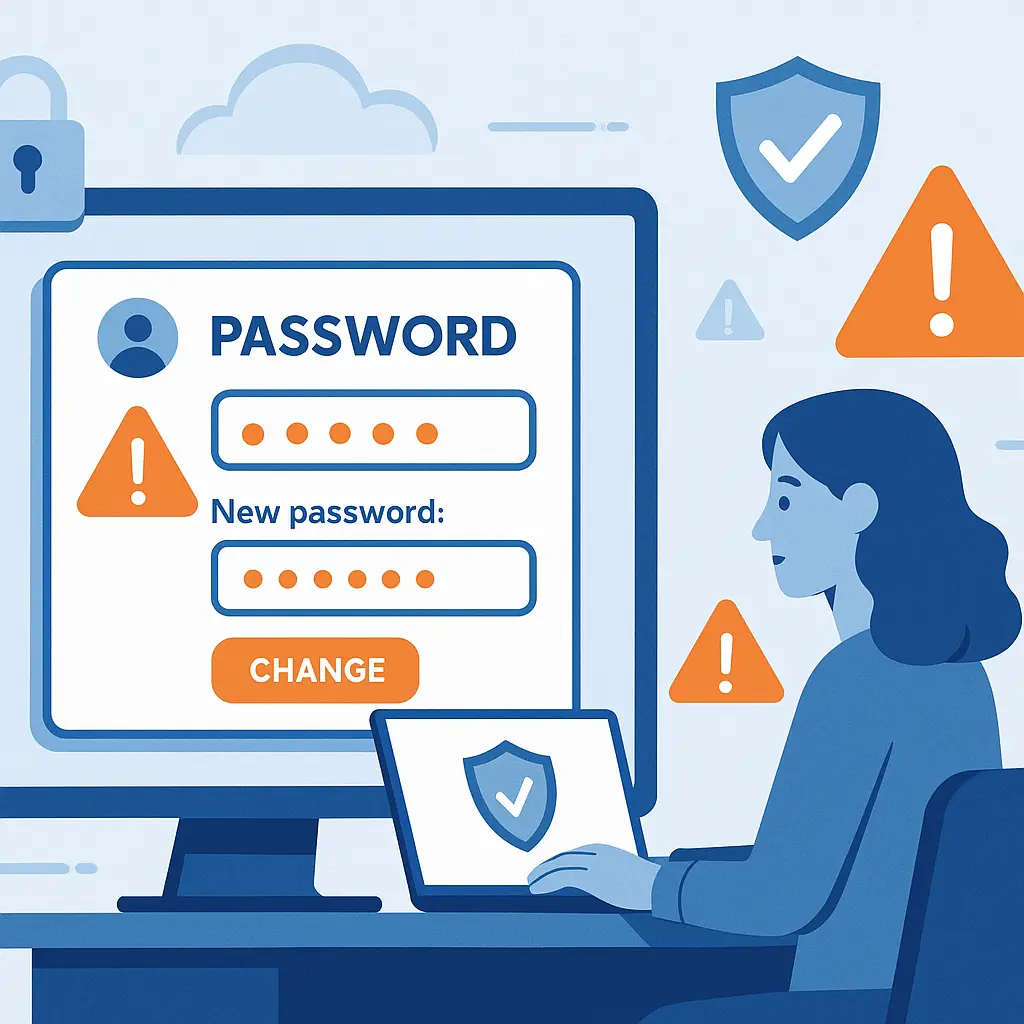
Log into the breached account and change your password. Use a strong, unique password you've never used anywhere else. If you're not sure what that means, use a password manager to generate one , around 16 characters, random mix of letters, numbers, and symbols.
The clock started ticking the moment the breach happened. Attackers test leaked credentials within hours. Some breaches stay hidden for months before companies announce them, which means your password might have been circulating in criminal markets while you had no idea. The moment you learn about it, you're in a race.
If you can't log in because someone already changed your password, skip to Step 7 (account recovery). Otherwise, change it now.
Step 2: Identify every account that uses the same password
This is where password reuse becomes catastrophic.
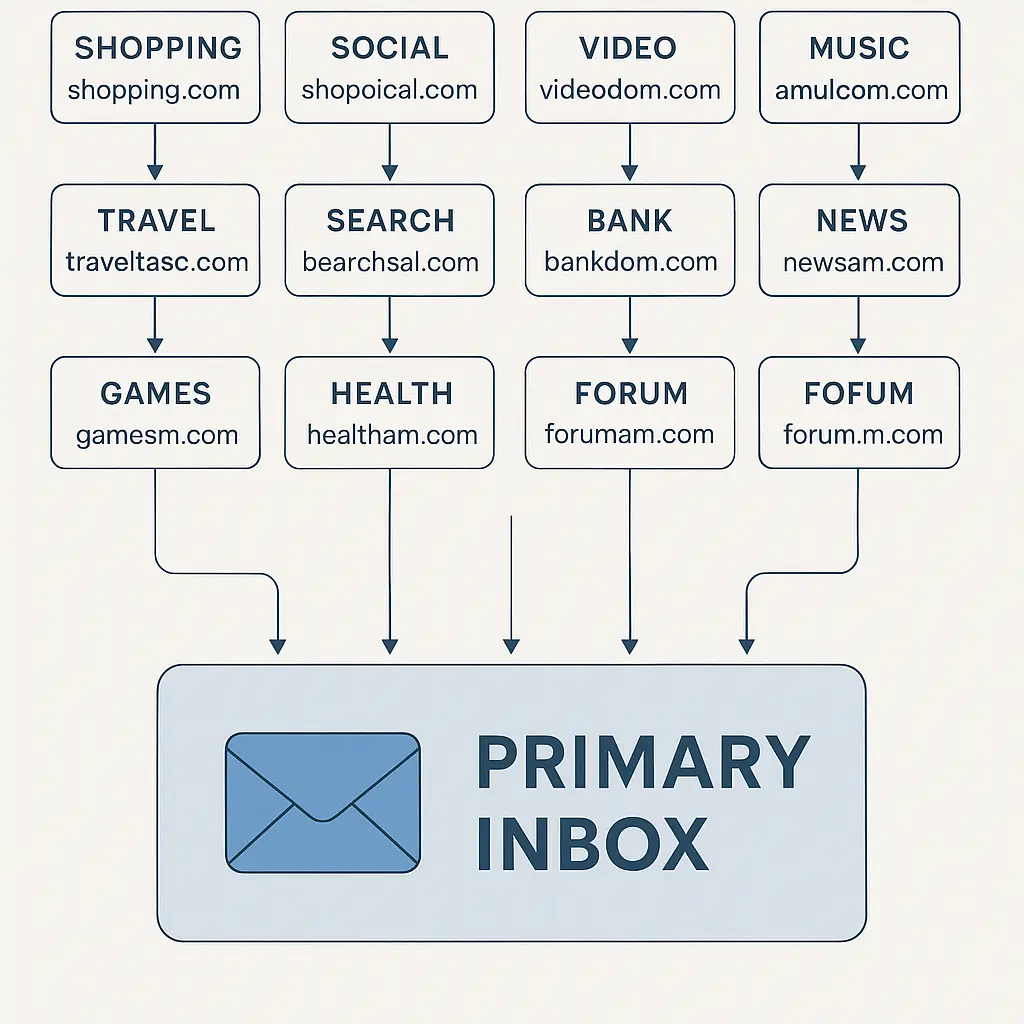
If you used the leaked password on other accounts, attackers will try it everywhere. They'll hit your email, banking, social media, shopping accounts , every service they can think of. This is called credential stuffing, and it's why password reuse is the single worst security habit.
Sit down with a list. Write out every account where you used that password or any variation of it. If you added a number or changed capitalization but kept the core password the same, it counts. Attackers test common variations automatically.
Change the password on every single one of those accounts. Use unique passwords for each. This is tedious. It's supposed to be. The tedium is the lesson.
Step 3: Enable two-factor authentication on the breached account
Two-factor authentication (2FA) adds a second layer of protection beyond your password. Even if your new password leaks in another breach, attackers can't access your account without the second factor.
The FTC recommends 2FA as one of the most practical defenses against account takeover. CISA publishes guidance on implementing it for businesses, but the principle applies to personal accounts too.
Log into the breached account's security settings and turn on 2FA. Use an authenticator app like Google Authenticator, Microsoft Authenticator, or Authy. Avoid SMS if the service offers app-based codes , SMS is better than nothing, but it's the weakest form of 2FA because attackers can intercept texts through SIM swaps.
Save the backup codes the service provides. Print them. Store them somewhere safe. If you lose access to your authenticator app, those codes are your only way back in.
Step 4: Check your account activity and connected devices
Look for signs that someone already accessed your account.
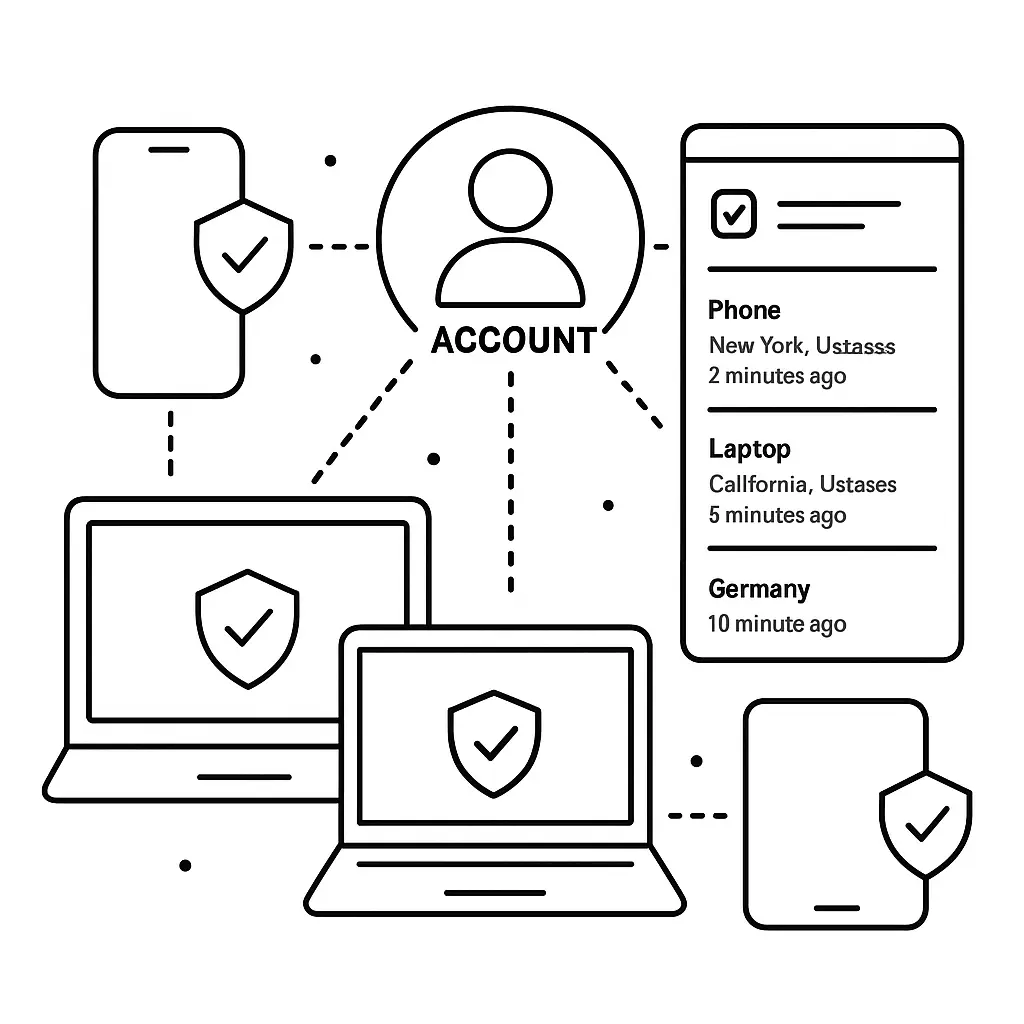
Most services offer an activity log or login history. Check for:
- Logins from locations you don't recognize
- Logins at times you weren't using the service
- Devices you don't own
- Password changes you didn't make
- Email address or phone number changes
- Recovery email additions
If you see anything suspicious, assume someone accessed your account. Change your password again (yes, again), log out all sessions, and remove any devices you don't recognize.
Check connected apps and third-party services. Attackers sometimes add OAuth connections to maintain access even after you change your password. Revoke anything you don't recognize or no longer use.
Step 5: Monitor your email for password reset attempts
Attackers don't give up after one failed login. They'll try to reset your password using the "forgot password" flow.
Watch your email for password reset messages on accounts you didn't request. If you see them, it means someone is actively trying to access your accounts. Don't click the links. Just note which accounts are being targeted and prioritize securing those.
If you get a flood of password reset emails across multiple accounts, it might be a smokescreen. Attackers sometimes trigger dozens of resets to bury the one they actually care about in the noise. Check every account carefully.
Step 6: Review linked accounts and payment methods
If the breached account was connected to payment methods, subscriptions, or other services, check those too.
Look for:
- Unauthorized purchases or charges
- New subscriptions you didn't sign up for
- Shipping addresses you don't recognize
- Payment methods added without your knowledge
- Account balance changes
If you find fraudulent activity, report it immediately. Contact your bank or credit card issuer. Most financial institutions offer fraud protection, but you need to report it fast , usually within 60 days for credit cards, sometimes less for debit cards.
Step 7: If you're locked out, start account recovery immediately
If someone changed your password before you could, you're in account recovery mode.
Use the service's "forgot password" or "can't access my account" flow. You'll need access to your recovery email or phone number. If the attacker changed those too, contact the service's support team directly.
Document everything:
- When you discovered the lockout
- What you tried
- Any error messages you received
- Evidence that you own the account (old emails, purchase history, etc.)
Some services offer identity verification through government ID, security questions, or previous login history. The process varies, but speed matters. The longer an attacker controls your account, the more damage they can do.
Step 8: Check if other data leaked beyond your password
Not all breaches are password breaches. Some expose email addresses, phone numbers, security questions, addresses, payment information, or other personal data.
Check the breach notification for details. If the company doesn't specify what data leaked, use Have I Been Pwned to see what was compromised. The site aggregates breach data and tells you exactly what information was exposed.
If the breach included security questions, change them everywhere you used similar answers. If it included payment information, monitor your accounts for fraud. If it included your address or phone number, watch for phishing attempts that use that information to sound legitimate.
Step 9: Set up ongoing monitoring
You've secured the immediate damage. Now set up systems to catch future problems early.
Use Have I Been Pwned's notification service to get alerts when your email appears in new breaches. It's free and runs automatically.
If the breach exposed financial information, consider a credit freeze. It's free, stops identity thieves from opening new accounts in your name, and you can lift it temporarily when you need to apply for credit. Here's how to freeze your credit at all three bureaus.
Check your credit reports regularly. You're entitled to one free report per year from each of the three major bureaus through AnnualCreditReport.com. Spread them out , pull one every four months to maintain year-round monitoring.
Step 10: Adopt a password manager to prevent this from happening again
The reason this breach turned into a crisis is probably password reuse. If you'd used unique passwords everywhere, the breach would have affected exactly one account. You'd change that password, enable 2FA, and move on.
A password manager generates and stores unique passwords for every account you have. You only need to remember one master password. The manager handles everything else.
I use one. I've used one for years. It's the single most practical security improvement you can make. Here's what to look for and how to set one up.
The setup takes around an hour. You'll spend that hour changing passwords and importing accounts. After that, you never think about passwords again. The manager generates them, stores them, and fills them automatically.
What if the breach exposed more than passwords?
Some breaches are catastrophic. They expose Social Security numbers, driver's license data, medical records, or financial account numbers. If that's your situation, the steps above aren't enough.
You need to:
- Place a fraud alert or credit freeze with all three credit bureaus
- File an identity theft report with the FTC at IdentityTheft.gov
- Monitor your credit reports monthly, not annually
- Consider identity theft monitoring services if the exposure is severe
- Document everything for potential legal or financial claims
Here's what to do in the first 24 hours after identity theft and how to recover from it long-term.
Why companies wait to disclose breaches
You might wonder why you're learning about a breach months after it happened. Companies delay disclosure for several reasons, some legitimate, some not.
Legitimate reasons include:
- Forensic investigation to determine what was stolen
- Coordination with law enforcement
- Time to build notification infrastructure
- Legal review of disclosure requirements
Less legitimate reasons include:
- Hoping the breach won't be discovered
- Waiting until after earnings announcements
- Fear of reputation damage
- Lack of internal processes to detect breaches quickly
Some jurisdictions require disclosure within 72 hours. Others allow months. The United States has no federal breach notification law , it's a patchwork of state laws with different timelines and requirements.
What this means for you: assume breaches are older than the announcement date. If a company discloses a breach in July, it might have happened in March. Change your password as soon as you learn about it, but understand that attackers may have had months of access.
The cultural reference that fits
In The Two Towers, Gandalf returns as Gandalf the White and declares, "I come back to you now at the turn of the tide." The implication is clear: the moment of crisis is also the moment of intervention. The breach already happened. You can't undo it. But you can change the outcome by acting decisively right now.
That's what these steps do. They turn the tide. The breach gave attackers an opening. Your response closes it and fortifies everything around it. You're not preventing the breach , that ship sailed. You're preventing everything that comes after.
What happens next
You've changed passwords, enabled 2FA, reviewed account activity, and set up monitoring. The immediate crisis is over.
Now comes the long game. Attackers don't always strike immediately. Sometimes they sit on leaked credentials for months, waiting for attention to die down. Your job is to maintain the defenses you just built.
Keep 2FA enabled. Keep using unique passwords. Keep monitoring for unusual activity. The steps you took today only work if they become permanent habits.
And if this felt overwhelming, that's normal. Security is work. It's supposed to be. The alternative , doing nothing and hoping attackers don't notice , is worse.