Hospital WiFi for Visitors: Separating Real Risk from Security Theater
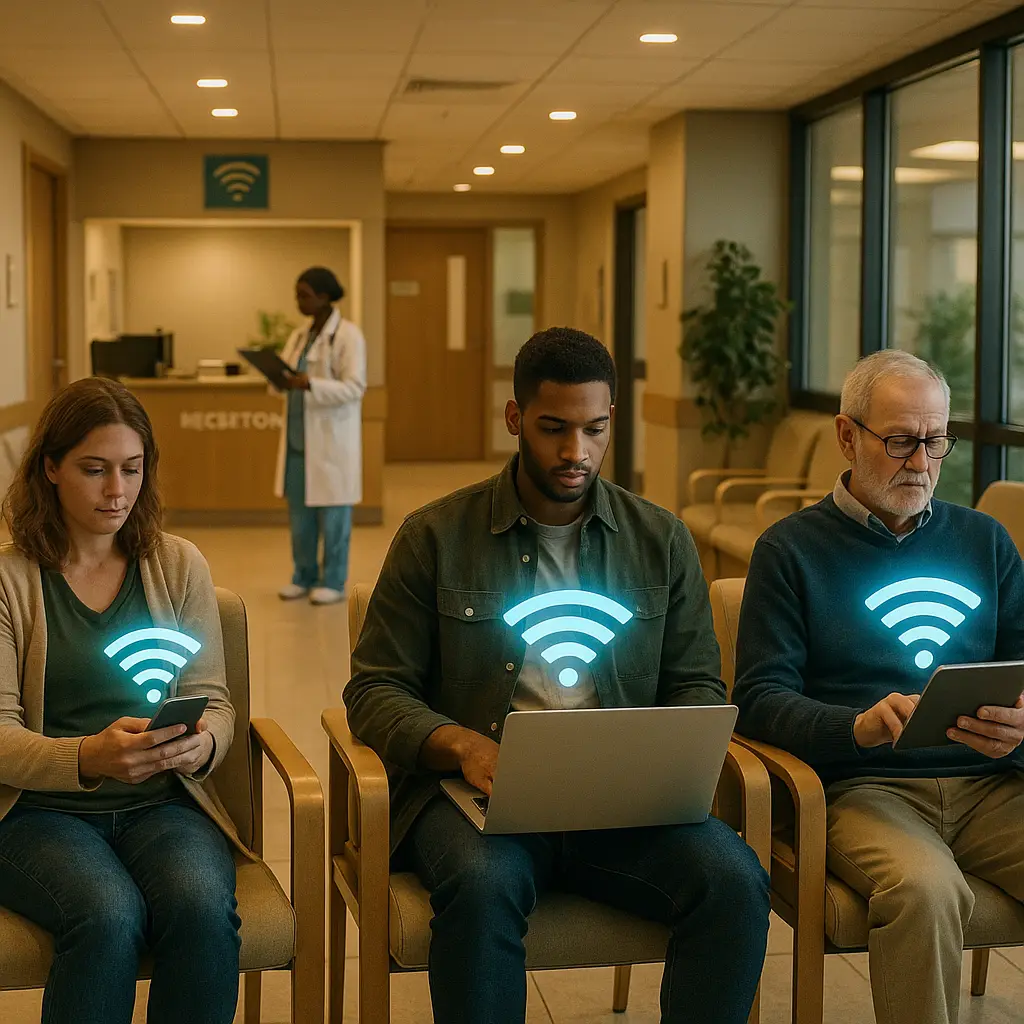
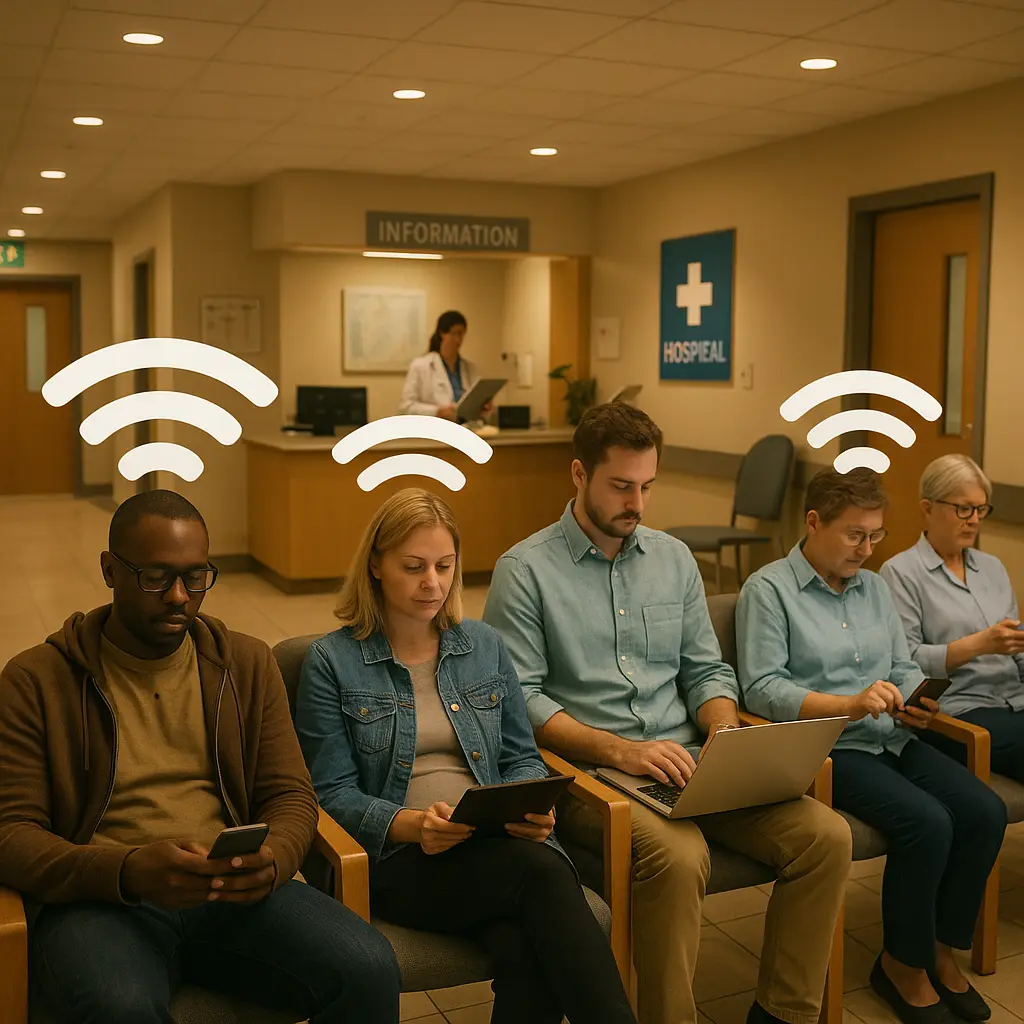
You're sitting in a hospital waiting room. Your phone battery is at 40 percent. The wait time just doubled. You need to connect to the guest WiFi, but every security article you've ever read screams that public WiFi is a disaster waiting to happen.
Here's the reality: hospital WiFi in 2026 isn't the universal threat that security advice from 2015 would have you believe. The landscape has changed. Most of the catastrophic scenarios you've read about require conditions that rarely align in practice. But the risks that remain are specific, and understanding them matters more than blanket fear.
This is a reality check. Not a permission slip to ignore security entirely, and not a panic button. We're separating what actually threatens you on hospital visitor WiFi from what's security theater.
How Hospital Networks Actually Work
Hospital networks operate in layers. The visitor WiFi you connect to in the waiting room runs on a separate network from the systems that handle medical records, imaging equipment, and patient monitoring. This segmentation isn't optional, it's required by CISA guidance on healthcare infrastructure and enforced by compliance frameworks that hospitals can't ignore.
When you connect to "Guest_WiFi" or "Hospital_Visitor," you're accessing a network that's isolated from clinical systems. Your traffic doesn't touch the same infrastructure that manages electronic health records or connects infusion pumps to monitoring stations. This separation exists specifically to prevent visitor devices from introducing risk to medical operations.
The visitor network typically routes through a separate internet gateway, often with content filtering, bandwidth throttling, and monitoring that clinical networks don't have. Hospitals treat visitor WiFi as untrusted by default. Your device is assumed to be compromised, and the network architecture reflects that assumption.
This doesn't make visitor WiFi inherently safe for you, it makes it safe for the hospital. The segmentation protects medical systems from your potentially infected laptop. It doesn't protect you from other visitors on the same network or from the inherent risks of shared public WiFi.
What Changed Between 2015 and 2026
A decade ago, public WiFi was a legitimate nightmare. Unencrypted HTTP connections dominated the web. Firesheep and similar tools let anyone on the same network hijack your sessions with a few clicks. Man-in-the-middle attacks were trivial to execute and hard to detect.
In 2026, the default state of the web is encrypted. HTTPS adoption has gone from around 50 percent of page loads in 2015 to over 95 percent today. When you visit Gmail, your bank, or Facebook, the connection is encrypted end-to-end between your device and the server. Someone else on the hospital WiFi can see that you connected to gmail.com, but they can't read your email or steal your session cookie.
This shift happened gradually, driven by browser warnings, EFF advocacy, and industry pressure. Google started marking HTTP sites as "Not Secure" in Chrome. Let's Encrypt made SSL certificates free and automated. The economics of encryption changed, and the web followed.
The other major shift: modern operating systems and browsers are more paranoid by default. Automatic updates are standard. Certificate validation is stricter. DNS over HTTPS is becoming common. The attack surface that existed in 2015 has shrunk considerably, even on public networks.
But "shrunk" doesn't mean "eliminated." The risks that remain are narrower but still real.
The Risks That Actually Remain
DNS visibility. Even with HTTPS, the hospital network can see which domains you're accessing. When you visit bankofamerica.com, the DNS query happens in cleartext unless you're using DNS over HTTPS or a VPN. The hospital's network logs will show that your device requested the IP address for that domain.
This matters less than you might think for privacy from the hospital itself, they're not mining visitor DNS logs for blackmail material, but it matters if you're concerned about the visibility of your browsing patterns. If you're accessing sites related to sensitive health conditions, legal issues, or personal matters you'd rather keep private, that metadata is visible to anyone with access to network logs.
Rogue access points. An attacker can set up a fake WiFi network called "Hospital_Guest" and wait for people to connect. Once you're on their network, they control all your traffic. This is the classic "evil twin" attack, and it still works because most people don't verify which network they're joining.
Hospitals can't prevent someone from broadcasting a WiFi network with a similar name. They can monitor for rogue access points and shut them down, but there's a window of opportunity. If you connect to the wrong network and start entering credentials, you've handed them to an attacker.
Unencrypted HTTP sites. If you land on an HTTP site, either because you typed the URL without "https://" or because the site itself doesn't support encryption, your traffic is visible to everyone on the network. In 2026, this is rare, but it happens. Old institutional sites, local government pages, and some small business sites still serve content over HTTP.
Browsers warn you now, but warnings are easy to ignore when you're distracted or in a hurry. If you're filling out a form on an HTTP site, assume that data is being transmitted in cleartext.
Login portals. Many hospital WiFi networks require you to accept terms of service or enter an email address before granting access. These login portals, called captive portals, are often served over HTTP, not HTTPS. When you enter your email address, it's transmitted in cleartext.
This isn't catastrophic if you're using a throwaway email, but if you're entering your primary email address or, worse, reusing a password, you're creating risk. The portal itself might be legitimate, but an attacker on the network can intercept that submission.
Outdated devices. If your phone or laptop is running an old operating system with unpatched vulnerabilities, public WiFi becomes significantly more dangerous. Exploits that target network-level vulnerabilities are rare but not nonexistent. If you're running iOS 14 or Android 10 in 2026, you're carrying a device with known security holes that attackers can target over WiFi.
Hospitals can't fix your device. If you're connecting with outdated software, the risk is on you.
What You Should Actually Do
Verify the network name. Before connecting, ask hospital staff for the exact name of the visitor WiFi network. Don't guess. Don't assume "Hospital_Guest" is legitimate because it sounds right. Confirm it.
If you're already connected and you're unsure, disconnect and verify. The two minutes it takes to walk to the information desk is worth more than the risk of connecting to a rogue access point.
Use HTTPS Everywhere. Most browsers enforce HTTPS by default now, but you can make it explicit. Install the EFF's HTTPS Everywhere extension or enable your browser's "Always use secure connections" setting. This forces the browser to use HTTPS even if you type a URL without it.
If a site doesn't support HTTPS and you're on public WiFi, don't use it. Wait until you're on a trusted network.
Enable DNS over HTTPS. Both Chrome and Firefox support DNS over HTTPS, which encrypts your DNS queries so the hospital network can't see which domains you're accessing. In Chrome, go to Settings > Privacy and security > Security > Use secure DNS. In Firefox, go to Settings > Privacy & Security > Enable DNS over HTTPS.
This doesn't hide your traffic entirely, the hospital can still see the IP addresses you're connecting to, but it closes one visibility gap.
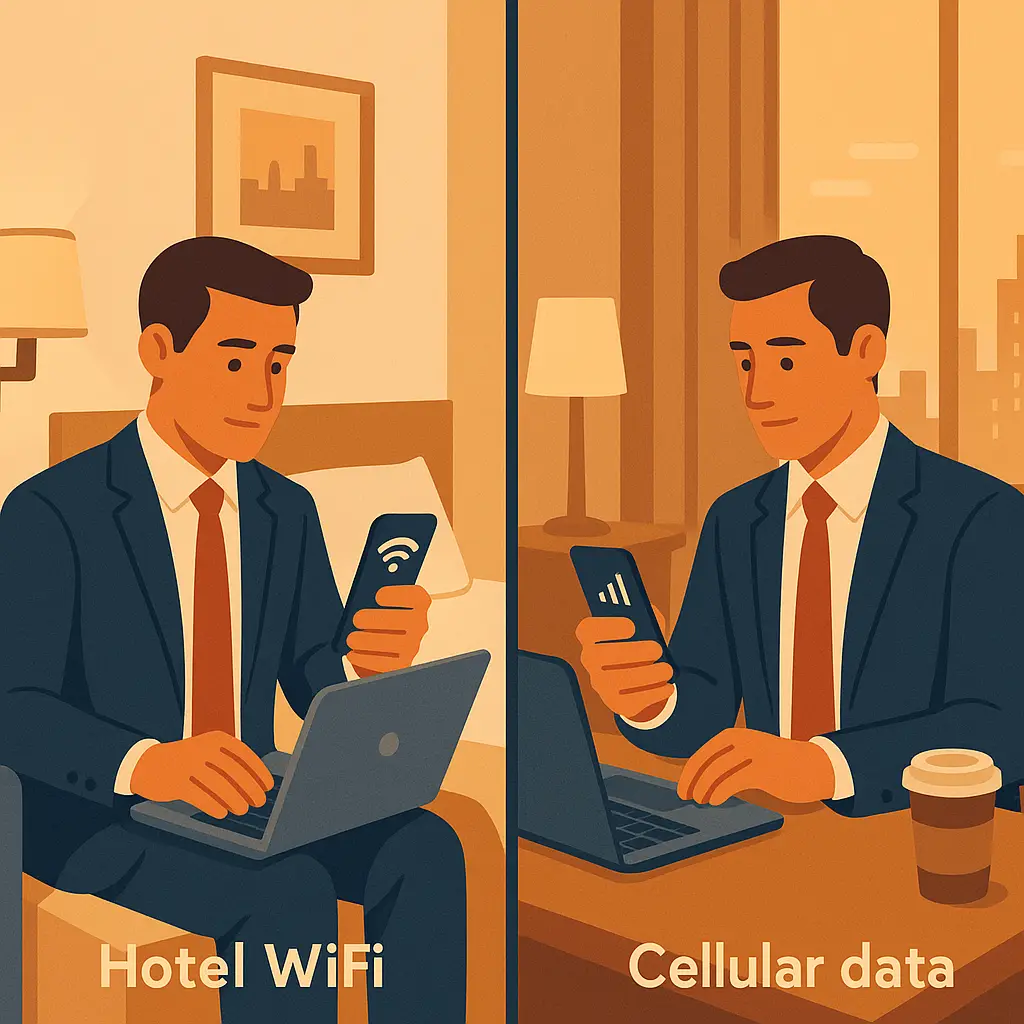
Use a VPN for sensitive activities. If you're accessing banking, work email, or anything involving credentials you care about, use a VPN. A VPN encrypts all your traffic between your device and the VPN server, which means the hospital network sees only encrypted data flowing to the VPN provider.
NordVPN is a solid choice for this. It auto-connects when you join untrusted networks, which removes the manual step of remembering to enable it. You can configure it to activate automatically on any non-home WiFi, which means you're protected by default when you connect at the hospital.
A VPN doesn't make you invincible, but it shifts the trust boundary. Instead of trusting the hospital network, you're trusting the VPN provider. That's a meaningful improvement when you're on shared public WiFi.
Avoid captive portal credential reuse. If the hospital WiFi requires you to enter an email address or create an account, use a throwaway email or a unique password. Don't reuse your primary email password. Don't enter your work email if you can avoid it.
Treat the captive portal as untrusted. Assume the data you enter is visible to anyone on the network, because it might be.
Keep your devices updated. This is non-negotiable. If you're running an outdated operating system, you're carrying a vulnerability onto every network you join. Enable automatic updates. Don't defer them. The security patches in those updates are the difference between a device that's reasonably secure and one that's trivially exploitable.
Turn off file sharing. On Windows, disable network discovery and file sharing when you're on public WiFi. On Mac, go to System Preferences > Sharing and turn off everything. On iOS and Android, file sharing over WiFi is usually disabled by default, but verify it in settings.
File sharing protocols assume you're on a trusted network. On public WiFi, they become attack vectors.
What You Don't Need to Worry About
Medical device interference. Visitor WiFi doesn't interact with medical equipment. The networks are separate. Your phone isn't going to disrupt an MRI or interfere with a pacemaker by connecting to guest WiFi. Hospitals have strict policies about device usage near certain equipment, but that's about radio frequency interference, not network security.
Malware from the network itself. Simply connecting to hospital WiFi doesn't infect your device. Malware requires you to download and execute something, or it requires an unpatched vulnerability in your operating system. If your device is updated and you're not downloading random files, the network can't inject malware into your device.
Hackers stealing your data in real time. The scenario where someone is actively monitoring hospital WiFi traffic, intercepting your HTTPS connections, and stealing your passwords is extremely rare. It requires technical skill, the right tools, and a target worth the effort. Most attackers go after easier targets.
This doesn't mean it's impossible, but it's not the default threat model. You're more likely to fall victim to phishing via email than to an active man-in-the-middle attack on hospital WiFi.
When a VPN Actually Matters
A VPN is overkill for checking the weather or reading the news. It's essential for accessing accounts that matter. The line between those two isn't always obvious, so here's a clearer framework.
Use a VPN when you're entering credentials, accessing financial accounts, or handling work-related data. Use a VPN when the consequences of exposure are material, job loss, financial fraud, identity theft. Use a VPN when you're accessing something you wouldn't want visible in network logs.
Skip the VPN for casual browsing, social media scrolling, or streaming video. HTTPS is sufficient for those activities. The VPN adds latency and complexity without meaningful security benefit.
If you're unsure, default to using the VPN. The performance hit is minor, and the protection is real. NordVPN handles the complexity for you, install it, configure auto-connect, and forget about it. The app decides when to engage based on network trust, which removes the cognitive load of making that decision yourself.
The Cultural Reference That Fits
In Sex and the City, Carrie Bradshaw's laptop gets stolen, and she loses years of writing because she never backed up her work. The theft itself is the inciting incident, but the real damage is the lack of redundancy. She trusted a single point of failure.
Hospital WiFi is similar. The network itself isn't inherently malicious, but it's a single point of trust. If you assume the network is safe and act accordingly, entering passwords without HTTPS, skipping the VPN, connecting to the first network that looks right, you're setting yourself up for the same kind of avoidable loss.
The solution isn't paranoia. It's redundancy. Use HTTPS. Use a VPN for sensitive activities. Verify the network name. These aren't heroic measures. They're basic practices that eliminate single points of failure.
What Hospitals Could Do Better
Most hospital visitor WiFi is functional but not user-friendly from a security perspective. The captive portal is often HTTP. The network name is generic. There's no clear guidance on what's safe to do on the network and what isn't.
Hospitals could improve this with minimal effort. Serve the captive portal over HTTPS. Display the official network name prominently at the information desk and in waiting areas. Provide a one-page handout or a QR code linking to security guidance for visitors.
Some hospitals do this already. Most don't. The gap isn't malicious, it's a matter of priorities. Visitor WiFi security isn't a revenue driver, and it's not a regulatory requirement beyond basic segmentation. So it gets the minimum viable implementation.
If you're at a hospital that provides clear security guidance for visitor WiFi, that's a good sign. It suggests the IT team is thinking about the user experience beyond just connectivity. If you're at a hospital that doesn't, assume you're on your own.
The Bigger Picture
Hospital WiFi is one instance of a broader pattern: public WiFi that's safer than it used to be but still requires judgment. The default state of the web is more secure. The tools available to you, HTTPS, VPNs, DNS over HTTPS, are better and easier to use. But the risks haven't disappeared. They've narrowed.
The advice from 2015, "never use public WiFi for anything important", was overly cautious then and is outdated now. The advice from some corners today, "public WiFi is fine, don't worry about it", is overly optimistic. The reality is somewhere in between.
You can use hospital WiFi for most things. You should take specific precautions for sensitive activities. You need to verify the network, use HTTPS, and consider a VPN for anything involving credentials or financial data. These aren't burdensome steps. They're reasonable responses to narrow but real risks.
The goal isn't to avoid hospital WiFi. The goal is to use it intelligently, with an accurate understanding of what you're exposing and what you're protecting. That's not paranoia. It's basic operational security in 2026.
What This Means for You
If you're visiting a hospital and you need to connect to WiFi, here's the checklist:
- Verify the network name with hospital staff.
- Enable HTTPS-only mode in your browser.
- Turn on DNS over HTTPS.
- Disable file sharing on your device.
- Use a VPN for banking, work email, or sensitive accounts.
- Avoid entering credentials on HTTP sites or captive portals.
- Keep your device updated.
That's it. Seven steps, most of which you configure once and forget. The rest is just using the network like you would any other public WiFi, with awareness but not fear.
Hospital WiFi isn't a trap. It's a tool. Use it appropriately, and it's fine. Ignore the basics, and you're creating unnecessary risk. The choice is yours, and the information is here.