Coffee Shop WiFi: How Dangerous Really?
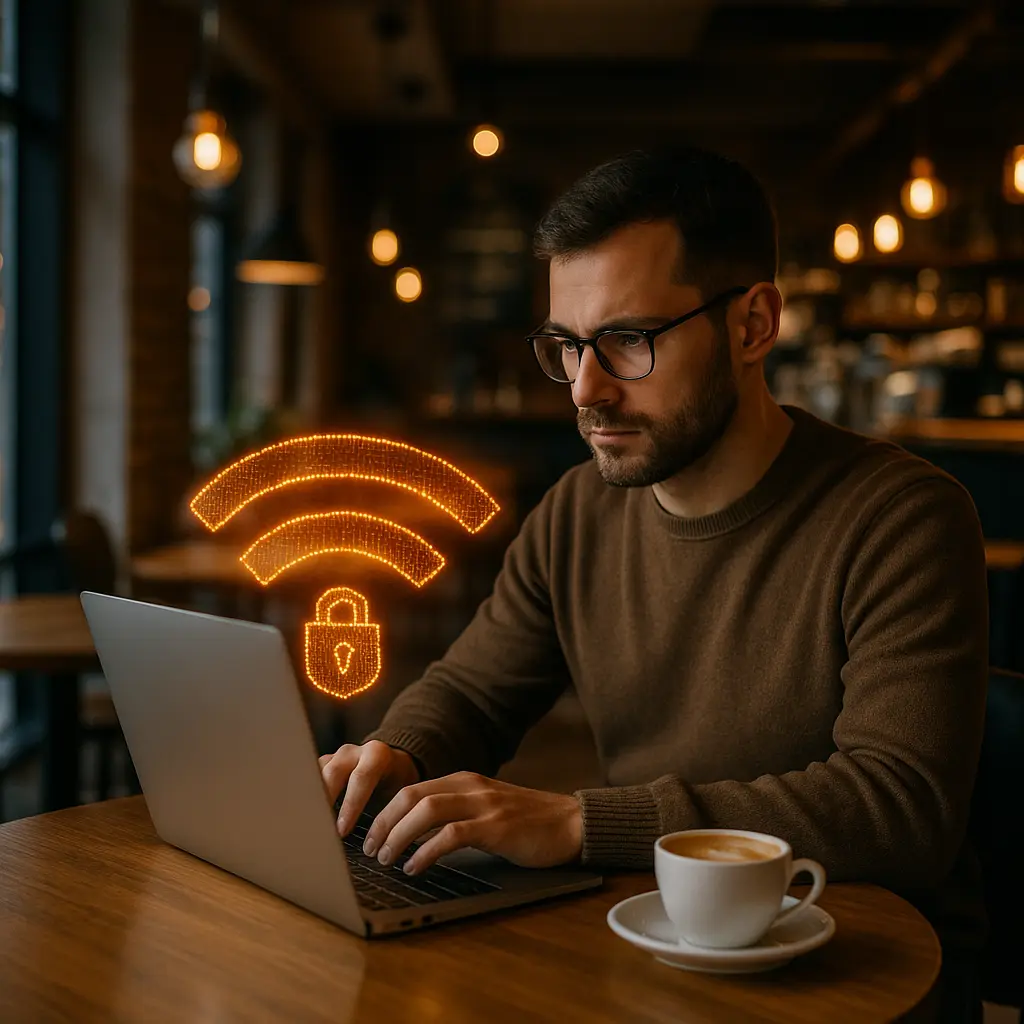
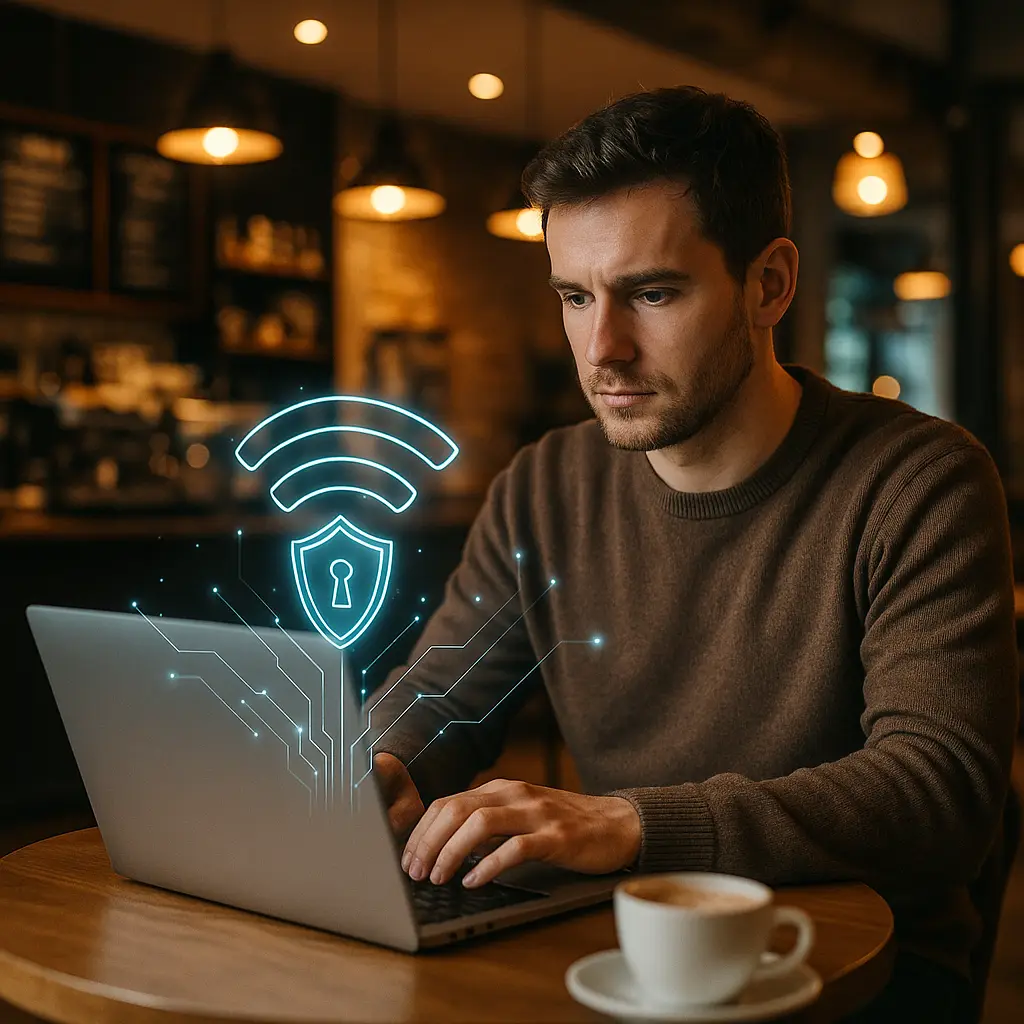
You're at a coffee shop. Laptop open, latte cooling. The WiFi password is on a chalkboard by the counter. You connect. Then the question surfaces: is this safe?
The answer in 2026 is more complicated than the blanket warnings from a decade ago. Public WiFi is not the universal danger it once was. But the threats that remain are specific, serious, and poorly understood.
This is a reality check. We're separating what actually matters from what's leftover panic.
The Old Threat Model (And Why It Mostly Died)
The classic public WiFi warning went like this: anyone on the same network can see your traffic. Passwords, emails, credit card numbers. All visible. The attacker sits in the corner with packet-sniffing software, capturing everything in plaintext.
That threat model was real. It worked. And then HTTPS became the default.
HTTPS encrypts the connection between your browser and the website. An attacker on the same WiFi network sees that you're connecting to chase.com, but they don't see your username, password, or account balance. The data is ciphertext. Useless without the decryption key, which they don't have.
By 2026, around 95% of web traffic uses HTTPS. Chrome and Firefox warn you loudly when a site uses plain HTTP. Most banks, email providers, and social media platforms have used HTTPS exclusively for years. The Electronic Frontier Foundation's HTTPS Everywhere project pushed adoption hard, and it worked.
So the packet-sniffing threat is mostly dead. Mostly.
What HTTPS Does Not Protect
HTTPS encrypts the content of your traffic. It does not protect you from every public WiFi threat. Here's what still matters.
Fake Networks
An attacker sets up a WiFi access point with a name like "Starbucks_Guest" or "CoffeeShop_Free." You connect, thinking it's legitimate. It's not. You're now routing all your traffic through the attacker's device.
Even with HTTPS, this gives the attacker visibility into which sites you visit (the domain names are visible in DNS queries and Server Name Indication headers). They can also serve you fake captive portal pages that look like login screens, hoping you'll enter credentials.
The fix: ask the staff for the official network name. Verify before connecting. If the network name is slightly off ("Starbucks Guest" vs. "Starbucks WiFi"), don't connect.
Unpatched Devices
If your laptop or phone has known vulnerabilities, an attacker on the same network can exploit them. This is not theoretical. CISA regularly publishes guidance on patching network-accessible devices, and public WiFi is one of the environments where unpatched systems get targeted.
Exploits for unpatched Windows, macOS, iOS, and Android vulnerabilities circulate in criminal forums. An attacker on your network can scan for vulnerable devices and attempt exploitation. If successful, they gain access to your system. HTTPS does not protect against this.
The fix: keep your operating system and apps updated. Enable automatic updates. If you're traveling with an older device that no longer receives patches, don't connect it to public WiFi.
HTTP Sites (Still Exist)
Some sites still use plain HTTP. Mostly older institutional sites, small businesses, and certain government portals. If you log into an HTTP site on public WiFi, your credentials are visible to anyone sniffing traffic.
EFF's encryption campaign has pushed hard on this, but some sites remain unencrypted. You can't always control which sites you need to access.
The fix: check the URL bar. If it says "http://" (not "https://"), do not enter credentials. If you must use the site, wait until you're on a trusted network, or use a VPN.
DNS Queries
Even with HTTPS, your DNS queries (the lookups that translate "chase.com" into an IP address) are often unencrypted. An attacker can see which domains you're visiting, even if they can't see the content of your traffic.
This is a privacy issue more than a security issue, but it's real. If you're accessing sites you'd prefer to keep private (medical information, legal resources, certain news outlets), those domain names are visible on public WiFi.
The fix: use a VPN, or configure your device to use DNS over HTTPS (DoH), which encrypts DNS queries. Firefox and Chrome support this. It's not enabled by default on all systems.
The VPN Question
A VPN routes your traffic through an encrypted tunnel to the VPN provider's server. From the coffee shop's perspective, your traffic is a single encrypted stream to the VPN server. They can't see which sites you're visiting or what you're doing.
Do you need one on public WiFi? It depends.
If you're browsing news sites, checking email on HTTPS, scrolling social media, you're probably fine without a VPN. HTTPS protects the content of your traffic. The coffee shop sees that you're connected to nytimes.com, but they don't see which articles you're reading.
If you're doing any of the following, use a VPN:
- Accessing work systems or corporate networks
- Logging into sites that still use HTTP
- Accessing sensitive personal accounts (banking, medical, legal) where you want to hide even the domain names
- Traveling in a country where network surveillance is common
- Using a device you don't fully trust to be patched
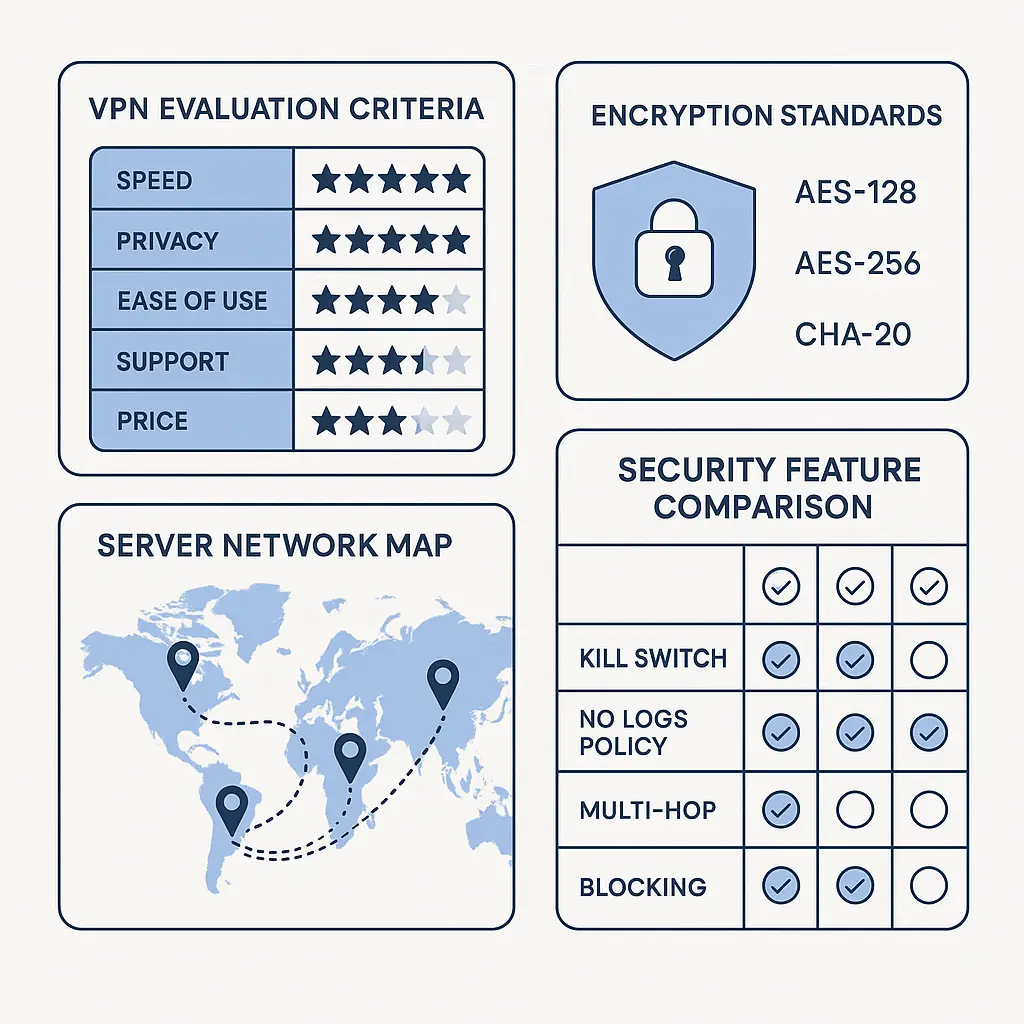
VPNs are not perfect. You're trusting the VPN provider not to log or sell your traffic. Choose a provider with a clear no-logs policy and a reputation to match. Mozilla's VPN guidance covers the trust model well.
For most people in most coffee shops, a VPN is optional. For some people in some situations, it's necessary. Know which situation you're in.
The Device Security Layer
Public WiFi security is not just about the network. It's about the device you're connecting with.
If your laptop has file sharing enabled, an attacker on the same network can attempt to access your files. If your phone has Bluetooth discovery enabled, an attacker can attempt pairing attacks. If your device has known vulnerabilities, an attacker can exploit them.
CISA's edge device security guidance covers this in depth, but the short version: disable services you're not using, enable your firewall, and keep your system patched.
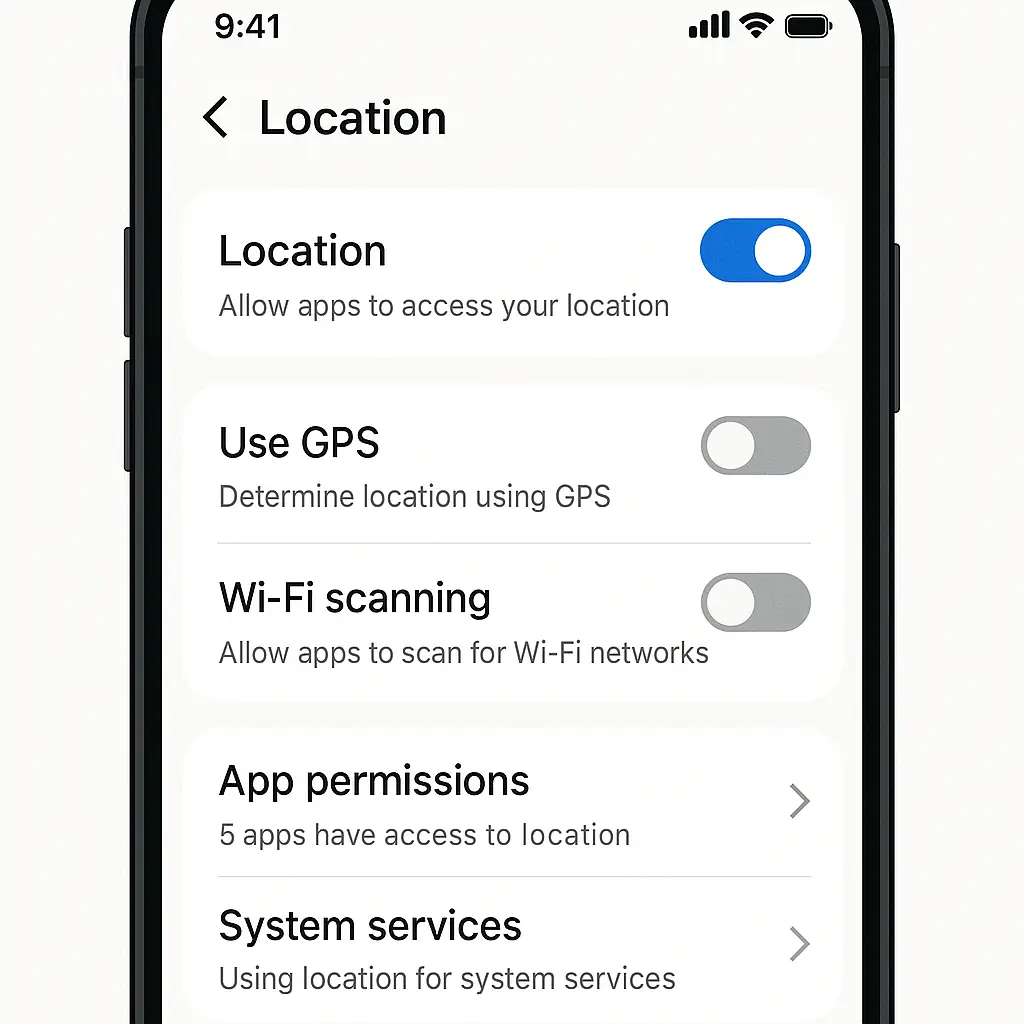
On macOS, go to System Settings → General → Sharing and turn off everything you're not actively using. On Windows, go to Settings → Network & Internet → Advanced network settings → Advanced sharing settings and disable file and printer sharing for public networks. On iOS and Android, disable AirDrop/Nearby Share when you're on public WiFi.
This is not paranoia. These are standard configurations for untrusted networks. Public WiFi is an untrusted network.
The Captive Portal Problem
Many coffee shops use captive portals: the login page that appears when you first connect, asking you to accept terms or enter a password.
Captive portals are often HTTP, not HTTPS. This means the initial connection is unencrypted. An attacker on the same network can intercept your connection and serve you a fake captive portal that looks identical to the real one.
If the fake portal asks for an email address and password, and you enter your actual email password, the attacker now has your email credentials. This is not hypothetical. It happens.
The fix: never enter real credentials into a captive portal. If the portal asks for an email, use a throwaway address. If it asks for a password, use the password written on the chalkboard, not your email password. If it asks for payment information, close your laptop and leave.
When Public WiFi Is Actually Dangerous
There are specific scenarios where public WiFi carries real risk, even with HTTPS.
Corporate Work
If you're accessing your company's internal systems, you're likely using a VPN provided by your employer. Use it. Do not connect to corporate systems over public WiFi without a VPN. Your company's security team has configured that VPN for exactly this scenario.
If your company does not provide a VPN and expects you to access internal systems over public WiFi, that's a problem with your company's security posture, not with public WiFi. Raise it.
Financial Transactions
Logging into your bank over HTTPS on public WiFi is probably fine. The connection is encrypted. The bank uses two-factor authentication. The risk is low.
Entering your credit card number into an e-commerce site over HTTPS on public WiFi is also probably fine, for the same reasons.
But if you're doing high-value transactions (moving large sums, trading stocks, accessing investment accounts), consider waiting until you're on a trusted network. The risk is still low, but the consequences of a successful attack are high. Risk management is about both probability and impact.
Unencrypted Connections
If you're connecting to anything over plain HTTP (no "s"), do not do it on public WiFi. Wait. Use a VPN. Use your phone's cellular connection. Do not send credentials or sensitive data over an unencrypted connection on an untrusted network.
This should be obvious, but I still see people doing it. The risk is not theoretical. Packet sniffing tools are free and easy to use. Credentials sent over HTTP on public WiFi are trivial to capture.
The Cellular Alternative
Your phone's cellular connection is not public WiFi. It's encrypted between your phone and the cell tower. An attacker in the coffee shop cannot intercept your cellular traffic the way they can intercept WiFi traffic.
If you're doing something sensitive and you're not sure about the WiFi, use your phone's hotspot. Tether your laptop to your phone's cellular connection. This is not paranoia. This is a reasonable precaution when the stakes are high.
Cellular is not invulnerable. Law enforcement and intelligence agencies can intercept cellular traffic with the right equipment. But the random attacker in the coffee shop cannot. For most threat models, cellular is safer than public WiFi.
The Cultural Reference That Fits
In Friends, Monica's apartment is the gathering place. Everyone has a key. People come and go. It's open, it's communal, it's where the group feels safe.
Then Phoebe's ex-boyfriend breaks in through the fire escape.
The apartment was always accessible to anyone who knew how to get in. But for years, no one did, so it felt safe. The risk was always there. It just hadn't materialized.
Public WiFi is Monica's apartment. The door is open. Most people walking by are harmless. But the door is open. The risk is structural. HTTPS is a better lock, but the door is still open. You're choosing to work in a space where anyone can walk in.
That doesn't mean you shouldn't use public WiFi. It means you should know what you're choosing.
What To Actually Do
Here's the practical checklist for using public WiFi in 2026:
-
Verify the network name with staff before connecting. Do not connect to networks with names that are close but not exact.
-
Keep your operating system and apps updated. Enable automatic updates. Do not connect unpatched devices to public WiFi.
-
Check for HTTPS in the URL bar. Do not enter credentials on HTTP sites. If you must use an HTTP site, wait or use a VPN.
-
Disable file sharing, AirDrop, and other discovery services when on public WiFi. Enable your firewall.
-
Use a VPN if you're accessing corporate systems, logging into HTTP sites, or doing sensitive work. For casual browsing on HTTPS sites, a VPN is optional.
-
Never enter real credentials into a captive portal. Use throwaway information or the provided password only.
-
If you're doing high-value financial transactions, consider waiting until you're on a trusted network. The risk is low, but the stakes are high.
-
When in doubt, use your phone's cellular connection instead. Tether your laptop to your phone's hotspot if you're unsure about the WiFi.
The Risk You're Actually Taking
The risk of using public WiFi in 2026 is not that someone will capture your passwords in plaintext. HTTPS has mostly solved that problem.
The risk is that you'll connect to a fake network, or that your device will be exploited through an unpatched vulnerability, or that you'll enter credentials into a fake captive portal, or that you'll access an HTTP site without realizing it.
These are specific, addressable risks. They require some awareness and some configuration. But they're not the universal danger that public WiFi represented in 2010.
The old advice was: never use public WiFi. The new advice is: use public WiFi with specific precautions for specific threats.
That's not as catchy. But it's more accurate. And accuracy matters when you're making decisions about risk.
You're sitting in a coffee shop. Laptop open, latte cooling. You've verified the network name. Your system is patched. You're browsing HTTPS sites. The risk you're taking is low.
Not zero. But low. And that's a choice you can make with your eyes open.
Related reading: