Discord for kids: what parents should understand
Discord started as a voice chat tool for gamers. You'd join a server, hop into a voice channel with your raid group, and coordinate without the lag that plagued Skype. That was 2015. By 2026, Discord hosts 200 million monthly active users, and gaming is only part of the story. Kids use it for homework groups, art communities, anime fandoms, and Minecraft server coordination. Parents see the icon on their child's phone and wonder what's actually happening in there.
The platform isn't inherently dangerous, but it's also not designed with parental oversight in mind. Discord gives kids access to open communities, direct messaging, and voice chat with minimal friction. Understanding how the platform works and what you can control makes the difference between informed supervision and blind trust.
What Discord actually is
Discord is a communication platform built around servers. A server is a community space with text channels, voice channels, and members. Think of it like a digital clubhouse. Some servers have ten members. Some have hundreds of thousands. Your child might be in a server for their school robotics team, a server for a specific video game, and a server dedicated to fan art for a TV show they watch.
Each server has channels. Text channels work like group chats. Voice channels work like conference calls. A gaming server might have a text channel for announcements, another for memes, and three voice channels for different game modes. Kids jump between channels depending on what they're doing.
Direct messages exist outside servers. If your child and a friend both use Discord, they can DM each other without joining the same server. This is where most parent concern lives, because DMs are private by default and don't require server membership.
Discord also supports video calls, screen sharing, and file uploads. Kids can stream their gameplay to friends, share homework screenshots, or video chat while working on a group project. The platform is feature-rich, which is part of its appeal and part of the risk.
How kids actually use Discord
Your child's Discord experience depends on which servers they join and who they talk to. A Minecraft server for a specific realm might have 20 members, all friends from school. A server for a popular game might have 50,000 members, most of them strangers. Both show up in the same app interface.
Kids join servers through invite links. Someone shares a link in a group text, a YouTube video description, or a Reddit post. Your child clicks the link and they're in. Some servers require you to read rules and click a reaction emoji to gain full access. Some let you in immediately. Server moderation quality varies wildly.
Within servers, kids participate in text channels. They post memes, ask questions, share fan theories, coordinate game sessions, and chat about whatever the server's topic is. Voice channels let them talk in real time while gaming or hanging out. Some kids leave Discord open for hours, hopping in and out of voice channels the way previous generations used AIM away messages.
Direct messages happen one-on-one or in small groups. Your child might DM a friend to coordinate joining a voice channel, share a private joke, or continue a conversation that started in a server. DMs feel more intimate than server chats, which makes them the primary vector for inappropriate contact.
The actual risks
Discord's open structure creates specific risks. Strangers can contact your child if they share a server. A kid joins a public Roblox server with 10,000 members, and now 10,000 people can potentially send them a friend request or DM. Not all of those people are children. Not all of them have good intentions.
Predatory adults use Discord to contact minors. They join servers where kids congregate, build rapport through shared interests, and then move conversations to DMs. The FBI has warned about online predators using gaming platforms and chat apps to target children, and Discord's design makes this easier than platforms with stricter age segregation.
Content moderation on Discord happens at the server level. Discord itself enforces terms of service violations like illegal content, but individual servers set their own rules. A server might ban swearing. Another might allow graphic violence discussion. A third might have no moderation at all. Your child sees whatever the server admins permit.
Servers can expose kids to adult content. NSFW (not safe for work) channels exist on some servers, theoretically age-gated behind a confirmation screen. The age gate is a checkbox. Kids click it. Explicit images, violent content, and adult conversations happen in spaces that kids can access with one dishonest click.
Scams and phishing happen on Discord. Attackers send DMs claiming to be Discord staff, asking for account verification. They share links to fake Discord login pages that steal passwords. They offer free game codes or server boosts in exchange for personal information. Kids fall for these because the messages come from accounts that look legitimate.
Voice chat adds another layer. Kids can talk to strangers in real time, which feels more personal than text. Predators use voice to build trust faster. They sound friendly, relatable, and interested in the same games. They ask personal questions. They suggest moving to other platforms with less oversight.
What you can actually control
Discord offers privacy settings that reduce risk. You can't monitor your child's messages without their cooperation, but you can limit who can contact them. Here's what the settings actually do.
Privacy settings live under User Settings, then Privacy & Safety. The first useful toggle is "Allow direct messages from server members." Turn this off, and only people your child has explicitly friended can DM them. This blocks random server members from initiating contact.
The second toggle is "Allow friend requests." Set this to "Friends of friends only" or "No one" depending on how locked down you want the account. "Friends of friends" means someone who's already friends with one of your child's friends can send a request. "No one" means your child has to send all friend requests themselves.
Safe Direct Messaging scans incoming DMs for explicit content and blocks images that match known databases of inappropriate material. It's not perfect, but it catches some obvious stuff. Turn it on. It's under the same Privacy & Safety menu.
Server discovery can be disabled. This prevents your child from browsing Discord's public server directory, which is full of servers with millions of members and minimal moderation. Disabling discovery doesn't prevent them from joining servers via invite links, but it removes the temptation to browse.
Age-restricted servers require users to confirm they're 18 or older before entering. This is an honor system. Your child can lie. But servers that use age restrictions are at least attempting to keep minors out of adult spaces. Check which servers your child has joined and look for NSFW tags or age warnings.
Blocked users can't send DMs, friend requests, or see when your child is online. If someone makes your child uncomfortable, block them immediately. The block function is under the user's profile, accessible by clicking their name in any chat.
Two-factor authentication protects the account itself. If someone gets your child's password, 2FA prevents them from logging in without also having access to your child's phone. CISA recommends multi-factor authentication as a core security practice, and it applies here. Set it up through User Settings, then Security.
How to actually supervise
You can't monitor Discord without your child's cooperation. The app doesn't have parental controls. There's no dashboard that shows you their messages. You either build a relationship where they show you what's happening, or you're flying blind.
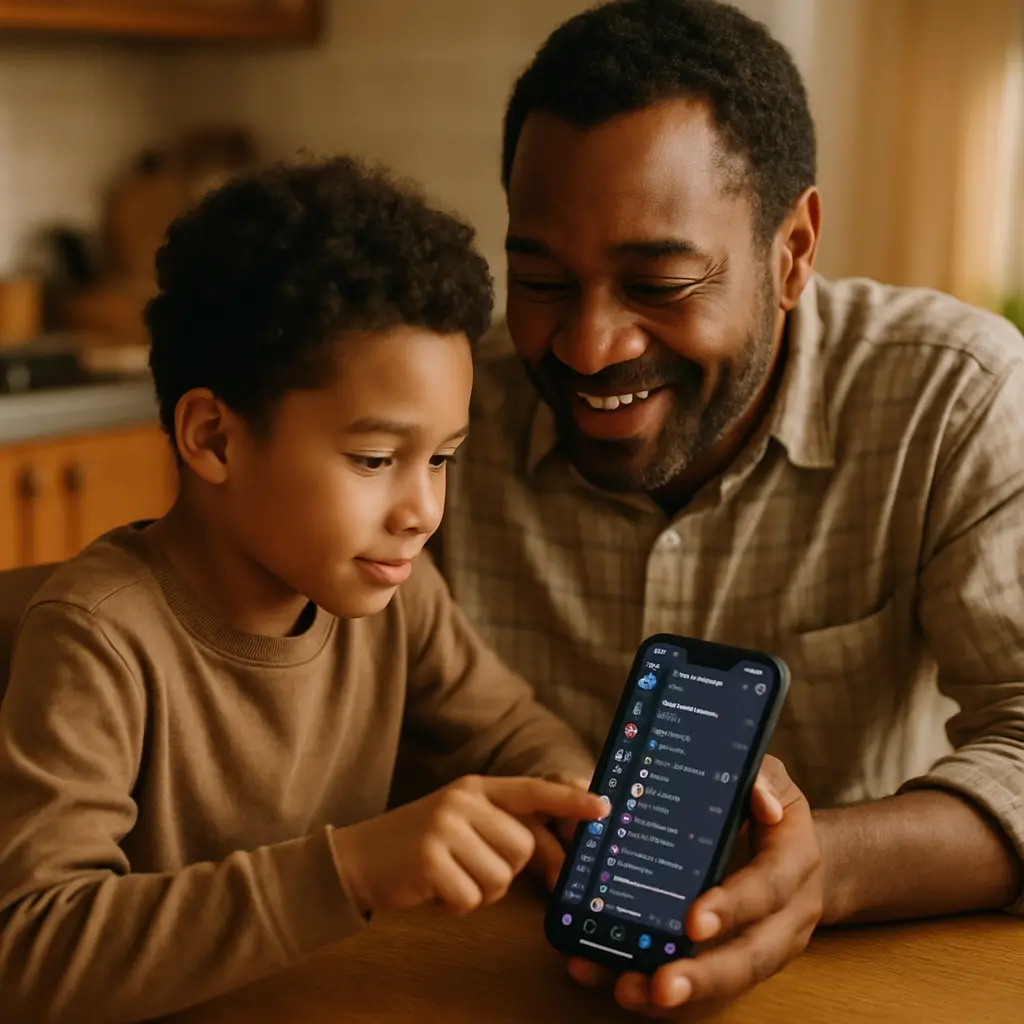
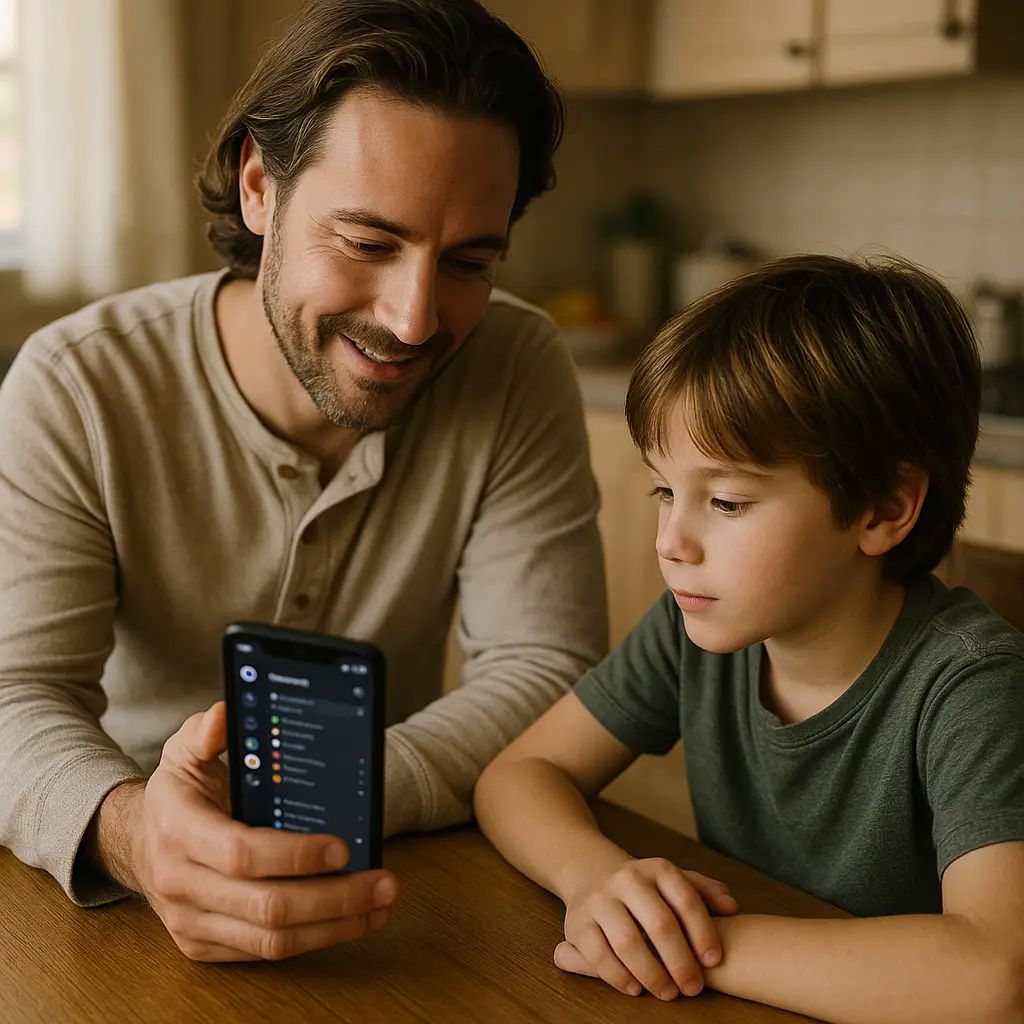
Start by asking to see their server list. Open Discord, look at the left sidebar, and scroll through the icons. Each icon is a server. Ask what each one is for. Who runs it. How many members it has. Whether they know the people there in real life. This conversation tells you what communities your child is part of.
Check privacy settings together. Go through the toggles listed above and configure them as a team. Explain why each setting matters. "Allow direct messages from server members" isn't about distrust. It's about reducing the number of strangers who can contact them without your child taking an active step to allow it.
Talk about what makes a message suspicious. Strangers asking for personal information. Requests to move conversations to other platforms. Offers that sound too good to be true. Links that lead to login pages. The FTC publishes guidance on recognizing scams, and the same patterns apply to Discord.
Establish a rule about meeting online friends in person. If your child wants to meet someone they know from Discord, you need to be involved. Meet in public. Verify the person's identity beforehand. Bring another adult. This isn't paranoia. This is acknowledging that online relationships don't come with the same built-in safety checks as friendships that start at school.
Review their friend list periodically. Open Discord, click the friends icon at the top of the left sidebar, and look at who's listed. Ask about anyone you don't recognize. If your child can't explain who someone is or how they met, that's a red flag.
Set boundaries around screen time and Discord usage. The platform is designed to keep users engaged. Voice channels create a sense of presence even when nothing's happening. Text channels move fast, creating FOMO. Kids will spend hours on Discord if you let them. Decide what's reasonable for your household and enforce it.
The conversation you actually need to have
The technical controls matter, but the conversation matters more. Your child needs to understand that not everyone on Discord is who they claim to be. Adults lie about their age. Strangers pretend to be friends. People who seem trustworthy in a gaming context might have ulterior motives.
Explain that sharing personal information online has consequences. Real name, school name, city, address, phone number, photos of themselves or their house, all of this can be used to find them in the real world. Predators piece together details from multiple conversations. A mention of a school mascot here, a photo with a street sign there, and suddenly someone knows where your child lives.
Talk about grooming. Predators don't start with explicit requests. They build trust over weeks or months. They share interests, offer gifts (game codes, in-game currency, Discord Nitro subscriptions), and create a sense of special connection. They normalize inappropriate conversations gradually. Your child needs to recognize this pattern.
Make it clear that they can come to you if something feels wrong. No judgment. No punishment for having been in a situation they shouldn't have been in. The priority is getting them out of the situation safely. If they're afraid of losing Discord access, they won't tell you when someone makes them uncomfortable.
Acknowledge that Discord itself isn't the problem. The platform is a tool. Kids use it to stay connected with friends, coordinate activities, and participate in communities around things they care about. The risk comes from the open structure and the lack of built-in safeguards. Banning Discord entirely might feel safer, but it doesn't teach your child how to navigate online spaces responsibly.
The reality check
Discord is where your child's social life happens. For better or worse, this is how kids communicate in 2026. They're not on Facebook. They're not making phone calls. They're in Discord servers, voice channels, and DMs. Refusing to engage with this reality doesn't protect them. It just means they'll use the platform without your input.
Some parents install monitoring software on their child's devices. This creates a different set of problems. Kids learn to work around monitoring tools. They use Discord on a friend's phone, or they create a second account you don't know about. Surveillance damages trust, and trust is the only thing that makes supervision work long-term.
The goal isn't to eliminate all risk. The goal is to reduce risk to an acceptable level while teaching your child how to recognize and respond to danger. You can't be in every voice channel. You can't read every DM. You can give them the tools to protect themselves and the confidence to ask for help when something goes wrong.
Discord is popular because it works well for what kids want to do. Voice chat while gaming. Text channels for memes and homework help. Communities around shared interests. The platform isn't going anywhere. Your child's friends are on it. Banning it entirely just isolates them socially and pushes their online activity somewhere you have even less visibility.
The hard part is accepting that you can't control everything. You can configure privacy settings. You can have conversations about online safety. You can check in periodically. But at some point, your child is on their own, making decisions about who to trust and what to share. The best you can do is prepare them for that reality and hope they remember what you taught them.
Related reading: