Roblox and Minecraft: the risks parents miss
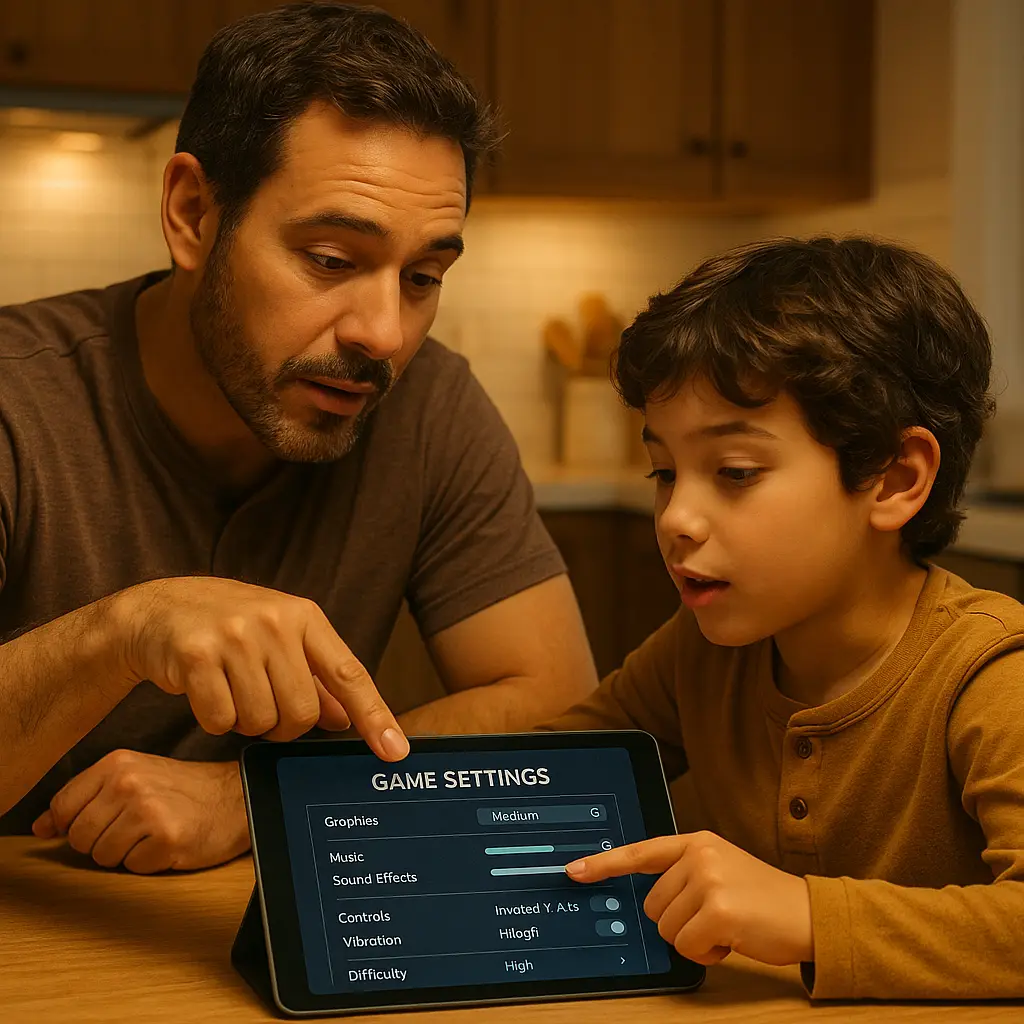
You've heard Roblox and Minecraft are fine. Blocky graphics, creative play, millions of kids already on them. The games themselves aren't the problem. The problem is what surrounds them: open chat with strangers, data collection you didn't agree to, and spending mechanics designed to feel frictionless.
Most parents hand over the tablet without configuring a single setting. Default configurations assume your child is old enough to navigate predatory contact, resist spending pressure, and understand what data they're sharing. That assumption is wrong for most kids under 13, and it's still wrong for many older than that.
Here's how Roblox and Minecraft actually work, what risks you're accepting by default, and what you can control before your child logs in.
How Roblox works , and why it's not just a game
Roblox isn't a single game. It's a platform hosting millions of user-created games, each with its own rules, mechanics, and moderation quality. Your child doesn't play Roblox , they play games inside Roblox, created by other users, some of whom are adults, some of whom are teenagers, and some of whom have no interest in child safety.
The platform provides social infrastructure: chat, friend requests, private messages, groups, and an economy built on Robux, the in-game currency you buy with real money. Kids spend Robux on avatar clothing, game passes that unlock features, and developer products that give advantages in specific games. The spending is designed to feel like play, not commerce.
Roblox's moderation is reactive, not proactive. The platform uses automated filters to catch prohibited words and behavior, but user-generated content isn't pre-screened. Games go live immediately. Chat happens in real time. Predators use coded language, off-platform contact requests, and grooming tactics that filters miss. The FTC has investigated platforms for failing to protect children's data and privacy, and Roblox has faced scrutiny over how it handles both.
When your child creates an account, Roblox collects their birthdate. If they're under 13, the platform applies some restrictions by default: filtered chat, no ability to post on forums, and limits on certain social features. But "filtered chat" doesn't mean safe chat. It means the platform attempts to block prohibited words. It doesn't block manipulation, grooming, or requests to move conversations off-platform.
The business model depends on engagement. The longer your child plays, the more likely they are to spend Robux. Developers earn a percentage of Robux spent in their games, which incentivizes mechanics that encourage spending: limited-time items, status displays, and social pressure to keep up with peers.
How Minecraft works , and where the risks live
Minecraft is a single game with two modes: single-player (offline, solo) and multiplayer (online, with others). In single-player, your child builds and explores alone. No chat, no strangers, no data leaving the device beyond what Microsoft collects through the game client.
Multiplayer is where risk enters. Your child can join public servers (hosted by third parties, open to anyone) or private servers (hosted by someone they know, restricted to invited players). Microsoft also offers Realms, a subscription service that lets your child host a private world for up to 10 friends.
Public servers vary wildly in moderation quality. Some have active admins and strict chat rules. Others have no moderation at all. Your child can encounter strangers, unfiltered chat, and requests for personal information. Minecraft's chat isn't pre-filtered the way Roblox's is , what gets said depends entirely on the server's rules and enforcement.
Minecraft also supports mods (user-created modifications) and texture packs. Installing mods requires downloading files from third-party sites, which introduces malware risk if your child doesn't know how to evaluate sources. Some mods are safe and well-maintained. Others are abandoned, broken, or malicious.
The game collects data through the Microsoft account your child uses to log in. Microsoft's privacy policy governs what gets collected and how it's used. If your child plays on a third-party server, that server's operator also collects data: IP address, chat logs, and gameplay behavior. You have no control over what third-party server operators do with that data.
The spending model in Minecraft is simpler than Roblox. You buy the game once (around $30 for most platforms). Optional purchases include Realms subscriptions, skin packs, and downloadable content from the Minecraft Marketplace. There's no in-game currency, no avatar economy, and less social pressure to spend.
The chat problem , and why filtering isn't enough
Both platforms allow real-time chat with strangers by default. Roblox applies a filter to chat messages, attempting to block prohibited words, personal information, and requests to move off-platform. Minecraft's chat is unfiltered unless the server operator applies restrictions.
Filters catch obvious violations: phone numbers, email addresses, profanity, and direct requests for personal information. They don't catch coded language, grooming behavior, or manipulation that unfolds over multiple conversations. Predators know how filters work. They adapt.
A predator doesn't need to ask for your child's address in the first message. They build rapport over days or weeks, establish trust, and eventually move the conversation to a platform Roblox or Minecraft doesn't control: Discord, Snapchat, or direct messages on another service. By the time the request happens, your child feels like they're talking to a friend.
The CISA guidance on online safety emphasizes that children need explicit instruction on what information is safe to share and what isn't. Filters can't replace that instruction. They can reduce some risks, but they don't eliminate the need for ongoing conversations about who your child is talking to and what they're being asked to do.
Roblox's parental controls let you disable chat entirely or restrict it to friends only. Minecraft doesn't have platform-level chat controls , you either disable multiplayer entirely, restrict your child to private servers with known players, or accept that they'll encounter strangers.
Disabling chat reduces exposure, but it also reduces the social experience that makes these games appealing. Your child will push back. They'll say their friends are on there, that they need chat to play effectively, that you're overreacting. You're not. The risk is real, and the default settings assume your child can handle it. Most can't.
The spending pressure , and how it compounds
Roblox's economy is designed to feel like play. Your child earns Robux by selling items they create, receiving them as gifts, or buying them with real money. They spend Robux on avatar items, game passes, and developer products. The interface makes spending feel frictionless: a few taps, and the transaction is complete.
The pressure to spend comes from peers and game mechanics. If your child's friends have premium avatar items, your child feels left out without them. If a game offers a paid advantage (faster progress, exclusive areas, better tools), your child feels disadvantaged without it. Developers design games to create that feeling. It's not accidental.
Roblox offers a premium subscription (Roblox Premium) that gives your child a monthly Robux allowance and access to exclusive items. The subscription costs around $5 to $20 per month depending on the tier. On top of that, kids can buy Robux directly: $5 for 400 Robux, $10 for 800, and so on. There's no cap unless you set one.
Without parental controls, your child can spend whatever the linked payment method allows. If you've saved a credit card to the account for convenience, your child can spend against it. If you've given them a gift card balance, they can spend that. The platform doesn't ask for re-authentication unless you configure it to.
Minecraft's spending is simpler but not zero. Realms subscriptions cost around $8 per month. Marketplace content (skins, worlds, texture packs) ranges from $2 to $10 per item. The spending is less frequent and less socially driven than Roblox, but it still adds up if your child has unsupervised access to a payment method.
The defense is configuration, not trust. Set spending limits. Require approval for purchases. Use prepaid cards instead of linking a credit card. Check transaction history monthly. These aren't punitive measures , they're boundaries that prevent impulsive decisions from turning into financial consequences.
The data problem , and what you're not told
Both platforms collect data about your child's behavior: what games they play, how long they play, who they interact with, what they say in chat, and what they buy. That data feeds recommendation algorithms, informs moderation decisions, and gets aggregated for analytics.
Roblox's privacy policy states that it collects device information, IP addresses, gameplay data, chat logs, and purchase history. If your child is under 13, Roblox says it applies additional protections under COPPA (the Children's Online Privacy Protection Act), but those protections are procedural, not absolute. The data still gets collected. The difference is how Roblox says it uses and shares that data.
Minecraft's data collection happens through the Microsoft account your child uses to log in. Microsoft's privacy policy governs what gets collected and how it's used. If your child plays on a third-party server, that server's operator also collects data, and you have no visibility into what happens to it.
The FTC's guidance on protecting personal information emphasizes that companies must obtain verifiable parental consent before collecting data from children under 13. But consent is often buried in terms of service that no one reads, and enforcement is inconsistent.
Data breaches happen. In 2021, T-Mobile disclosed a breach affecting 40 million people, exposing Social Security numbers and birthdates. Gaming platforms aren't immune. If Roblox or a third-party Minecraft server gets breached, your child's data , email address, birthdate, chat logs, purchase history , could end up in the hands of people who use it for identity theft, targeted phishing, or worse.
You can't eliminate data collection entirely if your child plays these games. But you can limit what gets shared. Use a dedicated email address for your child's gaming accounts, not the family email. Don't link real names to profiles. Disable data sharing options in account settings. Review privacy policies before creating accounts, and revisit them periodically , they change.
The Nora Ephron problem
In You've Got Mail, Kathleen Kelly and Joe Fox build a relationship through anonymous email, revealing personal details gradually, each disclosure deepening the connection. The anonymity feels safe because it's mutual and chosen. But the dynamic shifts the moment one person knows more than the other , the moment the information asymmetry becomes a tool for manipulation.
That's the dynamic in Roblox and Minecraft chat. Your child thinks they're talking to another kid. The other person might be. Or they might be an adult who knows exactly how to build rapport, extract information, and move the conversation off-platform before your child realizes what's happening. The anonymity that makes online play feel safe is the same anonymity that makes predatory contact possible.
Kathleen and Joe had the luxury of adulthood, context, and eventual transparency. Your child has none of those. The person on the other end of the chat doesn't owe them honesty. The platform doesn't verify ages or identities beyond what users self-report. The safety your child feels is an assumption, not a guarantee.
The solution isn't to ban the games. It's to configure the settings so the assumptions change. Restrict chat to friends only. Disable private messages. Require approval for friend requests. These controls exist, but they're not enabled by default. You have to turn them on.
What you can actually control
Roblox's parental controls live in the account settings under "Privacy" and "Parental Controls." You can restrict who can message your child, who can chat with them in-game, who can invite them to private servers, and who can see their activity. You can also set a monthly spending limit and require a PIN for purchases.
The most important settings:
- Contact Settings: set to "Friends" or "No one" to prevent strangers from messaging your child
- Chat: set to "Friends" or disable entirely
- Who can invite me to VIP Servers: set to "No one" to prevent your child from joining private servers hosted by strangers
- Spending: set a monthly limit and enable purchase approval
Minecraft doesn't have platform-level parental controls the way Roblox does. Your controls are environmental: disable multiplayer entirely, restrict your child to private servers or Realms with known players, or supervise their server choices. If your child plays on public servers, you're accepting the risk that comes with unmoderated chat and strangers.
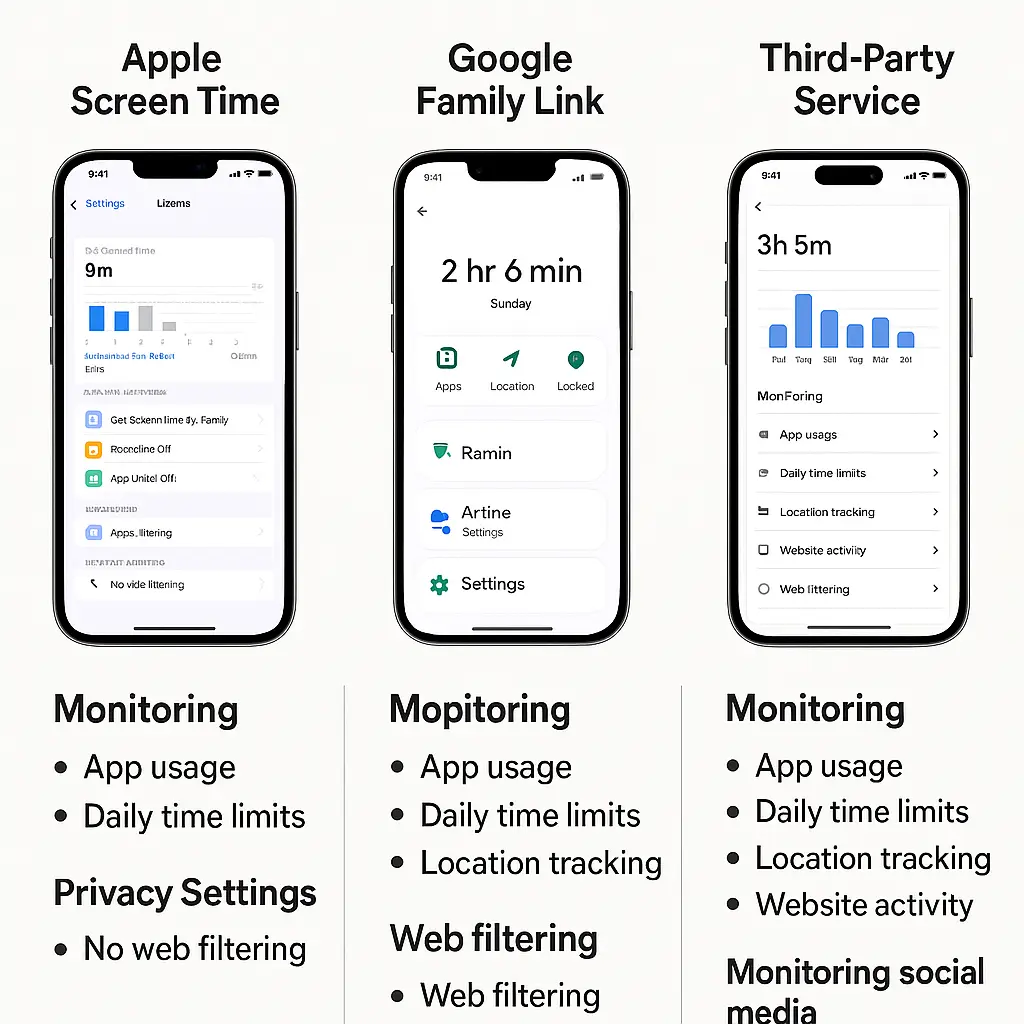
Microsoft Family Safety (the parental control system for Microsoft accounts) lets you set screen time limits, approve purchases, and review activity reports, but it doesn't give you granular control over Minecraft's multiplayer or chat features. Those decisions happen at the game level, not the account level.
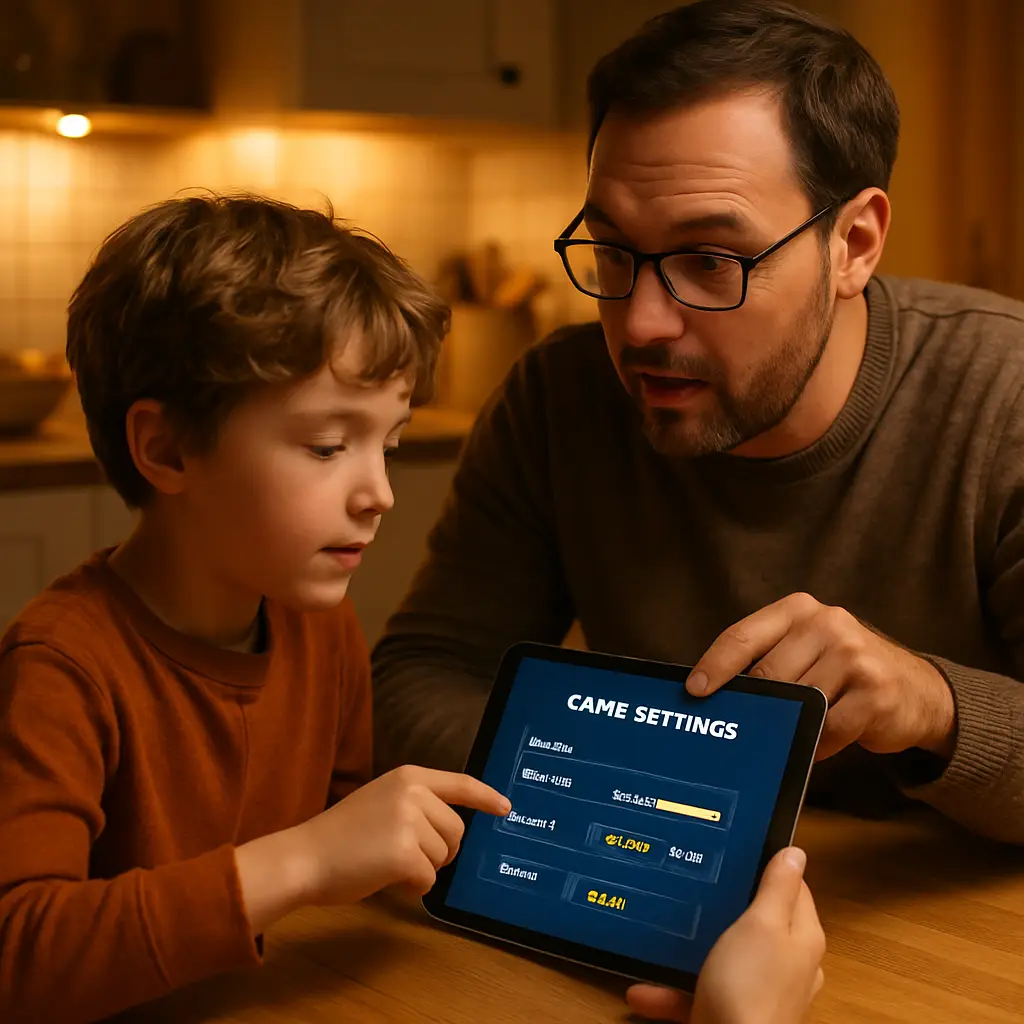
For both platforms, the first configuration happens before your child starts playing. Sit down together, go through the settings, and explain why each restriction exists. This isn't a punishment , it's a boundary. The conversation matters as much as the settings.
What to say , and when to say it
Your child will ask why their friends don't have the same restrictions. The answer is that different families make different decisions, and this is the decision you're making for your family. You're not saying Roblox or Minecraft is dangerous. You're saying the default settings assume a level of judgment and experience your child doesn't have yet.
Start the conversation before the first login, not after a problem happens. Explain that chat with strangers isn't safe, that spending real money in games requires approval, and that if someone asks them to move the conversation to another app, they should tell you immediately.
Revisit the conversation periodically. As your child gets older, some restrictions can loosen. But the loosening should be deliberate, not automatic. Check in every few months: who are they playing with? What games are they spending time in? Have they been asked to share personal information or move off-platform?
The FTC's consumer guidance includes resources on talking to kids about online safety. The advice is straightforward: be specific about what's risky, explain why the risks matter, and make it clear that your child can come to you if something feels wrong without fear of losing access entirely.
If your child violates a boundary , spends money without approval, chats with strangers after you've restricted it, or shares personal information , the consequence should be proportional and educational, not punitive. Losing access for a week teaches nothing. A conversation about what went wrong and why the boundary exists teaches judgment.
What happens when something goes wrong
If your child tells you someone asked for personal information, asked them to move to another app, or made them uncomfortable, believe them. Don't minimize it. Don't assume it's harmless. Predatory contact often starts with small boundary tests: asking for a first name, a school name, a favorite game. The escalation happens gradually.
Document what happened. Take screenshots of the conversation if possible. Report the user to the platform: Roblox has a "Report Abuse" button in every chat window and game. Minecraft servers vary, but most have a reporting mechanism or admin contact. Reporting doesn't guarantee action, but it creates a record.
If the contact involved requests for personal information, explicit content, or threats, report it to the FBI's Internet Crime Complaint Center (IC3). The IC3 aggregates reports and forwards them to law enforcement. Your report might not result in immediate action, but it contributes to investigations.
Change your child's username and privacy settings after an incident. If the person who contacted them knows their username, they can find them again. A fresh start reduces that risk.
The conversation after an incident is as important as the response during it. Your child needs to know that coming to you was the right decision, that they're not in trouble, and that the restrictions you set exist to prevent exactly this kind of situation.
The ongoing work
Configuring settings once isn't enough. Games update. Platforms add features. Your child's friends start playing new games inside Roblox, and your child wants to join them. The work is ongoing.
Set a recurring calendar reminder to review settings every three months. Check your child's friend list. Review recent chat logs if the platform allows it. Ask what games they're playing and who they're playing with. These aren't interrogations , they're check-ins.
The goal isn't to eliminate risk entirely. The goal is to reduce it to a level you can live with while your child builds the judgment they'll need to navigate online spaces independently. That judgment doesn't develop in a vacuum. It develops through conversations, boundaries, and consequences that teach rather than punish.
Roblox and Minecraft aren't inherently dangerous. But the default settings assume your child can navigate risks that most adults struggle with. That assumption is wrong. The fix is configuration, conversation, and ongoing attention. The platforms give you the tools. You have to use them.
Related reading: