Writing Passwords on Paper: Actually Fine?
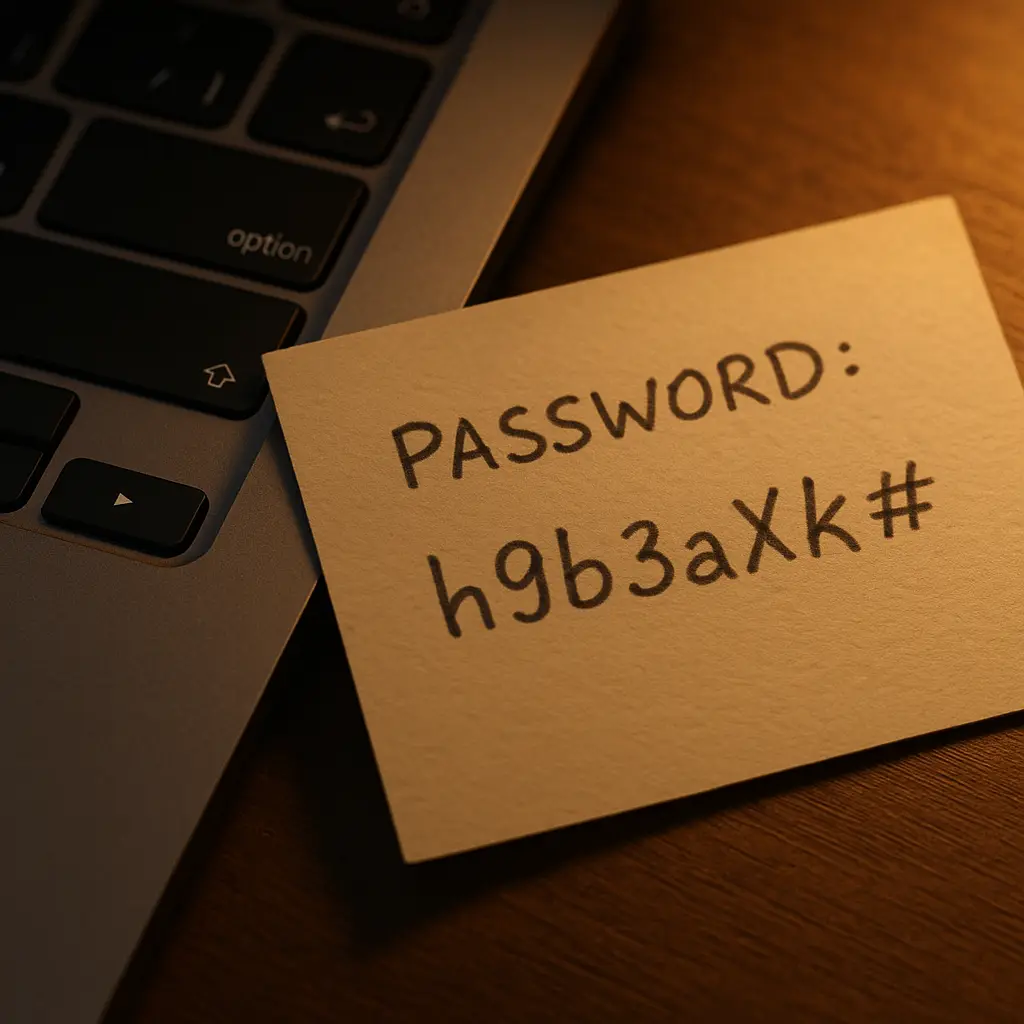
The security advice is clear: never write passwords down. Use a password manager. Generate random strings. Keep everything digital and encrypted.
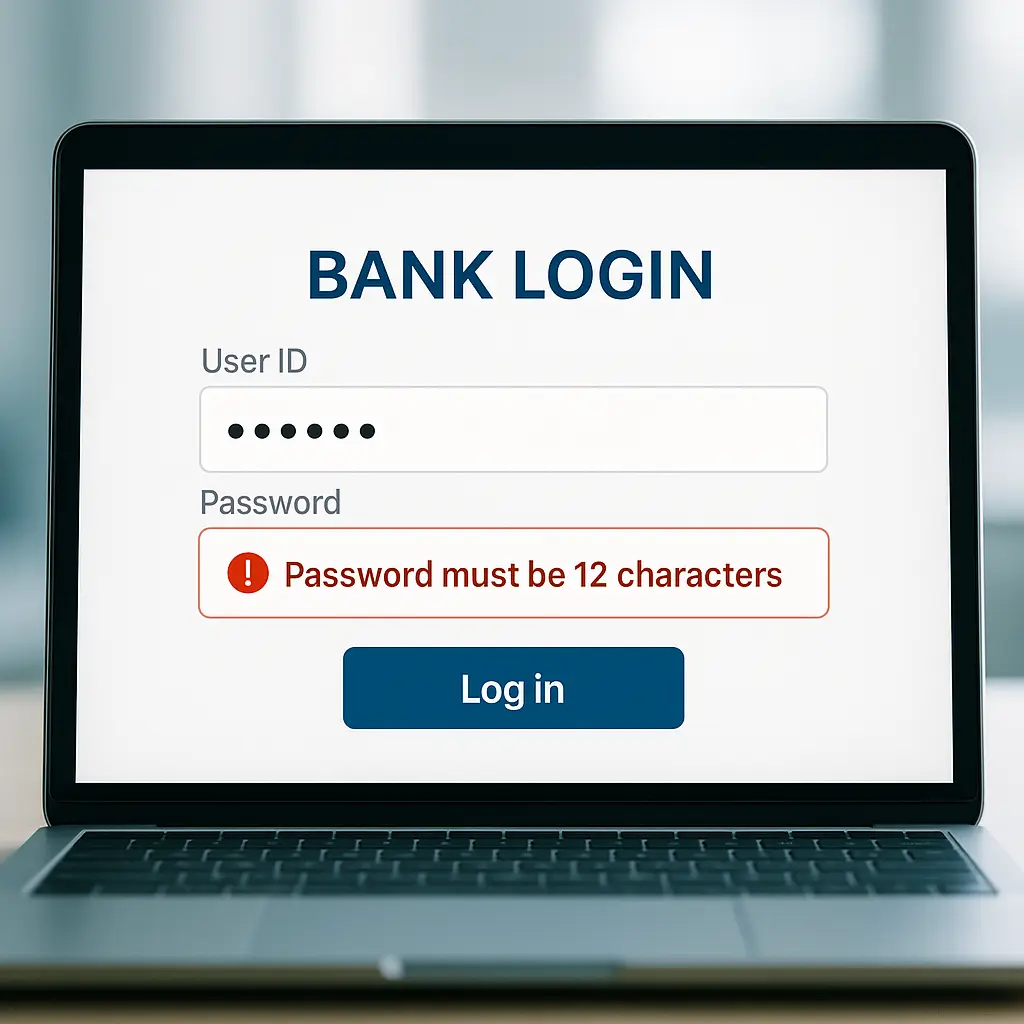
Then you forget your master password. Or you're 68 and your kids are trying to help you recover your email. Or you're staring at a banking site that won't accept your password manager's autofill. And you think: what if I just wrote this one down?
You've been told this is dangerous. That paper is insecure. That attackers will find it. That you're doing security wrong.
Here's the reality: writing passwords on paper isn't the catastrophic security failure the advice suggests. In many situations, it's actually more secure than the alternatives people actually use when they don't write passwords down.
The threat model matters. The advice doesn't.
The advice exists for a reason that no longer applies
The "never write passwords down" rule emerged in the 1980s and 1990s, when the primary threat was coworkers looking over your shoulder or rifling through your desk at the office.
In that environment, the rule made sense. Offices had cleaning crews, temporary workers, and dozens of people with physical access to your workspace. A password taped to your monitor was visible to anyone walking by. A sticky note in your drawer could be photographed by someone with five seconds of access.
NIST's password guidelines evolved from this era. The original focus was preventing insider threats in corporate and government environments where physical access was shared and poorly controlled.
But the threat landscape shifted. Most password compromises in 2026 happen remotely. Attackers breach databases, run credential-stuffing attacks, and deploy phishing campaigns. They're not breaking into your house to photograph your notebook.
The advice stayed the same. The reasoning behind it didn't.
What actually happens when you don't write passwords down
When security advice tells you not to write passwords down, it assumes you'll do something better. Use a password manager. Generate strong, unique passwords. Store them encrypted.
That's not what happens.
What actually happens is password reuse. You pick one password you can remember and use it everywhere. Or you pick three passwords and rotate them across accounts. Or you use a simple pattern: Facebook2026!, Gmail2026!, Amazon2026!.
This is demonstrably worse than writing passwords on paper.
A reused password turns one breach into a skeleton key. When attackers dump a database, they don't just get your credentials for that one site. They get credentials they can test against your email, your bank, your social media, and every other account you own. Credential stuffing automates this process at scale.
Writing passwords on paper doesn't create that vulnerability. Each password stays isolated. A breach at one site doesn't compromise the others.
The physical security of your home is stronger than the digital security of most people's password habits.
The threat model for paper passwords
When you write a password on paper, you're trading one threat for another.
You eliminate remote attacks. No one can breach your notebook from another country. No one can run automated tools against it. No one can dump it in a database leak.
You accept physical risk. Someone with access to your home could find your written passwords. This is real. It's also limited.
The people who have access to your home are a small, known group. Your household. Maybe a cleaner, a contractor, or a guest. The attack surface is measured in individuals, not millions.
Compare that to the attack surface of a reused password. Every site you use. Every database that gets breached. Every credential-stuffing botnet scanning the internet. The attack surface is global and persistent.
For most people, the physical threat is smaller.
This doesn't mean paper is always safer. It means the comparison isn't what the advice suggests.
Where paper actually works
Paper makes sense for specific use cases. It doesn't work for everything.
High-value, low-frequency accounts. Your bank's wire transfer password. Your retirement account. Your email recovery codes. These are accounts you access rarely, where the password needs to be strong, and where autofill doesn't help because you're often authenticating from a new device or answering security questions.
Writing these passwords down and storing them in a locked drawer or safe is more secure than weakening them so you can remember them. It's also more secure than storing them in a password manager you might forget the master password to.
Backup access for critical accounts. Your password manager's master password. Your email account. The recovery codes for two-factor authentication. These are the passwords that unlock everything else. If you forget them, you're locked out permanently.
A written backup stored securely at home is insurance against catastrophic lockout. It's not your primary access method. It's the failsafe.
Shared accounts within a household. The WiFi password. The streaming service login. The family calendar. These are accounts where multiple people need access, and a written copy in a common location makes sense.
The threat here isn't remote attackers. It's convenience and coordination. A notebook in a kitchen drawer solves that problem better than a password manager does.
Accounts for people who won't use password managers. Your parents. Your grandparents. Anyone who finds password managers confusing or who doesn't trust them. For these users, a written list stored at home is vastly better than weak, reused passwords.
The perfect is the enemy of the good. A written password is good enough.
Where paper doesn't work
Paper fails in environments where physical access is uncontrolled.
Offices and shared workspaces. The original threat model still applies here. Coworkers, contractors, and visitors create real risk. A password on a sticky note in a cubicle is a bad idea. A notebook in an unlocked desk drawer isn't much better.
In these environments, use a password manager. The threat of shoulder-surfing and physical theft outweighs the convenience of paper.
Accounts you access frequently from multiple devices. Your primary email. Your work accounts. Your social media. These are accounts where you need fast, reliable access from your phone, laptop, and tablet. Writing them down doesn't solve the usability problem.
For these accounts, a password manager is the right tool. Autofill and cross-device sync matter more than the marginal security benefit of keeping them offline.
Accounts with compliance requirements. Work accounts governed by security policies. Financial accounts with regulatory obligations. Healthcare systems with HIPAA requirements. These environments often prohibit written passwords explicitly, and violating policy creates legal and professional risk.
Follow the policy. Use the tools your employer or institution provides.
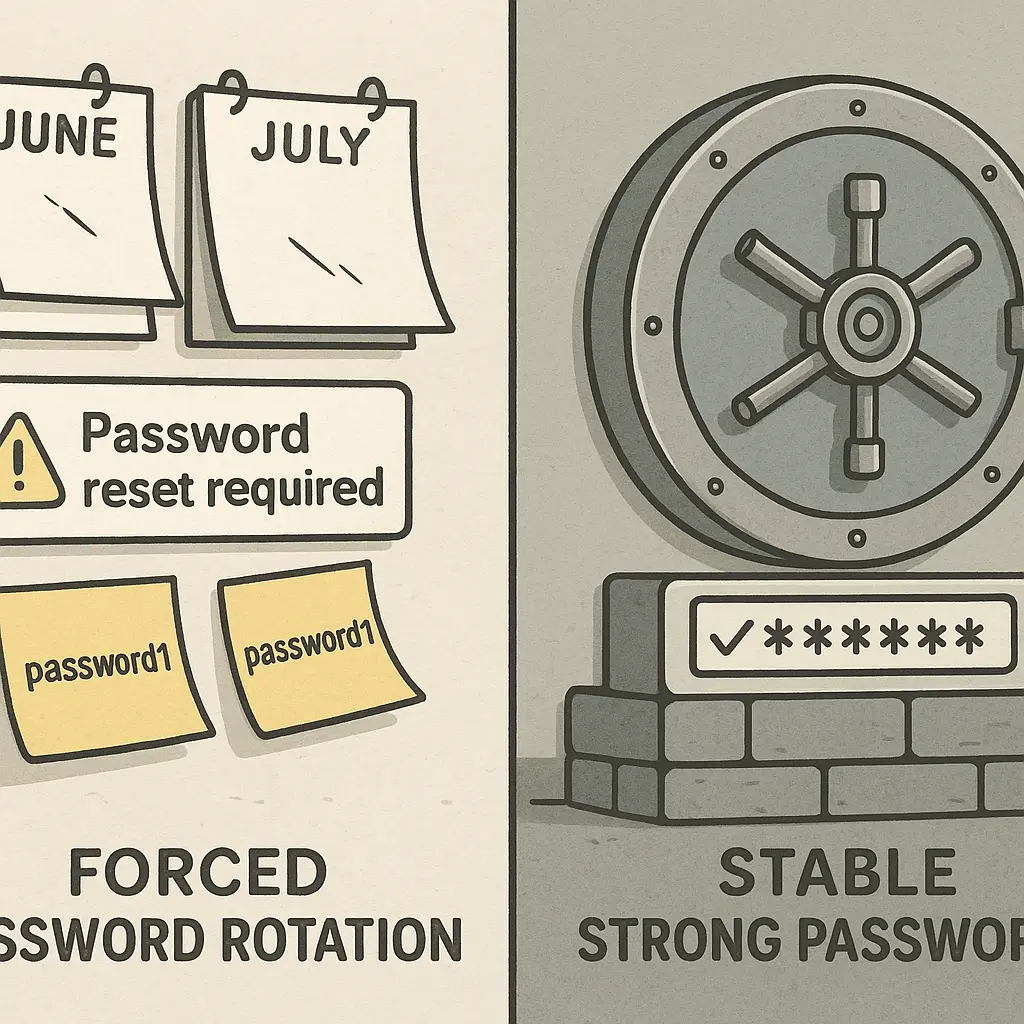
Passwords that change frequently. If you're required to change a password every 90 days, writing it down becomes a maintenance problem. You'll end up with crossed-out entries, multiple versions, and confusion about which password is current.
In these cases, a password manager's ability to update and sync automatically is worth the tradeoff.
How to write passwords down correctly
If you're going to write passwords down, do it in a way that limits risk.
Store them in a locked location. A locked drawer. A filing cabinet. A home safe. Somewhere that requires deliberate effort to access. This protects against casual snooping by guests or contractors.
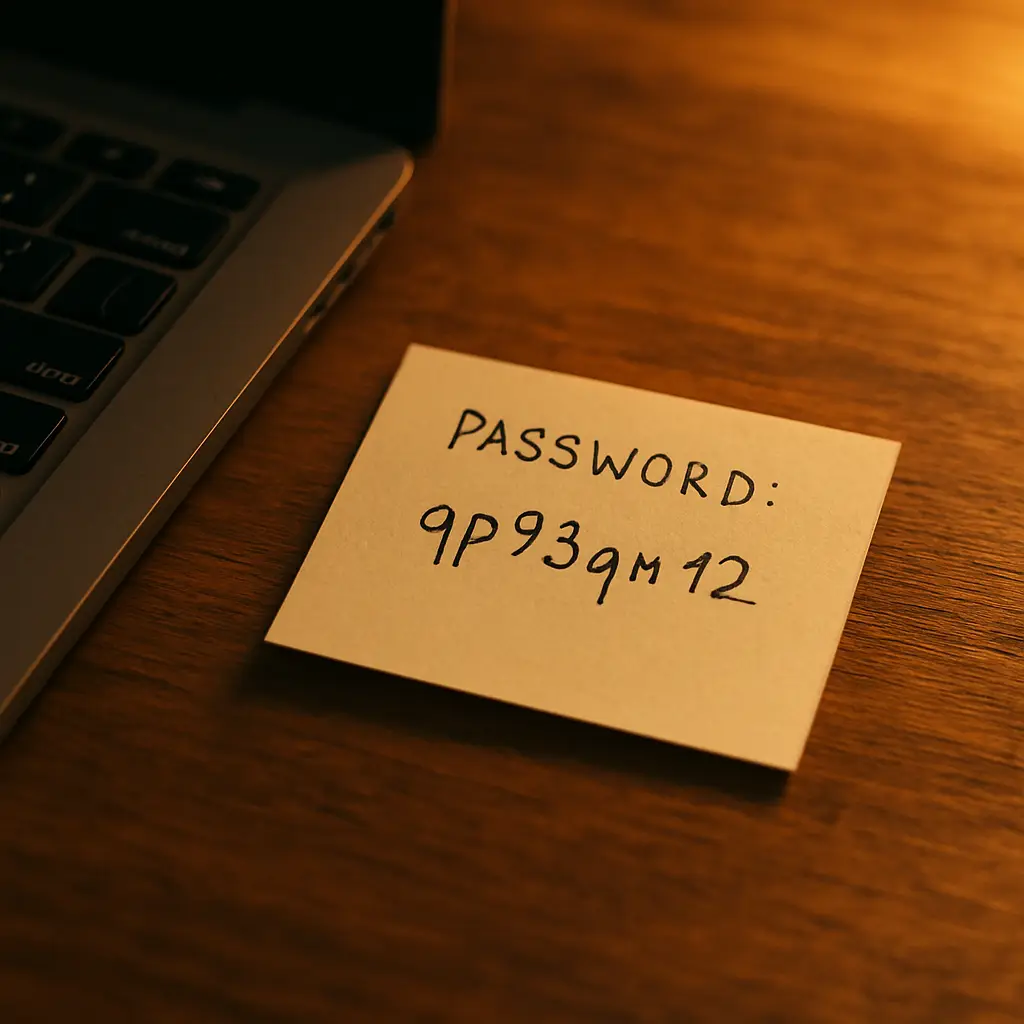
Don't label them obviously. Don't write "BANK PASSWORD" at the top of the page. Use context that's meaningful to you but opaque to someone who doesn't know what they're looking at. "Blue account" or "primary email" works. "Chase login" doesn't.
Keep them out of sight. Don't leave written passwords on your desk, taped to your monitor, or sitting in an open drawer. Even in your own home, visibility increases risk.
Use a dedicated notebook. Don't scatter passwords across sticky notes, scraps of paper, and random notebooks. Consolidate them in one place so you know where they are and can secure that one location.
Write legibly. If you can't read your own handwriting, the password is useless. This sounds obvious, but I've seen people lock themselves out because they couldn't distinguish a lowercase L from a 1.
Include account identifiers. Write enough context to know which password goes with which account. "Email" isn't specific enough if you have three email addresses. "Gmail - personal" is.
Don't include usernames unless necessary. If your username is your email address and it's obvious from context, you don't need to write it down. This limits what an attacker gains if they find your notebook.
Consider partial passwords. For extremely sensitive accounts, write down part of the password and memorize the rest. An attacker who finds your notebook gets an unusable fragment. You get a memory aid that reduces the risk of forgetting the full password.
This isn't foolproof. It's a tradeoff. But it's a reasonable tradeoff.
The case for hybrid systems
The best security setup isn't all-digital or all-paper. It's both.
Use a password manager for daily-use accounts. Let it generate strong passwords, autofill them, and sync across devices. This solves the usability problem and protects against the most common attacks.
Write down critical passwords on paper. Your master password. Your email recovery codes. The high-value accounts you access rarely. Store these securely at home as a backup.
This hybrid approach gives you the convenience of digital tools and the resilience of physical backups. If you forget your master password, you can recover. If your password manager is compromised, your most critical accounts have an additional layer of isolation.
The two systems complement each other. Neither is perfect alone.
The cultural reference that fits
In The Fellowship of the Ring, Gandalf spends seventeen years researching the One Ring before confirming what it is. He doesn't trust his memory. He doesn't trust oral tradition. He goes to the archives in Minas Tirith and reads the original records written by Isildur.
The written record survives when memory fails.
That's the role of written passwords. They're not your primary authentication method. They're the backup when everything else breaks down. When you've forgotten your master password. When your password manager is inaccessible. When you need to prove to a bank that you are who you say you are.
The advice to never write passwords down assumes memory is reliable and digital systems are invulnerable. Neither is true. Written passwords are the archives you consult when the oral tradition fails.
What the security community gets wrong
The security community's advice on written passwords is shaped by two assumptions that don't match most people's reality.
Assumption one: everyone will use a password manager correctly. They'll generate unique passwords for every account. They'll remember their master password. They'll set up recovery mechanisms. They'll keep their devices updated and secure.
This doesn't happen. People forget master passwords. They reuse passwords within the manager. They disable autofill because it's annoying. They choose weak master passwords because strong ones are hard to remember.
The advice optimizes for the ideal user. The ideal user doesn't exist.
Assumption two: physical security is weaker than digital security. This is true in offices and shared workspaces. It's not true in most people's homes.
Your home is a controlled environment. You know who has access. You can secure physical objects in ways that are difficult to replicate digitally. A notebook in a locked safe is harder to steal than a database accessible over the internet.
The advice assumes the threat model of a corporate environment. Most people don't live in corporate environments.
When writing passwords down is actually dangerous
There are situations where written passwords create real risk.
When you travel. A notebook in your luggage can be lost, stolen, or searched at borders. If you need access to critical accounts while traveling, use a password manager or memorize the passwords. Don't carry written passwords across international borders.
When you have untrustworthy household members. If someone in your home has access to your locked drawer and a motive to compromise your accounts, written passwords are a vulnerability. This is a relationship problem, not a security problem, but it's real.
When you work in a shared space. Coworking spaces, coffee shops, libraries, and offices all have uncontrolled physical access. Don't bring written passwords to these environments.
When you're under active threat. If you're a journalist, activist, or someone with a credible reason to believe you're being targeted, written passwords are a risk. Your threat model is different. The advice for most people doesn't apply.
In these situations, use a password manager. Accept the risk of forgetting your master password. The alternative is worse.
The step-by-step method
If you decide to write passwords down, here's the process that balances security and usability.
Step one: identify which passwords to write down. Not all of them. Just the high-value, low-frequency accounts. Your bank. Your email recovery codes. Your password manager's master password. Accounts where forgetting the password creates catastrophic lockout.
Step two: generate strong passwords. Don't write down weak passwords. If you're going to use paper, use it to store passwords you couldn't otherwise remember. Random strings. Long passphrases. Passwords generated by a tool.
Step three: write them in a dedicated notebook. Not on sticky notes. Not on scraps of paper. A single notebook that you can secure and locate.
Step four: store the notebook in a locked location. A drawer with a key. A filing cabinet. A home safe. Somewhere that requires deliberate access.
Step five: test your ability to find and read them. Six months from now, will you remember where the notebook is? Can you read your handwriting? Is the context clear enough to know which password goes with which account? Test this before you need it.
Step six: update the notebook when passwords change. Cross out old passwords. Write new ones. Keep the notebook current. A notebook full of outdated passwords is worse than no notebook at all.
Step seven: tell someone you trust where the notebook is. If you die or become incapacitated, your family needs access to critical accounts. A written password in a known location is better than locking everyone out permanently.
This isn't a perfect system. It's a practical system.
The math of physical versus digital risk
Here's the calculation that matters.
If you reuse passwords, the probability of compromise approaches 100 percent over time. Every breach, every credential dump, every phishing campaign increases the likelihood that your credentials are exposed and tested against other accounts.
If you write passwords on paper and store them securely at home, the probability of compromise depends on physical access to your home. For most people, this is a small, known group of individuals.
The math favors paper.
This doesn't mean paper is always safer. It means the comparison isn't what the advice suggests. The advice compares paper to an ideal digital system. The reality compares paper to the digital systems people actually use.
What to do right now
If you're currently reusing passwords because you can't remember unique ones, writing them down is a step forward. It's not the final step. It's better than where you are now.
Start with your most critical accounts. Your primary email. Your bank. Your password manager (if you use one). Generate strong, unique passwords for these accounts. Write them down. Store them securely.
Then work on the rest. Gradually move toward a password manager for daily-use accounts. Keep the written passwords as backup for the accounts that matter most.
The goal isn't perfection. The goal is improvement. Writing passwords down is improvement over reuse.
If you're already using a password manager, write down your master password and your recovery codes. Store them at home. This is insurance against lockout. It's not your primary access method. It's the failsafe when memory fails.
Security is about managing risk, not eliminating it. Paper manages risk differently than digital tools do. For many people, in many situations, that difference makes paper the better choice.
The advice to never write passwords down assumes a threat model that doesn't match your reality. Adjust the advice to match the threats you actually face.