Why Your Bank's Password Rules Are Probably Wrong
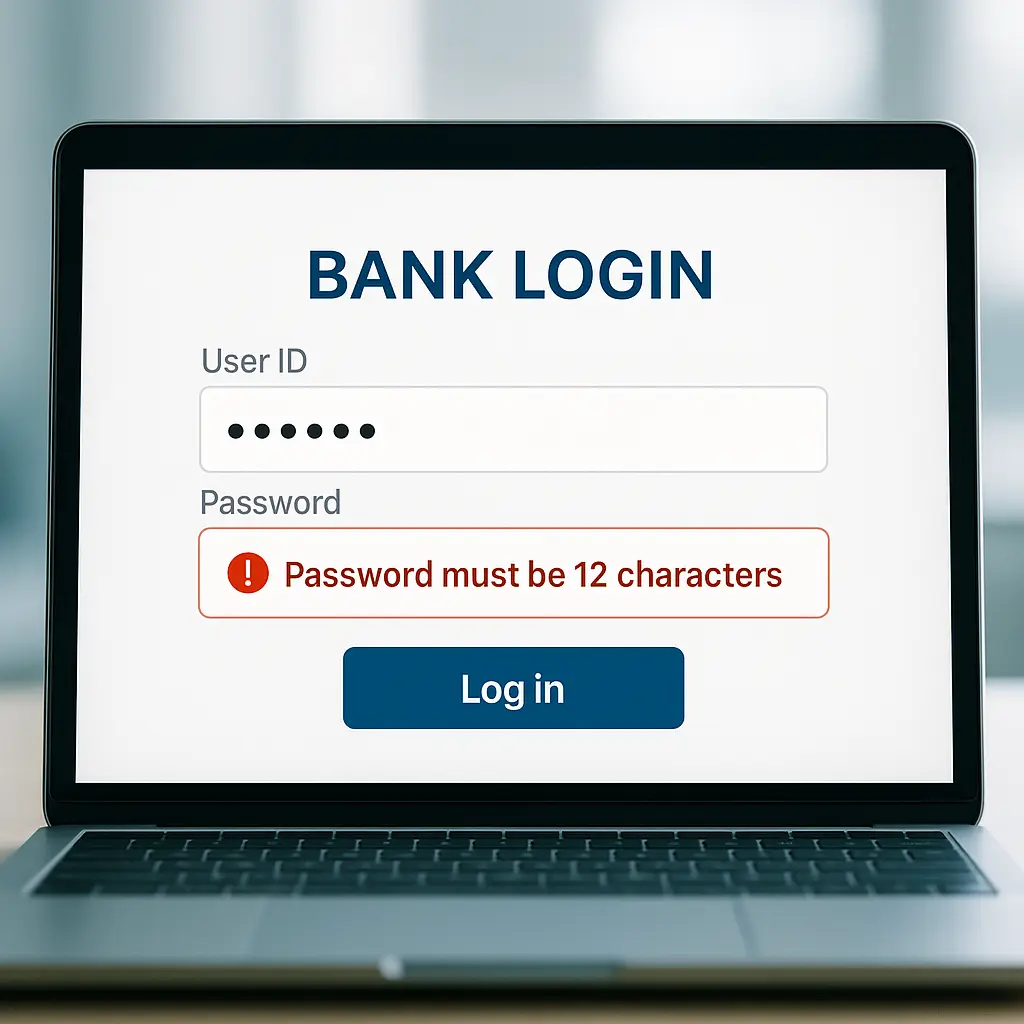
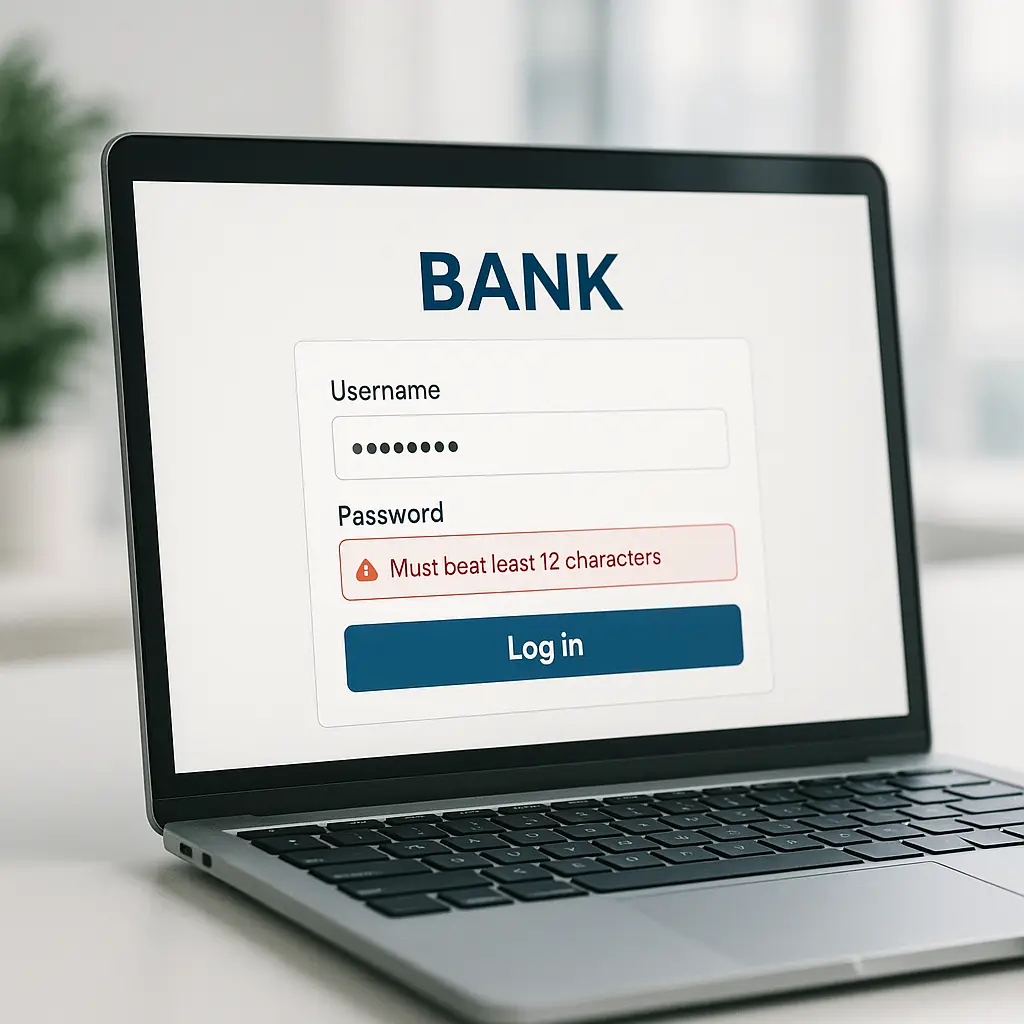
Your bank's website rejects your password. Too long. No special characters allowed. Must contain exactly one uppercase letter and one number. You try again with something simpler, something weaker, and the system accepts it.
This happens because banking password rules often contradict modern security guidance. The restrictions feel arbitrary because they are. Here's the technical reality behind those rules, what they're actually protecting, and why your bank probably hasn't updated its authentication system since 2008.
The Legacy System Problem
Most major banks run on core banking systems built in the 1970s and 1980s. These systems handle account balances, transactions, and customer data using programming languages like COBOL and databases designed for mainframe computers. The authentication layer that checks your password sits on top of this infrastructure.
When these systems were built, password fields had fixed lengths. A 16-character limit wasn't a security decision, it was a database field size. Special characters caused problems with character encoding and SQL injection vulnerabilities that developers didn't know how to handle safely. So banks banned them.
Upgrading these systems means touching code that processes billions of dollars in transactions daily. One bug could freeze accounts, corrupt balances, or create compliance violations. The risk calculation favors leaving the old system alone, even when security guidance changes.
NIST's Digital Identity Guidelines recommend allowing passwords of at least 64 characters and accepting all printable ASCII characters plus spaces. Most banks ignore this. Not because they disagree, but because implementing it requires rewriting authentication systems that touch every part of their infrastructure.
What Character Restrictions Actually Mean
When a bank tells you that passwords can't contain &, <, >, or quotes, they're revealing something about their backend architecture. Those specific characters cause problems in older systems for predictable reasons.
The & symbol has special meaning in URLs and HTML forms. If the bank's authentication system doesn't properly encode form data, an ampersand in your password could split the data into multiple parameters. The < and > characters open and close HTML tags. If the system displays your password anywhere without proper escaping, those characters could inject code into the page. Quotes can break SQL queries if the database doesn't use parameterized statements.
Modern web frameworks handle these issues automatically. But banks running legacy systems often bolt new web interfaces onto old backends that were never designed for internet-scale authentication. Rather than fix the underlying vulnerability, they ban the characters that might trigger it.
This is security theater. The restrictions don't make your password stronger, they make the bank's outdated code safer to run. You're accommodating their technical debt.
The Math They're Ignoring
Password strength comes from entropy: the number of possible combinations an attacker has to try. Entropy increases with length and character variety. A 20-character password of random lowercase letters has more entropy than an 8-character password with uppercase, numbers, and symbols.
Here's the calculation. Each lowercase letter adds roughly 4.7 bits of entropy (log₂ of 26 possible characters). Each position in a password multiplies the possibilities. A 20-character lowercase password has around 94 bits of entropy. An 8-character password using uppercase, lowercase, numbers, and symbols has around 52 bits.
The difference matters. A system that can test 100 billion passwords per second, achievable with modern GPUs, would crack the 8-character password in under an hour. The 20-character password would take millions of years.
Banks that enforce 12-character maximums are capping your entropy at around 56 bits if you use full character variety. That's stronger than 8 characters, but weaker than a 16-character passphrase of random words. The restriction serves the bank's legacy systems, not your security.
NIST explicitly recommends that systems allow passwords of at least 64 characters and avoid composition rules that force specific character types. The research shows that arbitrary complexity requirements lead to predictable patterns. Users add 1! to the end of dictionary words. They capitalize the first letter and call it secure. The restrictions create weaker passwords than users would choose naturally with a password manager.
The Two-Factor Authentication Gap
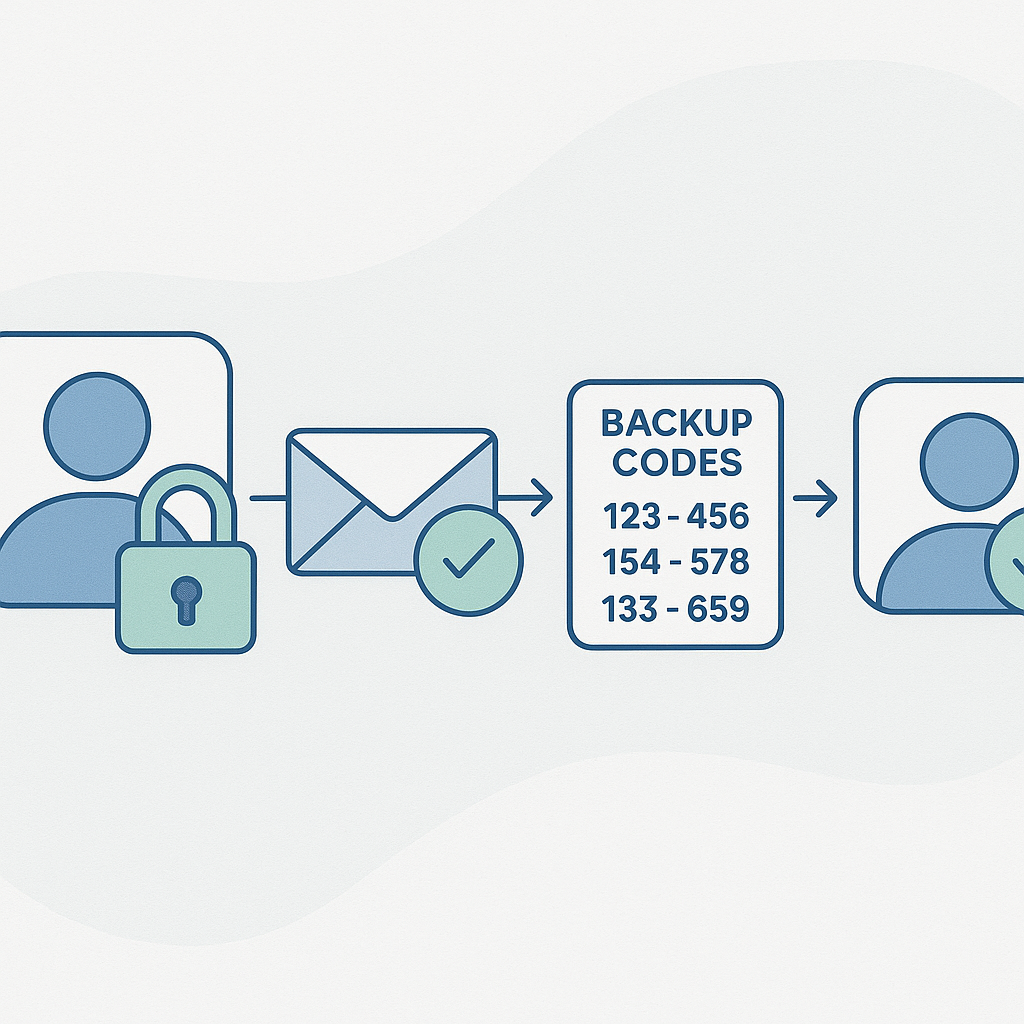
Most banks offer two-factor authentication. Some require it. But the implementation often reveals the same legacy system constraints that limit passwords.
SMS-based 2FA is the most common option. You enter your password, the bank texts a code to your phone, you enter the code. This is better than password-only authentication, but SMS has known vulnerabilities. Attackers can intercept texts through SIM swaps or SS7 exploits. The code travels in cleartext through the cellular network.
Authenticator apps generate time-based codes locally using a shared secret. This is stronger than SMS because there's no text message to intercept. But many banks don't offer app-based 2FA. The integration requires changes to authentication systems that weren't designed for it.
Hardware security keys, physical devices that use public-key cryptography, provide the strongest authentication. They're phishing-resistant because the key only works on the legitimate domain. But almost no banks support them. The WebAuthn standard that enables hardware keys requires modern authentication infrastructure. Banks running legacy systems can't implement it without major upgrades.
The pattern repeats: banks choose the 2FA method that's easiest to bolt onto old systems, not the method that provides the strongest protection.
What Actually Protects Your Bank Account
Your password matters, but it's not the primary defense against fraud. Banks layer multiple protections that operate independently of authentication strength.
Transaction monitoring systems analyze your spending patterns in real time. A purchase in a new city, a large withdrawal, an unusual merchant category, these trigger alerts or blocks. The system doesn't care if your password is weak. It cares if the transaction looks wrong.
Velocity limits restrict how much money can move in a given timeframe. Even if an attacker gets your password, they can't drain your account in one session. The daily transfer limit, the per-transaction cap, and the cooling-off period between large movements all slow down theft.
Liability protections shift the risk to the bank. Federal law limits your loss from unauthorized electronic transfers to $50 if you report within two days, $500 if you report within 60 days. Many banks offer zero-liability policies that cover all unauthorized transactions. Your money is protected even if your password isn't.
These defenses don't excuse weak password requirements. But they explain why banks can get away with them. The authentication layer is one part of a larger security system. If fraud happens despite a weak password, the other layers usually catch it.
The Compliance Theater
Banks operate under regulatory frameworks that define security requirements. But those frameworks rarely specify password policies in detail. The Payment Card Industry Data Security Standard (PCI DSS) requires "strong" passwords without defining length or complexity. The Federal Financial Institutions Examination Council (FFIEC) recommends multi-factor authentication but doesn't mandate specific implementations.
This creates room for interpretation. Banks can claim compliance while maintaining outdated password rules. Auditors check that policies exist, not that they follow current best practices. As long as the bank documents its authentication requirements and enforces them consistently, it passes the audit.
The gap between compliance and security is real. A bank can be fully compliant with regulatory standards while running authentication systems that security researchers consider weak. Compliance measures minimum acceptable risk. It doesn't optimize for maximum protection.
The Cultural Reference That Fits
In Mad Men, Don Draper's identity is built on a lie that works because the systems around him aren't designed to verify the truth. His credentials, name, Social Security number, military record, all check out on paper. The verification process stops at surface-level validation because digging deeper would reveal uncomfortable truths about how identity actually works.
Bank password systems operate on similar logic. The rules look like security, length requirements, character restrictions, expiration policies, but they're optimized for compatibility with legacy systems, not protection against modern attacks. The verification process stops at "does this password meet our arbitrary rules" rather than "is this password actually strong."
Both systems persist because changing them requires confronting the infrastructure debt that makes them necessary. Don's identity works until someone looks closely. Bank passwords work until someone with a GPU and a leaked database decides to crack them.
What You Can Actually Do
You can't force your bank to upgrade its authentication system. But you can work within the constraints to maximize your security.
Use the longest password the system allows. If the limit is 12 characters, use all 12. If it's 20, use all 20. Length matters more than complexity. A 12-character passphrase of random words beats an 8-character password with symbols.
Enable two-factor authentication using the strongest method available. Authenticator apps are better than SMS. SMS is better than nothing. If your bank only offers SMS, use it. The imperfect protection is better than password-only authentication.
Monitor your account regularly. Check transactions weekly. Set up alerts for large purchases or unusual activity. The faster you catch fraud, the easier it is to reverse.
Consider whether your bank's security posture meets your needs. If you're holding significant balances in an account protected by a 10-character password limit and SMS-based 2FA, you might want to evaluate alternatives. Not all banks have the same technical debt. Some have invested in modern authentication systems. Others haven't.
Use a password manager. Even if your bank limits password length, a manager can generate and store the strongest password the system accepts. You don't need to remember it. You don't need to write it down. The manager handles it, and you get the full entropy the bank allows.
NordPass generates passwords that meet any set of requirements, stores them encrypted, and fills them automatically. If your bank caps passwords at 12 characters and bans special characters, NordPass creates a 12-character alphanumeric password that maxes out the available entropy. You're not fighting the restrictions, you're working within them as effectively as possible.
The Reality Behind the Rules
Bank password policies reflect the technical constraints of systems built decades ago, not the current state of authentication security. The restrictions on length and character types serve legacy infrastructure, not your protection. The gap between what security researchers recommend and what banks require is real and measurable.
Your account is still protected by fraud monitoring, transaction limits, and legal liability rules that operate independently of password strength. But those protections don't make weak passwords acceptable. They just explain why banks can get away with them.
The best move is to use the strongest password the system allows, enable two-factor authentication, and monitor your account for unauthorized activity. You can't change the bank's technical debt, but you can work around it.