Phishing emails: the patterns that still work in 2026
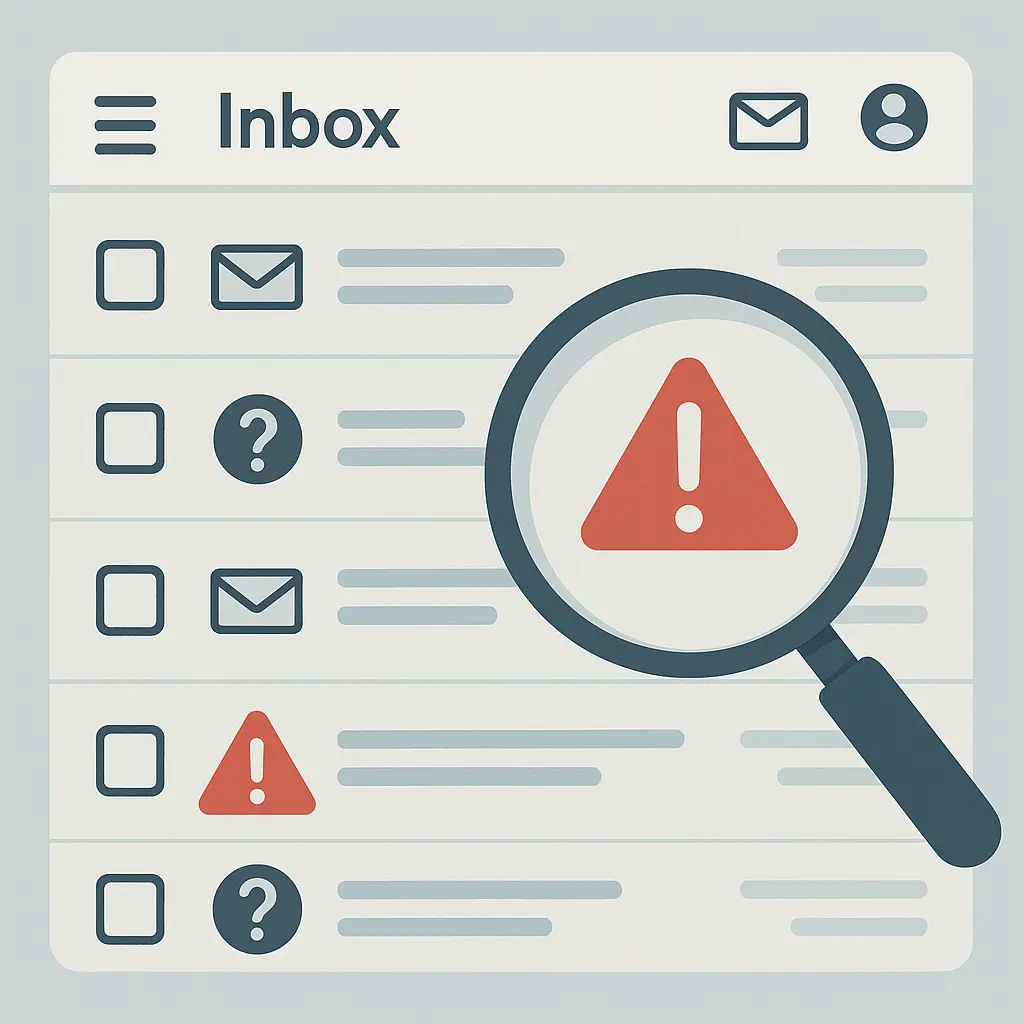
Phishing emails work because they exploit patterns in how you process information under time pressure. The FTC reports that phishing remains one of the most common attack vectors, and the reason is simple: the fundamental patterns haven't changed because human psychology hasn't changed.
This is the explainer for how phishing emails function in 2026. Not the obvious Nigerian prince emails that everyone recognizes. The professional campaigns that mimic legitimate services, arrive from plausible addresses, and create just enough urgency to bypass your usual skepticism.
The core mechanism: exploiting trust relationships
Phishing works by impersonating someone or something you already trust. The attacker doesn't need to convince you to trust a stranger. They need to convince you that they're not a stranger.
In The Office, Michael Scott falls for every email scam because he assumes good faith from everyone. The opposite extreme is equally dysfunctional: treating every email as hostile makes communication impossible. Phishing exploits the necessary middle ground where you trust familiar patterns.
The email claims to be from your bank, your email provider, a delivery service you use, or a colleague. It uses real logos, matches the visual style of legitimate emails from that organization, and references services or accounts you actually have. The goal is to make the impersonation pass a quick visual scan.
Modern phishing campaigns use several technical methods to appear legitimate:
Spoofed display names. Email protocols allow the "From" field to show any name, regardless of the actual sending address. An email can display "PayPal Security" while originating from a completely unrelated domain. Your email client shows the display name prominently; the actual address requires a deliberate check.
Look-alike domains. Attackers register domains that resemble legitimate ones through character substitution (paypa1.com with a numeral one), additional words (paypal-security.com), or different top-level domains (paypal.co instead of paypal.com). At a glance, especially on mobile screens, these pass.
Compromised legitimate accounts. When attackers gain access to a real account, they can send phishing emails from a genuinely legitimate address. The email passes authentication checks because it is technically authentic, just not sent by the account's actual owner.
Fresh domains with clean reputations. Spam filters rely partly on sender reputation. A newly registered domain has no negative history. Attackers cycle through domains faster than reputation systems can flag them.
These aren't theoretical techniques. CISA's phishing guidance documents how professional campaigns combine multiple methods to evade detection while maintaining the appearance of legitimacy.
Pattern one: urgency and consequence
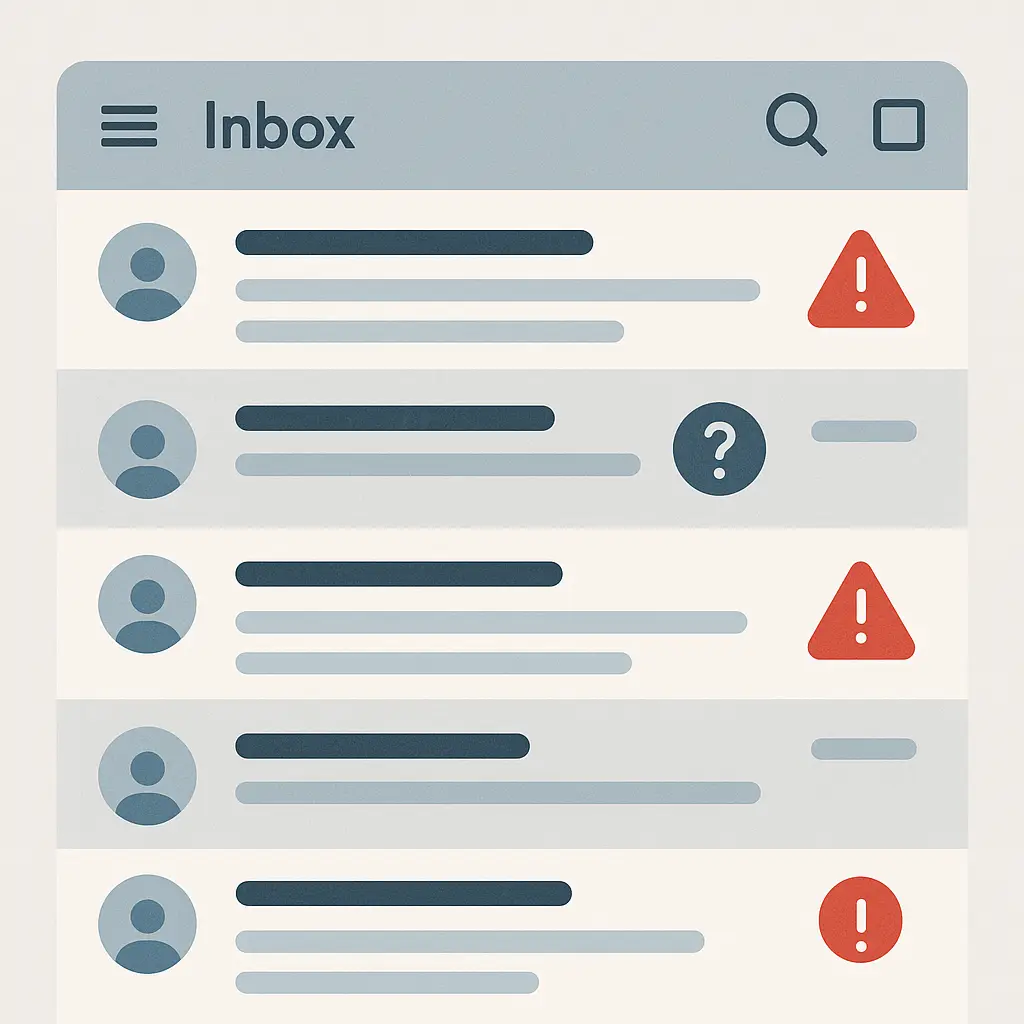
The first pattern is manufactured urgency. The email claims something requires immediate action to avoid a negative consequence.
Common framings:
- Your account will be suspended unless you verify within 24 hours
- Unusual activity detected; confirm your identity now
- Payment failed; update billing information to restore service
- Package delivery attempted; provide updated address to avoid return
The urgency creates time pressure that interferes with careful evaluation. You're pushed toward action before skepticism kicks in.
This works because legitimate services do send urgent emails. Your bank does alert you to suspicious charges. Delivery services do notify you of failed attempts. The phishing email mimics the structure of real alerts.
The distinction is in what action the email requests. Legitimate urgent emails direct you to take action through the service's normal interface: log in to your account through the website or app you already use, call a phone number you can verify independently, visit a physical location. Phishing emails want you to click a link in the email itself or reply with sensitive information.
In Sherlock, Holmes distinguishes between genuine urgency and manufactured pressure by examining what the urgency serves. If the time constraint benefits the person creating it more than you, that's diagnostic. Phishing urgency serves the attacker's need to bypass your defenses, not your need to protect your account.
The FTC's phishing guidance emphasizes that legitimate organizations give you time to verify requests through independent channels. Artificial urgency is a red flag, not a reason to rush.
Pattern two: authority and official appearance
The second pattern is the appearance of official authority. The email uses formal language, includes legal disclaimers, references policy numbers or case identifiers, and generally presents itself as institutional communication.
This exploits your existing relationship with bureaucracy. You're accustomed to receiving official-looking emails from financial institutions, government agencies, and large corporations. Those emails often use stilted language, include lengthy legal text, and reference internal systems you don't fully understand. Phishing emails replicate that style.
The emails may claim to be from:
- Your bank's fraud department
- The IRS or other tax authority
- A shipping carrier's tracking system
- Your email provider's security team
- Your employer's IT department
- A legal department regarding copyright or terms of service violations
The authority framing discourages questioning. You're not expected to understand the internal workings of the IRS or your bank's fraud detection system. You're expected to comply with instructions from those authorities.
The tell is in verification mechanisms. Real official communications provide ways to verify their authenticity independently of the communication itself. A letter from the IRS includes a phone number you can look up on irs.gov to confirm. A fraud alert from your bank can be verified by calling the number on the back of your card. A legal notice includes case numbers you can verify through public records.
Phishing emails resist independent verification. They provide phone numbers that go to the attackers. They discourage calling official channels by claiming urgency or by suggesting that "for security reasons" you should only use the contact information in the email.
Security researchers have found that attackers increasingly use callback phishing, where the email doesn't contain a malicious link but instead provides a phone number. You call, reach someone pretending to be official support, and they walk you through "verification steps" that give them access to your accounts.
Pattern three: familiarity and context
The third pattern uses information about you to create false familiarity. The email references specific services you use, recent activities, or contextual details that make the message seem personalized and therefore legitimate.
This is where data breaches feed phishing campaigns. When your email address appears in a breach alongside your name, phone number, physical address, or list of accounts, that information becomes ammunition for targeted phishing.
An email that says "Your Amazon account has suspicious activity" is generic. An email that says "Your Amazon account linked to [your actual email] and shipping to [your actual address] has suspicious activity" feels specific. The second version is more convincing, even though both are phishing attempts.
Attackers also use publicly available information. Your LinkedIn profile shows where you work. Your social media posts reveal services you use, places you visit, and upcoming events in your life. An email claiming to be from your employer's IT department becomes more convincing when it references your actual job title and department.
In Star Trek: The Next Generation, the crew encounters a species that probes their memories to create convincing simulations of familiar people and places. The simulations fail when examined closely, but the initial familiarity creates trust. Phishing emails work the same way: they use available data to create just enough familiarity to pass initial scrutiny.
The defense is recognizing that familiarity doesn't equal authenticity. An email that knows your name, address, and Amazon account details might be legitimate, or it might be using breached data. Verification still requires independent confirmation through channels you control.
Pattern four: emotional hooks
The fourth pattern exploits specific emotional responses beyond urgency. Fear, curiosity, greed, and social obligation all create psychological pressure to click.
Fear-based hooks:
- "Your account has been compromised"
- "Legal action pending"
- "Tax audit notice"
- "Your computer is infected"
Curiosity hooks:
- "Someone is using your photos online"
- "You have a private message waiting"
- "Unusual login from [location]"
- "Someone mentioned you in a document"
Greed hooks:
- "You've won a prize"
- "Refund available"
- "Exclusive discount expiring soon"
- "Unclaimed benefits"
Social obligation hooks:
- "Your colleague shared a file with you"
- "Meeting invitation"
- "Your manager requested this information"
- "Team document requires your signature"
These emotional triggers work because they're based on real scenarios. You do sometimes need to respond to legal notices. Colleagues do share files. Accounts do get compromised. The phishing email exploits the legitimate emotional response to create urgency that bypasses analysis.
EFF's guide to avoiding phishing notes that the strongest defense is separating the emotional response from the action. Feel the fear or curiosity, but don't let it dictate your next click. Pause, verify through independent channels, and then act based on confirmed information rather than the emotion the email triggered.
What to check before clicking anything
When you receive an email that requests action, especially urgent action, run through these checks before clicking any links or replying:
Check the actual sender address, not the display name. On desktop email clients, hover over the sender name to see the full address. On mobile, tap the sender to view details. Look for subtle misspellings, extra characters, or domains that don't match the claimed organization.
Examine the link destination before clicking. Hover over links (desktop) or long-press (mobile) to preview the URL. Does it go to the organization's legitimate domain? Or to a look-alike domain, a shortened URL, or an IP address? Legitimate organizations use their own domains for important communications.
Look for generic greetings. "Dear Customer" or "Dear User" in an email claiming to be from your bank is suspicious. Your bank knows your name. Generic greetings often indicate mass phishing campaigns. Though some legitimate automated emails also use generic greetings, so this alone isn't definitive.
Check for grammar and formatting errors. Professional phishing campaigns have improved, but errors still appear. Awkward phrasing, inconsistent formatting, or obvious typos in an email claiming to be from a major corporation suggest either phishing or such poor quality control that you shouldn't trust the communication anyway.
Question requests for sensitive information. Legitimate organizations don't ask for passwords, full account numbers, Social Security numbers, or PINs via email. If an email requests this information, it's either phishing or a legitimate organization with such terrible security practices that you shouldn't comply.
Verify urgency claims independently. If an email claims your account will be suspended, log in to the service directly (not through the email link) and check for alerts. If it claims a package is being returned, check the tracking number on the carrier's website directly. If it references a payment issue, check your payment method's transaction history.
Be suspicious of unexpected attachments. Unless you were expecting a specific file from a specific person, treat attachments with caution. Even if the sender address looks legitimate, the account may be compromised. Verify through a separate channel before opening.
In Twin Peaks, Agent Cooper's method is to slow down and notice details that don't fit the expected pattern. The same approach works for email: pause, examine the details, and verify before acting on requests that create urgency or emotional pressure.
The 2026 evolution: AI-assisted phishing
Phishing in 2026 has incorporated AI tools to improve grammar, personalization, and contextual relevance. The days of obvious English errors as a reliable tell are largely over for professional campaigns.
AI assistants help attackers write convincing email copy that matches the tone and style of legitimate communications. They help generate variations for A/B testing to see which subject lines or framings get better click rates. They help analyze breached data to identify high-value targets and craft personalized messages.
Krebs on Security reports that AI hasn't fundamentally changed phishing tactics, but it has lowered the skill floor. Attacks that previously required fluent English and careful research can now be executed by operators with less expertise.
The defense remains the same: independent verification. AI makes phishing emails more convincing, but it doesn't change the fact that legitimate organizations provide verification mechanisms outside the email itself. A perfectly written, highly personalized phishing email still fails when you verify the request through official channels.
When phishing succeeds: what happens next
If you click a phishing link and enter credentials, the attackers gain immediate access to that account. What happens next depends on the account's value and the attackers' goals.
For email accounts, they typically:
- Search for sensitive information (financial records, password reset emails, personal data)
- Use the account to send phishing emails to your contacts
- Look for connected accounts they can access through password reset
- Monitor for future sensitive emails (tax documents, financial statements)
For financial accounts, they attempt:
- Immediate fund transfers before you notice
- Adding new payees or beneficiaries
- Changing contact information to delay your discovery
- Using stored payment methods for purchases
For work accounts, they may:
- Pivot to internal systems using your access
- Gather information for business email compromise attacks
- Plant malware for later use
- Exfiltrate sensitive company data
The window for damage is the time between when you enter credentials and when you realize what happened and change passwords. This is why two-factor authentication matters: even if attackers get your password through phishing, they can't access the account without the second factor.
Recovery steps if you've been phished
If you realize you've entered credentials into a phishing site:
Immediate actions:
- Change the password for the affected account immediately, using a different device if possible
- Enable two-factor authentication if it wasn't already active
- Check account settings for unauthorized changes (recovery email, phone number, connected devices)
- Review recent account activity for unauthorized access
Follow-up actions:
- Change passwords on any other accounts that used the same password
- Monitor financial accounts for unauthorized transactions
- Check your email sent folder for messages you didn't send
- Alert contacts if the compromised account sent them messages
- Report the phishing email to the legitimate organization being impersonated
For financial accounts:
- Contact your bank or credit card company immediately
- Dispute any unauthorized transactions
- Consider placing a fraud alert or credit freeze
- Monitor credit reports for new accounts opened in your name
The FTC's identity theft recovery guide provides step-by-step instructions for dealing with compromised accounts and fraudulent activity.
Why phishing still works despite awareness
You might wonder why phishing remains effective when awareness is higher than ever. The answer is volume and targeting.
Attackers send millions of phishing emails. Even a tiny success rate, around 1% in some campaigns, yields thousands of compromised accounts. Those compromises then fuel further attacks: compromised email accounts send phishing to contacts, stolen credentials enable business email compromise, and breached data feeds more targeted campaigns.
The economics favor attackers. Sending emails costs almost nothing. Email infrastructure is cheap. Phishing kits are available as services, requiring minimal technical skill. The potential payoff from even a small number of successful attacks justifies the effort.
Defenders, meanwhile, must maintain perfect vigilance. You can recognize and delete 99 phishing emails correctly, but the 100th one that catches you during a stressful moment, on a small mobile screen, when you're expecting a package delivery, might succeed.
This is the Magic: The Gathering problem: the attacker only needs to resolve one successful spell. You need to counter every threat, and you can't counter what you don't see coming. The asymmetry is structural.
Industry guidance increasingly focuses on reducing the impact of successful phishing rather than expecting perfect prevention. Two-factor authentication, password managers that won't autofill credentials on phishing sites, and security keys that resist phishing entirely all acknowledge that some percentage of phishing attempts will succeed despite awareness and training.
Reporting phishing attempts
Reporting phishing helps in two ways: it alerts the impersonated organization to the campaign, and it feeds data to anti-phishing systems.
For email phishing:
- Forward to the FTC at spam@uce.gov
- Report to your email provider (Gmail, Outlook, etc. have built-in reporting)
- Forward to the organization being impersonated (most have abuse@ or phishing@ addresses)
- Report to the Anti-Phishing Working Group at reportphishing@apwg.org
For SMS phishing:
- Forward to 7726 (SPAM) in the US
- Report to your mobile carrier
- Report to the FTC
For voice phishing (vishing):
- Report to the FTC at reportfraud.ftc.gov
- Report to the organization being impersonated
- If it involves threats or impersonation of government agencies, report to local law enforcement
Reporting doesn't immediately stop the campaign, but it contributes to databases that feed spam filters, browser warnings, and law enforcement investigations. Over time, reporting makes the ecosystem slightly more hostile to attackers.
The persistent patterns
Phishing succeeds because it exploits fundamental aspects of how you interact with email: trust in familiar patterns, response to urgency, and the assumption that official-looking communications are legitimate.
The tactics evolve. Attackers adopt new technologies, exploit new breaches, and refine their social engineering. But the core patterns remain stable because they're based on human psychology and the structure of email communication.
Your defense is systematic skepticism: verify urgent requests through independent channels, examine sender addresses before clicking, and recognize that emotional pressure is a red flag rather than a reason to rush. When an email creates urgency, that's precisely when you should slow down.
The patterns that work in 2026 are the patterns that worked in 2016 and will work in 2036. Phishing persists not because the attacks are sophisticated, but because they exploit the necessary trust that makes communication possible. Recognizing the exploitation is the first step toward defending against it.