Journalist travel security: protect your data, sources, and devices abroad
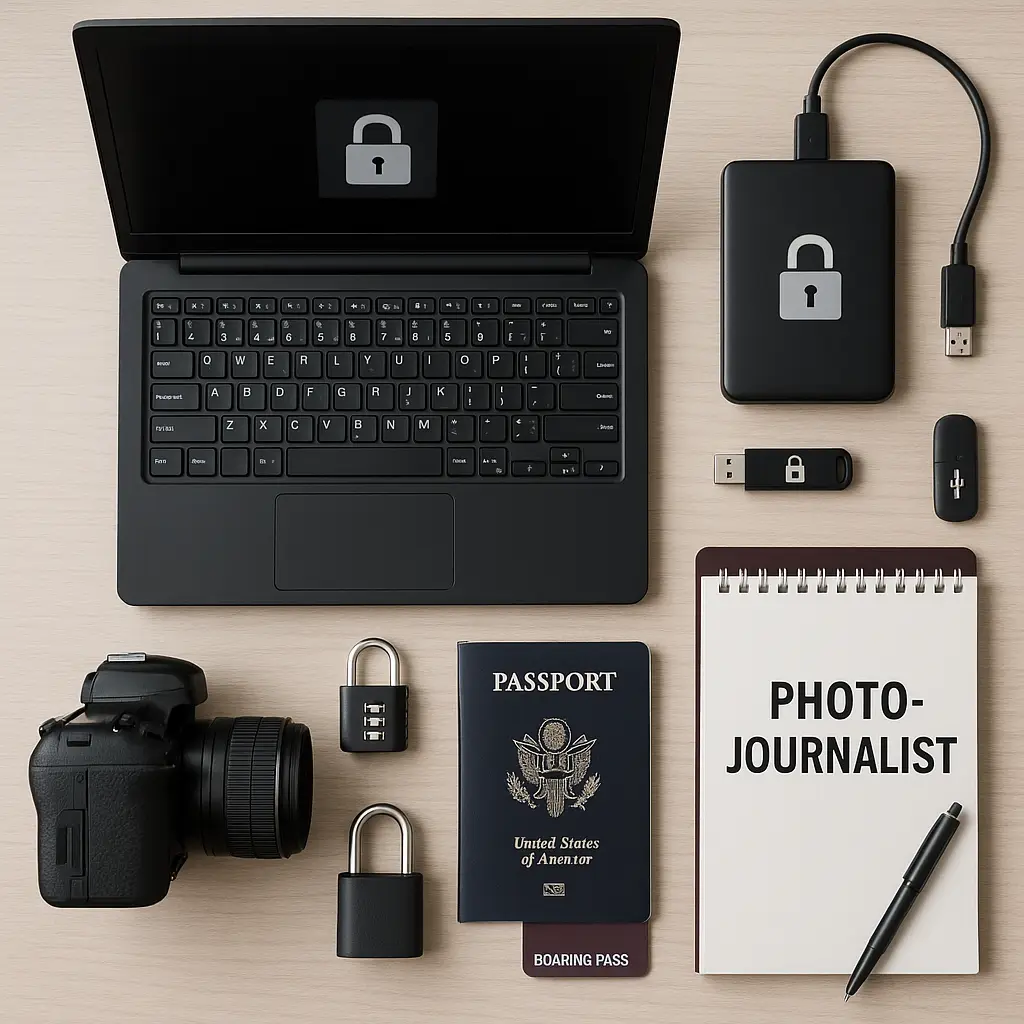
You're a journalist heading to a country where press freedom is a suggestion, not a guarantee. Your laptop holds years of notes, contacts, and half-finished investigations. Your phone contains Signal conversations with sources who could face prosecution if exposed. Border agents can search both devices without a warrant.
This is the reality of international reporting in 2026. The threats aren't theoretical. Journalists crossing borders face device searches, communications monitoring, source exposure risk, and physical surveillance. The security mistakes that seem minor at home become catastrophic abroad.
This guide walks through the practical security setup for journalists traveling internationally. Here's what to configure before you leave, what to bring, what to leave behind, and how to protect your work, your sources, and yourself.
Why journalist travel security is different
Standard travel security advice assumes you're protecting personal data and financial accounts. Journalist security protects something harder to replace: sources, investigations, and the ability to do your job without putting people at risk.
The threat model differs in three ways. First, border searches aren't about finding contraband. They're about intelligence gathering, source identification, and mapping your network. Second, device seizure doesn't just mean losing hardware. It means exposing everyone you've communicated with in the last year. Third, communications monitoring isn't passive surveillance. Governments track journalist movements to identify sources, predict stories, and apply pressure.
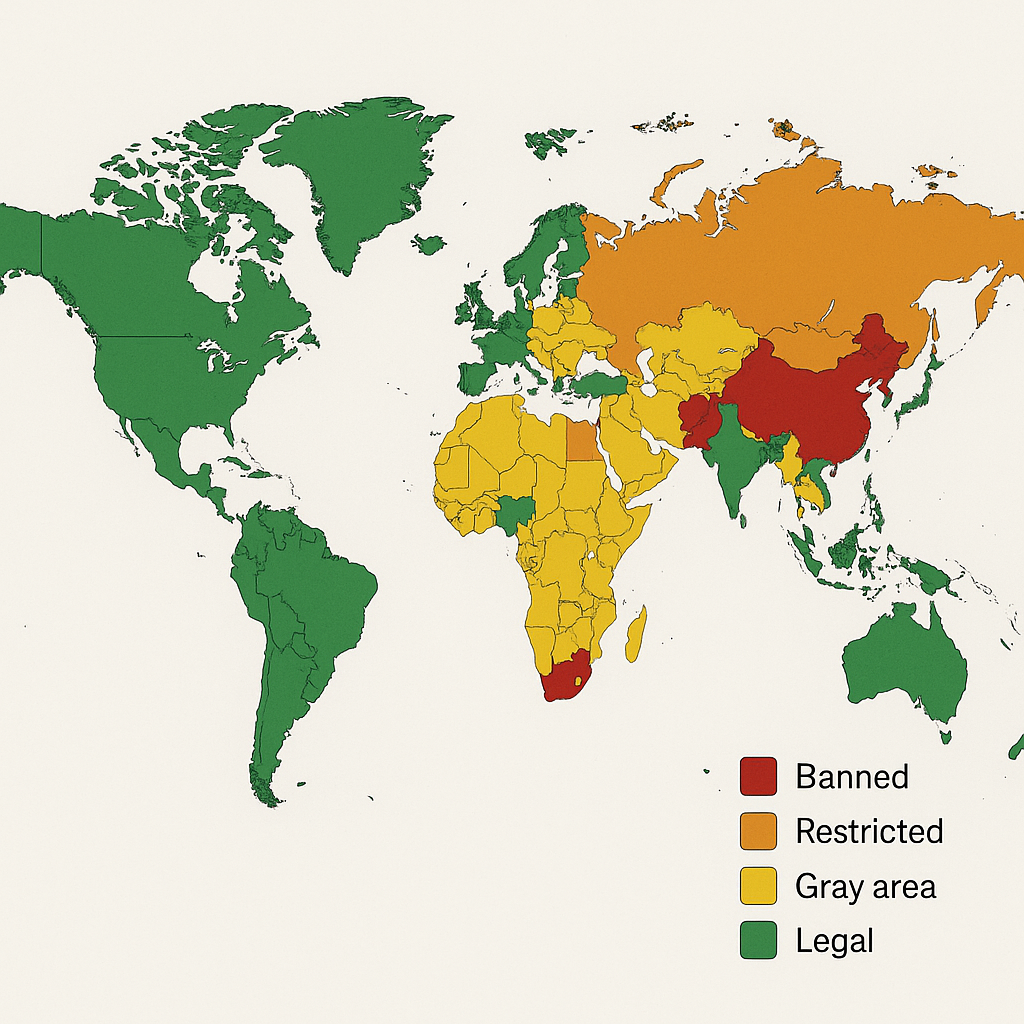
U.S. border agents can search devices without a warrant. Other countries have broader powers, including mandatory password disclosure, device imaging, and communications interception. The legal protections you rely on at home often don't cross borders with you.
The security setup that follows assumes you're traveling to a country where press freedom is limited, surveillance is routine, and source protection is your responsibility. If that sounds paranoid, you're not the target audience for this guide.
The clean device principle
The most important decision happens before you pack: what devices do you bring?
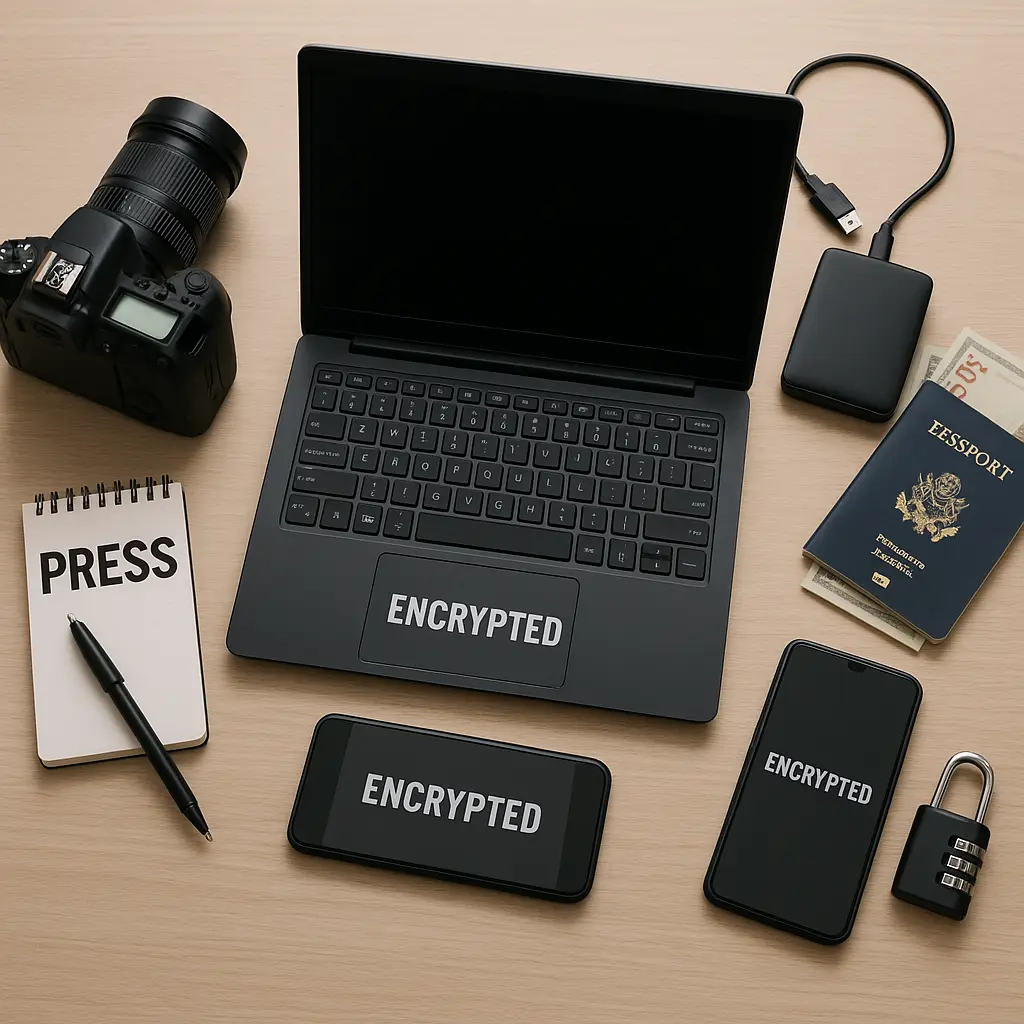
The answer for high-risk travel: clean devices with minimal data. Not your primary laptop. Not your phone with three years of Signal conversations. Clean means a device that's been wiped, freshly installed, and contains only what you need for the specific trip.
Here's why. Border agents in many countries can search devices without a warrant, image drives, and install monitoring software. Even if you encrypt everything, the search creates risk. Agents see your contact list, app inventory, browsing history, and file structure. They identify patterns, map relationships, and build profiles. The data you think is protected leaks through metadata, cached files, and application logs.
A clean device limits exposure. No source contacts. No investigation files. No years of email. Just the tools you need to do your job after you cross the border.
For laptops, that means a fresh operating system install, full-disk encryption, a password manager, Signal, a VPN, and a browser. For phones, it means a device you're willing to lose with minimal apps and no sensitive data.
If you can't travel with clean devices, don't bring devices. Use internet cafes, hotel business centers, or local SIM cards in a burner phone. The inconvenience is real. The alternative is worse.
Pre-departure device setup
If you're bringing a laptop, here's the exact configuration sequence.
Step 1: Wipe and reinstall. Start with a factory reset or clean OS install. Don't clone your existing setup. Don't restore from backup. Install the operating system from scratch.
Step 2: Enable full-disk encryption. On macOS, that's FileVault. On Windows, that's BitLocker. On Linux, that's LUKS. Encryption protects data if the device is seized, stolen, or searched while powered off. It won't protect you if an agent demands your password, but it's the baseline.
Step 3: Create a strong disk encryption password. Not your usual password. A unique passphrase you'll remember under pressure. Write it down and leave it at home. Memorize it. Test yourself. Border crossings create stress. You need to recall this password when you're tired, nervous, and being watched.
Step 4: Install minimal software. A browser (Firefox or Brave), Signal, a password manager (Bitwarden or 1Password), and a VPN (NordVPN or Proton VPN). Nothing else. No Slack. No Dropbox. No cloud sync. No auto-login to email or social media.
Step 5: Disable cloud sync and auto-backup. Turn off iCloud, OneDrive, Google Drive, and automatic photo uploads. Cloud services create copies of your data outside your control. You don't want border agents accessing your files through cloud accounts while you're sitting in secondary inspection.
Step 6: Configure the VPN to auto-connect. Set your VPN to launch on startup and connect automatically to untrusted networks. This protects you from hotel WiFi monitoring and local ISP surveillance. Test it before you leave.
Step 7: Set up two-factor authentication on critical accounts. Use an authenticator app, not SMS. SMS 2FA can be intercepted through SIM swaps and SS7 exploits. Authenticator apps generate codes locally. Back up your 2FA recovery codes and store them separately from your devices.
Step 8: Document your setup. Write down which accounts you'll access, which VPN server you're using, and how to restore access if something goes wrong. Leave this documentation at home. It's your recovery plan if the device is seized.
This setup takes around two hours. Do it a week before travel, not the night before your flight.
Phone configuration for international travel
Phones leak more data than laptops. Location history, call logs, SMS messages, app activity, and contact lists all create exposure. Here's the setup.
Step 1: Decide whether to bring your primary phone. If you're traveling to a high-risk country, consider leaving it at home. Bring a burner phone with a local SIM card instead. If you must bring your primary phone, follow the steps below.
Step 2: Back up your phone before you leave. Full backup to an encrypted drive at home, not to iCloud or Google. You want a restore point if the phone is wiped, seized, or compromised.
Step 3: Remove sensitive apps. Delete Signal, WhatsApp, Telegram, and any encrypted messaging apps before you cross the border. Reinstall them after arrival. The presence of encrypted messaging apps flags you for additional scrutiny in some countries.
Step 4: Clear your contact list. Export your contacts, delete them from your phone, and restore them after crossing the border. Border agents photograph contact lists. Every name in your phone becomes a potential target.
Step 5: Disable biometric unlock. Turn off Face ID and fingerprint unlock before you reach the border. Use a strong PIN instead. Biometric authentication can be compelled in some jurisdictions. PINs have stronger legal protection in the U.S., though that protection varies by country.
Step 6: Turn off location services. Disable GPS, WiFi scanning, and Bluetooth before you cross the border. Your phone tracks location even when you think it's off. Turning off location services limits (but doesn't eliminate) tracking.
Step 7: Enable airplane mode at the border. This prevents your phone from connecting to local cell towers and WiFi networks during the crossing. Turn it back on after you clear customs.
Step 8: Document your phone's IMEI number. Write down your phone's IMEI (dial *#06# to find it) and leave it at home. If your phone is seized, the IMEI helps you track it and prove ownership.
The goal is to cross the border with a phone that looks like a phone but contains minimal data. Restore functionality after arrival.
Communications security abroad
Once you've crossed the border, you need secure communications with sources, editors, and colleagues. Here's the hierarchy of tools, from most secure to least.
Signal for sensitive communications. Signal offers end-to-end encryption for messages, voice calls, and video calls. The encryption is strong enough that even Signal can't read your messages. Use Signal for any conversation that could put a source at risk.
Install Signal after you cross the border, not before. Set disappearing messages to delete after a short window (24 hours or less for high-risk conversations). Verify safety numbers with sources to confirm you're talking to the right person and detect man-in-the-middle attacks.
Signal's weakness: metadata. The app doesn't encrypt who you're talking to, when, or how often. Governments can subpoena Signal for metadata, though the company collects very little. If metadata exposure is a risk, use additional operational security (burner phones, temporary accounts, irregular communication patterns).
WhatsApp as a fallback. WhatsApp uses the same encryption protocol as Signal, but it's owned by Meta. The content of your messages is encrypted, but WhatsApp shares metadata with Meta, including who you message and when. Use WhatsApp only when Signal isn't an option (because a source refuses to install it or because WhatsApp is the local standard).
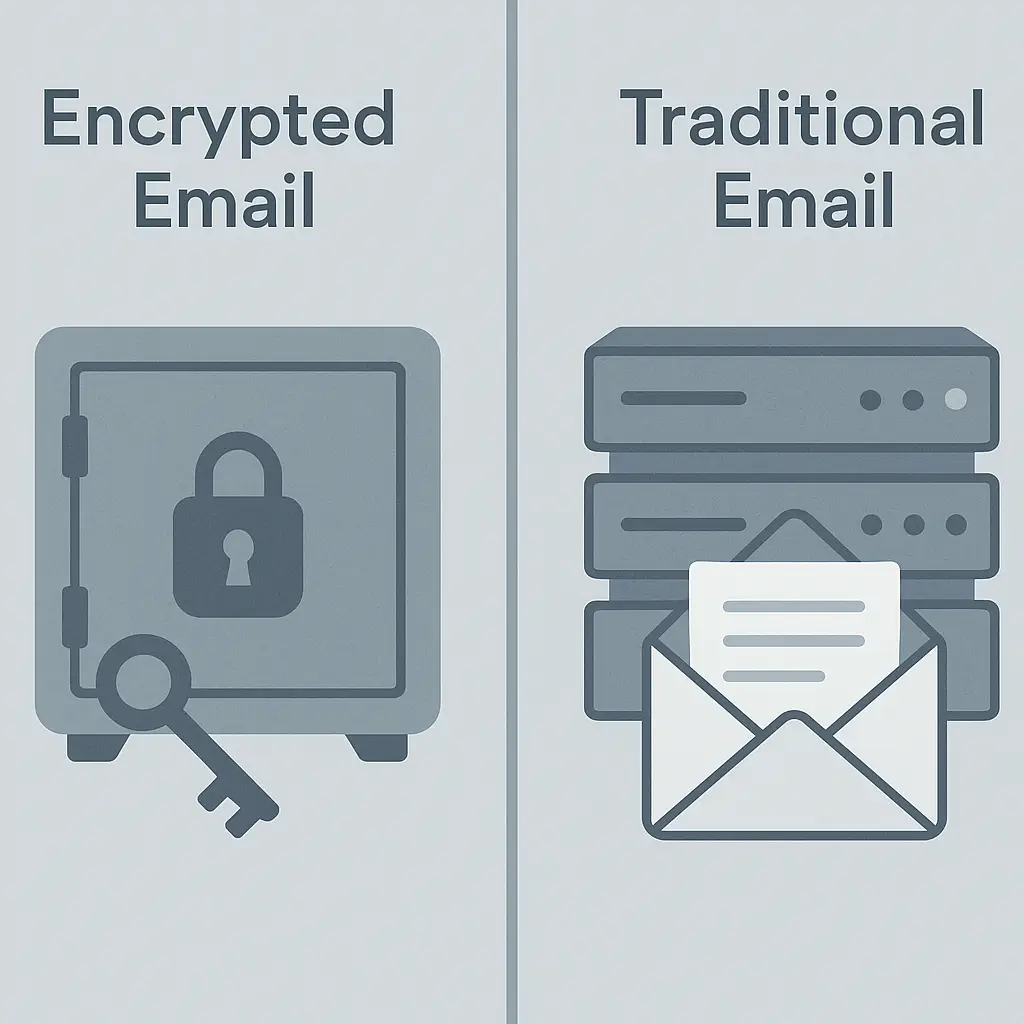
Email with PGP encryption for asynchronous communication. PGP (Pretty Good Privacy) encrypts email content but not metadata. It's clunky, requires technical setup, and most people won't use it. If you need encrypted email, tools like ProtonMail offer easier setup than traditional PGP, though the encryption only works when both parties use ProtonMail.
Email metadata (sender, recipient, subject line, timestamp) is always visible. Treat email as semi-public even when encrypted.
Avoid SMS and standard phone calls. SMS messages are unencrypted and easily intercepted. Phone calls route through local carriers and can be monitored. If you must use SMS or calls, assume the content is being recorded.
Use a VPN for all internet traffic. A VPN encrypts your connection and hides your traffic from local ISPs and government surveillance. NordVPN and Proton VPN both offer strong encryption and a no-logs policy. Configure your VPN to auto-connect on untrusted networks.
VPNs don't make you invisible. They shift trust from your local ISP to the VPN provider. Governments can still see that you're using a VPN, and some countries block VPN traffic. In China, for example, VPNs require specific setup to work, and even then, they're not guaranteed.
Source protection protocols
Protecting sources is the core responsibility. Here's the operational security that matters.
Never bring source information across borders. No contact details, no interview notes, no draft stories, no encrypted files. If you need access to source information while traveling, store it in encrypted cloud storage (ProtonDrive, Tresorit) and access it only after crossing the border.
Use temporary accounts for source communication. Create Signal accounts tied to burner phone numbers (using services like Google Voice or temporary SIM cards). Use these accounts only for the duration of the trip, then delete them. This limits the exposure if your device is compromised.
Establish communication protocols before travel. Agree with sources on how you'll make contact (Signal, encrypted email, specific times), how you'll verify identity (safety numbers, code words), and what happens if communication is interrupted (fallback methods, emergency contacts).
Meet sources in person when possible. Digital communications leave traces. In-person meetings don't. If you're traveling to interview sources, minimize digital contact before the meeting. Arrange logistics through encrypted channels, but conduct the actual interview face-to-face in a secure location.
Use disappearing messages for sensitive conversations. Signal's disappearing messages delete automatically after a set time. For high-risk conversations, set messages to disappear after 24 hours or less. This limits exposure if your device is seized or compromised after the conversation.
Verify identity through multiple channels. Before trusting a source contact, verify their identity through a separate channel. If you're messaging on Signal, confirm identity through an encrypted email or a previously agreed code word. Governments run false-flag operations. Verify you're talking to the right person.
What to do at the border
Border crossings create the highest risk moment. Here's the step-by-step process.
Step 1: Power down devices before you reach the border. Turn off your laptop and phone completely. Don't just lock them. Power them off. This forces full-disk encryption to activate and makes forensic imaging harder (though not impossible).
Step 2: Know your rights (and their limits). In the U.S., border agents can search devices without a warrant, but legal precedent on forced password disclosure is murky. Some courts have ruled that you can't be compelled to provide a password; others have ruled that you can. The law varies by country. Research the rules for your destination before you travel.
Step 3: Be polite and calm. Border agents have broad authority. Arguing, acting nervous, or refusing to cooperate escalates the situation. Answer questions calmly. If asked to unlock your device, you need to decide in the moment whether compliance or refusal creates more risk.
Step 4: If your device is seized, document everything. Write down the agent's name, badge number, time of seizure, and any statements they make. Request a receipt for seized property. Contact your employer and a lawyer immediately.
Step 5: Assume compromised devices are compromised. If your device is seized and returned, treat it as compromised. Don't use it for sensitive work. Wipe it completely and reinstall the operating system when you return home. Replace it if possible.
Step 6: If asked for passwords, assess the risk. Refusing to provide a password can result in device seizure, denied entry, or detention. Providing a password exposes everything on the device. There's no universal answer. The decision depends on the country, the stakes, and what's on the device. This is why traveling with clean devices matters.
Post-arrival security setup
Once you've crossed the border and reached your destination, restore the functionality you need.
Step 1: Reinstall Signal and other encrypted messaging apps. Download Signal from the official app store, not from a third-party source. Verify the app's authenticity before logging in.
Step 2: Restore contacts selectively. Don't restore your entire contact list. Add only the people you need to communicate with during this trip. This limits exposure if your device is compromised later.
Step 3: Connect to the internet through your VPN. Before accessing email, social media, or work accounts, connect to your VPN. This encrypts your traffic and hides your activity from local ISPs and government surveillance.
Step 4: Access cloud storage for necessary files. If you stored files in encrypted cloud storage before travel, access them now. Download only what you need for the current work. Don't sync your entire cloud drive to your device.
Step 5: Verify your accounts for suspicious activity. Check your email, social media, and work accounts for unauthorized logins or unusual activity. If you see anything suspicious, change your passwords immediately and enable 2FA if you haven't already.
Step 6: Establish secure communication with sources. Contact sources through Signal or encrypted email. Verify their identity through safety numbers or pre-agreed code words. Agree on communication protocols for the duration of your stay.
Step 7: Monitor your devices for signs of compromise. Watch for unusual battery drain, unexpected network activity, or apps you didn't install. These can be signs of monitoring software. If you suspect compromise, stop using the device for sensitive work.
The cultural reference: You've Got Mail and the illusion of private communication
In You've Got Mail, Kathleen Kelly and Joe Fox conduct an entire romance through email, believing their conversations are private because they use pseudonyms. The film treats email as a secret channel, a space where identity can be hidden and intimacy can grow without exposure.
That illusion doesn't survive contact with reality. Email metadata exposes sender, recipient, timestamp, and subject line even when the content is encrypted. Pseudonyms don't hide you when the infrastructure itself is logging your activity. The privacy Kathleen and Joe assume is a function of the film's 1998 setting, when surveillance was manual and expensive.
Journalists working abroad face the inverse problem. You can't assume privacy. Every communication creates a record. Every login exposes metadata. The infrastructure is hostile by default. The security setup that works at home fails when the people running the network are the people you're reporting on.
The lesson isn't that secure communication is impossible. It's that secure communication requires infrastructure you control (end-to-end encryption), protocols you verify (safety numbers), and operational discipline you maintain (burner accounts, disappearing messages, in-person meetings). The romance in You've Got Mail works because the characters trust the medium. Journalists abroad can't afford that trust.
Physical security and surveillance awareness
Digital security is half the picture. Physical security matters just as much when you're working in a hostile environment.
Hotel room security. Assume your hotel room is monitored. Don't leave devices unattended. Don't conduct sensitive conversations in the room. Use the hotel safe for passports and backup drives, but don't trust it for anything you can't afford to lose.
Public WiFi and internet cafes. Avoid using public computers for sensitive work. If you must use a public computer, assume everything you type is logged. Don't log into email, social media, or cloud storage. Use a VPN on your own devices when connecting to public WiFi, but understand that the VPN doesn't protect you from physical surveillance (cameras, keyloggers, shoulder surfing).
Physical surveillance. In some countries, journalists are routinely followed. Watch for patterns (the same car, the same person in multiple locations). Vary your routes. Meet sources in public places with multiple exits. If you suspect surveillance, don't lead watchers to sources or sensitive locations.
Device theft. Carry your devices with you. Don't leave laptops in hotel rooms or phones in taxis. If a device is stolen, assume it's compromised. Wipe it remotely if possible (using Find My iPhone or Android Device Manager). Change passwords for any accounts accessed from that device.
Border re-entry. When you return home, expect the same scrutiny you faced on departure. U.S. border agents search devices on re-entry just as they do on arrival. Follow the same protocols: power down devices, assess risk before providing passwords, and treat any seized device as compromised.
What to leave behind
Some tools and practices create more risk than value when traveling internationally. Here's what not to bring.
Work laptops with full access. Your primary work laptop holds years of data, source contacts, and investigation files. Don't bring it. Use a clean travel laptop with minimal data.
Phones with full contact lists. Your phone's contact list is a map of your network. Border agents photograph contact lists. Every name becomes a potential target. Travel with a burner phone or wipe your contact list before crossing borders.
Cloud sync enabled. Auto-sync to iCloud, Google Drive, or Dropbox creates copies of your data outside your control. Disable cloud sync before travel. Access cloud storage manually and selectively after crossing borders.
Social media auto-login. Don't stay logged into Twitter, Facebook, or Instagram on your travel devices. Log in only when necessary, and log out immediately after. Persistent logins expose your accounts to anyone who gains access to your device.
Unencrypted files. Don't bring unencrypted notes, drafts, or source information. If you need access to files while traveling, encrypt them before upload to cloud storage and access them only after crossing borders.
Personal devices for work communication. Mixing personal and work use on the same device creates exposure. If your personal phone is searched, work contacts are exposed. If your work laptop is seized, personal data is compromised. Keep them separate.
Recovery planning for worst-case scenarios
Despite every precaution, things go wrong. Devices get seized. Accounts get compromised. Sources get exposed. Here's the recovery plan.
Before travel: document everything. Write down account passwords, 2FA backup codes, device serial numbers, and emergency contacts. Store this information securely at home, not on your travel devices. This is your recovery kit if everything goes wrong.
If your device is seized: assume compromise. Don't use the device for sensitive work if it's returned. Wipe it completely. Change passwords for every account accessed from that device. Notify sources that communications may have been compromised.
If your accounts are compromised: lock them down immediately. Change passwords, enable 2FA, review recent login activity, and revoke access for any unfamiliar devices or apps. Check for forwarding rules in email that could be silently copying your messages.
If a source is exposed: assess their safety. Contact the source through a secure channel (if possible) to warn them. Follow your organization's protocols for source protection. Document what happened and when. Cooperate with legal counsel.
If you're detained: know your rights and your employer's protocols. Request consular assistance if you're a foreign national. Contact your employer's legal team. Don't answer questions without legal representation. Document everything that happens.
The ongoing cost of security
This setup is exhausting. Clean devices. Burner phones. Manual logins. Constant vigilance. It's slower than working normally. It's less convenient. It creates friction at every step.
That friction is the point. Security isn't about making your work easier. It's about making an attacker's work harder. Every extra step you take (encrypting files, verifying safety numbers, using disappearing messages) raises the cost of compromise.
The question isn't whether this setup is convenient. It's whether the alternative is acceptable. If source exposure is unacceptable, you accept the inconvenience. If investigation compromise is unacceptable, you accept the friction. If losing access to your work is unacceptable, you accept the manual setup.
The threat model for journalists working abroad is real. Governments monitor communications, search devices, and target sources. The security setup that protects you at home doesn't travel. You need different tools, different protocols, and different operational discipline.
This guide gives you the step-by-step process. What you do with it depends on where you're going, what you're reporting, and what you're willing to risk.