Border Searches of Your Phone and Laptop: What Agents Can Actually Do
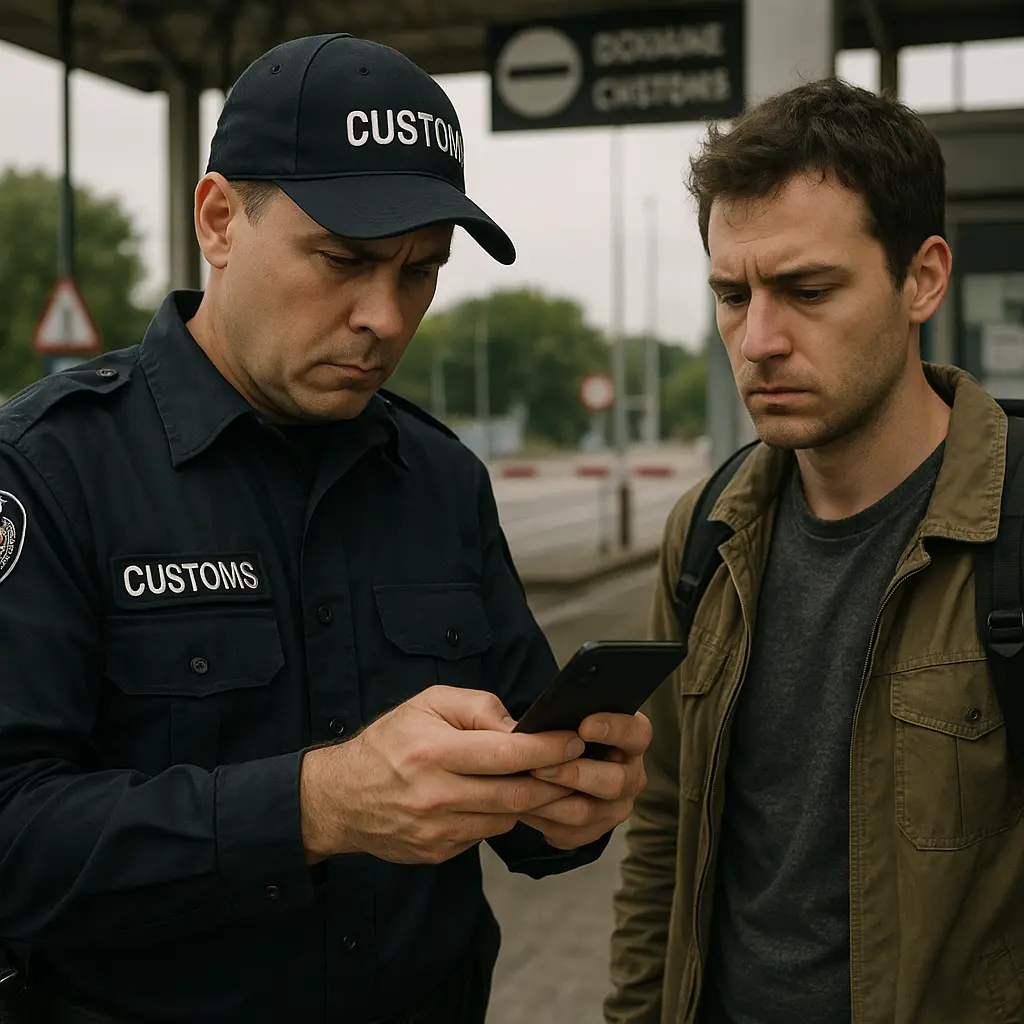
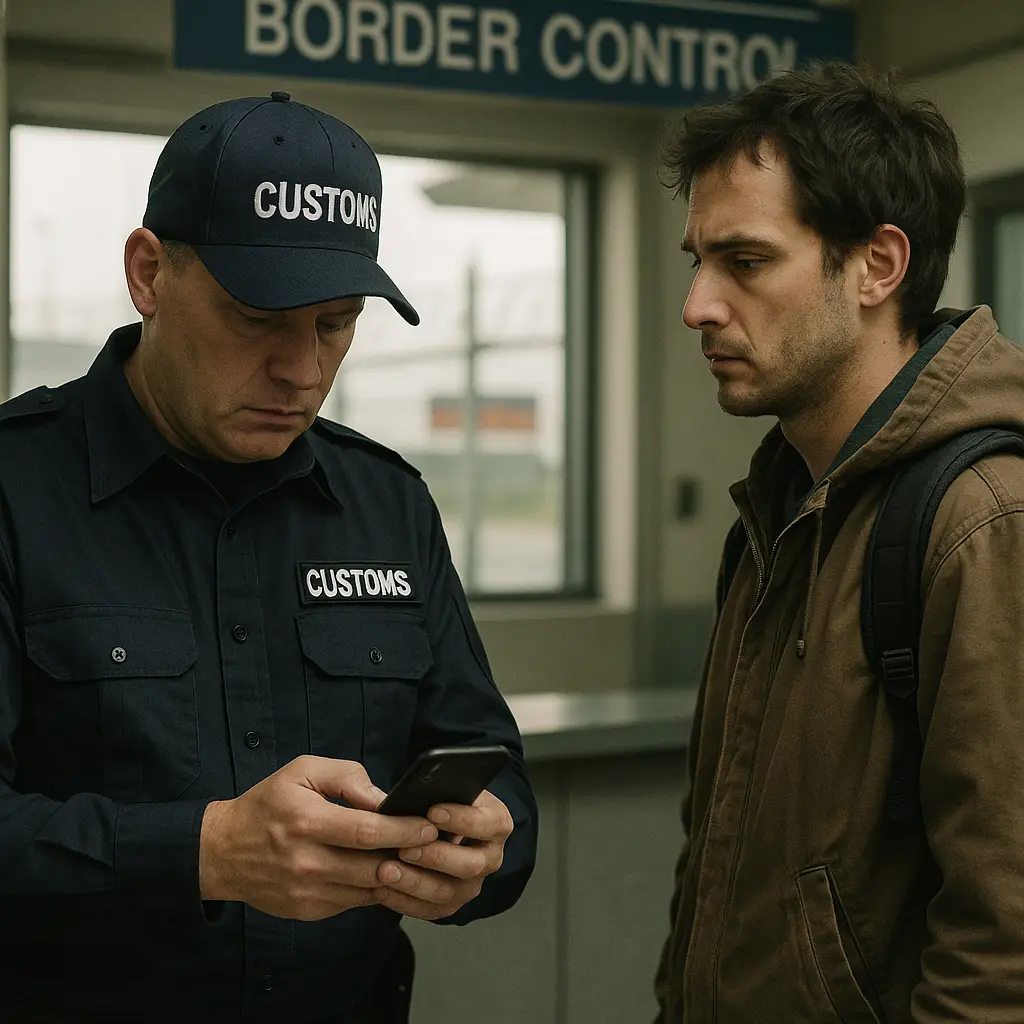
You land at JFK after two weeks in London. You're tired, you want to go home, and you're thinking about your bed. Then a Customs and Border Protection officer asks you to step aside and hand over your phone.
Can they do that? Yes. Do they need a warrant? No. Can you refuse? Technically yes, but the consequences are real.
Here's how border device searches actually work, what the law allows, and what you can do about it.
The Border Search Exception
The Fourth Amendment protects against unreasonable searches and seizures. At the border, that protection weakens considerably.
Courts have recognized a border search exception since the founding of the country. The logic is straightforward: the government has a compelling interest in controlling what crosses its borders. Customs officers can search luggage, vehicles, and cargo without a warrant. In recent decades, that authority has expanded to include laptops, phones, tablets, and other electronic devices.
The Supreme Court has upheld border search authority as distinct from the protections that apply inside the country. You don't have the same Fourth Amendment rights at a port of entry that you have in your living room.
This isn't new. What's changed is what your devices contain. A suitcase holds clothes and toiletries. A phone holds your email, your photos, your messages, your location history, your financial records, your medical information, and access to every cloud account you've logged into. The scope of what border agents can access has grown exponentially without a corresponding change in the legal framework.
Two Types of Border Device Searches
U.S. Customs and Border Protection distinguishes between two types of device searches. The difference matters.
A manual search means an officer looks through your device by hand. They scroll through photos, read messages, check browser history, open apps. This is the most common type of search. It's also the type that requires the least justification. Officers can conduct manual searches as part of routine border enforcement, no suspicion required.
A forensic search means your device gets connected to specialized equipment that extracts data, recovers deleted files, and analyzes content in ways you can't see happening. Forensic searches require reasonable suspicion of activity related to terrorism, child pornography, or violations of export control or sanctions laws. The standard is higher, but it's still far below the probable cause required for a warrant.
Around 40,000 device searches happen at U.S. borders each year, according to data from CBP reports. That's a small fraction of total border crossings, but the number has grown steadily. Most are manual searches. Forensic searches represent a smaller subset, but the distinction offers limited comfort when you're the one being searched.
What Agents Can See
When an officer conducts a manual search, they can access anything visible on your device. That includes:
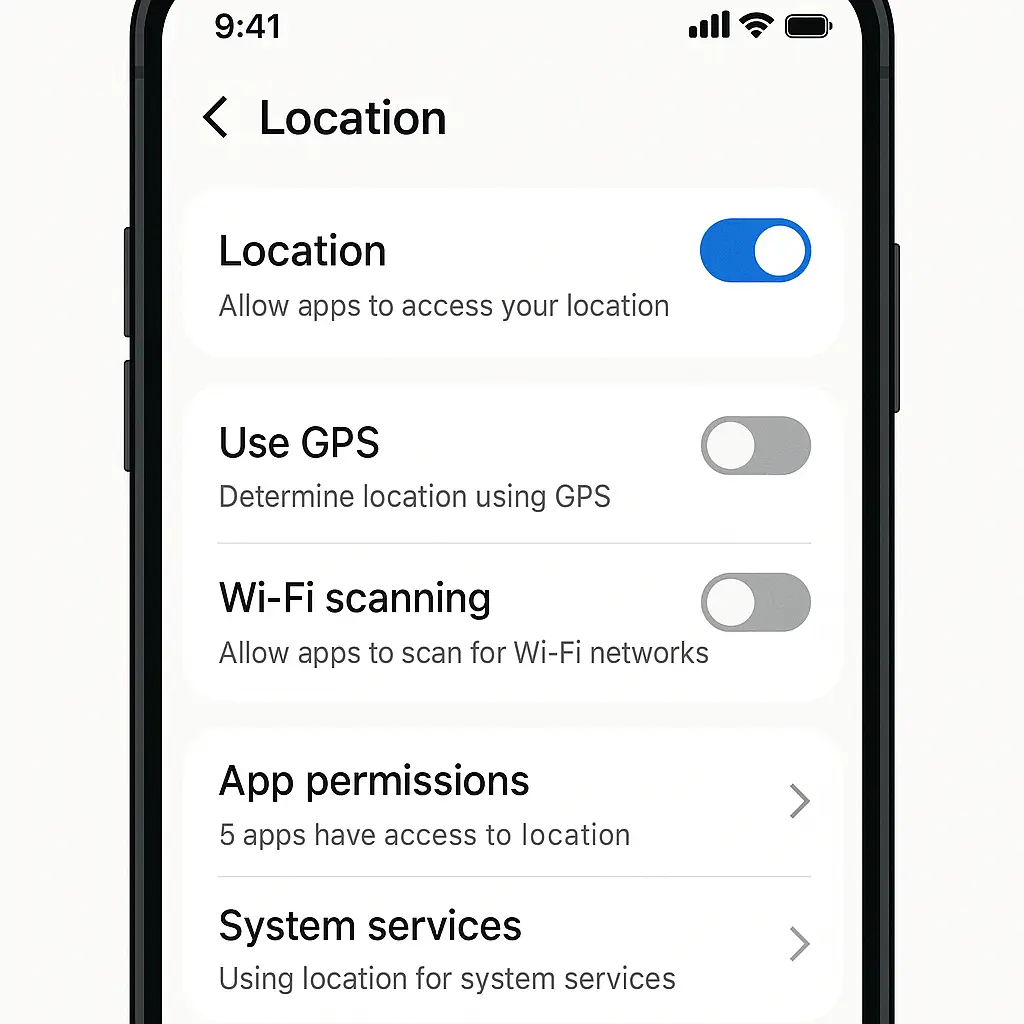
Photos and videos stored locally or synced from the cloud. Messages in iMessage, WhatsApp, Signal, and any other app. Email accounts logged in on your phone. Browser history and saved passwords. Notes, documents, and files. Social media apps and the content they display. Financial apps and transaction history. Health data and fitness tracking. Location history if it's stored on the device.
Cloud-synced content creates a gray area. If your photos sync from iCloud and an officer opens your Photos app, they can see everything that loads. If your email is configured to sync messages, those messages are accessible. The legal framework was written before cloud storage became the default. Courts are still working out where the line falls between searching a device and searching cloud data, but in practice, officers can view whatever appears on your screen.
Forensic searches go deeper. Specialized tools can extract deleted messages, recover files you thought were gone, analyze encrypted containers if the device is unlocked, and pull data from apps that don't display content directly on screen. The tools used for forensic examination are the same ones law enforcement uses for criminal investigations. They're effective.
Work Devices and Company Data
If you're traveling with a work-issued laptop or phone, border searches create a collision between customs authority and corporate data protection obligations.
Many companies prohibit employees from crossing borders with devices containing sensitive data. Some issue travel-specific devices with minimal data. Others require employees to wipe devices before travel and restore from backup after clearing customs. These policies exist because border searches are a known risk to trade secrets, attorney-client privilege, and regulated data.
If you work in healthcare, finance, or law, crossing a border with client data on your device may violate professional obligations. HIPAA doesn't exempt border searches, but it does hold you responsible for protecting patient information. Attorney-client privilege doesn't stop a border search, but it may create liability if privileged communications are disclosed.
Corporate counsel generally advises one of two approaches: travel with clean devices, or don't cross borders with work devices at all. If your employer hasn't given you guidance, ask before you travel. The risk isn't just to you. It's to everyone whose data is on your device.
What Happens If You Refuse
You can refuse to unlock your device. The consequences depend on your citizenship status.
If you're a U.S. citizen, border agents cannot deny you entry to the United States. That right is absolute. But refusal to unlock your device can lead to extended detention, device seizure, and secondary inspection that turns a 30-minute customs process into a multi-hour ordeal. Agents can seize your device and hold it for forensic examination, which may take weeks or months. You'll get the device back eventually, but you won't know what was extracted or where that data went.
If you're not a U.S. citizen, refusal can result in denied entry. Visa holders, green card holders, and foreign nationals all face potential consequences that include turned-away flights, visa revocation, and immigration holds. The risk calculation is different when entry isn't guaranteed.
Some travelers power off devices before reaching customs, hoping that encryption-at-rest will protect data. This works only if you can maintain that posture through the entire encounter. If an officer asks you to unlock the device and you refuse, you're back to the refusal scenario. If you unlock it, encryption no longer protects you.
Biometric unlocks complicate the picture. Officers can compel you to use Face ID or Touch ID without violating the Fifth Amendment, according to several court rulings. A passcode is testimonial, meaning you can refuse to provide it under Fifth Amendment grounds. A fingerprint or face scan is physical evidence, which has weaker protection. If your device uses biometric unlock, consider disabling it before you reach the border.
The Cloud Data Problem
Your phone is a window into your cloud accounts. Border agents know this.
When an officer opens your Gmail app, they see your email. When they open Google Photos, they see your photos. When they open Dropbox, they see your files. Legally, this occupies a murky space. The device search exception allows inspection of the device itself. Whether that extends to cloud data accessed through the device is an open question in many jurisdictions.
In practice, the distinction doesn't protect you. If the data appears on your screen, the officer can see it. If your apps sync automatically, they sync during the search. Logging out of cloud accounts before you reach customs helps, but only if you remember to do it for every app that syncs data.
Some travelers use a different approach: they travel with a separate Apple ID or Google account that contains no personal data. They set up a travel-specific phone or laptop, log into only the accounts they need during the trip, and restore their primary accounts after clearing customs. This works, but it requires planning and discipline.
Encryption Doesn't Stop Border Searches
Device encryption protects data at rest. When your phone is off and locked, the data is encrypted. When you unlock it, the encryption key loads into memory and the data becomes accessible.
Border agents ask you to unlock your device. Once unlocked, encryption no longer protects the data. The contents are visible. Apps open. Files load. Cloud accounts sync. Encryption is a barrier to remote access and theft, not to someone holding your unlocked device in their hands.
Some travelers ask about encrypted containers or password-protected files. These provide a second layer of protection, but they also raise questions. If an officer sees an encrypted volume during a manual search, they may escalate to a forensic search. If they ask you to unlock the container and you refuse, you're back to the refusal scenario.
Full-disk encryption is standard on modern phones and laptops. It's a baseline security measure, but it doesn't change the border search calculus. The device is only as protected as your willingness to keep it locked.
What the Law Actually Says
The legal framework for border device searches is a patchwork of case law, agency policies, and unresolved questions.
In 2013, the Ninth Circuit ruled in United States v. Cotterman that forensic searches require reasonable suspicion. This was a significant limitation on border search authority, but it applies only to forensic searches, not manual searches. Manual searches remain largely unrestricted.
In 2018, the District Court in Massachusetts ruled in United States v. Kolsuz that border agents needed a warrant to search a traveler's phone. The First Circuit reversed that decision in part, holding that a warrant wasn't required but that some level of suspicion might be necessary for particularly invasive searches. The case left more questions than answers.
In 2022, the Ninth Circuit ruled in United States v. Cano that a manual search of a phone at the border did not require reasonable suspicion, even when the search revealed incriminating evidence. The court reasoned that phones are no different from other personal property subject to border searches.
CBP policy states that officers should not search devices to gain access to information stored solely in the cloud. In practice, this distinction is difficult to enforce. If your email client syncs messages, are those messages stored on the device or in the cloud? The policy doesn't resolve the ambiguity, and officers have discretion in how they interpret it.
The ACLU and EFF have challenged border device search policies in court. Some cases are ongoing. The legal landscape is evolving, but slowly. For now, border agents have broad authority, and travelers have limited recourse.
What You Can Actually Do
You can't eliminate the risk of a border device search, but you can reduce your exposure.
Back up your devices before you travel. Store the backup somewhere secure, not on a cloud service you're logged into on your phone. When you cross the border, your device should contain only the data you're willing to have searched. Restore from backup after you clear customs.
Log out of cloud accounts before you reach the border. This includes email, photo storage, file sync services, social media, and any app that stores data remotely. Logging out doesn't delete the data, but it prevents automatic syncing during a search.
Use a passcode instead of biometric unlock. Disable Face ID and Touch ID before you reach customs. A passcode has stronger Fifth Amendment protection than a fingerprint or face scan, though this protection is not absolute.
Consider traveling with a secondary device. Some travelers carry a phone or laptop set up specifically for border crossings, with minimal apps and no access to sensitive accounts. This approach works if you can tolerate the inconvenience of switching devices and restoring data after you clear customs.
If you're asked to unlock your device, you face a choice. Compliance means the officer can access whatever is on the device. Refusal means potential detention, device seizure, and, for non-citizens, possible denial of entry. There's no good answer. The choice depends on what's on your device and how much you're willing to risk.
Document the encounter if you can. Note the officer's name and badge number, the time and location, what was searched, and how long the search lasted. If your device is seized, get a receipt. This documentation won't stop the search, but it creates a record if you pursue legal action later.
The Practical Reality
Most travelers never face a device search. The odds are low. But the consequences are high if it happens to you.
Border agents have broad discretion. They can search your device for any reason or no reason. They don't need to suspect you of a crime. They don't need to explain why they selected you. The process is opaque, and there's no meaningful oversight in the moment.
Some travelers are searched more frequently than others. Journalists, activists, business travelers, and people returning from certain countries report higher search rates. If you fall into one of these categories, the risk is higher. Plan accordingly.
The advice to "just don't carry anything sensitive" works only if you can define sensitive. Your email might contain medical information, financial records, or private conversations you wouldn't want a stranger reading. Your photos might include images of your family, your home, or your daily life. Sensitive is subjective, and border agents decide what's worth examining.
In Neuromancer, William Gibson wrote about data couriers who carried encrypted information in their heads, beyond the reach of border authorities. We're not there yet, but the instinct is sound. The less data you carry, the less you expose. The more you back up and restore, the more control you maintain.
Border device searches are legal, common enough to matter, and invasive in ways that weren't possible a generation ago. You can't eliminate the risk, but you can reduce it. Back up before you travel. Minimize what you carry. Know your options if you're selected. And remember that the border is not the place to test your Fourth Amendment rights. That fight happens later, in court, with a lawyer. At the border, you're just trying to get home.