VPN Myths Versus Reality: Do You Really Need One?
You've seen the ads. A VPN will make you anonymous, protect you from hackers, and keep your data safe on public WiFi. Maybe it'll even let you stream shows from other countries or get cheaper plane tickets.
Some of that is true. Most of it isn't. And the gap between what VPNs actually do and what their marketing promises has grown wide enough to drive a truck through.
I've spent two decades writing about security tech, and VPNs occupy a strange space in that world. They're legitimate tools that solve real problems. They're also oversold to the point of absurdity. The question isn't whether VPNs work, they do, but whether they solve your problem.
Here's what VPNs actually protect, what they don't, and whether you need one.
What a VPN Actually Does
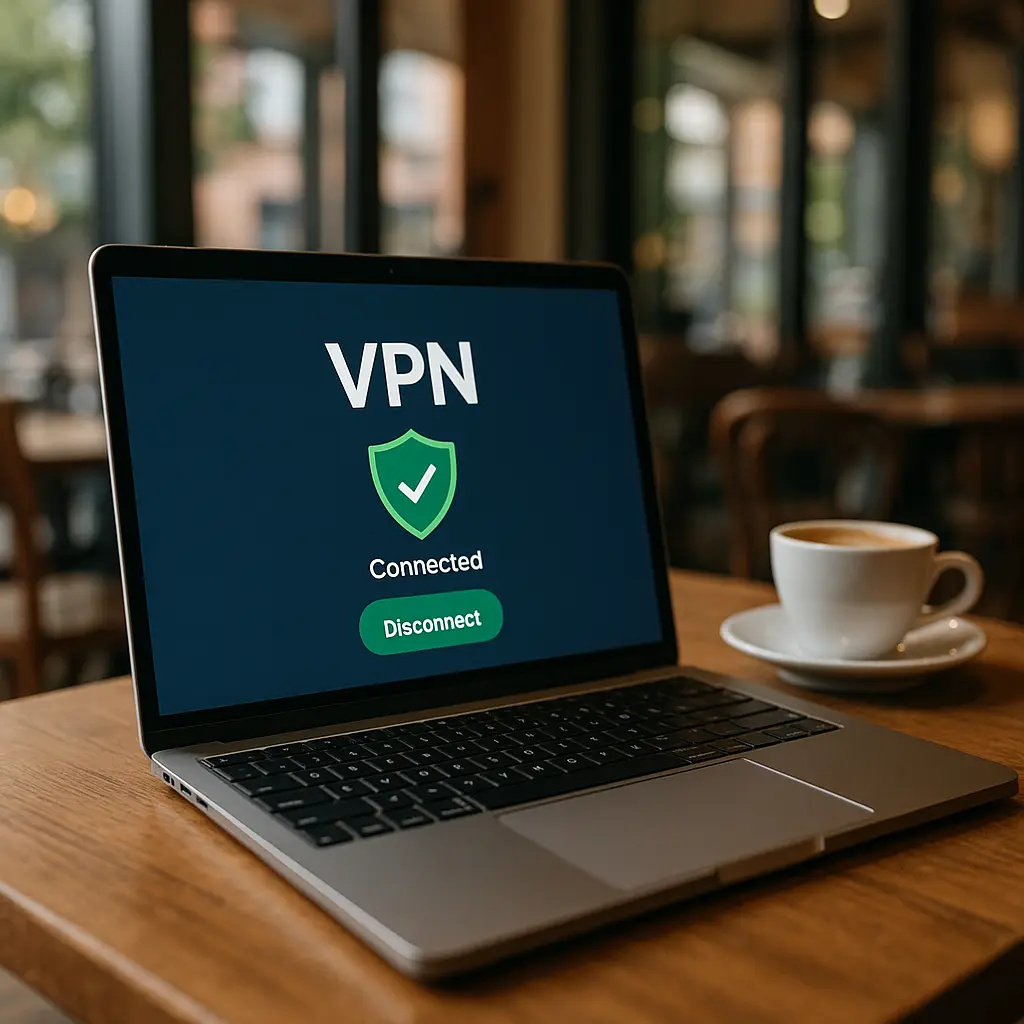
A VPN creates an encrypted tunnel between your device and a server somewhere else. Your traffic flows through that tunnel to the VPN server, then out to the internet. Websites see the VPN server's IP address, not yours. Your internet provider sees that you're connected to a VPN, but not which sites you're visiting.
That's it. That's the mechanism.
Everything else, the anonymity claims, the security promises, the privacy guarantees, depends on what you're trying to protect against and who you're trying to hide from.
In Star Wars, the Millennium Falcon's hyperdrive lets Han and Chewie jump to lightspeed and disappear from Imperial scanners. But lightspeed doesn't make them invisible. It just moves them somewhere else. The Empire can still track them if they know where to look, and they still leave a trail when they drop out of hyperspace. A VPN works the same way. It relocates your network presence, but it doesn't erase you.
The encryption between your device and the VPN server is real. HTTPS encryption already protects most of your web traffic, but a VPN adds a second layer that wraps everything, HTTPS and non-HTTPS, in an encrypted envelope. That matters in specific situations. It doesn't matter in most.
The Coffee Shop WiFi Myth
The most common VPN pitch is protection on public WiFi. You're at Starbucks, you connect to the guest network, and suddenly you're vulnerable to hackers who can intercept your passwords and steal your data. A VPN fixes that.
Except it mostly doesn't, because the threat model is outdated.
In 2010, public WiFi was dangerous. Sites sent passwords and session cookies in cleartext. Anyone on the same network could run a packet sniffer and harvest credentials. Tools like Firesheep made this trivial.
In 2026, around 95 percent of web traffic uses HTTPS. When you visit your bank, your email, or any major site, the connection is already encrypted between your device and the server. Someone on the same WiFi network sees encrypted gibberish. They can't read your passwords. They can't hijack your session. The first layer of encryption, HTTPS, already did the work.
A VPN adds a second layer. Your traffic goes from your device to the VPN server encrypted, then from the VPN server to the website encrypted. That's two layers instead of one. But the threat you're protecting against, someone on the local network intercepting your traffic, is already mitigated by HTTPS.
There are edge cases. Some apps don't use HTTPS. Some sites still send data in cleartext. DNS requests leak information about which sites you're visiting, and HTTPS doesn't encrypt those. A VPN wraps all of that in one encrypted tunnel, which closes those gaps.
But for most people, most of the time, the risk on modern public WiFi is lower than the marketing suggests. CISA's guidance on network security emphasizes HTTPS as the baseline protection. A VPN is a second layer, not a replacement.
If you're handling genuinely sensitive data, financial records, health information, confidential work files, a VPN adds meaningful protection. If you're checking email and reading news, HTTPS is probably enough.
The Anonymity Myth
VPN ads promise anonymity. Use our service and no one can track you online. Your browsing is private. Your identity is hidden.
This is the biggest distortion in VPN marketing, and it's worth breaking down piece by piece.
First, websites track you through cookies, browser fingerprints, and logged-in accounts. A VPN hides your IP address, but it doesn't stop any of that. If you're logged into Google, Facebook, or Amazon, those companies know exactly who you are and what you're doing, VPN or not. Your IP address is one data point among dozens.
Second, your VPN provider sees everything your internet provider used to see. Every site you visit, every search you run, every video you stream, all of that flows through the VPN server. You're not hiding from surveillance. You're shifting it from your ISP to your VPN provider.
Some VPN companies log nothing. Some log metadata. Some log everything and hand it over to law enforcement or sell it to advertisers. The difference matters, and you have no way to verify what's actually happening on the server side. You're taking the company's word for it.
Third, even no-log VPNs aren't anonymous in the legal sense. If law enforcement shows up with a subpoena, the VPN provider has to comply. They might not have logs, but they have payment records, email addresses, and connection timestamps. If you're trying to hide from a government, a commercial VPN is not the tool.
Anonymity online requires a different architecture. Tor routes your traffic through multiple encrypted relays, each knowing only the previous and next hop. No single server sees both your identity and your destination. That's actual anonymity. A VPN is not.
For most people, the goal isn't anonymity. It's privacy from commercial tracking and ISP surveillance. A VPN can help with that, but only if you trust the VPN provider more than you trust your ISP. That's a judgment call, not a technical certainty.
The Security Myth
VPN marketing conflates privacy and security. The ads show hackers, dark hoodies, ominous code on screens. The implication is that a VPN protects you from cyberattacks.
It doesn't.
Phishing emails don't care whether you're using a VPN. Malware doesn't care. Account takeovers happen because someone guessed your password or intercepted a reset link, not because they sniffed your traffic on public WiFi. A VPN does nothing to stop those attacks.
Security is about authentication, access control, and software integrity. A VPN is a network tool. It encrypts traffic between two points. It doesn't scan for malware. It doesn't block phishing sites. It doesn't enforce strong passwords or two-factor authentication.
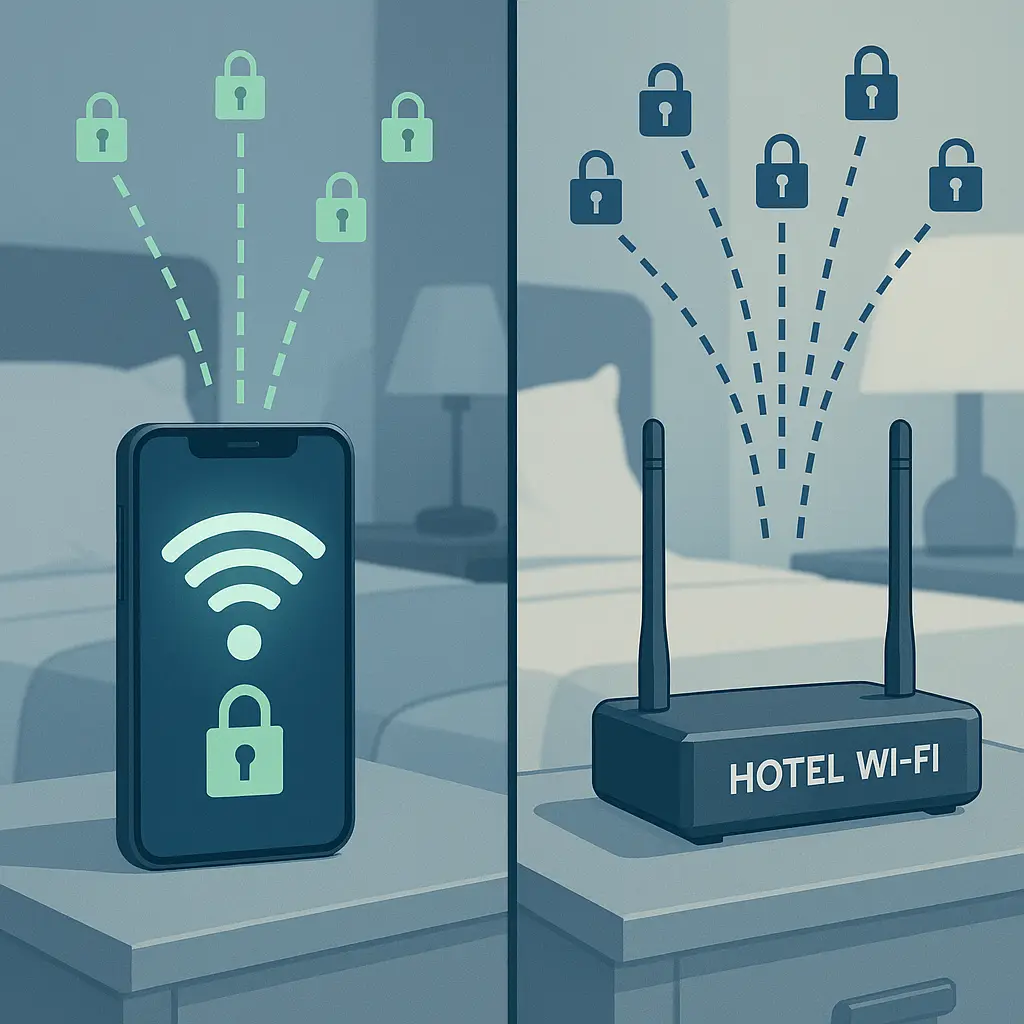
There's one exception. If you're on a hostile network, a hotel in a country with aggressive internet surveillance, a conference WiFi run by people you don't trust, a network where you suspect active interception, a VPN does meaningful work. It prevents local attackers from injecting malicious code into unencrypted connections, spoofing DNS responses, or running man-in-the-middle attacks.
But that's a specific threat model. For most people, in most places, the bigger security risks are phishing, weak passwords, and unpatched software. A VPN doesn't touch any of that.
NIST's cybersecurity framework treats network encryption as one layer in a defense-in-depth strategy. It's not a substitute for endpoint security, access controls, or user awareness.
What VPNs Actually Protect
Strip away the marketing, and VPNs solve three real problems.
First, they hide your IP address from websites. That's useful if you want to limit tracking by advertisers, prevent websites from building profiles based on your location, or access region-locked content. It's not anonymity, but it's a meaningful privacy gain.
Second, they encrypt all your traffic in one tunnel. That closes gaps left by apps that don't use HTTPS, prevents your ISP from seeing which sites you visit, and protects DNS queries from local network observers. On a trusted home network, this matters less. On public WiFi or in countries with invasive internet monitoring, it matters more.
Third, they relocate your network presence. If you're traveling in a country that blocks certain services, Gmail in China, VoIP in the UAE, social media in Iran, a VPN can route your traffic through a server in a different jurisdiction. This is the most legitimate use case for VPNs, and it's the one the marketing barely mentions.
If you're doing any of those three things, a VPN makes sense. If you're not, you're probably paying for a service you don't need.
The ISP Surveillance Question
One argument for VPNs is that they prevent your internet provider from seeing your browsing history. That's technically true. Your ISP sees that you're connected to a VPN and how much data you're transferring, but not which sites you visit.
But you're not eliminating surveillance. You're shifting it. Your VPN provider now sees everything your ISP used to see. The question becomes: do you trust your VPN provider more than your ISP?
In the U.S., ISPs can sell your browsing data to advertisers. That's legal. It's also creepy, and it's a reasonable thing to want to prevent. A VPN does prevent it, assuming your VPN provider doesn't do the same thing.
The challenge is verification. ISPs are regulated entities with legal obligations and public accountability. VPN providers are private companies, often based in jurisdictions with minimal oversight. Some are transparent about their logging policies and publish third-party audits. Some make vague promises and hope you don't ask questions.
Mozilla VPN publishes regular security audits and commits to no-log policies backed by Mozilla's reputation. That's meaningful. A VPN provider with no audit, no public track record, and servers in a data-haven jurisdiction is asking you to trust them on faith.
If you're using a VPN to hide your browsing from your ISP, make sure you've actually reduced your exposure. Shifting surveillance from a regulated ISP to an unaccountable VPN provider isn't an upgrade.
Free VPNs and the Business Model Problem
Free VPNs are everywhere. They promise the same protection as paid services, but without the monthly fee. That sounds great until you ask how they make money.
Some free VPNs inject ads into your browsing. Some sell your bandwidth to other users. Some log your traffic and sell it to data brokers. Some are fronts for malware distribution. The business model problem is real, and it's not hypothetical.
Researchers have found free VPNs that leak DNS queries, expose user IP addresses, and fail to encrypt traffic at all. Some have been caught selling user data to advertisers. Some have been linked to malware campaigns.
The fundamental issue is that running a VPN costs money. Servers, bandwidth, maintenance, support, all of that requires revenue. If you're not paying, someone else is. The question is who, and what they're getting in return.
There are exceptions. Proton VPN offers a free tier supported by paid subscribers. Mozilla VPN doesn't have a free tier, but it's backed by a nonprofit with a public commitment to privacy. Those models work because the revenue comes from somewhere transparent.
But most free VPNs don't have that structure. If the business model isn't clear, assume the product is you.
When You Actually Need a VPN
Here's the practical decision framework.
You probably need a VPN if:
- You're traveling in a country that blocks services you need
- You're on a network you don't trust and handling sensitive data
- You want to prevent your ISP from selling your browsing history
- You're accessing region-locked content and accept the terms-of-service risk
- You're a journalist, activist, or researcher working in a hostile environment
You probably don't need a VPN if:
- You're on your home network most of the time
- You're using HTTPS-enabled sites for routine browsing
- You're not trying to hide from commercial tracking or government surveillance
- You're not accessing blocked services
The gap between those two lists is where most people live. You're not under active surveillance, but you'd prefer more privacy. You use public WiFi occasionally, but mostly you're at home. You're not trying to hide from law enforcement, but you don't love the idea of your ISP logging every site you visit.
In that middle ground, a VPN is optional. It adds a layer of protection, but it's not essential. The decision comes down to whether the monthly cost, the performance hit, and the trust transfer to a VPN provider are worth the privacy gain.
For some people, the answer is yes. For others, it's not.
What to Look for in a VPN
If you've decided you need a VPN, here's what actually matters.
No-log policy. The provider should commit in writing to not logging your browsing activity, connection timestamps, or IP addresses. Vague promises don't count. Look for specific language and third-party audits.
Jurisdiction. Where the company is based determines which laws apply. Some countries require data retention. Some have intelligence-sharing agreements. Some have strong privacy protections. Research the legal environment.
Encryption standards. Modern VPNs use OpenVPN, WireGuard, or IKEv2 with AES-256 encryption. Anything less is outdated. Check the technical specs.
Kill switch. If the VPN connection drops, your traffic should stop, not fall back to your ISP. A kill switch enforces that. Make sure it's enabled.
DNS leak protection. Your DNS queries should go through the VPN tunnel, not directly to your ISP's DNS servers. Test for leaks after you connect.
Payment method. If anonymity matters, pay with cryptocurrency or prepaid cards. Credit cards and PayPal link your identity to your VPN account.
Performance. VPNs add latency and reduce bandwidth. Test speeds on the servers you'll actually use before committing to a long-term subscription.
Support. When something breaks, you need help. Check whether the provider offers live support, email support, or just a FAQ.
The best VPN is the one that fits your threat model, your budget, and your tolerance for complexity. There's no universal answer.
The Streaming and Geo-Blocking Question
VPNs are widely used to access streaming content that's blocked in your region. Netflix US has different shows than Netflix UK. A VPN lets you appear to be in a different country and access that catalog.
This works, but it's against the terms of service for most streaming platforms. They don't want you doing it, and they actively try to block VPN traffic. The cat-and-mouse game between VPN providers and streaming services is ongoing.
Some VPNs maintain servers specifically for streaming and rotate IP addresses to stay ahead of blocks. Some don't bother. If streaming is your primary use case, check whether the VPN you're considering actually works with the services you want.
But understand the risk. You're violating the terms of service. The platform can suspend your account. You're also relying on the VPN provider to keep up with the blocks, which isn't guaranteed.
From a security perspective, using a VPN for streaming is low-risk. From a legal perspective, it's a gray area. From a practical perspective, it works until it doesn't.
The Performance Tradeoff
VPNs slow down your connection. Your traffic takes an extra hop through the VPN server, and encryption adds overhead. The performance hit varies by provider, server location, and network conditions, but it's always there.
For most browsing, the slowdown is negligible. For video calls, online gaming, or large file transfers, it's noticeable. Some VPN protocols, WireGuard in particular, minimize the overhead, but they don't eliminate it.
If you're using a VPN full-time, you'll feel the tradeoff. Pages load slightly slower. Videos buffer more often. Latency increases. For some people, that's acceptable. For others, it's enough to turn the VPN off most of the time and only enable it when needed.
The decision is whether the privacy gain is worth the performance cost. There's no right answer. It depends on what you're doing and how much you care.
What VPNs Don't Protect You From
Let's be explicit about what VPNs don't do, because the marketing implies otherwise.
VPNs don't stop phishing. If you click a malicious link, enter your password on a fake site, or download malware, a VPN does nothing. Those attacks happen at the application layer, not the network layer.
VPNs don't block trackers. Cookies, browser fingerprints, and tracking pixels work the same whether you're using a VPN or not. Ad blockers and tracker blockers handle that. VPNs don't.
VPNs don't secure your accounts. If someone guesses your password, intercepts a reset email, or bypasses two-factor authentication, your VPN status is irrelevant. Account security is about authentication, not network encryption.
VPNs don't make you anonymous. They hide your IP address from websites, but they don't stop tracking through logged-in accounts, payment methods, or behavioral patterns. Anonymity requires a different approach.
VPNs don't protect you from malware. If your device is infected, the malware runs regardless of whether you're using a VPN. Antivirus, software updates, and safe browsing habits handle that. VPNs don't.
The gap between what VPNs actually do and what people think they do is the problem. VPNs are network tools. They solve network problems. They don't solve application problems, authentication problems, or endpoint security problems.
The Trust Problem
Every time you use a VPN, you're trusting the provider with your entire internet history. That's not hyperbole. Every site you visit, every search you run, every video you watch, all of that flows through the VPN server.
If the provider logs that data, sells it, or gets breached, you've traded ISP surveillance for VPN surveillance. That's not an upgrade.
The only way to mitigate this is to choose a provider with a credible no-log policy, third-party audits, and a legal jurisdiction that doesn't require data retention. But even then, you're taking their word for it. You can't see what's happening on the server side.
This is the fundamental tradeoff. A VPN gives you privacy from your ISP, websites, and local network observers. But it requires trusting a private company with everything your ISP used to see. That trust is the price of admission.
If you're not comfortable with that tradeoff, don't use a VPN. If you are, choose carefully.
The Bottom Line
Do you need a VPN? Maybe.
If you're traveling in a country that blocks services, accessing region-locked content, or working in an environment where network surveillance is a real threat, a VPN makes sense. If you're trying to prevent your ISP from logging your browsing history and you've found a provider you trust, a VPN makes sense.
If you're using HTTPS-enabled sites on your home network, checking email at Starbucks, and not trying to hide from anyone in particular, a VPN is optional. It adds a layer of protection, but HTTPS already does most of the work.
The marketing wants you to believe that everyone needs a VPN all the time. That's not true. VPNs solve specific problems for specific people. If you don't have those problems, you don't need the solution.
The question isn't whether VPNs work. They do. The question is whether they work for you.
If you've decided a VPN fits your threat model, NordVPN offers strong encryption, a credible no-log policy, and a large server network. It's not the only option, but it's a reasonable starting point.
But if you're not sure, the honest answer is: you probably don't need one. HTTPS, strong passwords, two-factor authentication, and basic security hygiene do more to protect you than a VPN ever will.
The gap between what VPNs promise and what they deliver is wide. Understanding that gap is the first step to making a decision that actually fits your situation.