Just Delete Me: the directory that makes account closure possible
You signed up for a service three years ago. Used it twice. Forgot about it. Now you want it gone.
You log in. Click through Settings. Privacy. Account. Security. Nothing says "Delete Account." You search the help docs. Find a page that says "contact support." Support replies with a form. The form asks why you're leaving. You fill it out. They send back an email offering a discount to stay.
This is not an accident.
Account deletion is deliberately obscured on services that profit from user retention. The harder they make it to leave, the more people give up and stay inactive. Inactive accounts still generate data. Data feeds advertising models. Advertising models fund the service.
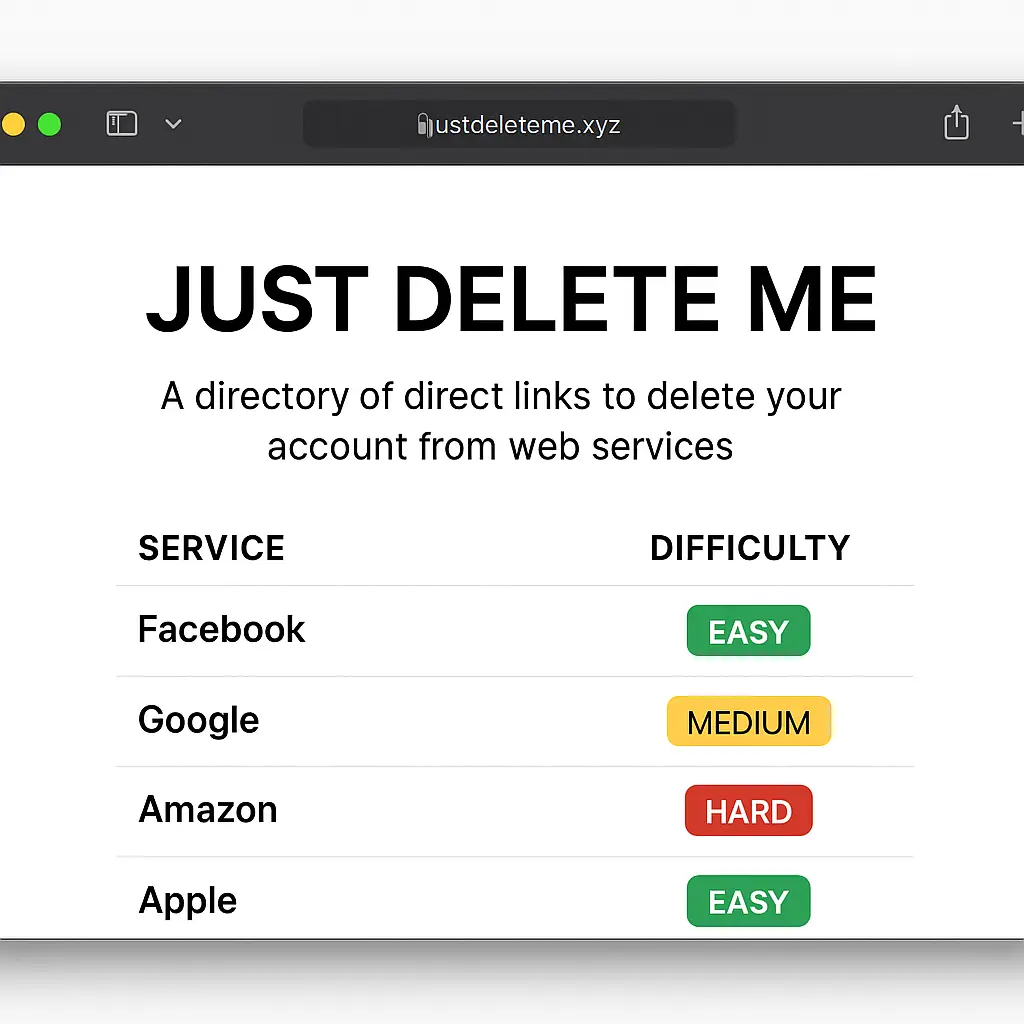
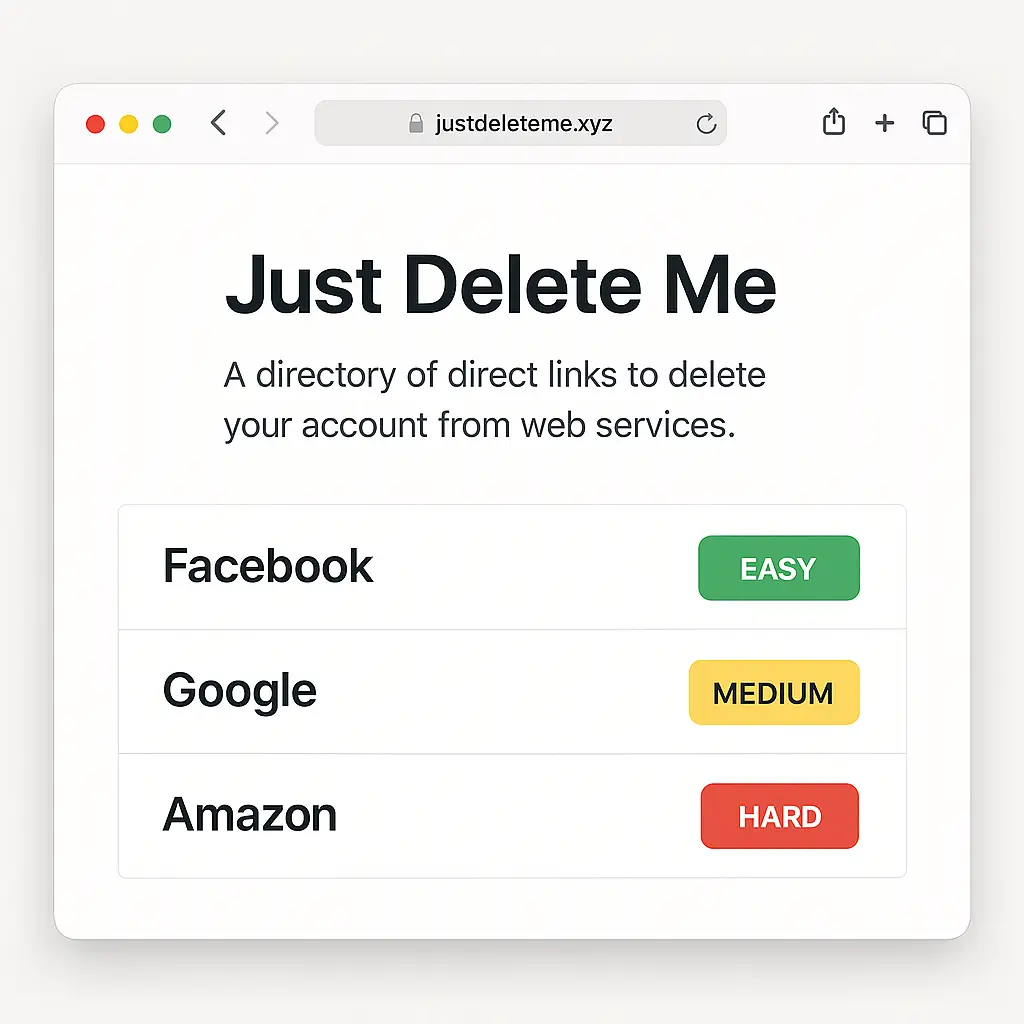
Just Delete Me is a directory that catalogs the deletion process for thousands of services, rates each by difficulty, and provides direct links to the actual deletion page. It's a practical tool built by people tired of the runaround.
Here's how to use it, what it can't fix, and what happens to your data after you click "Delete Account."
How Just Delete Me works
Just Delete Me is a community-maintained directory at justdeleteme.xyz. You search for a service by name. The directory returns a difficulty rating (easy, medium, hard, impossible) and a direct link to the deletion page or process.
The difficulty rating reflects how many steps the service requires. Easy means one-click deletion. Medium means navigating through settings. Hard means contacting support or jumping through verification hoops. Impossible means the service does not allow account deletion.
Each entry includes notes on what to expect. Some services require you to cancel subscriptions first. Some impose waiting periods. Some delete your account but retain your data. The notes tell you what's coming.
The directory does not automate deletion. It points you to the right page. You still have to click through the process yourself.
Using Just Delete Me to delete an account
Start by searching the directory for the service you want to delete. If the service appears, click the link. It takes you directly to the deletion page or help article.
Read the service's deletion instructions before you proceed. Look for warnings about data loss, subscription cancellations, or waiting periods. Some services let you download your data before deletion. Do that first if you want to keep anything.
If the service requires you to cancel a subscription before deleting your account, do that now. Deleting your account does not cancel billing. You'll keep getting charged for a subscription attached to a deleted account until you manually cancel it.
If the service uses two-factor authentication, make sure you can still access your authentication method. Some services require you to verify your identity before deletion. If you've lost access to your phone number or authenticator app, you'll need to regain access before you can delete the account.
Follow the deletion steps exactly as written. Some services require you to type your email address or username to confirm. Some require you to re-enter your password. Some send a confirmation email with a link you have to click within a time limit.
After you initiate deletion, check your email for confirmation. Most services send a message confirming the deletion request and explaining what happens next. Save that email. If something goes wrong later, you'll need proof that you requested deletion.
What to do before deleting an account
Download your data if the service offers it. Many platforms provide a data export tool that packages your posts, photos, messages, and account history into a downloadable file. This is your last chance to retrieve anything you might want later.
Revoke third-party app access. If you've used the account to log into other services (like "Sign in with Google" or "Sign in with Facebook"), those connections may break when you delete the account. Log into those third-party services directly and change your login method before you delete the main account.
Delete content you don't want preserved. Some services retain posts, comments, or reviews even after you delete your account, attributing them to a generic "deleted user" label. If you don't want that content to persist, delete it manually before closing the account.
Cancel subscriptions and recurring payments. Deleting an account does not cancel subscriptions. You'll keep getting billed until you manually cancel through the service's subscription management page or through your payment provider.
Update your password manager. If you're using a password manager, delete the entry for the account you're closing. Leaving it in your vault creates confusion later when you wonder whether you still have an account with that service.
What happens after you delete an account
Most services impose a waiting period before deletion becomes permanent. The waiting period is around 30 days, though some services use 14 days or 90 days. During this window, you can log back in to cancel the deletion request and restore your account.
After the waiting period ends, the service deletes your account. What "delete" means varies by service. Some services remove all your data immediately. Some retain data for legal or compliance reasons. Some anonymize your data and keep it for analytics.
You can check the service's privacy policy to see what they claim to retain. Look for sections on "data retention" or "account deletion." The policy should explain what gets deleted, what gets anonymized, and what gets kept indefinitely.
Some services never fully delete your data. They may remove your ability to log in and mark your account as closed, but they keep your transaction history, support tickets, or usage analytics. This is common for services that need to comply with financial regulations or legal holds.
If the service has a mobile app, uninstall it after deletion. The app may continue to run background processes or store cached data even after your account is gone.
Services that make deletion hard
Some services bury the deletion option so deep that you'd never find it without a guide. Others require you to contact support and wait for a human to process your request. A few make deletion functionally impossible by requiring verification steps that no longer work after you've stopped using the service.
Social media platforms tend to fall into the "medium" or "hard" category. They profit from network effects, so they have strong incentives to keep you around. Deleting a Facebook account requires navigating through multiple confirmation screens, waiting 30 days, and avoiding login during that period. Logging in at any point cancels the deletion.
Subscription services often require you to cancel billing before they'll let you delete your account. If you forget to cancel first, you'll have to cancel, wait for the billing cycle to end, then come back to delete the account. This creates friction that causes some people to give up.
Gaming platforms and services with in-game purchases sometimes make deletion nearly impossible. You may have spent money on virtual items, and the service doesn't want to deal with refund requests or disputes after deletion. They'll make you contact support, prove your identity, and jump through verification hoops.
Financial services and healthcare platforms fall under regulatory requirements that complicate deletion. They may be required to retain transaction records, tax documents, or medical history for a set number of years. Deleting your account doesn't delete that data. It just removes your access to it.
When Just Delete Me doesn't have the service
If Just Delete Me doesn't list the service you're trying to delete, you'll have to find the deletion process manually. Start by logging into the service and checking the account settings. Look for sections labeled "Privacy," "Security," "Account," or "Data."
If you don't find a deletion option in settings, search the service's help documentation. Use search terms like "delete account," "close account," or "remove account." The help docs should point you to the deletion page or explain the process.
If the help docs don't mention deletion, contact support. Use the service's contact form or support email to request account deletion. Be specific. State that you want to permanently delete your account and all associated data. Ask for confirmation once the deletion is complete.
Some services will try to talk you out of deleting. They may offer discounts, pauses, or feature explanations. Ignore these. Restate your request clearly and ask for a timeline.
If the service refuses to delete your account or doesn't respond to your request, document everything. Save emails, screenshots, and timestamps. You may need this evidence if you decide to escalate.
What to do when a service refuses deletion
If a service operating in the U.S. refuses to delete your account, you have options. Start by escalating through the service's support channels. Ask to speak to a supervisor or a data protection officer if the service has one.
If escalation doesn't work, file a complaint with the FTC. The FTC handles consumer protection issues, including deceptive practices around account deletion. Your complaint won't necessarily force the service to delete your account, but it adds to the agency's enforcement data.
Some states have stronger data protection laws than federal law. California's CCPA and Virginia's CDPA give residents the right to request deletion of personal data. If you live in one of these states and the service operates there, you can invoke your state-level deletion rights.
If the service still refuses, consider whether the account is worth fighting over. If it's inactive and you're not being charged for it, you may decide to let it sit. If it's actively collecting data or billing you, keep pushing.
The Mad Men problem with account deletion
In Mad Men, Don Draper's entire identity is a fabrication built on a dead man's name. He can't delete his past because it's not just inconvenient, it's foundational to the life he's constructed. The harder he tries to bury it, the more it resurfaces in unexpected ways.
Deleting online accounts works the same way. You think you're erasing your presence, but traces persist. Your old username shows up in forum threads. Your comments remain on someone else's blog. Your email address lingers in a company's CRM database, flagged as "opted out" but never fully removed.
The difference is that Don Draper chose his fabrication. You didn't choose to have your data scattered across dozens of services, each with its own retention policy and deletion process. But the persistence is the same. What you built, intentionally or not, doesn't vanish just because you want it to.
Account deletion is less about erasing yourself and more about stopping the accumulation. You're not deleting the past. You're preventing the future.
When to delete an account vs. deactivate it
Some services offer deactivation as an alternative to deletion. Deactivation hides your account from public view but preserves your data. You can reactivate later by logging back in. Deletion is permanent.
Deactivation makes sense if you're unsure whether you'll want the account later. If you're taking a break from social media or stepping away from a platform temporarily, deactivation gives you an exit without losing your history.
Deletion makes sense if you're certain you won't return and you want your data removed. If the service has been breached, if you no longer trust the company, or if you're cleaning up your digital footprint, deletion is the right move.
Some services blur the line between deactivation and deletion. They may call it "deletion" but actually deactivate your account and retain your data indefinitely. Read the fine print before you proceed.
What happens to your data after deletion
After you delete an account, the service typically retains your data for a short period to allow recovery. This is the 30-day or 90-day window mentioned earlier. During this time, your data still exists in the service's databases, but it's marked for deletion.
Once the waiting period ends, the service begins the deletion process. What gets deleted depends on the service's data retention policies and legal obligations.
Some services delete everything. Your account, your posts, your messages, your photos, all gone. This is rare, but it happens with smaller services that don't have complex compliance requirements.
Most services delete your account and some of your data, but retain transaction records, support tickets, or anonymized usage data. They may need these records for tax purposes, fraud prevention, or legal compliance.
Some services keep your data indefinitely, even after deletion. They may remove your ability to log in and mark your account as closed, but they don't actually delete the underlying data. This is common for services that operate under strict regulatory requirements or that use your data for long-term analytics.
If you want to know what happens to your data, check the service's privacy policy. Look for sections on "data retention," "account deletion," or "right to erasure." The policy should explain what gets deleted, what gets anonymized, and what gets kept.
How to verify deletion
After the waiting period ends, try logging back into the account. If deletion worked, you should see an error message saying the account doesn't exist or the credentials are invalid.
If you can still log in, the account wasn't deleted. Contact support and ask for clarification. Provide the date you requested deletion and any confirmation emails you received.
Some services send a final confirmation email when deletion is complete. Save that email as proof.
If the service has a mobile app, try logging in through the app as well. Some services delete web accounts but leave mobile accounts active, or vice versa.
Managing multiple account deletions
If you're deleting multiple accounts, work through them systematically. Make a list of every service you want to delete. Use Just Delete Me to find the deletion process for each one. Work through the list one service at a time.
Start with the accounts you use least. Deleting an account you haven't touched in years is easier than deleting an account you're actively using. You won't miss anything, and there's less risk of accidentally deleting something you need.
Track your progress. Mark each account as "requested," "waiting," or "confirmed deleted" as you move through the list. This helps you stay organized and ensures you don't lose track of accounts in the middle of a 30-day waiting period.
Set calendar reminders for accounts with waiting periods. If you need to avoid logging in for 30 days to finalize deletion, set a reminder for day 31 to verify that the deletion completed.
What to do if you regret deleting an account
If you delete an account and immediately regret it, log back in during the waiting period. Most services let you cancel the deletion request by simply logging in before the waiting period ends.
If the waiting period has already passed and the account is gone, you're out of luck. Deletion is permanent. You'll have to create a new account if you want to use the service again.
Some services let you recreate an account with the same email address after deletion. Others reserve your email address or username for a set period to prevent impersonation. Check the service's help docs if you're planning to return.
Why services don't want you to leave
Services that profit from user data, subscriptions, or network effects have financial incentives to retain users. Every user who leaves reduces the value of the platform.
Social media platforms lose advertising inventory when you delete your account. Subscription services lose recurring revenue. Marketplaces lose transaction fees. Gaming platforms lose in-game purchases.
Making deletion hard reduces churn. If you have to contact support, wait for a response, fill out a form, and navigate through confirmation screens, you might give up and leave the account inactive instead. An inactive account still generates data. Data feeds algorithms. Algorithms drive engagement. Engagement drives revenue.
This is why deletion processes are deliberately obscured. It's not incompetence. It's strategy.
The legal landscape around account deletion
U.S. federal law does not require companies to delete your account on request. The FTC can take action against deceptive practices, but there's no blanket right to deletion at the federal level.
Some states have enacted data protection laws that include deletion rights. California's CCPA gives residents the right to request deletion of personal data. Virginia, Colorado, Connecticut, and Utah have similar laws. If you live in one of these states and the service operates there, you can invoke your state-level deletion rights.
The EU's GDPR includes a "right to erasure" that requires companies to delete personal data on request, subject to certain exceptions. If you're in the EU or the service operates there, GDPR applies.
If a service refuses to honor a deletion request and you're covered by one of these laws, you can file a complaint with the relevant enforcement agency. In California, that's the Attorney General's office. In the EU, it's your national data protection authority.
What Just Delete Me can't fix
Just Delete Me is a directory, not a deletion tool. It can't force a service to honor your deletion request. It can't speed up waiting periods. It can't recover data after deletion. It can't bypass verification requirements.
If a service refuses to delete your account, Just Delete Me won't help. You'll need to escalate through support, file a complaint, or invoke legal rights if you have them.
If a service imposes a 90-day waiting period, Just Delete Me can't shorten it. You'll have to wait.
If you delete an account and later regret it, Just Delete Me can't undo the deletion. You'll have to live with the consequences.
Just Delete Me is a map, not a shortcut. It shows you where to go. You still have to walk the path.
How to contribute to Just Delete Me
Just Delete Me is community-maintained. If you find a service that's not in the directory, you can submit it. The project is open-source and hosted on GitHub.
To contribute, you'll need to create a GitHub account, fork the repository, add the service's deletion information, and submit a pull request. The maintainers review submissions and merge them if they meet the project's standards.
If you're not comfortable with GitHub, you can submit a service through the project's contact form. The maintainers will add it manually.
Contributing helps other people find the deletion process for services you've already figured out. It's a small way to make account deletion less frustrating for everyone.
When to delete vs. when to let it sit
Not every account needs to be deleted. If the service isn't collecting new data, isn't billing you, and isn't actively causing harm, you can leave it inactive.
Delete accounts that are still collecting data, still billing you, or still connected to other services. Delete accounts on platforms you no longer trust. Delete accounts that have been breached.
Leave accounts that are inactive, not billing you, and not causing problems. The effort required to delete them may not be worth the marginal privacy gain.
Use your judgment. If deleting an account takes five minutes and removes a source of data collection, do it. If deleting an account requires contacting support, waiting 90 days, and jumping through verification hoops, consider whether the account is actually causing harm.
Final steps after deletion
After you've deleted an account, remove it from your password manager. Leaving deleted accounts in your vault creates confusion later.
Uninstall the service's mobile app if you had one. The app may continue to run background processes or store cached data even after your account is gone.
Check your email for any lingering notifications from the service. Unsubscribe from marketing emails or account alerts. Some services continue sending emails even after deletion.
If you used the account to log into other services (like "Sign in with Google"), make sure those third-party logins still work. You may need to update your login method on those services.
If you downloaded your data before deletion, decide what to do with it. Store it securely if you want to keep it. Delete it if you don't.