ProtonMail vs. Gmail: End-to-End Encryption, Zero-Access Architecture, and What Actually Stays Private
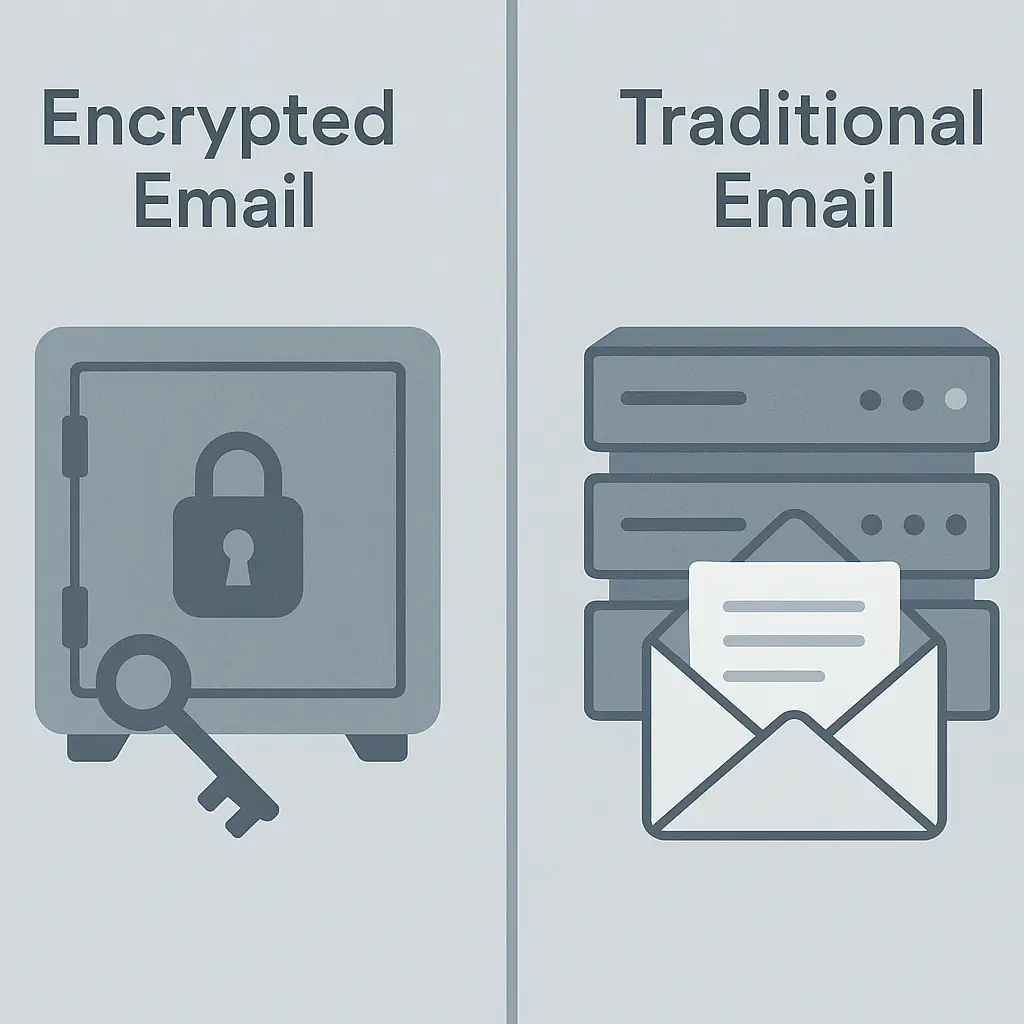
You're choosing an email provider. ProtonMail promises end-to-end encryption and zero-access architecture. Gmail promises convenience, integration, and spam filtering that actually works. The security marketing says ProtonMail is obviously better. The usability reality says Gmail is obviously easier.
Here's the comparison that matters: what each provider can actually see, what that means for your threat model, and whether the tradeoff is worth making.
What Zero-Access Architecture Actually Means
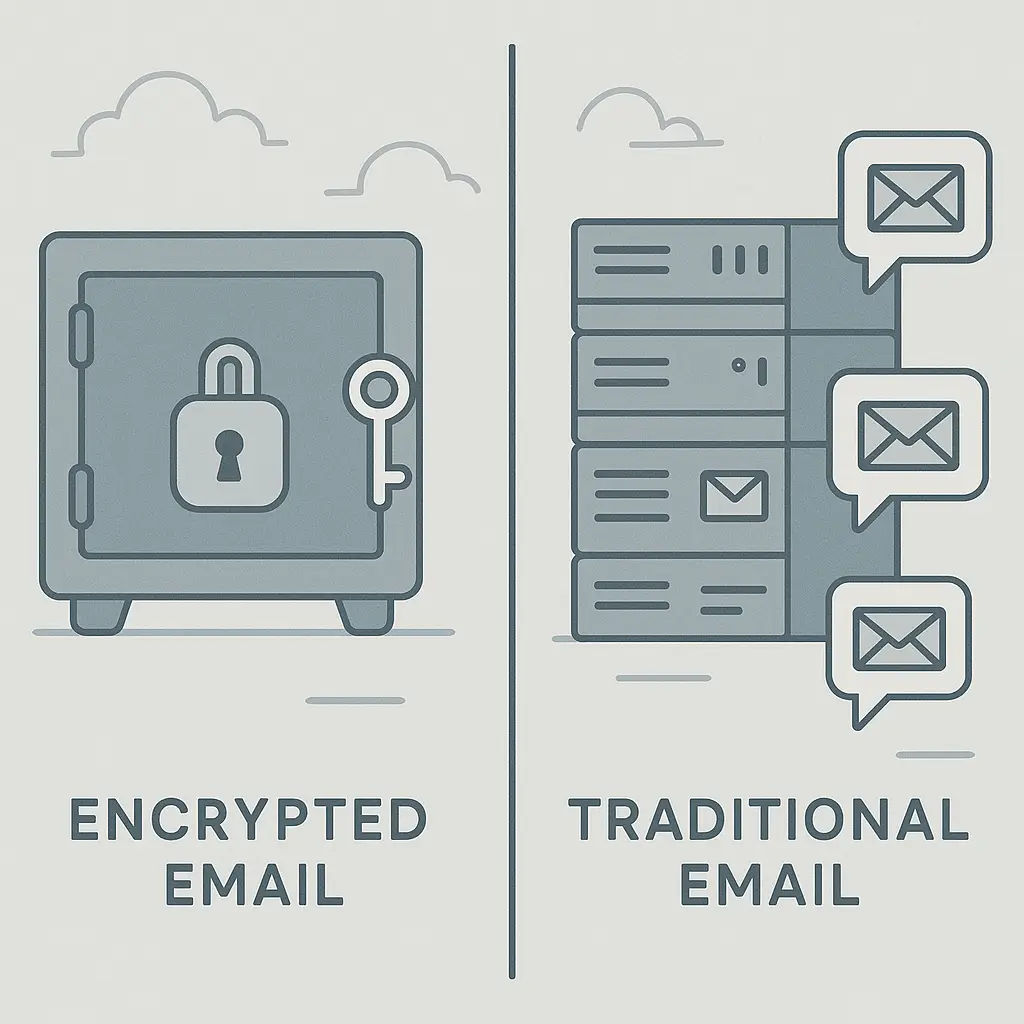
ProtonMail encrypts your email on your device before it reaches Proton's servers. The encryption key lives on your device, derived from your password. Proton stores encrypted data but cannot decrypt it. This is zero-access architecture: the provider holds your data but cannot read it.
Gmail stores your email unencrypted on Google's servers. Google can read your messages. The company's privacy policy governs how that access is used , targeted advertising based on email content ended in 2017, but the technical capability to access messages remains. Google uses that access for spam filtering, phishing detection, and compliance with legal requests.
The difference is architectural, not policy-based. ProtonMail cannot read your email even if compelled by law, because it doesn't hold the decryption keys. Gmail can read your email and will if legally required, because the messages sit readable on Google's infrastructure.
This matters when your threat model includes government surveillance, employer monitoring, or any scenario where a third party might compel the provider to hand over message content. It doesn't matter when your threat model is a phishing email or a stolen password , both providers handle those threats differently, and we'll get to that.
The Encryption Mechanism: What Gets Protected and What Doesn't
ProtonMail uses PGP (Pretty Good Privacy) encryption under the hood, wrapped in a user interface that hides the complexity. When you send an email to another ProtonMail user, the message is encrypted end-to-end automatically. Both sender and recipient hold the keys. Proton sees encrypted ciphertext.
When you send an email to a non-ProtonMail user, ProtonMail offers two options. First option: send the message unencrypted, like any other email. The message leaves ProtonMail encrypted, reaches the recipient's provider (Gmail, Outlook, Yahoo), and sits there unencrypted. ProtonMail protected the message in transit, but the recipient's provider can read it.
Second option: send a password-protected message. ProtonMail encrypts the message, stores it on Proton's servers, and sends the recipient a link. The recipient opens the link, enters the password you shared separately, and reads the message in a web interface. The message never leaves ProtonMail's infrastructure unencrypted. This works, but it's clunky. You have to share the password through a separate channel (Signal, phone call, in person), and the recipient has to remember to use it.
Gmail doesn't encrypt email content at rest. Messages are encrypted in transit using TLS (Transport Layer Security), which protects them while they travel between servers. Once they arrive at Gmail's servers, they're stored unencrypted. Google can read them. So can anyone who gains access to your account through your password, a session hijack, or account recovery.
Gmail does offer Confidential Mode, which lets you set expiration dates and revoke access to messages after sending. This doesn't encrypt the message content , it restricts access through access controls on Google's servers. The recipient can't forward, copy, print, or download the message, but Google can still read it. Confidential Mode is access control, not encryption.
Metadata: What Leaks Even with Encryption
ProtonMail encrypts message content, but metadata still leaks. Metadata includes:
- Sender and recipient email addresses
- Subject lines (encrypted, but visible to Proton in encrypted form)
- Timestamps (when the message was sent and received)
- IP addresses (logged temporarily, unless you connect through a VPN)
- Message size
- Attachment filenames (encrypted, but the fact that an attachment exists is visible)
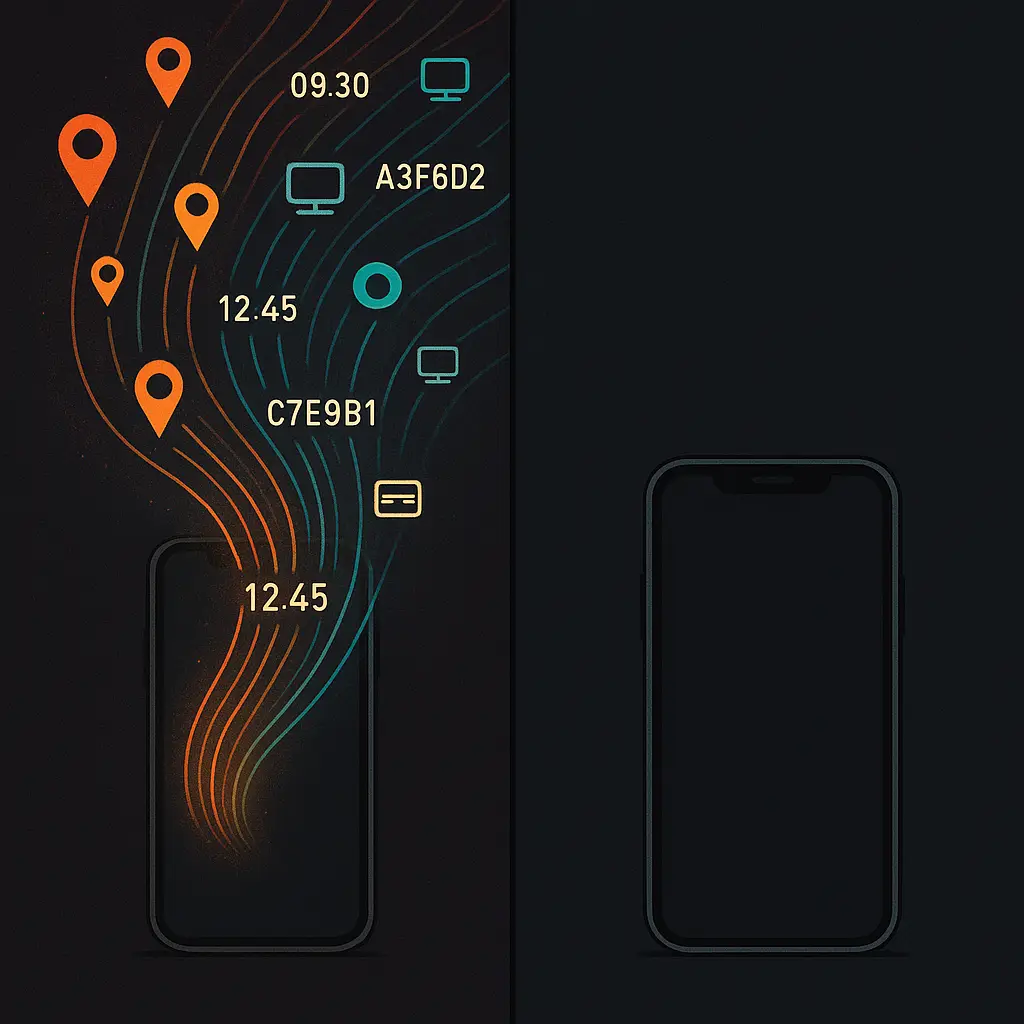
This metadata reveals communication patterns. Who you email, when you email them, how often you email them, and roughly how much you're saying. Metadata doesn't reveal what you're saying, but it reveals the shape of your communication network. Researchers have demonstrated that metadata alone can identify social relationships, predict behavior, and infer sensitive information.
ProtonMail stores this metadata encrypted, but Proton holds the keys to decrypt it for operational purposes (spam filtering, abuse prevention, compliance with legal requests for metadata). The EFF's Surveillance Self-Defense guide notes that metadata is often more valuable to investigators than message content, because it's easier to analyze at scale and harder to obscure.
Gmail collects the same metadata, plus additional behavioral data: when you open messages, which links you click, how long you spend reading, what device you're using, and your location. This data feeds Gmail's spam filters, phishing detection, and (historically) ad targeting. Google's privacy policy describes what gets collected and how it's used. The FTC's guidance on online privacy explains your rights around data collection, but those rights don't prevent collection , they govern disclosure and, in some jurisdictions, give you the right to request deletion.
Phishing and Spam: Where Gmail Pulls Ahead
Gmail's spam filter is the best in the consumer email market. It's not close. Gmail scans billions of messages daily, uses machine learning to identify patterns, and updates its filters in real time. Phishing emails, spoofed senders, malicious attachments, and credential-harvesting links get caught before they reach your inbox. Not every time , phishing still succeeds, as the FTC's phishing guidance makes clear , but Gmail's detection rate is higher than any competitor's.
ProtonMail's spam filter is adequate but not exceptional. Proton can't scan message content the way Gmail does, because the messages are encrypted. ProtonMail scans metadata, sender reputation, and known spam patterns, but it can't analyze the text of the message or the structure of embedded links without decrypting them first. Some phishing emails get through. Some legitimate emails get flagged as spam. The tradeoff is inherent: strong encryption limits the provider's ability to scan for threats.
You can layer your own defenses. CISA's phishing training materials describe what to look for: urgent language, unexpected attachments, links that don't match the claimed destination, requests for credentials or payment. Those patterns work regardless of your email provider. But Gmail's automated defenses catch threats you might miss. ProtonMail doesn't, because it can't.
Account Recovery: The Usability Tradeoff
Gmail offers robust account recovery. Forgot your password? Google sends a code to your recovery email or phone number. Lost access to both? Google walks you through identity verification using security questions, device history, or account activity patterns. The process works. It's designed to get you back into your account even when you've lost your primary credentials.
ProtonMail's account recovery is limited by design. If you forget your password, Proton cannot reset it, because your password is the key that decrypts your data. No password, no decryption, no access. ProtonMail offers a recovery email option: you set a recovery address during account creation, and Proton can send a reset link to that address. But if you lose access to your recovery email, you're locked out permanently. No identity verification process, no fallback. Your encrypted data stays encrypted, inaccessible to you and everyone else.
This is the zero-access tradeoff. ProtonMail cannot help you recover your account because helping you would require holding a copy of your decryption key, which would defeat the entire architecture. The NIST Digital Identity Guidelines describe this tension: strong authentication protects against unauthorized access, but it also makes account recovery harder. You can't have both perfect security and frictionless recovery.
For most people, losing access to their email account is a bigger threat than government surveillance. Email is the recovery mechanism for every other account you own. Lose your email, lose your bank account, your social media, your work accounts, your password manager. Gmail's recovery process prevents that. ProtonMail's doesn't, because it can't.
Two-Factor Authentication: What Each Provider Supports
Both ProtonMail and Gmail support two-factor authentication (2FA), but the implementation differs.
Gmail supports:
- SMS codes (weakest option, vulnerable to SIM swaps)
- Authenticator apps (Google Authenticator, Authy, and others)
- Hardware security keys (YubiKey, Titan Security Key)
- Google Prompts (push notifications to your phone)
ProtonMail supports:
- Authenticator apps (TOTP-based, compatible with any standard authenticator)
- Hardware security keys (YubiKey and other FIDO2 devices)
ProtonMail does not support SMS-based 2FA, which is a security win , SMS is the weakest 2FA method, as CISA's multifactor authentication guidance explains. But ProtonMail also doesn't offer Google Prompts or equivalent push-based 2FA, which means you're typing codes manually every time you log in. That's more secure but less convenient.
Both providers let you generate backup codes for account recovery when you lose your 2FA device. Store those codes somewhere safe , a password manager, a printed sheet in a locked drawer, anywhere that isn't your phone. Lose your 2FA device and your backup codes, and you're locked out. Gmail has fallback recovery options. ProtonMail doesn't.
Cross-Platform Sync and Integration
Gmail integrates with the entire Google ecosystem: Calendar, Drive, Meet, Photos, and every other Google service. Your email, calendar, and files sync across devices automatically. Third-party apps can integrate with Gmail through OAuth, which lets you grant limited access without sharing your password. The integration is seamless because Google controls the entire stack.
ProtonMail integrates with Proton's own ecosystem: Proton Calendar, Proton Drive, Proton VPN. The integration is tighter than Gmail's in one sense , everything is encrypted end-to-end within the Proton ecosystem , but narrower in scope. ProtonMail doesn't integrate with Google Calendar, Microsoft Outlook, or most third-party productivity tools. You can forward ProtonMail to another provider, but that defeats the encryption. You can use ProtonMail's bridge software to sync with desktop email clients (Thunderbird, Apple Mail, Outlook), but the bridge requires a paid ProtonMail plan.
If your workflow depends on Google Workspace, Microsoft 365, or any ecosystem that assumes email integration, ProtonMail creates friction. If your workflow is email-only, or if you're willing to move your entire productivity stack to Proton's ecosystem, the friction is manageable.
Legal Jurisdiction and Data Requests
ProtonMail is based in Switzerland, which has strong privacy laws. Swiss law requires a court order before Proton can be compelled to hand over data, and Proton publishes a transparency report detailing how many requests it receives and how it responds. When Proton receives a valid legal order, it hands over what it has: encrypted message content (which Proton cannot decrypt) and metadata (which Proton can decrypt for operational purposes).
In 2021, Proton handed over the IP address of a French climate activist to Swiss authorities, who forwarded it to French police. The activist was using ProtonMail without a VPN, so the IP address was logged. Proton's privacy policy states that IP addresses are logged temporarily by default, and the transparency report confirms that Proton will comply with valid legal orders. The incident clarified what zero-access architecture protects (message content) and what it doesn't (metadata, including IP addresses).
Gmail is based in the United States, which means Google is subject to U.S. law. Google receives thousands of data requests annually from law enforcement and government agencies, as detailed in Google's transparency report. Google can hand over message content because it's stored unencrypted. Google also receives National Security Letters (NSLs), which can include gag orders preventing Google from disclosing that a request was made. U.S. law gives government agencies broader access to data stored by U.S. companies than Swiss law gives to Swiss authorities.
If your threat model includes government surveillance, ProtonMail's Swiss jurisdiction and zero-access architecture offer stronger protection than Gmail. If your threat model is a phishing email or a stolen password, jurisdiction doesn't matter , the technical defenses and usability tradeoffs do.
The Threat Model Question
ProtonMail and Gmail protect against different threats. ProtonMail protects message content from the provider, from government surveillance, and from anyone who gains access to Proton's servers. Gmail protects you from phishing, spam, and account takeover through better automated defenses and easier account recovery.
Your choice depends on your threat model. If you're a journalist, activist, lawyer, or anyone whose work involves sensitive communications with sources or clients, ProtonMail's encryption is worth the usability tradeoffs. If you're worried about Google reading your email to serve ads (which Google stopped doing in 2017) or handing over your data to law enforcement, ProtonMail offers stronger legal and technical protection.
If your threat is a phishing email, a compromised password, or losing access to your account, Gmail's defenses are stronger. Gmail catches phishing attempts you might miss. Gmail's account recovery gets you back in when you forget your password. Gmail's integration with the rest of your digital life means you're less likely to abandon it for a less-secure alternative.
Most people's threat model is phishing, not government surveillance. Most people lose access to their accounts through forgotten passwords, not court orders. For most people, Gmail's usability and automated defenses outweigh ProtonMail's encryption.
But "most people" isn't everyone. If your work or activism puts you at risk of targeted surveillance, if you're communicating with sources who need anonymity, or if you simply want to minimize the amount of readable data any provider holds about you, ProtonMail's architecture delivers what Gmail's doesn't.
The VPN Layer
ProtonMail logs IP addresses temporarily by default. If you want to prevent Proton from logging your IP address , and prevent anyone who compels Proton to hand over metadata from learning your location , connect to ProtonMail through a VPN. Proton VPN integrates with ProtonMail and shares the same Swiss jurisdiction and privacy stance. Other VPN providers work too, but using Proton's own VPN keeps your data within the same legal and technical framework.
Gmail doesn't log just your IP address , it logs your device, your location, your behavior, and your activity across Google services. A VPN hides your IP address from Gmail, but it doesn't hide your device fingerprint, your logged-in Google account, or your activity on YouTube, Maps, and Search. If you're using Gmail, you're already inside Google's data collection infrastructure. A VPN reduces one data point but doesn't change the fundamental relationship.
What Happens When You Email Between Providers
When you send email from ProtonMail to Gmail, the message leaves ProtonMail encrypted, travels across the internet using TLS, and arrives at Gmail's servers. Gmail decrypts it and stores it unencrypted. Google can read it. Anyone who gains access to the recipient's Gmail account can read it. ProtonMail protected the message in transit, but the recipient's provider controls what happens after delivery.
When you send email from Gmail to ProtonMail, the message leaves Gmail unencrypted (from Google's perspective), travels across the internet using TLS, and arrives at ProtonMail's servers. ProtonMail encrypts it and stores it encrypted. Proton cannot read it. But Google could read it before it left Gmail's servers, and anyone who gained access to your Gmail account could have read it before you sent it.
End-to-end encryption only works when both sender and recipient use compatible systems. ProtonMail-to-ProtonMail is end-to-end encrypted. ProtonMail-to-Gmail is not, because Gmail doesn't support end-to-end encryption for incoming mail. If you need end-to-end encryption for a specific conversation, use an encrypted messaging app like Signal, not email. Email wasn't designed for end-to-end encryption, and retrofitting it onto email creates usability problems that most people won't tolerate.
The Practical Decision
ProtonMail is the right choice if:
- Your threat model includes government surveillance or provider access to message content
- You're communicating with other ProtonMail users (or people willing to use password-protected messages)
- You can tolerate weaker spam filtering and limited account recovery
- You're willing to move your productivity tools to Proton's ecosystem or use email in isolation
Gmail is the right choice if:
- Your threat model is phishing, account takeover, or spam
- You need integration with Google Workspace, Microsoft 365, or third-party tools
- You value account recovery and can't afford to lose access to your email
- You're already inside Google's ecosystem and the incremental privacy loss from Gmail is negligible
There's a third option: use both. Keep Gmail for everyday communication, account signups, and anything that requires integration. Use ProtonMail for sensitive conversations where you need content protection. This splits your risk: Gmail handles the high-volume, low-sensitivity traffic where its defenses shine, and ProtonMail handles the low-volume, high-sensitivity traffic where encryption matters.
The dual-provider approach requires discipline. You have to remember which account to use for which purpose, and you have to resist the temptation to consolidate everything into the more convenient option. But it's a reasonable middle ground between ProtonMail's strong encryption and Gmail's strong usability.
What You Give Up and What You Gain
Switching from Gmail to ProtonMail means giving up:
- Best-in-class spam and phishing detection
- Seamless integration with Google's ecosystem
- Robust account recovery when you forget your password
- Third-party app integrations that assume Gmail
- The convenience of a provider that can help you when things go wrong
Switching from Gmail to ProtonMail means gaining:
- Message content that the provider cannot read
- Stronger legal protection against data requests
- Metadata that's encrypted at rest (though still accessible to Proton for operational purposes)
- A provider whose business model is privacy, not advertising
- Peace of mind that your email isn't sitting readable on someone else's servers
The tradeoff is real. ProtonMail is more private but less convenient. Gmail is more convenient but less private. Neither is obviously better. The right choice depends on what you're protecting and who you're protecting it from.
For most people, Gmail's convenience and automated defenses outweigh ProtonMail's encryption. For people whose threat model includes surveillance, legal compulsion, or provider access, ProtonMail's architecture delivers protection Gmail can't match. The marketing says ProtonMail is better. The reality says it depends.