Virtual cards: when to use them and what they actually protect
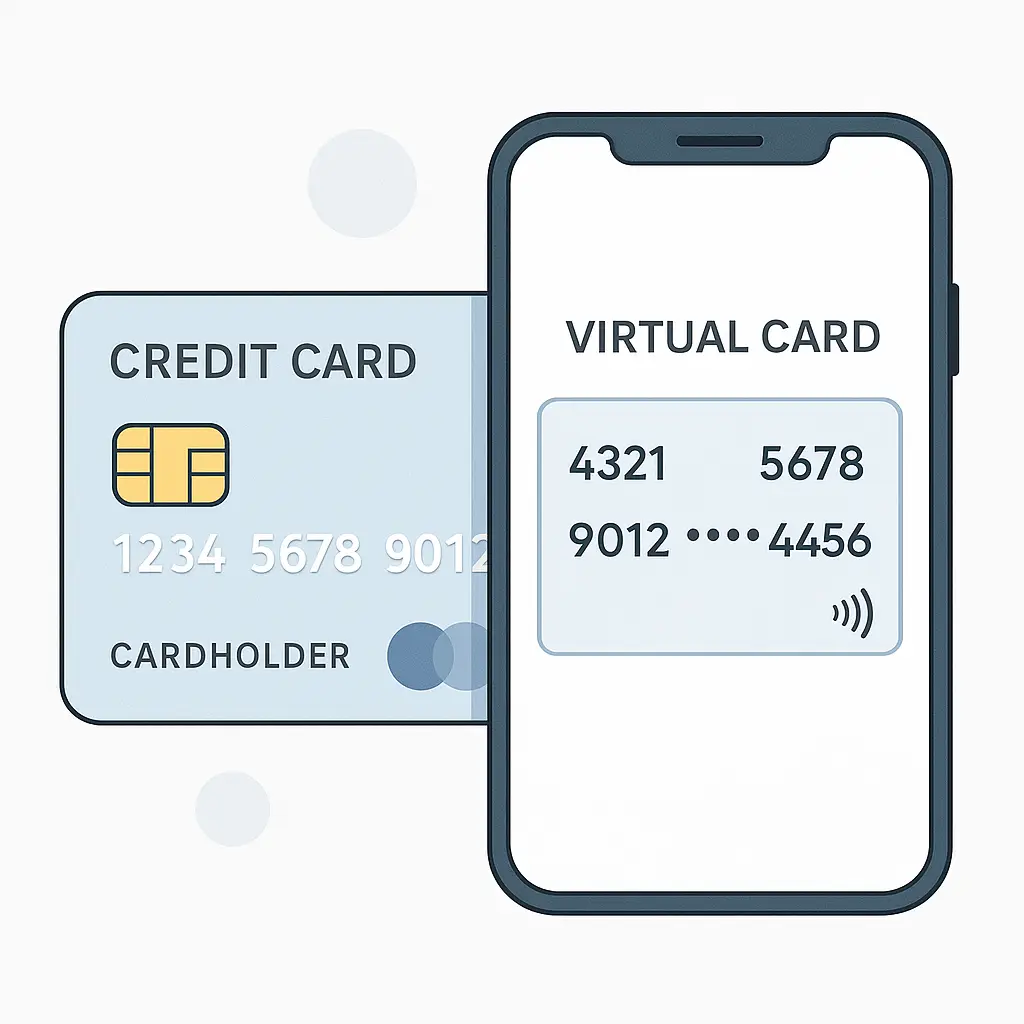
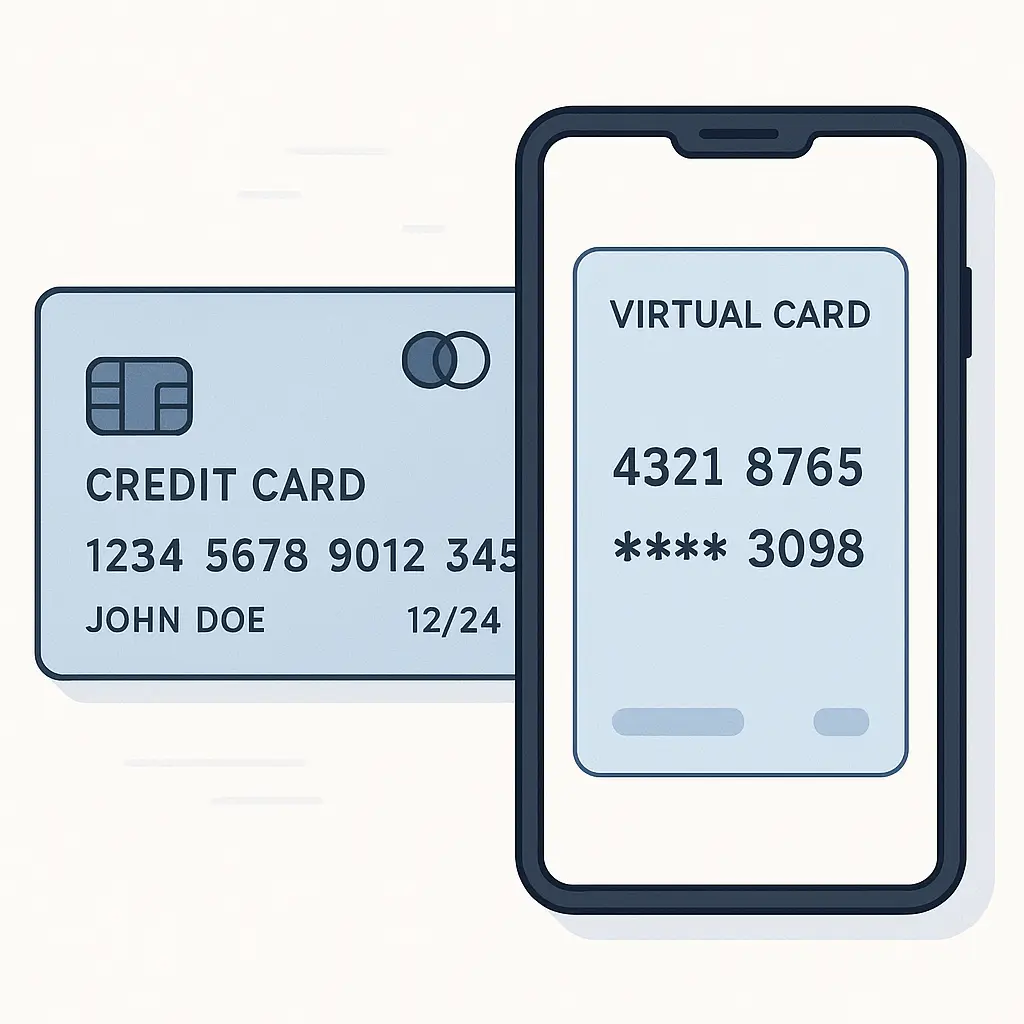
A virtual credit card is a temporary card number linked to your real credit card account. You generate it through your bank's app or website, use it for an online purchase, and then it expires. The charge still goes to your real account, but the merchant never sees your actual card number.
The mechanism is straightforward. When you request a virtual card, your issuer generates a random 16-digit number, a CVV, and an expiration date. That number routes to your real account, but it's valid for only one transaction or a limited time window. After that, the number becomes useless to anyone who tries to use it.
Virtual cards solve a specific problem: merchant data breaches. When a retailer gets hacked and card numbers leak, your virtual card number is already expired. The attackers can't use it. Your real card number stays protected because the merchant never had it in the first place.
That's the value proposition. But virtual cards don't solve every fraud problem, and they add friction to the checkout process. Here's when the tradeoff makes sense and when it doesn't.
What virtual cards actually protect against
Virtual cards prevent unauthorized charges after a merchant breach. That's the core use case. If you buy something from an online store and that store later gets hacked, the card number in their database is a dead end. It expired weeks ago. The attackers can't charge it, can't sell it, can't use it for anything.
This matters more than it used to. Merchant breaches happen constantly. According to the FTC's Consumer Sentinel Network Data Book, credit card fraud accounted for a significant portion of identity theft reports in 2024, with many cases stemming from compromised merchant databases. When a retailer stores your card number and later gets breached, that number becomes part of a criminal dataset sold on dark web markets.
Virtual cards also limit exposure from shady merchants. If you're buying from a site you don't fully trust, a virtual card means you're not handing over credentials that could be misused later. The merchant processes the payment, the transaction completes, and the number dies. If the merchant turns out to be sketchy, you've already closed the door.
A third benefit: spending control. Some issuers let you set a spending limit on a virtual card. You can generate a number with a maximum charge of, say, $50. If someone tries to charge $500, the transaction declines. This doesn't prevent fraud, but it contains the damage if something goes wrong.
What virtual cards don't protect against: phishing, account takeovers, or fraud that happens before you make a purchase. If you get tricked into entering a virtual card number on a fake website, the scammer can use it immediately, before it expires. Virtual cards also don't protect against authorized charges you later regret. If you sign up for a subscription and forget to cancel, the virtual card won't save you unless you've set it to expire before the renewal date.
Virtual cards are a post-breach defense, not a pre-breach defense. They limit exposure after something goes wrong, but they don't prevent the initial compromise.
When virtual cards make sense
Use a virtual card when you're buying from an unfamiliar merchant. If you've never heard of the retailer, if the site looks slightly off, if you're not sure whether they'll still be in business next year, generate a virtual card. The extra 30 seconds of setup is worth it.
Use a virtual card for one-time purchases from merchants you don't plan to buy from again. Concert tickets, event registrations, specialty items from niche retailers, these are situations where you don't need a long-term relationship with the merchant, and you don't want your real card number sitting in their database indefinitely.
Use a virtual card for free trials that require a card number. Many services offer a free trial but ask for payment information upfront. They'll charge you automatically when the trial ends unless you cancel. A virtual card with a near-term expiration date means the charge fails if you forget to cancel. You're not relying on your memory or the merchant's honesty.
Use a virtual card for subscriptions you want to control tightly. If you're signing up for a service but you're not sure you'll keep it, a virtual card with a spending limit or a short expiration gives you a kill switch. When the card expires, the subscription stops unless you actively renew it.
Use a virtual card when traveling internationally and buying from foreign merchants. Cross-border transactions sometimes expose card numbers to additional intermediaries. A virtual card limits the number of systems that handle your real credentials.
In each of these cases, the virtual card reduces risk without much inconvenience. You're already entering a card number; entering a temporary one instead takes the same amount of time.
When virtual cards don't make sense
Don't use a virtual card for merchants you trust and buy from regularly. Amazon, your grocery store's delivery service, your utility company, these are merchants with established security practices and ongoing relationships with you. Generating a new virtual card every time you order groceries adds friction without reducing meaningful risk. Your real card number is already on file, and the merchant's fraud detection systems are tuned to recognize your normal purchasing patterns.
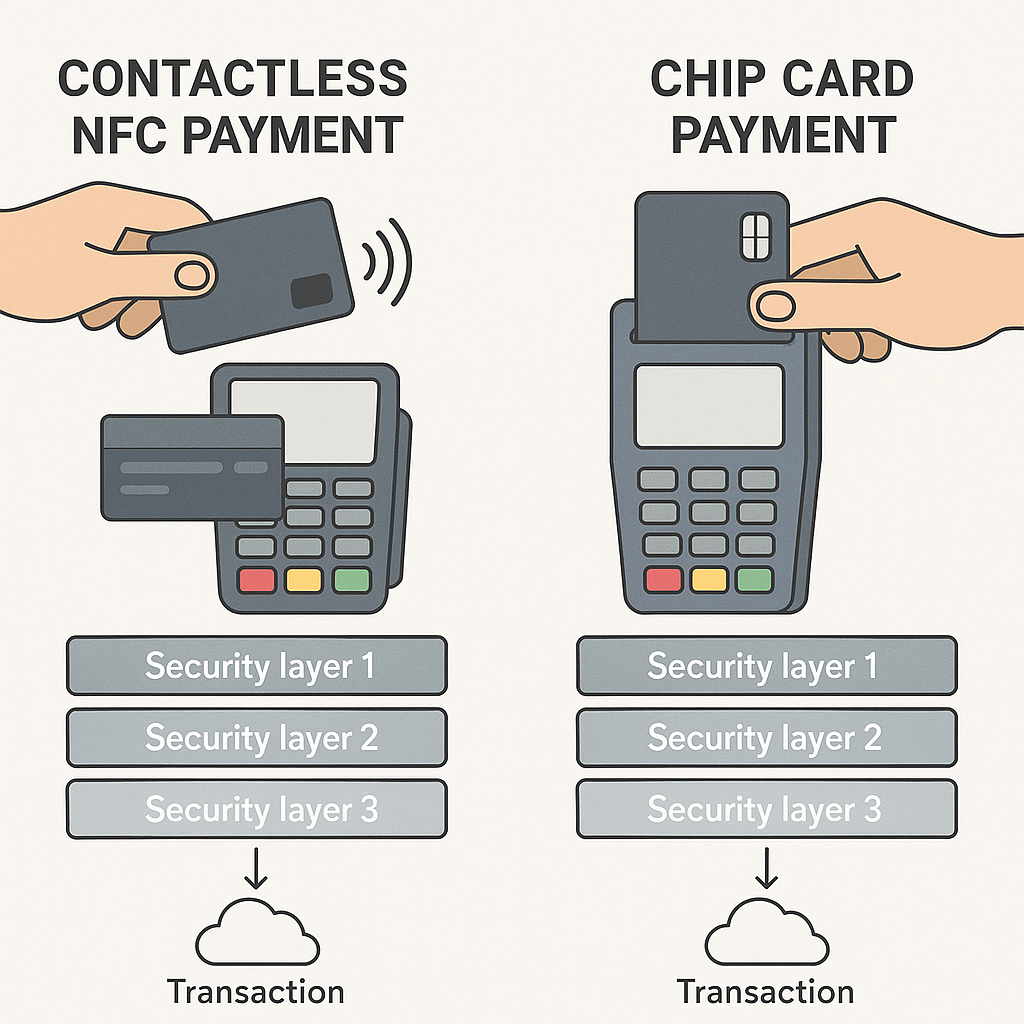
Don't use a virtual card for in-person purchases. Virtual cards are designed for online transactions. Some issuers let you add a virtual card to a mobile wallet for tap-to-pay, but the benefit is minimal. In-person fraud usually involves card skimmers or point-of-sale malware, and virtual cards don't defend against those attacks any better than your physical card's chip does.
Don't use a virtual card if you'll need to dispute the charge later. Chargebacks and disputes are easier when the merchant has your real card number on file and the transaction history is straightforward. Virtual cards can complicate the dispute process, especially if the virtual number has expired and you need to reference the transaction months later. Some issuers handle this smoothly; others don't.
Don't use a virtual card for subscriptions you plan to keep long-term. If you're signing up for a service you intend to use for years, entering a virtual card that expires in six months just creates future hassle. You'll need to update your payment method when the card expires, and if you forget, your service gets interrupted. Use your real card and set a calendar reminder to review the subscription periodically.
Don't use a virtual card if your issuer's implementation is clunky. Some banks make virtual card generation fast and seamless; others bury it in a menu three levels deep and require you to call customer service to activate it. If generating a virtual card takes five minutes and three verification steps, the friction outweighs the benefit for most purchases.
How virtual cards work under the hood
When you request a virtual card, your issuer's system generates a random 16-digit number that passes the Luhn algorithm, the checksum formula that validates card numbers. The system also generates a CVV and an expiration date. These credentials are linked to your real account in the issuer's database, but they're not your actual card number.
When you use the virtual card to make a purchase, the merchant's payment processor sends the transaction to your issuer. The issuer's system looks up the virtual card number, verifies it's still valid, checks the spending limit (if you set one), and routes the charge to your real account. The merchant sees only the virtual number. Your real card number never enters the transaction.
After the purchase, the virtual card either expires immediately (for single-use cards) or remains active until the expiration date you set. Once expired, the number becomes invalid. Any attempt to charge it fails. The issuer's system rejects the transaction because the virtual card no longer exists in the active database.
Some issuers let you generate multiple virtual cards at once, each with different limits or expiration dates. You can have one virtual card for a subscription, another for a one-time purchase, and a third for a free trial. Each number is independent. Canceling one doesn't affect the others.
The mechanism is simple, but the implementation varies by issuer. Capital One's Eno service generates virtual cards instantly through the browser extension. Citi's Virtual Account Numbers tool requires you to log into your account and manually generate a number. American Express offers virtual cards through its app, but only for certain card types. The feature is inconsistent across the industry.
The friction tradeoff
Virtual cards add steps to the checkout process. You have to generate the number, copy it, paste it into the payment form, and remember to save the details if you'll need them later. For a one-time purchase, that's a minor inconvenience. For recurring purchases or merchants you buy from frequently, it's annoying.
The friction is worth it when the risk is high. Unfamiliar merchants, sketchy websites, free trials, international purchases, these are situations where the extra 30 seconds of setup pays off. You're reducing the chance that your real card number ends up in a breached database or gets misused by a merchant you don't fully trust.
The friction isn't worth it when the risk is low. Trusted merchants, in-person purchases, long-term subscriptions, these are situations where the virtual card adds hassle without reducing meaningful risk. Your real card already has fraud monitoring, zero-liability protection, and dispute resolution. The virtual card doesn't improve on that.
The decision is contextual. There's no universal rule. You're balancing convenience against exposure, and the right answer depends on the merchant, the purchase, and your comfort level.
What virtual cards don't replace
Virtual cards don't replace good password hygiene. If your bank account gets compromised because you reused a password, the attacker can generate virtual cards on your behalf. The virtual card protects the merchant from seeing your real number, but it doesn't protect your account from takeover.
Virtual cards don't replace fraud monitoring. Your issuer's fraud detection system is still watching for unusual charges, whether those charges come from a virtual card or your real card. The virtual card limits exposure after a breach, but it doesn't prevent the issuer from flagging suspicious activity.
Virtual cards don't replace dispute rights. If you get charged for something you didn't authorize, you still have the same chargeback protections whether you used a virtual card or your real card. The virtual card makes it harder for attackers to reuse your number, but it doesn't change your legal rights as a cardholder.
Virtual cards don't replace common sense. If a website looks like a phishing site, don't enter any card number, virtual or real. If a deal seems too good to be true, it probably is. The virtual card is a tool, not a shield. It reduces one specific risk (post-breach fraud), but it doesn't make bad decisions safe.
Real-world use cases
I use a virtual card when buying from a merchant I've never heard of. A few months ago, I needed a replacement part for an old appliance. The only retailer that stocked it was a small online store with a website that looked like it hadn't been updated since 2015. I generated a virtual card, placed the order, and the part arrived. Two weeks later, the virtual card expired. If that merchant gets breached next year, my real card number isn't in their database.
I use a virtual card for free trials. Streaming services, software trials, subscription boxes, these all ask for a card number upfront. I generate a virtual card with an expiration date a week after the trial ends. If I forget to cancel, the charge fails. I'm not relying on the merchant to honor the trial period or on my memory to cancel in time.
I don't use a virtual card for Amazon, my grocery delivery service, or my utility bills. These are merchants I trust, merchants I buy from regularly, and merchants with strong fraud detection systems. Generating a new virtual card every time I order groceries would be pointless friction.
I don't use a virtual card for in-person purchases. The risk profile is different. Card skimmers and point-of-sale malware are real threats, but virtual cards don't defend against them any better than chip cards do. The friction of adding a virtual card to my mobile wallet outweighs the benefit.
The pattern is consistent: high-risk merchants get virtual cards, low-risk merchants get my real card. The decision takes about three seconds, and it's based on whether I trust the merchant and whether I'll buy from them again.
How to set up virtual cards
Most major issuers offer virtual cards, but the feature isn't universal. Capital One, Citi, and American Express have well-developed virtual card systems. Other issuers either don't offer the feature or bury it in a hard-to-find menu.
To check if your issuer offers virtual cards, log into your account and look for terms like "virtual card," "virtual account number," or "temporary card number." If you don't see it in the main menu, check the security settings or search the help documentation.
Once you've found the feature, the setup process is usually straightforward. You click a button, the system generates a number, and you copy it into the payment form. Some issuers let you set a spending limit or an expiration date; others generate a default configuration.
If your issuer doesn't offer virtual cards, you have a few alternatives. Privacy.com is a third-party service that generates virtual cards linked to your bank account. You create an account, link your checking account or debit card, and generate virtual cards through their website or browser extension. The service is free for personal use, with a limit on the number of cards you can create per month.
Privacy.com works, but it adds a layer of complexity. You're trusting a third party to handle your payment credentials, and you're introducing another point of failure into the transaction chain. For some people, that tradeoff is worth it. For others, it's simpler to stick with issuers that offer virtual cards natively.
The future of virtual cards
Virtual cards are becoming more common, but adoption is uneven. Some issuers treat them as a premium feature available only on high-tier cards. Others offer them to all customers but don't promote the feature. The result is a fragmented landscape where the availability and usability of virtual cards depend on which bank you use.
The technology is mature. Generating a random card number and linking it to a real account is not a hard problem. The barrier to adoption is institutional inertia, not technical complexity. Banks that want to offer virtual cards can do so easily. Banks that don't prioritize the feature won't offer it, regardless of customer demand.
Over time, I expect virtual cards to become standard. The fraud prevention benefit is real, and the cost to implement is low. As more issuers roll out the feature, customer expectations will shift, and virtual cards will become a baseline offering rather than a premium perk.
In the meantime, the feature exists, it works, and it's worth using when the risk justifies the friction. Virtual cards won't replace your real card, but they're a useful tool for specific situations. Generate one when you're buying from an unfamiliar merchant, use it, and move on. The 30 seconds of setup might save you hours of fraud cleanup later.