Travel Security for Adults: Protect Your Data Before You Leave Home
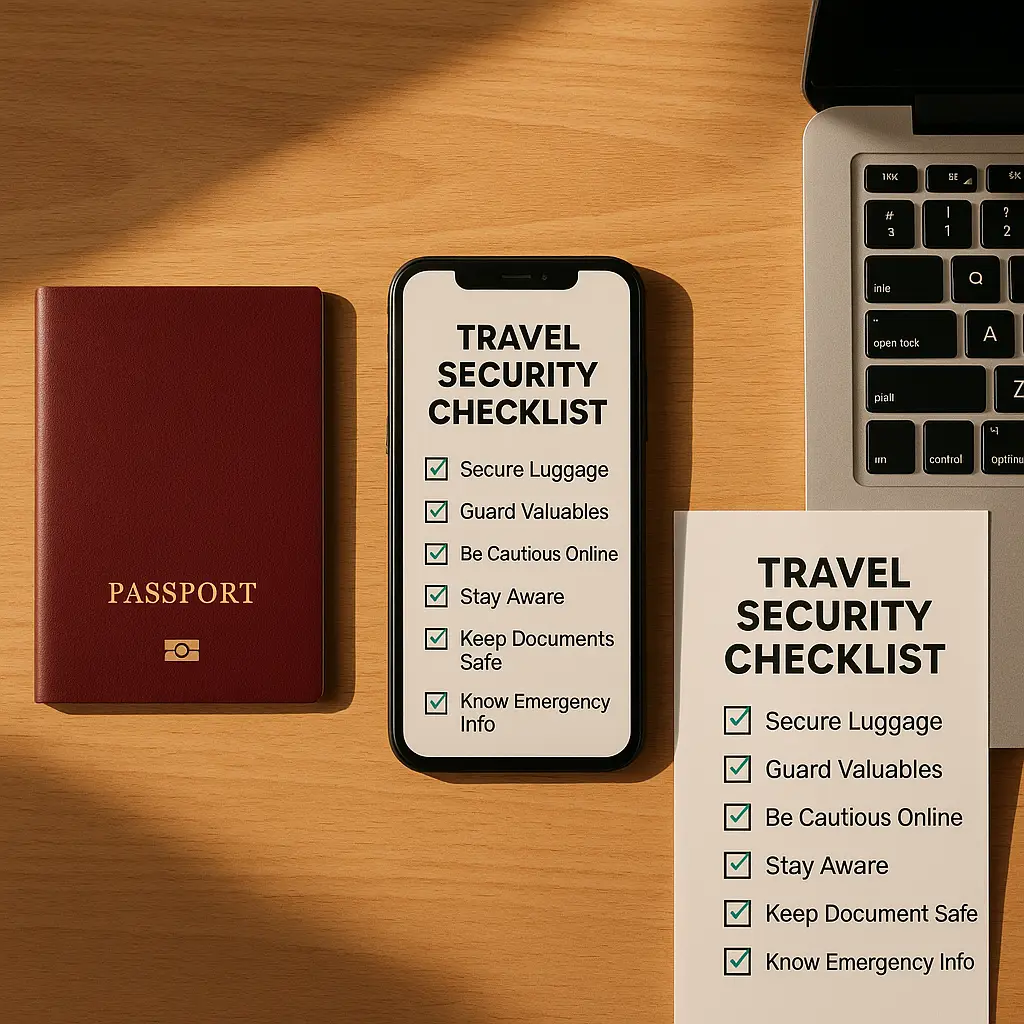
You've booked the flight, reserved the hotel, and checked the weather forecast. Now lock down your digital life before you leave.
Travel creates specific security exposures that don't exist at home. You'll connect to networks you don't control, carry devices through unfamiliar environments, and potentially cross borders where searches happen without warrants. The threats aren't theoretical. Lost phones, stolen laptops, and compromised accounts happen to travelers every day.
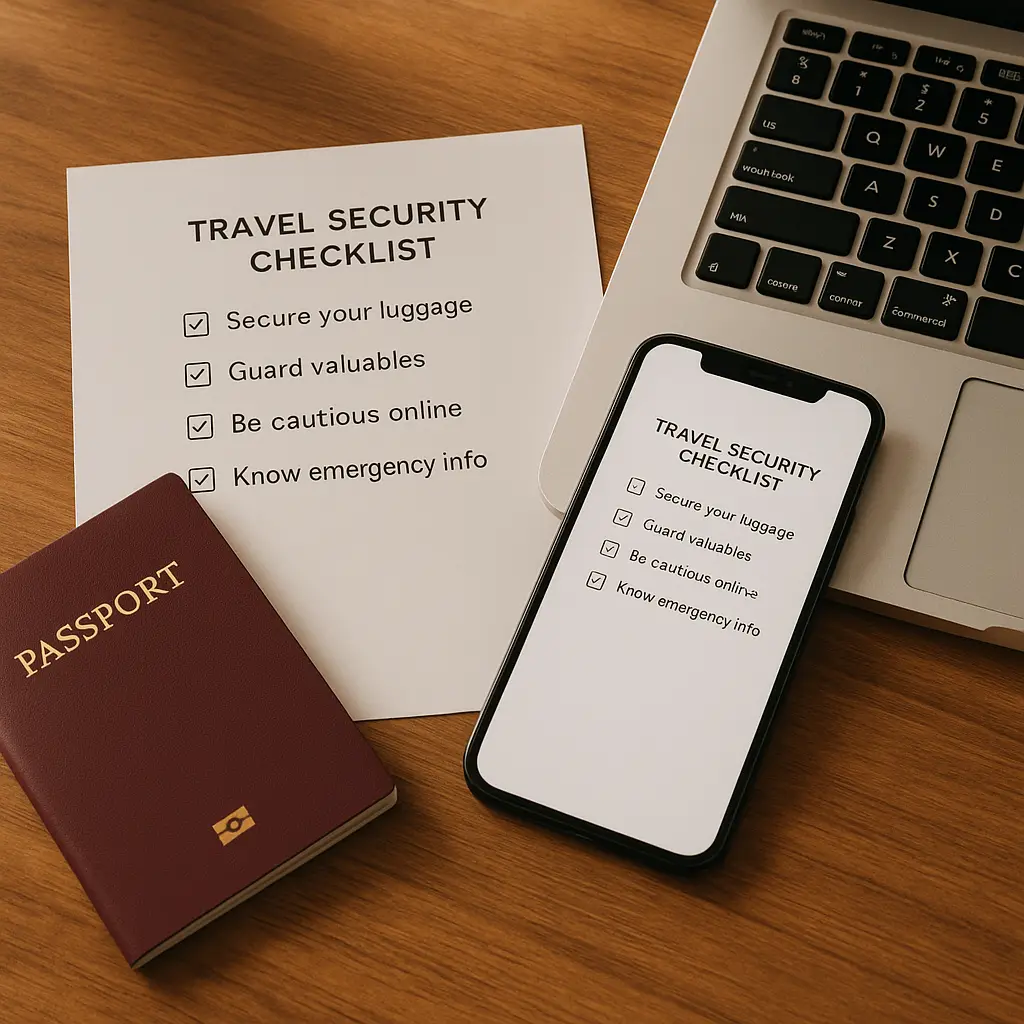
This checklist walks through what to configure, what to skip, and why each step matters. The goal isn't paranoia. The goal is returning home with your accounts, data, and identity intact.
Before You Pack: Account Security
Start with your email. Your primary email account is the master key to everything else, password resets, account recovery, two-factor codes. If someone gains access to your email while you're traveling, they can lock you out of every service you use.
Enable two-factor authentication on your primary email if you haven't already. Use an authenticator app, not SMS. CISA's multi-factor authentication guidance explains why app-based codes resist SIM swaps and interception better than text messages.
Verify your recovery email and phone number are current. You don't want to discover mid-trip that your backup email address died three years ago or your recovery phone belongs to someone else now. Test the recovery process before you leave. Log out, click "forgot password," and confirm the reset link arrives where you expect.
Review active sessions across major accounts. Google, Microsoft, Apple, Facebook, and banking apps all let you see which devices are logged in. Sign out of devices you don't recognize or no longer use. A forgotten library computer session or an old phone creates an entry point for attackers who won't wait for you to return home.
Don't change passwords unless you have a specific reason. Changing passwords before travel is security theater. It creates hassle, you'll forget the new password mid-trip, without adding protection. Strong, unique passwords don't expire. If your passwords are already strong and unique (meaning you're using a password manager), leave them alone.
Device Preparation: What to Bring, What to Leave
Evaluate what you actually need. Every device you bring is a device you can lose, have stolen, or be forced to unlock at a border crossing.
If you're traveling for leisure and don't need a laptop, leave it home. Your phone handles email, maps, boarding passes, and hotel confirmations. A laptop adds weight, theft risk, and border search exposure without adding much practical value for most casual trips.
If you must bring a laptop, encrypt the drive. Windows uses BitLocker. Macs use FileVault. Encryption protects your data if the device gets stolen, but it won't stop a border agent from demanding you unlock it. NIST's encryption guidelines explain how full-disk encryption works and what it actually protects.
Remove unnecessary sensitive files before you leave. Delete tax returns, client contracts, medical records, and anything else that creates liability if exposed. You probably don't need last year's W-2 on a beach vacation. If you do need specific files, upload them to an encrypted cloud service and delete the local copies. You can download them later if necessary.
Update everything before you leave. Install operating system updates, app updates, and security patches. You don't want to spend your first day abroad troubleshooting a failed update over hotel WiFi. Updates patch vulnerabilities that attackers actively exploit. Delaying them creates risk.
Back up your devices before you leave. A full backup to an external drive or cloud service means you can restore everything if your phone gets stolen or your laptop dies. Without a backup, you're starting from zero. The backup should include photos, documents, app data, and settings. Test the backup by restoring a single file to confirm it actually works.
Network Security: Public WiFi and VPNs
Airport WiFi, hotel WiFi, and coffee shop WiFi all route your traffic through infrastructure you don't control. That creates opportunities for interception, but the actual risk in 2026 is lower than security advice from 2015 suggests.
Most websites use HTTPS by default now. HTTPS encrypts traffic between your device and the destination server. An attacker on the same WiFi network sees encrypted gibberish, not your passwords or credit card numbers. The lock icon in your browser's address bar confirms HTTPS is active.
The remaining risks are unencrypted HTTP sites (rare but not extinct), fake WiFi networks that impersonate legitimate ones, and over-the-shoulder snooping in crowded spaces. A VPN addresses the first two. It doesn't stop someone from photographing your screen.
A VPN routes your traffic through an encrypted tunnel to a server you trust, then out to the internet. From the WiFi network's perspective, all your traffic is encrypted noise. From the destination website's perspective, your traffic comes from the VPN server's location, not your actual location.
VPNs are useful for international travel but not essential for everyone. If you're checking email and browsing news on hotel WiFi, HTTPS handles most of the protection. If you're accessing work files, financial accounts, or region-locked services, a VPN adds a meaningful layer. If you're traveling to a country with aggressive surveillance or internet restrictions, a VPN becomes non-negotiable.
If you decide to use a VPN, set it up before you leave. Don't wait until you're at the airport to figure out which service to buy and how to configure it. Test the connection at home. Confirm it works on your phone and laptop. Mozilla's VPN guidance explains what to look for in a VPN service and how to evaluate logging policies.
NordVPN offers reliable performance, a large server network, and auto-connect on untrusted networks, useful features for travelers who want protection without constant configuration. The service works across devices and doesn't require technical expertise to set up.
Payment Security: Cards, Cash, and Fraud Alerts
Notify your bank and credit card issuers before you leave. Most banks let you set travel notifications through their app or website. The notification tells the fraud detection system to expect transactions from your destination. Without it, your card might get declined the first time you try to use it abroad.
Bring multiple payment methods. A primary credit card, a backup credit card from a different issuer, a debit card, and some cash in local currency. If one card gets declined, lost, or stolen, you have alternatives. Don't put all your cards in the same wallet or bag.
Use credit cards, not debit cards, for most transactions. Credit card fraud protection is stronger. If someone steals your credit card number and racks up charges, you dispute them and don't pay. If someone drains your debit card, your actual money is gone while the bank investigates. The legal protections differ, and the practical impact differs more.
Avoid ATMs in isolated or poorly lit areas. Stick to ATMs inside banks or well-trafficked locations. Card skimmers and hidden cameras target tourists at sketchy ATMs. Inspect the card slot and keypad before inserting your card. If anything looks loose, added-on, or misaligned, walk away.
Enable transaction alerts on your cards. Most banks send push notifications or text messages for every transaction. Real-time alerts let you catch fraud immediately, not weeks later when you review your statement. If you see a charge you didn't make, you can lock the card through the app before the next fraudulent transaction clears.
Border Crossings: What Agents Can See
U.S. border agents can search your phone and laptop without a warrant. This applies to U.S. citizens returning home, not just foreign nationals. The legal mechanism is the border search exception to the Fourth Amendment. Courts have upheld these searches repeatedly.
Agents can demand you unlock your device. If you refuse, they can detain you, seize the device, and deny you entry (if you're not a citizen). Refusal has consequences. Compliance has consequences. There's no perfect answer.
If you're carrying sensitive work data, client information, or anything that creates legal or professional liability if exposed, consider leaving the device home or wiping it before you cross. You can restore from backup after you clear customs.
Cloud storage complicates this. If your device is empty but your data lives in iCloud, Google Drive, or Dropbox, agents can demand you log in and show them the cloud-stored files. Deleting local files doesn't delete cloud files. If you need true separation, you need a separate cloud account that isn't logged in on your travel device.
Some travelers use a burner phone for international trips, a cheap device with a clean install, no personal data, and only the apps needed for the trip. After returning home, they wipe it and restore their regular phone from backup. This works if your threat model includes border searches. It's overkill for a weekend in Toronto.
In Ocean's Eleven, Danny Ocean tells his crew to assume every conversation is monitored, every move is watched. The same principle applies to international travel. Assume the networks you use are untrusted, the devices you carry can be searched, and the accounts you access might be targeted. That assumption drives the preparation.
You don't need to become a spy. You need to reduce your attack surface. Every device you leave home is a device you can't lose. Every account with two-factor authentication is an account attackers can't trivially compromise. Every backup you create is data you won't lose to theft or failure.
The goal is returning home with your accounts, data, and identity intact. These steps get you there.
Communication Security: Calls, Texts, and Messaging Apps
Your regular phone calls and text messages aren't encrypted. SMS travels in cleartext. Anyone with access to the network, your carrier, the destination carrier, or an attacker with the right equipment, can intercept and read your texts. Phone calls face the same exposure.
If you need private communication while traveling, use an encrypted messaging app. Signal encrypts messages, calls, and video chats end-to-end. WhatsApp does the same. EFF's Surveillance Self-Defense guide explains how end-to-end encryption works and which apps actually deliver it.
The encryption only protects the content, not the metadata. The app provider still sees who you're talking to, when, and for how long. Signal collects less metadata than WhatsApp, but neither is invisible. If your threat model includes hiding who you communicate with, encrypted messaging helps but doesn't solve the problem completely.
Avoid sensitive conversations on hotel phones or shared computers. Hotel phone systems route through the property's infrastructure. The front desk can listen. Business center computers might log keystrokes or have malware installed. If you need to discuss something confidential, use your own device with encryption enabled.
App Permissions and Location Tracking
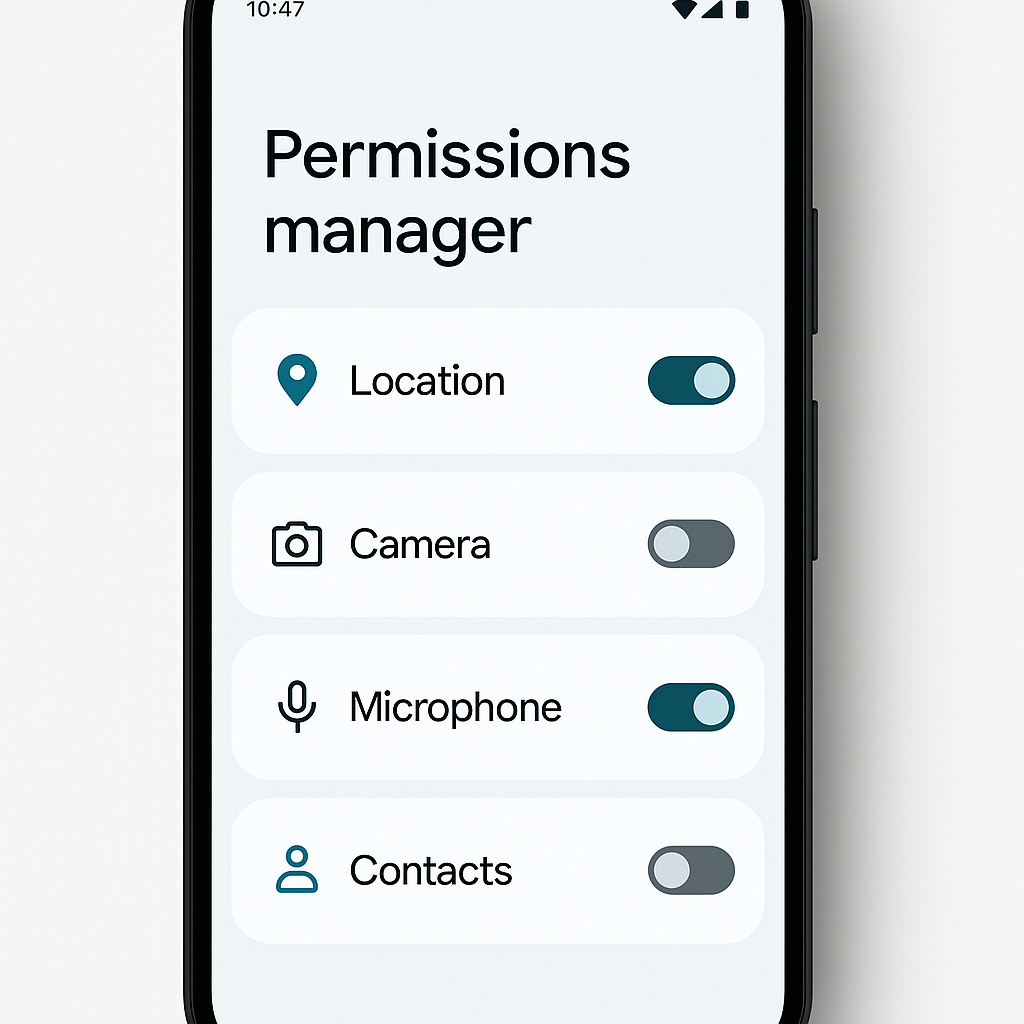
Review app permissions before you leave. Your phone's settings show which apps have access to your location, camera, microphone, contacts, and photos. Revoke permissions for apps that don't need them.
A weather app doesn't need access to your contacts. A flashlight app doesn't need your location. A photo editor doesn't need your microphone. Apps request broad permissions because users grant them without reading. You can revoke permissions without breaking functionality in most cases.
Location tracking is the big one. Apps track your location constantly, even when you're not using them. They sell that data to brokers, use it for advertising, and store it indefinitely. CISA's guidance on mobile device security explains what location data reveals and how to limit it.
Turn off location services for apps that don't need it. Maps needs your location. Navigation needs your location. A recipe app does not. A meditation app does not. A loyalty program does not. Disable location access for everything except the handful of apps that genuinely require it to function.
Disable location history entirely if you're traveling somewhere you don't want a permanent record of visiting. Google Maps and Apple Maps both store a detailed timeline of everywhere you've been. That timeline is useful for remembering where you parked. It's also a comprehensive surveillance log that persists indefinitely. You can pause location history through your account settings.
Physical Security: Devices in Hotel Rooms
Don't leave devices unattended in hotel rooms. Housekeeping has access. Maintenance has access. Anyone with a key card has access. A locked suitcase provides minimal protection. A hotel safe provides slightly more protection but isn't foolproof.
If you must leave a laptop in your room, power it down completely. Sleep mode isn't enough. A powered-down encrypted laptop requires the encryption password to boot. A sleeping laptop can sometimes be accessed without unlocking the screen, depending on configuration.
Use a privacy screen on your laptop in public spaces. Privacy screens limit viewing angles so people sitting next to you can't read your screen. They're useful on planes, in coffee shops, and anywhere you're working in proximity to strangers.
Don't plug devices into public USB charging ports. USB ports can deliver power and data simultaneously. A malicious charging port can install malware or copy data while your phone charges. Use your own charging brick and plug it into a wall outlet. If you must use a USB port, use a charge-only cable that blocks data transfer.
After You Return: Post-Travel Security Review
You're home. Now check for damage.
Review your bank and credit card statements for unfamiliar transactions. Fraud doesn't always happen immediately. Sometimes charges appear days or weeks after your card number gets stolen. Look for small test charges, attackers often start with a $1 transaction to verify the card works before making larger purchases.
Check active sessions on your major accounts again. Log in to Google, Microsoft, Apple, and social media. Review the list of devices and locations. Sign out of anything you don't recognize. A login from a country you didn't visit is a red flag.
Change passwords for any account you accessed on public WiFi without a VPN. This is optional, not mandatory. If you logged into your bank on hotel WiFi, changing the password adds a layer of protection against potential interception. If you used a VPN the entire time, the risk is lower.
Run a malware scan on devices you brought. Windows Defender, Malwarebytes, or Bitdefender will catch most threats. The scan checks for anything that might have been installed through a compromised network or malicious USB port. Krebs on Security's tool recommendations list reliable options.
Delete temporary files, browser history, and cached data. This doesn't prevent all tracking, but it removes local records of what you did and where you went. It also frees up storage space.
International SIM Cards and eSIMs
Your U.S. phone plan probably charges exorbitant roaming fees abroad. International roaming costs $10 per day or more with most carriers. A week-long trip racks up $70+ in fees just to use your phone normally.
Local SIM cards are cheaper. You buy a prepaid SIM at the airport or a local shop, swap it into your phone, and pay local rates for data and calls. The downside is your U.S. number stops working while the foreign SIM is active. People calling your regular number won't reach you.
eSIMs solve this. An eSIM is a digital SIM card you download and activate through software. Your phone supports both your regular physical SIM and the eSIM simultaneously. You keep your U.S. number for calls and texts while using the eSIM for data at local rates.
Saily offers eSIM service for international travel with coverage in 150+ destinations. You buy a data plan before you leave, download the eSIM profile to your phone, and activate it when you land. No physical SIM card, no hunting for a shop at the airport, no swapping tiny cards with tweezers.
eSIMs don't eliminate all tracking. Your carrier still sees your location through cell tower connections. The eSIM provider sees your data usage. But you avoid the roaming fees and maintain access to your regular number.
What Not to Do
Don't post real-time travel updates on social media. "Currently at the Eiffel Tower!" tells everyone you're not home. Burglars monitor social media for exactly this information. Post photos after you return, not while you're away.
Don't use the same password across multiple accounts. A breach of one service becomes a breach of all services. Credential stuffing attacks automate this. Attackers take leaked passwords from one breach and try them against other sites. Reused passwords make this trivial.
Don't connect to WiFi networks that don't require a password. Open networks offer no encryption at all. Anyone on the same network can intercept your traffic. If a coffee shop offers free WiFi with no password, your traffic is visible to everyone else in the shop. Use a VPN or stick to cellular data.
Don't click links in unsolicited emails or texts while traveling. Phishing attacks spike when you're away from home. Attackers know you're distracted, tired, and more likely to click without thinking. If you get an urgent message about your bank account, your hotel reservation, or your flight, don't click the link. Open your browser, navigate to the site directly, and log in manually.
Don't leave your phone on the table in restaurants or cafes. Phones get stolen constantly in tourist areas. Keep it in your pocket or bag. If you need to use it, hold it. The three seconds it takes to grab your phone off the table is three seconds a thief needs to walk away with it.
The Threat Model Question
Not every traveler faces the same risks. A weekend trip to Montreal creates different exposures than a business trip to Beijing. A beach vacation in Mexico differs from a reporting assignment in a surveillance state.
Assess your specific threat model. What are you protecting? Personal photos and email? Confidential work files? Source communications? The sensitivity of your data determines how much effort the protection requires.
If you're traveling for leisure with no sensitive work data, the basics cover you: two-factor authentication, HTTPS, a VPN on public WiFi, and awareness of physical theft. If you're carrying client data, intellectual property, or anything that creates legal liability if exposed, you need encryption, device wipes, and possibly burner devices.
The goal isn't perfect security. The goal is reducing risk to a level that matches your actual exposure. A journalist covering a protest needs operational security that a tourist does not. A lawyer carrying privileged client files needs data protection that a vacationer does not.
Figure out what you're protecting and who you're protecting it from. Then apply the measures that address those specific threats. Everything else is optional.
Recovery Planning: What Happens If Something Goes Wrong
You've locked down your accounts, encrypted your devices, and configured a VPN. Now plan for failure. What happens if your phone gets stolen? What happens if you lose your wallet? What happens if you get locked out of your email mid-trip?
Write down critical phone numbers on paper. Your bank's fraud hotline, your credit card issuers, your phone carrier's support line, your travel insurance contact. Store the list separately from your wallet and phone. If everything gets stolen, you still have the numbers you need to lock accounts and report fraud.
Keep photocopies of your passport, driver's license, and credit cards. Store the copies separately from the originals. A photocopy won't replace a stolen passport, but it speeds up the replacement process at the embassy.
Set up account recovery before you leave. Verify your backup email and phone number work. Print your two-factor backup codes and store them somewhere safe. If you lose your phone and can't receive authenticator codes, backup codes are your failsafe.
Know how to lock your devices remotely. Find My iPhone and Find My Device let you lock, locate, and wipe your phone from any web browser. Practice the process before you leave. Log in to iCloud or Google, navigate to the device management page, and confirm you can see your phone's location. If you wait until your phone is actually stolen to figure this out, you're already behind.
Travel insurance covers some security incidents. Lost luggage, stolen devices, and emergency medical care often fall under travel insurance policies. Read the policy before you buy it. Understand what's covered, what's excluded, and what documentation you need to file a claim. A $50 policy might save you $1,000 in losses.
You've prepared your accounts, secured your devices, and planned for contingencies. Now travel.
The steps in this checklist aren't paranoia. They're practical measures that address real risks travelers face every day. Lost phones happen. Stolen laptops happen. Compromised accounts happen. The difference between a minor inconvenience and a major crisis is the preparation you did before you left.
You don't need to implement every measure. You need to implement the measures that match your specific situation. A weekend trip to Canada doesn't require the same security posture as a month-long work assignment in a hostile jurisdiction. Assess your risks, apply the protections that address them, and skip the rest.
The goal is simple: return home with your accounts, data, and identity intact. These steps get you there.