Tax return security: filing safely online
You're staring at your W-2 forms, wondering whether clicking "Submit" on your tax return is going to hand your Social Security number to hackers. The answer is more complicated than the binary "yes it's safe" or "no it's not" that most articles offer.
Filing taxes online is mostly safe. The transmission is encrypted. The IRS systems are reasonably secure. But the risks are real, specific, and different from what most people imagine. Here's what actually protects your return, what doesn't, and when paper makes sense.
The transmission risk is overblown
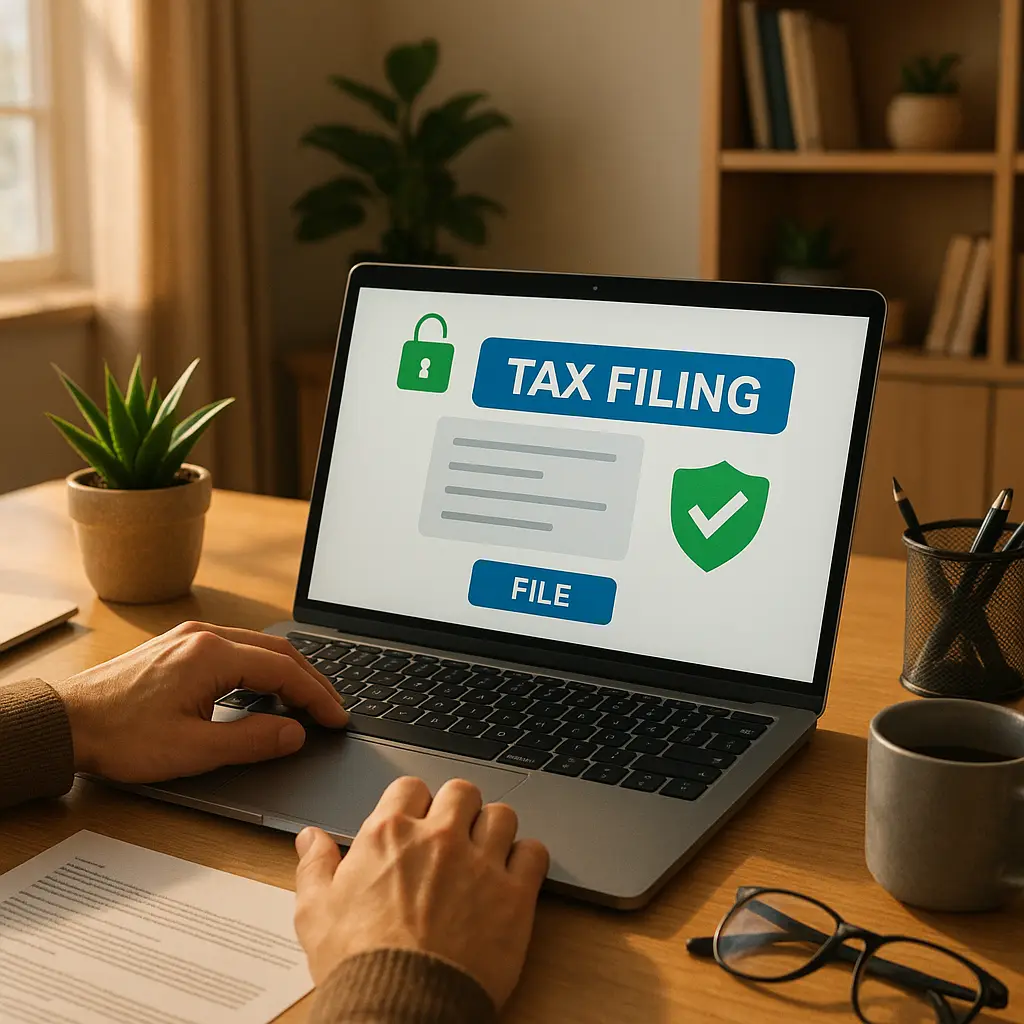
When you file your taxes through legitimate software, the data travels over HTTPS, the same encryption protocol that protects your banking. The connection between your device and the tax software's servers is encrypted. The connection between the software provider and the IRS is also encrypted.
Could someone intercept your return mid-transmission? In theory, yes. In practice, it would require sophisticated technical capability, positioning on the network path between you and the destination, and the ability to break modern encryption. This is not the threat model that affects ordinary taxpayers.
The IRS publishes guidance on recognizing tax scams, and interception during transmission doesn't make the list. The agency's concern is elsewhere.
The real vulnerabilities happen before you click Submit and after the IRS processes your return. Those are the attack surfaces that matter.
The bigger risk: someone files before you do
Tax refund fraud works like this: criminals obtain your Social Security number, date of birth, and enough personal information to file a tax return in your name. They file early in the tax season, claim a large refund, and direct it to an account they control. When you file your legitimate return weeks or months later, the IRS rejects it because a return with your SSN already exists in the system.
This is not a theoretical attack. The FTC's Consumer Sentinel Network Data Book shows tax-related identity theft as a persistent category of fraud, with tens of thousands of reports annually. The FBI's Internet Crime Complaint Center tracks similar patterns.
The fraud succeeds because Social Security numbers leak constantly. Breaches at Equifax, healthcare providers, government agencies, and retailers have exposed SSNs for hundreds of millions of Americans. Once your SSN is out, it stays out. There's no recall mechanism.
Filing online doesn't cause this problem. Filing on paper doesn't prevent it. The vulnerability exists regardless of how you submit your return, because the criminals file first.
What actually protects you
The IRS offers an Identity Protection PIN, a six-digit code that proves you're you when filing. If you have an IP PIN, no one can file a return using your SSN without that code. It's the strongest defense against tax refund fraud.
The IP PIN program is available to anyone, but you have to request it. The IRS doesn't issue them automatically unless you've already been a victim of tax identity theft. You apply through the IRS website, verify your identity, and receive a new PIN every January.
This is the defense that matters. Not your choice of filing method. Not your VPN. Not your antivirus. The IP PIN stops the attack at the point where it actually happens: when someone tries to file using your information.
I think the IP PIN should be mandatory for everyone, but the IRS hasn't made that call. Until they do, you request it yourself.
The phishing problem
Tax season brings a surge of phishing emails. Scammers impersonate the IRS, tax software companies, and state tax agencies. The emails claim you're owed a refund, threaten penalties, or offer assistance with filing. They link to fake websites that steal your login credentials or install malware.
The IRS explicitly warns about these schemes every year. The agency does not initiate contact by email, text, or social media. If you receive an unsolicited message claiming to be from the IRS, it's not.
Tax software companies do send emails, but they're typically account notifications or marketing. If you're unsure whether an email is legitimate, don't click the link. Open your browser, type the company's URL directly, and log in through the official site.
Phishing succeeds because it exploits urgency and authority. Tax deadlines create natural pressure, and the IRS carries weight. The combination makes people click without thinking.
The device matters more than the transmission
Your computer or phone is the weakest link. If malware is running on your device, it can capture everything you type, including your tax software login, your Social Security number, and your bank account information. The encryption protecting your return in transit doesn't help if the data is compromised before it leaves your device.
This is why basic security hygiene matters during tax season. Keep your operating system updated. Don't install software from untrusted sources. Don't click links in unsolicited emails. Use a password manager to avoid typing credentials into fake login pages.
These are not exotic precautions. They're the same practices that protect you year-round, applied to a high-stakes situation.
Commercial software vs. IRS Free File
The IRS partners with tax software companies to offer free filing for people earning under $79,000. These are legitimate providers. The free versions have fewer features than the paid versions, but the core filing security is comparable.
Commercial software like TurboTax, H&R Block, and TaxAct adds features: interview-style guidance, audit support, live help from tax professionals, state filing, and import tools for investment income. You're paying for convenience and assistance, not fundamentally stronger security.
The security risk in choosing software comes from using illegitimate providers. If you search "free tax filing" and click the first ad without checking the URL, you might land on a scam site designed to harvest your information. Stick to known providers. Verify the URL. Don't install software from random download sites.
When paper makes sense
Filing on paper eliminates transmission risks, but it creates different vulnerabilities. Your return sits in your mailbox until the postal carrier picks it up. It moves through sorting facilities. It sits in a pile at the IRS processing center for weeks or months.
Mail theft is real. Processing delays are real. If someone steals your paper return from your mailbox, they have your SSN, your income details, and your signature. That's enough to commit identity theft in multiple ways.
For most people, online filing with strong account security is safer than paper. But there are exceptions. If you don't have a secure internet connection, if you're filing from a public computer, or if you're concerned about malware on your device, paper might be the better choice.
The calculation depends on your specific situation, not a universal rule.
The IRS systems are reasonably secure
The IRS runs a large, complex infrastructure that processes hundreds of millions of returns annually. The agency has been breached before. In 2015, attackers accessed the "Get Transcript" tool and stole tax return information for around 700,000 accounts. The breach exploited weak authentication, not a flaw in the filing system itself.
The IRS has improved security since then. The agency now uses multi-factor authentication, monitors for suspicious activity, and collaborates with tax software companies to detect fraud. The systems aren't perfect, but they're not the weak point in the chain.
The bigger concern is what happens after the IRS processes your return. If you're owed a refund, it goes to the bank account you specified. If that account is compromised, the refund can be redirected. If you chose direct deposit to a prepaid card, that card can be stolen.
Protect your banking credentials the same way you protect your tax software login. Use strong, unique passwords. Enable two-factor authentication. Monitor your accounts for unauthorized transactions.
The reality check
Here's what actually happens when you file taxes online through legitimate software:
- You enter your information into the software's interface.
- The software checks for errors and calculates your refund or payment.
- When you click Submit, the data is encrypted and transmitted to the software provider's servers.
- The provider forwards your return to the IRS over a secure connection.
- The IRS processes your return and issues a refund or records your payment.
The transmission is secure. The IRS systems are reasonably secure. The risk is not that hackers will intercept your return mid-flight. The risk is that someone will file using your SSN before you do, or that malware on your device will steal your information before you submit it, or that you'll fall for a phishing email and hand over your credentials.
These are the threats that matter. These are the defenses that work: IP PIN, strong passwords, updated software, skepticism toward unsolicited emails, and monitoring your accounts for fraud.
What about public WiFi?
The conventional advice is to never file taxes on public WiFi. The reasoning is that attackers on the same network can intercept your data. This was a real concern a decade ago, but it's less relevant in 2026.
Tax software uses HTTPS, which encrypts your connection even on public networks. An attacker on the same WiFi can see that you're communicating with TurboTax's servers, but they can't read the contents. The encryption protects the data in transit.
That said, public WiFi still creates risks. Malicious actors can set up fake networks with legitimate-sounding names. If you connect to "Starbucks WiFi" without verifying it's the real network, you might be handing your traffic to an attacker. They can't break HTTPS encryption easily, but they can serve fake websites, inject malware, or trick you into installing malicious software.
If you're filing taxes on public WiFi, verify the network name with staff. Make sure the tax software URL starts with https:// and shows a padlock icon. Don't install software or browser extensions while connected. Better yet, wait until you're on a trusted network.
The IRS will never contact you by email first
This is the single most important thing to know about tax-related communication. The IRS does not initiate contact by email, text, or social media. If you receive an unsolicited message claiming to be from the IRS, it's a scam.
The IRS sends letters. Physical letters. In envelopes. With postage. If the agency needs to contact you, that's how it happens. If you're unsure whether a letter is legitimate, call the IRS directly using the number on the official website, not the number printed on the letter.
Scammers impersonate the IRS constantly. They threaten arrest, promise refunds, demand immediate payment, and create urgency. The FTC tracks these schemes and publishes warnings every tax season. The patterns are predictable. The urgency is fake. The threats are empty.
If you receive a suspicious message, report it. The IRS has a dedicated email address for reporting phishing: phishing@irs.gov. Forward the message without clicking any links, then delete it.
State returns add complexity
If you file a state return, you're dealing with a second set of systems, a second transmission, and a second set of credentials. State tax agencies vary widely in their security posture. Some are sophisticated. Some are not.
The same principles apply: use legitimate software, protect your login credentials, enable two-factor authentication if available, and watch for phishing. But state agencies are often smaller targets with fewer resources, which can mean slower response times when fraud occurs.
Some states offer their own online filing systems. Others require you to use third-party software. Check your state's official tax website to confirm which providers are authorized. Don't assume that software approved for federal filing is automatically approved for your state.
The math of filing early
Filing early reduces your exposure to tax refund fraud. If you file in January, criminals have less time to file a fraudulent return using your information. If you wait until April, you're giving them a three-month head start.
This doesn't eliminate the risk, but it narrows the window. Combine early filing with an IP PIN, and you've closed the most common attack vector.
There's a tradeoff. If you file early, you might not have all your tax documents yet. Missing forms mean amended returns, which create their own complications. But if you have everything you need by mid-January, filing early is a defensive move.
What happens if someone files before you
If the IRS rejects your return because someone already filed using your SSN, you're in for a bureaucratic process. You'll need to file a paper return, submit Form 14039 (Identity Theft Affidavit), and wait for the IRS to investigate. The process can take months. Your refund will be delayed. You'll need to prove your identity.
The IRS has improved its response to tax identity theft, but the experience is still frustrating. The agency will eventually sort it out, but you'll spend time on the phone, mailing documents, and waiting.
This is why the IP PIN matters. It prevents the problem from happening in the first place.
The threat you're not thinking about
Here's the scenario that doesn't get enough attention: someone gains access to your tax software account after you've filed. They log in, view your return, and extract your SSN, income details, and bank account information. They use that data to commit identity theft in other contexts.
This is why your tax software login needs a strong, unique password and two-factor authentication. It's why you should log out when you're done. It's why you should check your account activity periodically to make sure no one else has accessed it.
Tax software companies store your returns for years. That's convenient for amending returns or pulling up old data, but it's also a persistent target. Protect that account the way you'd protect your bank account.
The cultural reference that fits
In The Office, Michael Scott falls for a phishing scam when a fake "Prince of Nigeria" email promises him money. He clicks the link, enters his information, and hands over access to the company's finances. It's played for laughs, but the mechanism is real.
Tax phishing works the same way. The email looks official. The tone is urgent. The link seems legitimate. You click because you're busy, because the deadline is approaching, because you don't want to miss a refund or face a penalty. The scam succeeds because it exploits pressure and trust.
Michael's mistake wasn't that he was stupid. It was that he didn't pause to verify. The same applies to tax season. Pause. Check the URL. Confirm the sender. Don't let urgency override skepticism.
What you should actually do
Here's the practical sequence:
- Request an IP PIN from the IRS if you don't already have one.
- Use legitimate tax software from a known provider or an IRS Free File partner.
- File from a trusted device with updated software and no signs of malware.
- Use a strong, unique password for your tax software account and enable two-factor authentication.
- Don't click links in unsolicited emails claiming to be from the IRS or tax software companies.
- File early in the tax season to reduce the window for refund fraud.
- Monitor your bank account and credit reports for signs of fraud after filing.
These steps won't make you invulnerable, but they'll reduce your exposure to the threats that actually matter.
The bottom line
Filing taxes online is mostly safe. The transmission is encrypted. The IRS systems are reasonably secure. The risks are real, but they're specific: tax refund fraud, phishing, malware on your device, and weak account security.
The defense is not to avoid online filing. The defense is to file early, use an IP PIN, protect your credentials, and stay skeptical of unsolicited messages. Paper filing doesn't eliminate the risks. It just shifts them.
For most people, online filing with strong security practices is safer than paper. But the choice depends on your situation, your comfort with technology, and your ability to secure your devices and accounts. There's no universal answer. There's only the decision that makes sense for you.