Subscriptions You're Paying For and Didn't Know: The Practical Audit
You signed up for a free trial in 2023. You forgot about it. It's been billing you $9.99 every month since October of that year. You're not alone. In Breaking Bad, Walter White runs a car wash as a front for his meth empire, meticulous records, cash flow tracking, every dollar accounted for. Meanwhile, most of us can't tell you how many subscriptions we're paying for right now, let alone what they cost or when they renew.
Subscription services are designed to fade into the background. That's the business model. You sign up once, the charge recurs automatically, and the company bets you'll forget before you cancel. Some experts say the average American underestimates their monthly subscription spending by around $100 to $200. Multiply that across a year, and you're looking at $1,200 to $2,400 slipping through unnoticed.
This isn't about judging your spending. It's about knowing what you're actually paying for. Here's the step-by-step process to find every subscription, decide what stays, and cancel what doesn't.
Why Subscriptions Hide So Effectively
Subscriptions don't announce themselves. They charge small amounts, $4.99 here, $12.99 there, spread across multiple payment methods. You signed up with a credit card that's since expired, so the service auto-updated to your new card number without asking. You used PayPal for a one-time purchase, agreed to recurring billing buried in the checkout flow, and never thought about it again. You downloaded an app, started a free trial, and didn't realize the trial required payment information up front.
The FTC notes that businesses collect and store payment data with minimal friction, and that same convenience makes it easy to lose track of what you've authorized. Subscriptions also hide behind vague billing descriptors. "AMZN Digital" could be Prime, Audible, Kindle Unlimited, or a channel subscription through Prime Video. "Apple.com/bill" might be iCloud storage, Apple Music, Apple TV+, Apple Arcade, or an in-app purchase subscription you authorized months ago.
Some services make cancellation deliberately difficult. You can sign up in two clicks, but canceling requires logging into a website, navigating through account settings, finding the right submenu, and confirming your choice three times. Others let you pause instead of cancel, which sounds reasonable until you realize pausing still charges you a reduced fee, and the full charge resumes automatically after the pause period ends.
The longer a subscription runs unnoticed, the more it costs. A $7.99 streaming service you forgot about for two years has pulled $191.76 from your account. That's not a catastrophic loss, but it's real money you didn't intend to spend.
Step 1: Pull Your Credit Card and Bank Statements
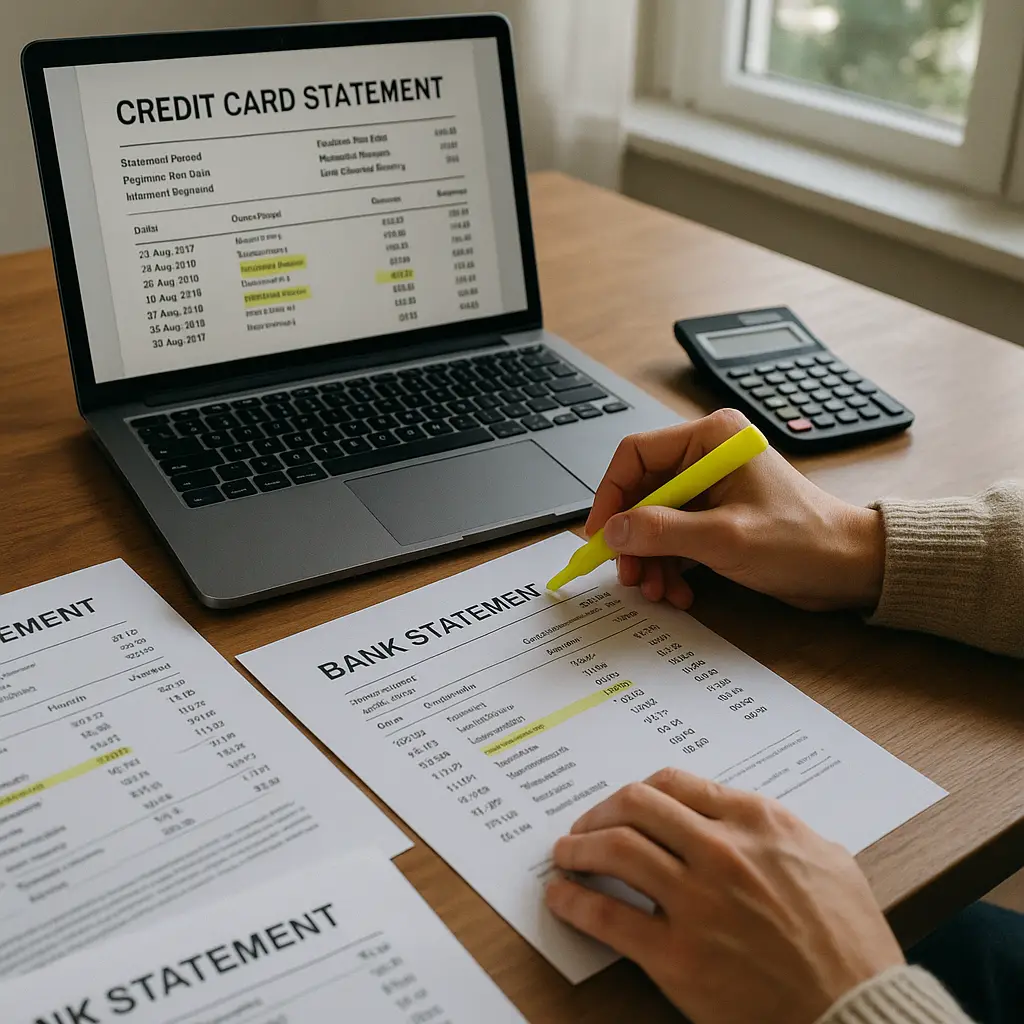
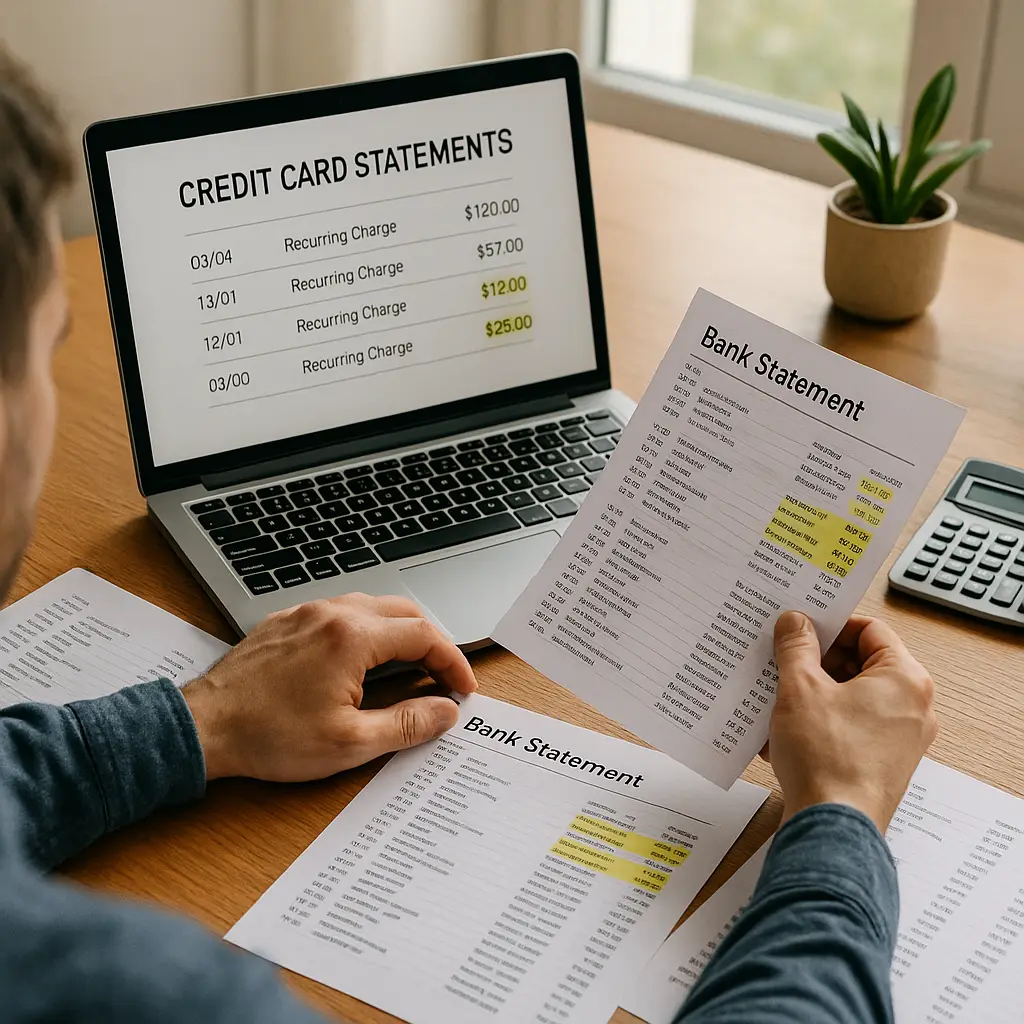
Start with your primary checking account and every credit card you've used in the last year. Download or print statements for the last three months. Three months captures most recurring charges, including quarterly subscriptions that bill less frequently than monthly services.
Look for these patterns:
- Same merchant, same amount, regular intervals. Netflix charges $15.49 every month on the 12th. Spotify charges $10.99 on the 3rd. Adobe charges $54.99 on the 22nd. Regularity is the signature.
- Vague descriptors with "digital," "subscription," "membership," or "recurring" in the name. These are designed to be forgettable.
- Small charges under $20. Large charges get noticed. Small ones slip through.
- Charges to merchants you don't immediately recognize. Parent companies often bill under corporate names, not brand names. Disney+ might appear as "TWDC Enterprises." Hulu might be "Hulu, LLC." Google One storage shows up as "Google Storage."
Highlight every recurring charge. Don't skip charges you recognize and use. You're building a complete list, not just hunting for forgotten ones. You'll evaluate everything in Step 3.
If you use multiple cards, one for groceries, one for online shopping, one for travel, repeat this process for each card. Subscriptions scatter. You might have signed up for a service with a card you rarely use, and that card keeps getting charged even though you haven't looked at its statement in months.
Step 2: Check App Store Subscriptions
iPhone and Android both manage subscriptions through their app stores. Many services let you subscribe directly through Apple or Google, which means the charge appears on your app store bill, not as a separate merchant charge.
On iPhone:
- Open Settings.
- Tap your name at the top.
- Tap Subscriptions.
You'll see every active subscription managed through your Apple ID. This includes apps, services, and in-app subscriptions you might have authorized years ago. Each entry shows the renewal date, the price, and the billing cycle.
On Android:
- Open the Google Play Store.
- Tap your profile icon in the top right.
- Tap Payments & subscriptions.
- Tap Subscriptions.
You'll see every active subscription managed through Google Play. This includes apps, services, and in-app subscriptions tied to your Google account.
App store subscriptions are easy to miss because they don't appear as separate charges on your credit card statement. They bundle into a single "Apple.com/bill" or "Google Play" charge, and you have to dig into the app store settings to see what's actually included.
Some apps let you subscribe both through the app store and directly through their website. If you signed up through the website, the subscription won't appear in your app store list. You'll find it in Step 1 or Step 4.
Step 3: Review PayPal and Digital Wallets
PayPal, Venmo, Apple Pay, and Google Pay all support recurring payments. You might have authorized a subscription through one of these services, and the charge gets deducted from your linked bank account or card without appearing on your primary statement.
For PayPal:
- Log into your PayPal account.
- Click the gear icon (Settings) in the top right.
- Click Payments.
- Click Manage automatic payments.
You'll see every merchant authorized to charge your PayPal account automatically. This includes subscriptions, recurring donations, and services that bill through PayPal instead of directly charging your card.
For Venmo:
- Open the Venmo app.
- Tap the three horizontal lines (menu) in the top left.
- Tap Settings.
- Tap Automatic Payments.
You'll see every merchant authorized to charge your Venmo account automatically.
For Apple Pay and Google Pay:
These services don't manage subscriptions directly. They act as payment methods. If you subscribed to a service using Apple Pay or Google Pay, the subscription itself is managed by the merchant, and you'll find it in Step 1 or Step 5.
Digital wallets are convenient, but they add a layer of abstraction. You authorize a payment once, the wallet stores the authorization, and the merchant charges you automatically. You don't see the charge until it hits your bank account or credit card, and by then, you might not remember what you authorized.
Step 4: Check Email for Subscription Receipts
Every subscription sends a receipt when it charges you. If you've been ignoring these emails, your inbox holds a record of every active subscription.
Search your email for these terms:
- "subscription"
- "recurring"
- "membership"
- "renewal"
- "payment confirmation"
- "invoice"
- "receipt"
Look for emails from merchants you don't immediately recognize. Some services send receipts from generic corporate email addresses, not the brand name you signed up with.
If you use multiple email addresses, one for work, one for personal, one for shopping, repeat this search in every inbox. You might have signed up for a service using an old email address you rarely check, and the receipts have been piling up unread.
Email receipts also reveal subscriptions that don't appear in your bank statements yet. If you signed up for a free trial that ends next week, the receipt will tell you when the first charge hits and how much it will cost.
Step 5: Log Into Accounts Directly
Some services don't send receipts. Some let you manage subscriptions through account settings on their website. If you suspect you're subscribed to a service but can't find evidence in your statements or email, log into the account directly.
Check these common subscription hubs:
- Amazon: Go to Accounts & Lists > Memberships & Subscriptions. This shows Prime, Audible, Kindle Unlimited, Subscribe & Save orders, and any channel subscriptions through Prime Video.
- Spotify: Log in, click your profile icon, go to Account > Subscription. Even if you're on the free tier, this page shows whether you've ever subscribed and whether a subscription is active.
- YouTube: Go to youtube.com/paid_memberships. This shows YouTube Premium, YouTube TV, and any channel memberships you've purchased.
- Microsoft: Go to account.microsoft.com/services. This shows Xbox Game Pass, Microsoft 365, OneDrive storage, and any other Microsoft subscriptions.
- Adobe: Log into your Adobe account, go to Plans. This shows Creative Cloud, individual app subscriptions, and stock photo plans.
If you've ever subscribed to a service, the account settings usually have a "Subscriptions" or "Billing" section. Even if you canceled, the page will show your subscription history and whether anything is still active.
Step 6: Compile the Full List
You've pulled statements, checked app stores, reviewed PayPal, searched email, and logged into accounts. Now compile everything into one list.
For each subscription, record:
- Service name: What you're paying for.
- Cost: Monthly, annual, or other billing cycle.
- Billing date: When the charge hits.
- Payment method: Which card, PayPal account, or app store is being charged.
- Status: Active, paused, or forgotten.
A spreadsheet works. A note on your phone works. A piece of paper works. The format doesn't matter. What matters is seeing everything in one place.
Add up the total. Monthly subscriptions add up fast. Five services at $10 each is $50 a month, $600 a year. Ten services at $15 each is $150 a month, $1,800 a year. You might be surprised by the total.
Step 7: Evaluate Each Subscription
Now that you have the full list, decide what stays and what goes.
Ask these questions for each subscription:
- Do I use this regularly? If you haven't opened the app or logged into the service in the last month, you're probably not using it enough to justify the cost.
- Does this provide value equal to or greater than the cost? A $15 streaming service you watch every night might be worth it. A $15 meditation app you opened twice in six months probably isn't.
- Can I get the same thing for less or free? Some services have free tiers. Some have annual plans that cost less per month than monthly billing. Some have competitors that offer the same features at a lower price.
- Am I paying for this out of habit or because I actually want it? You might have subscribed to a service because everyone else was using it, and you've kept paying because canceling feels like admitting you made a mistake. That's not a good reason to keep spending money.
- Is this a duplicate? You might be paying for two cloud storage services, two password managers, or two streaming platforms with overlapping content libraries. Pick one.
Don't judge yourself for past decisions. You subscribed for a reason. That reason might no longer apply. Circumstances change. Priorities shift. A service that made sense two years ago might not make sense now.
Mark each subscription as "keep," "cancel," or "review later." If you're not sure, mark it "review later" and set a reminder to revisit the decision in 30 days. Use the service intentionally during that month, and then decide whether it's worth keeping.
Step 8: Cancel What You Don't Need
Canceling subscriptions is tedious. Some services make it easy. Others bury the cancellation option behind multiple menus and confirmation screens. Some require you to call customer service. Some offer discounts or pauses if you threaten to cancel.
Here's the process:
- Log into the account. Go to the service's website or app.
- Find the subscription settings. Look for "Account," "Billing," "Subscriptions," or "Manage Membership." If you can't find it, search the service's help documentation for "how to cancel."
- Cancel. Follow the prompts. Confirm your choice. Ignore offers to pause or discount your subscription unless the offer genuinely changes your evaluation. A 50% discount for three months still costs money, and you'll be back to full price after the discount expires.
- Save confirmation. Take a screenshot or save the confirmation email. If the service keeps charging you after you cancel, you'll need proof that you canceled.
For app store subscriptions:
- iPhone: Settings > [Your Name] > Subscriptions > [Select subscription] > Cancel Subscription.
- Android: Google Play Store > Profile icon > Payments & subscriptions > Subscriptions > [Select subscription] > Cancel subscription.
For PayPal:
- Settings > Payments > Manage automatic payments > [Select merchant] > Cancel.
Some services don't let you cancel immediately. They let you cancel at the end of the current billing period, which means you'll still be charged once more before the subscription stops. That's normal. As long as you cancel before the next renewal date, you won't be charged again after that.
If a service makes cancellation unreasonably difficult, no cancel button, customer service that doesn't answer, confirmation emails that never arrive, contact your credit card company and dispute the charge. Explain that you attempted to cancel and the merchant didn't provide a reasonable cancellation process. The FTC provides guidance on handling billing disputes when merchants don't cooperate.
Step 9: Update Payment Methods for Services You Keep
If you're keeping a subscription, make sure the payment method is current. Expired cards cause failed payments, which can result in service interruptions, late fees, or account closures.
For each subscription you're keeping:
- Check the payment method. Is it a card that's still active? Is it linked to a bank account that's still open?
- Update if necessary. Log into the account, go to billing settings, and update the payment method.
- Verify the charge. After you update the payment method, watch for the next charge to confirm it processes correctly.
Some services automatically update expired cards. Your bank issues a new card with a new expiration date, and the merchant updates their records without asking. This is convenient, but it also means subscriptions you thought you'd canceled by letting the card expire might still be active.
Step 10: Set a Recurring Audit Schedule
Subscriptions don't stay static. You'll sign up for new services. You'll forget about services you're using now. Prices increase. Billing cycles change. One audit isn't enough.
Set a calendar reminder to repeat this process every three months. Quarterly audits catch problems before they become expensive. If you sign up for a free trial in January and forget about it, a March audit will catch the charge before you've paid for six months.
During each audit:
- Pull the last three months of statements.
- Check app store subscriptions.
- Review PayPal and digital wallets.
- Search email for new receipts.
- Compare the current list to the previous audit.
- Cancel anything new that you don't recognize or don't want.
Quarterly audits take around 30 minutes once you've done the first one. You already have the list. You're just updating it and checking for changes.
What Happens If You Find a Subscription You Forgot About?
Cancel it immediately. Most services don't offer refunds for past charges, but some will prorate the current billing period if you cancel mid-cycle. You won't get back the money you've already spent, but you'll stop losing more.
If the subscription has been charging you for years, don't spiral into regret. You can't change the past. You can only control what happens next. Cancel the subscription, update your list, and move forward.
If you find a subscription you don't recognize at all, no memory of signing up, no record in your email, no account you can log into, it might be fraud. Contact your bank or credit card company, report the charge as unauthorized, and dispute it. They'll investigate, and if the charge is fraudulent, they'll refund you and block future charges.
Common Subscription Traps and How to Avoid Them
Free trials that require payment information up front. These aren't scams, but they're designed to convert into paid subscriptions. If you sign up for a free trial, set a calendar reminder for the day before the trial ends. Cancel before the first charge hits if you don't want to continue.
Annual subscriptions that auto-renew. You pay once a year, forget about the subscription, and get charged again 12 months later. Annual plans often cost less per month than monthly billing, but they're harder to track. Set a calendar reminder for one week before the renewal date so you can decide whether to renew or cancel.
Family plans that outlive the family. You signed up for a family plan with your partner, roommate, or siblings. You broke up, moved out, or stopped talking. The subscription is still active, and you're still paying for seats no one is using. Cancel the family plan and downgrade to an individual plan if you're still using the service.
Bundled subscriptions. You signed up for a bundle, Amazon Prime includes Prime Video, Music, and free shipping. You're paying for the bundle but only using one feature. Evaluate whether the bundle is worth the cost, or whether you'd be better off subscribing to just the feature you actually use.
Paused subscriptions that resume automatically. Some services let you pause instead of cancel. Pausing sounds reasonable, but it usually still charges a reduced fee, and the full subscription resumes automatically after the pause period. If you're not using the service, cancel instead of pausing.
What About Subscriptions You Share?
If you're paying for a subscription that other people use, family members, friends, roommates, talk to them before you cancel. They might be willing to take over the payment, or they might be willing to let the subscription go.
If you're using someone else's subscription, ask whether they're still using it and whether they're planning to keep paying. If they cancel, you'll lose access. If they're keeping it, offer to contribute to the cost.
Shared subscriptions create coordination problems. Nobody wants to be the person who cancels Netflix and ruins movie night for everyone else. But nobody wants to be the person paying for a subscription nobody uses. Have the conversation. It's awkward for five minutes, and then it's done.
Tools That Promise to Find Subscriptions for You
Several apps and services claim to scan your bank accounts, find subscriptions, and help you cancel them. Some charge a fee. Some take a percentage of the money you save. Some are free but sell your financial data.
These tools can be useful, but they're not magic. They work by connecting to your bank account through APIs, scanning transactions for recurring charges, and flagging anything that looks like a subscription. They can't see subscriptions managed through app stores unless you grant them access to your Apple or Google account. They can't see subscriptions billed through PayPal unless you connect your PayPal account.
If you use one of these tools, read the privacy policy. Understand what data you're sharing, who gets access, and how long they keep it. Some tools store your transaction history indefinitely. Some share data with third parties. Some sell aggregated financial data to advertisers.
You can do this manually. It takes longer, but you maintain full control over your data, and you don't pay a fee or share your bank login credentials with a third party.
Why This Matters Beyond Money
Forgotten subscriptions aren't just a financial problem. They're a security and privacy problem.
Every subscription creates an account. Every account stores your email, password, payment information, and behavioral data. If you forget about a subscription, you're probably not monitoring that account for breaches, unauthorized access, or data leaks.
A forgotten subscription to a streaming service you haven't used in two years is still collecting data on what you watch, when you watch it, and what device you use. A forgotten subscription to a fitness app is still tracking your location, exercise habits, and health metrics. A forgotten subscription to a shopping service is still storing your purchase history, browsing behavior, and payment methods.
The more accounts you have, the more attack surface you create. Every account is a potential breach. Every account is a potential phishing target. Every account is a potential point of failure if you reuse passwords or use weak passwords.
Auditing your subscriptions isn't just about saving money. It's about reducing your digital footprint, closing accounts you don't use, and limiting the number of places that store your personal information.
Final Thoughts
Subscriptions are convenient until they're not. They promise to simplify your life by automating payments, but that automation makes it easy to lose track of what you're paying for and why.
You don't need to cancel everything. You don't need to live like a monk who owns nothing and subscribes to nothing. You just need to know what you're paying for, why you're paying for it, and whether the value matches the cost.
Run the audit. Compile the list. Cancel what doesn't serve you. Set a reminder to do it again in three months. That's it. You don't need to feel guilty about past spending. You don't need to justify every subscription to anyone but yourself. You just need to know.
Walter White kept meticulous records because his empire depended on it. Your financial health depends on the same principle: you can't manage what you don't measure. Start measuring.