Smart Appliances and Home Networks: Separating Real Risk from Security Theater
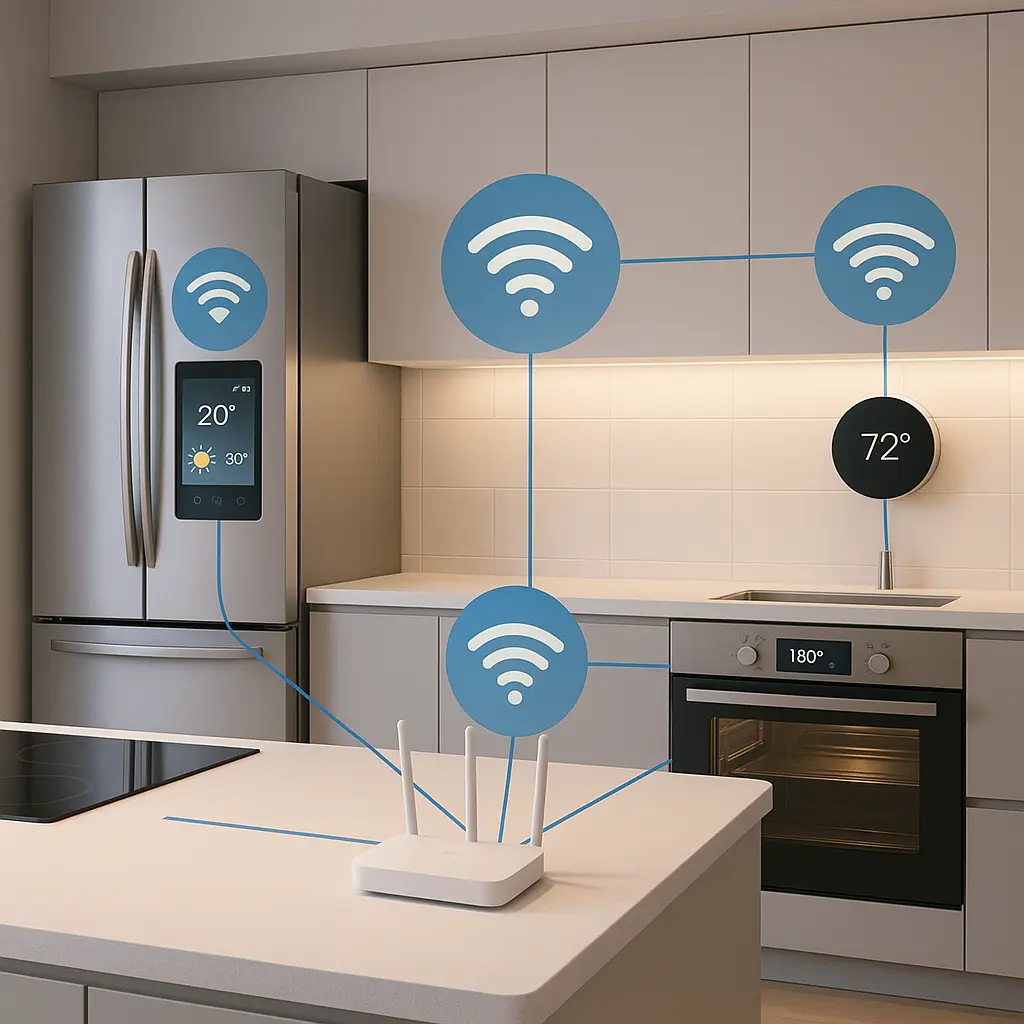
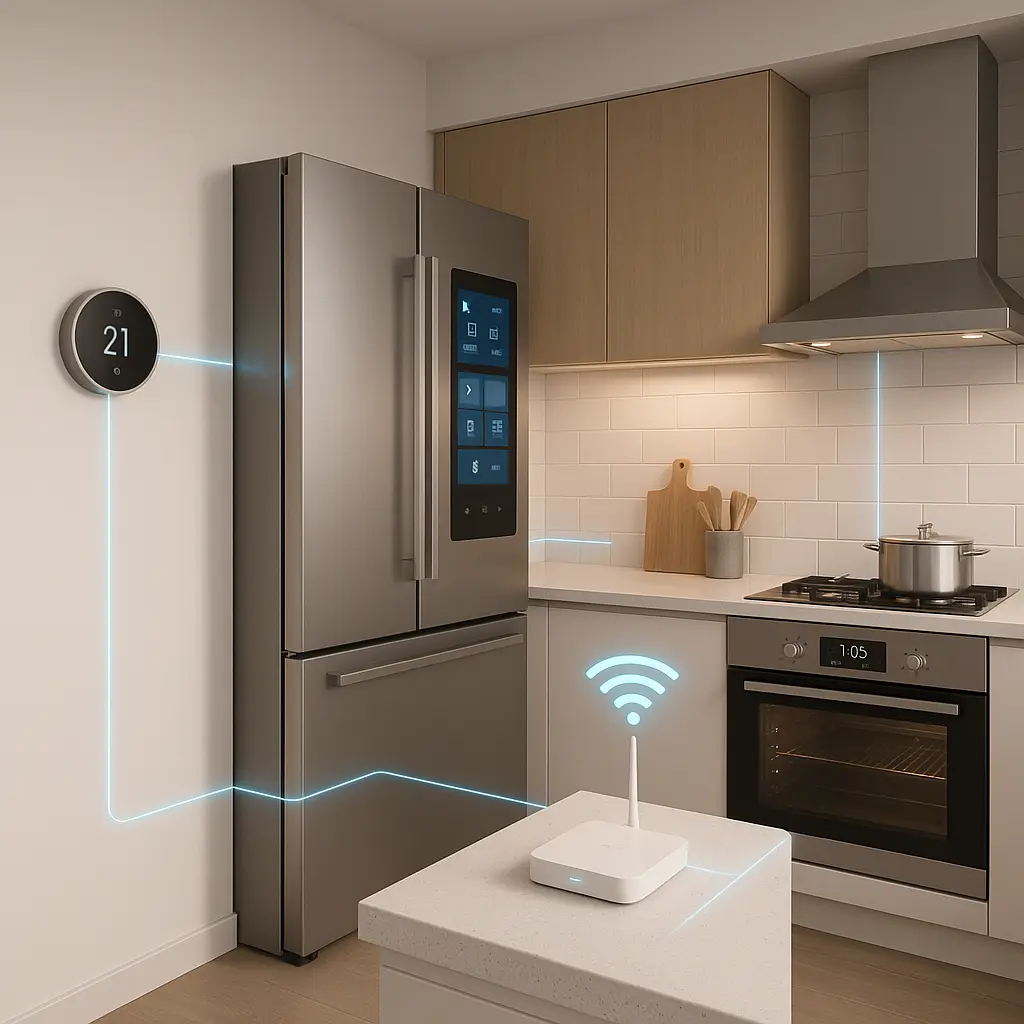
Your refrigerator wants to connect to WiFi. So does your oven, your thermostat, your doorbell, and possibly your toaster. The pitch is convenience: monitor your freezer temperature from work, preheat the oven from the grocery store, adjust the thermostat from bed. The security advice you'll find online oscillates between "smart fridges are a hacker's dream" and "it's fine, don't worry about it." Neither captures the actual risk.
Here's the reality. Smart appliances do create security exposure. That exposure is real, measurable, and worth understanding. But the threat model isn't what most headlines suggest. Nobody's going to steal your grocery list or hold your thermostat for ransom. The risk is structural: these devices are poorly defended, rarely updated, and connected to the same network as your laptop, phone, and everything else you actually care about protecting.
This is a reality check. Not a panic piece, not a dismissal. Here's what smart appliances actually expose, what that means for your home network, and what you can do about it without becoming a network engineer.
The Actual Attack Surface
A smart appliance is a computer with an internet connection and a specific job. Your smart refrigerator runs Linux. Your smart thermostat runs an embedded operating system. Your smart oven has firmware, network protocols, and attack vectors that security researchers have documented in detail.
These devices differ from phones and laptops in three ways that matter for security:
First, they receive infrequent updates. Your phone gets security patches monthly. Your refrigerator might get a firmware update once a year, if ever. Researchers have found that many IoT devices run outdated software with known vulnerabilities, and manufacturers often abandon support within a few years of release.
Second, they lack defensive layers. Your laptop has antivirus, firewalls, sandboxing, and decades of security architecture. Your smart oven has a web interface and a prayer. The security mechanisms that protect general-purpose computers simply don't exist in most appliances.
Third, they're designed for convenience, not security. Default passwords, unencrypted communications, and unnecessary network services are common. Security is an afterthought in product design, if it's considered at all.
The combination creates devices that are easy to compromise and hard to defend. CISA's guidance on securing network infrastructure emphasizes that IoT devices often become the weakest link in home and enterprise networks precisely because of these design tradeoffs.
What Attackers Actually Want
Nobody cares about your refrigerator's contents. The actual threat model breaks down into three categories, ordered by likelihood:
Botnet recruitment. This is the most common exploitation path. Attackers scan the internet for vulnerable IoT devices, compromise them in bulk, and conscript them into distributed networks used for DDoS attacks, spam, or cryptocurrency mining. Your smart thermostat becomes one node among millions. You'll never notice. The device keeps working normally while participating in attacks against other targets.
Security researchers have documented this pattern extensively. The Mirai botnet, which knocked major websites offline in 2016, was built primarily from compromised IoT devices, cameras, routers, and smart home gadgets with default passwords. Krebs on Security covered the attack and its aftermath in detail. The botnet technique hasn't disappeared; it's become routine.
Network pivot point. A compromised smart appliance can serve as an entry point to other devices on your home network. An attacker gains access to your smart oven, uses it to scan for other devices, and attempts to move laterally to your laptop or phone. This requires more sophistication than botnet recruitment, but it's not theoretical. CISA's malware analysis reports document cases where IoT devices were used as footholds for broader network compromise.
The risk here depends on your network architecture. If your smart fridge and your work laptop share the same network segment with no isolation, a compromised appliance creates a path to more valuable targets.
Physical manipulation. This is the rarest but most viscerally concerning scenario. A compromised smart oven could theoretically be set to dangerous temperatures. A smart lock could be remotely opened. A thermostat could be manipulated to cause HVAC damage. Security researchers have demonstrated these attacks in controlled environments, but real-world exploitation remains uncommon.
The reason it's uncommon isn't that it's impossible, it's that attackers have easier, more scalable ways to make money. Physical manipulation requires targeting specific households and creating specific harms. Botnet recruitment scales to millions of devices with automated scanning.
The Home Network Architecture Problem
Your home network probably looks like this: a router from your ISP, WiFi that reaches every room, and every device, laptop, phone, tablet, smart TV, refrigerator, thermostat, doorbell, connected to the same network. From a security perspective, this is one flat network where every device can see every other device.
When your smart refrigerator gets compromised, the attacker's next move is to scan for other devices on the same network. They're looking for file shares, open ports, services that might be exploitable. Your laptop is sitting right there, visible and accessible.
The solution isn't to unplug your smart appliances. It's network segmentation: putting IoT devices on a separate network from computers and phones. Most modern routers support this through a guest network feature. You configure a second WiFi network, connect your smart appliances to that network instead of your primary one, and the router handles isolation.
This doesn't require enterprise networking knowledge. The guest network feature exists specifically for this purpose. You're creating a boundary: devices on the guest network can reach the internet, but they can't reach devices on your primary network. A compromised smart fridge can't scan for your laptop because your laptop isn't visible from the guest network.
CISA's guidance on modern network access security emphasizes network segmentation as a fundamental control for reducing lateral movement risk. The same principle applies at home.
What Actually Matters When Buying Smart Appliances
Not all smart appliances are equally vulnerable. The security posture varies dramatically by manufacturer, and you can make better decisions by asking the right questions before you buy.
Update track record. Does the manufacturer have a history of releasing security updates? How long do they support devices after purchase? Some manufacturers treat security updates seriously; others abandon products within two years. This information isn't always easy to find, but manufacturer support forums and security researcher blogs often document patterns.
Default security settings. Does the device ship with a unique password, or does every unit have the same default credentials? Can you change the password during setup, or is it hardcoded? Default passwords are the primary attack vector for IoT botnets. A device that forces you to set a unique password during initial setup is better than one that ships with "admin/admin."
Network requirements. Does the device require internet access to function, or can it operate on a local network? Some smart thermostats need cloud connectivity for basic operation; others work locally and use the cloud only for remote access. Local-first operation reduces your exposure to cloud service vulnerabilities and data harvesting.
Manufacturer reputation. Companies that take security seriously publish vulnerability disclosures, maintain bug bounty programs, and respond to security researchers. Companies that don't often threaten researchers with legal action. This cultural difference predicts how the manufacturer will handle future vulnerabilities.
The tradeoff is that secure smart appliances often cost more and offer fewer features. The cheapest smart devices are cheap for a reason: security costs money, and manufacturers targeting the low end of the market cut corners. You're choosing between convenience, cost, and security. All three rarely align.
The Cultural Reference That Fits
In Schitt's Creek, the Rose family moves into a motel where everything is connected to everything else in ways they don't understand and can't control. The hot water in one room affects the pressure in another. The electrical system has mysterious interdependencies. When something breaks, the failure cascades in unexpected ways because the infrastructure was never designed with boundaries or isolation.
Your home network has the same problem. Every smart device you add creates another connection, another interdependency, another potential failure point. The system works fine until something goes wrong, and then you discover that your smart doorbell's compromise gave an attacker a path to your laptop because nothing was ever designed with isolation in mind.
The solution isn't to avoid smart devices entirely, it's to build boundaries into the infrastructure before you need them. Network segmentation is your equivalent of separate electrical circuits: it contains failures and prevents cascades.
Setting Up Network Segmentation
Here's the practical process for isolating IoT devices on most home networks. This assumes your router supports a guest network feature, which most modern routers do.
Step one: Enable the guest network. Log into your router's admin interface. The address is usually printed on the router itself or in the manual, commonly 192.168.1.1 or 192.168.0.1. Look for a "Guest Network" or "Guest WiFi" option. Enable it. Set a strong password. The guest network is now a separate WiFi network that your router manages.
Step two: Configure isolation. Most routers enable guest network isolation by default, meaning devices on the guest network can't see devices on the primary network. Verify this setting. It might be labeled "AP isolation," "client isolation," or "guest isolation." Enable it if it's not already on.
Step three: Move IoT devices. Disconnect your smart appliances from your primary WiFi network and reconnect them to the guest network. You'll need to reconfigure each device through its app or web interface. This is tedious but straightforward: forget the old network, connect to the new one, enter the password.
Step four: Test functionality. Make sure your smart devices still work as expected. Most will function normally because they only need internet access, not access to other devices on your network. If a device stops working, it might have a legitimate need to communicate with your phone or laptop, some smart home hubs require this. In that case, you'll need to decide whether the convenience is worth keeping that device on your primary network.
This setup isn't perfect. Sophisticated attackers can sometimes bypass guest network isolation through router vulnerabilities or misconfigurations. But it raises the bar significantly. You've moved from "every device can see every other device" to "IoT devices are isolated from computers and phones." That's a meaningful improvement.
What You Can't Control
Network segmentation reduces risk, but it doesn't eliminate it. Here's what remains outside your control:
Cloud service security. Most smart appliances phone home to manufacturer cloud services. Your smart thermostat sends temperature data to the manufacturer's servers. Your smart fridge uploads diagnostic information. You have no visibility into how those services are secured, who has access, or what happens to the data. A breach of the manufacturer's cloud infrastructure exposes your data regardless of your home network setup.
Manufacturer abandonment. Companies go out of business, get acquired, or simply stop supporting products. When that happens, your smart appliance becomes a permanent security liability. No more updates, no more patches, no recourse. The device keeps working, but it's frozen in time with whatever vulnerabilities existed when support ended.
Supply chain compromise. Some IoT devices ship with malware pre-installed, either through compromised manufacturing processes or malicious component suppliers. This is rare but documented. Krebs on Security has covered cases where devices arrived compromised from the factory. You can't detect this through normal security practices.
Protocol vulnerabilities. The communication protocols that smart devices use, Zigbee, Z-Wave, Thread, Matter, have their own security properties and vulnerabilities. These operate below the level of your home network and can't be mitigated through router configuration. You're trusting that the protocol designers got the cryptography right.
These risks are structural. They're baked into the smart home ecosystem. Acknowledging them doesn't mean you shouldn't use smart appliances, it means you should understand what you're accepting when you do.
The Monitoring Question
Should you monitor your smart appliances for suspicious activity? The answer depends on your threat model and technical comfort level.
For most households, active monitoring isn't practical. You'd need to inspect network logs, recognize normal traffic patterns, and distinguish legitimate behavior from potential compromise. This requires expertise most people don't have and time most people don't want to spend.
What you can do instead: enable logging on your router if it supports it, and check occasionally for devices you don't recognize. If a new device appears on your network that you didn't add, that's worth investigating. If your smart appliances start consuming unusual amounts of bandwidth, that might indicate botnet activity. But these are reactive checks, not active monitoring.
Some routers and security products offer IoT-specific monitoring features that alert you to suspicious behavior. These can be useful if you're willing to deal with false positives and learn to interpret the alerts. But they're not necessary for basic security hygiene.
The more important practice is periodic review: every few months, check what devices are connected to your network, verify that you recognize all of them, and remove anything you're no longer using. Dormant devices are easy to forget and easy to compromise.
When to Skip the Smart Features
Not every appliance needs to be smart. The security tradeoff only makes sense when the convenience justifies the risk. Here's a framework for deciding:
Skip smart features when:
- The device handles sensitive data (security cameras inside your home)
- The manufacturer has a poor security track record
- The device requires constant internet connectivity for basic operation
- You won't actually use the remote access features
- The device is in a location where physical access is easy (why remote-control a lamp you walk past ten times a day?)
Smart features make sense when:
- Remote monitoring provides real value (thermostat control while traveling, leak detection)
- The manufacturer demonstrates security competence (regular updates, vulnerability disclosure program)
- The device can operate locally and uses the cloud only for remote access
- You're willing to maintain the device through its lifecycle (firmware updates, password changes)
The default shouldn't be "make everything smart." It should be "add connectivity where it solves a specific problem, and accept the security tradeoffs for that specific case."
The Practical Baseline
Here's the minimum viable security posture for a home with smart appliances:
- Enable guest network on your router and move IoT devices to it
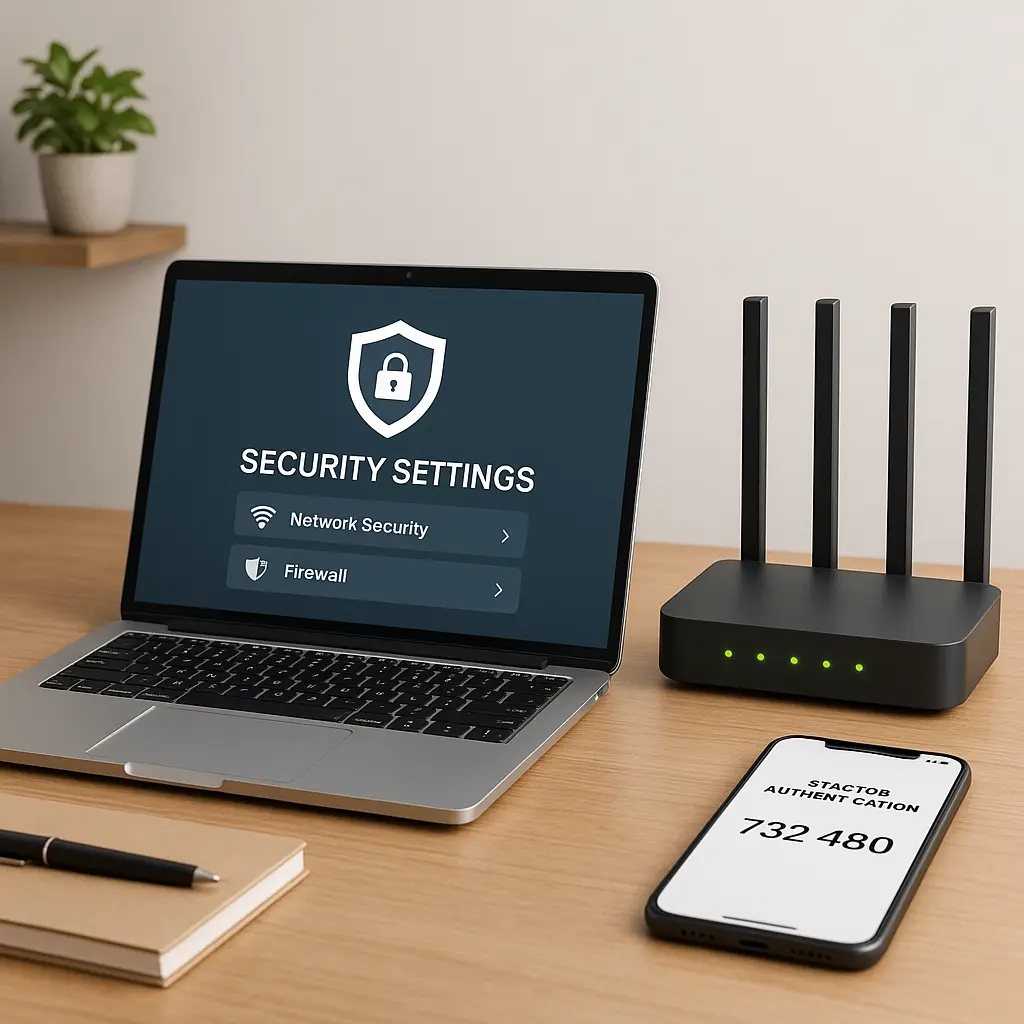
- Change default passwords on every smart device during setup
- Enable automatic updates if the device supports them
- Review connected devices on your network every three months
- Decommission devices when the manufacturer stops providing updates
This isn't paranoia. It's not overkill. It's the baseline that makes smart appliances roughly as secure as the rest of your home network. You're not eliminating risk, you're managing it to a level that makes sense for the convenience you're gaining.
Most people won't do even this much. They'll plug in their smart fridge, connect it to WiFi with the default password, and never think about it again. That's a choice. It's not an informed choice, but it's a choice.
The Long-Term Picture
The smart home ecosystem is maturing slowly. Industry standards like Matter promise better interoperability and security. Some manufacturers are taking security more seriously. Regulatory pressure is increasing in some jurisdictions.
But the fundamental tension remains: security costs money and adds friction, and most consumers optimize for convenience and price. Until that changes, smart appliances will continue to be the weakest link in home networks.
The question isn't whether smart appliances are safe, it's whether the convenience they provide is worth the security tradeoffs they create. That's a personal calculation. The information in this article gives you the data to make it.
Your smart fridge isn't going to steal your identity. But it might become part of a botnet, or serve as a foothold for an attacker who wants access to your laptop. Network segmentation reduces that risk. Buying from reputable manufacturers reduces it further. Monitoring your network and maintaining your devices reduces it more.
None of this is complicated. Most of it is tedious. All of it is optional. But if you're going to connect appliances to your home network, you should understand what you're doing and what the tradeoffs are. This is the reality check: smart appliances create real security exposure, but that exposure is manageable if you're willing to manage it.