Mobile check deposit: the security tradeoffs you're actually making
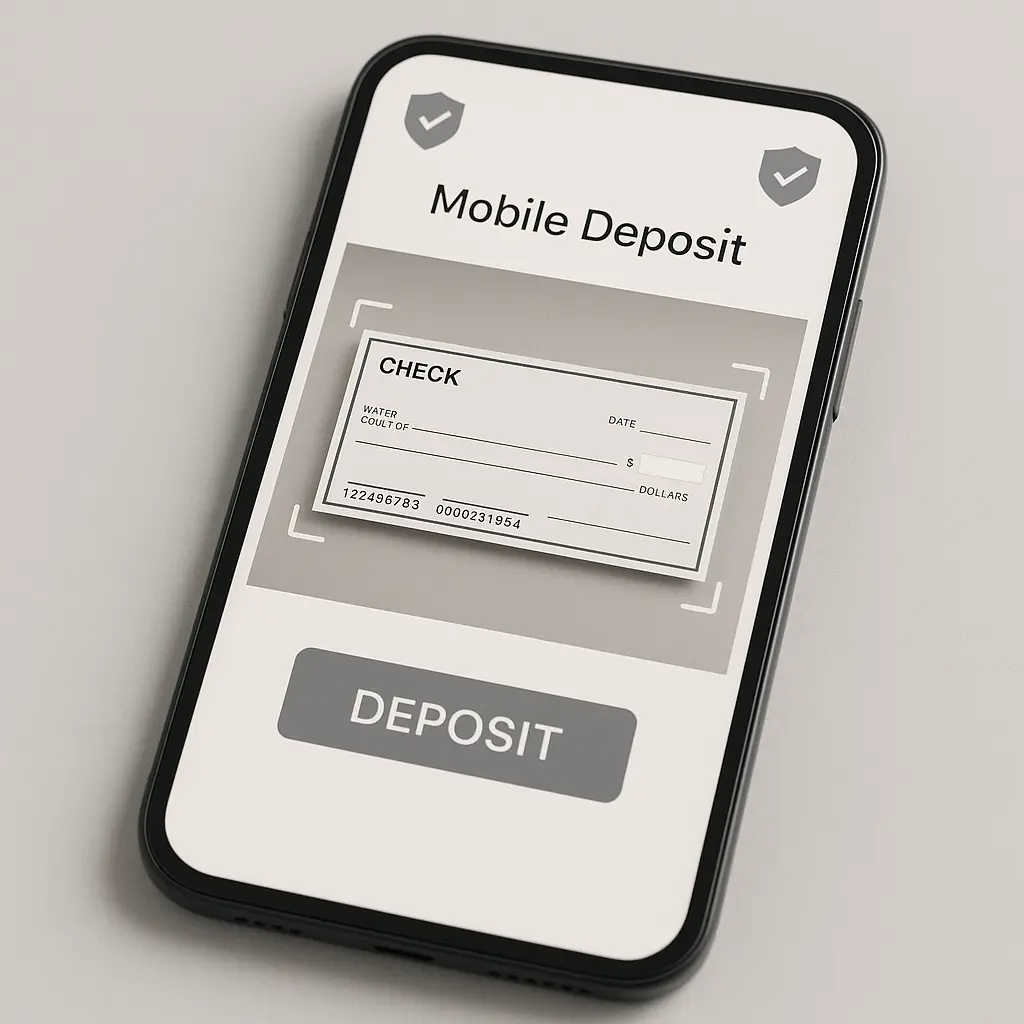
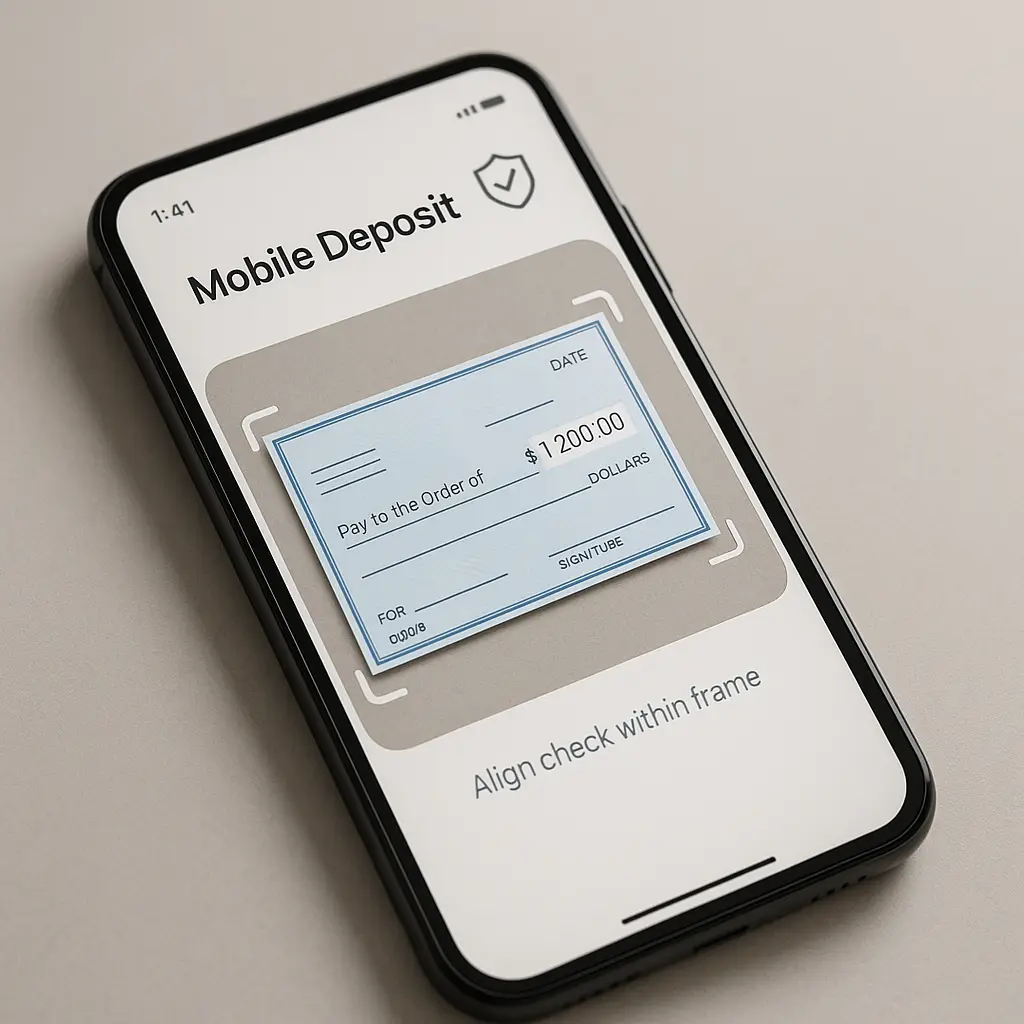
You photograph a check with your phone. The money appears in your account. You never visit a branch. This is mobile check deposit in 2026, and around 80 percent of Americans with bank accounts have used it at least once.
The convenience is obvious. The security tradeoffs are less so.
Mobile check deposit isn't unsafe, but it's not risk-free either. The vulnerabilities are different from the ones you face at a physical bank or ATM. Some risks disappear. Others emerge. The question isn't whether mobile deposit is safe in some absolute sense. The question is what you're trading and whether you understand the exchange.
Here's what actually happens when you deposit a check with your phone, where the security gaps live, and what you can control.
What happens to your check image
When you photograph a check, your banking app captures the image, extracts the routing number, account number, check number, and amount using optical character recognition, and transmits that data to the bank. The bank verifies the check against fraud databases, applies its internal fraud detection algorithms, and either accepts or rejects the deposit.
The check image doesn't vanish. The bank stores it. How long they keep it and who can access it depends on the bank's policies and federal regulations. The Check Clearing for the 21st Century Act requires banks to retain check images for seven years for legal and compliance purposes. Some banks keep them longer.
That image includes your name, address, account number, routing number, signature, and the payee's information. If the bank experiences a data breach, that information is exposed. In 2024, researchers found that some banks were storing check images in cloud systems with inadequate access controls, meaning employees and contractors could view customer check images without a legitimate business reason.
You don't control where the image is stored or who can access it. You control whether you use mobile deposit at all.
The phone is the weak link
Mobile deposit security depends almost entirely on your phone's security. If your phone is compromised, everything in your banking app is accessible to the attacker. That includes the ability to deposit fraudulent checks, transfer money, and view your transaction history.
Banking apps use encryption to protect data in transit and at rest, but encryption doesn't help if the attacker has access to your unlocked phone. Biometric authentication (fingerprint or face recognition) adds a layer of protection, but only if you enable it. Some users disable biometrics for convenience, leaving the app accessible to anyone who picks up the phone.
Malware targeting banking apps exists. Android devices face higher risk than iPhones due to the open app ecosystem, but iOS isn't immune. In 2023, researchers identified banking trojans that overlaid fake login screens on legitimate banking apps, capturing credentials when users thought they were logging into their real bank. These attacks are rare but not theoretical.
If you're using mobile deposit, your phone security baseline matters. That means a strong passcode, biometric authentication enabled for your banking app, automatic updates turned on, and no apps installed from sources outside the official app stores. If your phone is jailbroken or rooted, you've disabled the operating system's security protections, and mobile deposit becomes a much riskier proposition.
Check fraud moves to mobile
Check fraud didn't disappear when mobile deposit became popular. It adapted. The most common mobile deposit fraud schemes involve altered checks, counterfeit checks, and double deposits.
Altered checks are paper checks where the payee or amount has been changed after the original check was written. Counterfeit checks are fake checks printed with stolen account information. Double deposits occur when someone deposits the same check twice, once via mobile deposit and once at a physical bank or ATM.
Banks use fraud detection algorithms to catch these, but the algorithms aren't perfect. In my experience, the most common failure mode is when a check looks legitimate enough to pass automated review but is actually fraudulent. The bank accepts the deposit, credits your account, and then reverses the deposit days or weeks later when the fraud is discovered. You're responsible for the negative balance if you've already spent the money.
The FTC tracks fraud reports through its Consumer Sentinel Network. In 2024, check fraud accounted for a significant portion of financial fraud reports, with mobile deposit fraud appearing as a growing subcategory. The operators behind these schemes often target individuals selling items online, sending fraudulent checks for amounts higher than the purchase price and asking the seller to deposit the check and wire back the difference.
If you receive a check from someone you don't know, mobile deposit doesn't make it safer. The convenience of depositing from your couch doesn't change the underlying fraud risk.
The legal protections are the same
When you deposit a check via mobile deposit, you have the same legal protections as you do with an in-person deposit. Regulation CC, which governs check hold times and funds availability, applies equally to mobile and physical deposits. If the bank places a hold on your mobile deposit, it must follow the same rules it would for a branch deposit.
If you're the victim of check fraud, your liability depends on how quickly you report it. Under federal law, if you report an unauthorized transaction within two business days, your liability is capped at $50. If you wait longer than two days but report within 60 days, your liability can be up to $500. After 60 days, you could be liable for the full amount.
Mobile deposit doesn't change these timelines. The clock starts when the fraudulent transaction appears on your account statement, not when you discover it. That means you need to review your account regularly, whether you're using mobile deposit or not.
The CFPB provides guidance on how to file complaints if your bank mishandles a mobile deposit or refuses to investigate fraud. The process is the same as it would be for any other banking dispute.
What the bank sees
When you use mobile deposit, the bank collects metadata beyond the check image itself. That includes your device type, operating system version, GPS location (if you've granted location permissions), IP address, and the time of the deposit. Some banks use this metadata for fraud detection. If you suddenly start depositing checks from a location hundreds of miles from your usual activity, the bank might flag it.
This metadata collection serves a legitimate security purpose, but it also means the bank knows more about your habits and movements than it would if you only used physical branches. Some users are comfortable with this tradeoff. Others aren't.
You can limit some of this data collection by denying location permissions to your banking app, but doing so might trigger additional fraud alerts or cause the bank to reject deposits until you verify your identity. The bank's fraud detection system treats unusual behavior as suspicious, and disabling location services is unusual behavior.
The cultural reference that fits
In Sherlock Holmes: A Scandal in Bohemia, Holmes tells Watson that "when a doctor does go wrong he is the first of criminals. He has nerve and he has knowledge." The same principle applies to mobile deposit fraud. The people who exploit mobile deposit vulnerabilities aren't random opportunists. They're individuals who understand how the system works and where the gaps are.
Check fraud operators know that mobile deposit systems rely on automated image recognition and fraud detection algorithms. They know that banks process thousands of mobile deposits per day and can't manually review each one. They know that most people don't check their account balances daily and won't notice a reversed deposit until days or weeks after it happens. They use that knowledge to craft checks that pass automated review but fail human scrutiny.
The defense isn't complicated, but it requires you to understand what the bank's fraud detection system is looking for. Checks from unknown senders, checks for amounts that don't match the stated transaction, checks with poor image quality or unusual formatting, these are red flags. The bank's algorithm might catch them, but it might not. You're the second layer of defense.
The comparison to physical deposits
Mobile deposit eliminates some risks and introduces others. Here's the breakdown:
Risks eliminated by mobile deposit:
- Lost or stolen checks in transit
- ATM skimmers
- Physical robbery at a bank branch
- Accidental damage to the check before deposit
Risks introduced by mobile deposit:
- Phone malware accessing your banking app
- Account takeover if your phone is stolen or compromised
- Check image stored in potentially vulnerable bank systems
- Metadata collection revealing your location and habits
Risks that remain the same:
- Check fraud (altered, counterfeit, or double deposits)
- Bank errors in processing
- Phishing attacks targeting your bank credentials
- Unauthorized transactions if your account is compromised
The net risk depends on your personal threat model. If you're more worried about physical theft than digital compromise, mobile deposit is lower risk. If you're more worried about malware or data breaches, physical deposits might be lower risk.
What you can control
You can't control the bank's fraud detection algorithms, the security of their cloud storage, or how long they retain your check images. You can control your phone's security, your deposit habits, and how quickly you notice problems.
Here's what matters:
Phone security: Use a strong passcode. Enable biometric authentication for your banking app. Keep your operating system and apps updated. Don't install apps from outside the official app stores. Don't jailbreak or root your phone.
Deposit habits: Only deposit checks from known, trusted sources. Review the check image before submitting the deposit to ensure the amount and payee are correct. Write "Mobile Deposit" and the date on the paper check after depositing, then store it for 14 days before shredding. This prevents accidental double deposits and gives you a backup if the mobile deposit fails.
Account monitoring: Check your account balance and transaction history at least weekly. Set up account alerts for deposits, withdrawals, and low balances. Report any unauthorized transactions within two business days to minimize your liability.
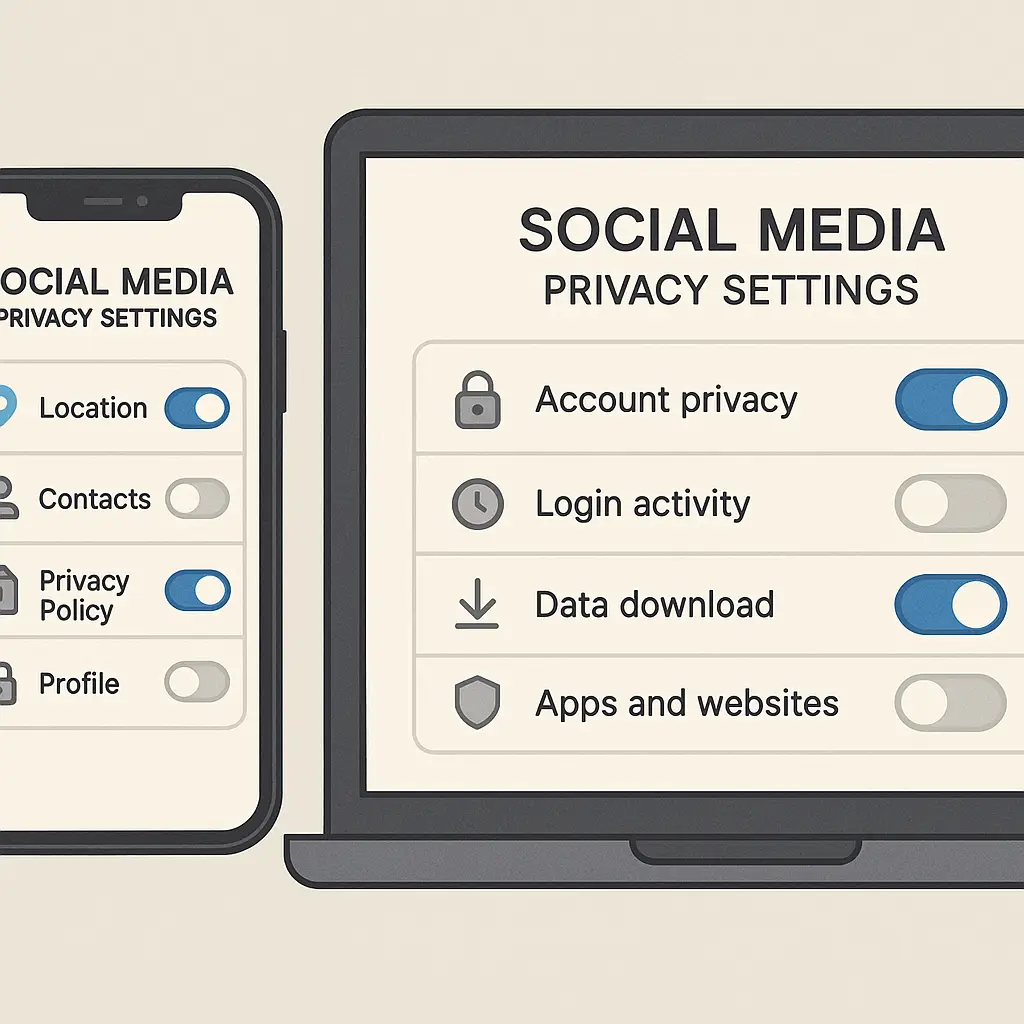
App permissions: Review what permissions your banking app has. Location access is useful for fraud detection but not strictly necessary. Camera access is required for mobile deposit. Contact access is not required and should be denied unless you have a specific reason to grant it.
If your bank offers additional security features like transaction alerts, deposit limits, or multi-factor authentication for mobile deposits, enable them. These features add friction, but they also add protection.
The reality check
Mobile check deposit is convenient, widely used, and generally safe. The banks have strong incentives to prevent fraud, and their fraud detection systems catch most fraudulent deposits before they cause harm. But "generally safe" isn't the same as "risk-free."
The security tradeoff is this: you're exchanging the physical risks of carrying a check to the bank for the digital risks of storing banking credentials on your phone. You're trusting the bank to secure your check images and metadata. You're relying on your phone's operating system to protect your banking app from malware. You're assuming you'll notice fraudulent activity quickly enough to report it within the legal liability windows.
For most people, this is a reasonable tradeoff. Mobile deposit is faster, more convenient, and eliminates several physical risks. But it's not universally safer, and it's not right for everyone.
If you're using mobile deposit, understand what you're trading. Secure your phone. Monitor your accounts. Deposit checks only from trusted sources. And if something feels wrong, if a check seems too good to be true, if the payee doesn't match the transaction, if the amount is unexpected, don't deposit it. The convenience of mobile deposit doesn't make a fraudulent check legitimate.
The question isn't whether mobile deposit is safe. The question is whether you're managing the risks it introduces as carefully as you managed the risks it replaced.