Face ID vs. Fingerprint vs. PIN: Which Unlock Method Actually Protects Your Phone
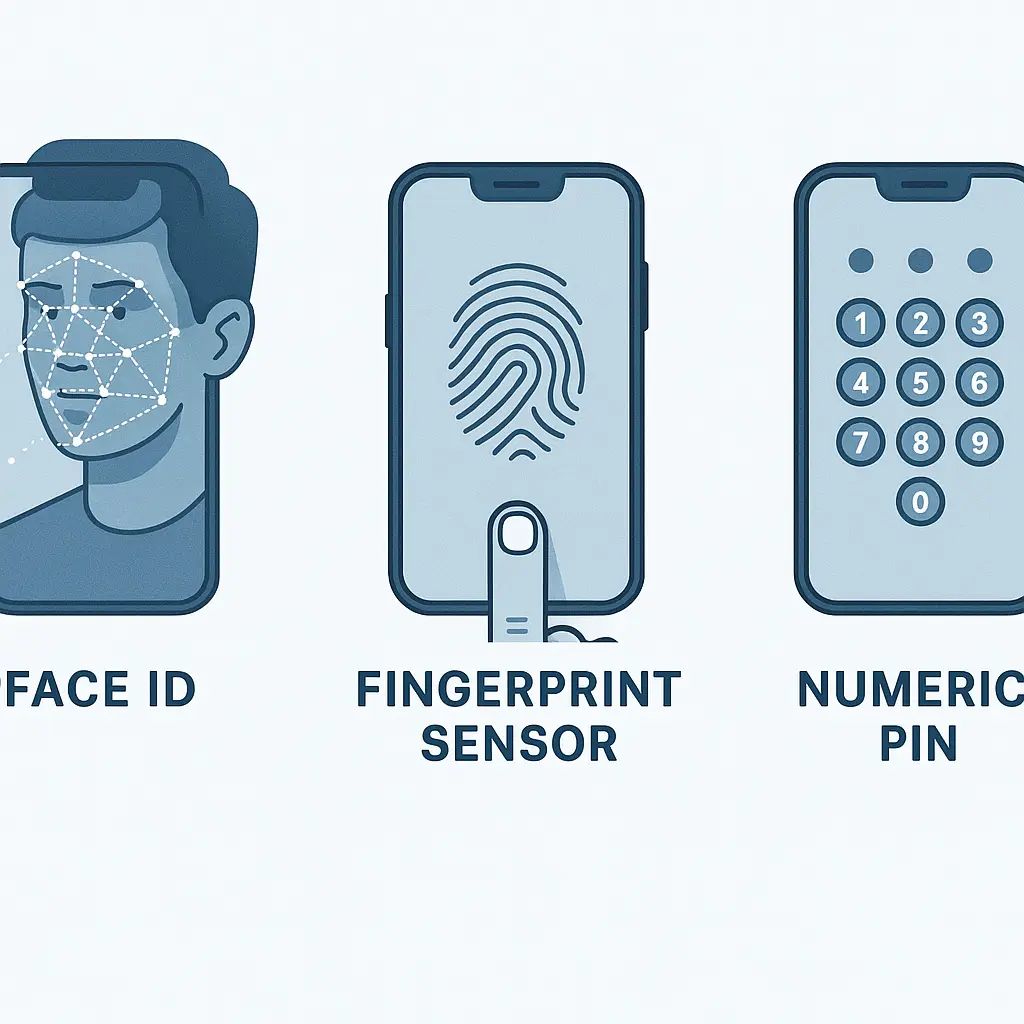
Your phone asks for proof that you're you. You can show your face, press your finger, or type a code. The methods look equivalent in practice, all unlock the phone in under two seconds, but the underlying mechanisms differ in ways that matter when someone else wants in.
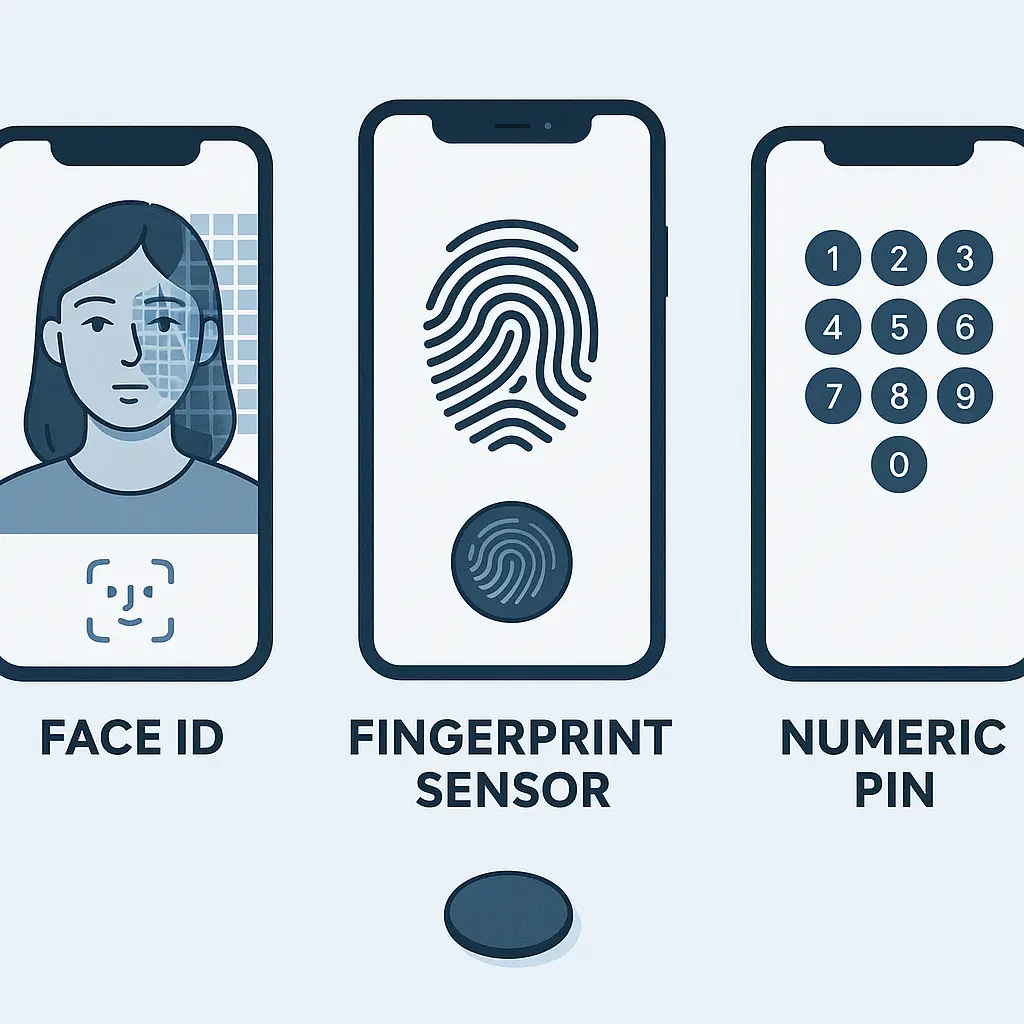
Face ID, fingerprint sensors, and PINs represent three authentication factors: something you are, something else you are, and something you know. Each has a different attack surface, a different legal status, and a different failure mode. Here's how they compare on the dimensions that actually affect your security.
How Face ID Works Under the Hood
Face ID projects around 30,000 infrared dots onto your face, measures the time each dot takes to reflect back, and builds a depth map of your facial geometry. The system captures this data through a combination of a dot projector, an infrared camera, and a flood illuminator that works in darkness. Apple's implementation stores the mathematical representation of your face, not an image, in the Secure Enclave, a separate chip isolated from the main processor.
When you look at your phone, the TrueDepth camera system repeats the scan and compares the new depth map to the stored template. The comparison happens entirely on-device. The data never leaves the Secure Enclave, never syncs to iCloud, and never transmits to Apple's servers. If the new scan matches the stored template within a tolerance threshold that accounts for changes in expression, lighting, and minor physical changes like glasses or facial hair, the phone unlocks.
Apple's technical documentation on Face ID states the false acceptance rate, the probability that a random person's face will unlock your phone, is roughly 1 in 1,000,000. That's a statistical estimate based on testing, not a guarantee. Identical twins, siblings with strong resemblance, and children under 13 (whose facial features are still developing) reduce that probability. The system adapts over time, updating the stored template when it detects gradual changes like growing a beard or aging, but only after you've successfully authenticated with your PIN.
Face ID fails when you're wearing a mask that covers your nose and mouth, when the phone is flat on a table at a bad angle, when lighting conditions prevent the infrared system from functioning, or after five failed attempts. It also disables automatically if you haven't unlocked the phone with your PIN in 48 hours, if the phone has just restarted, or if you've triggered the emergency SOS function by holding the side button and volume button simultaneously.
The depth-mapping mechanism makes Face ID resistant to photos, videos, and printed masks. Security researchers have demonstrated bypasses using sophisticated 3D-printed models and custom masks, but those attacks require significant resources, detailed facial scans, and physical access to the phone. For most threat models, Face ID provides strong protection against opportunistic attackers and casual snooping.
How Fingerprint Sensors Work Under the Hood
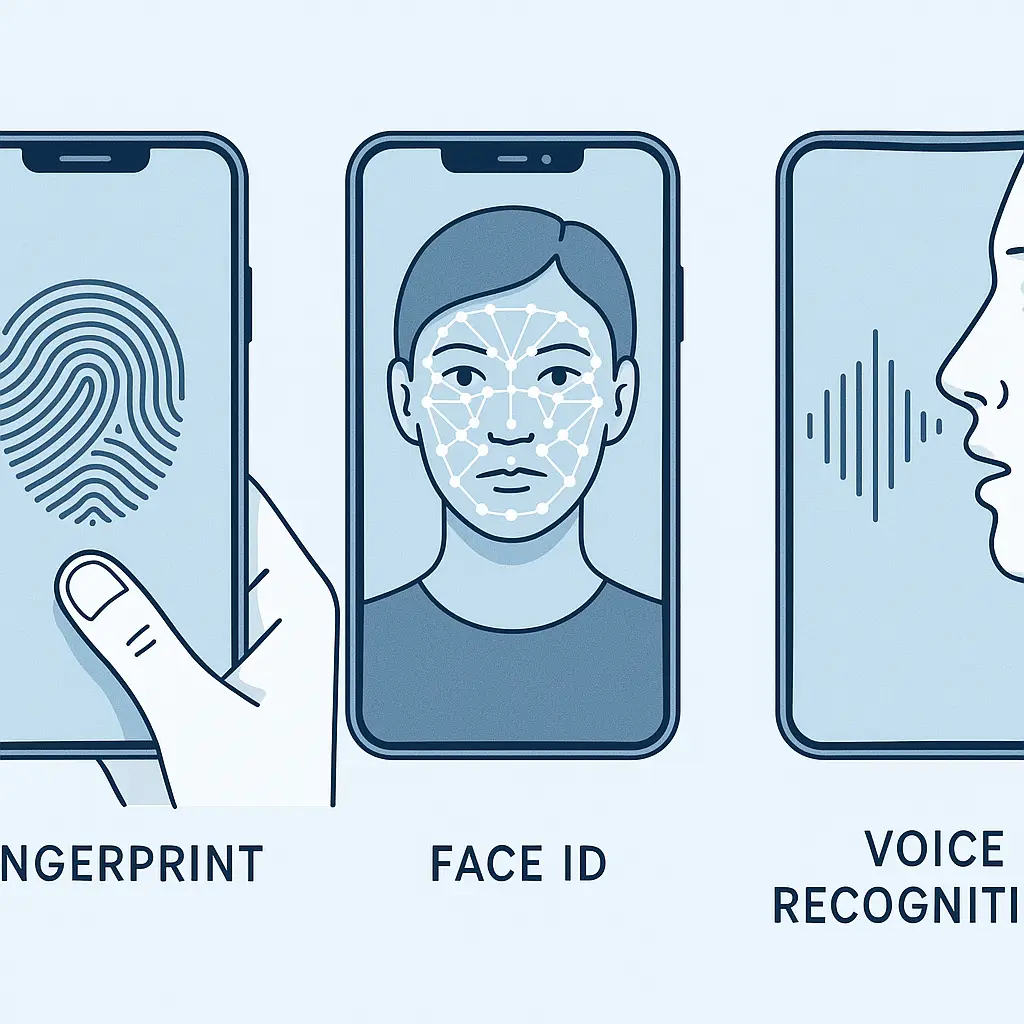
Fingerprint sensors fall into three categories: capacitive, optical, and ultrasonic. Capacitive sensors, used in most iPhones with Touch ID and many Android devices, measure the electrical charge differences between the ridges and valleys of your fingerprint. Optical sensors, common in budget Android phones, photograph your finger and analyze the image. Ultrasonic sensors, found in higher-end Samsung devices, use sound waves to map the three-dimensional structure of your fingerprint, including subsurface details.
The sensor captures your fingerprint during enrollment, extracts distinctive features called minutiae (ridge endings, bifurcations, and patterns), converts those features into a mathematical template, and stores the template in secure hardware. Like Face ID, the raw image isn't stored, only the derived mathematical representation. When you touch the sensor, the phone captures a new scan, extracts minutiae from that scan, and compares it to the stored template.
NIST's guidelines on mobile device security note that fingerprint false acceptance rates vary by implementation, but modern sensors typically achieve rates between 1 in 50,000 and 1 in 100,000. That's less secure than Face ID in raw statistical terms, but still strong enough to protect against random attempts. The bigger vulnerability is that fingerprints leave physical traces. You touch surfaces constantly, leaving latent prints that can be lifted, photographed, and reproduced.
Security researchers have successfully spoofed fingerprint sensors using lifted prints, gelatin molds, and high-resolution photographs processed into 3D models. The attacks aren't trivial, they require equipment, skill, and access to a clean print, but they're more accessible than spoofing Face ID. For most people, the risk of someone lifting your fingerprint and crafting a working replica is low. For people with adversaries who have resources and motivation, it's a real concern.
Fingerprint sensors fail when your fingers are wet, dirty, or damaged. They struggle with dry skin in winter, with hands covered in lotion, and with fingers that have been cut or burned. The sensor also disables after five failed attempts, after 48 hours without a PIN unlock, and after a restart. Like Face ID, you can force it to disable by triggering the emergency SOS function.
How PINs Work Under the Hood
A PIN is a shared secret between you and your phone. You choose a numeric code during setup, and the phone stores a cryptographic hash of that code in secure storage. When you enter your PIN, the phone hashes your input and compares the result to the stored hash. If they match, the phone unlocks. If they don't, the attempt fails.
The security of a PIN depends entirely on its length and the attacker's ability to guess. A four-digit PIN has 10,000 possible combinations. A six-digit PIN has 1,000,000 combinations. An eight-character alphanumeric password has trillions of combinations, depending on the character set. But length only matters if the attacker has to guess blindly.
Modern phones limit PIN attempts. After a certain number of failed tries, usually five or ten, the phone introduces delays between attempts, locks temporarily, or erases itself. Apple's security documentation describes the escalating delay mechanism: one failed attempt costs nothing, five failed attempts trigger a one-minute lockout, nine failed attempts trigger a 60-minute lockout. If you've enabled the "Erase Data" option, ten failed attempts wipe the phone entirely.
Those protections assume the attacker is trying to unlock the phone through the normal interface. If the attacker has physical access and specialized tools, they can attempt to bypass the lockout by extracting data directly from the storage chip or by exploiting vulnerabilities in the operating system. Law enforcement agencies and commercial forensics firms use tools like Cellebrite and GrayKey to attempt these extractions. The success rate depends on the phone model, the operating system version, and whether the phone was powered off or in a locked state when seized.
A PIN is something you know, which means it can be observed, coerced, or forgotten. Someone watching over your shoulder can see you type it. Someone threatening you can demand it. You can forget it after months of relying on biometrics. But a PIN also can't be replicated from a photograph, can't be lifted from a surface, and can't be compelled in the same way biometrics can in some legal contexts.
Legal Differences Between Biometrics and PINs
The legal distinction between biometrics and PINs matters during compelled unlock scenarios. In the United States, the Fifth Amendment protects against self-incrimination, which courts have generally interpreted to include testimonial evidence, things you know and must disclose. The Fifth Amendment doesn't protect physical evidence, things you are or have.
That distinction means law enforcement can, in many jurisdictions, compel you to provide a fingerprint or face scan to unlock your phone, but cannot compel you to disclose your PIN or password. The legal landscape isn't uniform, different courts have ruled differently, and the law continues to evolve, but the general principle holds. Biometrics are treated more like physical keys than like knowledge.
CISA's mobile device security guidance recommends that people in sensitive situations disable biometric unlock before encounters with law enforcement or border agents. Both iOS and Android allow you to temporarily disable biometrics by holding specific button combinations, forcing the phone to require a PIN or password for the next unlock.
On iPhones, holding the side button and either volume button for two seconds triggers the emergency SOS screen and disables Face ID and Touch ID until you enter your passcode. On most Android devices, holding the power button brings up a menu that includes a "Lockdown" option, which disables biometrics until the next PIN entry. These mechanisms let you shift from "something you are" to "something you know" in seconds.
The legal protection only matters if you have time to invoke it and if you're in a jurisdiction where the distinction is recognized. In practice, many people don't think to disable biometrics before an encounter, and many encounters happen too quickly to allow it. But the option exists, and it's worth knowing about if your threat model includes compelled unlock.
Speed and Convenience Tradeoffs
Face ID unlocks your phone in around 0.5 to 1 second under ideal conditions. You pick up the phone, it scans your face, and you're in. No button press required. The system works while you're wearing glasses, hats, and most accessories, and it adapts to gradual changes in your appearance. It fails with masks, with bad angles, and when you're lying in bed with half your face buried in a pillow.
Fingerprint sensors unlock your phone in around 0.3 to 0.7 seconds, depending on the sensor type and placement. You press the sensor, integrated into the power button, embedded in the screen, or located on the back of the device, and the phone unlocks. The system works while you're wearing a mask, works when the phone is flat on a table, and doesn't require you to look at the device. It fails when your hands are wet, when you're wearing gloves, and when the sensor is dirty.
PINs unlock your phone in around 2 to 4 seconds, depending on the PIN length and your typing speed. You wake the phone, swipe up, and type the code. The system works in all conditions, requires no special hardware, and can't be bypassed by replicating a physical characteristic. It fails when you forget the code, when someone watches you type it, and when you're in a situation where typing is awkward or impossible.
The convenience difference between biometrics and PINs compounds over time. If you unlock your phone 50 times per day, the difference between 1 second and 3 seconds is 100 seconds per day, or around 10 hours per year. That's not nothing. It's also not the only factor. Convenience matters, but so does the context in which you're unlocking the phone and the consequences if someone else gets in.
Combining Methods for Layered Security
Most phones let you enable multiple unlock methods simultaneously. You can use Face ID or a fingerprint sensor for routine unlocking and fall back to a PIN when biometrics fail or when you've disabled them. The PIN serves as the root authentication method, the one that always works, the one that re-enables biometrics after they've been disabled, and the one that protects the encryption keys that secure your data.
The strength of this layered approach depends on the strength of your PIN. A four-digit PIN is weak. It's better than nothing, and it's protected by attempt limits, but it's guessable with enough time and access. A six-digit PIN is stronger, 1,000,000 combinations instead of 10,000, and it's still short enough to type quickly. An alphanumeric password of eight characters or more is stronger still, but slower to type and easier to forget.
Apple's guidance on passcode security recommends at least six digits for most users. CISA's mobile security checklist echoes that recommendation and adds that people with elevated threat models should use alphanumeric passwords instead of numeric PINs. The tradeoff is always the same: longer and more complex is more secure but less convenient.
You can also configure your phone to erase itself after a certain number of failed PIN attempts. This setting is off by default on most devices, and turning it on introduces the risk of accidental data loss if someone, your kid, a friend, a thief trying random codes, burns through the attempt limit. But for people whose threat model includes determined attackers with physical access, the tradeoff makes sense. The data is gone, but at least it's not compromised.
Threat Model Determines the Right Choice
Your unlock method should match your threat model. If you're worried about casual snooping, someone picking up your phone while you're in the bathroom, biometrics are fine. Face ID and fingerprint sensors stop opportunistic access quickly and conveniently. If you're worried about someone observing your PIN, Face ID is better than a fingerprint sensor because it's harder to capture from a distance.
If you're worried about physical coercion, someone forcing you to unlock your phone, a PIN offers more legal protection in many jurisdictions, but only if you have time to disable biometrics before the encounter. If you're worried about sophisticated attackers with resources, law enforcement, forensics firms, nation-state actors, biometrics and short PINs are both weak. A long alphanumeric password is stronger, but even that can be bypassed with enough access and expertise.
If you're worried about losing access to your own phone because you forgot the PIN, biometrics reduce that risk by letting you unlock without typing the code most of the time. But you still need to remember the PIN, because biometrics disable themselves periodically and after certain events. If you forget your PIN and biometrics are disabled, you're locked out. There's no password reset link. The phone erases itself or stays locked forever.
Most people land somewhere in the middle. They want convenience, they want reasonable security against casual threats, and they don't want to think about unlock methods every time they pick up their phone. For that threat model, Face ID or a fingerprint sensor plus a six-digit PIN is a reasonable balance. The biometric handles routine unlocking, the PIN serves as a fallback and a legal backstop, and the combination stops most realistic attacks without requiring constant vigilance.
The Cultural Reference That Fits
In Sneakers (1992), the characters spend the entire film trying to break into systems, steal a black box, and navigate the tension between what's technically possible and what's legally or ethically permissible. The final act hinges on a moment when physical access to a person, not just a password or a device, becomes the vulnerability. The same dynamic plays out with biometric unlock. Your face and your fingerprint are you, which makes them convenient for authentication and also makes them harder to protect. You can change a password. You can't change your face. The system that makes unlocking your phone effortless also makes it harder to refuse when someone demands access. That's the tradeoff. Convenience always costs something.
What Happens When Biometrics Fail
Biometric systems fail in predictable ways. Face ID stops working when the phone can't see your face clearly, when you're wearing a mask, when the phone is at a bad angle, when lighting is poor, or when the infrared system is obstructed. Fingerprint sensors stop working when the sensor can't read your finger clearly, when your hands are wet, when the sensor is dirty, when your skin is damaged, or when you're wearing gloves.
When biometrics fail, the phone falls back to the PIN. That fallback is automatic and transparent. You try to unlock with Face ID, it doesn't work, and the phone prompts you for your PIN. You try to unlock with a fingerprint, it doesn't work, and the phone prompts you for your PIN. The PIN is always the root method. Biometrics are a shortcut that only works when conditions are right.
Biometrics also disable themselves in specific circumstances. After five failed attempts, the phone requires a PIN. After 48 hours without a PIN unlock, the phone requires a PIN. After a restart, the phone requires a PIN. After you trigger emergency SOS, the phone requires a PIN. These forced fallbacks exist because biometrics are less reliable than PINs and because there are situations, legal, security, or practical, where requiring the PIN makes sense.
The forced fallback to a PIN means your phone's security is only as strong as your PIN, regardless of which biometric method you use. A weak PIN undermines strong biometrics. A strong PIN strengthens weak biometrics. The biometric is the front door. The PIN is the foundation.
Configuring Your Phone for the Right Balance
Start by choosing a PIN length that matches your threat model. Six digits is the baseline. If you're in a profession or situation where your phone contains sensitive data or where you're likely to face compelled unlock, use an alphanumeric password instead. If you're not, six digits is fine.
Enable Face ID or a fingerprint sensor for routine unlocking. Both are faster than typing a PIN, and both stop casual snooping. If your phone supports both, choose based on your daily habits. Face ID works better if you wear gloves frequently or if you have jobs that damage your fingerprints. Fingerprint sensors work better if you wear masks frequently or if you often unlock your phone without looking at it.
Learn how to disable biometrics quickly. On iPhones, hold the side button and a volume button for two seconds. On Android, hold the power button and select "Lockdown" from the menu. Practice the gesture a few times so it becomes automatic. You don't want to be figuring it out in the moment.
Decide whether to enable the "Erase Data" setting that wipes your phone after ten failed PIN attempts. This setting is a tradeoff. It protects your data if your phone is stolen and someone tries to brute-force the PIN, but it also creates the risk of accidental data loss if someone, your kid, a friend, a thief, burns through the attempts. If you enable it, make sure you have backups.
Review your settings periodically. Phones change, operating systems update, and threat models shift. What made sense a year ago might not make sense now. The goal is a configuration that matches your actual risks without requiring constant attention.
When to Use Which Method
Use Face ID or a fingerprint sensor for routine unlocking when you're in a safe environment and speed matters. Use a PIN when you've disabled biometrics intentionally, when biometrics have failed, or when you're in a situation where you want the legal protection of "something you know" instead of "something you are."
Disable biometrics before crossing borders, before encounters with law enforcement, before handing your phone to someone else, and before any situation where compelled unlock is a realistic risk. The button combination to disable biometrics takes two seconds. The legal and practical consequences of not disabling them can last much longer.
If you're in a profession where your phone contains sensitive data, journalism, law, activism, healthcare, consider using a long alphanumeric password instead of a PIN and disabling biometrics entirely. The convenience cost is real, but so is the risk. If your threat model includes sophisticated attackers with resources, biometrics and short PINs are both weak points.
If you're not in a high-risk profession and your threat model is casual snooping, opportunistic theft, and everyday privacy, Face ID or a fingerprint sensor plus a six-digit PIN is a reasonable default. It's fast, it's convenient, and it stops most realistic attacks without requiring you to think about authentication every time you pick up your phone.
The Bottom Line
Face ID, fingerprint sensors, and PINs all unlock your phone, but they differ on speed, security, and legal status. Face ID and fingerprint sensors are faster and more convenient for routine use, but they can be compelled more easily in some legal contexts and they rely on physical characteristics that can't be changed. PINs are slower and less convenient, but they offer stronger legal protection and can be changed if compromised.
The right choice depends on your threat model. For most people, a biometric method plus a six-digit PIN balances convenience and security. For people with elevated risks, a long alphanumeric password and disabled biometrics make sense. For everyone, knowing how to disable biometrics quickly and understanding when to do it is worth the two seconds it takes to learn.
Your phone's unlock method is the first line of defense against unauthorized access. It's not the only line, encryption, app permissions, and account security all matter, but it's the one you interact with most often. Choose the method that fits your risks, configure it correctly, and revisit the decision when your circumstances change.